
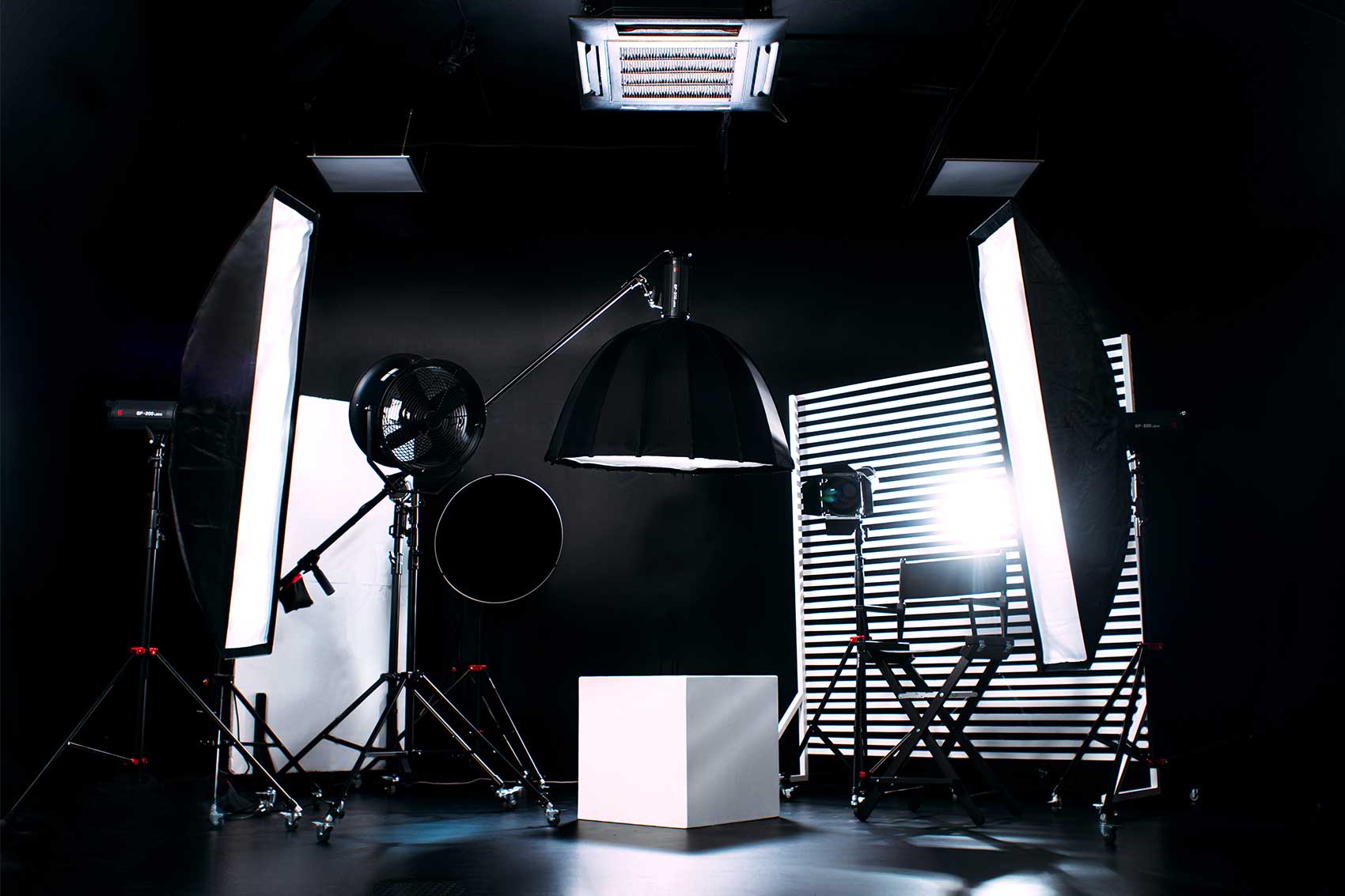
Bring your episode notes, guest contact details, a charged device and charger, comfortable clothing, and any agreed scripts, props or brand assets. The equipment you need depends on the booking: Finchley's Dialogue and Lounge Gold packages include microphones, multi-camera recording and an engineer, while Silver is studio-only hire.
You do not need to buy a bag of recording equipment for an engineer-led session. Check the package you have selected, then pack for the part of the production you are responsible for.
Your quick packing checklist
| Bring or have ready | Why it helps |
|---|---|
| Episode outline or script | Keeps the conversation on topic and preserves essential wording |
| Guest names, titles and pronunciation notes | Helps you introduce everyone accurately |
| Booking details and guest phone numbers | Makes it easier to coordinate arrivals |
| Charged laptop or tablet, if using digital notes | Keeps reference material accessible |
| The correct charger and any personal adapters | Prevents a low battery interrupting preparation |
| A comfortable outfit and optional spare top for video | Gives you a practical alternative if the first choice does not suit the shot |
| Agreed props and brand files | Supports the visual plan without last-minute searching |
| Your usual personal essentials and a water bottle, if preferred | Helps you remain comfortable through the session |
Make your notes easy to use on microphone
For an interview, a short outline can be easier to follow than a full script. Include the opening, key questions, facts you want to check and the closing message. Put the most useful information where you can find it quickly.
Bring the exact wording of names, numbers and website addresses that matter to the episode. If a sponsor message or business statement needs approval, settle the wording before recording.
Digital notes should be available offline where possible, with notifications and vibration disabled. For paper notes, use clear type and avoid shuffling pages while someone speaks. Neither format needs to be elaborate; choose one you can use quietly and comfortably.
If you have booked Platinum for Dialogue or Lounge and intend to use its teleprompter, send the script in advance and confirm the preferred format. A teleprompter displays your text near the camera lens; it does not replace preparing and rehearsing the words.
Choose clothing for sitting, speaking and being filmed
Try sitting in your chosen outfit before the day. Notice whether the fabric rustles or jewellery knocks against the chair or table. Small noises can be distracting in a close microphone recording.
For video, plain colours are a useful starting point. Fine stripes and tight repeating patterns can create distracting patterns on camera. A spare top gives you an alternative if the colour blends into the set or the fabric behaves differently under lighting.
Look at the Dialogue Set or Lounge Set photos while planning your outfit. If you want different looks across several recordings, put change time into the schedule.
Send branding ahead and agree physical props
Prepare final logo files and any images or text you want used in the production. Name them clearly so the team can identify the approved version. Explain whether an asset is intended to appear on set, during playback or in the later edit.
Finchley's Lounge page allows clients to bring props and furniture, with larger items or significant setup changes to be discussed before booking. Send measurements or a reference image where useful. Do not arrive with a large item on the assumption that it will fit the planned shot.
Arrange storage separately if you need it: the Lounge page says dedicated prop storage is generally not provided. Plan to take your belongings away after the session unless another arrangement has been confirmed.
Do you need a hard drive, headphones or microphones?
These are items to confirm, rather than universal packing requirements.
Dialogue and Lounge Gold and Platinum packages list cloud file delivery within three days. A personal drive is therefore not something every client must bring to receive their recording. If you need a same-day physical handover, ask whether it can be arranged and what drive, connection and free space would be suitable. Bringing a drive does not guarantee that handover.
If you prefer your own headphones or have specialist equipment you want to use, ask about compatibility before packing it. For Silver studio-only hire, your crew should agree the recording kit, connections and media it needs; do not assume the Gold equipment list applies.
A final check before leaving home
- The outline and essential reference facts are ready.
- Everyone has the correct address and agreed arrival time.
- Notes are accessible and devices are charged.
- Props and technical requests have been agreed with the studio.
- Someone knows what files or edited deliverables the project needs.
A little preparation lets you use the session for the conversation you came to record. If you are choosing a podcast studio in London, view Finchley's recording packages and book your session with the support that fits your plans.
- Podcast Checklist
- Studio Preparation
- Podcast Guests














