
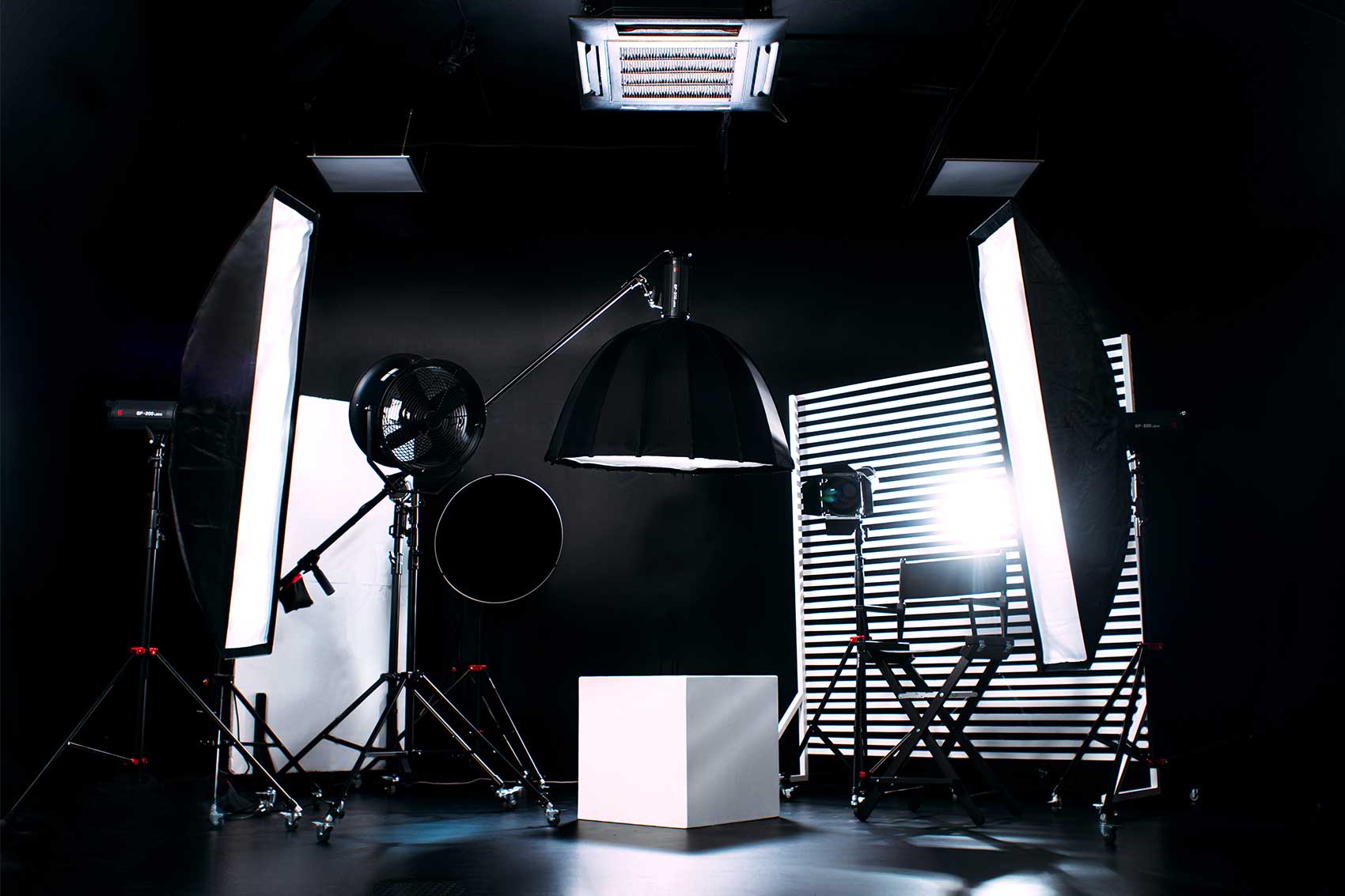
Choose a physical set when you want to film the environment viewers will see; choose a green screen when replacing that environment is central to the creative plan. The decision depends on your intended look and editing workflow, rather than one approach being better for every podcast.
Finchley's Lounge Set offers a furnished setting, while the Green Screen Cove supports a background-replacement workflow. Compare them using a sample finished frame, not just a photograph of an empty room.
What changes in the production?
| Decision | Physical set | Green screen |
|---|---|---|
| Background | Filmed as part of the scene | Replaced during the agreed production workflow |
| Visual preparation | Furniture, props, lighting and camera views | Intended replacement scene plus lighting and camera views |
| Editing brief | May include normal episode editing and graphics | Also needs keying and compositing to be scoped |
| Guest preparation | Clothing and props should suit the visible set | Clothing and props must also work with the screen colour |
| Repeat episodes | Record the agreed arrangement for consistency | Keep the virtual design and composite settings consistent |
Both approaches need clear sound, comfortable seating and suitable camera coverage. A different background cannot compensate for a conversation that is difficult to hear.
When a physical set is practical
A real furnished environment can suit an interview series where the relationship between the speakers is the main visual interest. You can review the room, settle the shots and see the background during recording.
Brand identity can still come through approved props, colour choices and graphics added later. A physical set does not require an unbranded programme.
Allow for changes between episodes. If you move furniture or introduce a product demonstration, the lighting and camera views may need another check. Confirm significant changes before booking.
When a green screen is useful
A green screen can suit an educational programme, a themed series or a show that needs a designed virtual environment. Start by choosing the replacement background and deciding who will assemble the final composite.
“Keying” removes the screen colour so another image can appear behind the speaker. Adobe's chroma-key guidance explains this process and recommends even lighting and clothing that does not match the background.
The practical implication is to send the visual plan ahead. Check hair edges, glasses, reflective props and clothing in a test shot rather than discovering an awkward result after a full interview.
Compare the complete job
Ask for the scope of filming, background creation, keying, colour work, revisions and final exports. Agree whether you are receiving original footage, a completed composite or both.
Finchley's Green Screen Cove page offers green screen editing and post-production. Discuss your requirements and obtain the relevant quote; availability of that service does not mean every room-hire price includes the complete composite.
If your own editor is doing the work, involve them before selecting the setup. They should approve the test and required files.
Use a pilot frame to decide
Ask to review the intended host-and-guest view in horizontal and any planned vertical formats. Check whether the background supports the programme without distracting from faces or text.
To plan your next video podcast, compare Finchley's studio booking options and share a reference image, participant count and editing plan. That gives the team a useful starting point for recommending a set.
- Green Screen
- Video Podcast Sets
- Production Planning














