
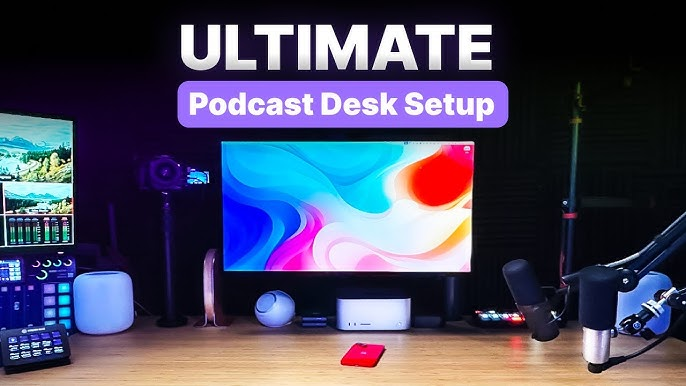
Image Credit: Youtube/RiversideFM
In today’s digital era, video podcasts have become an essential tool for CEOs and business leaders to share insights, promote their brands, and connect with a global audience. A professionally designed CEO set not only enhances the credibility of your message but also creates a visually engaging backdrop that reflects the values and personality of your organisation. This comprehensive guide will walk you through the key considerations and practical steps for creating a high-end CEO set for your video podcast. Whether you’re filming from a dedicated studio or setting up a home office, these techniques will help you produce a polished, corporate look that stands out.
Why a Professional CEO Set Matters
Establishing Credibility and Authority
When you appear on camera, every detail contributes to how your message is received. A well-designed CEO set conveys professionalism, authority, and attention to detail. For business leaders, these qualities are essential in establishing trust with viewers and stakeholders. A sleek, modern, and thoughtfully arranged set can reinforce your brand image and underscore your commitment to excellence.
Enhancing Visual Engagement
A compelling background isn’t just about aesthetics—it also helps focus the viewer’s attention on your message. By eliminating clutter and using strategic lighting, you can direct attention to yourself as the speaker while creating a visually appealing environment that supports your narrative. In a professional CEO set, every element—from furniture and décor to lighting and acoustics—should work harmoniously to elevate your video podcast.
Differentiating Your Brand
In a crowded digital marketplace, setting yourself apart is key. A custom-designed CEO set provides a unique opportunity to infuse your personal style and corporate identity into your content. Whether you opt for a minimalist, modern look or a more opulent, traditional style, a professionally crafted set will help you stand out and leave a lasting impression.
Key Elements of a Professional CEO Set
Creating a CEO set involves careful planning and attention to detail. Here are the essential components you should consider:
1. Location and Space
Choose a space that is quiet, private, and free from distractions. This could be a dedicated home office, a conference room, or a professional studio space. Consider the following:
-
Privacy: Ensure the location is secluded from background noise and interruptions.
-
Size: A medium to large space allows for flexible camera angles and proper staging.
-
Backdrop Options: Depending on your brand, you might choose a plain wall, a bookshelf, or a modern artistic installation.
2. Lighting
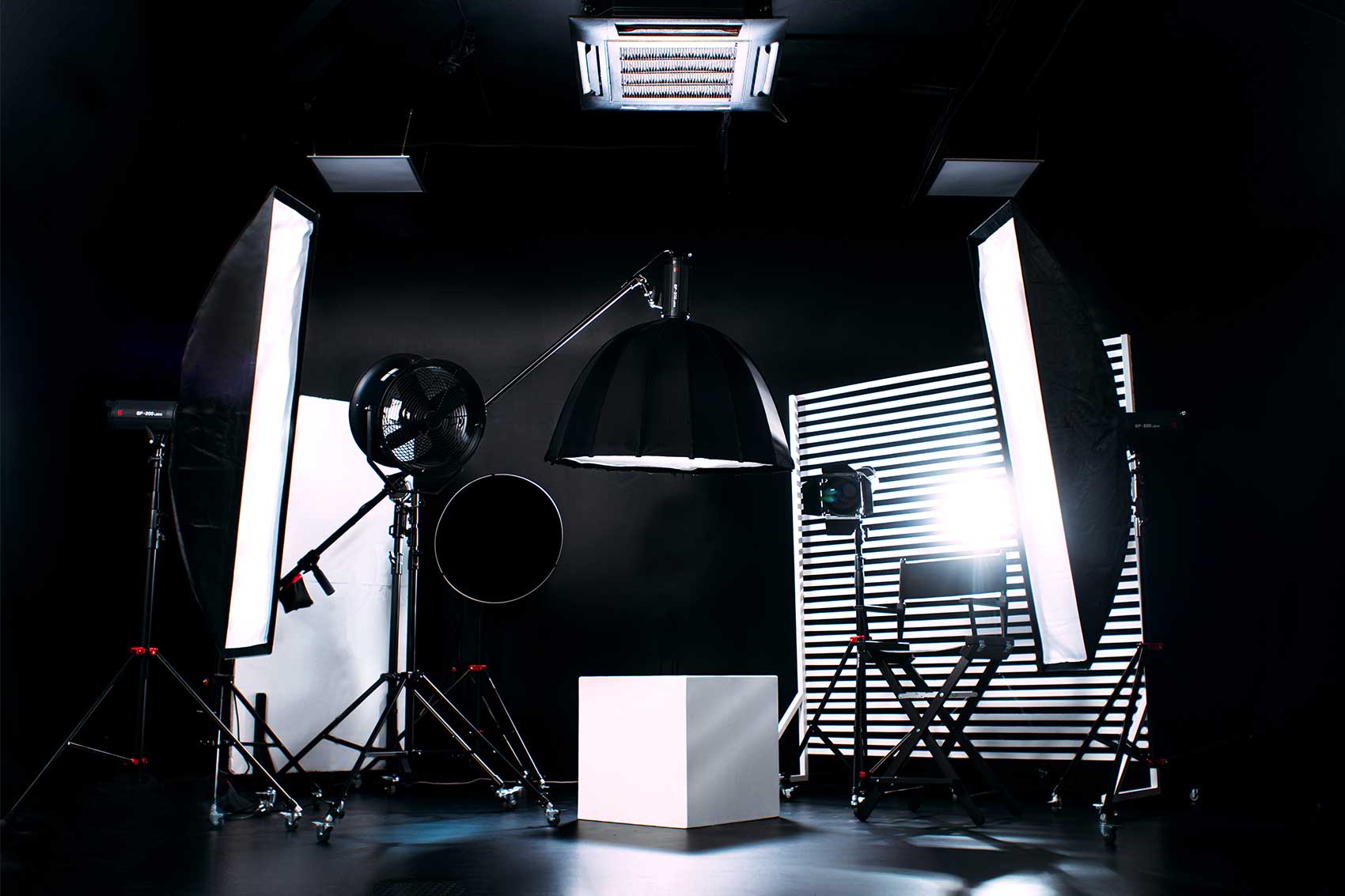
Lighting is perhaps the most critical aspect of a professional video set. In a CEO set, the goal is to achieve soft, flattering light that highlights your features without causing harsh shadows or overexposure.
-
Key Light: Use a high-quality LED panel with a diffuser to serve as your primary light source. Position it at a 45-degree angle to your face.
-
Fill Light: A gentle fill light can be used to soften shadows created by the key light. Adjust the intensity so that your face is evenly lit.
-
Back Light: Adding a back or rim light can separate you from the background, adding depth to the shot and creating a subtle halo effect.
-
Accent Lights: Consider incorporating accent or practical lights (such as elegant desk lamps) to add visual interest and reinforce your personal style.
3. Background and Décor
Your background should be clean, professional, and reflective of your brand’s identity. Consider these tips:
-
Neutral Colors: Soft, neutral tones work well to keep the focus on you. Accent colors can be added through décor items like artwork or branded accessories.
-
Minimalism: Avoid clutter. A minimalist background looks sophisticated and helps maintain a professional appearance.
-
Personal Touches: Incorporate elements that reflect your personality or company culture—be it a few carefully chosen books, awards, or tasteful art pieces.
4. Furniture and Layout
The furniture in your set should be both functional and stylish. A comfortable, ergonomic chair and a sleek desk can set the tone for a modern executive environment.
-
Ergonomics: Ensure that the seating and desk are comfortable, especially for long recording sessions.
-
Aesthetics: Choose furniture with clean lines and a contemporary design to reinforce the professional look.
-
Arrangement: Position your furniture to create a balanced composition that frames you effectively on camera. Experiment with different arrangements during test shoots to find the most flattering setup.
5. Sound and Acoustics
High-quality audio is just as important as visuals. A professional CEO set should be designed with sound in mind:
-
Soundproofing: Use acoustic panels or foam to minimise echo and background noise.
-
Microphones: Invest in a high-quality external microphone (lavaliere or shotgun) to capture clear audio.
-
Ambient Noise: Ensure that the room is quiet and free from distractions such as air conditioning or outside traffic.
6. Technology and Equipment
The quality of your camera, microphone, and other recording equipment can make or break your video podcast.
-
Camera: Use a camera that supports high-definition recording (1080p or 4K) to ensure your footage is crisp and professional.
-
Tripods/Stabilisation: A sturdy tripod or gimbal helps maintain a steady shot, which is crucial for a professional appearance.
-
Editing Software: Post-production is where you fine-tune your content. Software such as Adobe Premiere Pro, DaVinci Resolve, or Final Cut Pro X offers advanced editing tools that can enhance your video’s look.
Creating a DIY Professional CEO Set at Home
If you’re setting up your CEO set at home, here’s a step-by-step guide to creating a space that looks professional and is conducive to high-quality video podcasting.
Step 1: Choose Your Room
Select a room with minimal windows or, if that’s not possible, invest in blackout curtains to block external light. A quiet, secluded space is ideal for reducing distractions and ensuring clear audio.
Step 2: Prepare the Space
-
Declutter: Remove any unnecessary items from the room to maintain a clean, professional look.
-
Paint or Hang a Backdrop: If the walls are too busy, consider painting them in a neutral tone or hanging a solid-coloured backdrop.
-
Set Up Acoustic Treatments: Place acoustic panels or foam on the walls to improve sound quality.
Step 3: Arrange Your Lighting
-
Position Your Key, Fill, and Back Lights: Experiment with different setups until you achieve a flattering balance of light and shadow. Test the lighting with a camera to see how it translates on screen.
-
Incorporate Accent Lights: Use smaller accent lights to add subtle details to the background.
Step 4: Arrange Furniture
-
Choose a Desk and Chair: Select furniture that is both comfortable and stylish. Ensure your desk is tidy and has a professional look.
-
Position Yourself for Optimal Framing: Arrange the furniture so that you are well-framed in the shot. Ensure there is enough space between you and the background to allow for depth.
Step 5: Test Your Setup
Conduct a few test recordings to evaluate the lighting, sound, and overall look. Make any necessary adjustments to the camera angle, lighting intensity, and audio settings to ensure everything is perfect.
Editing Tips to Refine Your CEO Set Video Podcast
Once your footage is captured, editing plays a crucial role in refining your final product. Here are some key tips for editing your CEO set video podcast:
1. Advanced Colour Grading
-
Enhance Lighting: Use colour grading tools to balance the shadows and highlights, ensuring that your face is well-lit and that the background complements your look.
-
Maintain Consistency: Apply a consistent colour grade across all clips to create a unified visual style. Look-Up Tables (LUTs) can help achieve a cinematic, professional look.
-
Refine Skin Tones: Adjust the colour balance to ensure natural skin tones, which is critical for maintaining a professional appearance.
2. Sound Optimisation
-
Noise Reduction: Use audio editing tools to eliminate background noise and echo. A clean audio track is essential for a professional video podcast.
-
Level Balancing: Ensure that your voice is clear and at a consistent volume throughout the video. Balance the levels of any background music or sound effects so they do not overpower your dialogue.
-
Sync Audio and Video: Use editing software to precisely synchronise your audio with your visuals, ensuring that your message is delivered clearly.
3. Seamless Transitions and Effects
-
Smooth Cuts: Use clean, professional transitions between segments. Avoid overly flashy transitions that can distract from your message.
-
Visual Enhancements: Consider adding subtle lower-thirds, graphics, or branding elements to reinforce your professional image.
-
Consistency in Style: Ensure that any added effects or animations match your overall aesthetic and enhance, rather than detract from, your content.
4. Using Professional Editing Software
For desktop editing, consider using:
-
Adobe Premiere Pro: Offers advanced editing tools, colour grading, and audio control.
-
DaVinci Resolve: Known for its powerful colour correction and grading capabilities.
-
Final Cut Pro X: An excellent option for Mac users, providing robust editing features and efficient rendering.
If you prefer mobile editing, apps like LumaFusion (iOS), Kinemaster, or Adobe Premiere Rush (Android and iOS) can deliver professional-quality edits on the go.
Leveraging Professional Studio Facilities
While creating a CEO set at home is an effective way to start, sometimes you need the professional touch of a studio environment to truly elevate your video podcast. Finchley Studio is renowned for its state-of-the-art facilities and can help take your production to the next level.
Finchley Studio’s Offerings for CEO Podcasts
-
Dedicated Professional Sets: Finchley Studio offers a variety of specialist sets designed to suit different production needs. Their controlled environments ensure consistent, high-quality lighting and sound.
-
Expert Technical Support: From lighting adjustments to camera setup and post-production, Finchley Studio’s technical team is on hand to ensure your video podcast meets professional standards.
-
Versatile Studio Spaces: In addition to a dedicated CEO set, you can explore other sets like the Dialogue Room for interviews, Lounge Studio for more casual segments, or the Blackwood Studio for a modern, sophisticated look.
Using a professional studio like Finchley Studio can provide the perfect environment for recording high-quality CEO video podcasts, ensuring that your message is communicated with clarity and impact.
Final Thoughts and Call to Action
Creating a professional CEO set for your video podcast is an investment in your personal brand and business communication. By carefully selecting your location, arranging sophisticated lighting, choosing the right equipment, and editing your content with precision, you can produce a video podcast that not only looks amazing but also resonates with your audience.
Whether you’re setting up a studio at home or collaborating with a professional facility like Finchley Studio, the key is to pay attention to every detail—from the layout and acoustics to the final colour grading and audio mixing. A well-executed CEO set will elevate your video podcast, making it engaging, memorable, and truly reflective of your leadership.
If you’re ready to take your video podcast to new heights, consider partnering with professionals who understand the intricacies of corporate videography. With top-tier equipment, expert support, and a range of specialist studio spaces, Finchley Studio is your go-to solution for creating a compelling, professional CEO set.
Book now to secure your session at Finchley Studio, and start producing video podcasts that captivate your audience and boost your professional image.
FAQs
What is a CEO set and why is it important?
A CEO set is a professionally designed environment for recording video podcasts, tailored to convey authority, professionalism, and clarity. It is crucial for business leaders as it reinforces their brand and ensures a polished presentation.
Can I create a CEO set at home?
Absolutely. With the right blackout materials, lighting, and equipment, you can create a high-quality CEO set at home. However, for an even more professional touch, consider partnering with a studio like Finchley Studio.
What equipment is essential for a CEO set?
Key equipment includes blackout curtains or panels, professional LED lighting (key, fill, and back lights), a high-quality camera with excellent low-light performance, and proper audio gear. A comfortable, well-arranged workspace is also vital.
How can professional studios like Finchley Studio help?
Finchley Studio provides state-of-the-art blackout sets, expert technical support, and versatile studio options that can elevate the quality of your video podcast. Their facilities ensure consistent lighting, clear audio, and a professional backdrop that enhances your presentation.
Creating a professional CEO set is not just about aesthetics—it’s about crafting an environment that reflects your leadership and brand identity. By integrating these essential equipment tips and editing strategies, you can produce a video podcast that leaves a lasting impression on your audience. Whether you’re filming at home or in a dedicated studio, remember that every detail counts.
Take the next step towards creating compelling content that speaks volumes about your professionalism. Book your session with Finchley Studio or implement these tips in your home setup to transform your video podcast into a powerful tool for engagement and influence.
Source: https://lowerstreet.co/blog/video-podcast-studio











