
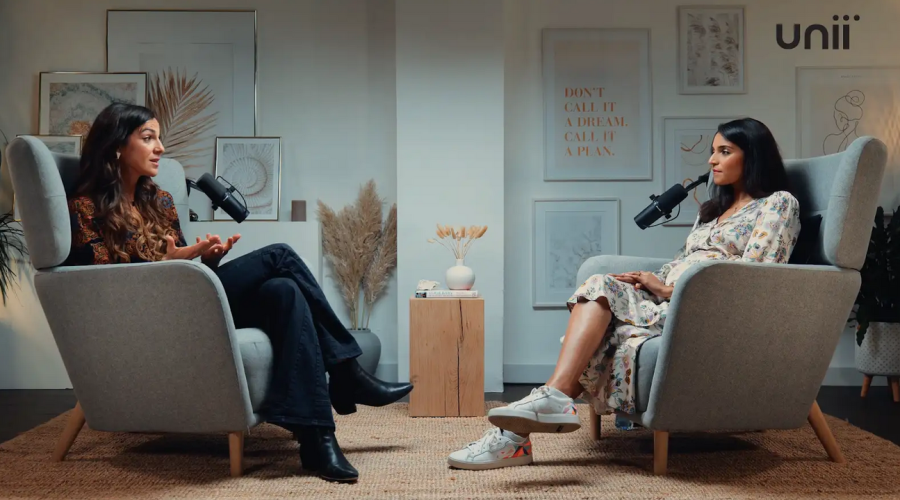
Videography editing moves fast, and the editors who stay ahead are the ones who build systems that eliminate repetition, reduce decision fatigue, and keep projects moving. For teams working in a Podcast studio, Video studio, or Recording studio, these time-saving habits matter even more because studio time is expensive, production windows are tight, and clients expect polished results on schedule.
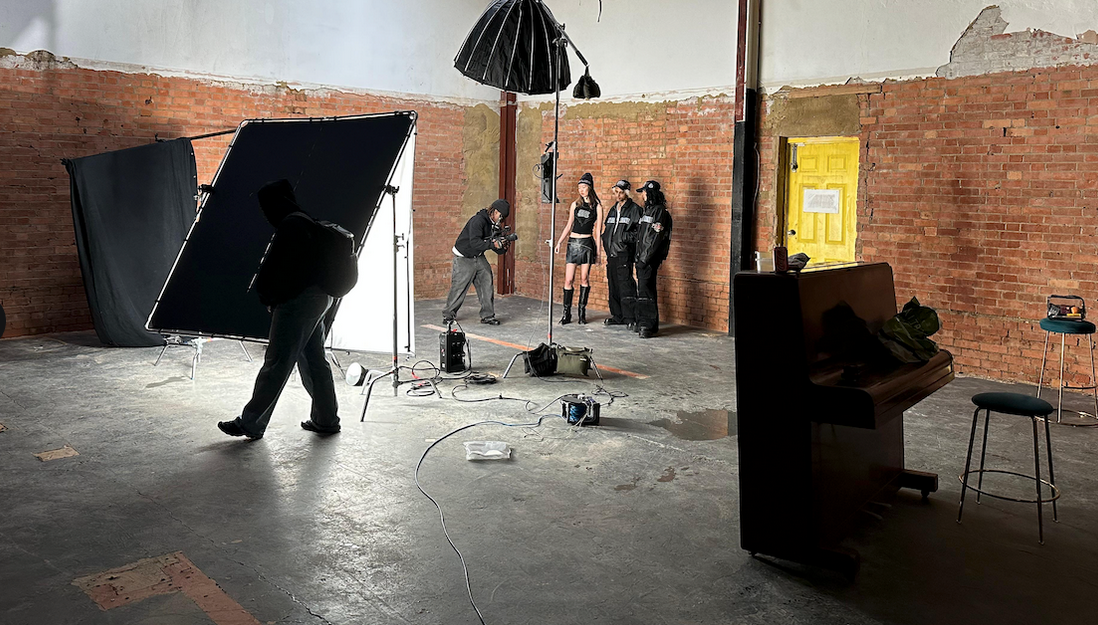
Image Credit: Finchley Studio (The Brick Studio): book this setup for your podcast
Why speed matters in videography editing
Editing is not just about creativity; it is also about throughput. The faster you can organize footage, select the best takes, and complete clean revisions, the more projects you can finish without sacrificing quality. In busy environments such as a Podcast studio london or Video studio london, a streamlined workflow can save hours across a week.
Speed also improves consistency. When you repeat the same setup across projects, you make fewer mistakes and spend less time fixing them later. That is especially useful for teams working in a London podcast studio or London Recording studio, where clients often want quick turnaround for branded content, interviews, and multi-camera productions.
Start with a repeatable workflow
The biggest time-saver is not a single shortcut; it is a repeatable workflow from import to export. Create a standard project structure with folders for raw footage, audio, graphics, exports, and client notes. A clean structure reduces hunting around for files and makes handoffs easier when multiple editors are involved.
Use templates for timelines, titles, lower thirds, and export presets. If you regularly edit podcasts, interviews, or social clips, build separate templates for each format so you are not recreating the same settings every time. This is particularly useful in a Recording studio london or london Video studio, where clients often need both long-form and short-form deliverables from the same session.
Organize footage before editing
One of the fastest ways to lose time is to start editing before the footage is organized. Rename files immediately after ingest, sort clips by camera angle or scene, and label audio clearly. A few minutes spent here can save hours later when you need to find one exact take.
Culling is another major shortcut. Watch footage quickly and mark only the strongest sections before you start the actual edit. For projects shot in a Podcast studio, this is especially helpful because interview recordings often contain pauses, repeated phrases, and off-topic moments that can be removed early.
Use keyboard shortcuts aggressively
Editors who rely too much on the mouse usually work slower than necessary. Learn the core shortcuts for cutting, trimming, ripple deleting, zooming the timeline, and jumping between markers. The goal is to keep your hands on the keyboard as much as possible.
Build muscle memory around the few actions you use constantly. If you edit podcasts, you will likely repeat the same operations every session, such as slicing silence, adjusting audio levels, and moving clips into alignment. In a busy Video studio london environment, those seconds add up fast across multiple projects.
Cut for structure first, polish later
A common mistake is trying to perfect every clip before the story is locked. Instead, make a rough assembly cut first and focus only on structure, pacing, and content flow. Once the sequence works, move to detailed trimming, graphics, sound design, and color correction.
This approach prevents wasted effort. If you polish a section too early and then remove it later, you have lost time for no benefit. Editors working in a London podcast studio or London Recording studio often benefit from this method because interview-heavy content needs clarity before style.
Batch similar tasks together
Context switching is one of the biggest hidden productivity killers. Instead of color correcting one clip, then adjusting audio, then adding captions, group similar tasks together. Do all your selects first, all your audio cleanup next, all your graphics after that, and exports at the end.
Batching also helps when you work across formats. For example, if you are creating a main video plus several vertical social cuts from the same session, build all the edits in one pass before moving on to another project. This is especially effective in a Video studio workflow where one shoot often becomes many deliverables.
Use proxies for heavy files
High-resolution footage can slow editing to a crawl, especially on older machines. Proxy workflows let you edit lightweight versions of the footage while keeping the original quality for export. This can dramatically reduce lag, which means fewer interruptions and smoother timeline work.
Proxy editing is particularly valuable when working with 4K or multicam content from a Video studio london or Podcast studio london. If your computer is struggling to play back footage in real time, proxies can make the entire workflow feel much faster and less frustrating.
Save time with presets
Presets turn repeated tasks into one-click actions. Use presets for audio cleanup, color correction starting points, export settings, and text styling. The more often you repeat a task, the more valuable a preset becomes.
For podcasts, you can also create consistent intro and outro sequences, transition styles, and branded lower thirds. In a professional Recording studio, this helps keep every episode visually consistent while reducing setup time for each new project.
Keep audio editing efficient
Audio cleanup can eat a lot of time if you do it manually from scratch on every project. Use noise reduction carefully, normalize voices to a consistent level, and build an efficient process for removing long pauses and filler words. For talking-head and podcast edits, clean audio often matters as much as the visuals.
If you work in a London Recording studio, audio consistency is part of the studio's value. A strong recording environment reduces cleanup later, and that means the editor can focus on pace and presentation instead of fixing technical problems.
Use markers and notes
Markers help you return to important moments without scrubbing endlessly through the timeline. Use them for key quotes, mistakes, scene changes, graphic cues, and revision notes. This is especially helpful during client review rounds, where specific feedback needs to be handled quickly.
If a client asks for changes after a session in a Podcast studio london, markers can make revision work much faster. Instead of listening through the whole episode again, you can jump directly to the notes and fix what matters.
Design edits for reuse
Some of the best time-saving habits happen before the edit even begins. Build assets that can be reused across multiple projects, such as intro animations, outro screens, branded transitions, and caption styles. Reusable assets reduce repetitive design work and improve brand consistency.
This matters even more if your workflow serves clients from a Video studio london or London podcast studio because the same team may produce dozens of episodes, clips, or promotional reels. Reusability turns every new project into a faster one.
Compare London studios and Finchley
London has many options for content production, but not every space serves editors and producers in the same way. A central London podcast studio or London Recording studio may be convenient for some clients, while a more focused space like Finchley Studio may offer a stronger balance of flexibility, specialist setup, and practical booking value. Finchley Studio positions itself as a premium option for podcast and video production, with 4K video, pro acoustics, free parking, and a location in Finchley Central, which can matter when production days are tight. Finchley Studio Finchley Studio
Here is a simple comparison:
For editors, the key difference is how much friction the space removes. A studio that makes setup, sound capture, and parking easier can save real time before the edit even starts. That is why many teams consider a specialized Podcast studio or Video studio outside the most congested central locations when speed and efficiency matter.
A smarter editing setup
A fast editor usually has a fast environment. That means a reliable computer, enough storage, clean file naming, consistent templates, and a workflow that avoids repetition. It also means choosing the right production space, because good source material cuts editing time dramatically.
If you regularly produce interviews, branded content, or podcast video, the best setup is one that reduces technical problems before they reach your timeline. Whether you are working in a Recording studio london, a London Video studio, or a dedicated podcast space, the goal is the same: make the footage easier to edit from the start.
Booking Finchley Studio
For creators who want a studio built to support efficient podcast and video production, Finchley Studio is a strong option to consider. You can book Finchley Studio here: https://www.finchley.co.uk/book.














