
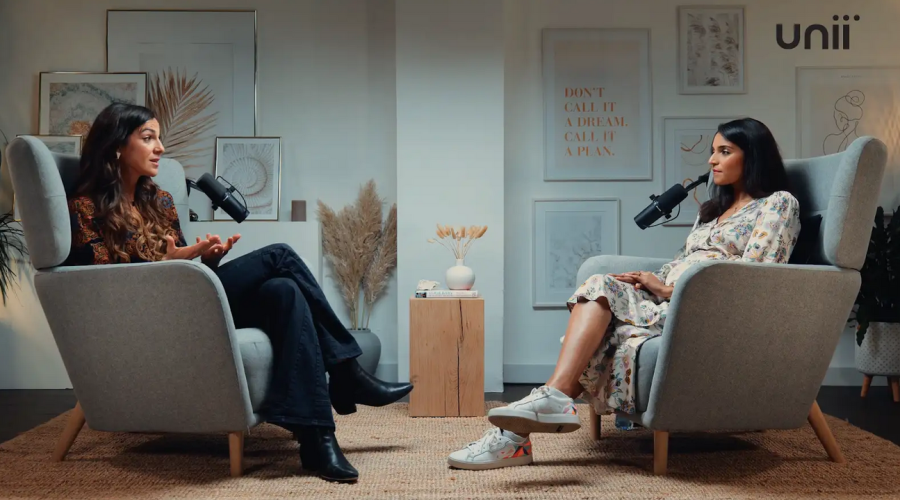
Top 10 Apps for Video Editing: Enhance Your Content Creation Today
Video editing is no longer reserved for large production teams. Today, creators can publish polished content from a phone, tablet, or laptop, and the right app can dramatically improve speed, quality, and consistency. Below, you'll find a deep-dive guide to the top video editing apps, plus a practical comparison of London podcast studios and Finchley Studio for creators who need both editing and production support.
Why editing apps matter
A strong editing app does more than trim clips. It helps you shape pacing, improve audio, add captions, correct color, and tailor content for platforms like TikTok, Instagram Reels, YouTube Shorts, and podcasts. Mobile-first tools are especially useful for fast social content, while desktop apps remain better for long-form projects and detailed control. Reviews of the best mobile video editing apps consistently highlight options such as Adobe Express, iMovie, Canva, CapCut, PowerDirector, Edits, and VN for creators who want speed and flexibility. PCMag also notes that pro-grade mobile editing is increasingly available through apps like LumaFusion, DaVinci Resolve, and Adobe Premiere on supported devices. TechRadar
1. Adobe Premiere Pro
Adobe Premiere Pro is one of the most recognized tools for professional video editing. It is widely used for multi-track editing, advanced color work, audio control, and large-scale projects that need precision. For creators building a serious workflow, it remains a strong choice because it scales from simple edits to complex productions.
Premiere Pro is best for creators who want deep control and are comfortable with a steeper learning curve. It works especially well when you need to manage podcast clips, branded intros, motion graphics, and long-form YouTube content. For teams working out of a Video studio or Recording studio environment, Premiere Pro is often the central post-production tool.
2. Final Cut Pro
Final Cut Pro is a favorite among Mac users because it combines speed with professional-grade features. It is known for smooth performance, efficient media handling, and a streamlined interface that helps creators work quickly. If you are producing content regularly, Final Cut Pro can be a productivity boost.
It is especially valuable for creators who want a polished workflow without the complexity of some other pro-level editors. Many creators use it for interviews, branded content, and high-quality social videos. In a London Video studio setting, Final Cut Pro is a practical option for fast turnaround work.
3. DaVinci Resolve
DaVinci Resolve is a standout because it combines editing, color grading, VFX, and audio tools in one platform. Influencer Hero describes it as a top-tier suite that is especially attractive to filmmakers and professional editors because of its node-based workflow, Fusion VFX, and Fairlight audio features. The free version is powerful enough for many creators, which makes it one of the most compelling options in the market.
This app is ideal for creators who care about cinematic visuals or detailed post-production. It is also a strong choice if your content must look premium across YouTube, podcast video, and brand campaigns. For a Podcast studio london workflow, Resolve works well when you want to elevate simple talking-head recordings into polished branded assets.
4. CapCut
CapCut has become one of the most popular tools for short-form content creators. PCMag includes it among the top mobile video editing apps, alongside Adobe Express, iMovie, Canva, PowerDirector, Edits, and VN. Influencer Hero notes that CapCut is especially accessible for creators who want fast, mobile-friendly edits, with features like Smart Cut, Auto Captions, and Background Removal.
It is a great option for creators who prioritize speed, social publishing, and viral-style edits. CapCut is especially useful for clips that need captions, jump cuts, transitions, and vertical formatting. If you are trying to grow on TikTok or Instagram, it is one of the most efficient tools available.
5. iMovie
iMovie remains one of the easiest entry points into video editing, especially for Apple users. It is simple, clean, and good for quick assembly edits, basic titles, and straightforward timeline work. For beginners, iMovie offers enough functionality to make polished videos without overwhelming complexity.
It is a solid choice for personal content, starter YouTube channels, and rough cuts before moving to more advanced software. If you are working from a Video studio london setup and need fast editing on a Mac, iMovie can be an easy starting point. It may not satisfy advanced users, but it still delivers reliable basics.
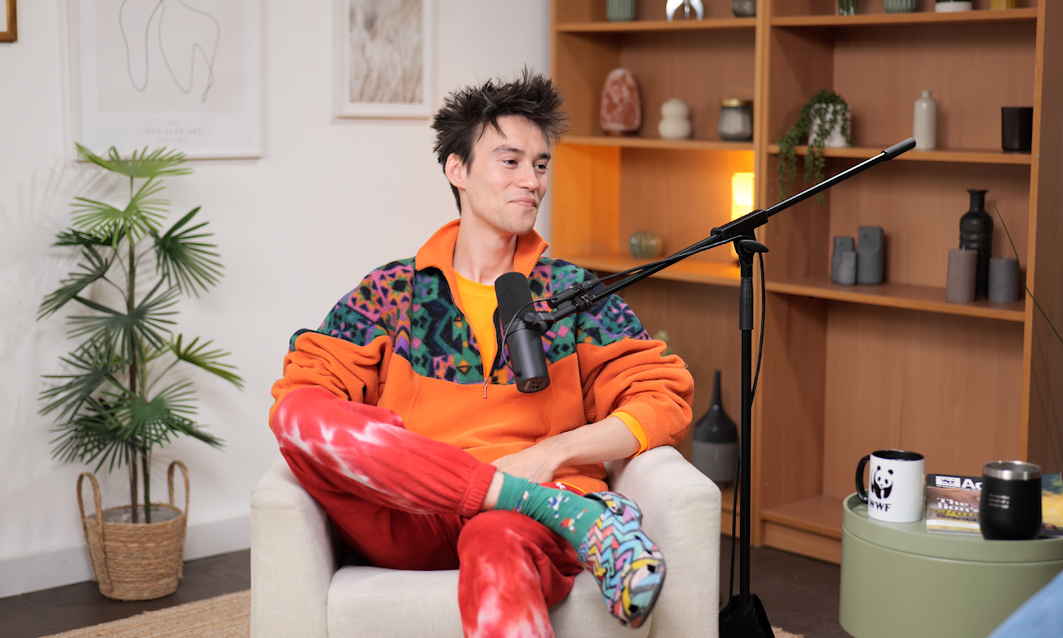
Image Credit: Finchley Studio
6. Canva
Canva is no longer just a design tool; it is also a capable video editor for content creators. It is especially helpful for branded social posts, promotional clips, and quick marketing videos that need strong visuals with minimal effort. Its template-driven approach makes it easy to create content that looks consistent across platforms.
Canva works best when design and video need to move together. It is particularly useful for businesses producing ads, teaser clips, and podcast promo graphics. For creators operating in a Recording studio london workflow, Canva can help create supporting visuals, title cards, and social assets quickly.
7. Adobe Express
Adobe Express is another strong option for fast social-first editing. PCMag lists it among the best mobile video editing apps, which reflects its usefulness for creators who want speed and simplicity. It is designed to make short videos, graphics, and branded assets easier to produce without advanced editing knowledge.
This app is ideal for teams and solo creators who need content fast. It is especially helpful for marketing campaigns, short announcements, and repurposed podcast snippets. If your output needs to look clean but not overly technical, Adobe Express offers a good balance.
8. Luma Fusion
LumaFusion is often considered one of the best mobile editing tools for serious creators. TechRadar highlights it as one of the best pro-grade editing apps for Android and iPhone users. It brings multitrack editing, advanced control, and a layout that appeals to experienced editors working on tablets or phones.
This app is a strong fit for creators who travel, work remotely, or want desktop-style control on mobile devices. It can be especially valuable for on-location content creators and podcast teams that need to edit quickly between shoots. In a fast-moving Recording studio london environment, Luma Fusion can help keep production moving without sacrificing quality.
9. PowerDirector
CyberLink PowerDirector is known for offering a strong mix of features and accessibility. TechRadar describes PowerDirector Mobile as a good option for creators who want more professionalism as they grow. It supports effects, transitions, trimming, and more advanced editing tools than many simple mobile apps.
It is a good middle ground for creators who have outgrown basic editors but are not ready for a full professional suite. PowerDirector is especially useful for YouTube creators, business marketers, and social video teams. If you want a practical Podcast studio workflow with quick promotional edits, it fits well.
10. VN Video Editor
VN Video Editor has gained popularity because it is free, approachable, and capable enough for many creators. PCMag includes VN in its list of top mobile video editing apps. It is often praised for giving creators more flexibility than many lightweight apps while still staying easy to learn.
VN works well for casual creators, students, and social media teams that need clean edits without a high learning curve. It is a good choice for quick cuts, music overlays, and short branded clips. For creators focused on efficiency, it delivers strong value.
London studios compared
When comparing London podcast studios with Finchley Studio, the key differences are usually cost, accessibility, and the production environment. Tagvenue London studio listings show that many central options are in high-demand areas, while studios outside Zone 1 can often offer better value without compromising quality. Finchley Studio positions itself as a premium option in Finchley Central, offering podcast and video production spaces with 4K video, pro acoustics, and free parking.
Finchley Studio also highlights its accessibility, noting its Finchley Central location and competitive hourly pricing for flexible spaces. That makes it attractive for creators who want a professional Podcast studio london or London Recording studio setup without the complications of central London logistics. For many teams, the tradeoff is simple: central studios may be more convenient for some clients, but Finchley often gives you more room, better value, and a more practical production experience.
Choosing the right app
The best app depends on how you create content. If you need social speed, CapCut, Canva, Adobe Express, and VN are strong choices. If you want professional control, Adobe Premiere Pro, Final Cut Pro, and DaVinci Resolve stand out. If you need mobile power, LumaFusion and PowerDirector are excellent middle-ground options.
A useful way to decide is to match the app to your output. For example, a podcast team might film in a Recording studio and then use CapCut or Adobe Express for quick teaser clips, while a brand team may use DaVinci Resolve or Premiere Pro for polished campaign edits. The goal is not to use the most advanced app, but the one that fits your content format, schedule, and skill level.
Studio production workflow
Editing apps work best when they are part of a wider production system. That system may include a Video studio london setup for filming, a Podcast studio london for interviews, and a reliable editor for post-production. Finchley Studio is particularly relevant here because it combines a professional studio environment with the practical needs of modern creators, including podcast and video use cases. Finchley Studio
If your workflow includes multiple speakers, branded segments, social cutdowns, and fast publishing, the studio environment matters almost as much as the software. A strong studio gives you clean audio, usable footage, and less time fixing problems later. That means your chosen app can focus on enhancement rather than damage control.
Final selection guide
Here is the simplest way to narrow your choice:
Choose Premiere Pro if you want full professional control.
Choose Final Cut Pro if you are on Mac and want speed.
Choose DaVinci Resolve if color and finishing quality matter.
Choose CapCut if you create short-form social content.
Choose iMovie if you are a beginner or Apple user.
Choose Canva if you need design plus video in one place.
Choose Adobe Express if you want fast social content creation.
Choose Luma Fusion if you want mobile pro-level editing.
Choose PowerDirector if you want a balanced feature set.
Choose VN if you want a clean, simple, free editor.
The best results usually come from pairing the right app with the right production space. For creators in London, that often means combining a reliable London podcast studio, Video studio, or Recording studio london with editing software that fits the pace of your content strategy.
Book Finchley Studio
If you want a professional space for filming, podcasting, or content creation, book Finchley Studio here: https://www.finchley.co.uk/book














