
A remote guest's room and equipment become part of the podcast recording setup. Simple preparation and a short technical test can prevent problems that are difficult to fix after the interview.
Send a clear joining brief
Provide the link, time zone, start time and a contact method if the connection fails. Explain which device and browser the chosen platform supports, and whether the guest needs to grant microphone and camera permissions.
Ask them to use the same setup for the test and recording. A successful check on a different laptop or network tells you little about the final configuration.
Improve the room and listening setup
Choose a quiet room with furnishings that reduce obvious reflections. Avoid noisy appliances and arrange interruptions in advance. Headphones help prevent the host's voice from being played back into the guest's microphone.
Place the microphone consistently and test ordinary speech as well as laughter. For video, position the camera at a comfortable height and use steady light on the face. Plug the device into power and close unnecessary applications.
Check the recording workflow
Some systems capture locally while using the connection for conversation. Others rely more directly on the transmitted feed. Confirm what the selected platform records and how the guest's files reach the editor.
Ask the guest to remain connected until the operator confirms that uploads are complete. Agree how to reconnect if needed and mark any interrupted answer for a clean repeat.
Watch a client recording
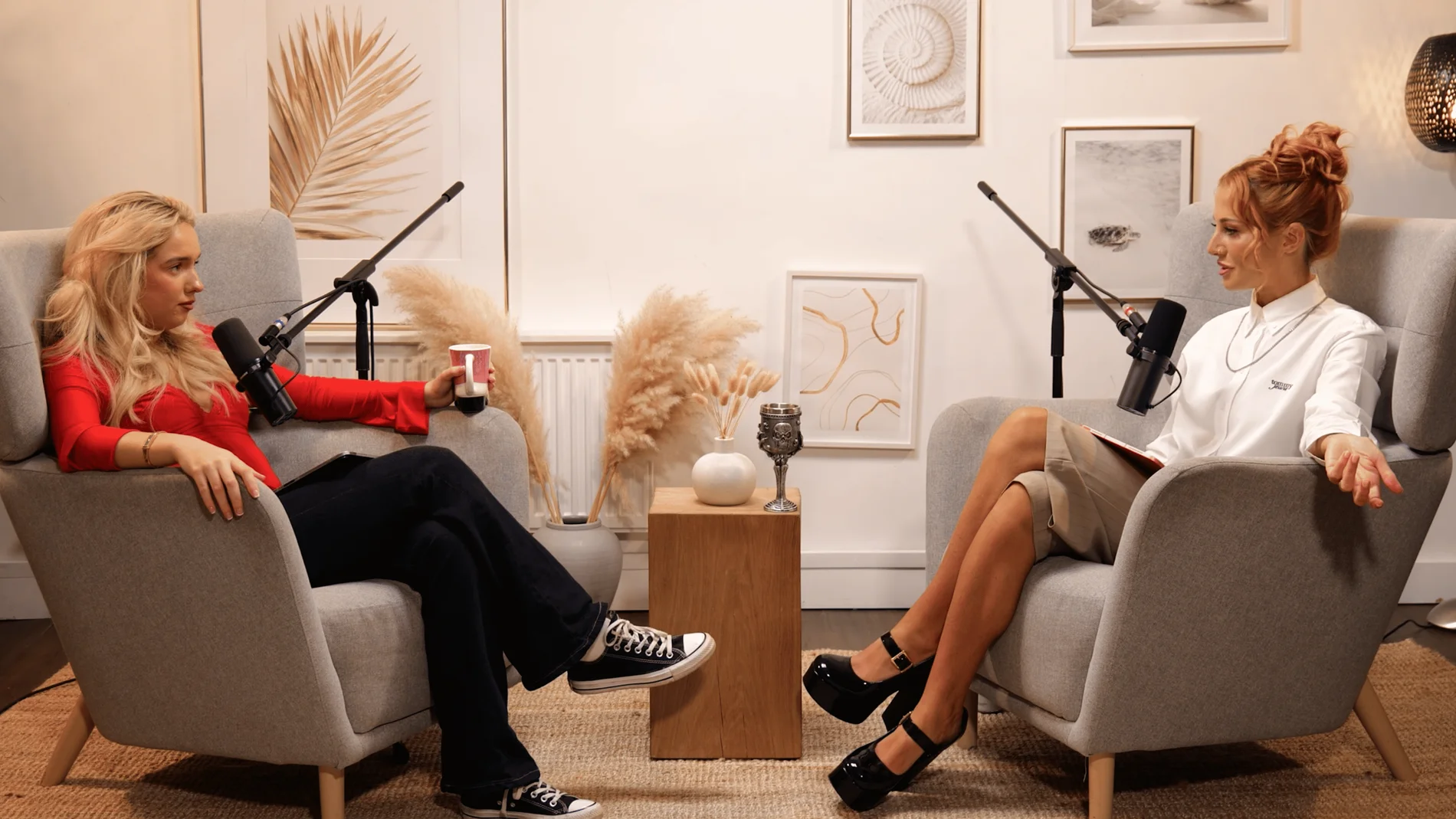
Owning Space, recorded at Finchley Studios, is part of our client video collection.
Watch Owning Space on YouTube.
Related recording guides
- How to Record a Podcast with Studio and Remote Guests
- What to Bring to a Podcast Recording: Guest and Host Checklist
How Finchley Studios handles this
For a Finchley session involving remote contributors, tell us their number, location and available equipment in advance. We can discuss the platform and test requirements for the production. Give guests their preparation brief early so troubleshooting does not consume the studio recording window.
Explore our London podcast studio to compare sets and recording support. Discuss your session on WhatsApp with your preferred date and production brief.











