Boost Your Social Media Presence with These Apps for Video Editing
Social media growth today depends on fast, polished, and platform-ready video content, and the right editing apps can make that process much easier. If you are producing content for a podcast studio, a video studio, or a recording studio in London, the goal is the same: create content that looks professional, sounds clean, and performs well across TikTok, Instagram, YouTube Shorts, and LinkedIn. Giraffe Social Media Finchley Studio
Why video editing matters
Short-form video is now one of the most effective ways to build attention, trust, and reach. A strong edit can turn one long recording session into dozens of social clips, teaser reels, behind-the-scenes posts, and branded highlights that keep your audience engaged. Finchley Studio Giraffe Social Media
For businesses and creators working with a Podcast studio or Video studio, editing is not just about cutting footage. It is about shaping a message, improving retention, adding captions, and making content more shareable. That matters even more for a Podcast studio london or London podcast studio audience, where competition is high and viewers expect polished production values. Finchley Studio Design MyNight
Best apps for creators
Several apps stand out for creators who want speed, flexibility, and strong social-media features. Recommended tools include Canva, Adobe Premiere Rush, CapCut, InShot, iMovie, Splice, Quik, Wave.video, and PowerDirector, with some tools better suited to beginners and others better for more advanced editing workflows. Marketing Labs Riverside Giraffe Social Media
Canva Canva is a practical choice for creators who want an easy start and quick results. It combines drag-and-drop design with video editing, so it works well when you need social-ready graphics, title cards, captions, and branded templates in one place. Marketing Labs
Adobe Premiere Rush Adobe Premiere Rush is useful for creators who want a simpler version of Adobe's editing ecosystem without the complexity of a full pro editor. It supports cross-device editing and is especially helpful for social content creators who need to move between phone, tablet, and desktop.
CapCut CapCut is popular for fast-paced social content because it offers accessible editing tools and features that suit TikTok-style and Reels-style videos. It also supports polished transitions, effects, and direct sharing workflows that make it a strong option for creators focused on mobile-first publishing.
InShot InShot is a strong mobile editing app for creators who want straightforward trimming, resizing, and social formatting tools. It is a good fit for quick edits when your priority is speed rather than deep desktop-level control. Riverside
Clipchamp and similar tools Clipchamp is another practical option for fast social video production, especially when you want browser-based editing without a steep learning curve. It is useful for quick projects, though creators who need higher-resolution exports and more advanced control may prefer a paid plan or a different editor. Riverside
Choosing the right app
The best app depends on your content style, editing speed, and team workflow. If you need branded templates and simple design integration, Canva is a smart pick; if you want quick mobile editing for short-form clips, CapCut or InShot are often better; and if you want a more scalable workflow across devices, Premiere Rush is worth considering. Marketing Labs Riverside Giraffe Social Media
Here is a simple rule: use lightweight apps for daily posting and faster turnaround, and reserve more advanced tools for higher-value campaigns. That balance is especially useful when your raw footage comes from a professional Recording studio, Recording studio london, or London Recording studio, because well-shot source material makes editing faster and the final result much stronger. Finchley Studio Finchley Studio
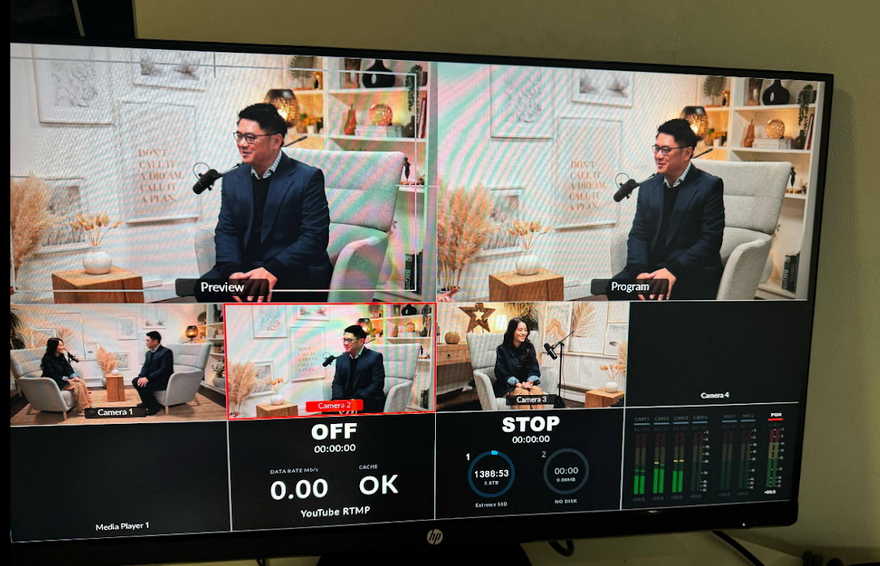
Image Credit: Finchley Studio
Podcast and video studio workflow
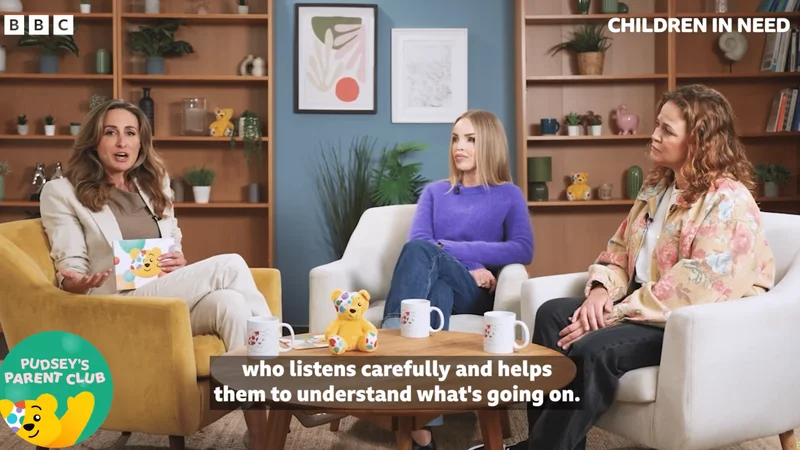
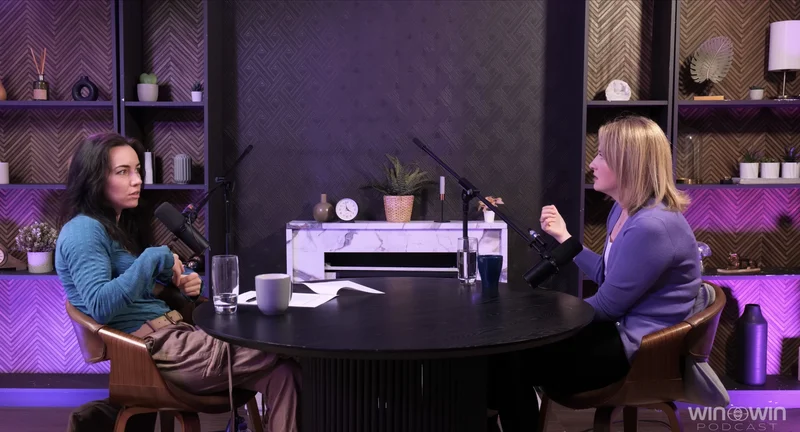
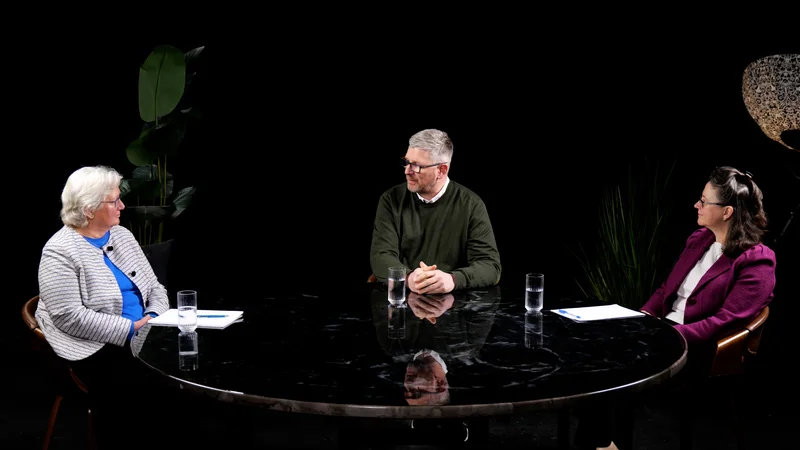
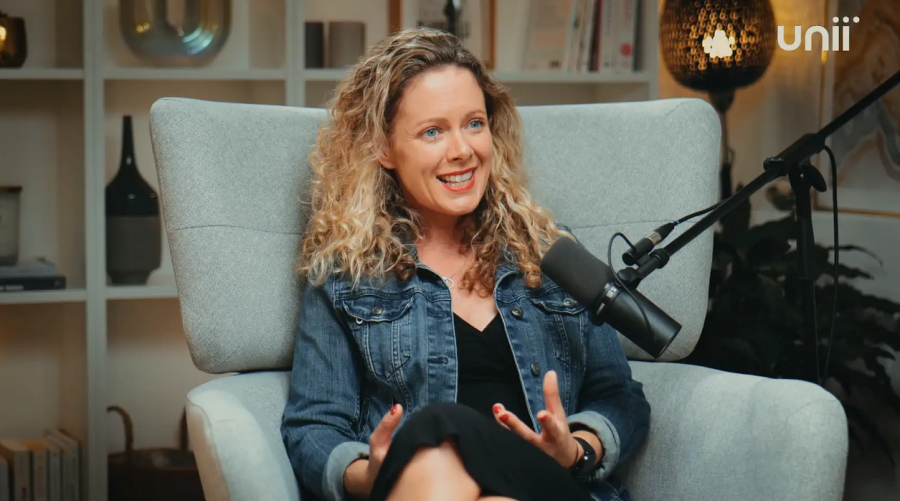
A professional studio setup gives creators a major advantage because it improves both audio and visual quality before editing even begins. Finchley Studio, for example, offers podcast, video editing, green screen filming, and professional photography services in North London, along with spaces designed for different production styles. Finchley Studio Finchley Studio
For a Video studio london or london Video studio project, this matters because high-quality footage reduces the need for heavy correction later. Finchley Studio highlights dedicated spaces such as the Dialogue Room, Lounge Studio, Gathering Studio, Green Screen Studio, White Infinity Cove Studio, and Photography Studio, which makes it easier to produce a wide variety of formats in one location. Finchley Studio
London podcast studios compared with Finchley Studio
Many London podcast studios offer solid recording environments, but Finchley Studio stands out because it combines podcast, video, and editing support in one place. Design MyNight describes Finchley Studio as a top-tier London podcast studio hire with multiple room types, expert technicians, and a setup designed for everything from intimate interviews to larger group discussions. Design MyNight
Compared with a typical London podcast studio, Finchley Studio has a broader production focus. Its own site emphasizes professional recording spaces, on-site audio engineers, video editing support, and practical access features such as free parking and proximity to Finchley Central. Finchley Studio Finchley Studio
What makes Finchley different
Finchley Studio is not just a place to record audio. It is positioned as a combined Podcast studio, Video studio, and Recording studio that supports content from capture through editing, which is valuable for creators who want one location for the full workflow. Finchley Studio Finchley Studio
It also appears built for convenience. Finchley Studio is located two minutes from Finchley Central, offers a free parking space per booking, and sits near Travelodge London Finchley, which can help visiting creators and guests plan smoother production days. Finchley Studio Finchley Studio
SEO benefits of studio content
Video editing apps do more than improve appearance; they also support SEO. Well-edited videos increase watch time, improve engagement, and make it easier to publish content in multiple formats, all of which can help your content perform better in search and on social platforms. Finchley Studio
For studios targeting local keywords like Podcast studio london, London podcast studio, Video studio london, or London Recording studio, strong video content can improve discovery and conversions. Finchley Studio's own educational content focuses on this idea, showing how optimized video assets and studio-quality footage can help content rank and attract bookings. Podyx Finchley Studio
Practical editing workflow
A simple workflow can help you get the most from your recording sessions. First, record clean source footage in a professional studio setting; second, trim the best segments into short social clips; third, add captions, branding, and strong opening hooks; and fourth, export versions tailored for each platform. Finchley Studio Finchley Studio
This approach works especially well when your content starts in a professional Recording studio london environment because the source material is already strong. The better the raw recording, the less time you spend fixing audio problems, lighting issues, or visual distractions during editing. Finchley Studio Finchley Studio
Booking Finchley Studio
If you want to record podcasts, video content, or branded social assets in one professional North London location, Finchley Studio is a strong option. It offers podcast, video, and recording capabilities, multiple studio spaces, technical support, and a convenient Finchley Central location that suits creators and businesses alike. Design MyNight Finchley Studio Finchley Studio
Book Finchley Studio here: https://www.finchley.co.uk/book