Image Credit: McFade
Filming a masterclass in London can be a transformative experience for content creators who are eager to share their expertise. In this guide, we dive deep into the process—from pre-production planning and filming techniques to the post-production magic of editing with DaVinci Resolve. Whether you’re a seasoned podcast producer or just starting out, this comprehensive resource will help you deliver professional-quality content that truly resonates with your audience.
Pre-Production: Setting the Stage for Success
Every great masterclass begins long before the camera starts rolling. Detailed planning and scriptwriting are the cornerstones of a compelling production. Here are some critical pre-production steps:
Crafting a Captivating Script
A well-written script is essential to engage your audience. Outline your key points and structure your content into digestible segments. In your masterclass, you may want to cover topics such as industry insights, practical demonstrations, and Q&A sessions. This ensures that your narrative is clear and flows seamlessly from one section to the next.
Planning Your Shots
Decide on the filming style and camera angles that will best showcase your content. Whether you’re incorporating close-ups for hands-on demonstrations or wide shots to set the context of your studio, every shot should be carefully planned. Using a storyboard or shot list can streamline the filming process and help maintain a consistent visual style.
Selecting the Perfect Location
Choosing the right location is key. Filming in London gives you access to dynamic backdrops and world-class facilities. Consider booking a professional space like Finchley Studio where the production quality can be elevated significantly. Its expert equipment and versatile settings ensure your masterclass stands out.
Filming Your Masterclass in London
Once your pre-production plan is in place, it’s time to film your masterclass. London’s vibrant creative environment makes it an ideal location for high-quality productions.
Leveraging Studio Facilities
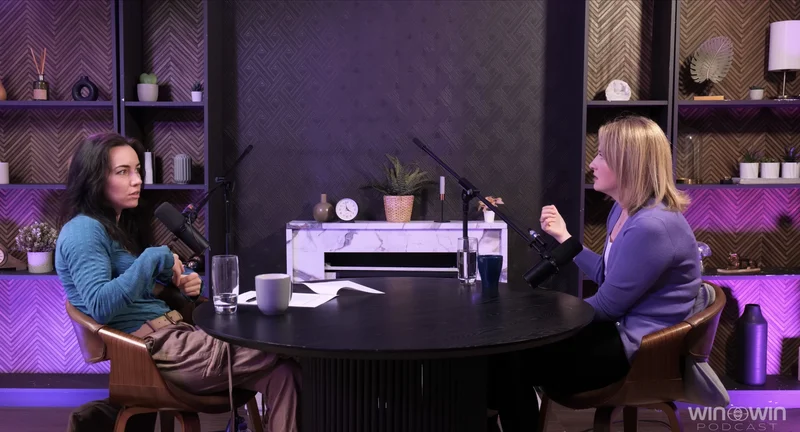
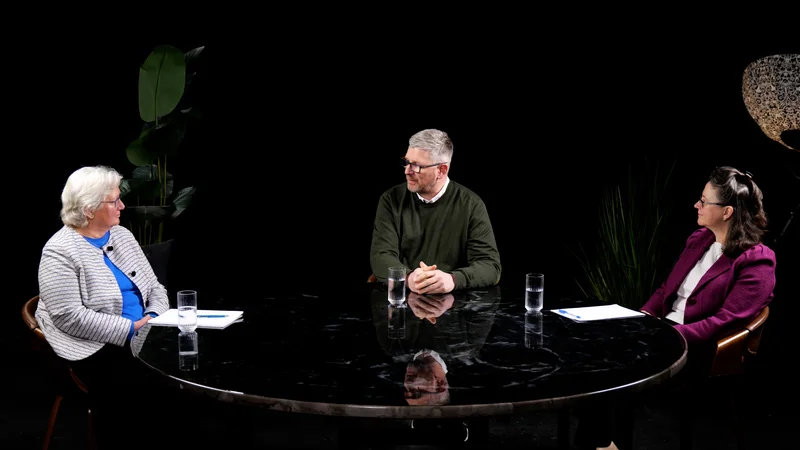
For those looking for a professional setup, Finchley Studio offers state-of-the-art recording environments specifically designed for podcast and video productions. With a range of versatile spaces available, you can choose a setting that best fits your content:
- Dialogue Room: Ideal for intimate, conversation-driven sessions such as one-on-one interviews or small panel discussions.
- Lounge Studio: Perfect for casual group discussions and podcasts with up to five participants, ensuring a relaxed yet professional vibe.
- Gathering Studio: Designed for larger-scale productions and roundtable discussions, this space accommodates up to four participants for expert panels and corporate content.
- Green Screen: For immersive productions that require customisable virtual backgrounds or special effects.
- White Infinity Cove: Offers a flawless, edge-free backdrop ideal for showcasing products or creating sleek, modern visuals.
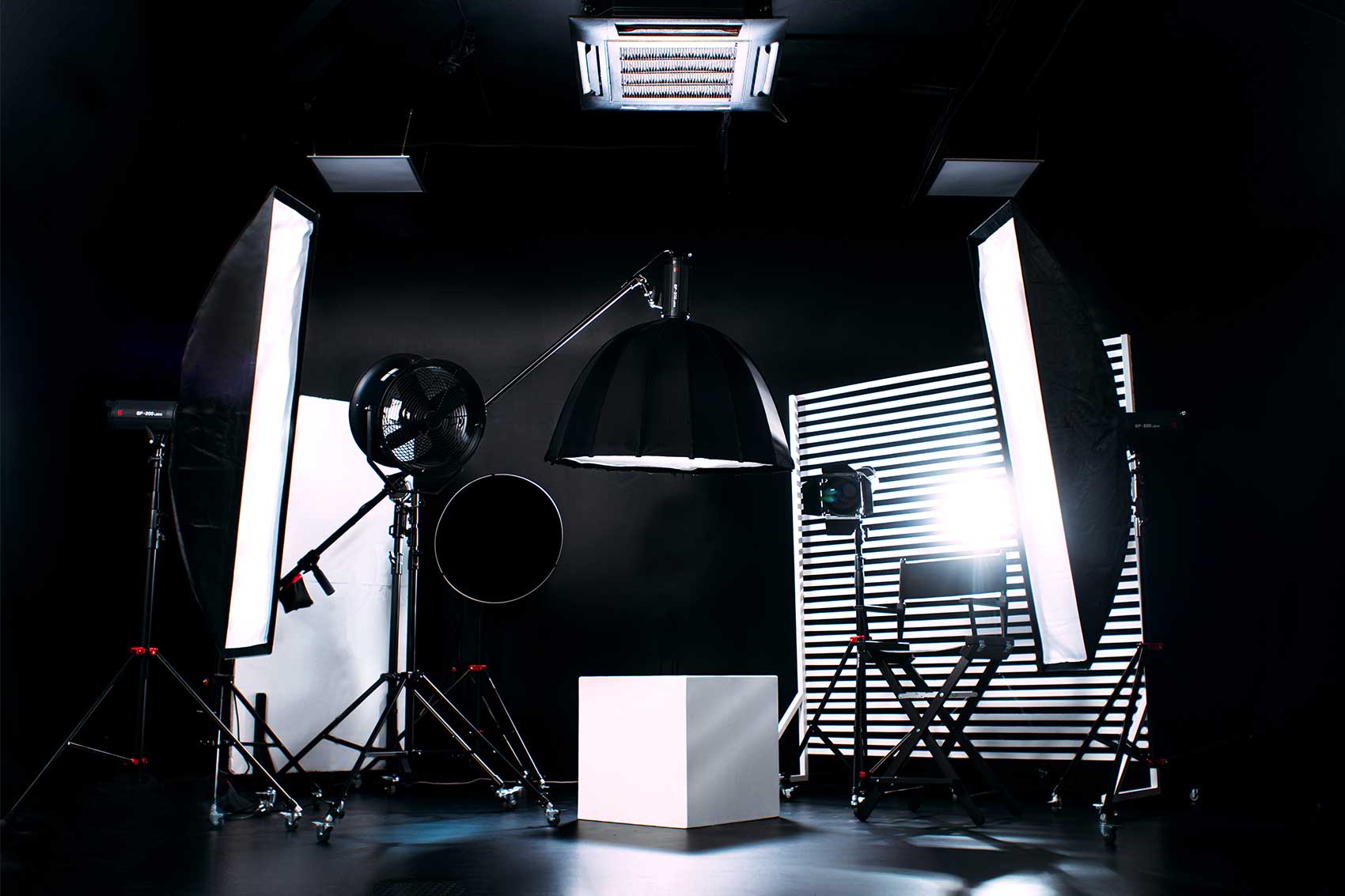
- Photography Studio: A perfect environment for high-quality visual content and promotional imagery.
- Blackwood Studio: Provides a sophisticated setting with a dramatic aesthetic for interviews and thought-leadership sessions.
Filming in these spaces guarantees that every element of your production—from lighting to audio quality—is optimised for success.
Technical Considerations
Proper lighting and sound are fundamental. Utilise a three-point lighting setup to illuminate your subject evenly. High-quality microphones, such as lapel or shotgun mics, will capture clear audio, ensuring your audience never misses a word. By prioritising technical excellence, you set the stage for a polished final product.
Mastering DaVinci Resolve for Post-Production
Editing is where your masterclass truly comes to life. DaVinci Resolve is a powerful tool for video editors, offering robust features for colour correction, audio mixing, and visual effects. Here’s how to make the most of it:
Importing and Organising Footage
Begin by importing your raw footage into DaVinci Resolve. Organise your clips into bins or folders to streamline your editing process. Labelling segments based on your script segments can make it easier to navigate through long recordings.
Basic Editing Techniques
Cut and trim your footage to remove any unnecessary parts. Use the timeline to arrange your clips in a logical sequence, ensuring that the narrative flows smoothly. DaVinci Resolve’s intuitive interface allows you to drag and drop clips, adjust transitions, and add basic effects without hassle.
Advanced Color Grading
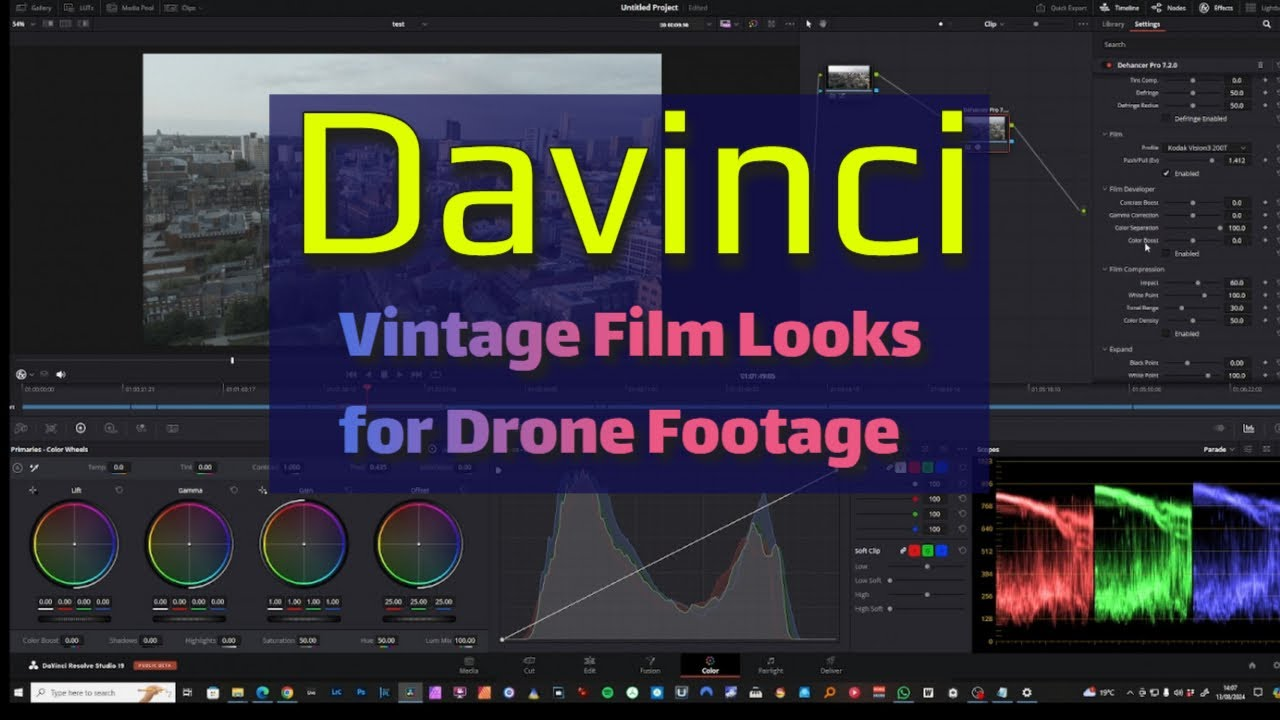
One of DaVinci Resolve’s standout features is its advanced color grading capabilities. Use the color wheels and nodes to adjust the tone and mood of your footage. For a masterclass that feels warm and inviting, consider subtle color corrections that enhance skin tones and create a natural look. Alternatively, a cooler color palette might be more appropriate for technical or educational content.
Audio Editing and Sound Design
Clear audio is just as important as clear visuals. Use DaVinci Resolve’s audio editing tools to balance sound levels, reduce background noise, and add music or sound effects that complement your content. A well-mixed audio track can significantly elevate the overall production quality of your masterclass.
Adding Titles and Graphics
Incorporate titles, lower-thirds, and on-screen graphics to reinforce key points in your masterclass. These visual elements help emphasize important information and keep your audience engaged. DaVinci Resolve offers a range of customizable templates, making it easy to maintain a consistent style throughout your video.
Exporting Your Final Product
Once your edits are complete, it’s time to export your final product. DaVinci Resolve allows you to choose from various export settings, ensuring that your video is optimized for the platform where it will be published. Whether you’re sharing your masterclass on YouTube, a podcast platform, or a professional website, the final cut should be both high-quality and accessible.
Enhance Your Production with Professional Support
For creators who want to ensure every detail is perfect, partnering with professionals can make all the difference. Finchley Studio not only offers a state-of-the-art recording space but also provides full-service packages that include video and audio recording, as well as post-production services.
Take Advantage of Our Video Editing Service
At Finchley Studio, we now offer top-notch video editing services designed to elevate your content. For just £299, our comprehensive package includes meticulous editing, advanced colour correction, and sound design. With one revision included and additional edits available at just £27 per hour, you can be confident that your final product will meet the highest standards.
Discover the Perfect Studio Location
Filming your masterclass in London has never been easier thanks to the unbeatable location of Finchley Studio. Here’s what you need to know:
- Conveniently Located: Our studio is just two minutes from Finchley Central.
- Parking and Accommodation: Enjoy one free parking space per booking and a location adjacent to Travelodge London Finchley.
- Easy Navigation: Find us on Google Maps, Apple Maps, or Bing Maps. For pinpoint accuracy, our location is also available via What 3 Words.
Stay Connected and Learn More
To keep up with our latest updates, follow us on social media:
- Instagram: Finchley Studio
- YouTube: Finchley Studio
- TikTok: Finchley Studio
- LinkedIn: Finchley Studio
- X (Twitter): Finchley Studio
If you have any questions, visit our FAQ, or contact us via WhatsApp, call us at +447587827200, or drop us an Email.
Trusted by Industry Leaders
Many renowned clients choose Finchley Studio for their productions. Prestigious names like BBC and Lloyds bank record their podcasts and masterclasses in our facility regularly. We take pride in the high quality and professionalism our studio delivers, ensuring that every project is executed to perfection.
We also invite you to check our Google reviews and Trust Pilot pages to see what our satisfied clients have to say about their experience with us.
Bringing Your Vision to Life
In today’s competitive media landscape, delivering a masterclass that stands out requires meticulous planning, expert filming, and the transformative power of professional editing with DaVinci Resolve. With a seamless blend of technical excellence and creative vision, you can captivate your audience and establish yourself as an industry leader.
Elevate your production by choosing Finchley Studio as your filming destination. Our range of dedicated spaces—from the intimate Dialogue Room to the versatile Lounge Studio and the expansive Gathering Studio—caters to every creative need. Whether you require a dramatic setup with Blackwood Studio or a modern edge with Green Screen, we have the perfect environment for your masterclass.
Don’t forget to take advantage of our professional Video Editing Service, designed to enhance your recordings and deliver a final product that’s as impressive as your content. Ready to bring your vision to life? Book your session now through our Book now page and experience the difference that a professional studio can make.
Source: https://www.blackmagicdesign.com/uk/products/davinciresolve/training