
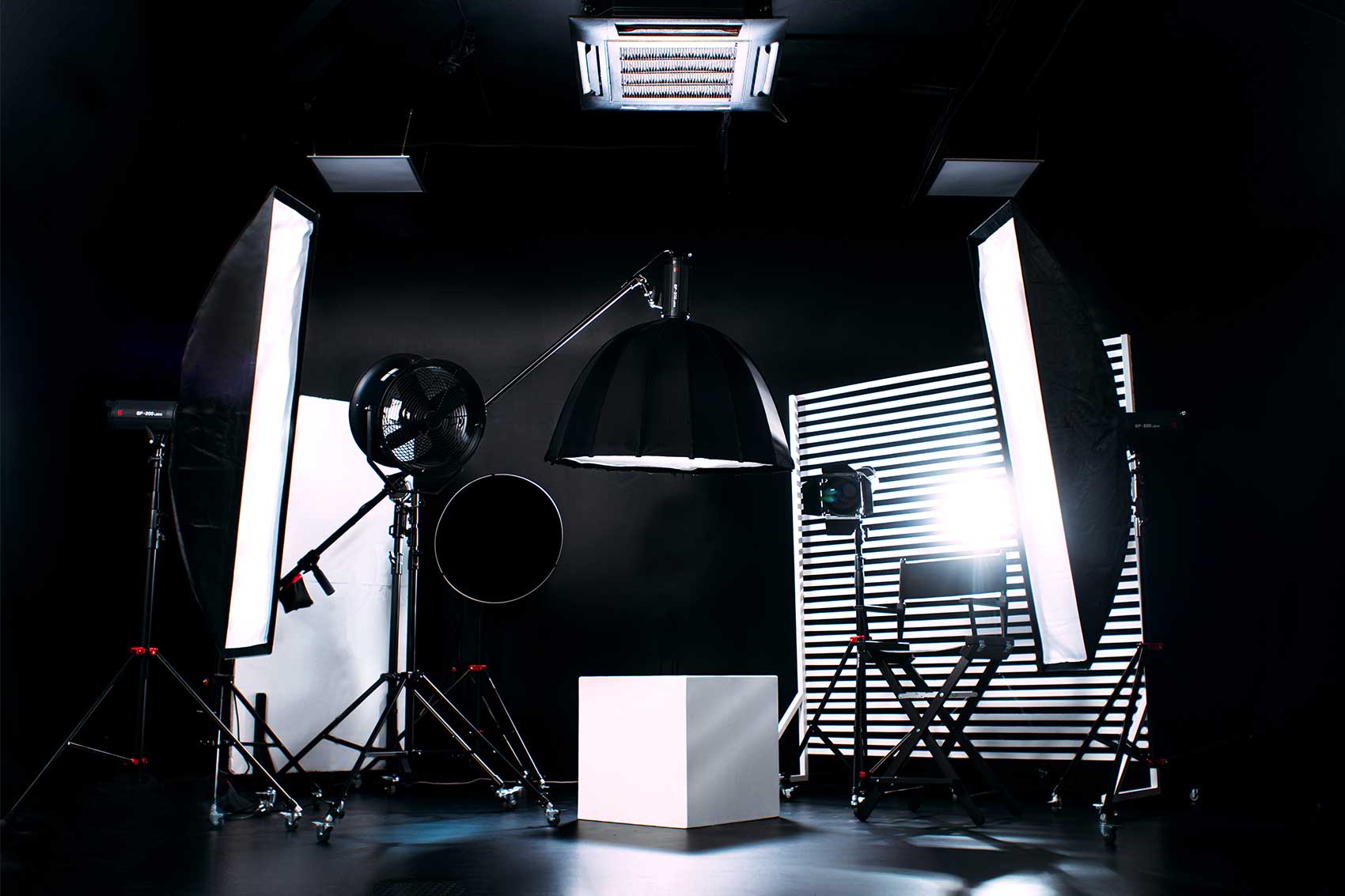
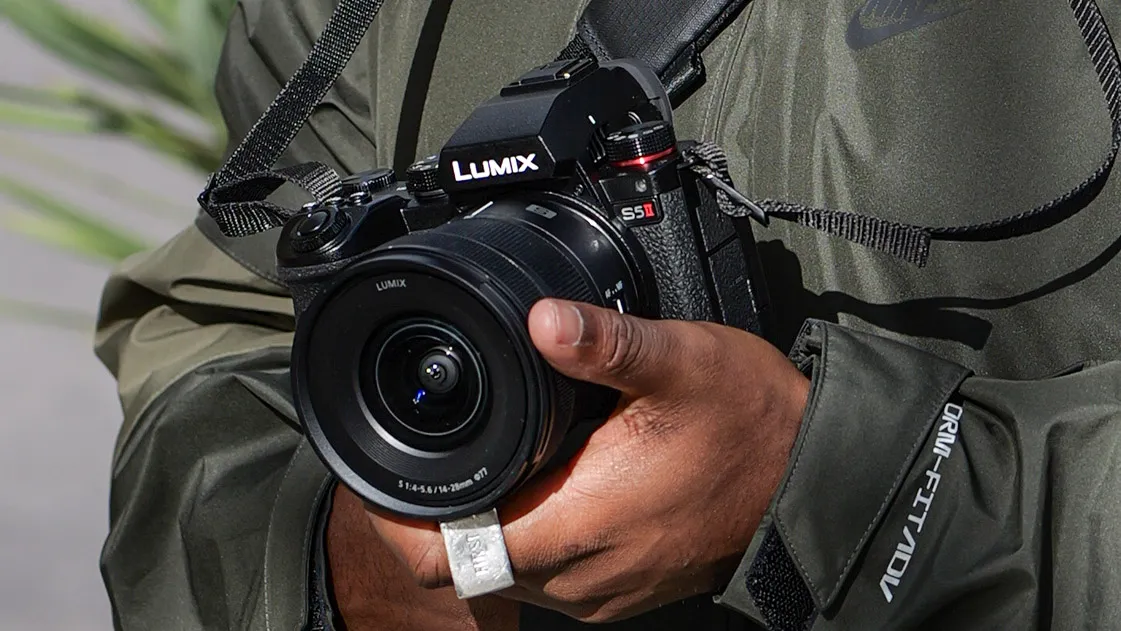
Image Source: Digital Camera World
When it comes to creating a high-quality masterclass, the production quality of your content plays a crucial role in engaging and retaining your audience. With the rise of 4K content, filming in ultra-high-definition has become the gold standard for visual appeal and professionalism. Whether you're teaching an online course, conducting a workshop, or sharing your expertise, mastering the art of filming in 4K can significantly elevate the overall experience for your viewers.
In this article, we will explore the best cameras for filming your masterclass in 4K, the essential video editing software to polish your footage, and how Finchley Studio can help you create professional-grade content with ease. If you’re aiming to give your content a polished, cinematic feel, Finchley Studio provides an environment that can help you create exactly that.
Why Choose 4K for Filming Your Masterclass?
Before diving into the technicalities, it’s essential to understand why 4K is a game-changer for online content creators.
Enhanced Image Quality: 4K offers four times the resolution of Full HD, delivering much sharper and more detailed images. This is especially important if you're filming a tutorial or masterclass that includes intricate demonstrations or details that need to be easily visible to your audience. The clarity of 4K ensures that every detail is captured crisply, giving your viewers a premium experience.
Future-Proofing Your Content: As more platforms and devices support 4K, opting for this resolution ensures that your content will remain relevant for years to come. It’s not just a passing trend – 4K is here to stay.
Increased Engagement: Viewers are more likely to stay engaged with high-quality content. The stunning visuals of 4K can make your masterclass more immersive, resulting in better retention and higher audience satisfaction.
If you’re ready to step up your video production game, you’ll need the right equipment and software. Let’s take a look at the best cameras for filming your masterclass in 4K and the essential video editing tools to bring your content to life.
Best Cameras for Filming Your Masterclass in 4K
-
Sony A7S III The Sony A7S III is an exceptional mirrorless camera, designed specifically for videographers and content creators. It offers stunning 4K resolution at up to 120fps, ensuring smooth and detailed footage, even in fast-moving scenes. With its impressive low-light performance, the A7S III is perfect for shooting in various environments, whether you're recording in a well-lit studio or a more intimate setting.
Why it's great for masterclasses:
- Unmatched video quality: Full-frame 4K at 120fps gives cinematic quality.
- High dynamic range (HDR): Helps capture the full range of light, providing incredible contrast and detail.
- Versatile: Ideal for both stationary shots and dynamic movements, making it perfect for classroom-style filming or demonstrations.
-
Canon EOS R5 The Canon EOS R5 is a powerhouse, delivering 8K recording, but it also excels in 4K shooting. This camera boasts outstanding autofocus capabilities, ensuring that your focus remains sharp even during complex shots. The EOS R5's image quality and colour accuracy make it one of the top choices for professional content creators looking to produce high-quality educational content.
Why it's great for masterclasses:
- Impressive 8K & 4K video recording: Provides a future-proof solution for content creators.
- Excellent autofocus: Keeps your shots sharp, perfect for long lectures or class demonstrations.
- Great for live streaming: With its versatile video outputs, you can live stream your masterclass directly to platforms like YouTube or Vimeo.
-
Panasonic Lumix GH5 The Panasonic GH5 is a fantastic option for filmmakers who need a high-quality, yet affordable camera. With its 4K video recording at 60fps, the GH5 ensures smooth motion and incredible clarity. The GH5 also offers 10-bit colour depth, which gives you more flexibility in post-production to make your footage pop with rich colours and textures.
Why it's great for masterclasses:
- Affordable 4K quality: It’s one of the more budget-friendly options without compromising video quality.
- Versatile lens compatibility: Works well with a range of lenses, making it flexible for different types of shots.
- Robust build: Ideal for creators filming in various environments, whether indoors or outdoors.
-
Blackmagic URSA Mini Pro 12K For creators looking for the highest video quality, the Blackmagic URSA Mini Pro 12K is hard to beat. While it's designed for professional filmmaking, it’s also an excellent choice for creators who want to achieve stunning, cinematic results with their masterclass content. The camera records in 12K resolution but downscales it to 4K for an ultra-crisp final product.
Why it's great for masterclasses:
- High resolution & dynamic range: Ideal for cinematic looks and professional-grade content.
- Flexible post-production: Raw recording allows greater flexibility during the editing process.
- Great for large projects: If your masterclass involves high-level production values, this is the camera to go for.
The Best Video Editing Software for Masterclass Content
Filming in 4K is only half the battle. Editing is where you can truly shape your content and make it shine. To ensure your masterclass looks polished and professional, you’ll need the right video editing software. Here are some of the best options for editing your 4K masterclass footage.
-
Adobe Premiere Pro Adobe Premiere Pro is the industry standard when it comes to video editing. It’s versatile, robust, and offers all the tools necessary to edit 4K footage. From colour grading and audio editing to advanced effects and transitions, Premiere Pro has everything you need to refine your masterclass content.
Why it's great for masterclasses:
- Comprehensive tools: Advanced colour correction, keyframing, and audio editing make it a perfect choice for professional projects.
- Seamless integration with other Adobe products: If you’re already using Photoshop, After Effects, or Audition, you’ll find Premiere Pro integrates smoothly with these tools.
- Wide format support: Premiere Pro supports virtually all video formats, including 4K, which is perfect for filmmakers working with various devices.
-
Final Cut Pro X If you’re a Mac user, Final Cut Pro X is an excellent alternative to Premiere Pro. It’s known for its powerful 4K editing capabilities, ease of use, and optimised performance on macOS. With Final Cut Pro X, you can work efficiently with 4K footage while enjoying real-time playback and high-quality exports.
Why it's great for masterclasses:
- Optimised for Mac: Final Cut Pro X is designed specifically for macOS, which results in fast performance even with large 4K files.
- Advanced colour grading tools: Create professional-grade colour corrections to make your footage stand out.
- Great for quick edits: If you're on a tight deadline, Final Cut’s intuitive interface makes it easy to make edits quickly and efficiently.
-
DaVinci Resolve DaVinci Resolve is known for its powerful colour grading tools, making it a top choice for filmmakers who want precise control over their footage’s look. It also boasts a free version with plenty of features for beginners and advanced users alike, making it an affordable option for those looking to produce high-quality content.
Why it's great for masterclasses:
- World-class colour grading: Achieve cinematic looks with its advanced colour tools.
- Fusion effects: Offers high-end visual effects and motion graphics for adding extra polish to your masterclass content.
- Free version available: The free version is more than capable of handling 4K footage and is a great option for those on a budget.
-
HitFilm Express HitFilm Express is a great choice for beginner-to-intermediate video editors. It offers a comprehensive suite of tools, including compositing, visual effects, and colour grading. HitFilm Express can handle 4K footage with ease, and it’s available for both Windows and macOS.
Why it's great for masterclasses:
- User-friendly interface: Ideal for beginners looking to get into video editing.
- Affordable: It’s free, with the option to purchase additional features if needed.
- Great for YouTube creators: If you're planning to upload your masterclass content to YouTube or similar platforms, HitFilm Express provides an intuitive way to optimize your videos for online use.
Finchley Studio: Elevate Your Masterclass Production
To take your 4K masterclass to the next level, you’ll want to consider the professional services offered by Finchley Studio. With high-end equipment and versatile set designs, Finchley Studio can help you achieve the perfect filming setup for your masterclass.
Whether you're filming a one-on-one tutorial, a group discussion, or a full-scale production, Finchley Studio offers the ideal environment for creators looking to produce high-quality content. Their spacious and fully equipped studios are designed to meet the needs of content creators, with state-of-the-art audio and video equipment available in every room.
The Dialogue Room
Perfect for interviews and one-on-one conversations, the Dialogue Room at Finchley Studio offers a professional yet intimate space to film your masterclass. Whether you're delivering a lecture or conducting an in-depth interview, this space is designed to enhance the audio and visual experience of your content.
Production and Post-Production Support
From lighting to sound to camera work, Finchley Studio provides full support for every aspect of production. Their in-house production team can assist you in bringing your vision to life, while their post-production services can help you finalise your 4K footage with expert editing and colour correction.
Finchley Studio also offers video editing services, ensuring your footage looks professional and polished before going live. Their expertise in handling high-resolution content means your masterclass will be presented at its best.
Filming your masterclass in 4K is a fantastic way to deliver high-quality, professional content that will captivate your audience. The cameras and video editing software mentioned here will give you the tools you need to create visually stunning content, while Finchley Studio offers the perfect environment for bringing your vision to life. By combining top-notch equipment, professional editing software, and expert support, your masterclass will stand out and leave a lasting impression on your audience.
FAQs
Do I need expensive equipment to film in 4K? While high-end cameras offer superior features, there are affordable 4K cameras that still provide excellent results. It depends on your budget and the quality you wish to achieve.
What editing software is best for beginners? For beginners, HitFilm Express or DaVinci Resolve (free version) are excellent choices. They offer powerful tools while remaining user-friendly.
Can I film my masterclass using just a smartphone? Yes, many modern smartphones can record in 4K, but for a professional look, it’s best to use a dedicated 4K camera. A tripod, external microphone, and good lighting can help improve smartphone video quality.
How important is post-production for my masterclass? Post-production is crucial for enhancing the quality of your footage, including colour grading, audio mixing, and adding effects. Professional editing can make a huge difference in the final product.
For more information about how Finchley Studio can assist with filming and editing your 4K masterclass, visit their website: Finchley Studio.
Source: https://charlieuniformtango.com/4k-video-production-everything-you-need-to-know/














