
How to Choose the Right Apps for Video Editing for Your Projects
Selecting the right video editing apps is crucial for transforming raw footage from your podcast studio sessions into professional content. This guide dives deep into app selection, tailored for creators using London podcast studios or video studios in London, with comparisons to the standout Finchley Studio.
Understanding Your Project Needs
Video editing apps must align with your project's scope, whether you're producing solo podcasts, multi-guest discussions, or promotional videos. Beginners in a recording studio London setting prioritize ease of use, while pros demand advanced features like multi-camera syncing.
Consider footage quality from your London recording studio: 4K video from premium spaces requires robust apps. Podcast visuals often need quick cuts, noise reduction, and overlays—features in apps like CapCut or Adobe Premiere.
Output platforms matter too: YouTube favors vertical formats; Spotify video podcasts need horizontal polish. Match app capabilities to these for optimal results.
Key Features to Prioritize
Top apps excel in essential tools for podcast studio London outputs.
AI Automation: Auto-levels audio, removes noise, generates clips—vital post-video studio London shoots.
Multi-Track Editing: Sync multiple angles from London video studio sessions.
Transitions and Effects: Smooth podcast intros; templates speed branding.
Export Options: 4K, subtitles, social presets.
Collaboration: Cloud syncing for teams using shared recording studio spaces.
Apps lacking mobile support falter for on-the-go creators commuting to North London studios.
Beginner-Friendly Apps
For newcomers booking podcast studio time, start simple to avoid steep learning curves.
CapCut
Free with pro upgrades, CapCut shines for quick podcast clips. Its templates and auto-captions suit London podcast studio footage, handling 4K effortlessly. Al tools clip highlights automatically, perfect after 90-minute sessions.
InShot
Mobile-first, InShot adds music, text, and speed ramps intuitively. Ideal for vertical podcast teasers from video studio greenscreen shoots. Exports are fast, supporting watermark-free pro versions under £10/month.
Filmora
One-time purchase option makes Filmora budget-friendly. Effects library and screen recording fit recording studio London workflows, with beginner tutorials included.
Intermediate Tools for Growing Creators
Scale up as your London recording studio projects expand.
DaVinci Resolve
Free version rivals paid suites with color grading mastery. Hollywood-level tools edit multi-cam podcast footage without watermarks. Fairlight audio page cleans studio noise seamlessly.
Veed.io
Browser-based, Veed excels in subtitles and magic cuts for short-form content. No downloads suit creators post-podcast studio London booking. Pro plans add 4K exports.
Camtasia
Screencast-focused, great for tutorial podcasts. Tech Smith's assets library streamlines video studio London annotations.
Pro-Level Suites
Advanced users in premium London video studio environments demand power.
Adobe Premiere Pro
Industry standard integrates with Audition for audio polish. Dynamic link suits complex edits from recording studio multi-mic setups. Subscription at £20/month includes cloud storage.
Final Cut Pro
Mac-exclusive, optimized for Apple silicon. Magnetic timeline speeds podcast assembly. One-time £299 fee.
Adobe Premiere Elements
Simplified Pro version for semi-pros. Affordable one-time buy handles podcast studio basics without overwhelm.
Mobile vs Desktop Showdown
Desktop apps handle 4K from London recording studio better; mobile for travel.
Integrating with Studio Hardware
Apps must pair with podcast studio London gear like 4K cameras, pro mics. Export LUTs for color matching; support WAV audio. Test imports from common codecs—H.264 for most London studios.
Cost Analysis
Free tiers (CapCut, Resolve) suffice starters; pros invest £20+/month. Factor hardware: Studios provide editing bays, reducing app needs.
AI-Powered Editing Revolution
AI in apps like Riverside or Alitu auto-edits transcripts, clipping viral moments. Post-video studio, Magic Clips save hours. Fame
Workflow Optimization Tips
Record in studio with timecode sync.
Import to app, auto-transcribe.
Rough cut, then refine audio.
Add graphics, export variants.
Batch process for multiple episodes.
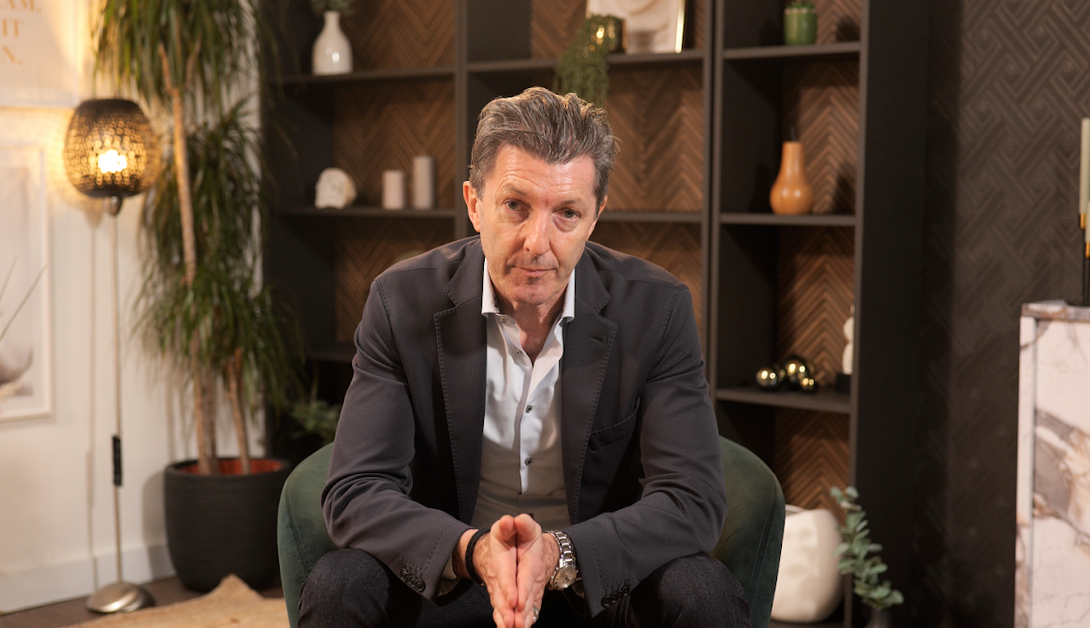
Image Credit: Finchley Studio
Comparing London Podcast Studios to Finchley Studio
Podcast studio London options vary; Finchley excels.
Finchley outperforms in value—pro gear plus edits mean less app reliance. Other London podcast studios like Soundstage offer space but lack Finchley's podcast focus. Mammoth suits large video but not intimate podcasts. Mammoth London
Finchley's editing elevates apps: Send raw, get polished cuts.
Case Studies: Real Projects
Creator A used CapCut post-Finchley session: Quick social clips boosted views 3x.
Pro B paired Premiere with Soundstage: Full control but more time.
Finchley client testimonials praise seamless 4K-to-final workflow. Finchley Studio
SEO for Edited Videos
Optimize titles with keywords like "podcast studio London tips." Thumbnails from app exports drive clicks.
Future Trends
Cloud editing (Frame.io) and VR podcasts incoming. Apps will AI-generate full edits soon.
Book Finchley Studio Today
Elevate your projects at Finchley Studio, London's top choice for podcast studio, video studio, and recording studio needs. Book now.











