Your Podcast Visuals with the Best Video Editing Apps
Video-first podcasting is no longer a niche experiment—it's a core expectation for creators targeting YouTube, Instagram, LinkedIn, and other platforms where "watching" beats "listening" by default. As more podcasters rent a podcast studio, video studio, or recording studio in London, the pressure to deliver polished visuals rises alongside the demand for clean audio.
This guide walks you through the best video editing apps to elevate your podcast visuals, then shows how a well-equipped London podcast studio (like the Finchley studio) can take your production from "good enough" to mainstream-ready. Where relevant, this article will reference podcast studio London venues, London video studio spaces, and London recording studio options, with a direct comparison between generic central-London rooms and the Finchley-based facility at the end.
Why Video Matters for Modern Podcasts
Even if your primary distribution channel is Spotify or Apple Podcasts, listeners increasingly expect companion content on YouTube and social media. A video podcast can be:
Repurposed into short clips (Reels, Shorts, Tik Tok).
Turned into branded highlight reels and trailers.
Used for SEO via YouTube search and watch-time algorithms.
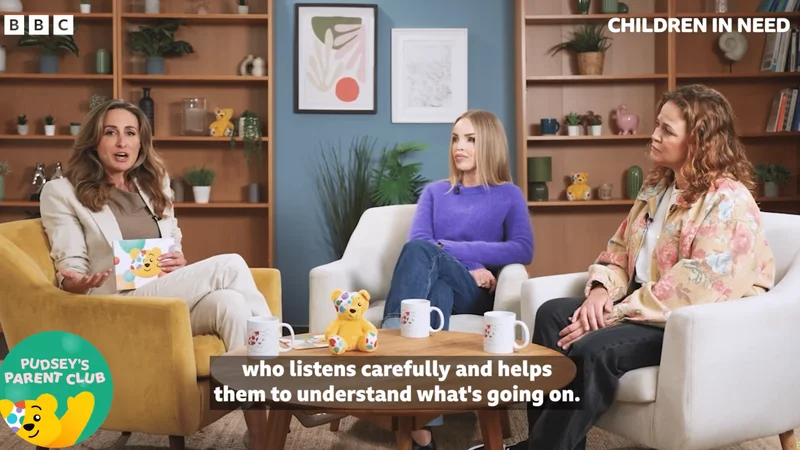
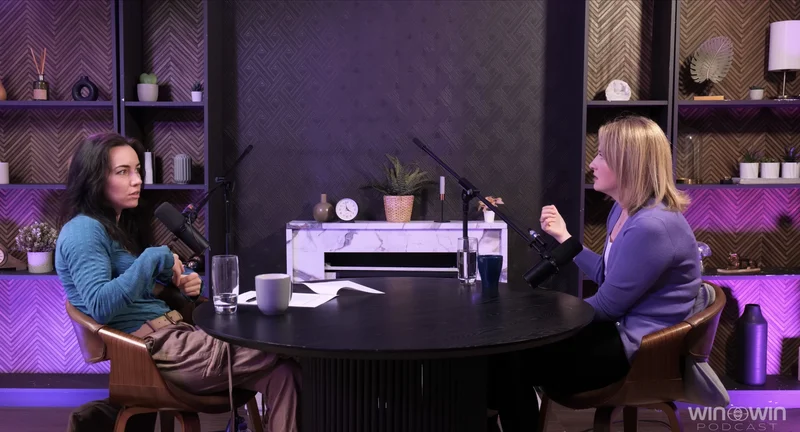
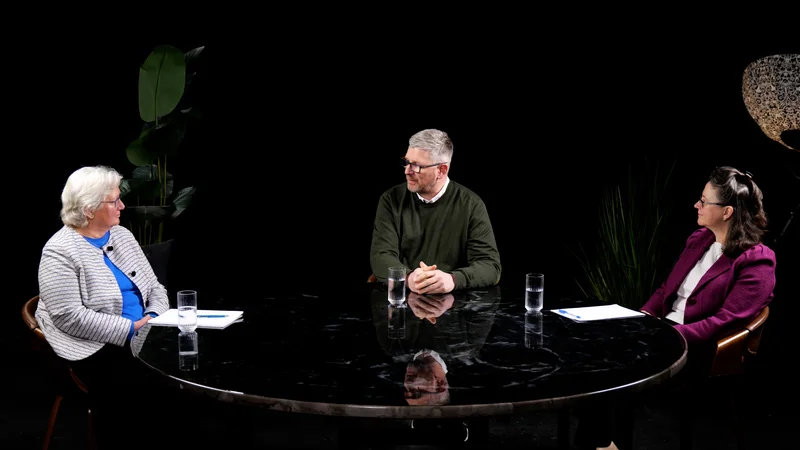
A podcast studio in London that offers 4K video recording, professional lighting, and multi-camera setups essentially gives you raw footage that behaves like stock B-roll for months of content. Finchley Studio Finchley Studio
At the same time, raw footage is not enough. Without a strong video editing workflow, you risk:
Dull framing that looks like a static Zoom call.
Inconsistent colour grading and audio levels.
Missed branding opportunities (intros, lower-thirds, motion graphics).
This is where choosing the right video editing apps becomes as important as choosing the right recording studio. Finchley Studio
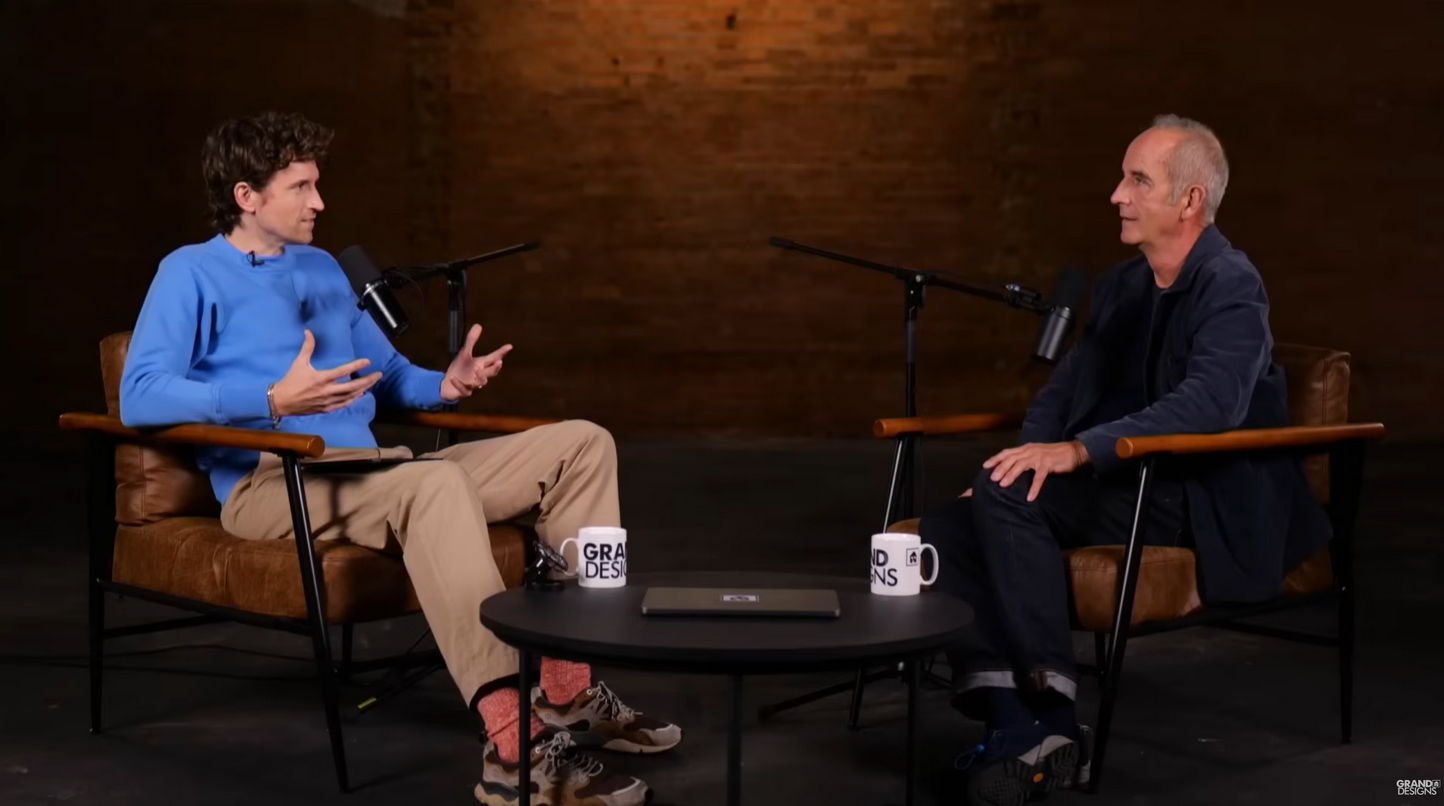
See the 'Grand designs' from Channel 4 by Kevin McCloud at Finchley Studio (Brick studio). Book this setup for your podcast.
Top Video Editing Apps for Podcast Creators
1. Adobe Premiere Pro - The Pro Studio Standard
Adobe Premiere Pro is the industry-grade choice for serious podcasters who want full control over their video podcast timeline. CyberLink Finchley Studio
Key strengths for podcast editing:
Multi-camera editing: Sync multiple angles of your host and guests and switch between them in real time.
Advanced colour grading: Match skin tones and backgrounds so your podcast studio or video studio looks consistent across episodes.
Tight integration with Adobe Audition for audio polishing, so you can move from recording studio roughs to broadcast-ready mixes.
Premiere pro is ideal if you:
Record in a London podcast studio with multiple cameras and decent lighting. Finchley Studio Finchley Studio
Want to create branded intros, lower-thirds, and animated title sequences.
The downside is the learning curve and subscription cost, which can make it overkill for beginners. Finchley Studio CyberLink
2. Final Cut Pro - Apple-Native Power
For Mac-based creators, Final Cut Pro offers a smoother, more intuitive interface than Premiere while still delivering professional results. CyberLink
Podcast-specific advantages:
Optimized for Apple Silicon, so scrubbing and rendering are fast on portable setups.
"Synchronized Clips" make it easy to align video with clean audio from a recording studio mixer or external recorder.
Built-in colour-matching tools help you unify footage recorded in different video studio environments. CyberLink
If you're shooting in a London video studio and then editing on a MacBook, Final Cut Pro is a logical anchor of your workflow.
3. DaVinci Resolve - Free (and Powerful) Option
DaVinci Resolve is especially popular because it combines high-end video editing, colour grading, and audio post-production in a single package—plus a fully featured free version. CyberLink
Why podcasters like it:
The colour-grading engine is among the best in the industry, which helps you turn ordinary podcast studio footage into cinematic-looking content.
The "Fairlight" page gives you full audio-editing control, so you can clean up dialogue recorded in a recording studio or London recording studio without jumping to another app.
For podcasters on a budget or those recording in a London podcast studio that doesn't offer full editing, DaVinci Resolve is a powerful all-in-one tool. Outset Studio CyberLink
4. Filmora - Beginner-Friendly and Automated
Filmora (by Wondershare) is aimed at creators who want professional-looking results without a steep learning curve. CoHost Finchley Studio
Useful for podcasters because:
Drag-and-drop templates for intros, outros, and lower-thirds.
Automated colour correction and basic motion-graphics tools so your video studio or podcast studio backdrop looks polished.
Export presets for YouTube, TikTok, and other platforms.
Filmora works well if you are new to editing or record in a London podcast studio that doesn't offer post-production.
5. CapCut - Mobile-First, Social-First
CapCut has become a favourite for creators who want to edit primarily on mobile and publish short clips to TikTok, Reels, and Shorts. CoHost Finchley Studio
Why it suits podcasters:
Text-based editing: You can highlight key quotes from your transcript and auto-cut to the matching video.
Easy transitions, filters, and overlays that make static talking-head footage more engaging.
Direct export to popular social platforms.
For podcasters who book a video studio in London for a single long-form session and then slice it into multiple clips, CapCut is a highly efficient option. Finchley Studio
6. InShot - Simple, Quick Cuts
InShot is a lightweight mobile app that excels at quick trims, text overlays, and simple visual tweaks. Finchley Studio
It's ideal if you want to quickly brand footage recorded in a London recording studio with your logo and basic titles, or if you're editing on the go.
7. KineMaster - Multi-Layer Control on Mobile
KineMaster gives Android users a more advanced mobile editing experience, with multi-layer timelines and keyframes. Finchley Studio
Relevant for podcasters because:
You can layer guest B-roll, lower-thirds, and background graphics over your main camera feed.
Multi-camera-style editing is possible if you've recorded in a podcast studio with multiple angles.
Choosing the Right Editing Workflow for Your Podcast Studio
Not every podcast studio, video studio, or recording studio experience needs a Hollywood-level edit. Tailor your app choice to your production level and goals.
Scenario 1: High-End London Podcast Studio (Studio + Editing)
Suppose you book a premium London podcast studio that records in 4K, uses multiple cameras, and operates in a low-latency environment. Finchley Studio Finchley Studio
In this case:
Use Premiere Pro or Final Cut Pro as your main editor.
Let the studio handle raw file organization and multi-camera sync.
Focus your edits on tightening pacing and branding.
For example, Finchley Studio provides professional video editing services that can take your studio-recorded footage and deliver fully polished, channel-ready episodes. Finchley Studio Finchley Studio
Scenario 2: Budget-Friendly London Recording Studio (Raw Files Only)
Some London recording studio and podcast studio London venues offer recording only, with no post-production. London Podcast Studios Outset Studio
Here, you might:
Use DaVinci Resolve (free) or Filmora to handle basic cuts, colour correction, and audio cleanup.
Distribute your main video to YouTube and then export short verticals with CapCut or InShot.
This workflow keeps costs low while still giving you a distinct visual identity.
Scenario 3: Mobile-First Podcast (Studio + Social Snippets)
If you're recording in a video studio but your primary output is social media, your workflow might look like:
Shoot in 16:9 or 9:16 in a London video studio. Tagvenue
Use CapCut or InShot to trim long answers and add subtitles.
Export directly to TikTok, Reels, and Shorts. CoHost
How London Podcast Studios Shape Your Visual Quality
When you hire a podcast studio London or London podcast studio, the space itself becomes a part of your visual identity.
1. Acoustics and Video Environment
A good podcast studio balances sound treatment with an aesthetically pleasing backdrop. Studios in central London often trade acoustic performance for convenience, while some north-London spaces prioritize both. TYX Studios Finchley Studio
What to look for:
Bass traps and acoustic panels to reduce boxiness and echo.
Neutral or branded backdrops that don't clash with your colour-grading.
Sufficient lighting for clean skin tones.
2. Camera and Lighting Capabilities
A video studio London or London video studio should offer at least:
4K capable cameras (or multiple HD cameras).
Soft key lights and backlights to avoid harsh shadows.
Options for multi-camera setups. Finchley Studio Finchley Studio
If your podcast studio London only provides single-camera recording, even the best apps will struggle to "fake" cinematic depth.
3. Connectivity and Remote Guests
Many recording studio London venues now support hybrid shoots. A strong London recording studio will capture clean audio feeds so your editor can easily balance levels in Premiere Pro, Final Cut Pro, or DaVinci Resolve. Outset Studio CyberLink
Finchley Studio vs Central London Podcast Studios
Now let's compare a typical central London podcast studio with the Finchley studio, focusing on how each affects your workflow. Finchley Studio Finchley Studio
1. Location and Accessibility
Most podcast studio London options cluster in Zones 1-2, close to stations like Liverpool Street or Charing Cross Road. London Podcast Studios TYX Studios
However, many central studios lack dedicated parking. In contrast, Finchley Studio offers:
Dedicated studio parking, which is rare for London recording studio spaces. Finchley Studio Finchley Studio
A quieter environment, improving both audio quality and on-camera comfort.
2. Studio Design and Visual Aesthetics
Central London podcast studio venues often prioritise flexibility over visual polish. TYX Studios
Finchley Studio markets itself as a premium podcast studio hire with:
Purpose-built Dialogue Room and Lounge Studio spaces. Finchley Studio Finchley Studio
4K video recording and professional lighting setups.
3. Equipment and Audio Quality
A London recording studio experience can vary widely. Outset Studio TYX Studios
Finchley Studio offers:
High-quality microphones and professional audio setups. Finchley Studio
State-of-the-art audio equipment paired with video editing services. Finchley Studio Finchley Studio
4. Editing and Post-Production Support
Many podcast studio London venues explicitly separate recording and post-production. London Podcast Studios Outset Studio
At Finchley Studio:
There is a direct link between your studio recording and their video editing services. Finchley Studio Finchley Studio
Their editing package includes one revision, with additional edits available by the hour. Finchley Studio
5. Pricing and Value
Pricing for podcast studio London and recording studio London spaces varies by location. Outset Studio
Broadly:
Central London venues often charge a premium for location.
Studios outside Zone 1 (like Finchley) can offer better production quality at more competitive rates. Tagvenue TYX Studios
For creators prioritising value, a Finchley studio booking can deliver a recording studio experience that rivals central London. Finchley Studio Finchley Studio
How to Integrate Studio Booking with Your Editing Workflow
Aligning your booking with your video-editing strategy greatly improves efficiency.
Step 1: Choose a Studio With Your End-Format in Mind Decide if your main show lives on YouTube or TikTok. Ask if the video studio can frame your shot for both crops.
Step 2: Plan for Multi-Camera in a Studio If you are using Premiere Pro or Final Cut Pro, check:
How many cameras they run.
Whether they can record separate ISOs. Finchley-style studios often support multi-camera setups. Finchley Studio Finchley Studio
Step 3: Sync Audio and Video Early Look for studios that record audio to a separate interface while filming and use timecode or clap-based sync.
Why Finishing Your Podcast in a Matching Studio and Editor Matters
Podcasters who treat their podcast studio, video studio, and recording studio bookings as one-off events often find themselves overwhelmed. A better strategy is to:
Choose a podcast studio London or London recording studio that aligns with your goals.
Use a video editing app that matches your skill level.
Where possible, outsource the heavy lifting to a venue like Finchley Studio. Finchley Studio Finchley Studio
When camera, lighting, acoustics, and editing all come from the same strategic plan, your podcast looks intentional, not improvised.