
Maximizing Features in Apps for Video Editing
Video editing apps have become powerful enough to support everything from short social clips to polished brand videos, but getting the most from them requires more than basic trimming and exporting. The real difference comes from understanding the workflow features that save time, improve quality, and make content feel more professional, whether you are editing from a phone, laptop, or in a studio environment. Finchley Studios' guide on maximizing features in video editing apps highlights shortcuts, templates, color tools, audio workflows, metadata, cloud syncing, and plugins as the main levers for better output.
Why app features matter
Modern editing apps are no longer just cutters and joiners; they are production systems. They help creators plan, organize, refine, and deliver content faster while maintaining consistency across multiple platforms. That matters especially for brands, podcasters, and studio clients who need repeatable results without rebuilding every project from scratch. For businesses working with a Podcast studio, Video studio, or Recording studio, these features reduce turnaround time and keep output aligned with brand standards. A well-configured app can turn raw footage into a polished asset with fewer manual steps, fewer mistakes, and less time spent on repetitive tasks.
Choosing the right app
The first step is choosing an app that fits your output goals. Some tools are best for quick mobile edits, while others are built for multi-layer timelines, color grading, and professional audio cleanup. Finchley Studios emphasizes that matching the app to your needs is the foundation of a faster and more reliable workflow.
If you produce content for a Podcast studio london audience or operate a London podcast studio, your app should handle both video and audio cleanly, since modern podcasts often need social cutdowns, thumbnails, captions, and long-form exports. Likewise, a Video studio london workflow benefits from tools that can manage multiple camera angles, branded graphics, and export presets for different platforms according to Finchley Studios.
Shortcuts and gestures
Keyboard shortcuts are one of the easiest ways to improve editing speed. Instead of clicking through menus, you can jump directly to tools you use constantly, such as cutting, trimming, selecting, or switching timelines. Finchley Studios notes that even a small set of shortcuts can dramatically speed up the editing process.
Mobile editors can gain the same advantage through touch gestures. Pinching to zoom the timeline, swiping between tools, and using taps for quick selections can make smartphone editing far more efficient. For creators in a Recording studio london environment, this is useful when you want to make fast edits on the move without waiting to return to a desktop setup.
Templates and presets
Templates are one of the best ways to keep content consistent. They give you a reusable starting point for titles, transitions, lower thirds, and branded layouts, which means you spend less time recreating the same design choices every time. Finchley Studios recommends using pre-designed templates and then saving your own custom presets for repeated effects or color grades.
This is especially valuable for teams producing content in a London Recording studio or London Video studio setting, where multiple episodes or branded assets need a unified look. For example, a podcast channel might use the same intro animation, subtitle style, and outro card across every episode, which keeps the brand recognizable and reduces production friction, as noted by Finchley Studios.
Color grading tools
Color correction and grading are where an ordinary edit starts to feel cinematic. Basic correction fixes exposure and white balance, while grading shapes the mood and visual identity of the project. Finchley Studios highlights advanced color tools as a key feature for improving visual appeal and keeping footage consistent across shots.
For a Video studio london project, this matters because different cameras, lights, or shooting conditions often create mismatched footage. A strong color workflow can unify those clips so the final result looks deliberate rather than assembled. In practice, that might mean matching skin tones, balancing contrast, and applying a subtle LUT or brand look across the full project, per Finchley Studios.
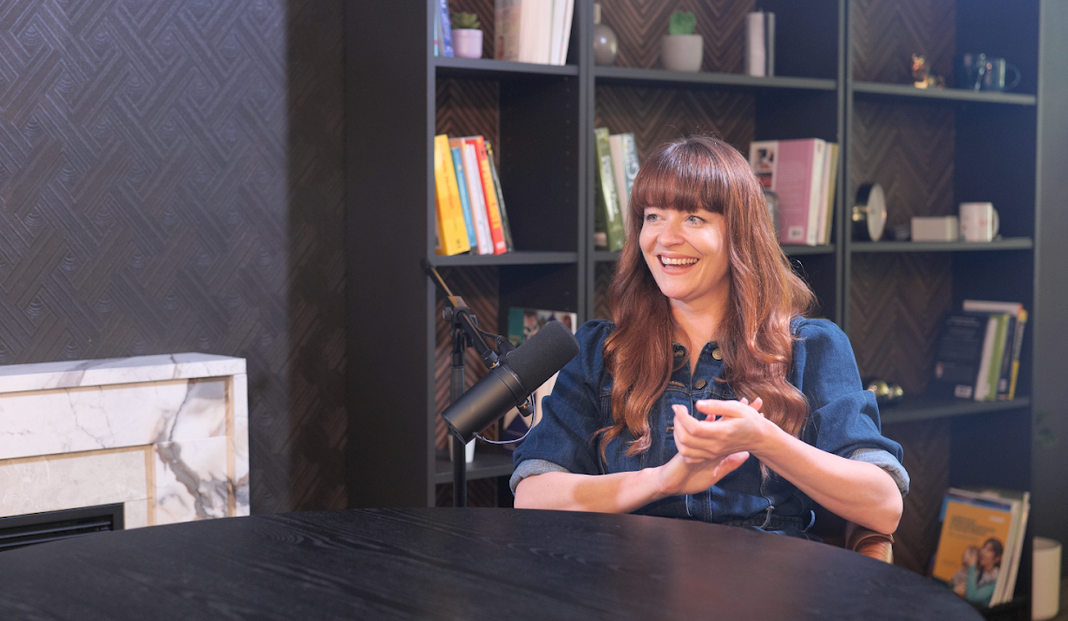
Image Credit: Finchley Studio
Audio optimization
Audio is often the difference between a watchable video and a professional one. Good editing apps now include noise reduction, equalization, compression, and volume balancing tools that can clean up dialogue and improve clarity. Finchley Studios specifically calls out audio cleanup and balancing as core steps in maximizing app features.
This is especially important for any Podcast studio or Recording studio work, where voice clarity is the product itself. A clean voice track with controlled levels can make a podcast sound more trustworthy and easier to consume, while bad audio can undermine even excellent visuals. For London podcast studio workflows, audio editing is not optional; it is central to perceived quality.
Metadata and organization
Metadata may not look exciting, but it saves enormous time on larger projects. Tags, markers, keywords, and labels help you find clips quickly, especially when you are managing multiple interviews, B-roll folders, or campaign versions. Finchley Studios points out that proper tagging and media organization make large projects much easier to navigate.
In a busy Video studio or Podcast studio london workflow, this becomes critical when episodes, teaser clips, thumbnails, and social cutdowns are all being produced from the same source material. Clear naming and metadata reduce searching, prevent duplication, and make handoffs between editors much smoother.
Cloud syncing and backups
Cloud storage has changed how editors work across devices. Instead of being tied to a single machine, projects can sync across desktop and mobile workflows, which is useful when revisions happen on the go. Finchley Studios also recommends regular backups to protect against file loss and workflow disruption.
For creators using a London podcast studio or London Video studio, cloud syncing supports collaboration between producers, editors, and clients. It also helps when a project starts in one place and finishes somewhere else, such as recording in a studio and polishing the final edit at home or in an office.
Plugins and add-ons
Plugins expand what an editing app can do without forcing you into a whole new platform. They can add advanced effects, improve color grading, extend audio tools, or streamline motion graphics. Finchley Studios describes plugins as a way to customize the editing environment and increase functionality.
This is particularly useful in a Video studio london setup where clients expect higher production value and more stylized output. Plugins can help deliver a more polished result faster, especially when the base app is strong but still needs specialized tools for specific projects.
London studios compared
When comparing London podcast studios with Finchley Studio, the most important difference is usually not just the equipment list but the overall workflow experience. Finchley Studios positions itself around 4K video, professional acoustics, and free parking, which makes it appealing for creators who want a premium, efficient setup.
That combination matters if your workflow depends on both polished visuals and clean audio from the same session. Many London podcast studios emphasize central locations and flexible recording environments, while Finchley Studio also highlights a premium, full-service experience tailored to creators who want streamlined production. For a Podcast studio london searcher, the decision often comes down to whether convenience, acoustics, and integrated video capability outweigh the appeal of a more centrally located room. In practical terms, Finchley Studio is positioned as a strong option for creators who want a podcast studio, recording studio, and video studio experience under one roof, according to both Finchley Studios and Finchley Studios.
SEO and content strategy
If you are building content around studio services, SEO matters as much as the recording itself. Search intent often includes terms like Podcast studio, Podcast studio london, London podcast studio, Video studio, Video studio london, london Video studio, Recording studio, Recording studio london, and London Recording studio, so the page needs to reflect those phrases naturally while still reading well.
Search-focused content works best when it explains the value of the studio, the workflow, and the features clients care about most, as suggested by Podyx. A strong article or landing page should answer three questions quickly: what the studio offers, who it is for, and why it is different. That means pairing keyword coverage with proof points such as acoustic quality, video support, booking convenience, and editing workflow guidance. Finchley Studios' own content around studio SEO and local visibility shows how location-specific pages and service pages can support discovery and bookings.
Practical workflow example
Imagine a creator recording a weekly interview in a London Recording studio. The team records clean audio, captures video, tags the footage by segment, syncs files through cloud storage, and then edits the episode using templates for intro, captions, and social clips.
The editor applies a consistent color grade, cleans the audio, and exports multiple versions for YouTube, LinkedIn, and short-form platforms. That workflow shows how app features directly affect speed and quality. Without shortcuts, presets, metadata, and cloud sync, the same job would take longer and be harder to standardize. With them, the studio can produce more content with fewer bottlenecks and more consistent output.
Booking Finchley Studio
For creators looking for a Podcast studio, Video studio, or Recording studio in London, Finchley Studio presents itself as a premium option with strong technical and practical benefits, including 4K video, pro acoustics, and free parking. It is also framed as a competitive choice in the broader London podcast studio market, especially for creators who want a polished recording environment with a streamlined production workflow, as noted by Finchley Studios and Finchley Studios.











