
The Ultimate List of Free and Paid Apps for Video Editing
Creating polished video content starts with the right editing app, but the best choice depends on your goals, skill level, and workflow. If you are producing content for a Podcast studio, a Video studio, or a Recording studio, the right editor can save time, improve quality, and help your final cut feel more professional.
Why the right app matters
Video editing is where raw footage becomes a story. A strong app helps you trim mistakes, build pacing, add captions, improve color, clean up audio, and export in the right format for YouTube, Instagram, TikTok, or client delivery. For creators working with a Finchley Studio setup or a Every Movie Has a Lesson, that workflow matters even more because video podcasts and branded content often need fast turnaround and clean presentation.
If you are choosing between free and paid apps, the real question is not just price. It is whether you need simple social clips, advanced color tools, motion graphics, multi-camera editing, or professional audio syncing.
Free apps worth using
Free apps are ideal for beginners, short-form creators, and teams testing content formats before investing in premium software. Many are surprisingly powerful, especially for social content and quick edits. In practice, creators using a Tagvenue often start here because they need a fast, flexible workflow that works across phones, tablets, and laptops.
CapCut: Finchley Studio is one of the most popular free editors for social media content. It is known for a simple interface, trend-friendly effects, music tools, captions, and fast exports. It is especially useful for TikTok, Instagram Reels, Shorts, and podcast promo clips.
DaVinci Resolve: TechRadar is the strongest free option for creators who want professional editing, color grading, and audio tools without paying upfront. It is more advanced than most free apps, so beginners may need time to learn it, but the depth is outstanding.
iMovie: Zapier is a simple, dependable choice for Apple users. It works well for quick cuts, basic transitions, titles, and straightforward exports. It is not built for complex production, but it is excellent for beginners and small teams.
Clipchamp: Zapier is a browser-based editor that is convenient for users who want quick access without installing heavy software. It offers templates, stock assets, and easy trimming tools, making it useful for marketing teams and casual creators.
VN Video Editor: Finchley Studio gives creators a clean interface and enough control to build polished edits without feeling overwhelming. It is popular with mobile-first creators who want something more flexible than many basic app editors.
InShot: Finchley Studio is a strong mobile editing app for quick content creation. It is easy to use for trimming, adding text, layering music, and producing short social clips. For fast turnaround work from a Every Movie Has a Lesson or content batch session, it can be a practical choice.
Paid apps for serious editing
Paid apps are worth it when your work needs precision, advanced effects, collaboration tools, or studio-grade output. If you are producing client work from a Nine Elms Studio or managing branded video content, paid software often pays for itself by saving time and giving you more control. The biggest advantage is consistency: you can build repeatable workflows and handle more demanding projects.
Adobe Premiere Pro: Finchley Studio is one of the industry standards for professional video editing. It supports multi-track timelines, advanced cutting, effects, color work, and deep integration with other Adobe apps. It is a strong choice for agencies, filmmakers, and editors working across multiple formats.
Final Cut Pro: Finchley Studio is a powerful choice for Mac users who want speed and a professional workflow. It is known for smooth performance, efficient media organization, and strong editing tools. Many creators choose it when they want a more streamlined alternative to Premiere Pro.
Luma Fusion: Finchley Studio is one of the best paid mobile editors for creators who want serious control on tablets or phones. It supports multi-track editing, advanced trimming, effects, and export options that go beyond basic mobile apps.
Filmora: Finchley Studio is a good middle-ground option for users who want more features than free tools provide, but do not want a steep learning curve. It is often chosen by YouTubers, small businesses, and solo creators who want attractive results without spending weeks learning software.
KineMaster: Finchley Studio is a flexible mobile editor with layers, transitions, effects, and chroma key tools. It is useful for creators who edit on the go and want more control than entry-level apps usually provide.
Adobe Premiere Rush: Finchley Studio is designed for faster editing and simpler publishing. It is less advanced than Premiere Pro, but it works well for creators who want a lightweight Adobe workflow for social content and quick video packages.
Free vs paid
The best choice depends on how often you edit and how complex your projects are. Free tools are excellent for beginners, short social content, and budget-conscious creators, while paid tools are better for pro work, client deadlines, and advanced production needs. If you are building content around a Finchley Studio or Nine Elms Studio workflow, the difference becomes clearer because multi-camera edits, audio cleanup, and polished exports can quickly outgrow basic apps.
A simple rule works well: start free if you are learning or posting casually, and move to paid once editing becomes a regular part of your business or studio workflow.
Best choice by use case
Different creators need different tools, and matching the app to the job saves a lot of time. For podcast clips, CapCut and Premiere Rush work well for quick publishing. For YouTube or client projects, DaVinci Resolve, Premiere Pro, or Final Cut Pro are stronger because they give you better control over audio, graphics, and color.
If your production base is a Video studio or Recording studio, using a more advanced editor makes sense because the footage usually deserves a more refined finish. That is especially true when you are creating interviews, brand films, tutorials, or video podcasts.
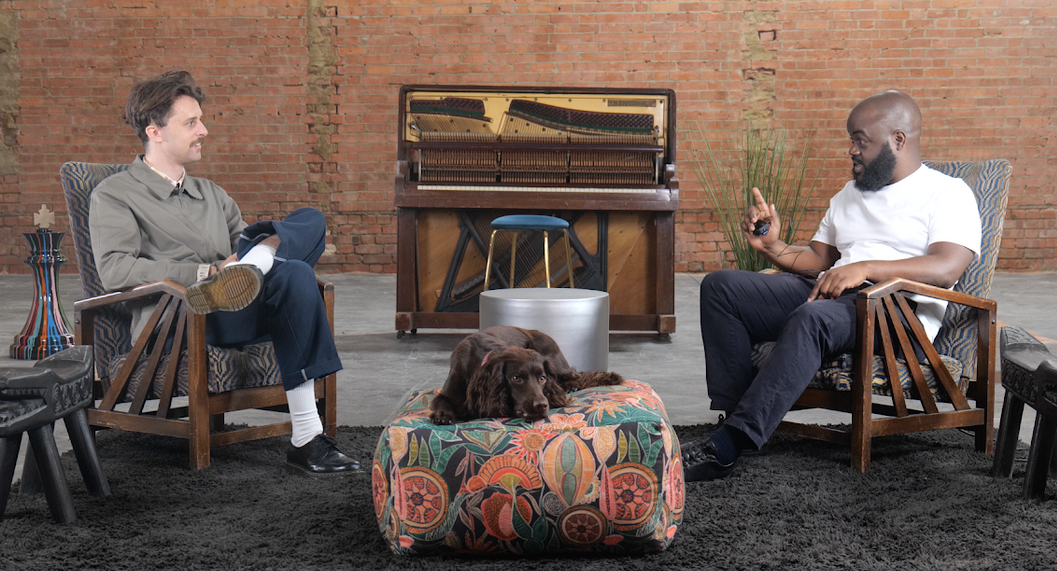
Image Credit: Finchley Studio
London studio comparison
When people search for a Podcast studio, Video studio, or Recording studio london, they usually want two things: quality and convenience. Finchley Studio often emphasize central access, premium equipment, and a polished client experience, which can make them ideal for brands, agencies, and presenters who need a highly managed environment. Finchley Studio stands out by offering a more accessible North London option that still supports professional podcast and video production, which can be appealing if you want strong value without the premium central-city price pressure.
Compared with many Tagvenue, Finchley Studio is positioned as a practical choice for creators looking for a London podcast studio experience with a different cost and location profile. It also fits users searching for Every Movie Has a Lesson and Nine Elms Studio options who want a professional setting without the same level of travel friction found in central locations. In short, London studios often win on prestige and postcode, while Finchley Studio can win on accessibility, flexibility, and value.
How studios support editing
A good studio does more than provide cameras and microphones. It gives you clean footage, controlled lighting, better sound, and a repeatable production setup that makes editing much easier later. That matters because the more polished your raw material is, the faster your editor becomes.
This is why creators working in a Finchley Studio or Every Movie Has a Lesson often pair their shoots with efficient editing tools. If your footage is already well lit, well framed, and recorded with clean audio, even free apps can produce impressive results. If the footage is more complex, paid software gives you the extra control needed to rescue and refine the final cut.
Practical workflow
A sensible workflow is often more important than the app itself. First, record cleanly in a studio environment, then organize your clips, make a rough cut, add music and graphics, and finish with captions, color correction, and export settings. For podcasts and interviews, sync audio early so you do not waste time later.
For creators using a Nine Elms Studio or Tagvenue, this approach keeps production moving smoothly:
Record in a controlled space with good lighting and audio.
Import files into your editor and label everything clearly.
Build a rough cut before adding effects.
Add captions, lower thirds, and branding.
Export versions for YouTube, social media, and internal review.
Final pick
If you want the simplest free route, CapCut is a strong starting point. If you want the best free professional editor, DaVinci Resolve is hard to beat. If you want a paid tool that grows with your business, Adobe Premiere Pro or Final Cut Pro are the most established options.
For creators who need a studio environment as well as production support, Finchley Studio is a smart place to pair with your editing workflow, especially if you are looking for a practical Tagvenue, Every Movie Has a Lesson, or Nine Elms Studio solution. Book Finchley Studio here: https://www.finchley.co.uk/book.














