Image Credit: Canva
Why Beginners Need the Right Editing App
Starting your journey in photo and video editing can feel overwhelming, but the right app makes all the difference. Whether you're looking to create engaging social media content, edit personal projects, or experiment with creative effects, beginner-friendly editing apps provide simple interfaces and powerful tools to enhance your work.
Key Features to Look for in a Beginner-Friendly Editing App
- Ease of Use: A simple, intuitive interface with drag-and-drop functionality.
- Templates & Presets: Ready-made templates help beginners apply effects quickly.
- Basic and Advanced Editing Tools: Cut, trim, merge, add filters, and adjust colors with ease.
- Multi-Format Support: Ability to edit different types of photos and videos.
- Export Options: Save in high resolution for social media or personal use.
Best Photo Video Editing Apps for Beginners
CapCut
Why it’s great
Free, simple interface, powerful features.
Key Features
- Auto captions
- AI-powered effects
- Multi-layer editing
Best For
Social media creators and TikTok users.
Adobe Premiere Rush
Why it’s great
Beginner-friendly version of Adobe Premiere Pro.
Key Features
- Drag-and-drop editing
- Color correction
- Audio adjustments
Best For
Quick, professional-looking edits on the go.
InShot
Why it’s great
Ideal for mobile users.
Key Features
- Video trimming
- Music overlays
- Speed controls
Best For
Editing Instagram stories, Reels, and TikTok videos.
Kinemaster
Why it’s great
Layer-based editing with intuitive controls.
Key Features
- Green screen effects
- Transitions
- Audio mixing
Best For
Those looking for semi-professional editing features.
VN Video Editor
Why it’s great
Free and has no watermark.
Key Features
- Multi-layer timeline
- Effects and transitions
Best For
Vloggers and social media enthusiasts.
Canva
Why it’s great
Known for graphic design, now offers video editing.
Key Features
- Templates
- Text animations
- Simple drag-and-drop interface
Best For
Branding, social media posts, presentations.
PicsArt
Why it’s great
Combines photo and video editing.
Key Features
- Filters
- Stickers
- Collage maker
- AI-powered tools
Best For
Creative projects and social media content.
iMovie (iOS Only)
Why it’s great
Pre-installed on Apple devices, simple to use.
Key Features
- Hollywood-style trailers
- Themes and cinematic effects
Best For
iPhone and iPad users looking for quick, high-quality edits.
FilmoraGo
Why it’s great
Simplifies professional editing tools.
Key Features
- Keyframing
- Transitions
- Audio enhancement
Best For
Those looking for professional-grade effects without complexity.
LumaFusion (iOS Only)
Why it’s great
Advanced features with an easy learning curve.
Key Features
- Multi-track editing
- Pro audio tools
- Color grading
Best For
Aspiring content creators and filmmakers.
How to Choose the Right App for You
- For quick social media edits: CapCut, InShot, or VN Video Editor.
- For professional-style editing: Adobe Premiere Rush, FilmoraGo, or Kinemaster.
- For graphic and video design: Canva and PicsArt.
- For Apple users: iMovie or LumaFusion.
FAQ
What is the easiest video editing app for beginners?
CapCut, InShot, and iMovie are among the easiest apps to start with due to their intuitive interfaces and simple tools.
Are these apps free to use?
Most of these apps offer free versions with essential features, but some include premium upgrades for advanced tools.
Which app is best for editing Instagram and TikTok videos?
CapCut and InShot are top choices for social media video editing due to their quick editing tools and social media-friendly formats.
Can I edit both photos and videos in these apps?
Yes, apps like PicsArt, Canva, and VN Video Editor allow you to edit both photos and videos seamlessly.
What’s the best app for professional-quality video editing?
For more advanced edits, Adobe Premiere Rush, Kinemaster, and LumaFusion offer professional features while still being beginner-friendly.
Choosing the right editing app depends on your needs and skill level. Start with an easy-to-use option, experiment with features, and gradually upgrade as your skills improve.
Source: https://uk.pcmag.com/video-editing/151865/the-best-mobile-video-editing-apps-for-2024
Enhance Your Podcast Visuals with Finchley Studio
If you’re serious about taking your podcast content to the next level, professional-quality visuals and seamless editing are essential. Finchley Studio offers fully equipped recording spaces that cater to both audio and video productions, ensuring a polished and professional look for your podcast.
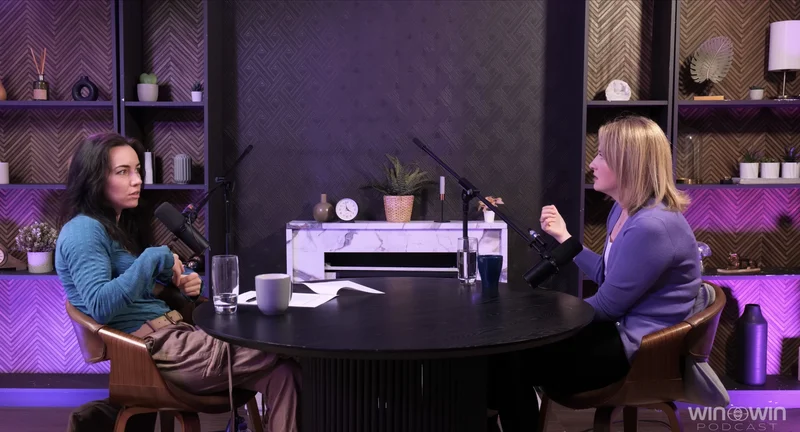
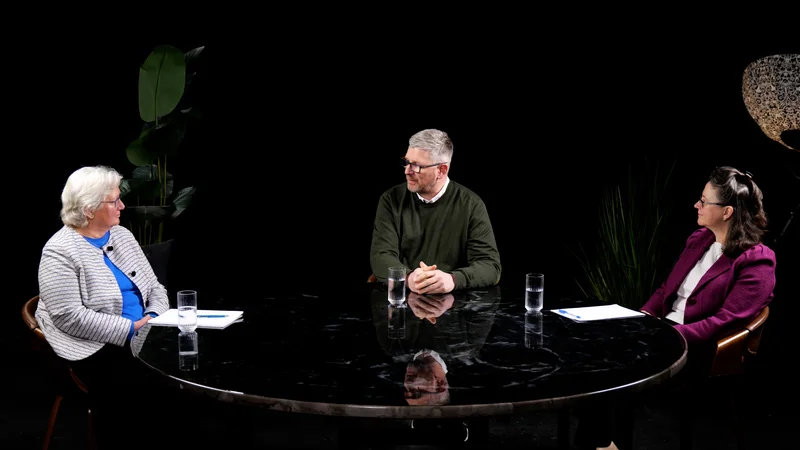
With dedicated spaces like the Dialogue Room for intimate discussions, the Lounge Studio for relaxed group conversations, and the Gathering Studio for larger productions, Finchley Studio has the perfect setting for your creative needs.
Additionally, Finchley Studio provides a Video Editing Service to help you refine and perfect your podcast visuals. For just £299, our expert editors will transform your raw footage into a high-quality, engaging final product.
Whether you’re just starting out or looking to enhance your content, Finchley Studio offers everything you need to create professional-grade podcasts. Book your session today and take your podcast visuals to the next level!