
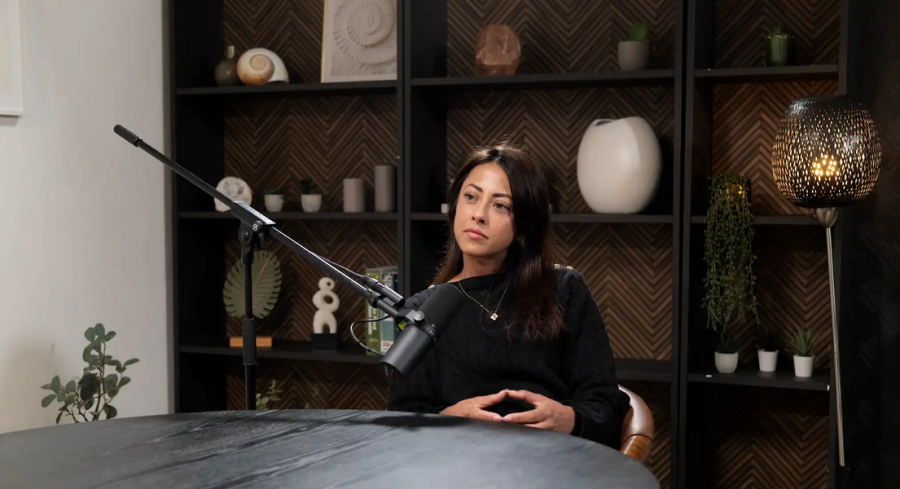
A great video editing workflow turns a long recording session into a polished, engaging episode without wasting hours in post-production. For a Podcast studio or Video studio in London, the goal is the same: take a 1-hour shoot and shape it into a tight, watchable story that works on YouTube, social clips, and your website. Efficient podcast editing increasingly relies on organized media, multicam syncing, transcript-based trimming, and Al-assisted cleanup to speed up the process while keeping the result professional. (Podcast Monkey, AutoCut, Cutback Video)
Why workflow matters
A 1-hour shoot is rarely a 1-hour edit. In many podcast and interview setups, you are dealing with multiple cameras, separate microphones, branded graphics, and deliverables for different platforms, which is why structure matters more than raw editing speed. A strong workflow reduces confusion, avoids sync problems, and helps you keep the episode's pace natural instead of letting it feel like a static recording. This is especially important for a Podcast studio london, a London podcast studio, or a London Recording studio serving clients who expect fast turnaround and consistent quality. (AutoCut, Descript, Cutback Video, Podcast Monkey)
Pre-production planning
The best edits start before the cameras roll. Editors and producers often save major time by naming files clearly, logging timestamps during recording, and keeping footage, audio, notes, and graphics in separate folders for each episode. If your shoot is happening in a Recording studio or Recording studio london, build the edit plan into the session itself: decide on speaker order, identify the strongest camera angles, and mark moments that could become clips or chapter breaks. Planning this way can dramatically reduce the amount of cleanup and guesswork later. (Podcast Monkey, AutoCut)
Capture setup
To make a 1-hour shoot easy to edit, record with the final edit in mind. Most professional podcast recordings use at least two cameras, often a host angle, a guest angle, and a wide shot, plus separate audio tracks for each speaker. A clean setup in a Video studio london or london Video studio should include consistent sample rates, reliable lighting, and a clear naming convention for every source file. The more disciplined the capture, the less time you spend fixing avoidable problems after the session. (AutoCut, Podcast Monkey)
Ingest and organization
Once recording ends, the first job is not cutting; it is organizing. Create a master folder for the episode, then separate subfolders for video, audio, music, graphics, exports, and notes so every asset has a predictable place. This makes collaboration easier for teams working in a Podcast studio or Recording studio, especially when editors, producers, and social media managers all need access to the same material. Good organization also speeds up revisions because you can instantly find the exact clip, take, or effect you need. (Podcast Monkey)
Sync and multicam editing
For most interview-style episodes, syncing audio and video is the backbone of the workflow. Professional guides recommend either manual sync with a clap or visual cue, or automatic syncing by waveform analysis and timecode when available. In multicam editing, the goal is to create a smooth conversation flow by switching angles based on who is speaking, rather than leaving the viewer staring at one static shot for an hour. A clean multicam structure is one of the fastest ways to turn a simple shoot into a dynamic episode. (Cutback Video, AutoCut, Podcast Monkey)
Rough cut strategy
The rough cut should focus on story and pacing, not polish. Start by removing false starts, technical mistakes, dead air, and repetitive sections, then reshape the episode so it feels concise and coherent. Many editors use transcript-based editing or Al-assisted tools to accelerate this stage, especially when handling long-form podcast content. The real win is that the first pass becomes a strong framework, not an empty timeline. (YouTube, Podcast Videos, Cutback Video, Podcast Monkey)
Fine cut and rhythm
After the rough cut, refine the rhythm. This is where jump cuts, J-cuts, and L-cuts help the conversation feel natural while keeping the episode visually active. You can also smooth pacing by trimming filler words, compressing pauses, and balancing reactions so the episode feels conversational rather than overly edited. For a London podcast studio working with branded shows, this stage is also where tone matters most, because the edit should match the client's voice and audience expectations. (Descript, Podcast Videos, Podcast Monkey)
Visual polish
A dynamic episode needs more than clean dialogue. Add lower thirds, subtle motion graphics, b-roll, zooms, chapter cards, and branded overlays where they support the message without distracting from it. If the conversation includes products, demonstrations, or location references, visual inserts can break up the talking-head format and keep viewers watching longer. In a competitive Video studio environment, this is often the difference between a video that looks "recorded" and one that feels produced. (Descript, YouTube)
Audio cleanup
Audio quality can make or break an episode, even when the visuals are strong. Typical cleanup includes noise reduction, plosive control, de-essing, EQ, and light compression to keep voices clear and consistent. Some modern workflows also use Al tools for background noise removal and audio enhancement, which can save time on repetitive correction tasks. For clients booking a Recording studio london, polished audio is part of the promise, not an optional extra. (Podcast Videos, YouTube, Podcast Monkey)
Repurposing the episode
A smart edit does not stop at the full episode. The same 1-hour shoot can become a long-form YouTube video, audio-only podcast, teaser clips, vertical shorts, quote graphics, and SEO-friendly show notes. This is where a Podcast studio london or London Recording studio can deliver more value: one session should produce multiple publishable assets, not just a single export. Repurposing extends reach and makes the original shoot far more cost-effective. (Podcast Monkey, Fame)
Fast workflow template
Here is a simple production flow that works well for most interview and podcast episodes:
Ingest and label all files clearly.
Sync audio and video using waveform or timecode.
Build a multicam rough cut.
Remove tangents, silences, and mistakes.
Polish pacing with tighter edits and reaction shots.
Add graphics, captions, and branding.
Clean and balance the audio.
Export full episode plus short-form clips.
That sequence keeps the edit moving from structure to polish, instead of bouncing between tasks and losing momentum. (Cutback Video, AutoCut, Podcast Monkey)
SEO value for studios
If you run a Podcast studio london, Video studio london, or London Recording studio, publishing content around editing workflows can attract high-intent search traffic. People searching for studio services often want proof that a venue understands the entire production process, not just the room booking. Articles like this also help position your studio as a strategic partner for recording, post-production, and content repurposing rather than just a place to sit in front of microphones. That broader positioning matters in a crowded London market where clients compare quality, speed, and service.
Final take
Turning a 1-hour shoot into a dynamic episode is mostly about discipline: plan the recording carefully, organize assets well, sync efficiently, cut with rhythm, and polish with purpose. The studios that do this best, whether a Podcast studio, Video studio, or Recording studio in London, make post-production feel repeatable instead of chaotic. In practice, a strong workflow is what lets a single shoot become a full content package with minimal friction and maximum impact. (Podcast Videos, AutoCut, Podcast Monkey)











