
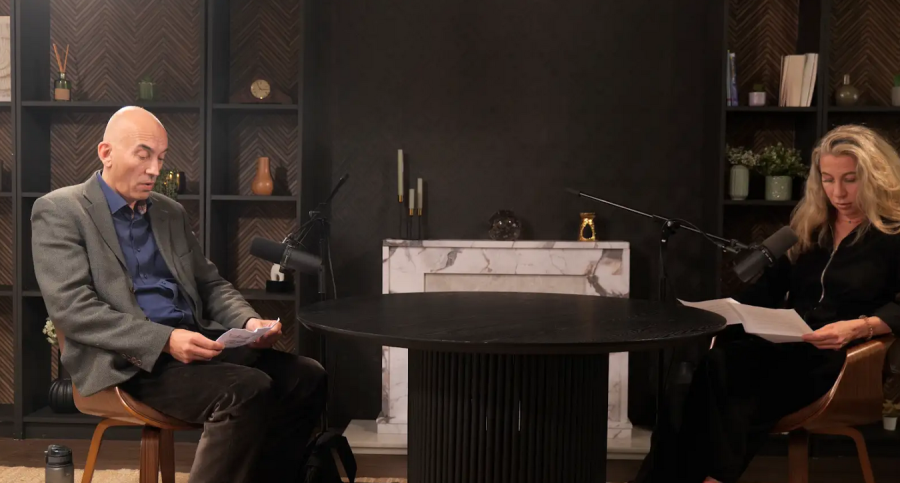
Budget-Friendly Apps for Video Editing Without Compromising Quality
Video editing has become essential for podcasters, content creators, and businesses producing visual podcasts or studio recordings. Budget-friendly apps deliver professional results without high costs, making them ideal for users of podcast studios in London or anywhere else.
Top Free Video Editing Apps
Free apps pack powerful features rivaling paid software. CapCut stands out with AI tools, seamless transitions, and 4K export capabilities, perfect for quick social media clips from podcast sessions. DaVinci Resolve offers Hollywood-level color grading and audio post-production in its free version. It's suitable for complex edits from London podcast studios, handling multi-camera footage without watermarks . iMovie remains a staple for Apple users, providing drag-and-drop simplicity and integration with Final Cut Pro. These apps ensure quality even on basic hardware, avoiding compromises in output.
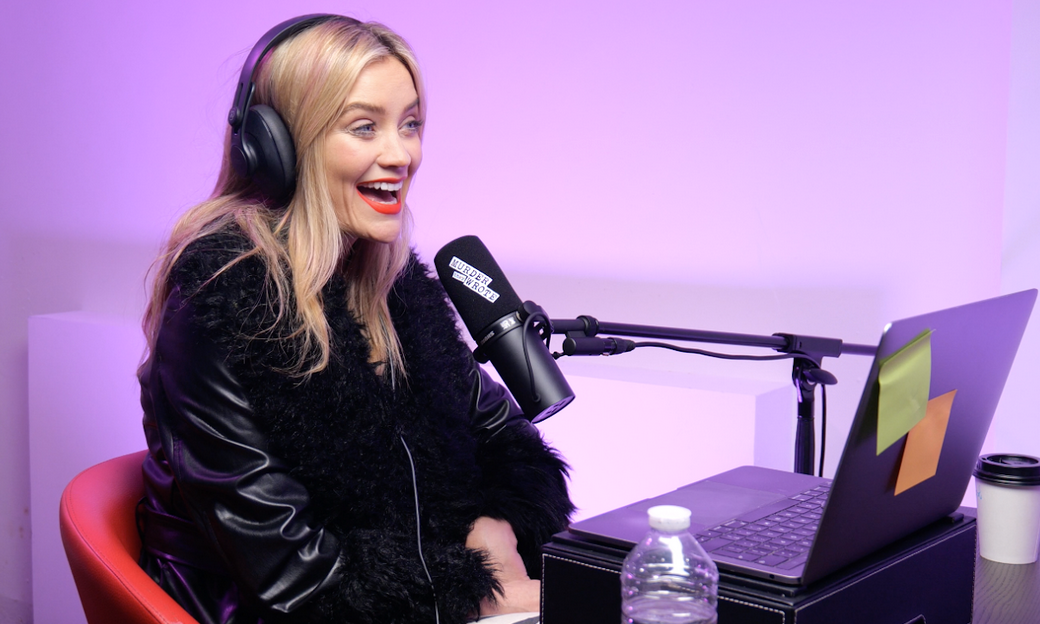
See the 'Murder They Wrote' podcast setup used by Laura Whitmore and Iain Stirling from BBC at Finchley Studio (Gathering setup). Watch Murder They Wrote at BBc sound , Spotify , Apple podcasts , Youtube , Instagram , Amazon music
Affordable Paid Options Under £20/Month
Subscription models keep costs low while unlocking advanced features. Filmora's intuitive interface includes effects libraries and screen recording, ideal for beginners editing video studio content. PowerDirector delivers 360-degree editing and stabilization for shaky handheld shots common in DIY setups. At around £5/month on sale, it competes with pricier tools for podcast video polishing. ACDSee Luxea Pro offers perpetual licenses under £70, with multicam support and keyframing. Users praise its performance on low-spec machines, making it viable for mobile edits post-recording studio sessions.
Mobile Apps for On-the-Go Editing
Smartphone apps bridge the gap for creators away from desktops. InShot excels in vertical video formats popular for TikTok and Instagram Reels from visual podcasts. KineMaster provides layer-based editing and chroma key for green screen effects. Its free tier suffices for most, with pro upgrades at £4.99/month adding premium assets. VN Video Editor stands watermark-free with curve speed controls and text animations. These mobile tools maintain quality parity with desktop software, crucial for London video studio users needing instant turnaround.
Key Features to Prioritize
Multi-track Timelines: Focus on apps with multi-track timelines for syncing audio from podcast studio recordings.
Audio Tools: Noise reduction and EQ tools enhance dialogue clarity without external plugins.
Performance: 4K support and fast rendering prevent quality loss during export.
Efficiency: Template libraries speed up workflows, while stock media integration cuts licensing fees.
AI Integration: AI-driven features like auto-captions and scene detection save hours, ensuring edits from recording studios in London look broadcast-ready.
Hardware Compatibility Tips
These apps run smoothly on mid-range laptops or phones with 8GB RAM. Optimize by using proxy files for 4K footage from high-end video studios. Cloud syncing across devices aids collaborative edits, vital for teams using podcast studio London spaces. External SSDs accelerate timelines without app upgrades.
Comparison: London Podcast Studios vs. Finchley Studio
London podcast studios vary widely in price and features, often charging £100+ per hour in central areas like Fitzrovia or Hackney. Facilities like The Sound Company focus on audio post-production but lack integrated 4K video setups, leading to extra editing needs.
In contrast, Finchley Studio in North London (N31HH) offers versatile rooms at £69/hour, including cosy lounges and soundproof booths just 2 minutes from Finchley Central Tube. It provides pro acoustics, free parking, and bundled editing services—unlike pricier central options averaging £77/hour.
Finchley edges out competitors with all-in-one solutions, reducing post-production reliance on apps. Central studios suit quick hits but inflate costs for video-heavy projects.
Integrating Apps with Studio Workflows
Record raw footage at a podcast studio London then import to CapCut for cuts. Use DaVinci for color matching across multi-camera angles captured in professional spaces. Finchley Studio's £299 editing package handles advanced tasks like sound design, complementing app basics. This hybrid approach maximizes quality on budgets.
Advanced Techniques for Pro Results
Layer graphics and B-roll in Filmora to elevate simple podcast clips. Stabilize footage from handheld mics using PowerDirector’s tools, mimicking London recording studio stability. Auto-reframe for social platforms ensures versatility. Export LUTs from DaVinci for consistent grading across episodes.
Audio Optimization in Video Edits
Podcast audio demands precision—use Luxea’s noise gates for clean dialogue. Sync multi-track audio from studio sessions effortlessly in Resolve. Finchley Studio’s pro sound design outperforms DIY mic fixes, but apps bridge the gap affordably.
Export and Distribution Strategies
Choose H.265 for smaller files without quality dips, standard in top apps. Tailor aspect ratios: 16:9 for YouTube, 9:16 for Reels from video studio London shoots. Batch export presets streamline workflows for regular podcast releases.
Case Studies: Real-World Success
A North London creator used CapCut to edit Finchley Studio footage, gaining 10k views on visual podcasts. Businesses save 50% vs. central studios by combining apps with Finchley hires. Indie filmmakers praise InShot for quick turnarounds post-recording studio London sessions.
SEO Tips for Video Content
Embed target keywords in titles like "Podcast Studio London Edit Tutorial." Thumbnails from app effects boost click-through rates. Optimize descriptions with timestamps for better ranking in London video studio searches.
Future Trends in Budget Editing
AI auto-edits will dominate, as seen in emerging CapCut updates. Cloud collaboration grows, integrating with studio CRMs like Finchley’s booking system. Open-source tools like Shotcut evolve, challenging proprietary apps.
Cost-Benefit Analysis
Free apps save £500+/year vs. Adobe Premiere. Pairing with Finchley Studio yields pro results at half central London rates.
User Reviews and Ratings
CapCut scores 4.8/5 for ease; DaVinci 4.7/5 for power. TechRadar users highlight value over generic London podcast studio options.
Troubleshooting Common Issues
Lag on timelines? Lower preview resolution. Audio sync off? Use PluralEyes plugins or manual nudges in VN. For studio footage, match frame rates early.
Customization and Branding
Apps like KineMaster allow custom LUTs for brand colors. Animate logos seamlessly for podcast intros recorded at video studio London.
Collaboration Features
Cloud projects in Filmora enable team reviews, ideal for agency work using recording studios.
Accessibility Enhancements
Add subtitles via auto-tools, ensuring inclusivity for global podcast audiences.
Mobile vs. Desktop Showdown
Desktop wins for studio-grade edits; mobile for quick fixes.
Scaling for Business Use
Enterprises adopt Riverside’s £12/month for remote recording + app polish. Finchley suits in-person London needs affordably.
Legal and Licensing Notes
Most apps offer royalty-free assets; verify for commercial podcast use.
Performance Benchmarks
Tests show Luxea editing 1080p timelines 20% faster than rivals on budget PCs.
Community Resources
Reddit's r/videoediting and app forums provide templates for podcast studio creators.
Monetization Through Edits
Polish Reels with InShot to drive studio bookings, as Finchley clients do.
Ready to elevate your project? Book Finchley Studio now for premium podcast and video spaces at unbeatable rates














