
Before putting music, photographs or other people's clips into a podcast, check whether your intended use is covered by permission, a suitable licence or an applicable legal exception. Build this into planning, because replacing an asset after the edit can affect the episode, trailer and every social version.
List every asset and every destination
Create an asset register before sending media to the editor. Include theme music, sound effects, archive footage, guest slides, photographs, artwork and any material visible on a studio screen. Record where each item came from and who will verify its use.
The UK government's copyright guidance explains the main routes for using protected material. The practical task is to establish which route covers this particular asset and release, rather than relying on a familiar label such as “royalty-free”.
Use the output list from your production brief. Include audio distribution, video platforms, social clips, paid campaigns and any later reuse you already anticipate.
Read the scope of the actual licence
Check the permitted media, territory, duration, editing rights and attribution requirements. Record whether the permission covers a client project, advertising or use by another editor. Keep the licence version and purchase evidence with the production records.
| Asset | Useful record to keep |
|---|---|
| Library music | Track, provider, licence and any required credit |
| Commissioned theme | Written agreement about use, ownership and supplied versions |
| Guest photograph | Source, rights contact and permitted promotional uses |
| Archive clip | Exact extract and the basis for the proposed use |
| Brand graphic | Approved file and any restrictions supplied by its owner |
If a provider's terms are unclear, ask before committing the edit. Having a file on your computer is not a clear record of what you may do with it.
Treat platform libraries carefully
YouTube's Audio Library guidance explains attribution requirements for relevant Creative Commons tracks. Check the chosen track's terms and any intended use outside YouTube separately. Do not assume that music available in one app may be exported into an audio feed, advertisement and client website under identical terms.
For commercial music, ask a qualified rights specialist which permissions the exact recording and proposed uses require. Avoid general rules about a supposedly safe number of seconds. A short extract can still raise a rights question.
Make a plan for changes and clearance delays
An illustrative workflow is to mark an unapproved asset as “reference only”, identify a cleared alternative and approve the replacement before final export. Do not let a temporary track quietly become the published soundtrack.
Give the editor usable files, required credits and any restrictions in one handover. If the licence covers only some destinations, name those outputs explicitly. The social repurposing guide helps identify derivatives that may need checking.
Before release, compare the finished episode against the register. Check that credits survived the edit and that no unplanned background music or screen content has entered the programme. Where you intend to rely on a legal exception or face an unresolved ownership question, get advice specific to the material and context.
Planning this at Finchley Studios
For a Finchley session, identify any material you want played, shown or added in post-production before confirming the brief. The Green Screen Cove can support a different visual background, but choosing that set does not clear the background image or footage you supply.
Tell the recording and editing teams which assets are approved and which are references. Confirm who obtains permissions, supplies credits and authorises replacement material. If you use Finchley's editing services, include the asset register with the edit brief. Keep the same restrictions attached when the episode becomes a trailer or a social clip.
A client recording from Finchley Studios
From our client recording collection: BBC Sounds.
Continue planning your recording
- Podcast Guests and AI: Permissions to Discuss Before Recording
- Who Owns Your Podcast Recording? Questions to Agree in Writing
- Podcast Guest Release Forms: What to Agree Before Recording
For the full series, explore our podcast studio booking guide.
Explore all 12 Finchley sets
Compare the looks below, then follow the booking or enquiry link for your preferred set. Confirm the recording package, guest capacity and location for your session.
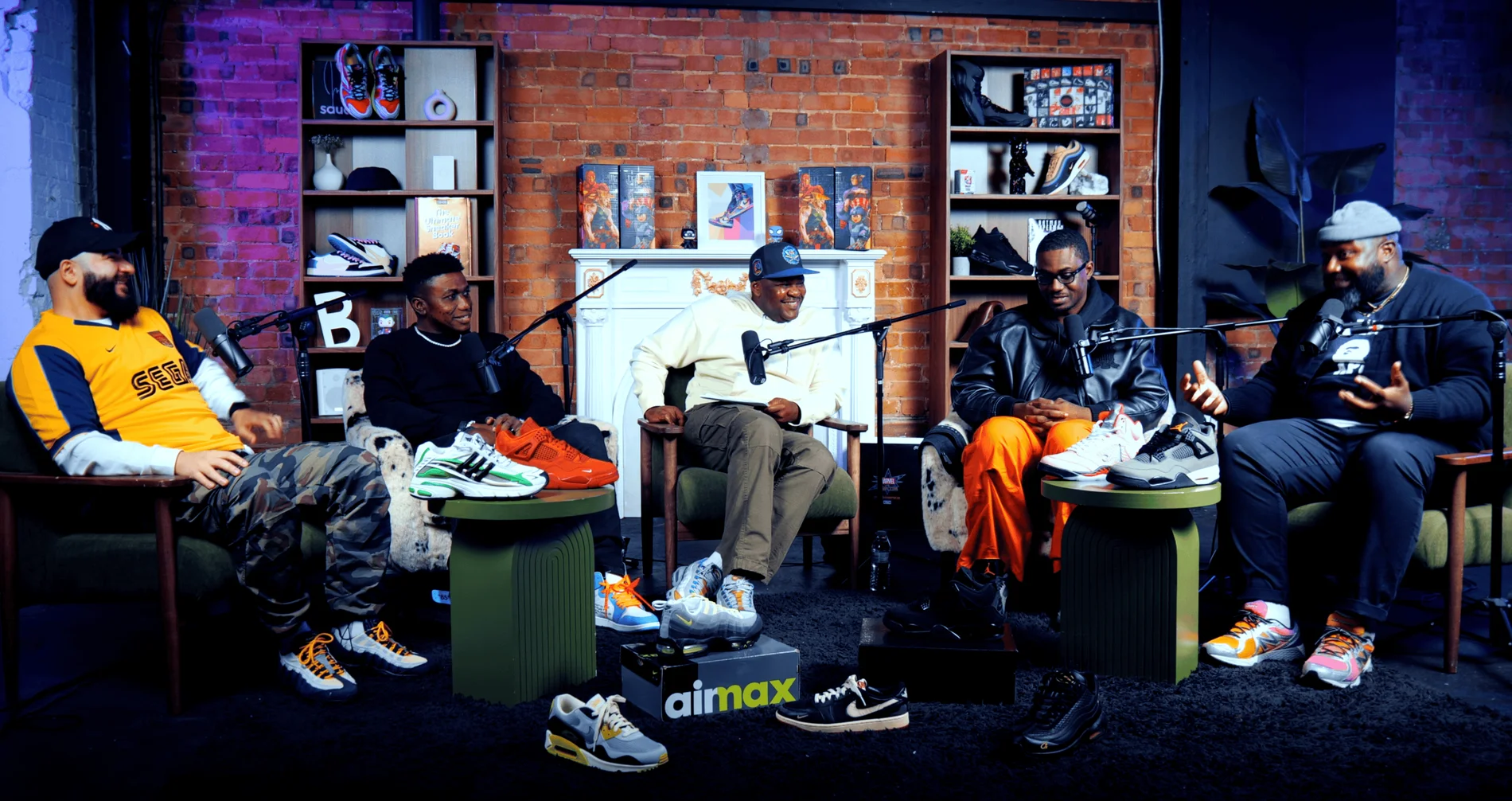
Pulse Lounge at Finchley Studios. Enquire about Pulse Lounge.
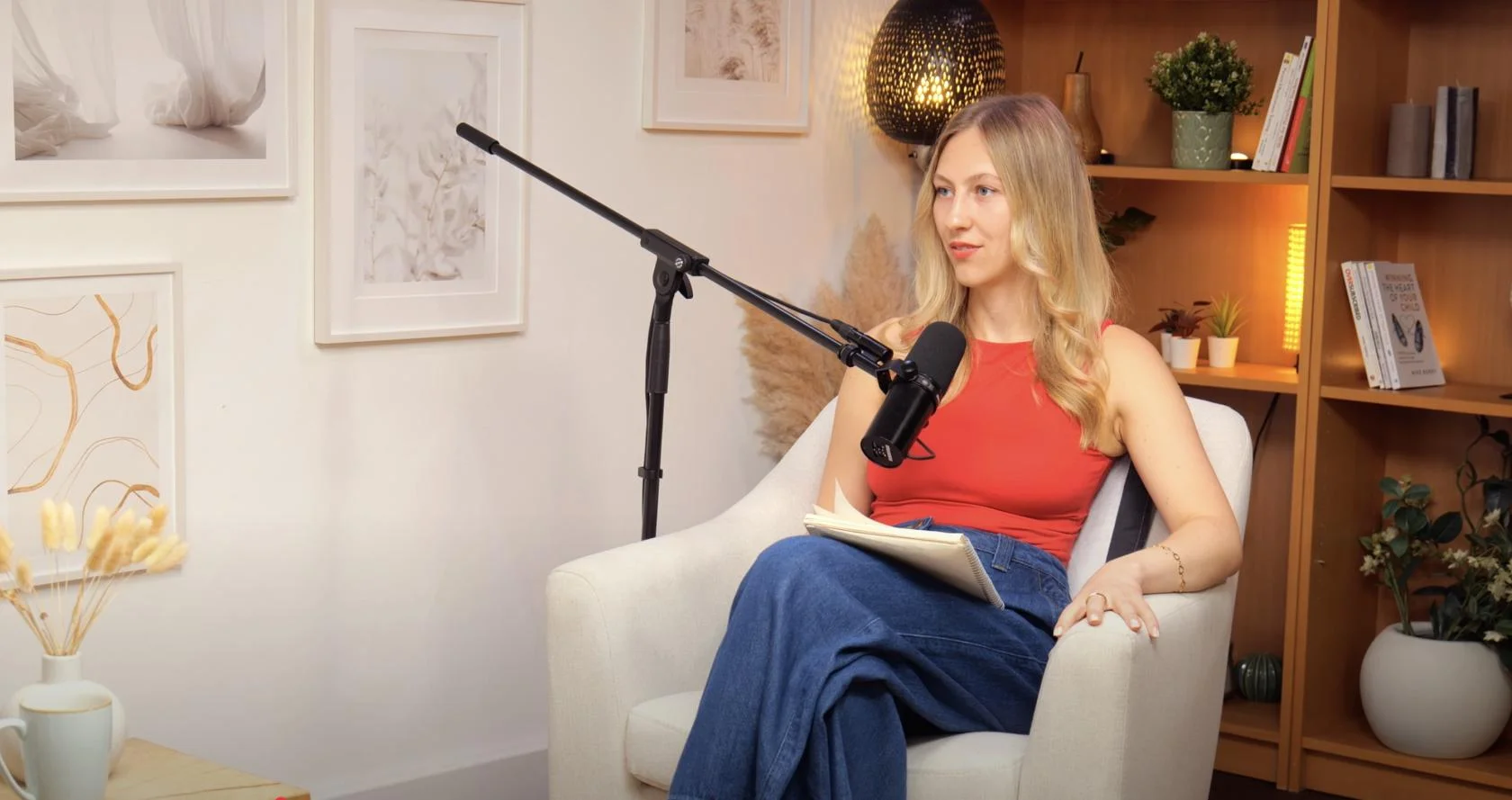
Dialogue at Finchley Studios. Book Dialogue.
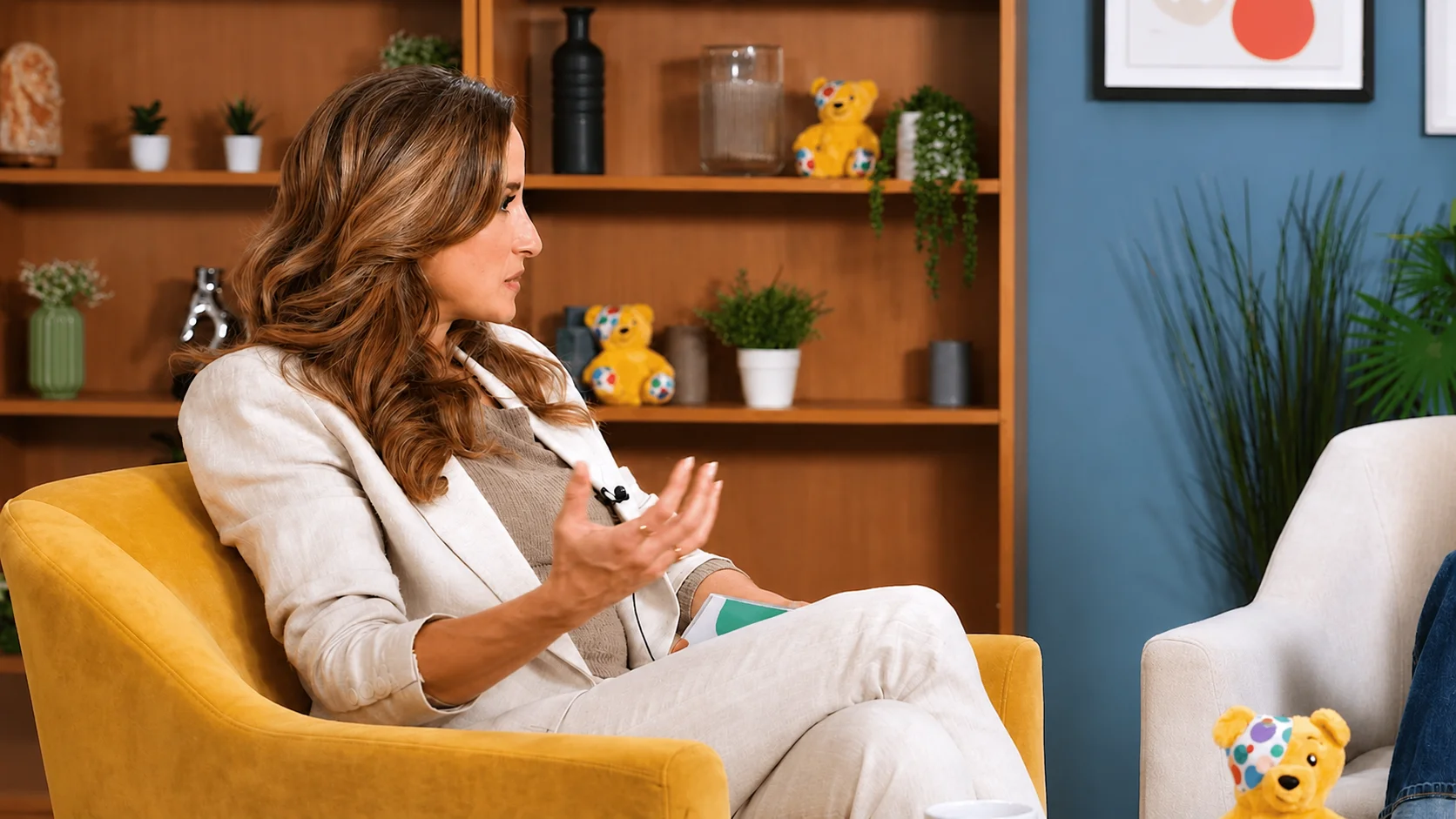
Lounge at Finchley Studios. Book Lounge.
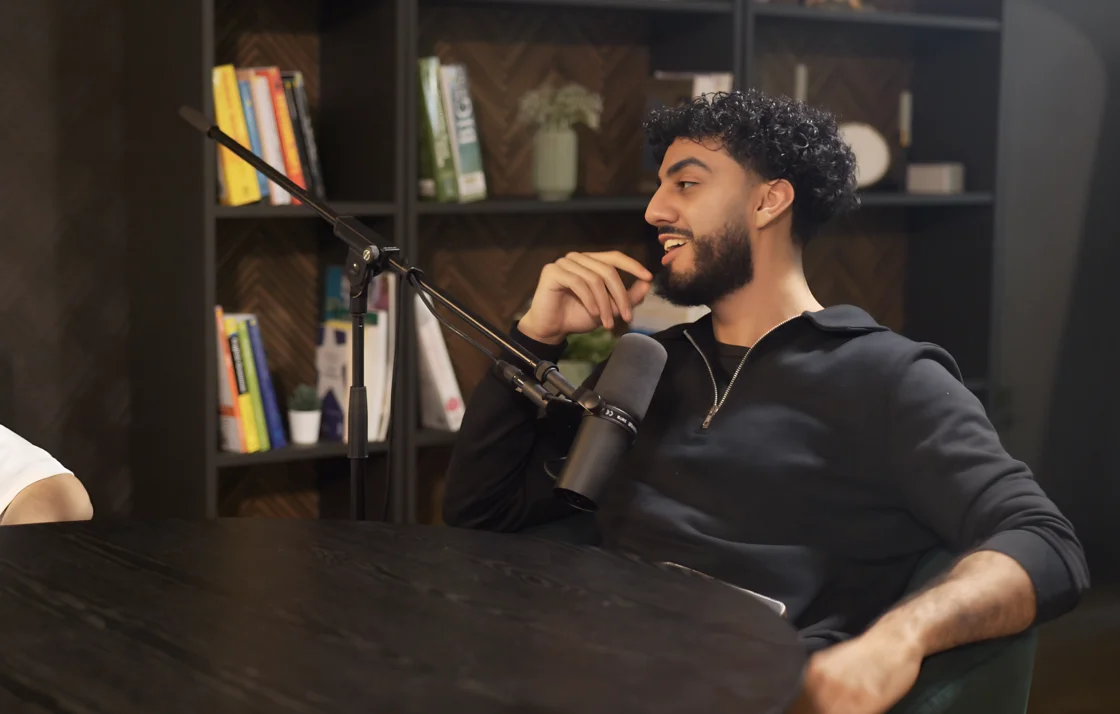
CEO at Finchley Studios. Book CEO.
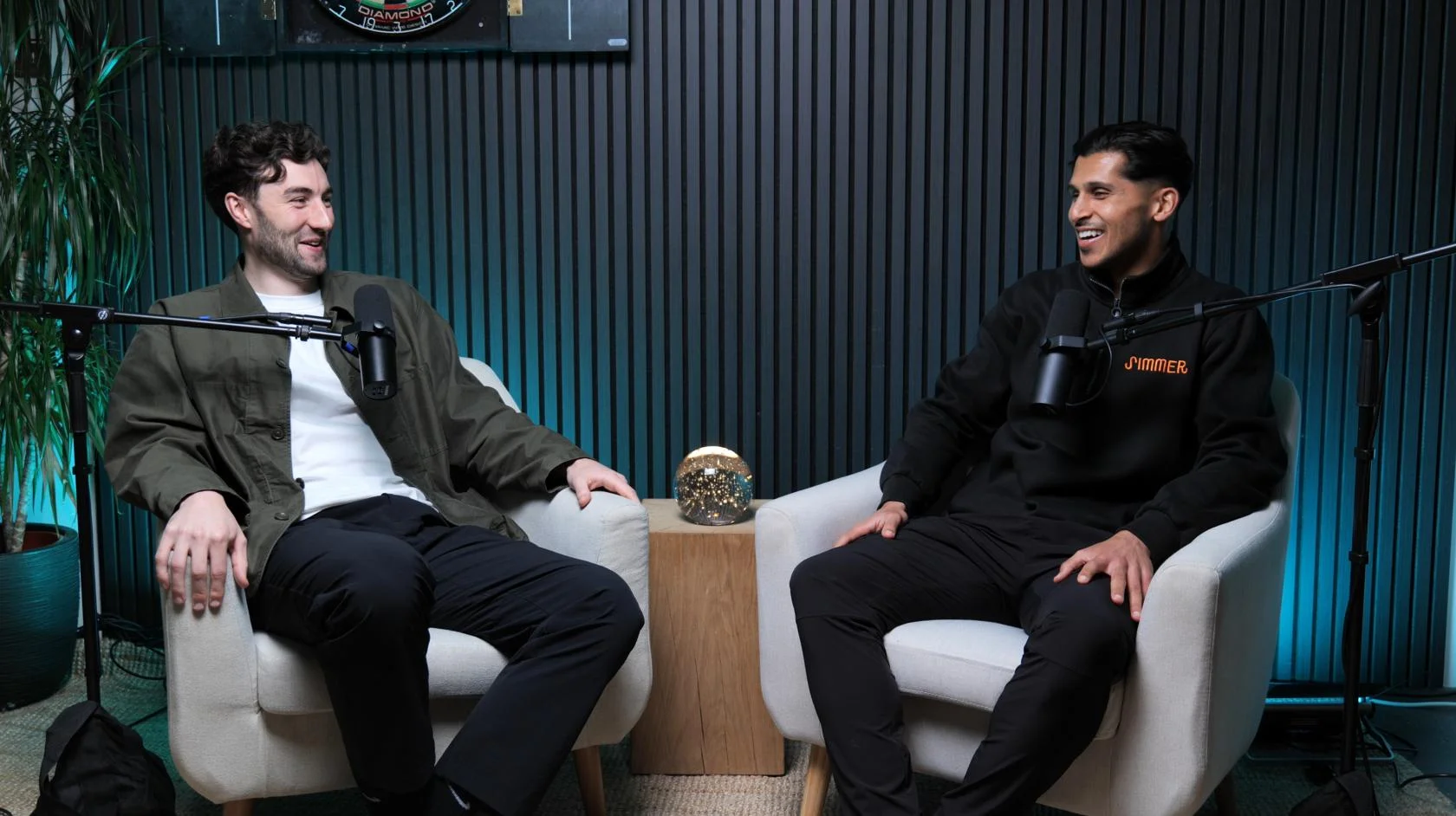
Blackwood at Finchley Studios. Book Blackwood.

Roundtable at Finchley Studios. Enquire about Roundtable.
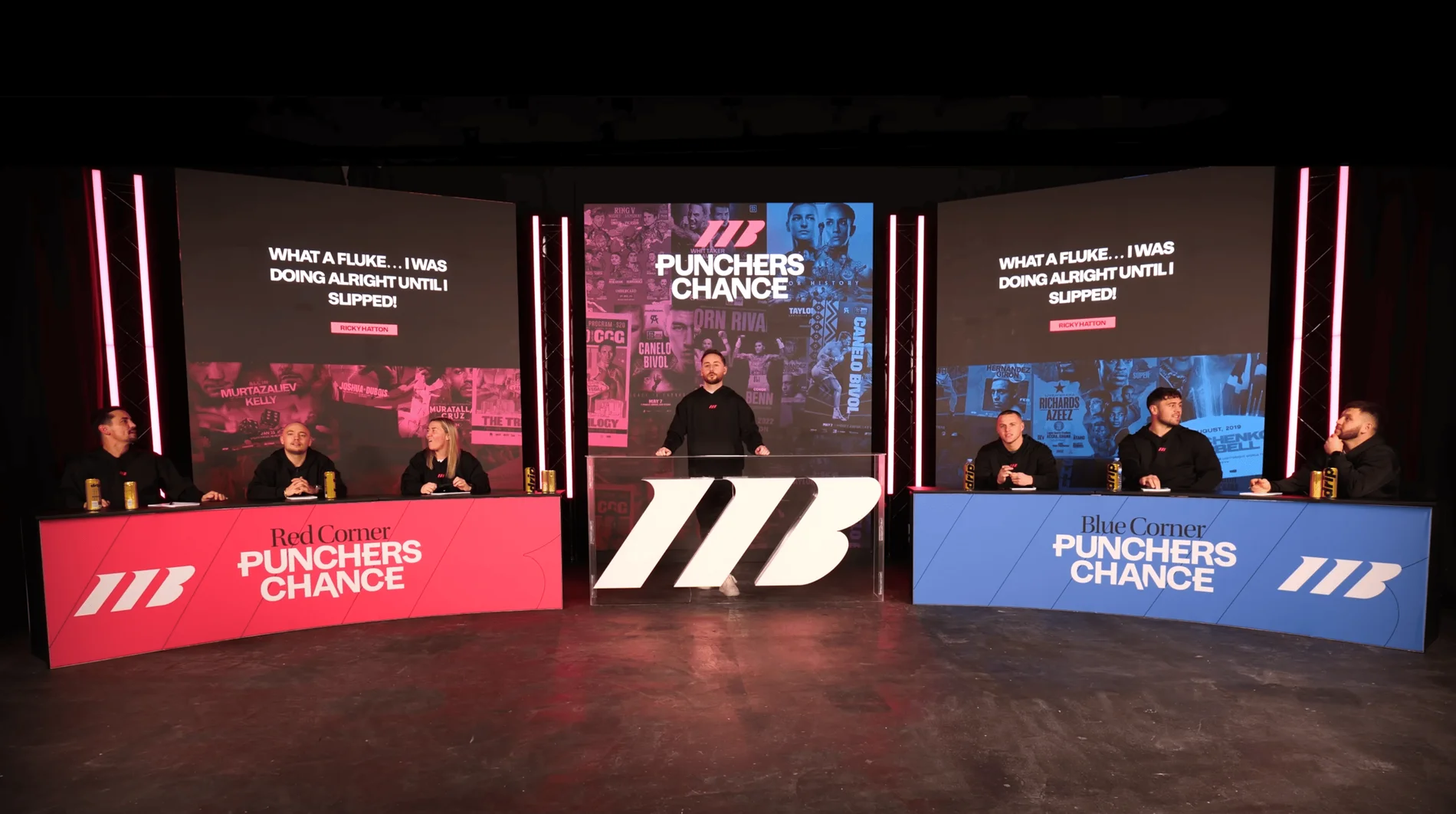
The Brick Studio at Finchley Studios. Enquire about The Brick Studio.
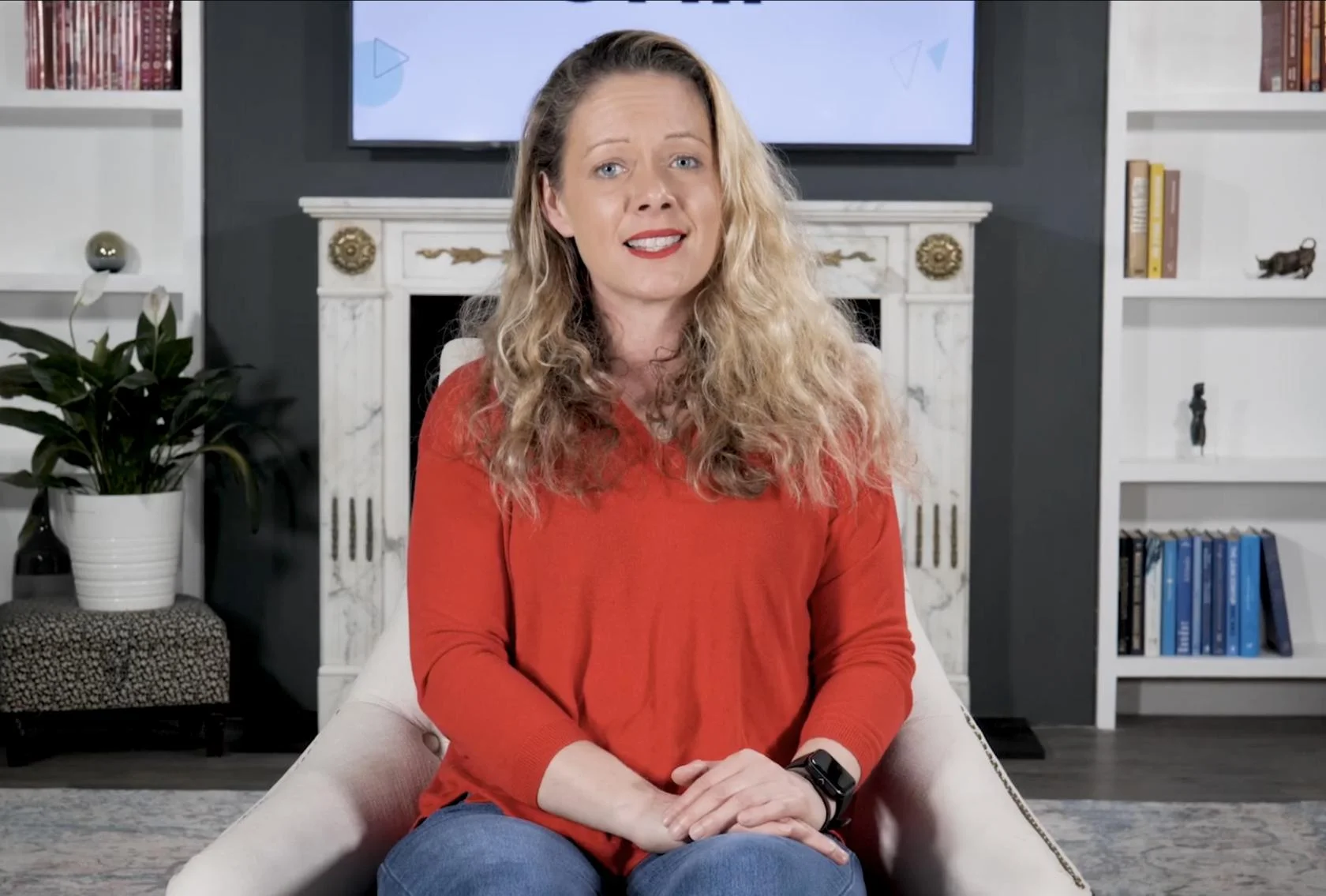
Green Screen Cove at Finchley Studios. Book Green Screen Cove.

Giant White Infinity Cove at Finchley Studios. Enquire about Giant White Infinity Cove.
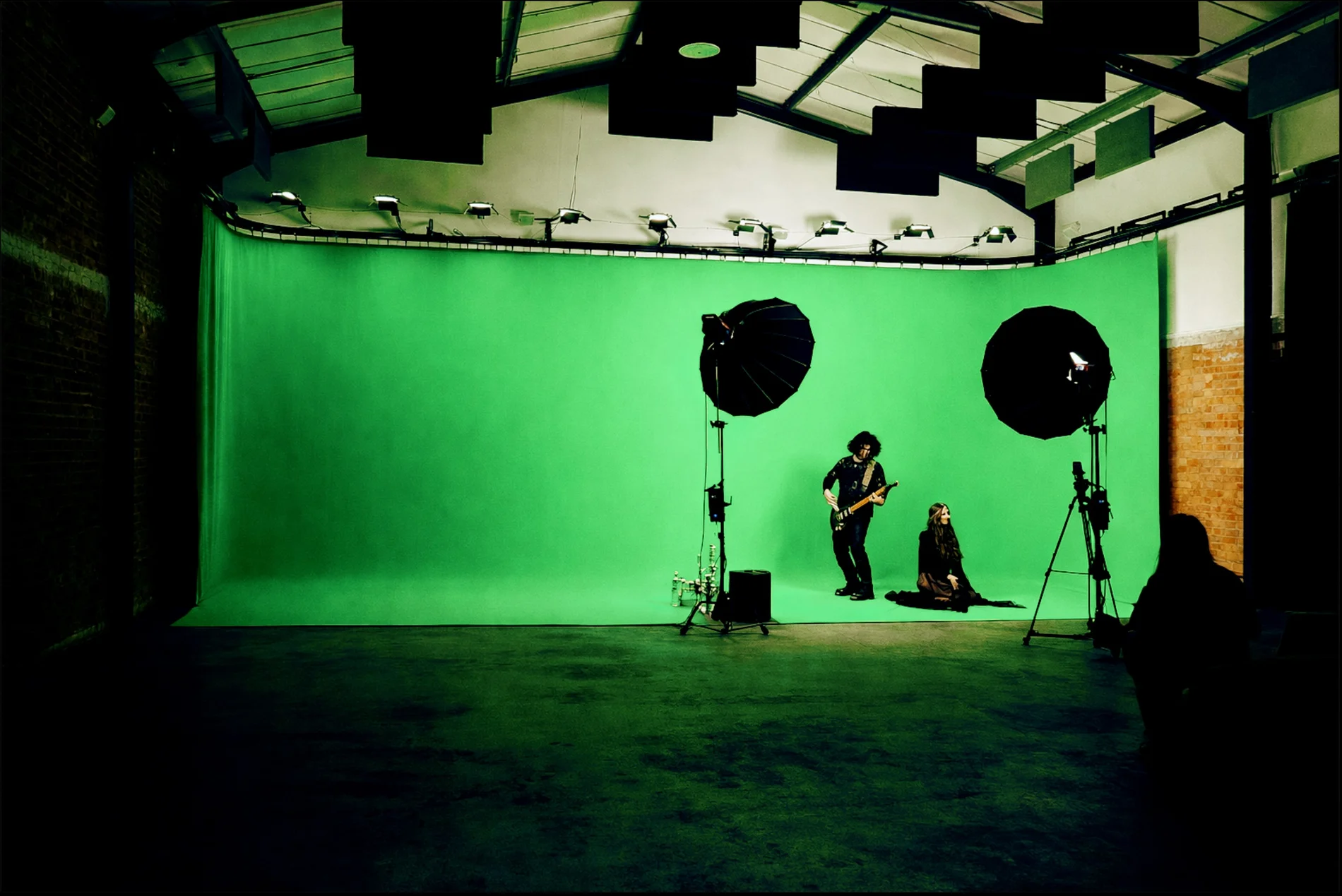
Giant Green Screen at Finchley Studios. Enquire about Giant Green Screen.
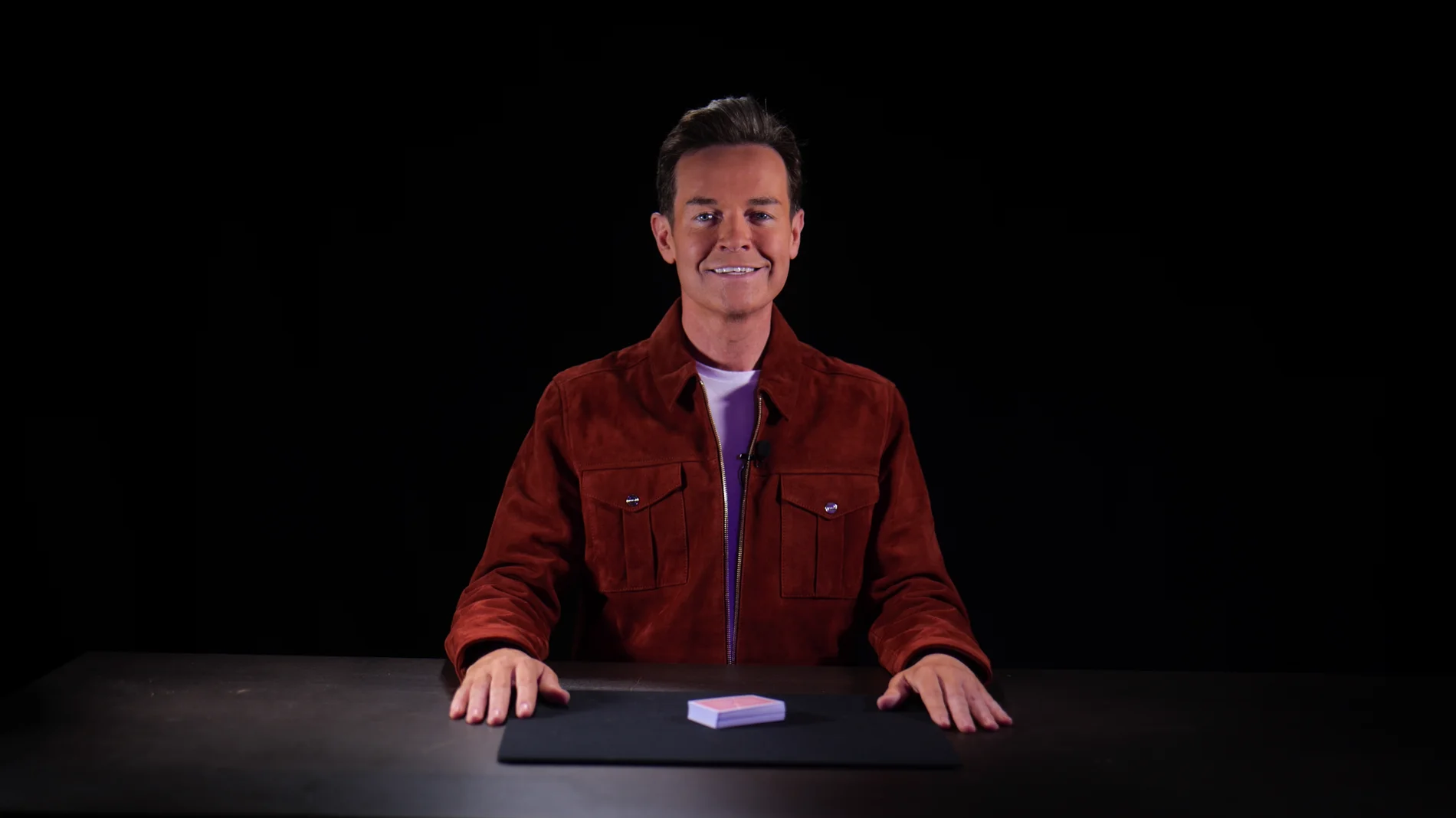
Blackout at Finchley Studios. Book Blackout.
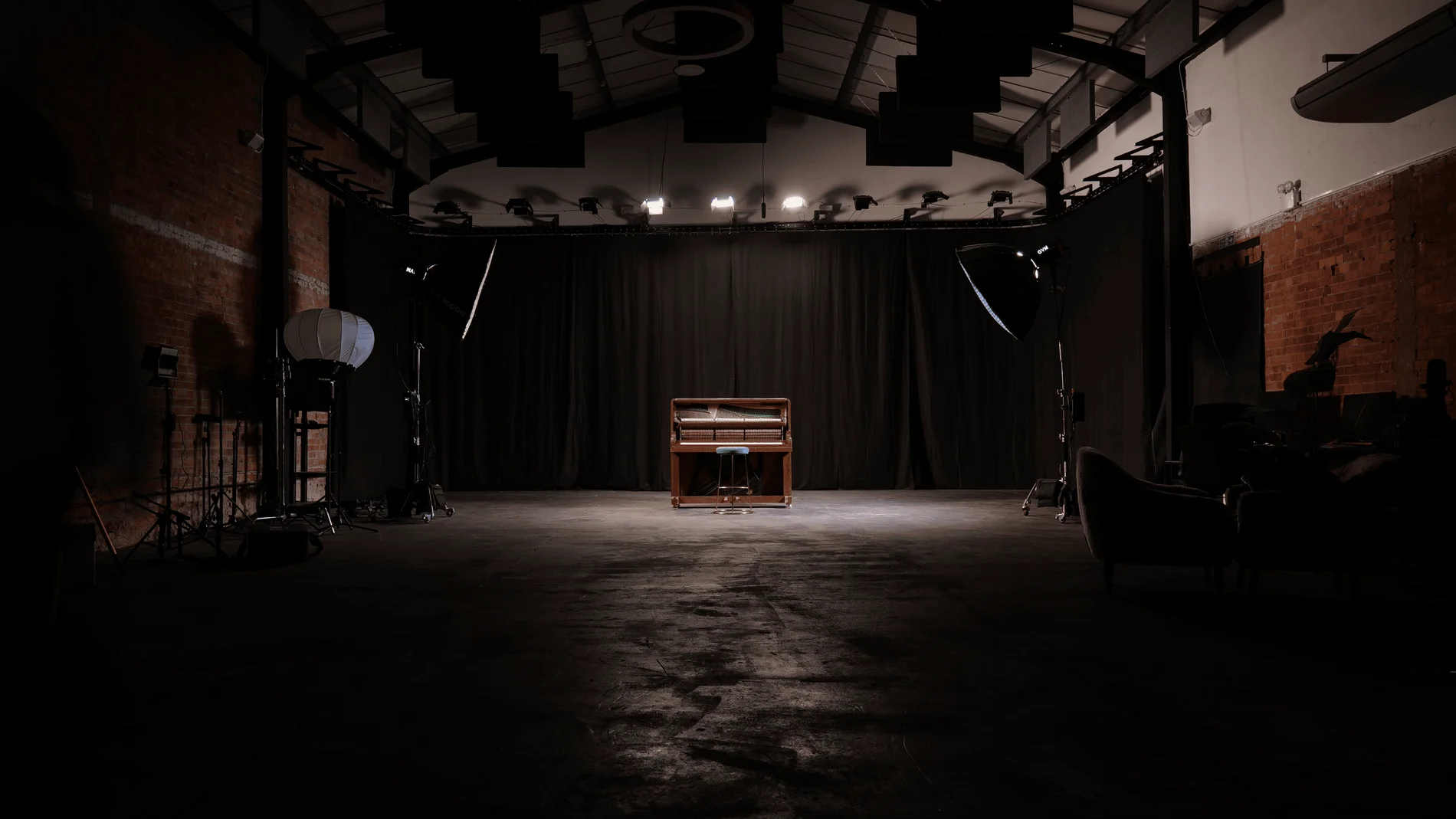
Giant Blackout at Finchley Studios. Enquire about Giant Blackout.
Plan your Finchley recording
Explore our London recording studio to compare sets and production support. Send your brief to the Finchley team with your preferred date, guest count and required outputs.











