
A podcast studio brief turns your idea into a recording plan the team can quote and prepare. Describe the audience, people, session and finished outputs in one place. Keep it concise enough to use on the day, with additional technical detail supplied by the editor or engineer where needed.
Start with purpose and format
State who the show serves and what a good episode should achieve. Then describe the format: one host and guest, a panel, a solo presentation or a mixture of studio and remote contributors. Include an example of the tone you want, explaining what you like about it.
Name the number of episodes and anticipated conversation length. Avoid using the finished running time as the studio duration. Refer to the booking-duration guide when building the schedule.
Define the people and practical requirements
List speaking positions, observers, crew and remote participants. Include access arrangements, guest availability and the responsible production contact. Give the booked venue address on the final call sheet once confirmed.
Identify any props, furniture, screens, branding or wardrobe considerations that affect setup. Supply dimensions and usable asset files rather than expecting the team to reproduce an image from a vague description.
Separate recording from delivery
YouTube's upload recommendations include retaining the recorded frame rate. Ask the receiving editor to agree the capture and export specifications before the session.
For audio distribution, Apple distinguishes RSS audio requirements from other delivery routes. Name the destination rather than requesting an unspecified “podcast file”.
Use separate lines for camera sources, microphone tracks, finished episodes, clips, captions and thumbnails. The deliverables guide helps make this list specific.
Adapt a short example
The following is an illustrative brief, not a package description or timing recommendation:
- Purpose: an interview series helping small business owners understand recruitment.
- People: one host and one studio guest; one producer observing.
- Format: one conversation, approximately 35 minutes after editing.
- Look: seated interview; consistent branding across the series.
- Capture: confirm camera views and separate audio requirements with the editor.
- Outputs: one landscape episode, one audio release and two captioned vertical extracts.
- Assets: approved logo, guest credit, licensed theme and spelling list supplied before recording.
- Schedule: studio duration, setup, pickups and wrap to be agreed with the quote.
- Delivery: raw-file date and edited-review date specified separately.
- Approvals: one named producer collates feedback and authorises the final release.
Finish with decisions and open questions
Mark requirements that are essential and preferences that can change. If you have not decided whether to livestream, say so; it may change staffing, rehearsals and the recording plan. Ask the studio to identify missing information before you confirm.
Keep one approved version and circulate changes to everyone affected. A new guest, extra output or revised set can alter time and price. Update the brief and quotation together instead of relying on separate messages that contain different assumptions.
Planning this at Finchley Studios
Send the brief to Finchley with preferred dates and a set preference. The Roundtable page presents a table-based option for group discussions; share the actual speaker count and camera requirements so the team can assess the layout.
Ask Finchley to confirm the recording package, responsible technical roles, duration and itemised outputs against the brief. Keep editing and delivery requirements visible even when they will be handled by your own team. Confirm which venue is booked before sending guest directions. The final agreed brief should give the host, studio and editor the same understanding of the session.
A client recording from Finchley Studios
From our client recording collection: The Social Battery Podcast.
Continue planning your recording
- How to Plan a Six-Episode Podcast Series
- How to Brief a Podcast Guest Before Recording
- How Long Should a Podcast Episode Be?
For the full series, explore our podcast studio booking guide.
Explore all 12 Finchley sets
Compare the looks below, then follow the booking or enquiry link for your preferred set. Confirm the recording package, guest capacity and location for your session.
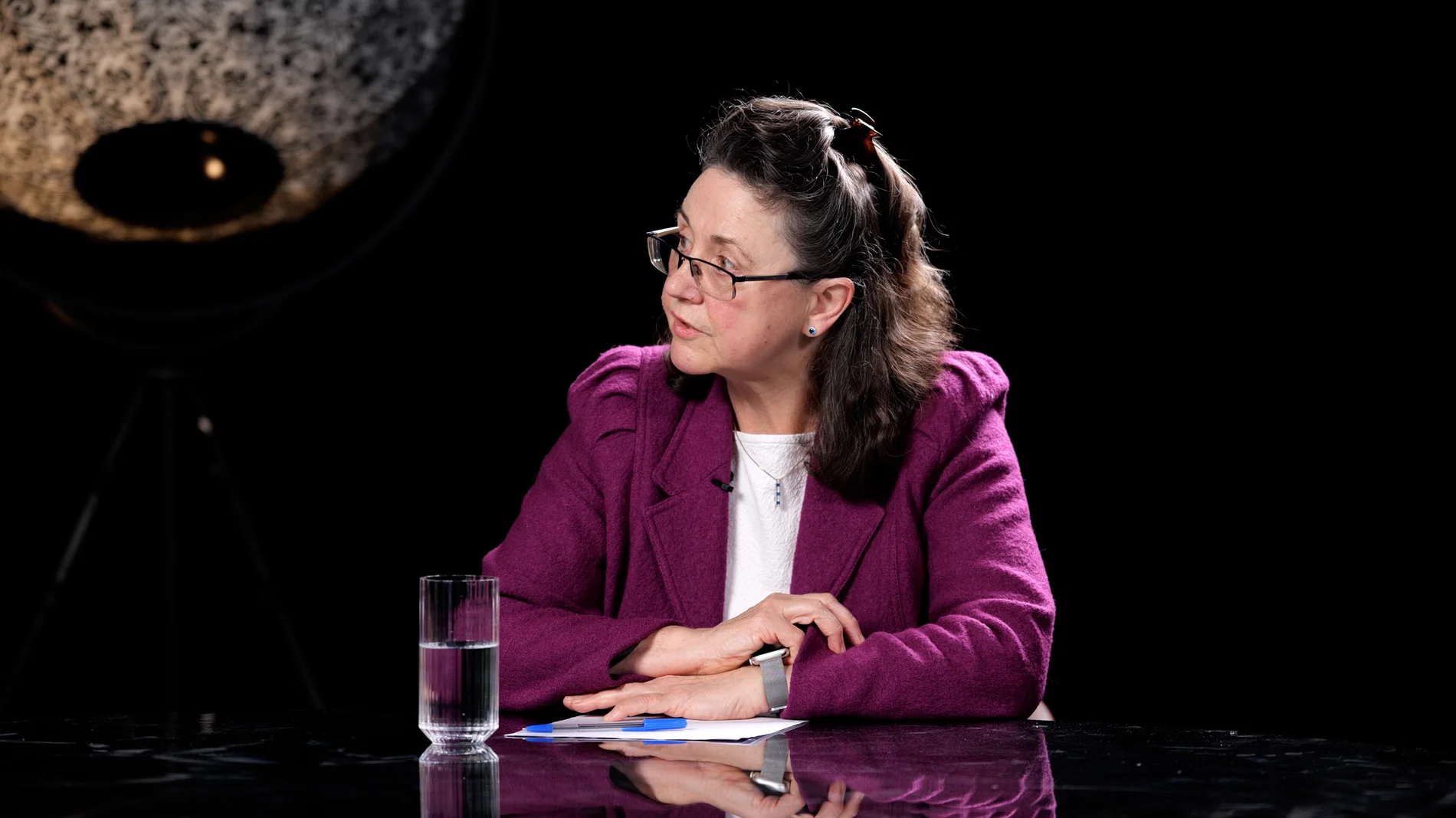
Roundtable at Finchley Studios. Enquire about Roundtable.
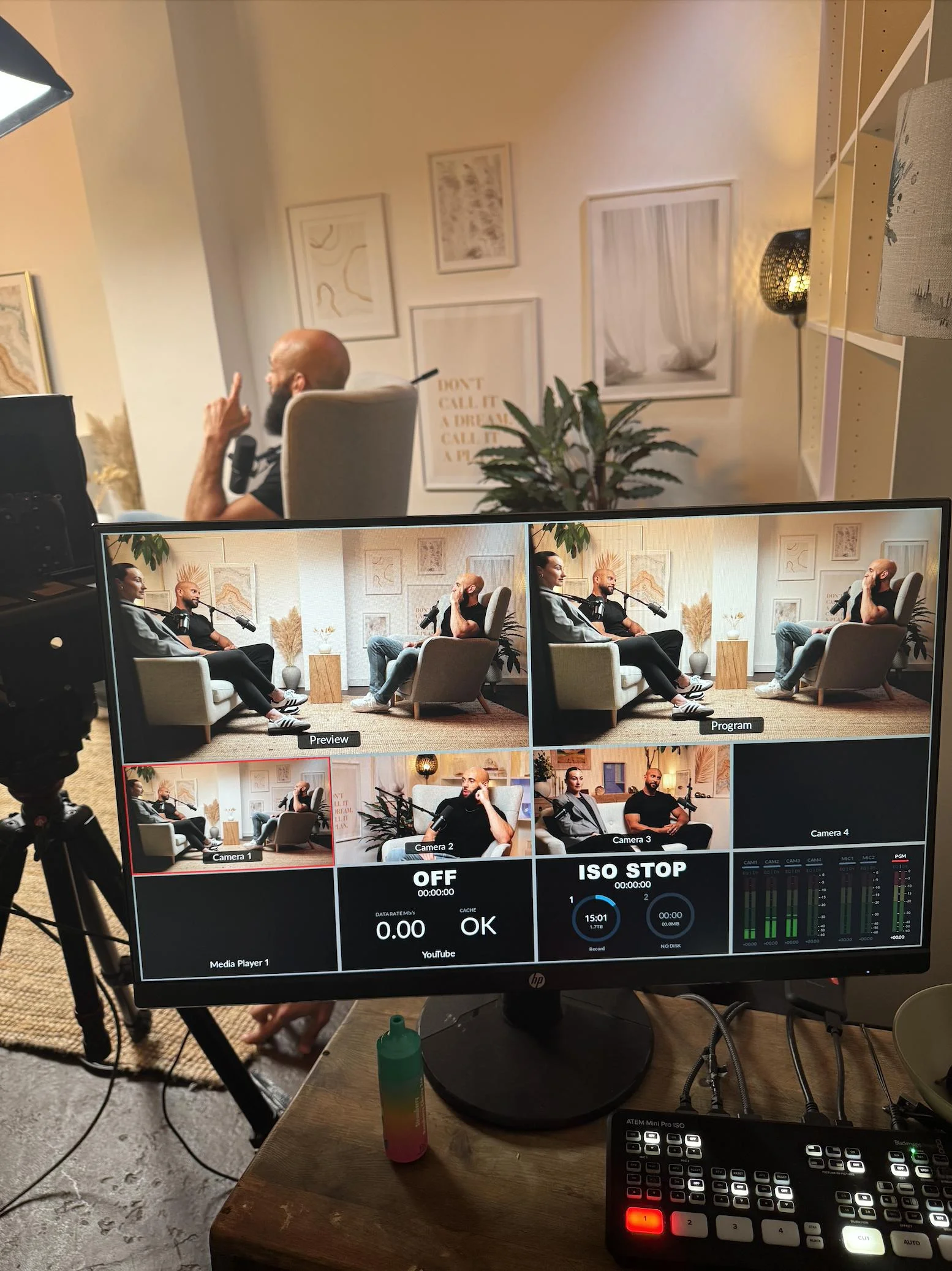
Dialogue at Finchley Studios. Book Dialogue.
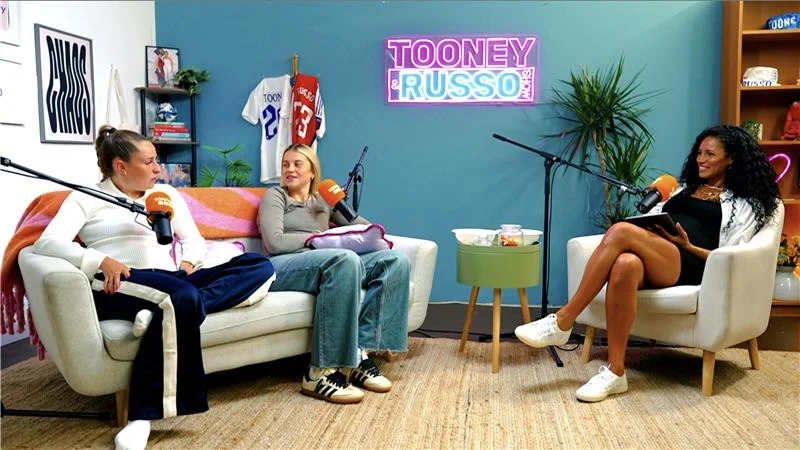
Lounge at Finchley Studios. Book Lounge.
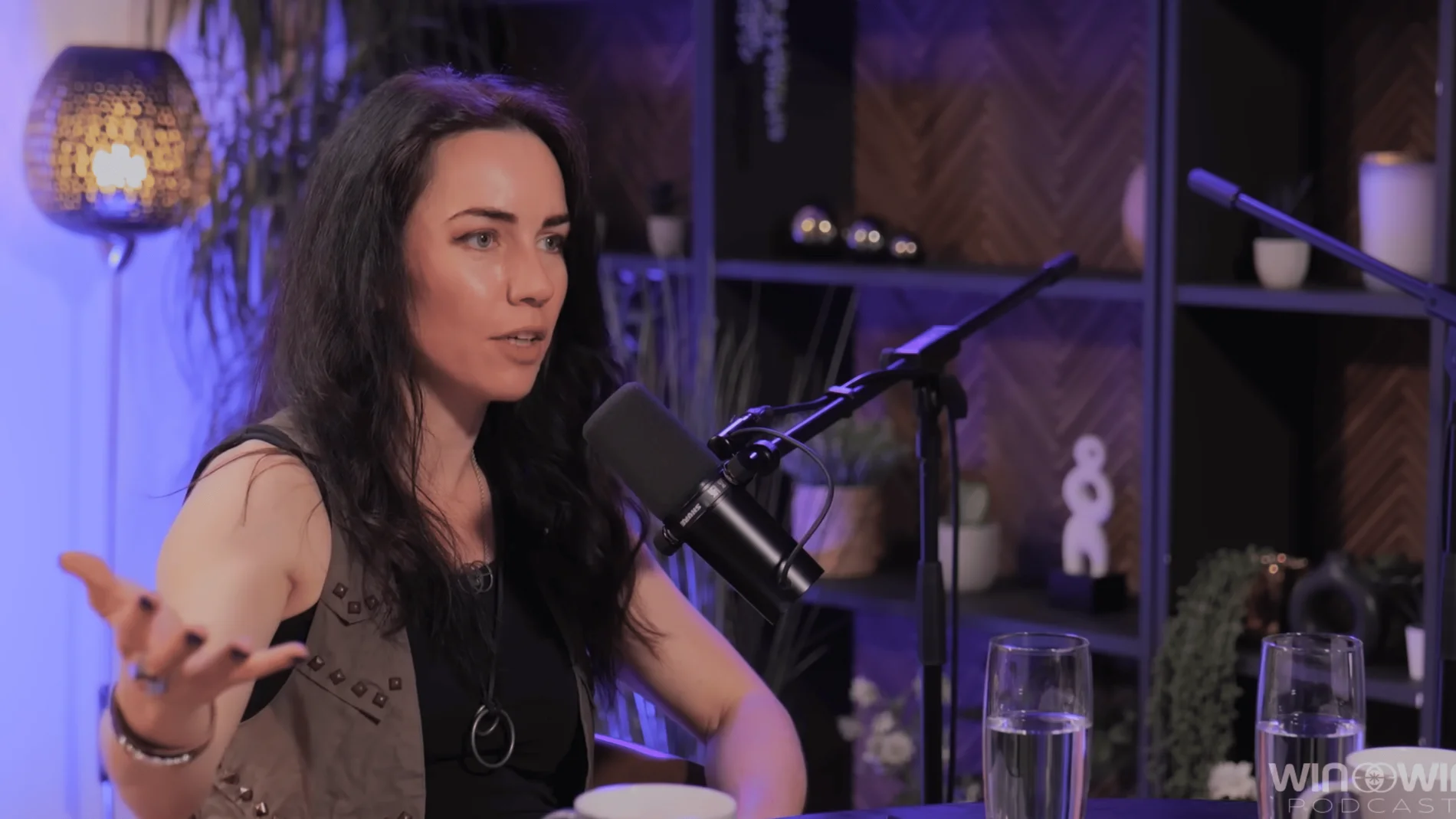
CEO at Finchley Studios. Book CEO.
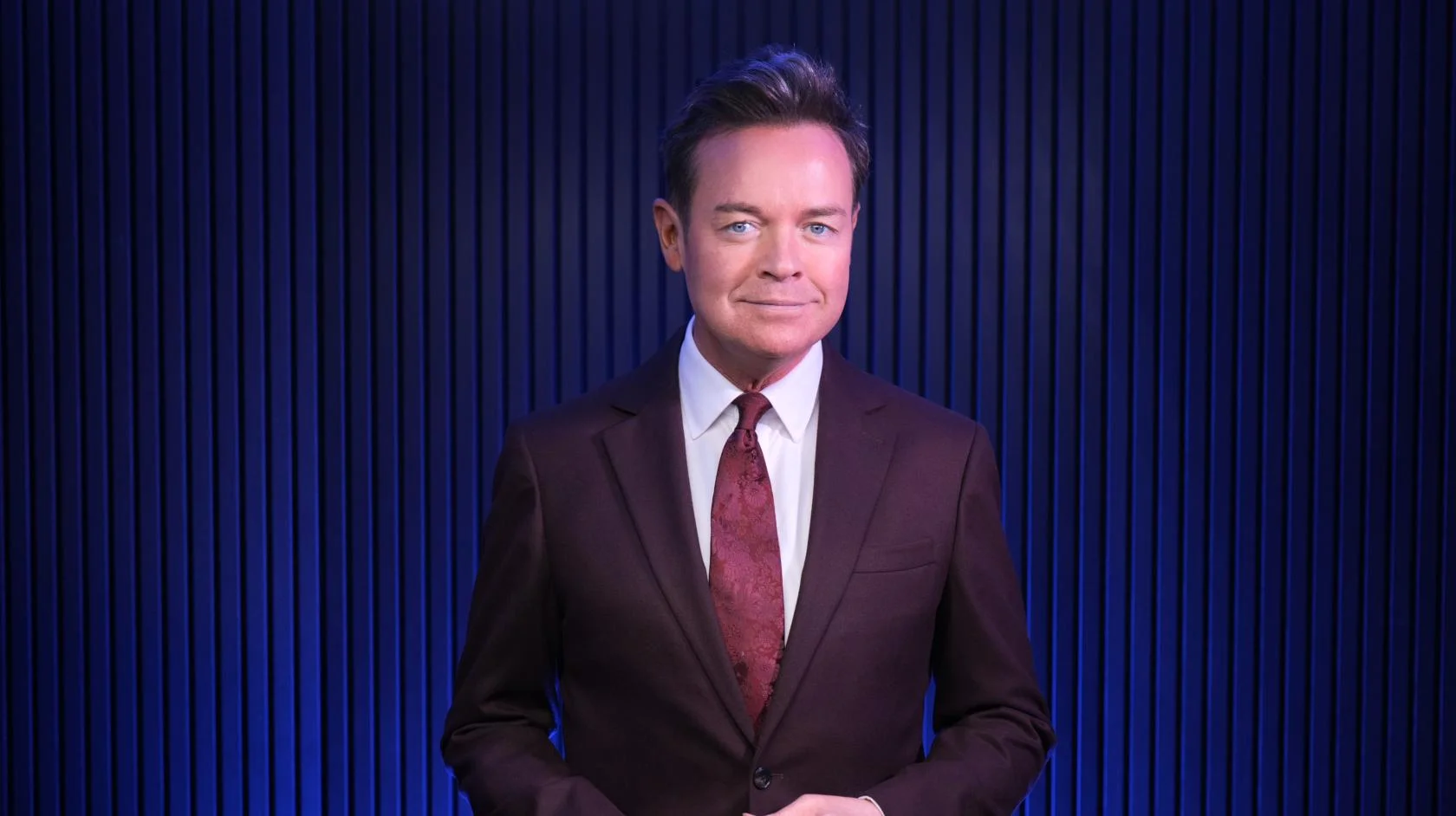
Blackwood at Finchley Studios. Book Blackwood.
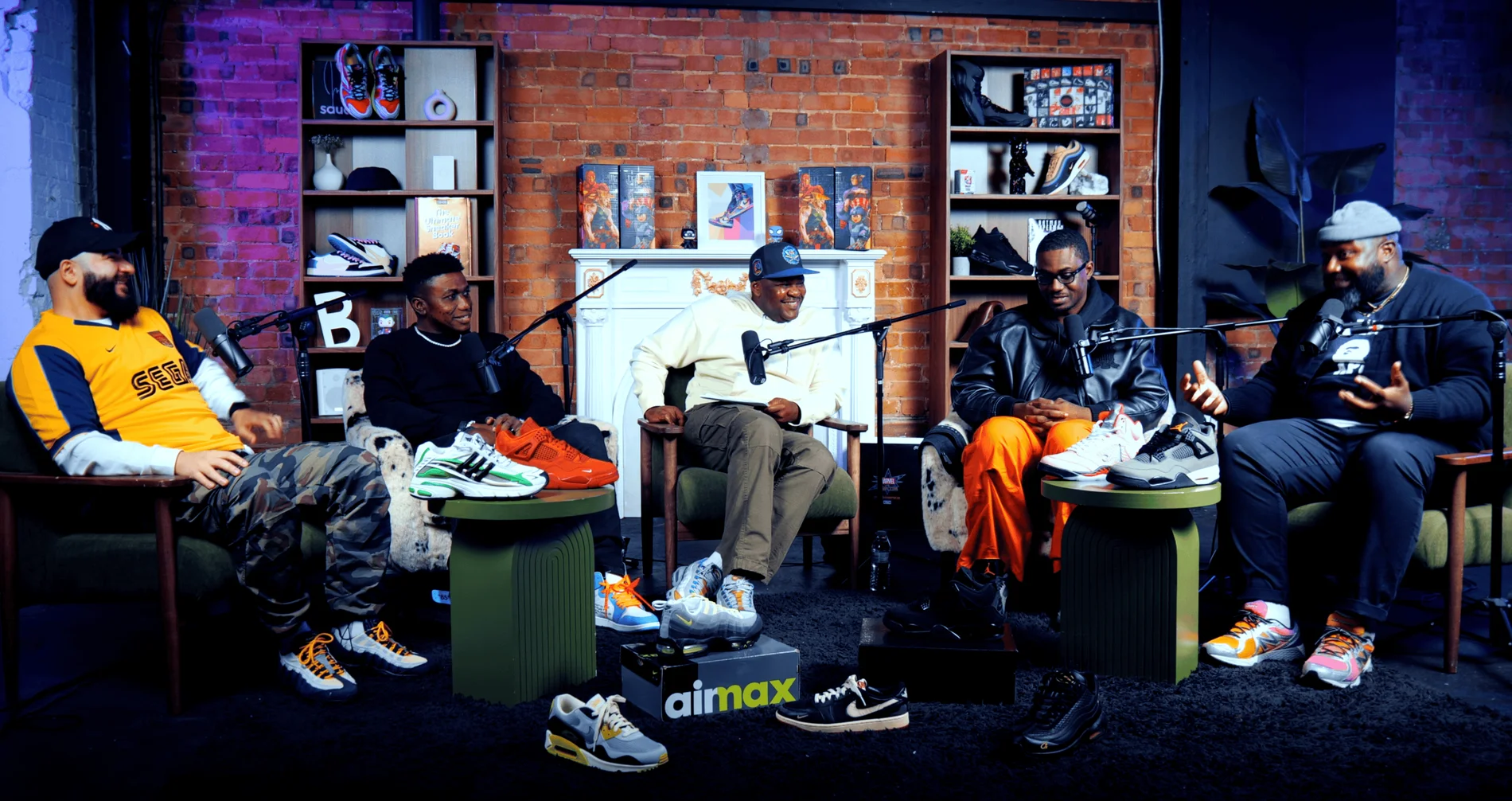
Pulse Lounge at Finchley Studios. Enquire about Pulse Lounge.

The Brick Studio at Finchley Studios. Enquire about The Brick Studio.
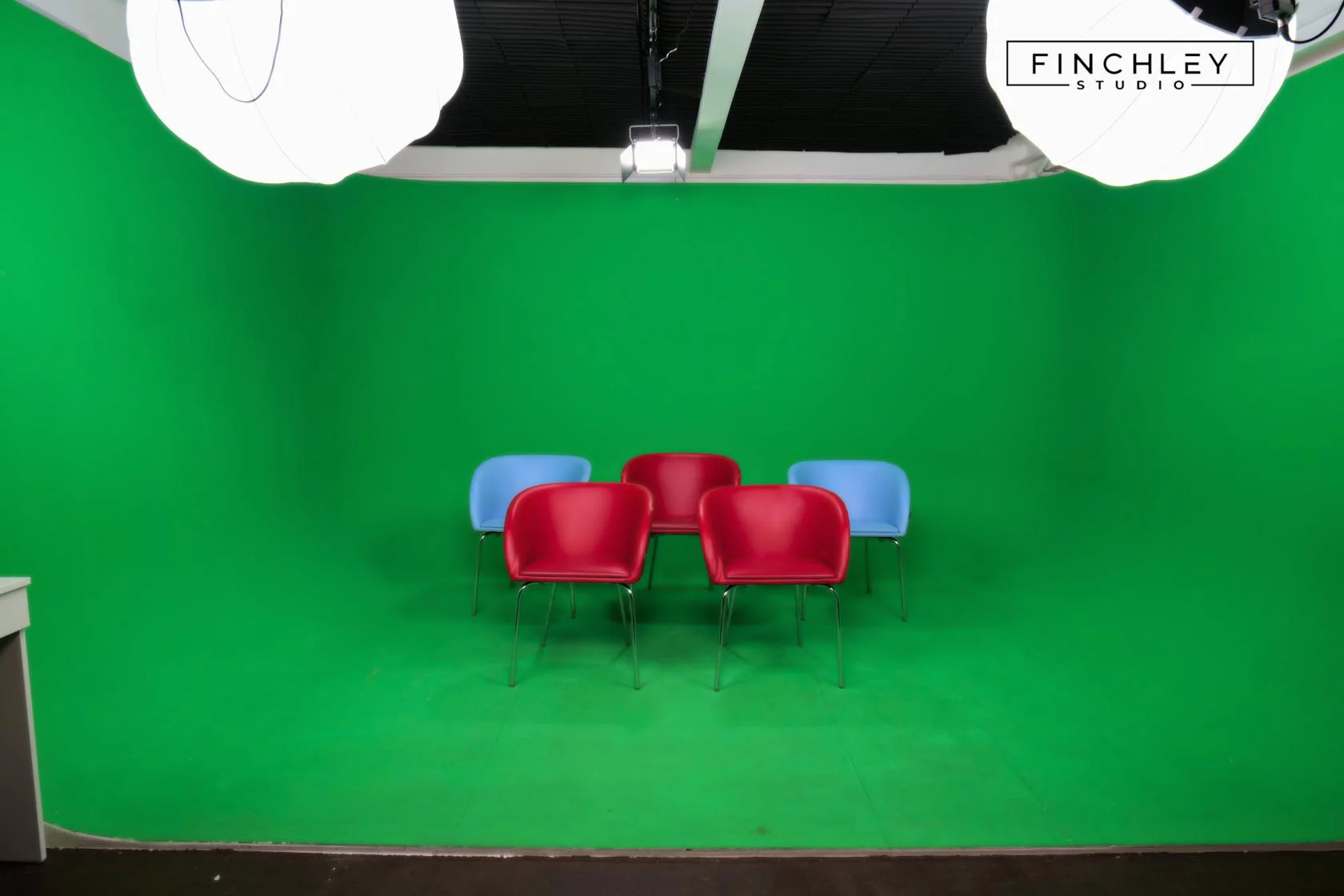
Green Screen Cove at Finchley Studios. Book Green Screen Cove.
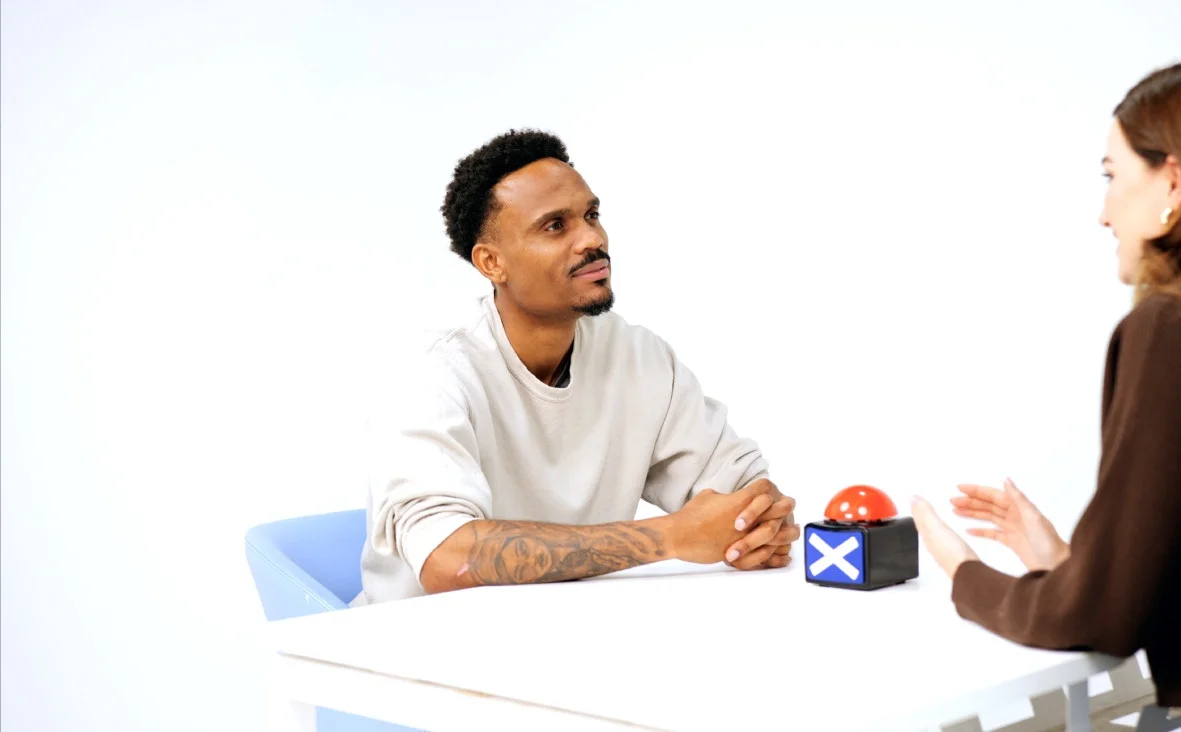
Giant White Infinity Cove at Finchley Studios. Enquire about Giant White Infinity Cove.
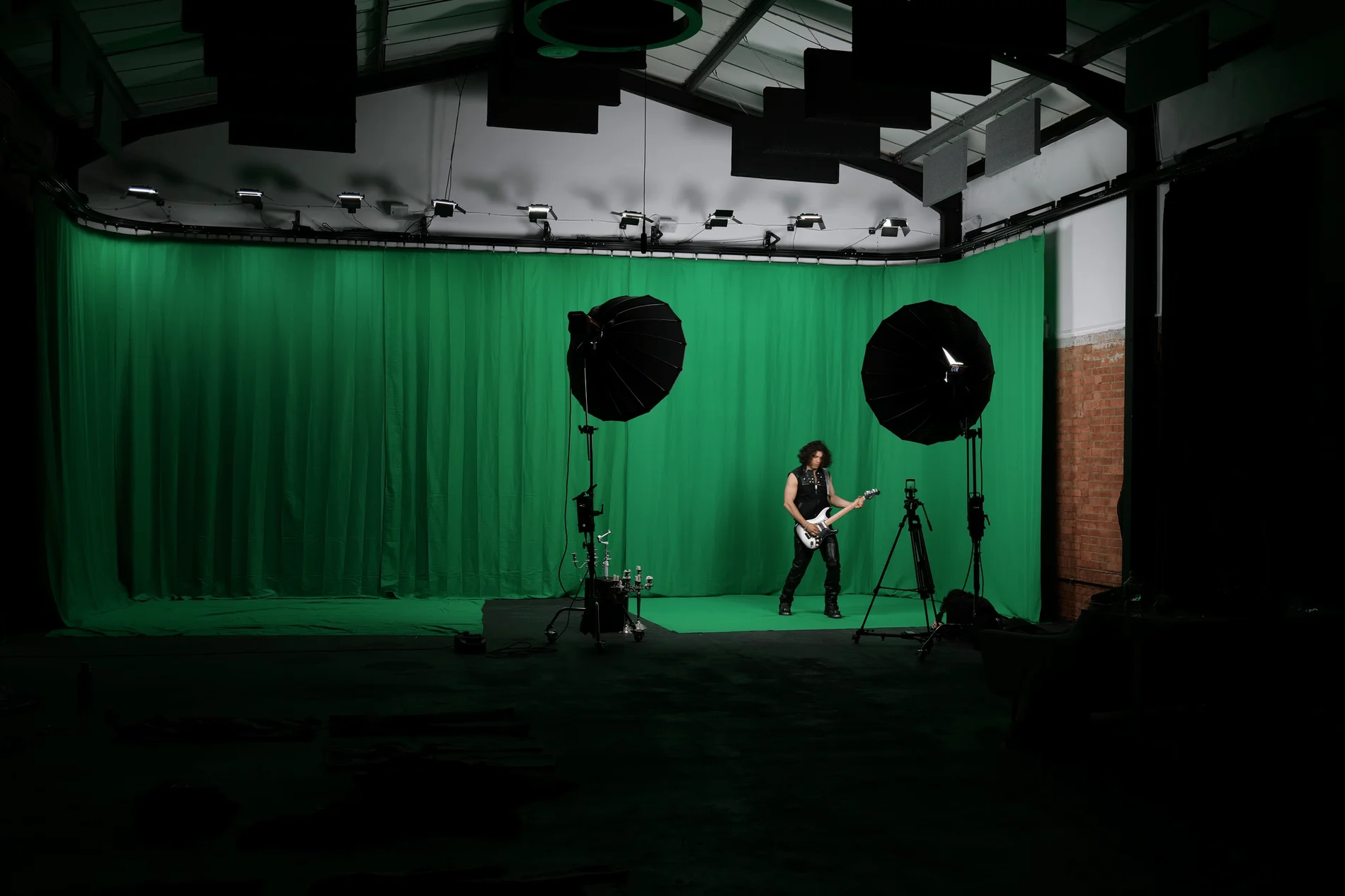
Giant Green Screen at Finchley Studios. Enquire about Giant Green Screen.
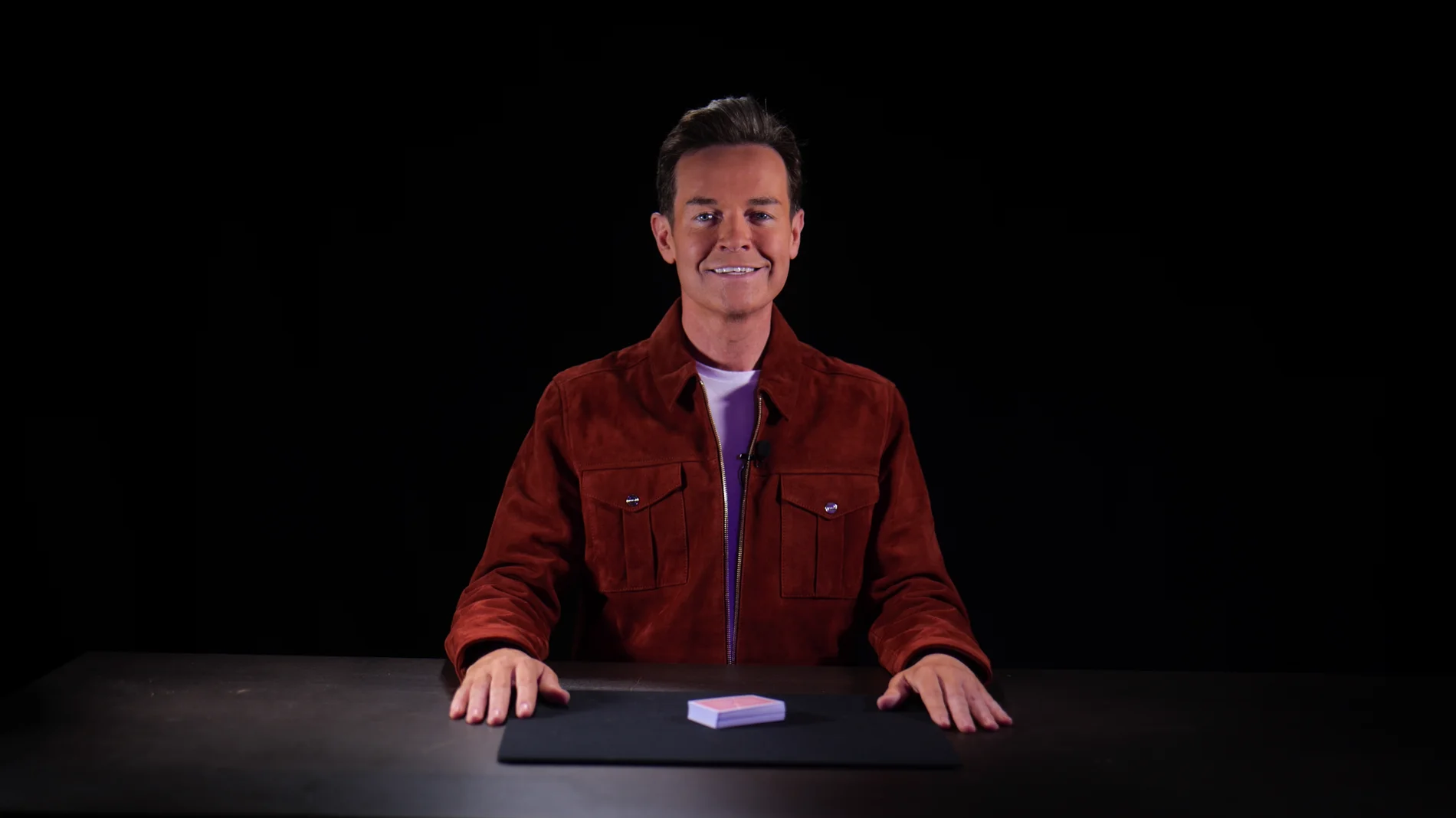
Blackout at Finchley Studios. Book Blackout.
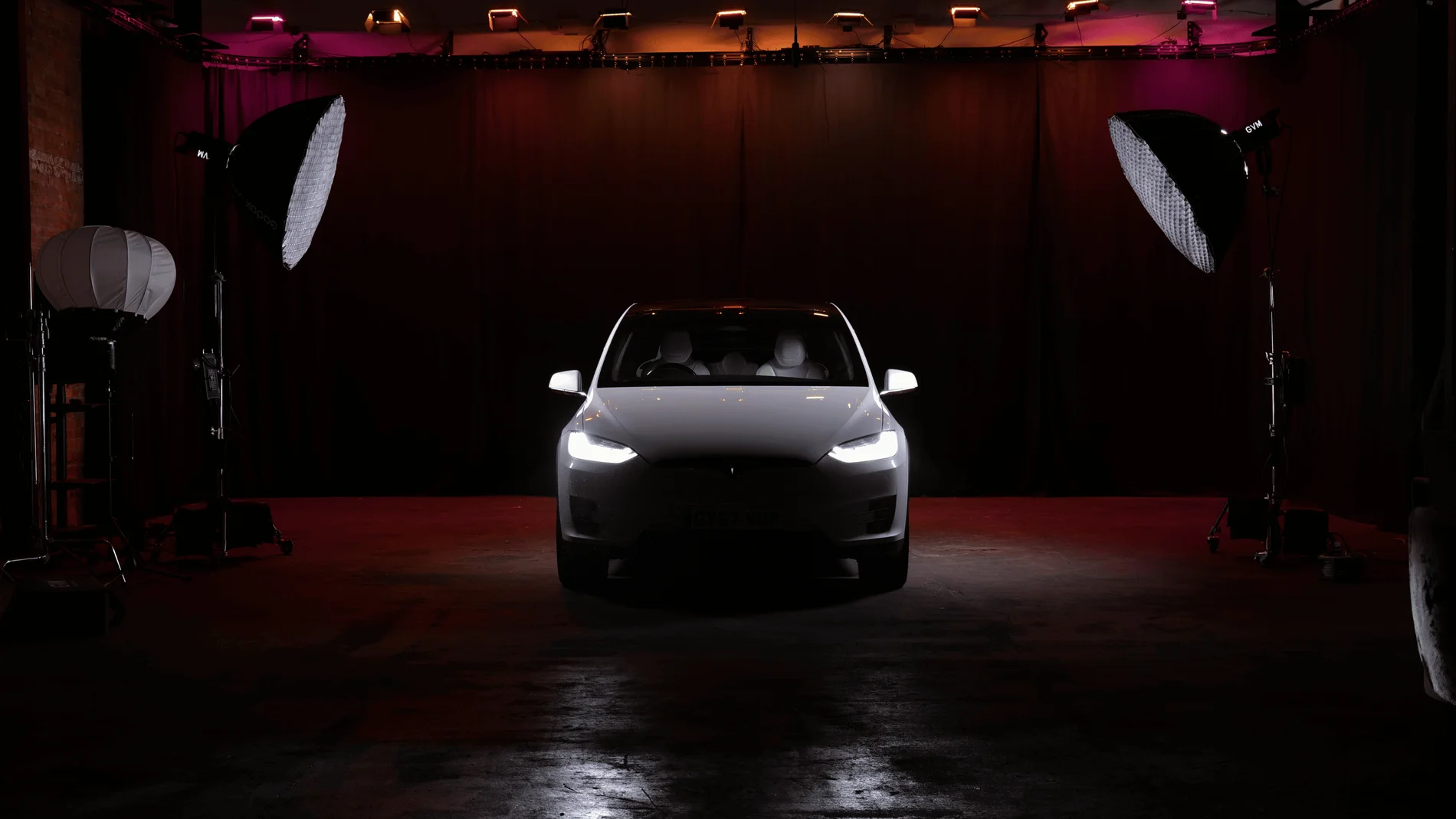
Giant Blackout at Finchley Studios. Enquire about Giant Blackout.
Plan your Finchley recording
Explore our podcast studio to compare sets and production support. Send your brief to the Finchley team with your preferred date, guest count and required outputs.











