
Wear clothes that feel comfortable when seated, suit the programme and work with the chosen set. Bring an alternative top and check the actual camera view before recording. Your outfit should let you concentrate on the conversation while the production team checks colour, detail and sound.
Start with the backdrop
Ask which set you are using and whether the background will be replaced digitally. A dark outfit can work on a dark set when lighting creates enough separation; a bright shirt can also work when exposure is checked. Give the camera team a chance to assess the combination rather than following a universal ban on particular colours.
Green-screen sessions need a specific conversation about colour. Adobe's green-screen guide identifies green clothing and reflective objects as potential keying problems. Tell the studio about required uniforms, logos or brand colours before booking if they may conflict with the screen.
For physical sets, consider whether your clothing stands out clearly from the furniture and backdrop. If several people are appearing together, ask them to coordinate the level of formality rather than trying to dress identically.
Try the outfit while sitting and talking
Sit in a chair and practise turning towards another person. Check that the outfit remains comfortable, that sleeves allow normal movement and that collars or layers do not need constant adjustment. Bring a layer if it helps you remain comfortable during breaks.
Small repeating patterns, shiny details and large lettering deserve a camera check. Ask the operator to look for shimmer, distracting reflections and awkward crops at the actual shot size. An outfit seen in a mirror can look different in a tight seated frame.
| Item to check | Simple preparation |
|---|---|
| Colour and backdrop | Send a photograph or bring a contrasting alternative |
| Fit when seated | Practise sitting, turning and gesturing |
| Fine patterns or reflective details | Check the production monitor before recording |
| Jewellery and accessories | Listen for contact noise during a short test |
| Visible logos | Confirm they fit the programme and agreed branding |
Match clothing to the microphone plan
Ask whether you will use a desk microphone, headset or clip-on microphone. With desk microphones, check whether jewellery or sleeves touch the table, stand or microphone arm. Keep notes and drinks in positions that let you gesture naturally without knocking equipment.
For clip-on microphones, discuss a suitable mounting position with the sound team. RØDE's mounting guidance explains that standard clips attach to a clothing edge. Tell the operator if a fabric is delicate or if you have preferences about fitting the microphone; they can discuss suitable options with you.
Prepare a brief message for guests
You could send: “Please wear something comfortable for a seated conversation that fits your usual style. We will be filming against the confirmed studio backdrop. Bring an alternative top, and let us know if you need help checking clothing or microphone arrangements.” Add the specific green-screen instruction when relevant.
Share preparation alongside the first-session guide so guests know what happens on arrival. Keep the message practical and respectful of individual, cultural and access needs.
Use the soundcheck to settle the final choice
Record a short exchange with natural movement. Check both the camera picture and microphone sound, make any adjustments, then let the guest focus on the discussion. Our camera confidence guide helps reduce the urge to monitor every gesture once recording begins.
Checking wardrobe for your Finchley set
Finchley's Green Screen Cove is a curved chroma-key filming space. If you choose that setup, discuss the replacement background and any required clothing colours before arriving; it is easier to resolve a conflict while alternatives are available.
For a physical backdrop, send the set name and any fixed brand or uniform requirements. Ask the team to check the outfit during the agreed setup period, including framing and microphone contact. If you plan wardrobe changes for several episodes, put them in the running order. Allow the recording team to recheck the picture and sound after a change rather than assuming the first setup still applies.
A client recording from Finchley Studios
From our client recording collection: The Social Battery Podcast.
Continue planning your recording
- Should You Use a Teleprompter for a Podcast or Interview?
- How to Feel More Confident on a Video Podcast
- Your First London Podcast Studio Session: What to Expect
For the full series, explore our podcast studio booking guide.
Explore all 12 Finchley sets
Compare the looks below, then follow the booking or enquiry link for your preferred set. Confirm the recording package, guest capacity and location for your session.
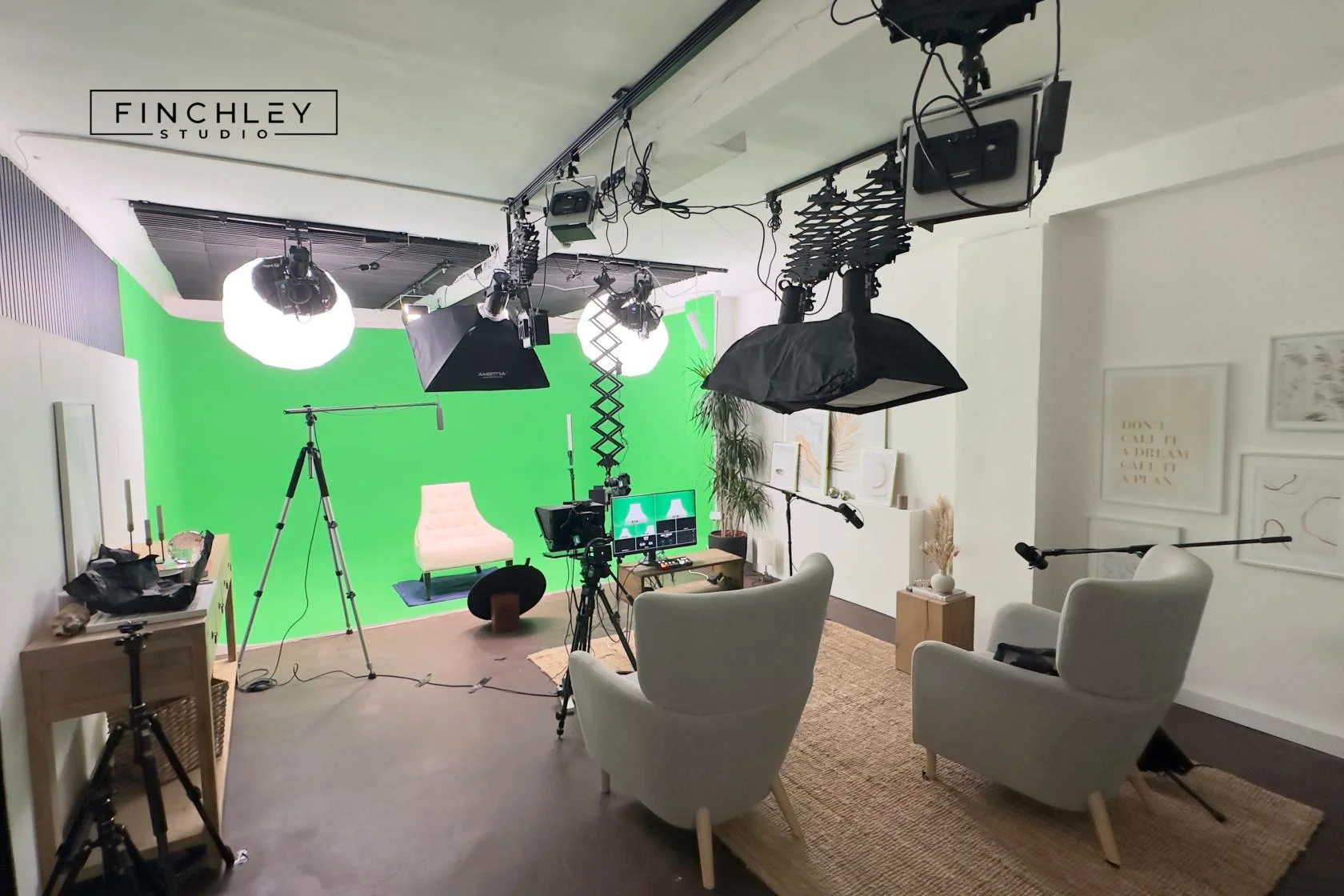
Green Screen Cove at Finchley Studios. Book Green Screen Cove.
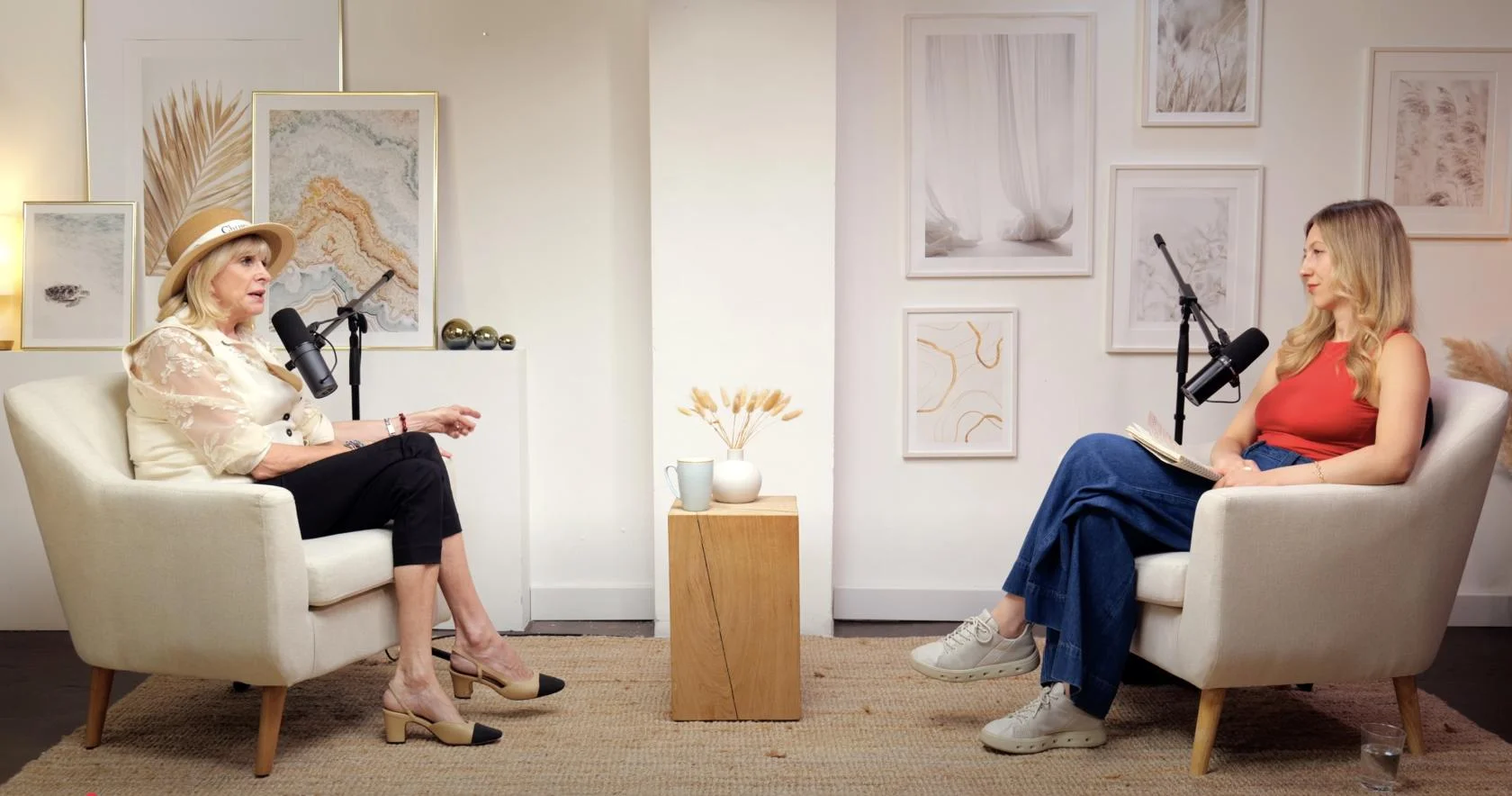
Dialogue at Finchley Studios. Book Dialogue.
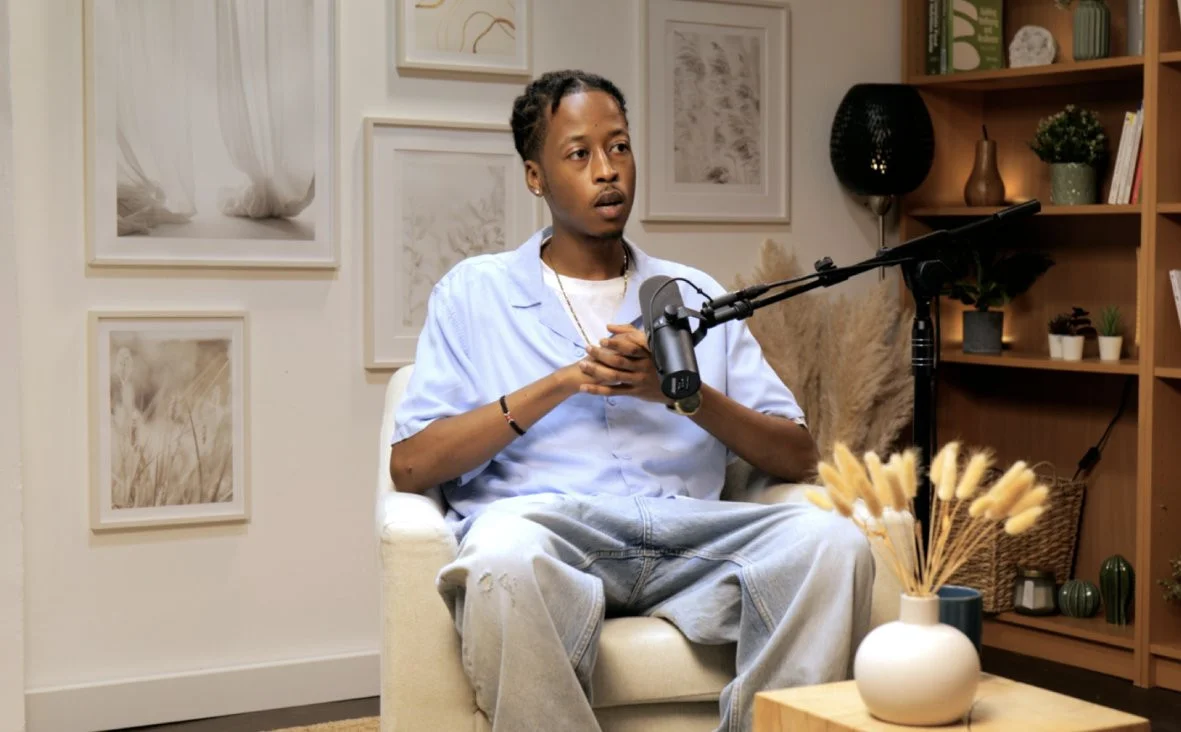
Lounge at Finchley Studios. Book Lounge.
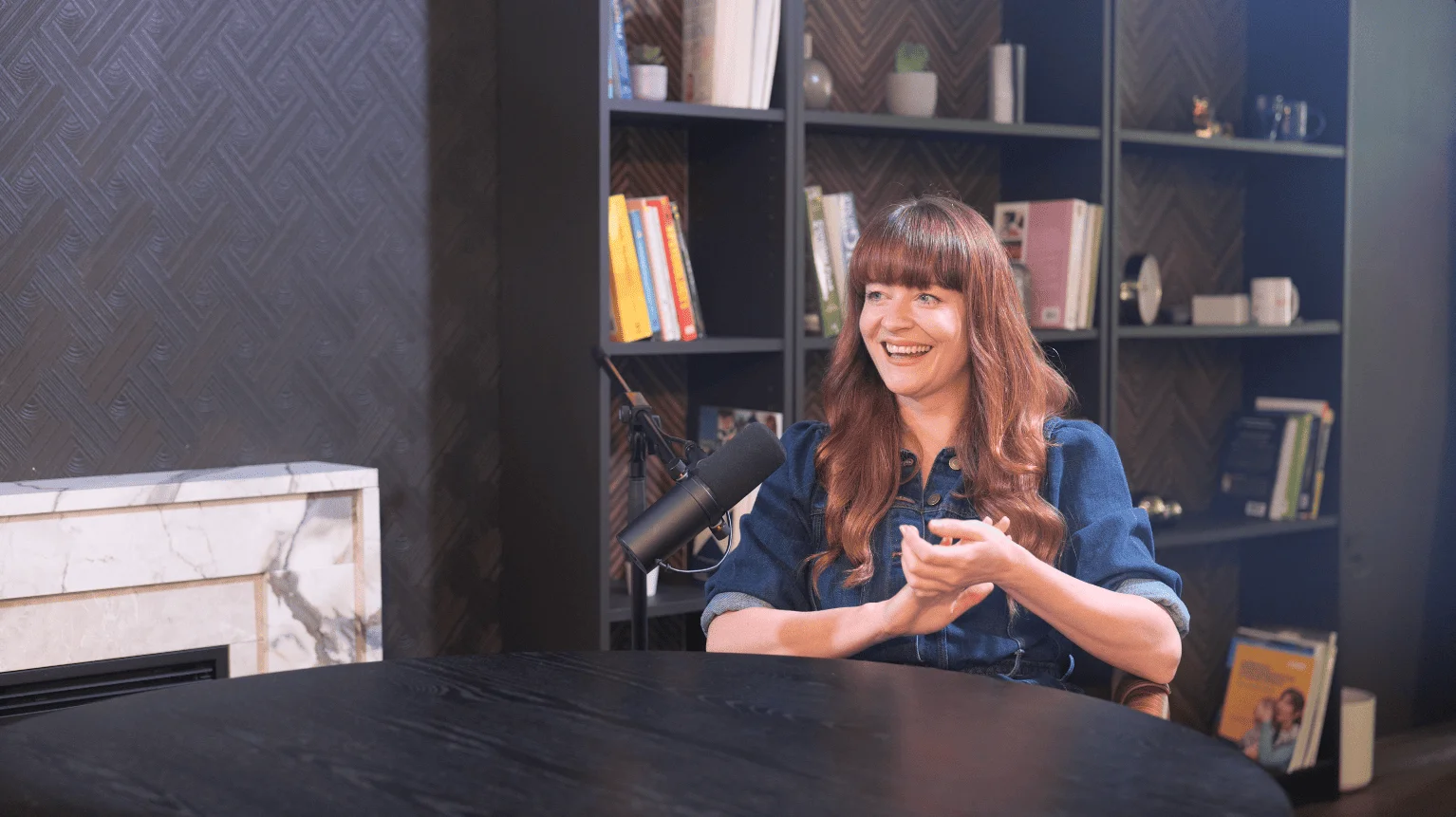
CEO at Finchley Studios. Book CEO.
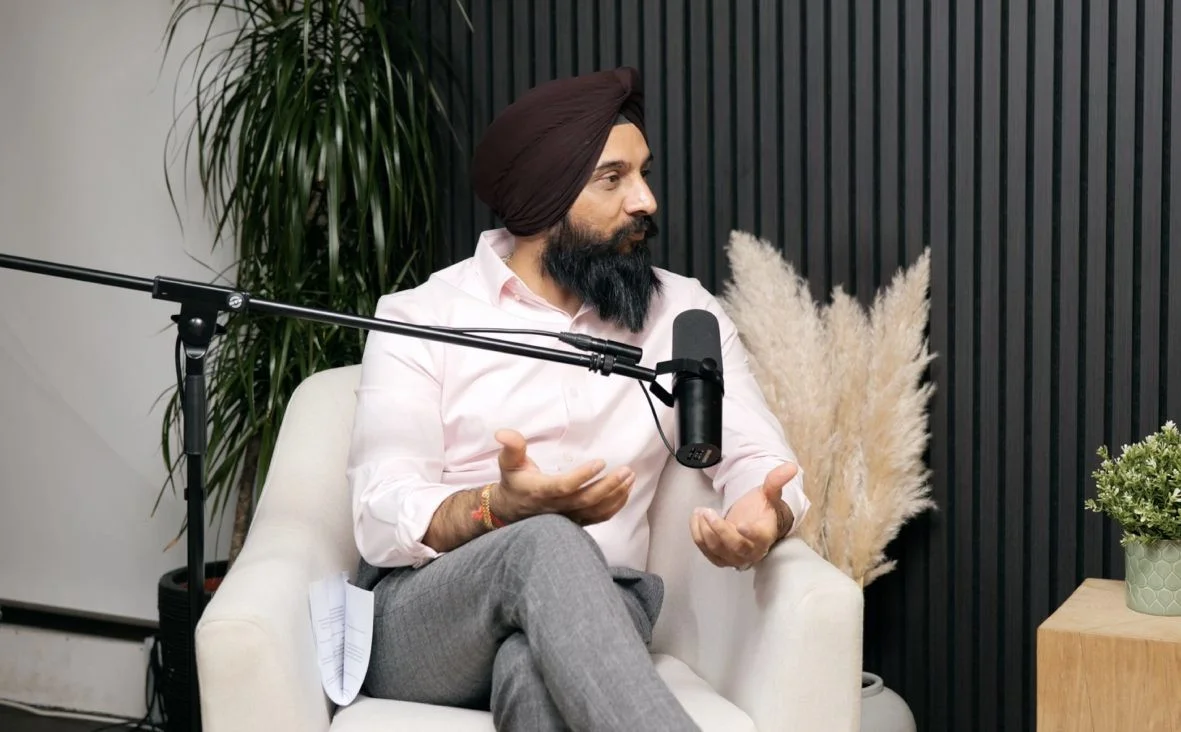
Blackwood at Finchley Studios. Book Blackwood.
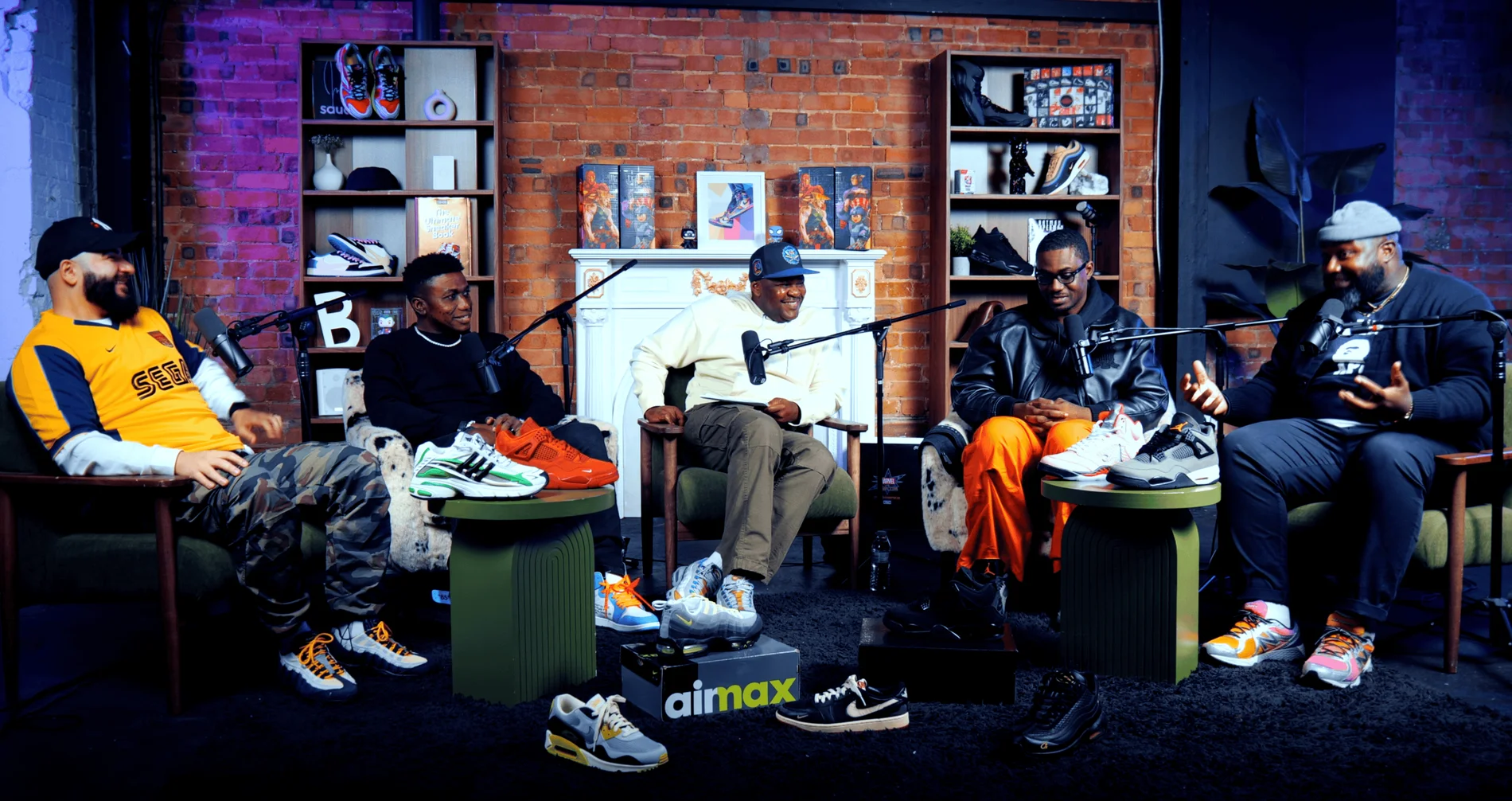
Pulse Lounge at Finchley Studios. Enquire about Pulse Lounge.
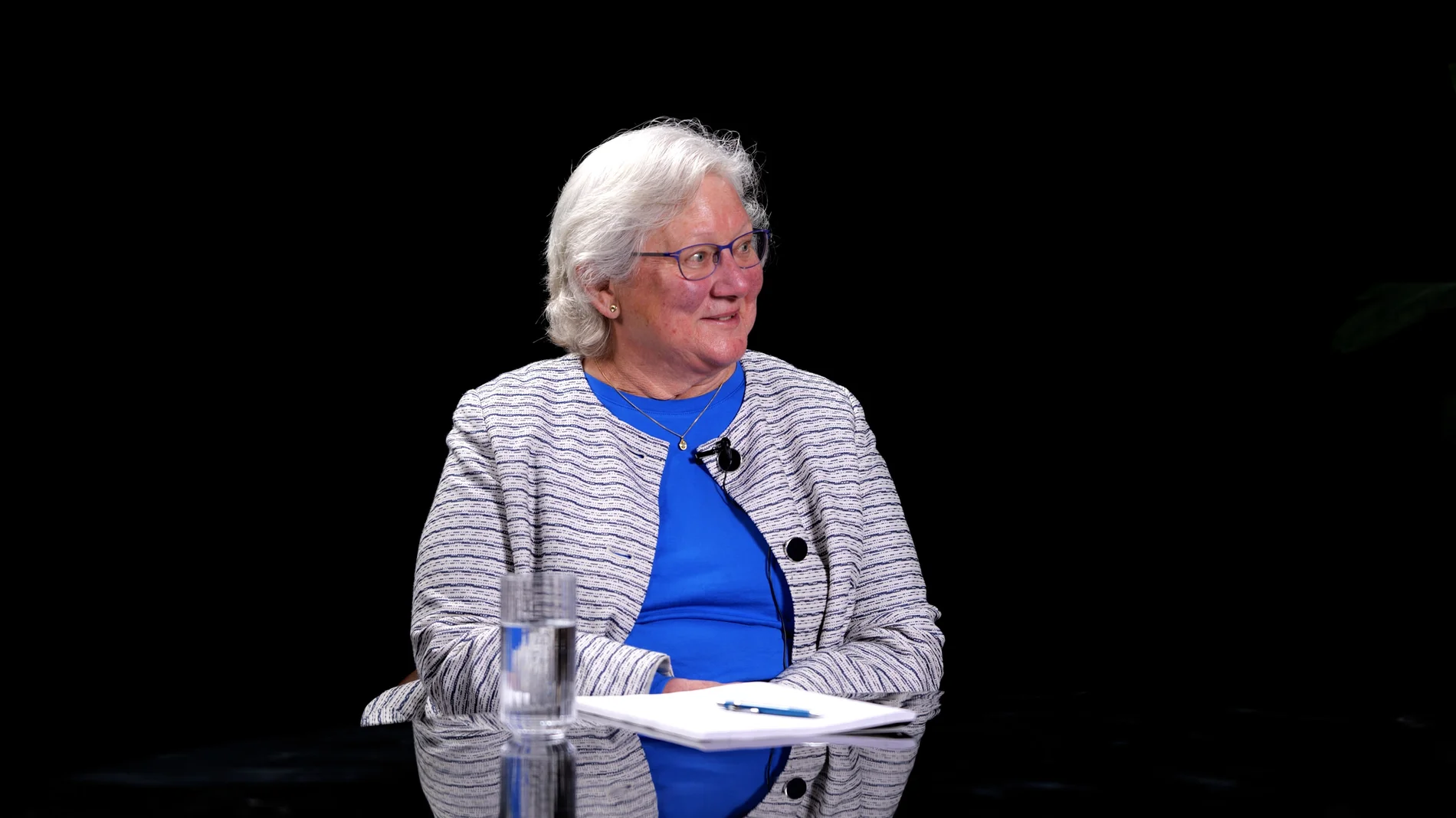
Roundtable at Finchley Studios. Enquire about Roundtable.
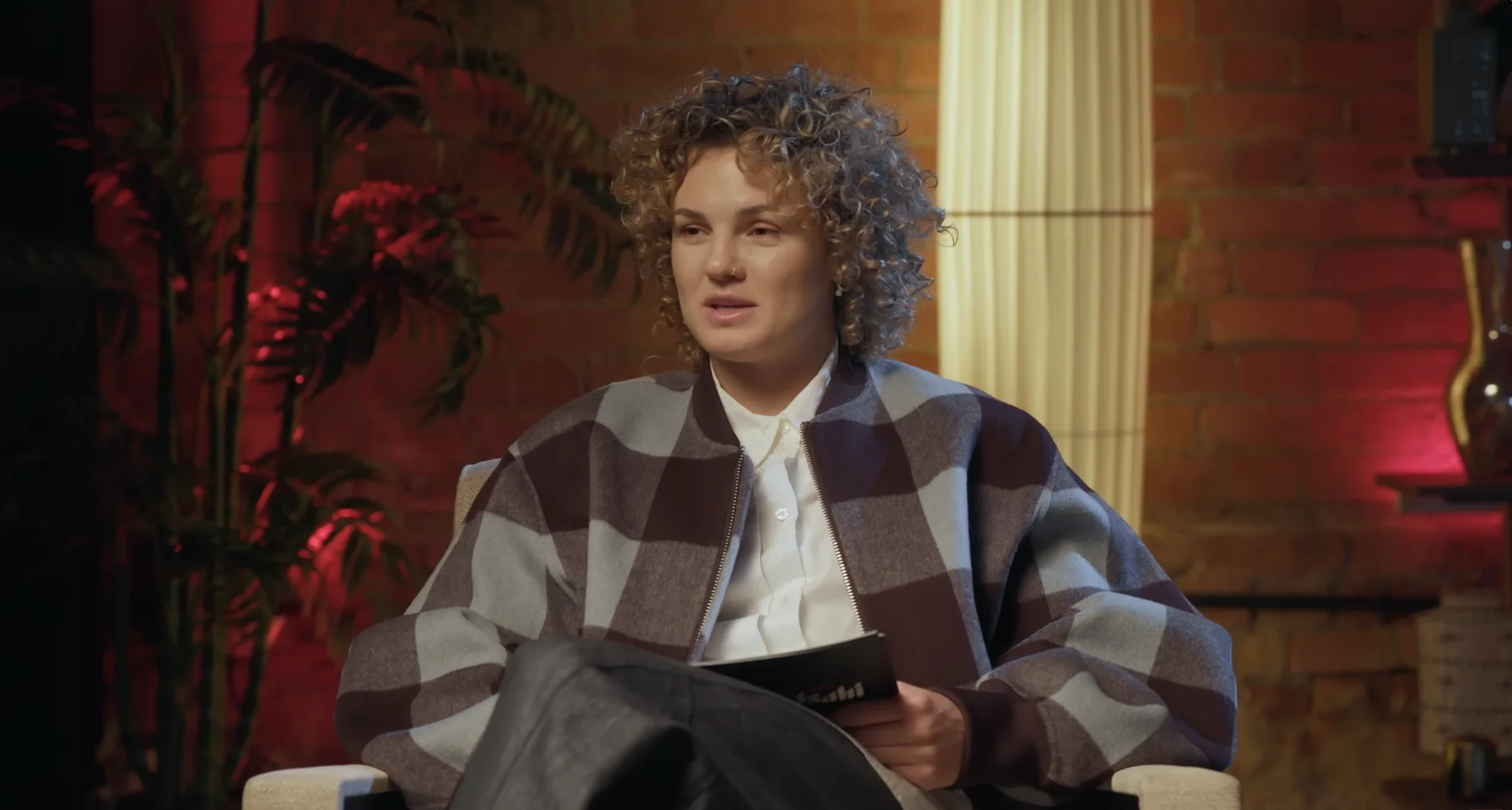
The Brick Studio at Finchley Studios. Enquire about The Brick Studio.
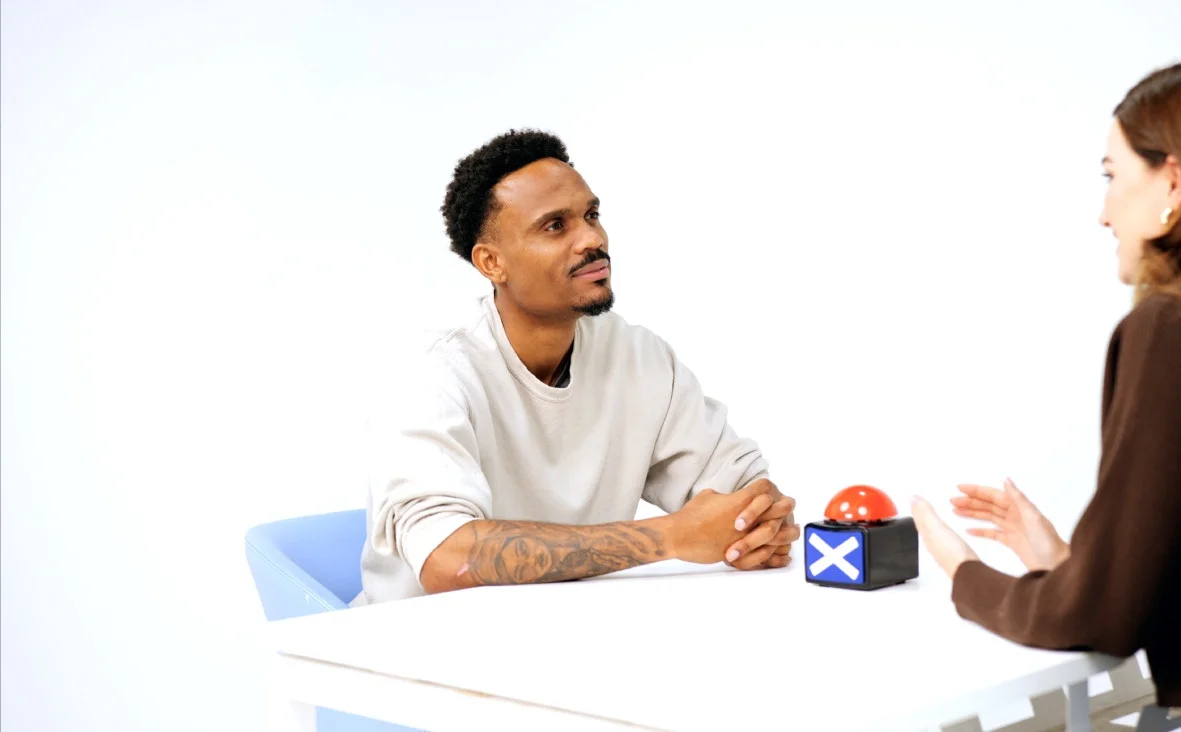
Giant White Infinity Cove at Finchley Studios. Enquire about Giant White Infinity Cove.
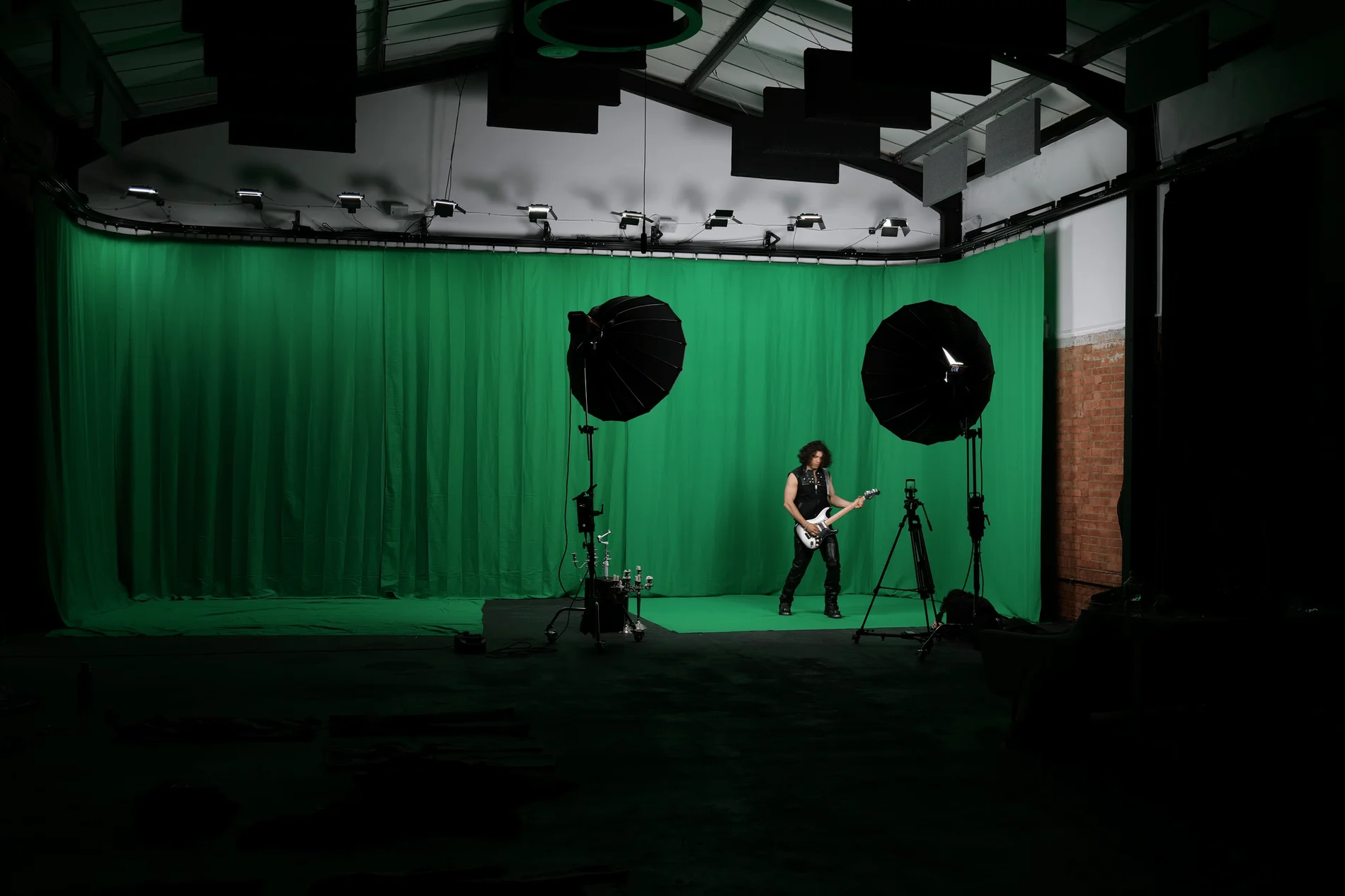
Giant Green Screen at Finchley Studios. Enquire about Giant Green Screen.
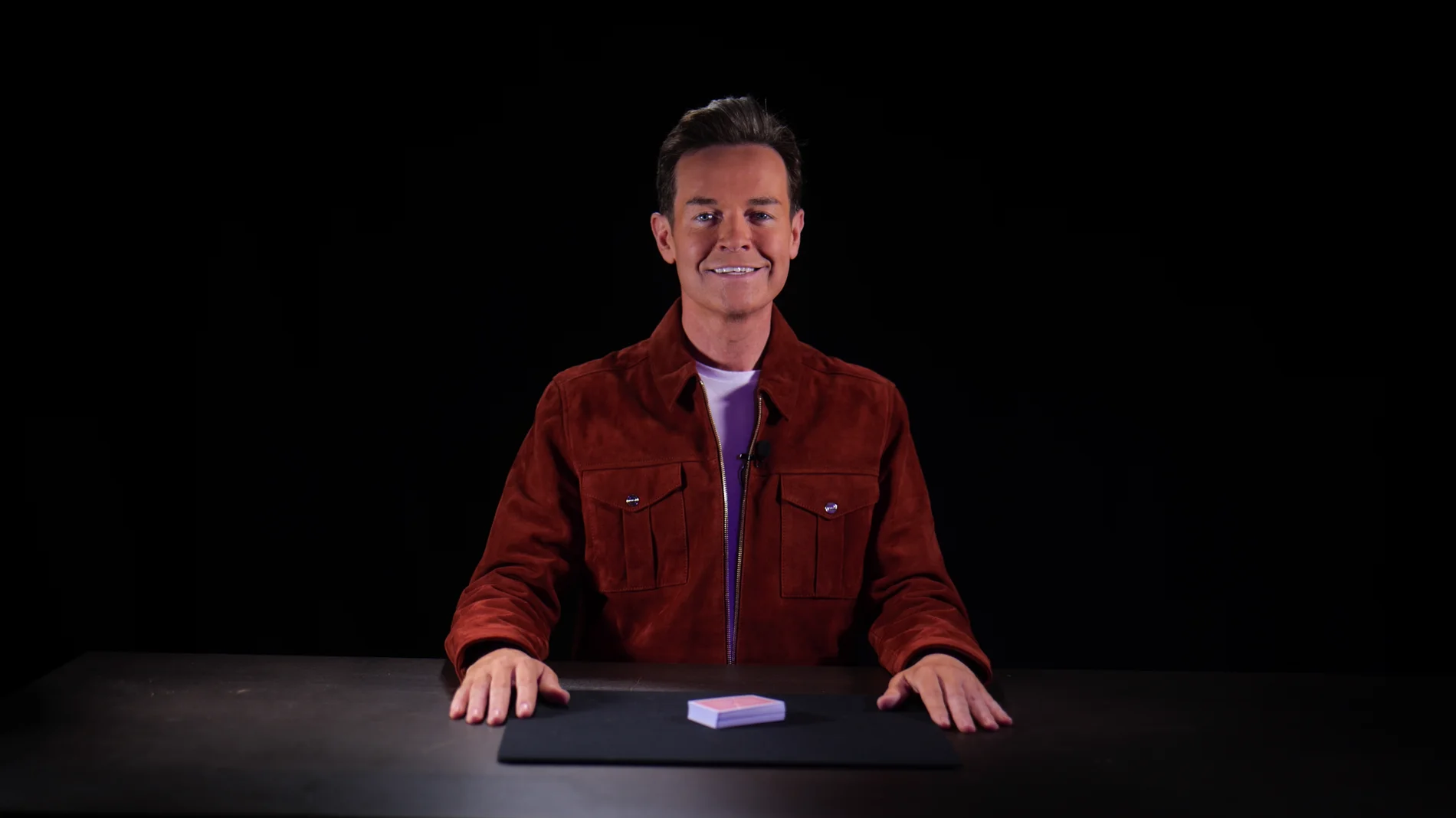
Blackout at Finchley Studios. Book Blackout.
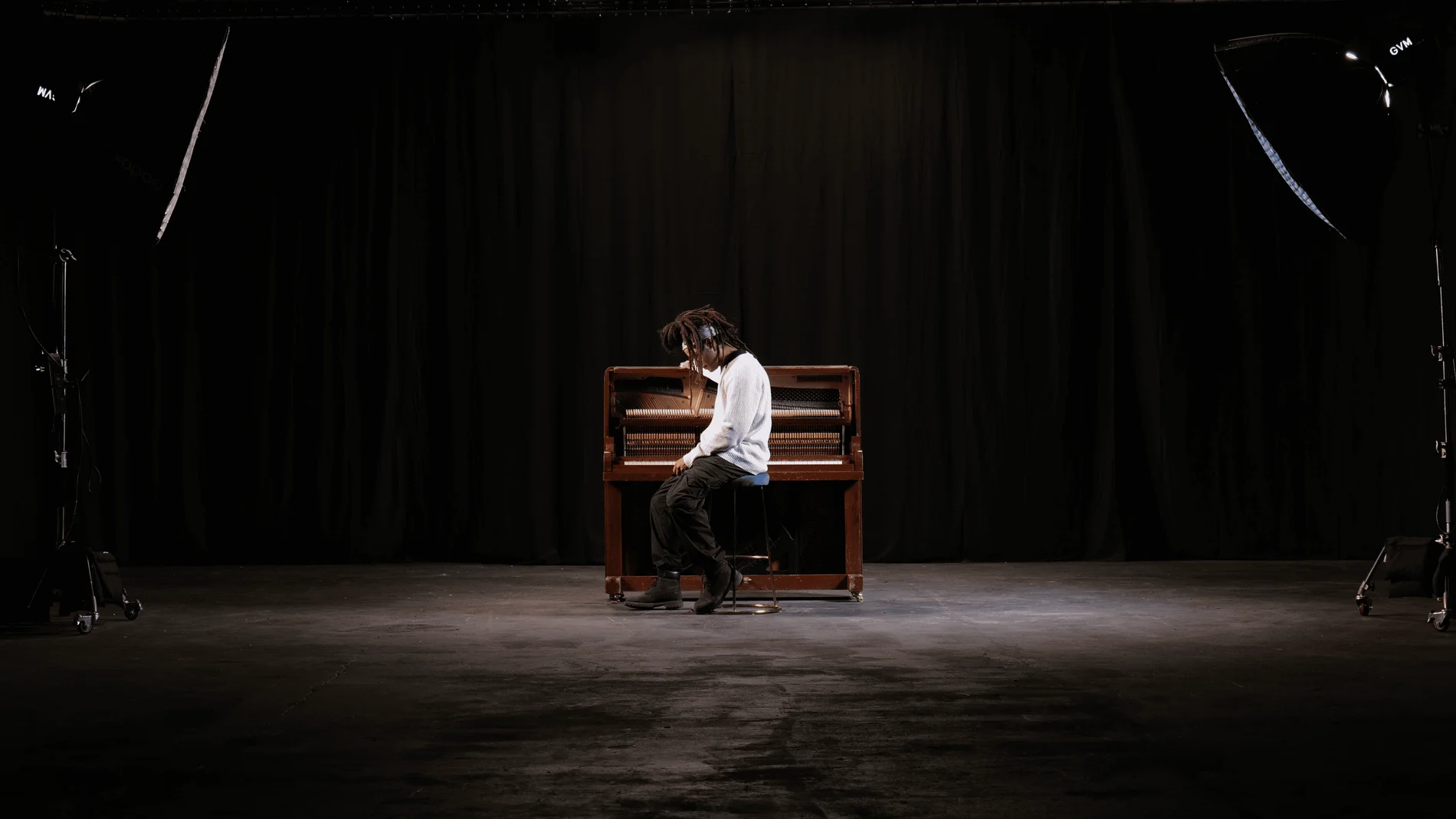
Giant Blackout at Finchley Studios. Enquire about Giant Blackout.
Plan your Finchley recording
Explore our North London podcast studio to compare sets and production support. Send your brief to the Finchley team with your preferred date, guest count and required outputs.











