
Discuss planned AI uses with podcast guests before recording, and describe each use clearly. Transcribing an interview, reducing noise, translating speech and generating new words in someone's voice are different activities. A general agreement to appear on a podcast should not be treated as a clear answer to every future use of the recording.
Identify what the workflow actually does
Ask the producer and editor to list the tools they expect to use, including services that receive uploaded audio or video. A tool described as an editing assistant might offer transcription, speaker recognition, voice generation or several of these functions. Check the settings and planned workflow rather than relying on a product label.
| Proposed activity | Question to settle |
|---|---|
| Transcription | Who receives the recording and who checks the text? |
| Audio cleanup | Will the process preserve what the guest actually said? |
| Translation or dubbing | Who checks the meaning and approves the translated voice? |
| Synthetic speech | Can new words be generated in the guest's voice, and for which purpose? |
| Face or lip alteration | Which visual changes are permitted and how will they be reviewed? |
| Training or reuse | May a provider retain material or use it beyond the project? |
This is a planning checklist, not a finished legal agreement. Different projects can require different permissions and safeguards.
Keep three separate questions in view
First, agree the editorial use of the contribution: the episode, clips, promotion and any proposed synthetic alterations. Our guest release guide explains the subjects to put in writing.
Second, establish who has the relevant rights in the underlying material and finished recording. Recording ownership is a separate issue from a guest's agreement to take part; see the podcast ownership guide.
Third, address data protection where personal information is processed. Organisations need an appropriate lawful basis, as explained in the ICO's lawful-basis guidance. A signed appearance release does not by itself resolve every data protection obligation.
Make choices specific enough to understand
Describe what is proposed in ordinary language. For example, permission to prepare a transcript for the editor is different from permission to create an advertisement using newly generated speech. Identify the intended channels, relevant duration, review arrangements and who may authorise changes.
Where consent is the data protection basis used, it needs to be specific and informed; the ICO explains the requirements for valid consent. Do not use silence as permission for a new synthetic use. Agree how a guest can raise concerns and who will respond before publication.
Check providers and the final output
Ask what is uploaded, how long it is retained, whether training use can be disabled and whether subcontractors receive the files. A marketing statement about privacy needs to match the service terms and the account settings actually used. The ICO's AI guidance is the relevant UK regulatory starting point.
Have a person check names, quotations and meaning after automated processing. Keep the original recording and a record of the approved changes within the project's agreed storage arrangements. If synthetic speech or visual alteration is proposed, obtain appropriate advice on the actual agreement and publication context before proceeding.
Planning this at Finchley Studios
Before a Finchley Studios session, identify whether AI processing will happen during recording, through an editing service or later with your own team. Finchley's editing packages page is a place to start discussing the work required; confirm the actual tools and scope for your project.
Do not infer permission for voice cloning, face alteration or provider training from a studio booking. Ask who receives the raw files, which processing is requested and which changes require your approval. Pass any agreed guest restrictions to the recording and editing contacts, and keep a written record with the production brief. Finchley's public recording offer does not establish a blanket AI permissions policy.
A client recording from Finchley Studios
From our client recording collection: The Social Battery Podcast.
Continue planning your recording
- Podcast Guest Release Forms: What to Agree Before Recording
- Using Music, Images and Clips in a Podcast: A Planning Guide
- Who Owns Your Podcast Recording? Questions to Agree in Writing
For the full series, explore our podcast studio booking guide.
Explore all 12 Finchley sets
Compare the looks below, then follow the booking or enquiry link for your preferred set. Confirm the recording package, guest capacity and location for your session.
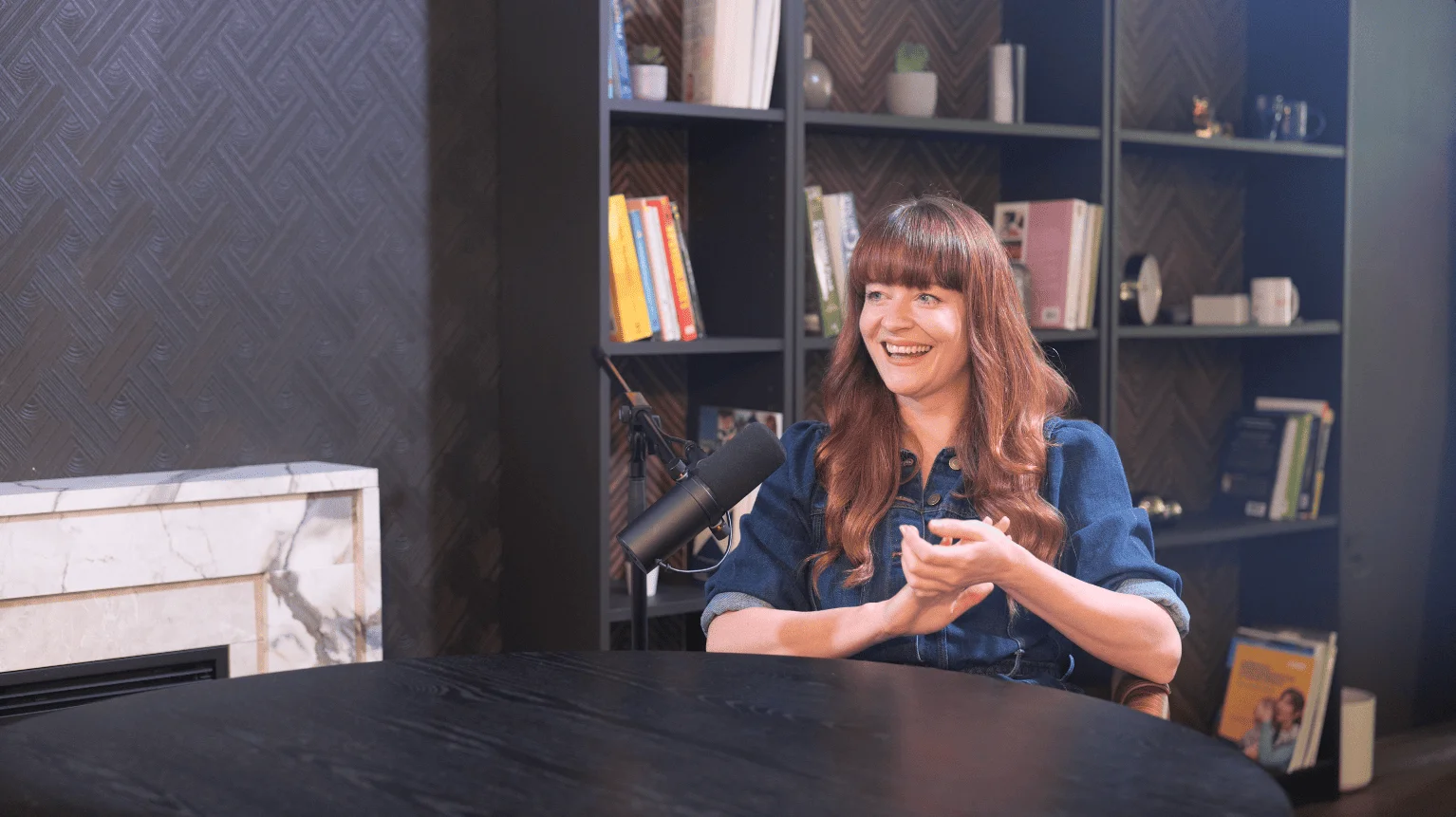
CEO at Finchley Studios. Book CEO.
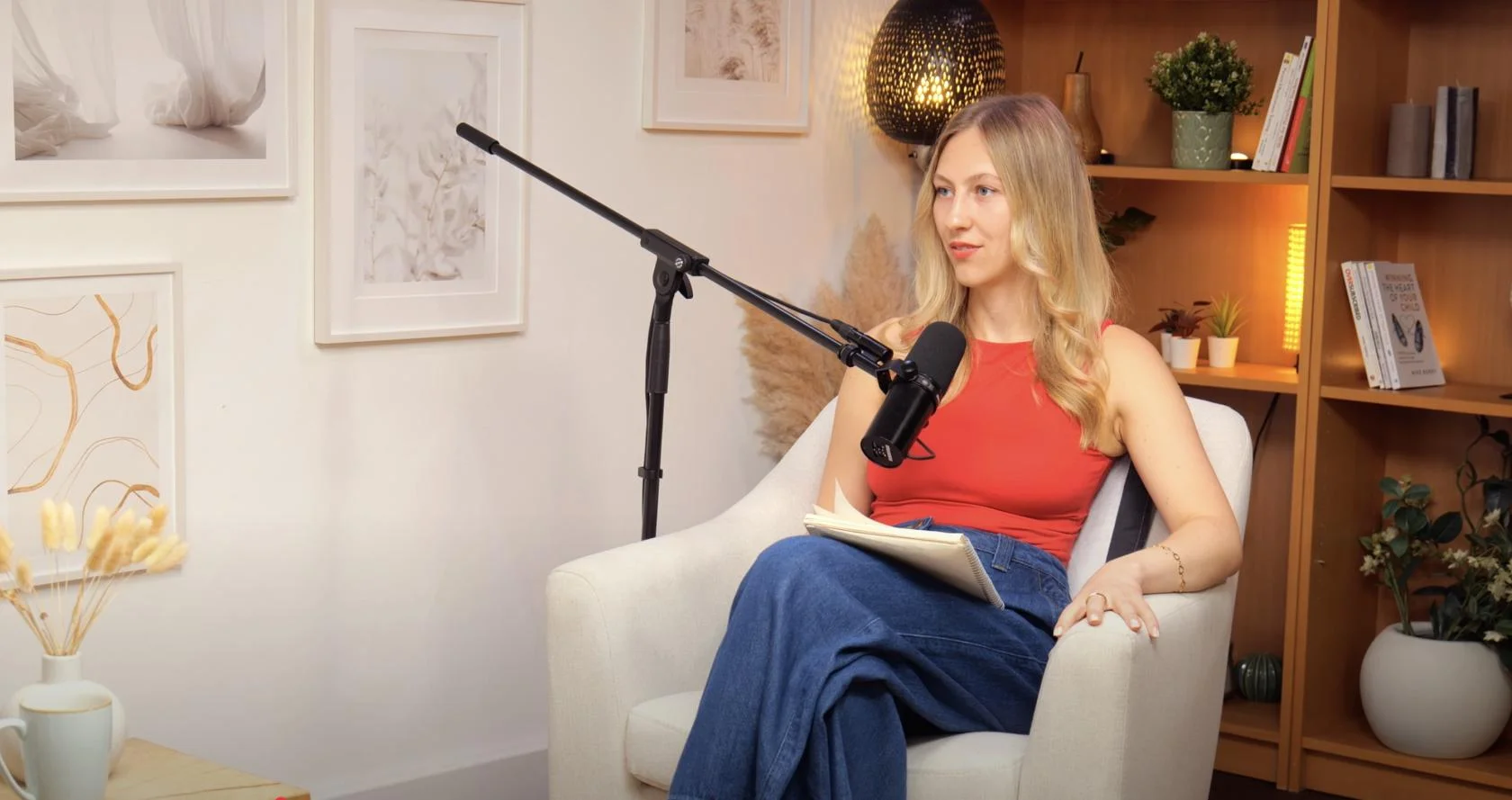
Dialogue at Finchley Studios. Book Dialogue.
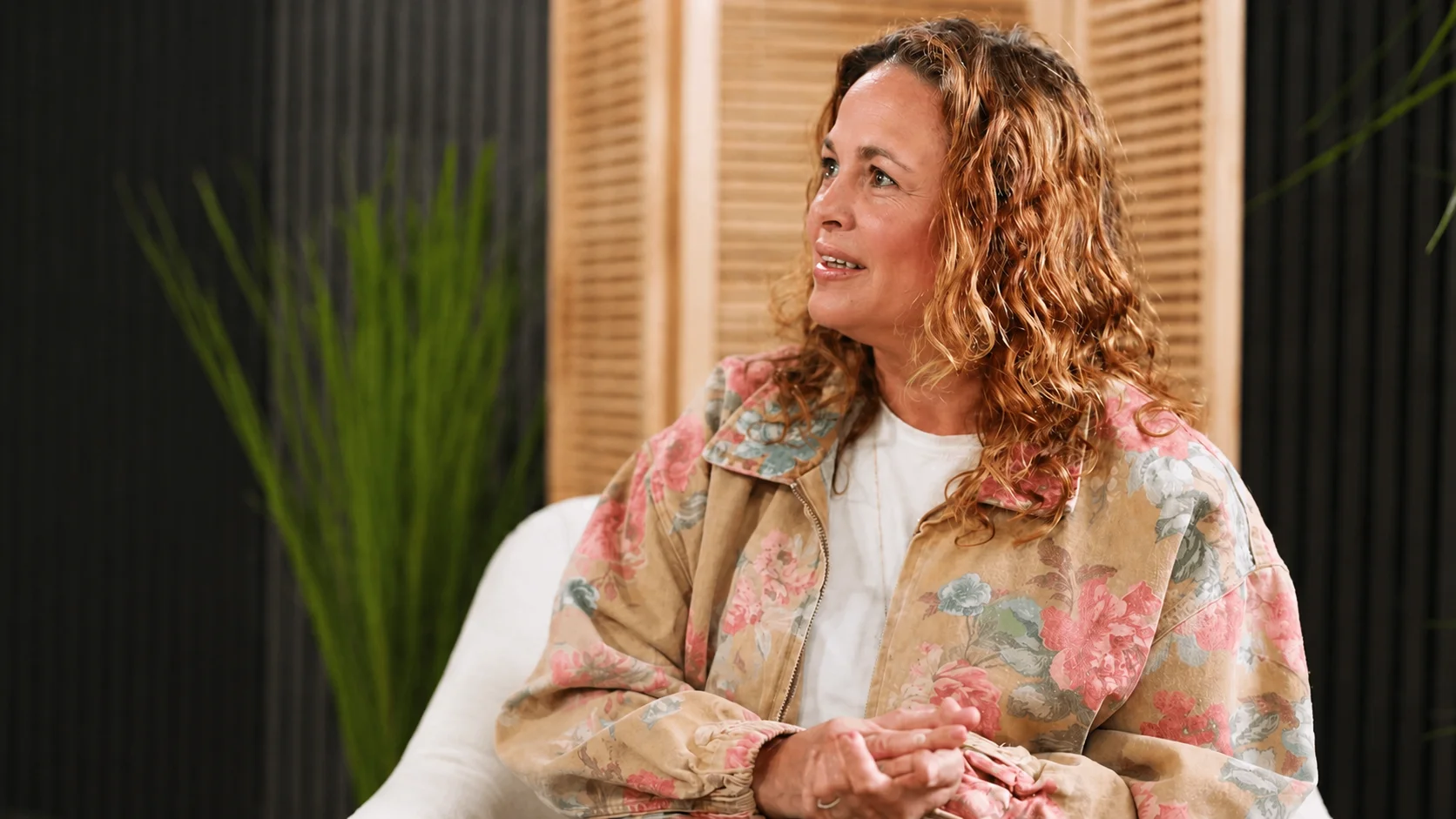
Lounge at Finchley Studios. Book Lounge.
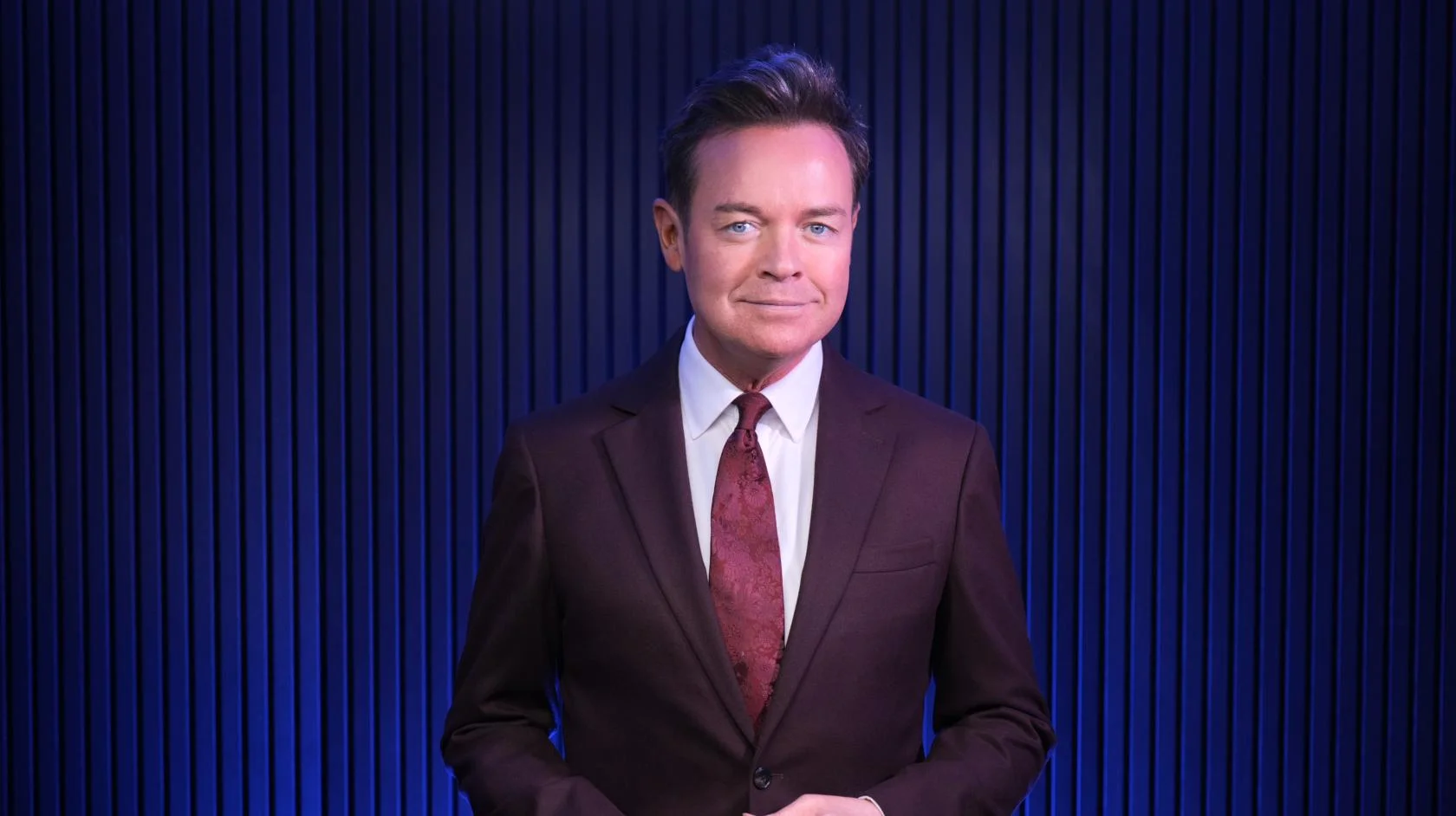
Blackwood at Finchley Studios. Book Blackwood.
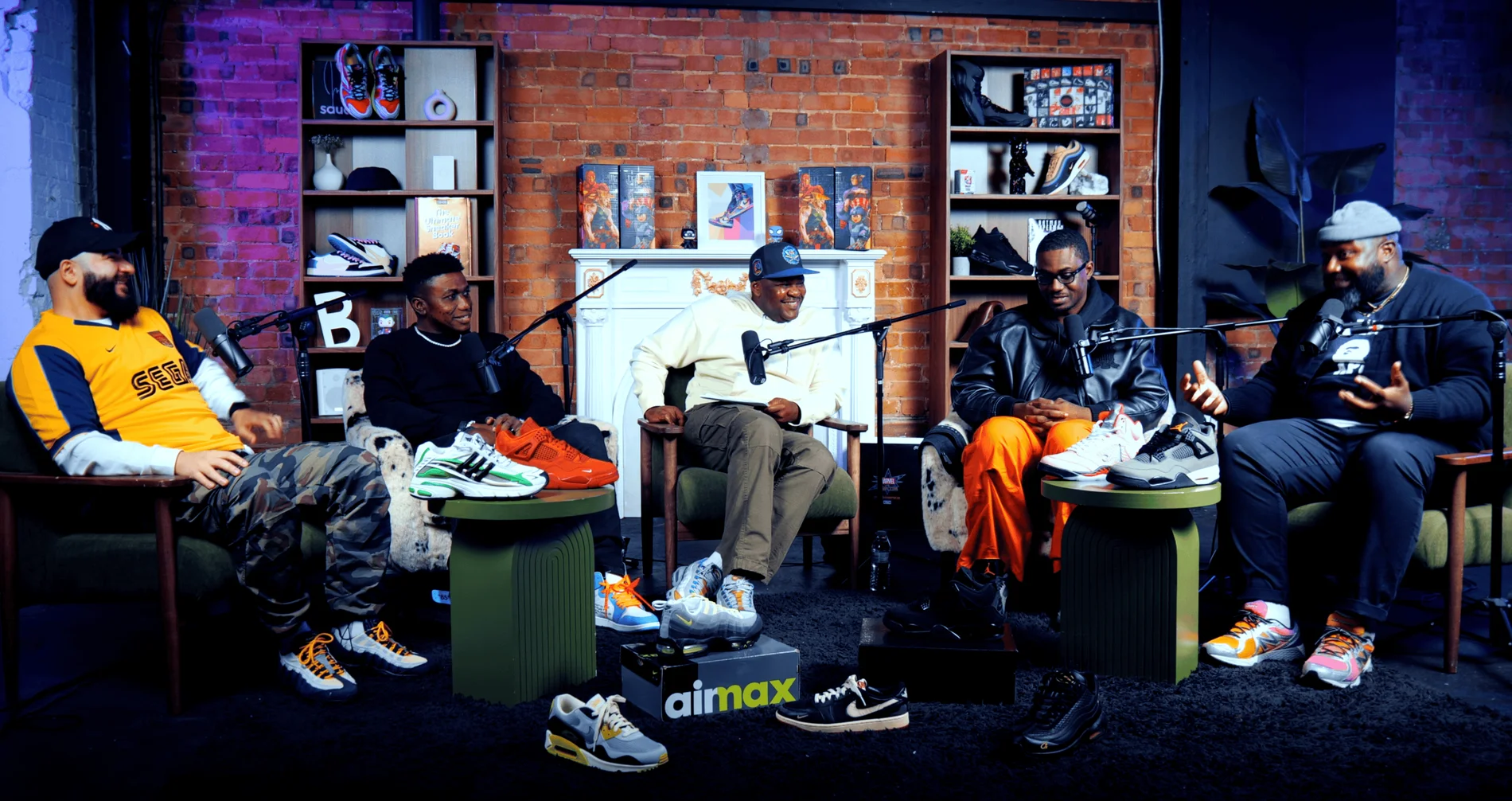
Pulse Lounge at Finchley Studios. Enquire about Pulse Lounge.
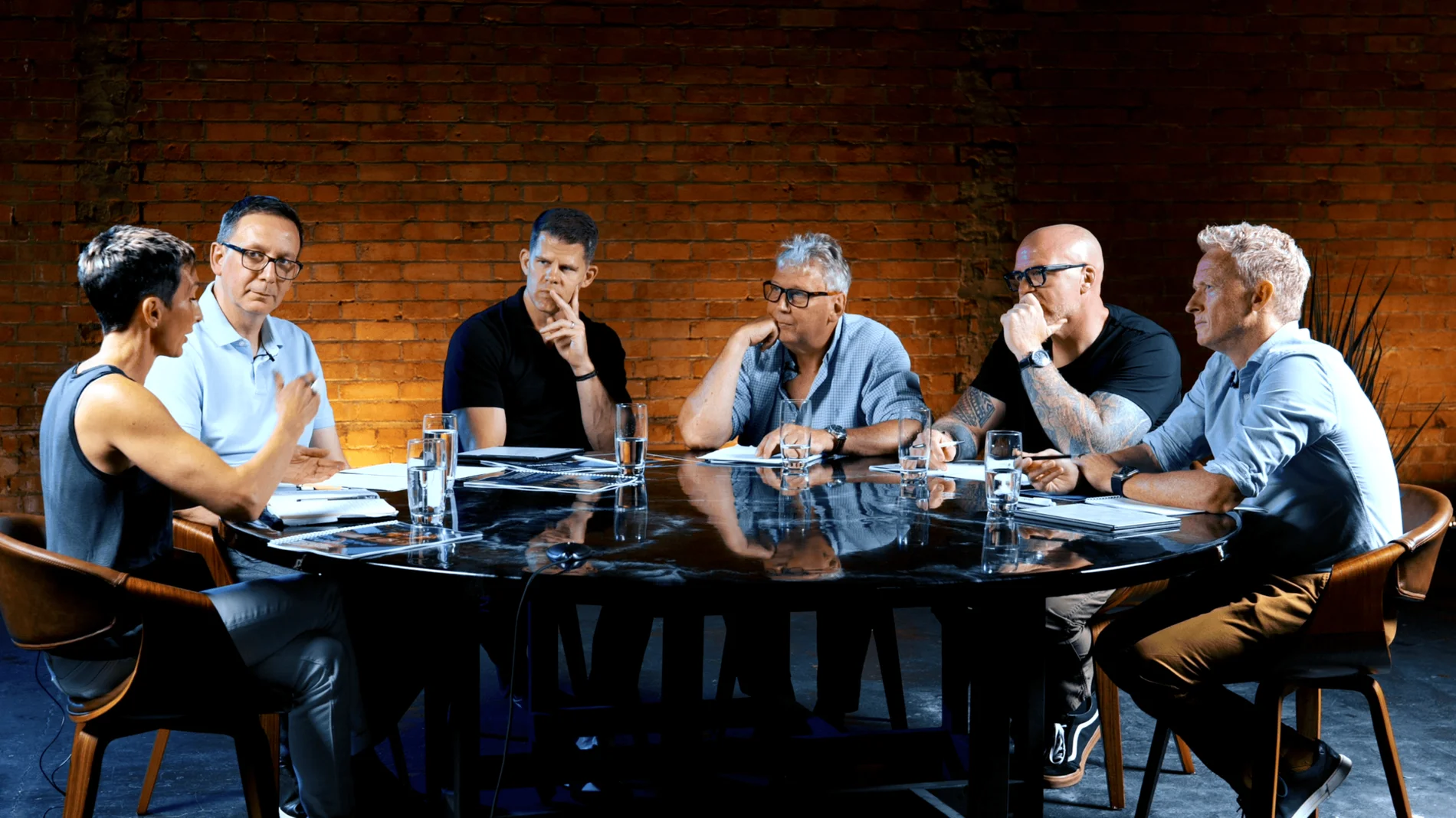
Roundtable at Finchley Studios. Enquire about Roundtable.

The Brick Studio at Finchley Studios. Enquire about The Brick Studio.
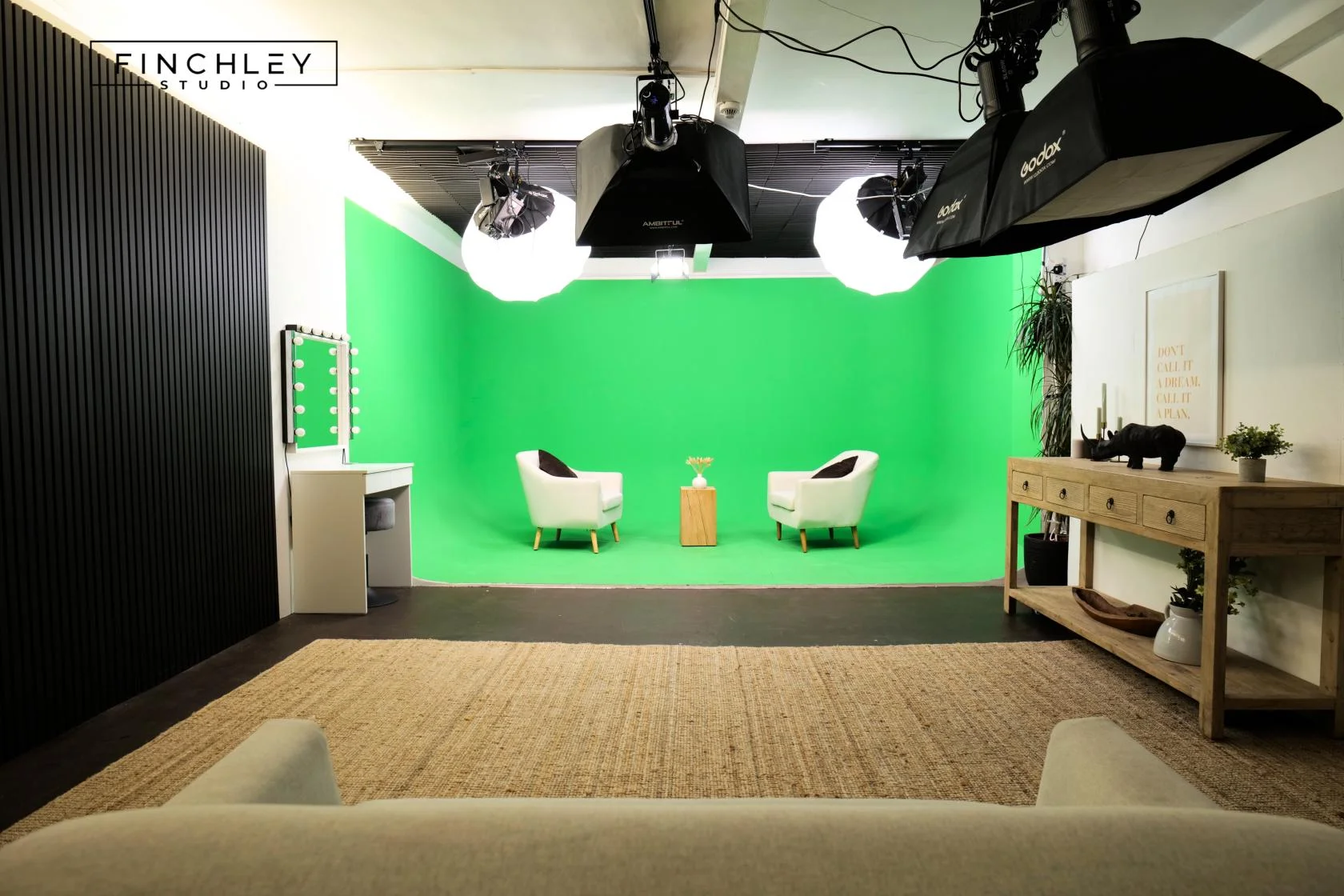
Green Screen Cove at Finchley Studios. Book Green Screen Cove.

Giant White Infinity Cove at Finchley Studios. Enquire about Giant White Infinity Cove.
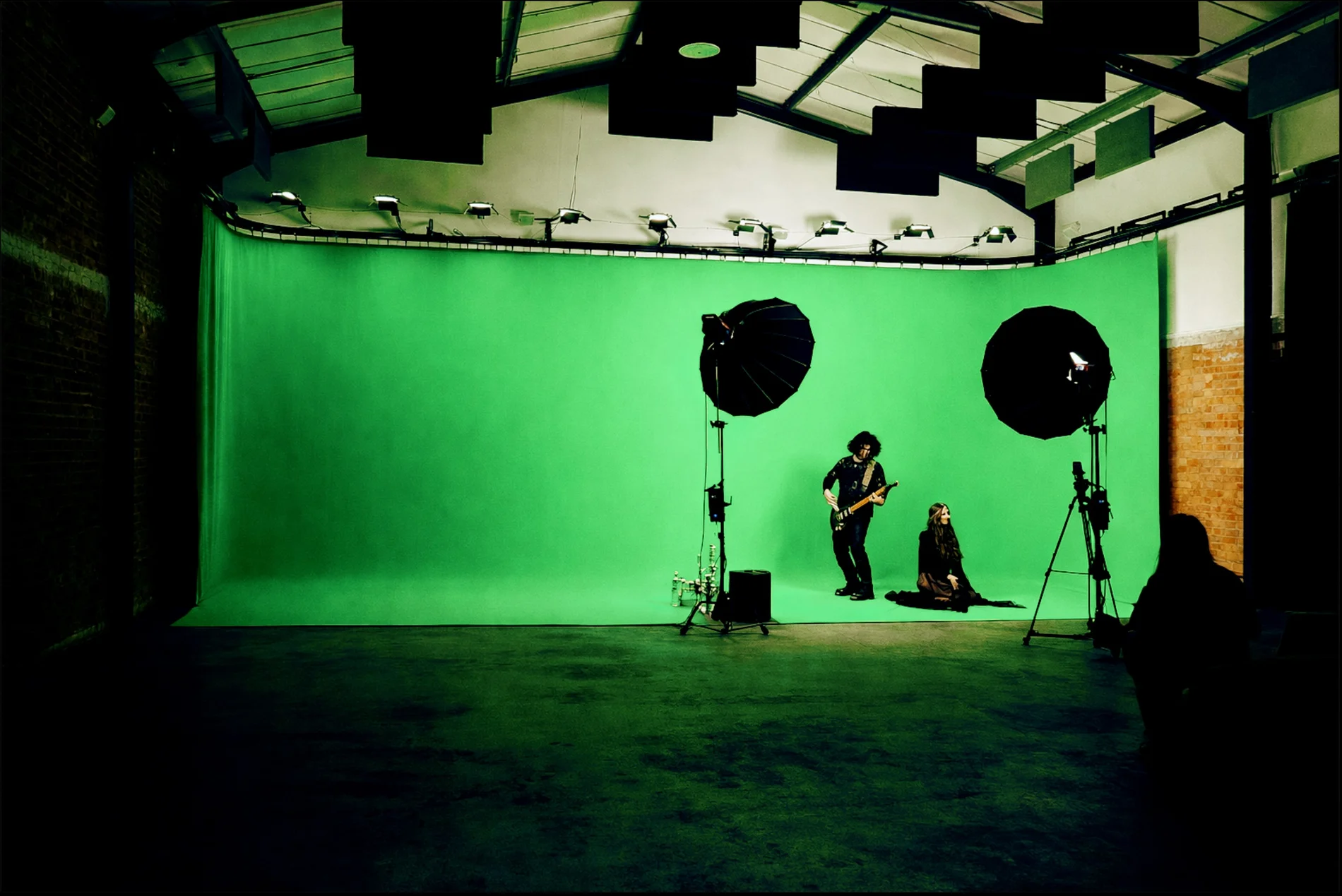
Giant Green Screen at Finchley Studios. Enquire about Giant Green Screen.
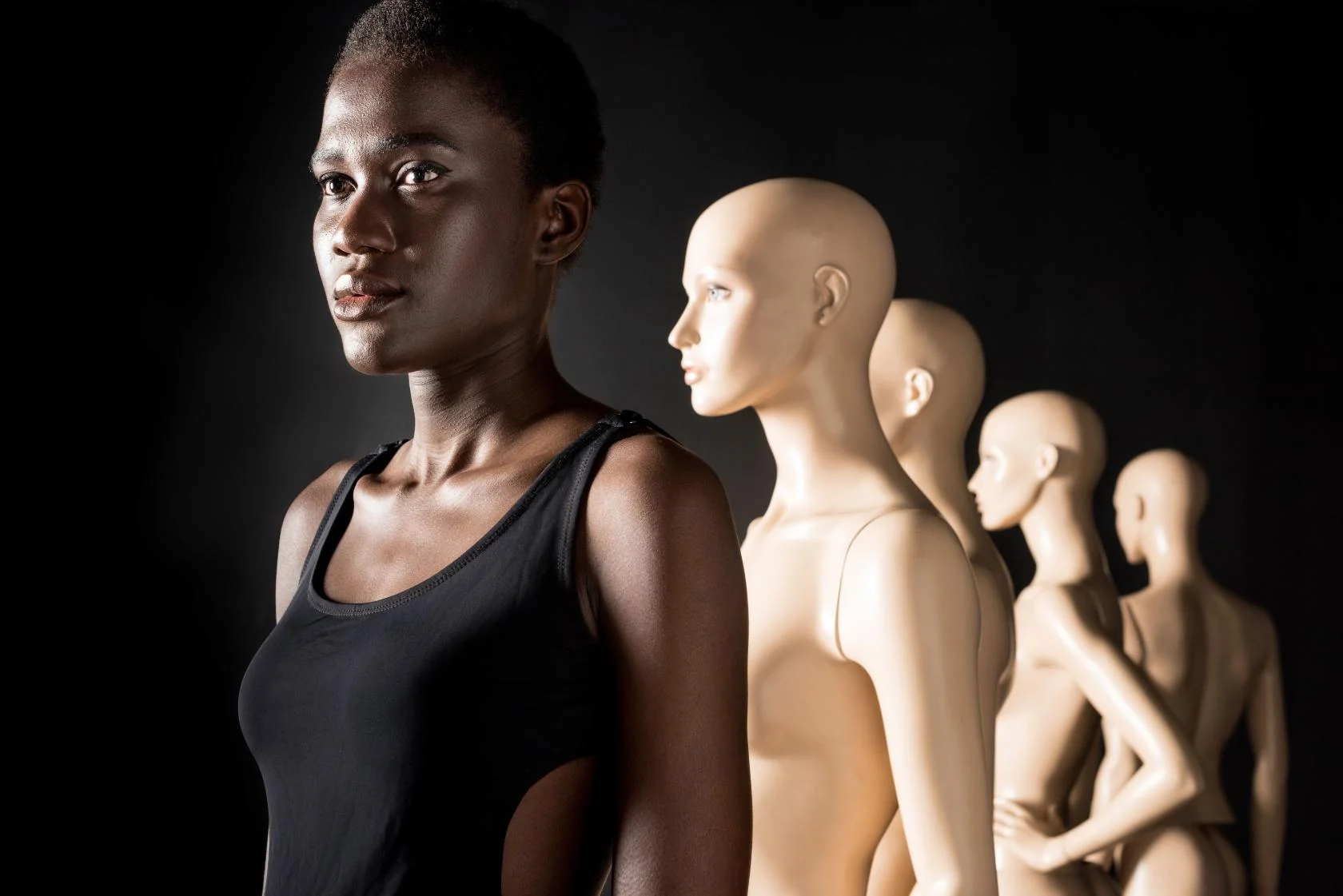
Blackout at Finchley Studios. Book Blackout.
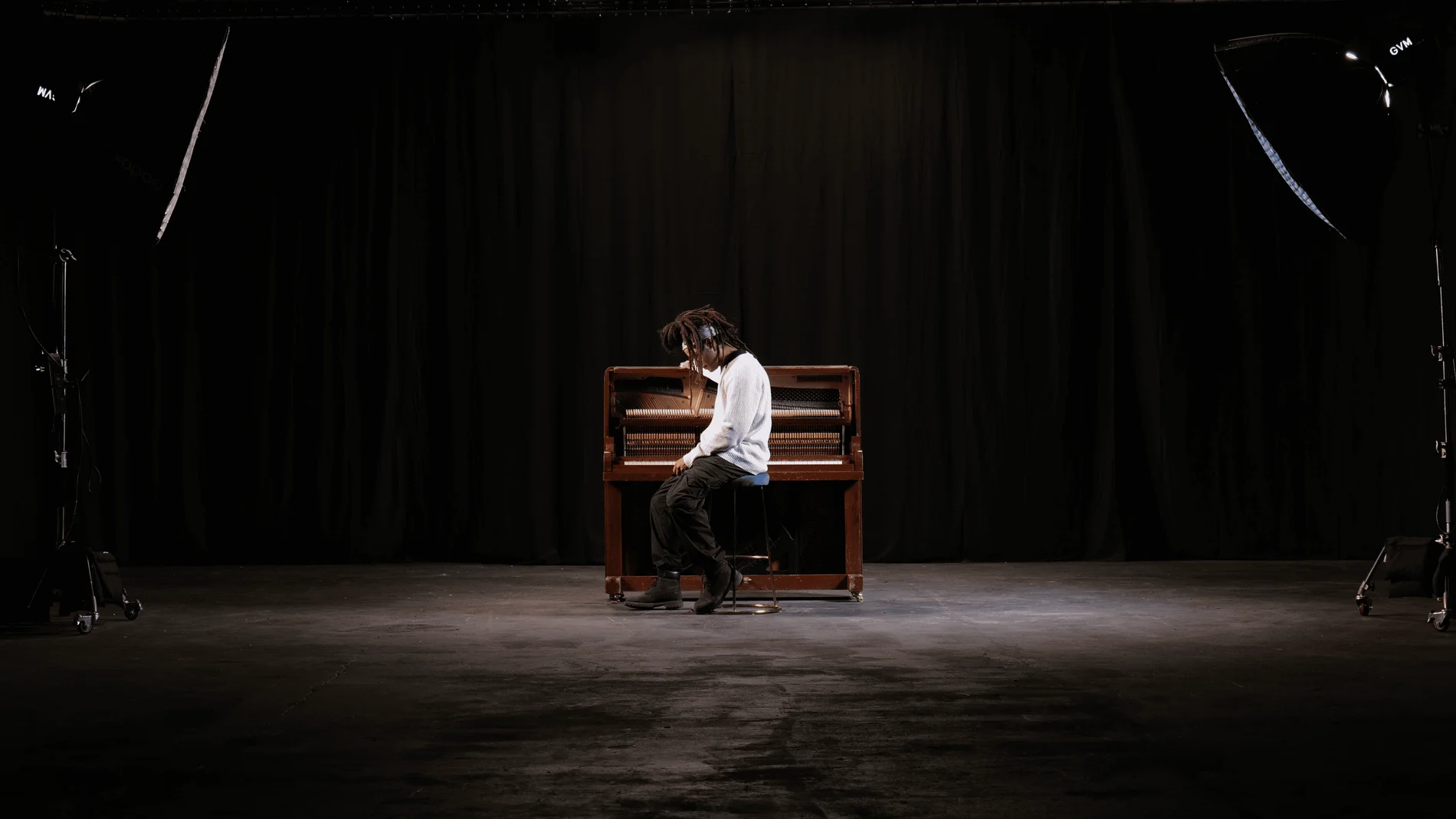
Giant Blackout at Finchley Studios. Enquire about Giant Blackout.
Plan your Finchley recording
Explore our podcast studio in London to compare sets and production support. Send your brief to the Finchley team with your preferred date, guest count and required outputs.











