
Booking a podcast studio in London becomes easier when you separate five decisions: what you want to publish, who will attend, what the studio will record, who will edit it, and when you need the finished files. A room photograph answers only part of that brief. Use this guide to work through the decisions in order, then follow the detailed answers that match your production.
Start with the finished programme
Write a one-sentence outcome: “We need a 35-minute interview for our audio feed, a full video episode and three captioned vertical clips.” That gives the studio something useful to quote. “We need a podcast” leaves the number of cameras, editing work and delivery formats open.
Choose the primary audience and destination before choosing equipment. Apple Podcasts accepts MP3 or AAC for RSS audio, while YouTube publishes separate video upload recommendations. A camera original, an editing master and a platform upload can therefore be different files. Our recording deliverables guide explains what to request.
Match the room and support to the people
Count everyone who will speak and everyone who will attend. A two-person interview, four-person panel and executive presentation need different seating, microphone coverage and camera plans. Ask about the proposed framing with your actual guest count, rather than judging capacity from an empty-set photograph.
Decide who will monitor sound and cameras while you host. Engineer support is particularly useful when the presenter needs to concentrate on the conversation. Check access requirements and the arrival route with each guest. If someone joins remotely, include a connection test, headphones and a fallback plan in the brief.
Budget the complete session
Compare the written total for the same output. Include room time, recording support, equipment, setup, editing, captions, clips, file delivery and any applicable tax or extras. A low hourly figure tells you little if the sessions include different services.
An illustrative run of show might allocate 20 minutes for settling in and checks, 40 minutes for an interview, 10 minutes for pickups and 15 minutes for wrap. That adds up to 85 minutes before any extra buffer. It is a planning example, not a booking duration or minimum hire offer. Allow for the venue's minimum and your guests' needs. Use the studio booking duration guide to build your own schedule.
Agree the handover before recording
Ask which audio tracks and camera files are included, whether you receive a switched video or separate camera angles, and who checks the downloads. Confirm the raw-file transfer date separately from the edited-episode deadline. Allow time to review an edit and correct captions before the public release.
Keep a clear record of guest permissions, the intended uses of the recording and any music or third-party footage you plan to include. Tell your editor about restrictions before they select trailers or social extracts. A studio booking and a guest agreement solve different problems.
Send one clear booking brief
Before confirming, send the studio the following information together:
- Preferred dates, the number of episodes and the approximate conversation length.
- Names and numbers of speakers, observers and remote participants.
- Set preference, access requirements and the confirmed arrival address.
- Audio and video outputs, editing responsibilities and clip requirements.
- File delivery dates, review contact and the planned publication date.
Keep the agreed response with the quote. The guides below let you explore each question without losing sight of the overall recording plan.
Planning this at Finchley Studios
At Finchley Studios, start by comparing the sets and recording support on our homepage with the outputs in your brief. Our current equipment information lists Gold recording kit including Lumix cameras, microphones, LED lighting and an ATEM switcher; Platinum adds a teleprompter. Ask for the equipment, engineer support and deliverables to be itemised for your chosen session.
Our main studios and Warehouse use different addresses, and published minimum-hire wording varies between pages. Confirm the selected space, duration and written total before inviting guests. The homepage allows up to three days for cloud file transfer; an edited programme needs its own agreed schedule. Use the set booking links below to discuss the room that suits your production.
Find the answer to your booking question
Choosing a London studio and recording package
- Audio or Video Podcast: Which Studio Package Should You Choose?
- What Is Included in Podcast Studio Hire?
- How to Choose a Podcast Studio for Two, Three or More Speakers
- Do You Need a Recording Engineer for Your Podcast?
- Accessible Podcast Studio: Questions to Ask Before Booking
- London Podcast Recording Costs: How to Build a Complete Budget
- Podcast Studio Hire: Extra Costs to Check Before Booking
Booking terms, schedules and arrival
- How Long Should You Book a Podcast Studio For?
- How to Batch Record Podcast Episodes in One Studio Session
- Podcast Studio Overtime: How to Plan a Session That Finishes on Time
- Changing a Podcast Studio Booking: Cancellation and Rescheduling
- Podcast Studio Hire Insurance: Questions for Your Production
- Getting to Finchley Studios: A Podcast Guest Arrival Guide
- Planning a VIP or Executive Podcast Interview
- Can Your Producer or Marketing Team Attend a Podcast Recording?
Planning your show and briefing guests
- How to Write a Podcast Studio Production Brief
- How to Plan a Six-Episode Podcast Series
- How Long Should a Podcast Episode Be?
- How to Structure a Podcast Episode Before Recording
- Scripted or Unscripted Podcast: How Much Should You Prepare?
- How to Record and Review a Podcast Pilot
- How to Plan and Record a Podcast Trailer
- How to Brief a Podcast Guest Before Recording
Preparing people for the recording
- Your First London Podcast Studio Session: What to Expect
- What to Bring to a Podcast Recording: Guest and Host Checklist
- Podcast Production Technical Checklist for Producers
- How to Host Your First Podcast Interview
- Should You Rehearse Before Recording a Podcast?
- How to Feel More Confident on a Video Podcast
- What to Wear for a Video Podcast Recording
- Should You Use a Teleprompter for a Podcast or Interview?
Sound, cameras and set design
- Soundproofing vs Acoustic Treatment for Podcast Studios
- How to Tell Whether a Podcast Studio Sounds Good
- How to Manage Background Noise in Podcast Recordings
- How Many Cameras Do You Need for a Video Podcast?
- Do You Need 4K for a Video Podcast?
- Green Screen or Physical Set for Your Video Podcast?
- How to Brand a Hired Podcast Studio Set
- What to Do If Podcast Recording Equipment Fails
Remote guests and live production
- How to Record a Podcast with Studio and Remote Guests
- How to Prepare a Remote Guest for a Podcast Recording
- Can You Livestream and Record a Podcast at the Same Time?
- Live Switching vs Podcast Editing: Which Workflow Fits Your Show?
Editing, file delivery and publishing
- Does Podcast Studio Hire Include Editing?
- Can You Use Your Own Editor After Recording in a Podcast Studio?
- What Files Should You Receive After a Podcast Recording?
- How Long Does It Take to Receive Your Podcast Recording Files?
- How Long Do Podcast Studios Keep Your Recording Files?
- How to Turn One Podcast Recording into Social Media Content
Guest permissions and content rights
- Podcast Guest Release Forms: What to Agree Before Recording
- Who Owns Your Podcast Recording? Questions to Agree in Writing
- Using Music, Images and Clips in a Podcast: A Planning Guide
- Podcast Guests and AI: Permissions to Discuss Before Recording
A client recording from Finchley Studios
From our client recording collection: Owning Space.
Continue planning your recording
- Audio or Video Podcast: Which Studio Package Should You Choose?
- Podcast Studio Hire: Extra Costs to Check Before Booking
- What Is Included in Podcast Studio Hire?
Explore all 12 Finchley sets
Compare the looks below, then follow the booking or enquiry link for your preferred set. Confirm the recording package, guest capacity and location for your session.
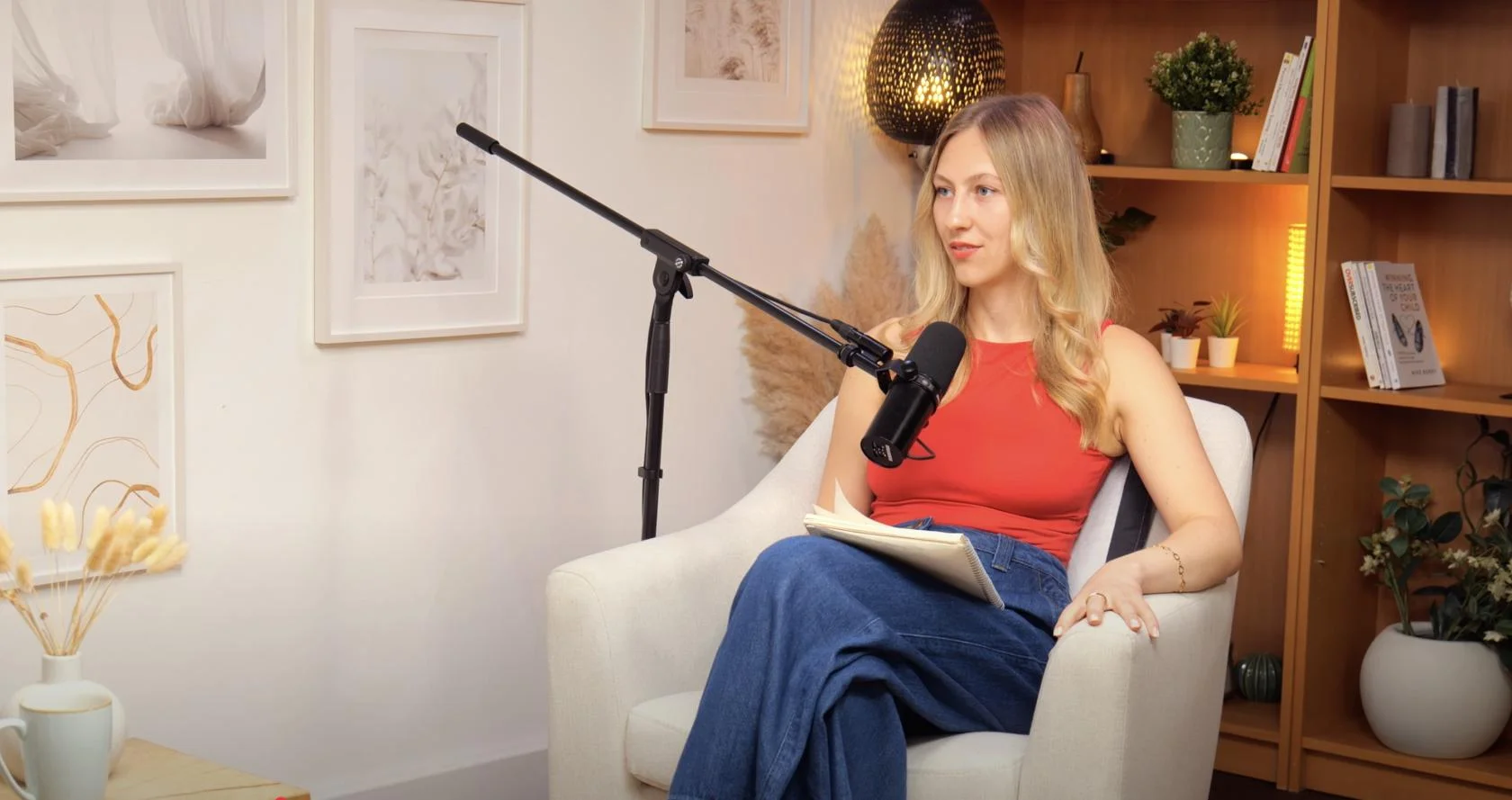
Dialogue at Finchley Studios. Book Dialogue.
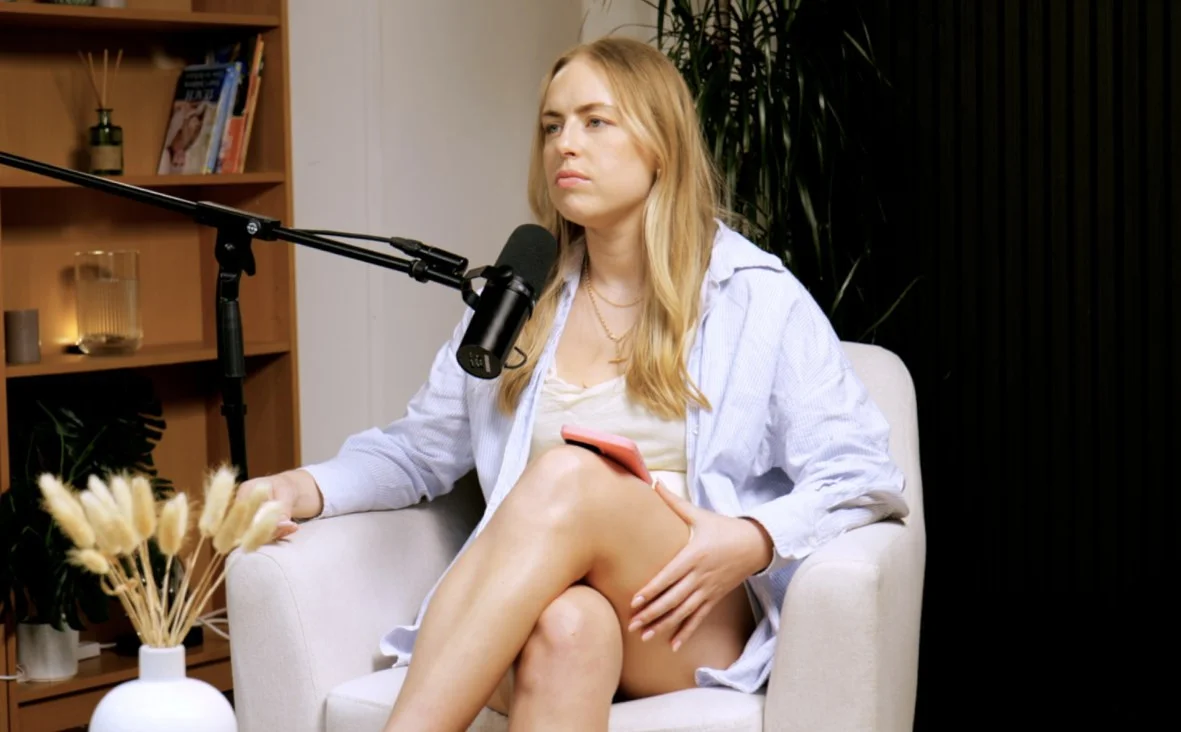
Lounge at Finchley Studios. Book Lounge.
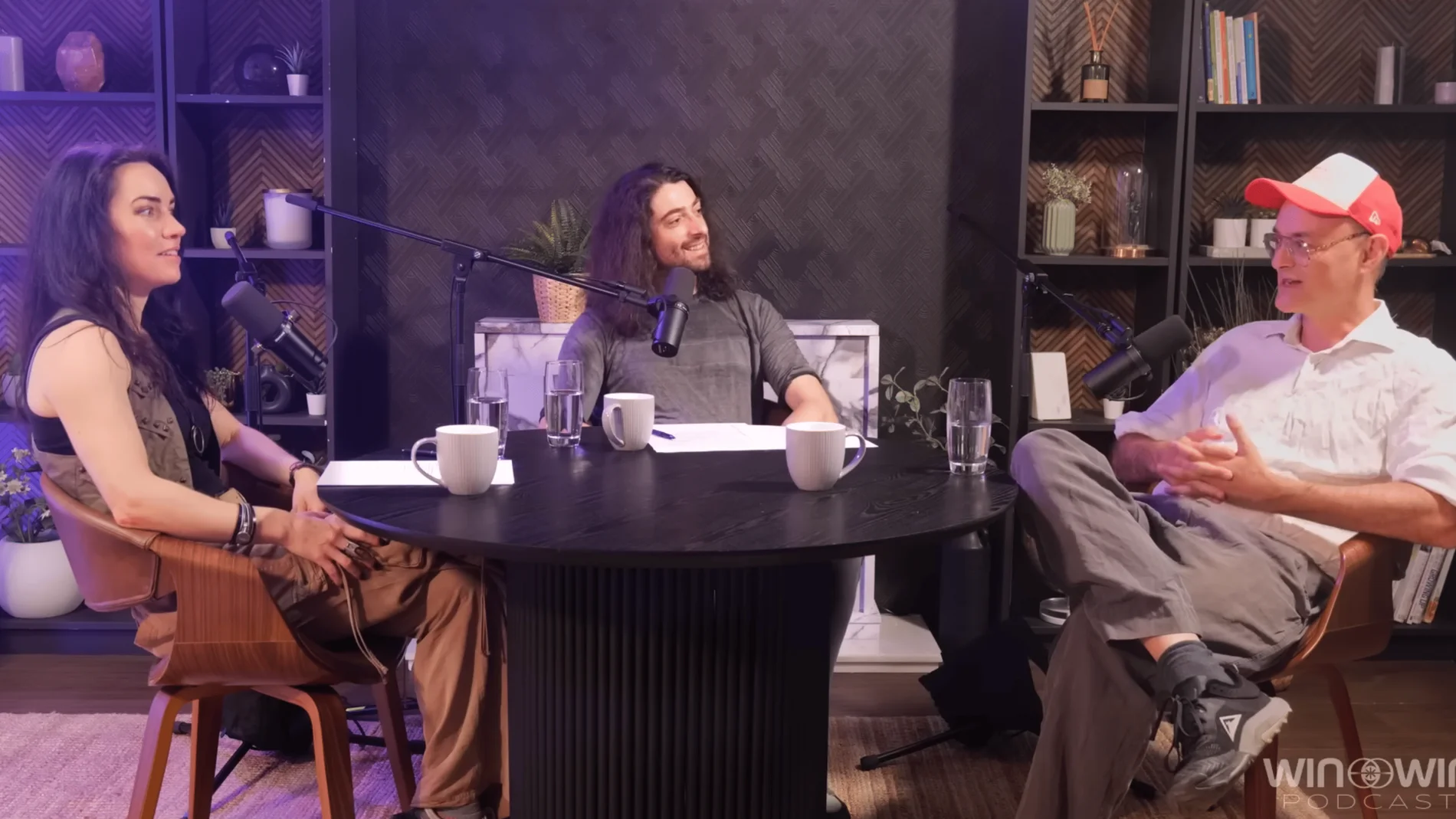
CEO at Finchley Studios. Book CEO.
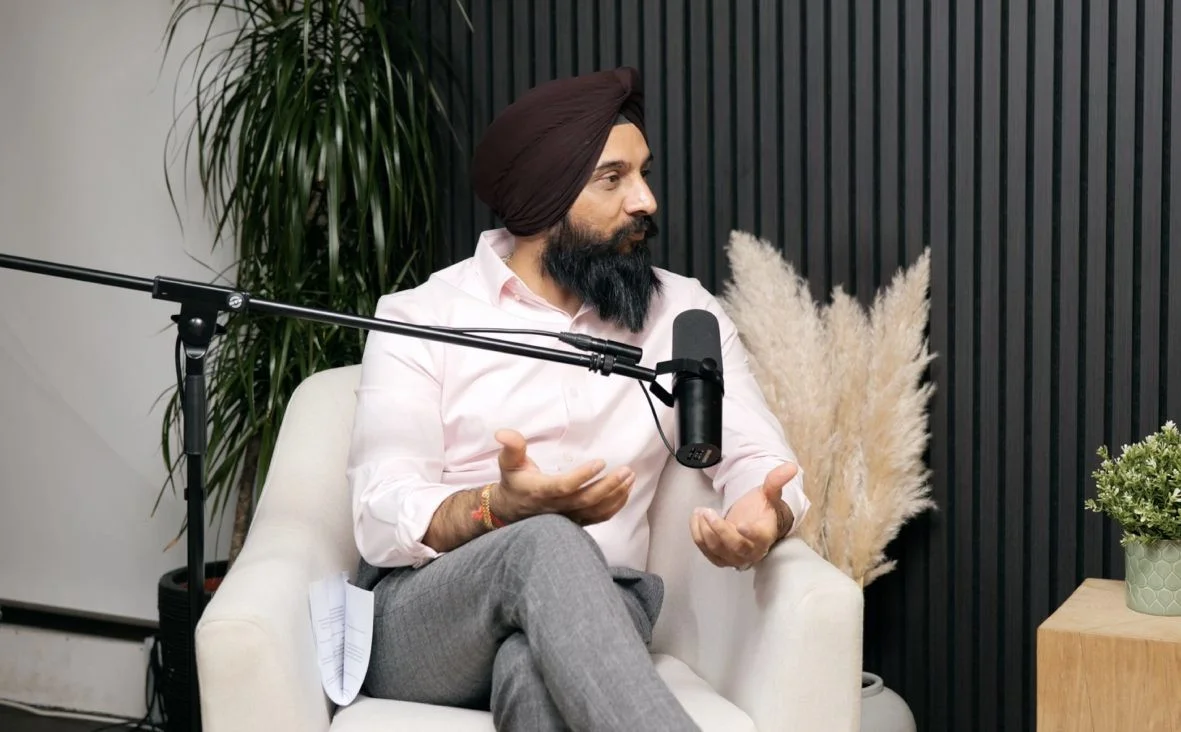
Blackwood at Finchley Studios. Book Blackwood.
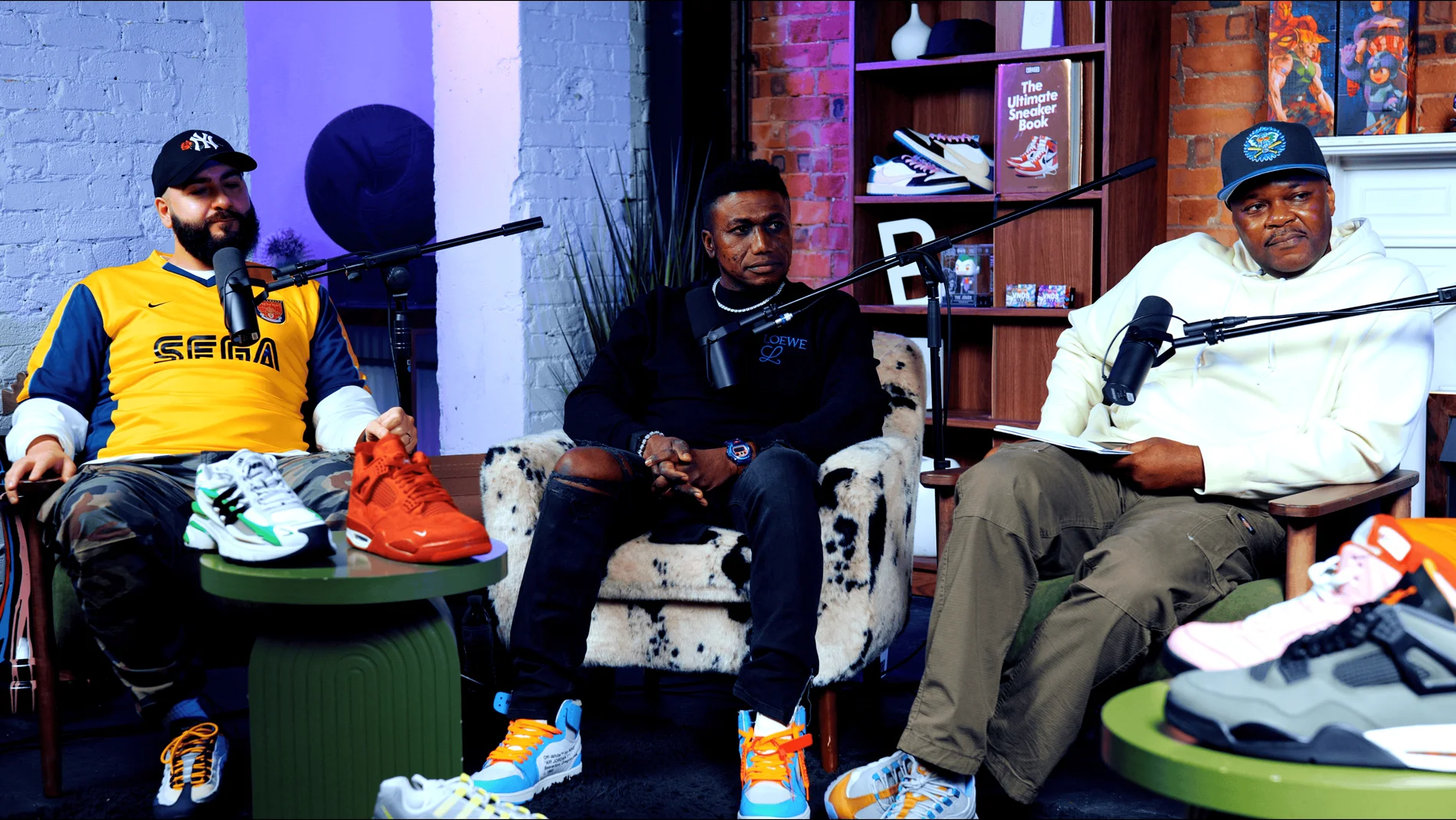
Pulse Lounge at Finchley Studios. Enquire about Pulse Lounge.
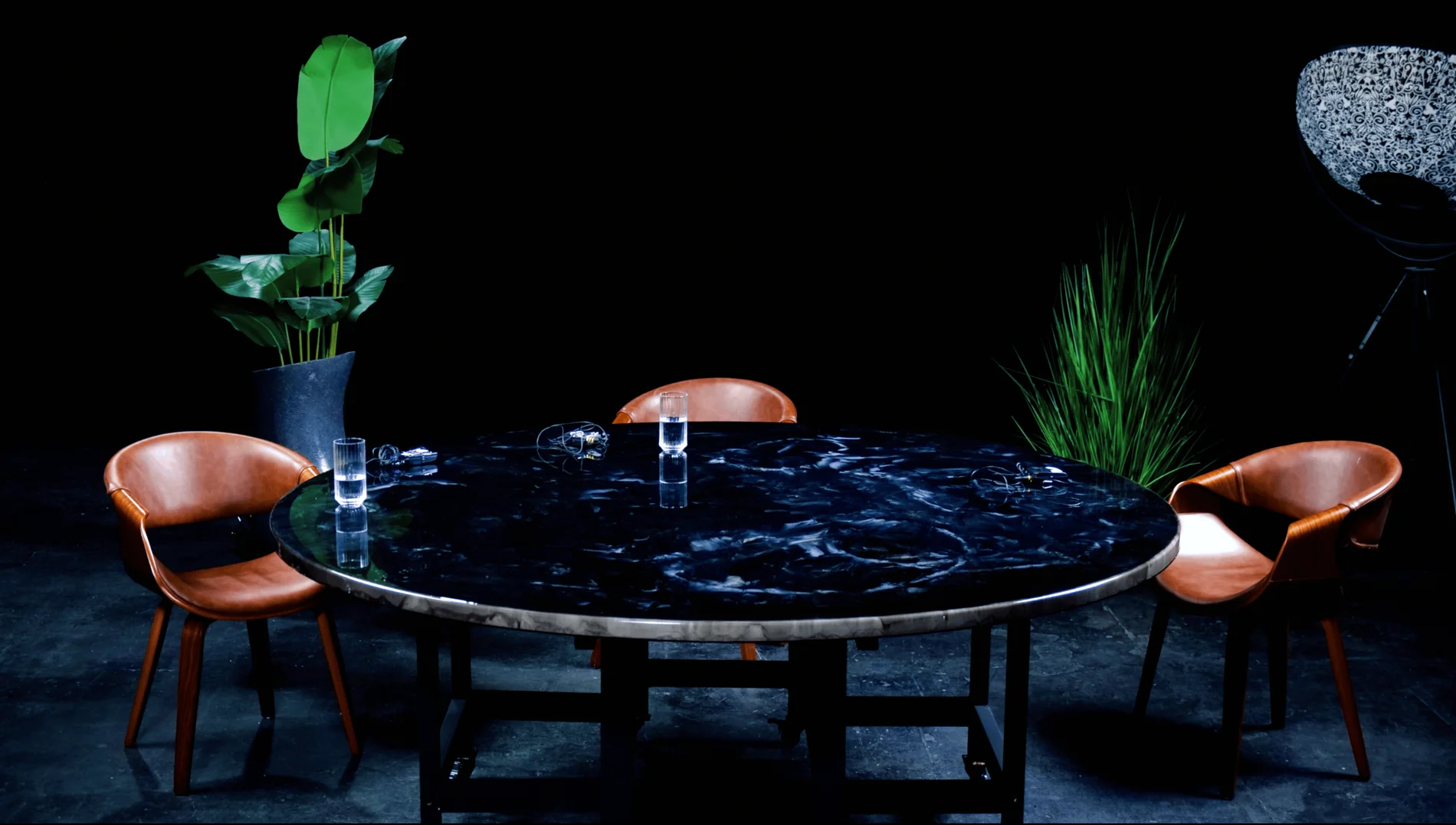
Roundtable at Finchley Studios. Enquire about Roundtable.
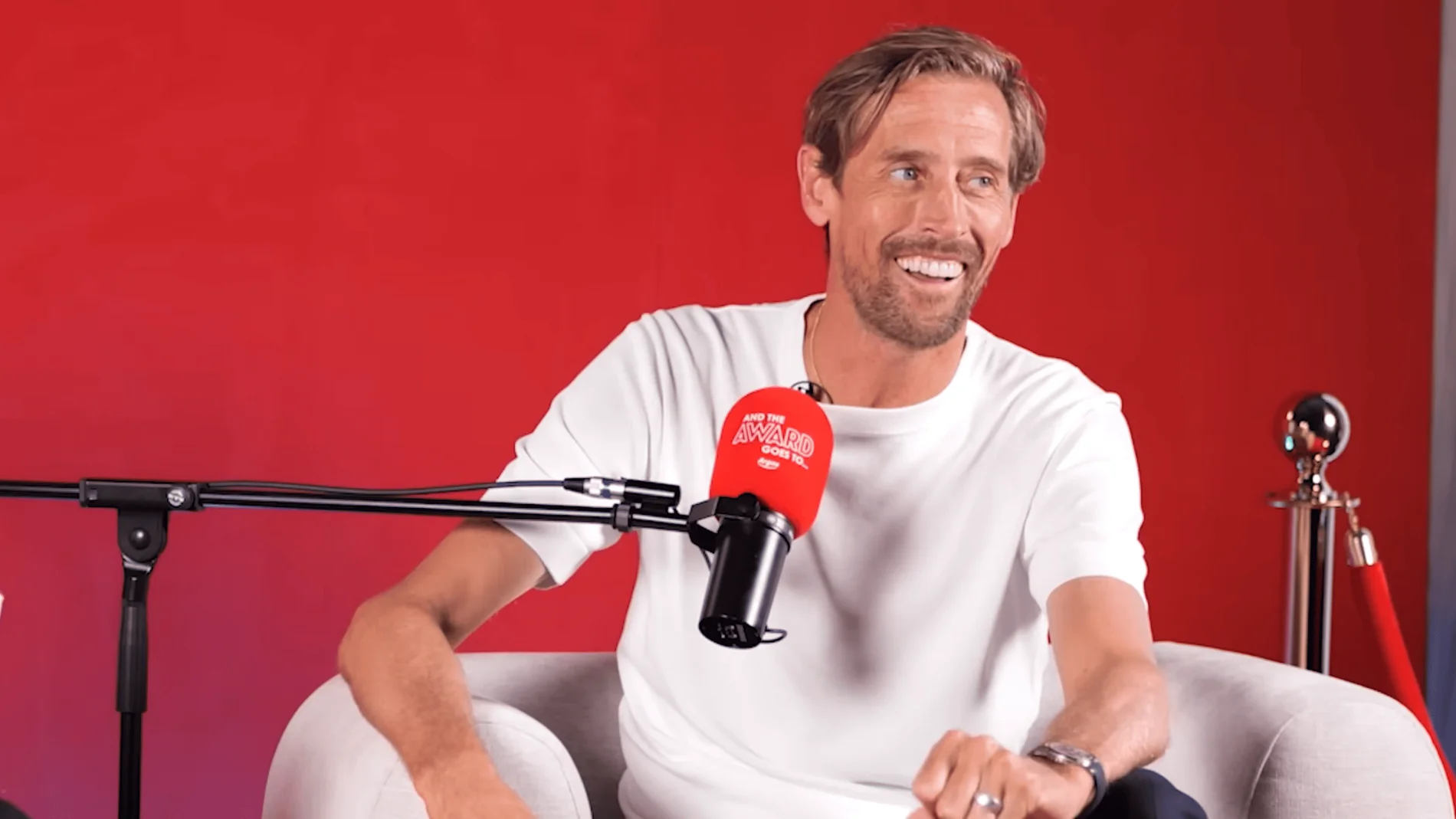
The Brick Studio at Finchley Studios. Enquire about The Brick Studio.
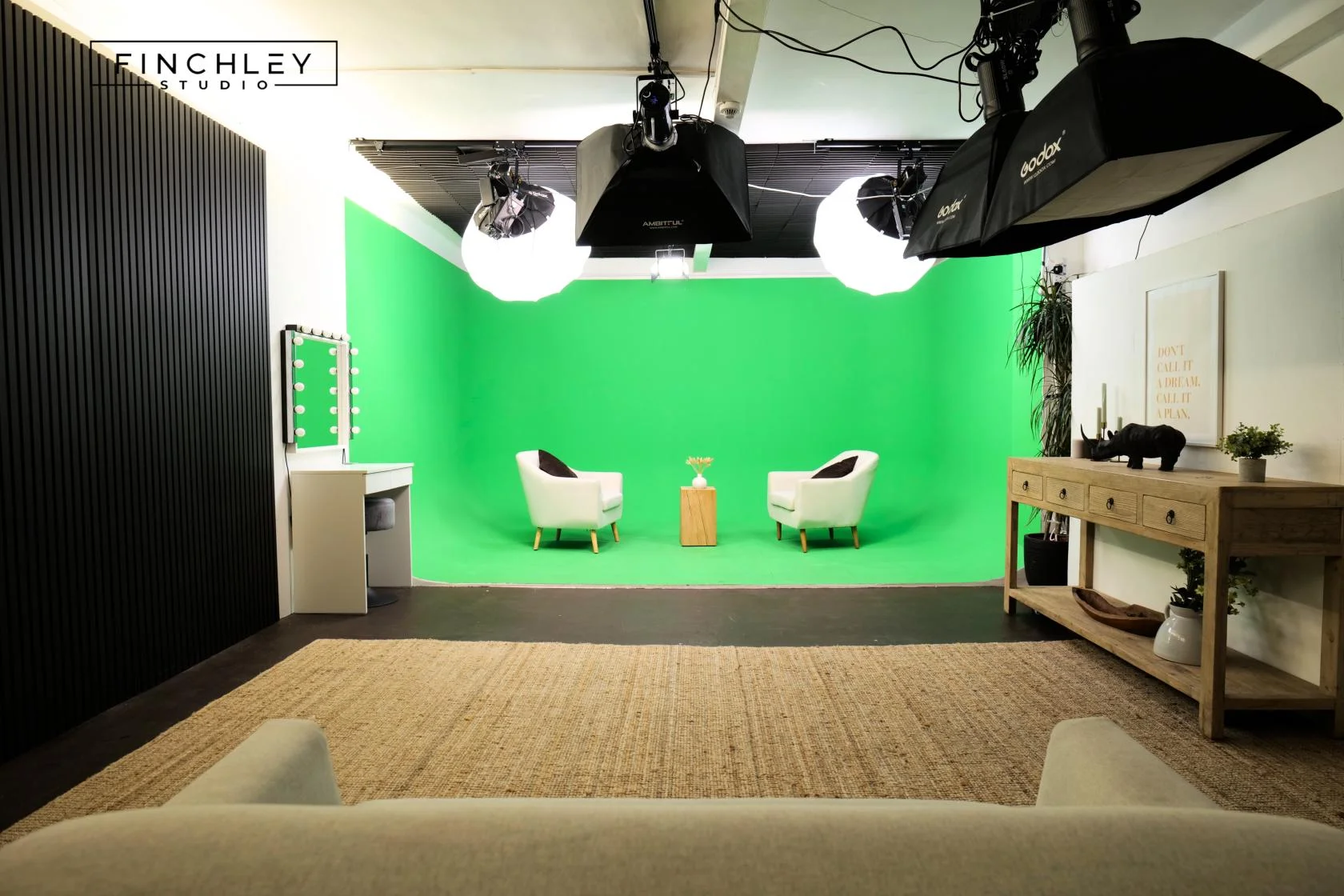
Green Screen Cove at Finchley Studios. Book Green Screen Cove.

Giant White Infinity Cove at Finchley Studios. Enquire about Giant White Infinity Cove.
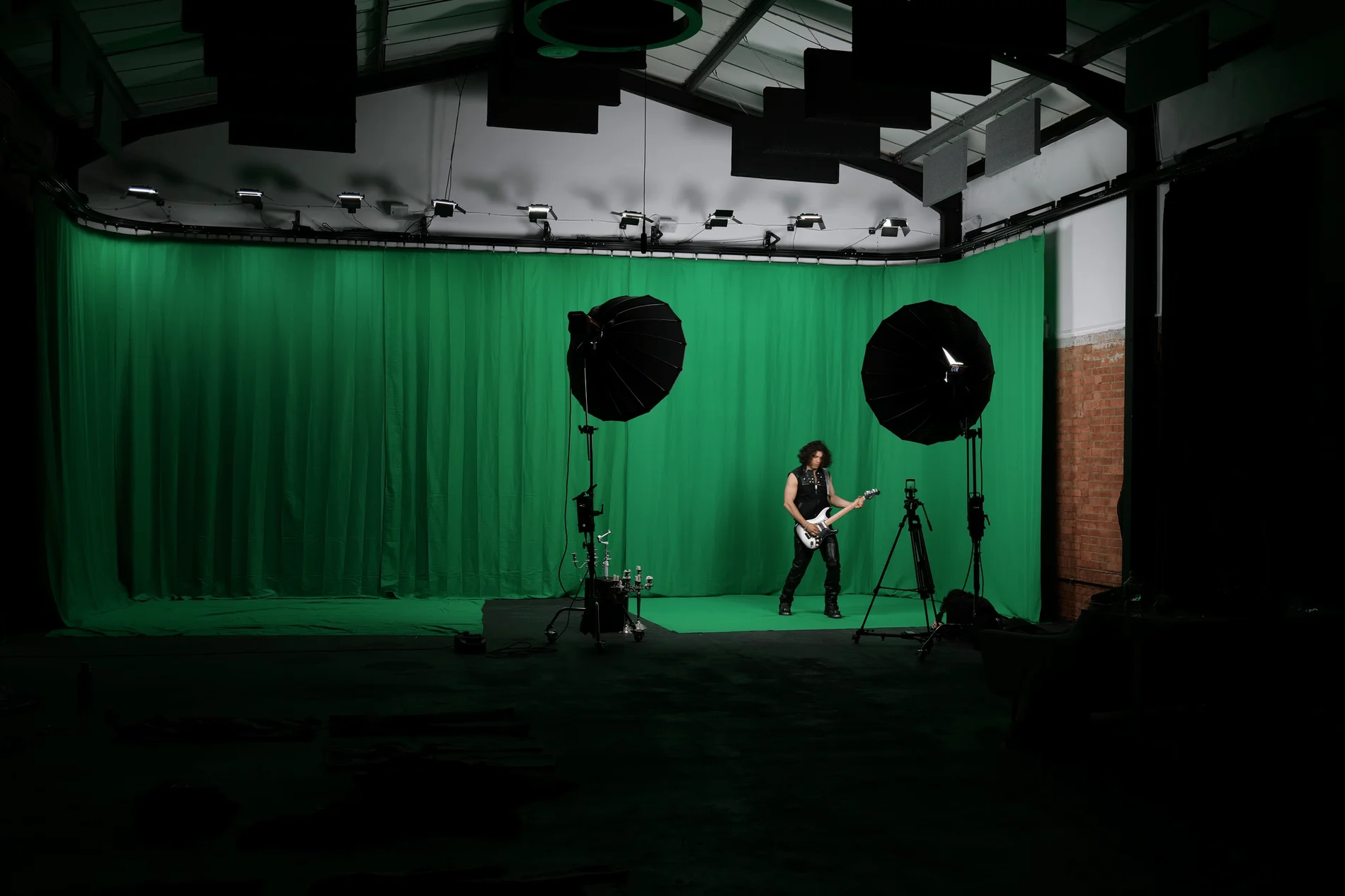
Giant Green Screen at Finchley Studios. Enquire about Giant Green Screen.
Blackout at Finchley Studios. Book Blackout.
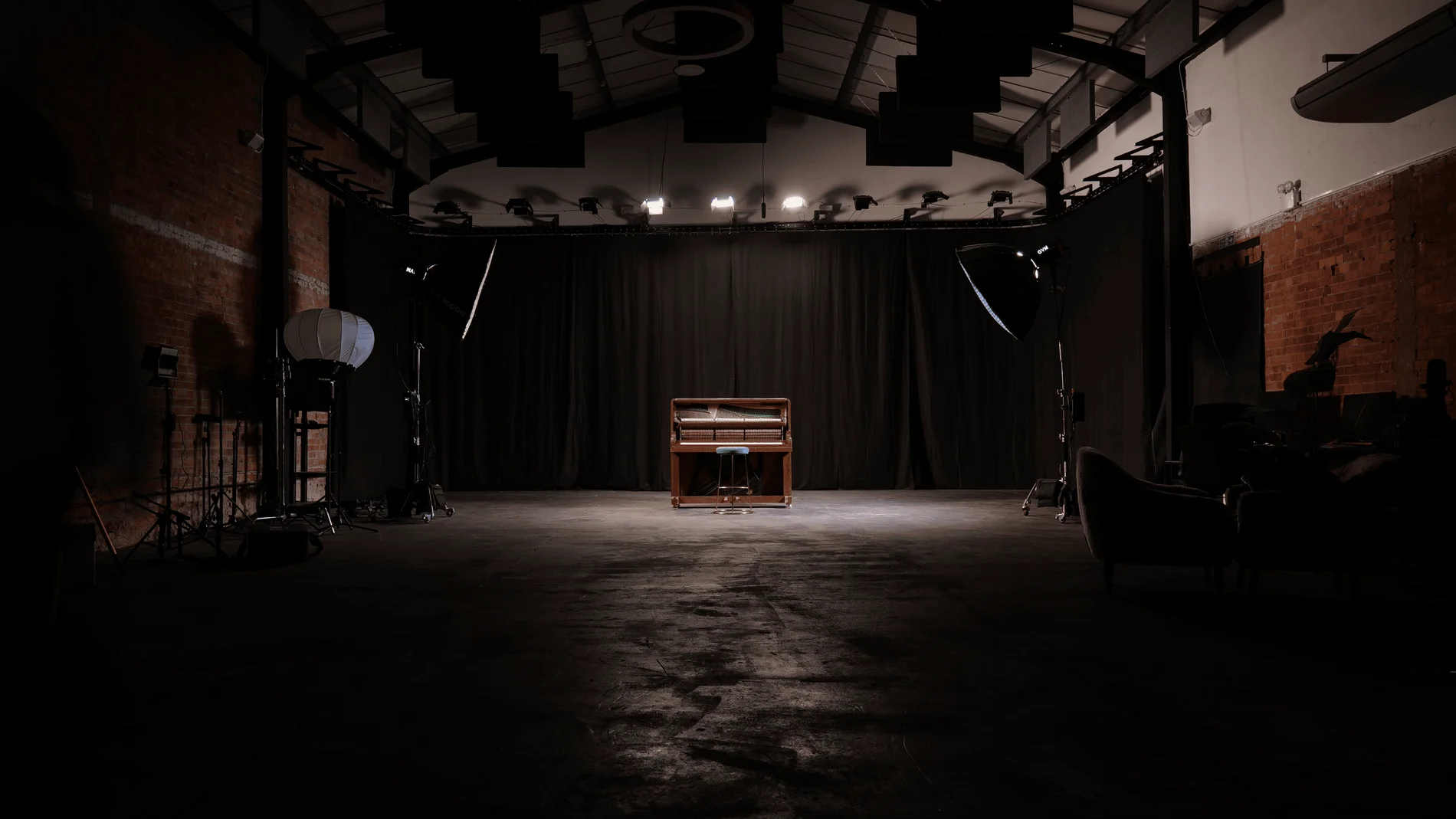
Giant Blackout at Finchley Studios. Enquire about Giant Blackout.
Plan your Finchley recording
Explore our London recording studio to compare sets and production support. Send your brief to the Finchley team with your preferred date, guest count and required outputs.











