
A podcast trailer should help a new listener understand who the show is for, what they will hear and why they might follow it. Plan it as a small production with a clear message, rather than cutting together a few energetic moments and hoping the premise becomes obvious.
Decide what the trailer needs to achieve
Choose whether you are introducing a new show, announcing a season or promoting an existing series. A new show needs a simple explanation and a useful next step. A returning season can concentrate on its theme and what has changed.
Write one sentence describing the promise to the listener. For example: “Each week, a small-business founder explains one difficult decision and the lesson another owner can use.” This is an illustrative premise; your own wording should match the programme you will actually make.
Build a short, speakable script
Use the script to introduce the show, demonstrate its character and invite one action. Read it aloud before recording. Written sentences that look concise can still be awkward to say, especially when they contain several names or technical terms.
This illustrative 90-second structure is a planning aid:
| Section | Purpose |
|---|---|
| Opening | Present a question, idea or moment that represents the show |
| Introduction | Name the host and explain the programme's premise |
| Example | Include a brief exchange or describe a concrete topic |
| Invitation | Explain where to find the show and what to do next |
Adjust the length to the material. Apple's episode guidance suggests considering a one- to two-minute trailer; it is a recommendation, rather than a requirement for every promotional version.
Choose clips that fulfil the promise
Use extracts that sound like the episode a listener will receive. A quiet, thoughtful show can have an engaging trailer without adopting the pace of a dramatic news montage. Make sure a guest's meaning remains clear when the surrounding conversation is removed.
If the interviews have not been recorded, a host-led trailer can explain the questions the series will explore. Capture the full conversations before promising specific guest moments. Our pilot recording guide helps test whether the proposed format delivers the experience you are describing.
Ask your production team to confirm any music, artwork and extract permissions needed for the planned uses. List the audio trailer, video trailer and any paid promotion separately so the scope is clear.
Record material that gives the editor choices
Prepare a clean version of the show name, introduction and closing invitation. Record complete alternative lines when testing different wording. Leave natural gaps between takes and identify the preferred versions in the edit notes.
For video, specify orientation and space for on-screen text before the cameras are framed. Decide whether the host speaks to the lens or to another person. Use the studio production brief guide to document those choices.
Review the trailer as a new listener
Play it to someone unfamiliar with the project and ask what they believe the show is about. Check whether the title, premise and next step are clear without additional explanation.
Review audio and video versions separately. W3C's caption guidance includes meaningful non-speech sounds as well as dialogue. Check captions, links, names and any announced date before publication, and retain a version that can be updated if the launch plan changes.
Recording a trailer at Finchley
The Pulse Lounge provides a red brick setting for filmed conversations and promotional content. If your series is being recorded there, using the same look can help the trailer represent the forthcoming episodes.
Send Finchley the script, planned extracts and required orientations before the session. Say whether the trailer is a separate recording or additional material captured alongside your pilot. Include alternative introductions and closing lines in the running order so they are recorded before the booking ends. Ask for the recording and editing scope separately, including music, captions, graphics and final versions, with a review date that leaves room for corrections before launch.
A client recording from Finchley Studios
From our client recording collection: BBC Sounds.
Continue planning your recording
- How to Brief a Podcast Guest Before Recording
- How to Record and Review a Podcast Pilot
- How to Write a Podcast Studio Production Brief
For the full series, explore our podcast studio booking guide.
Explore all 12 Finchley sets
Compare the looks below, then follow the booking or enquiry link for your preferred set. Confirm the recording package, guest capacity and location for your session.
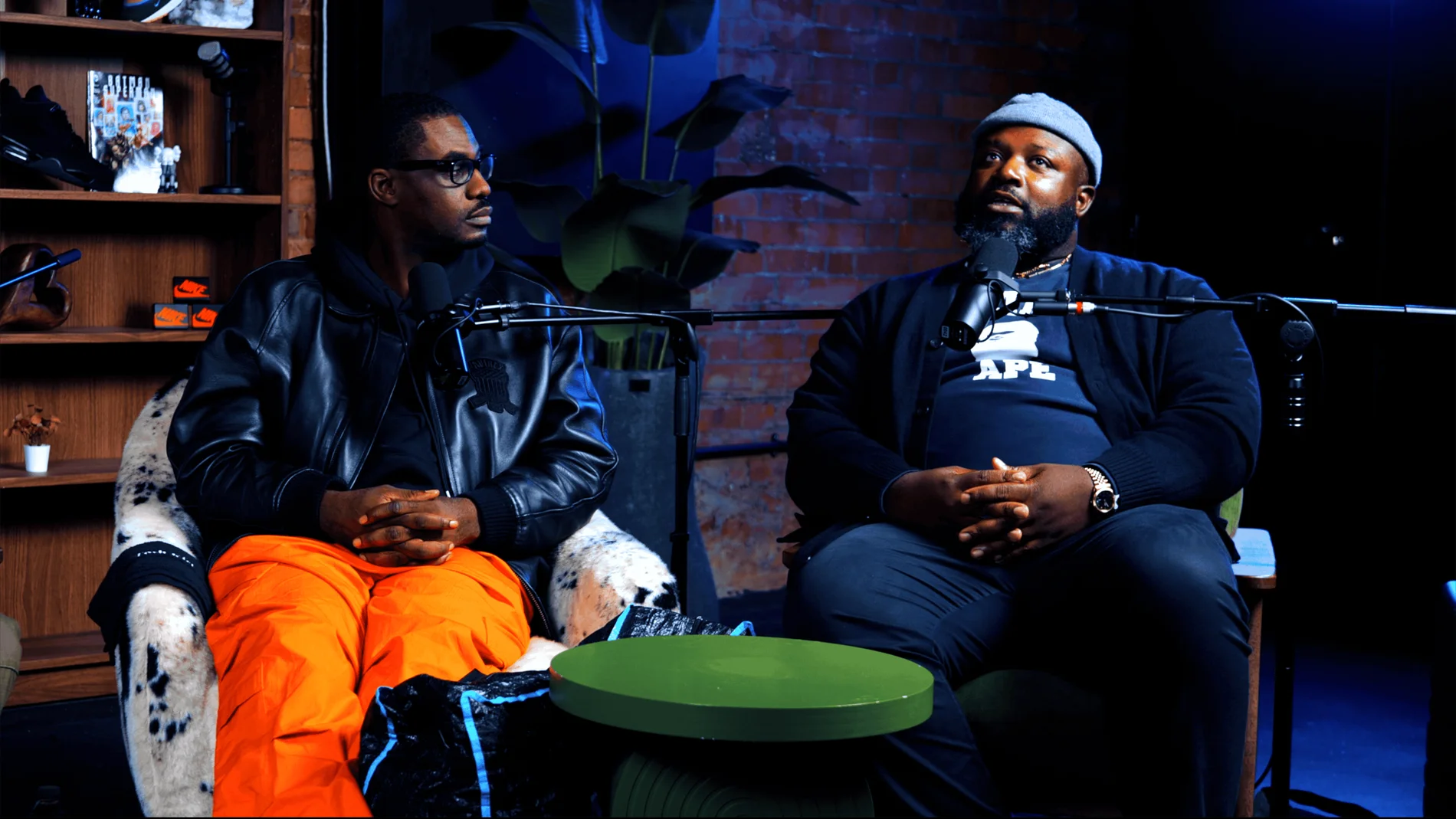
Pulse Lounge at Finchley Studios. Enquire about Pulse Lounge.
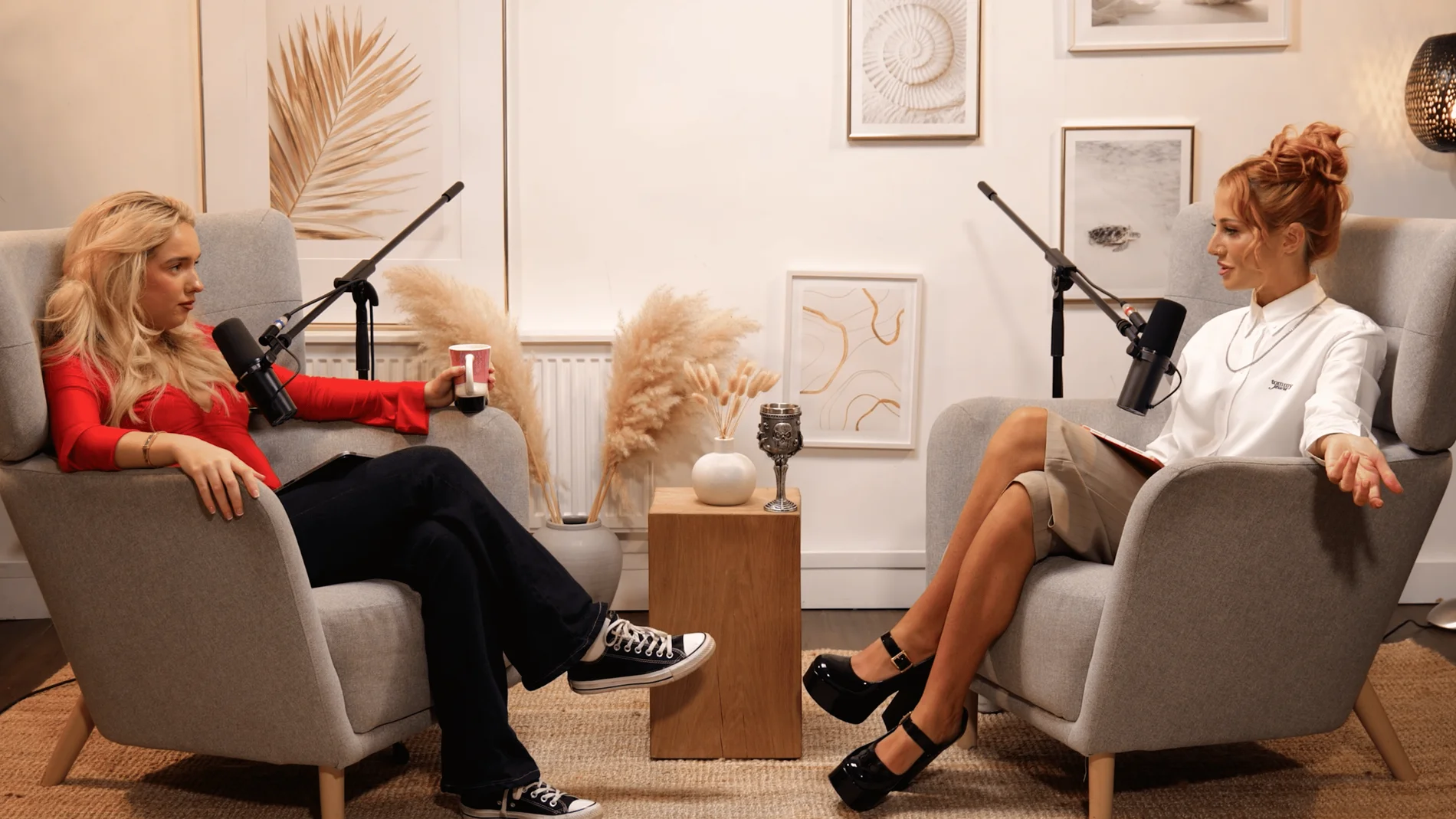
Dialogue at Finchley Studios. Book Dialogue.
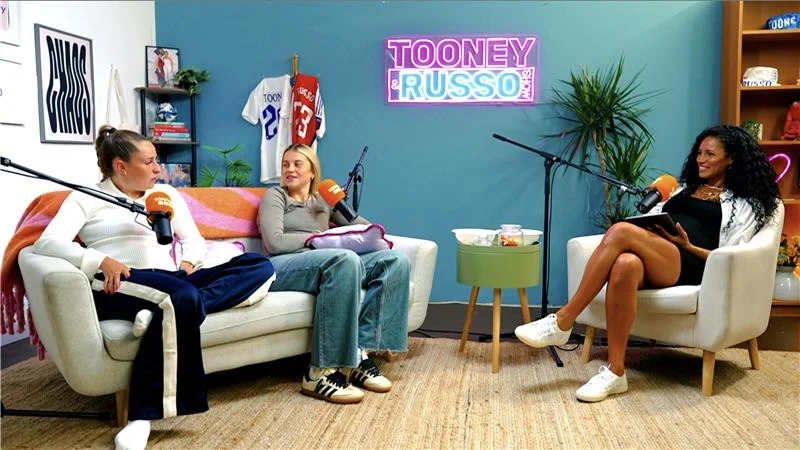
Lounge at Finchley Studios. Book Lounge.
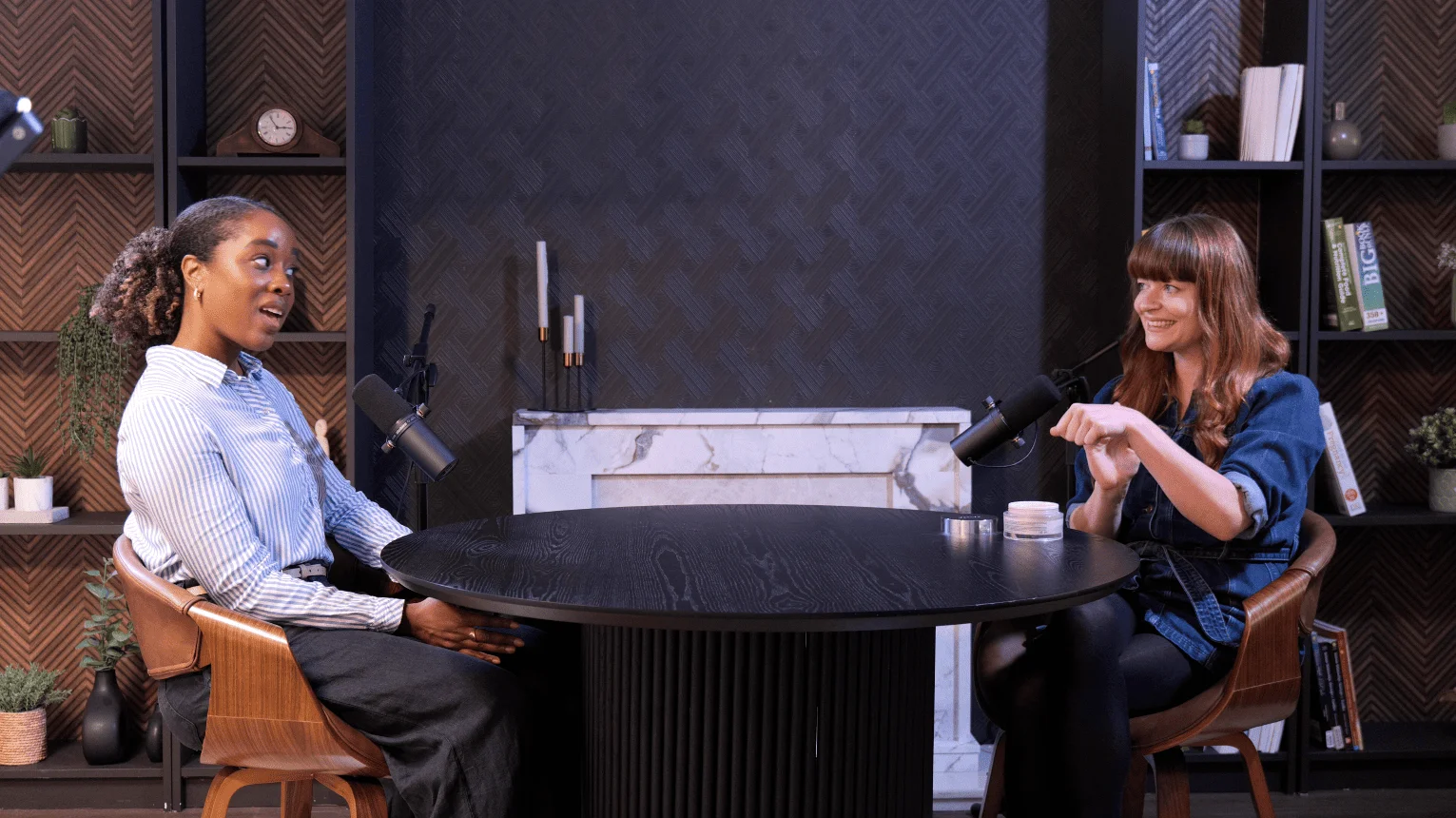
CEO at Finchley Studios. Book CEO.
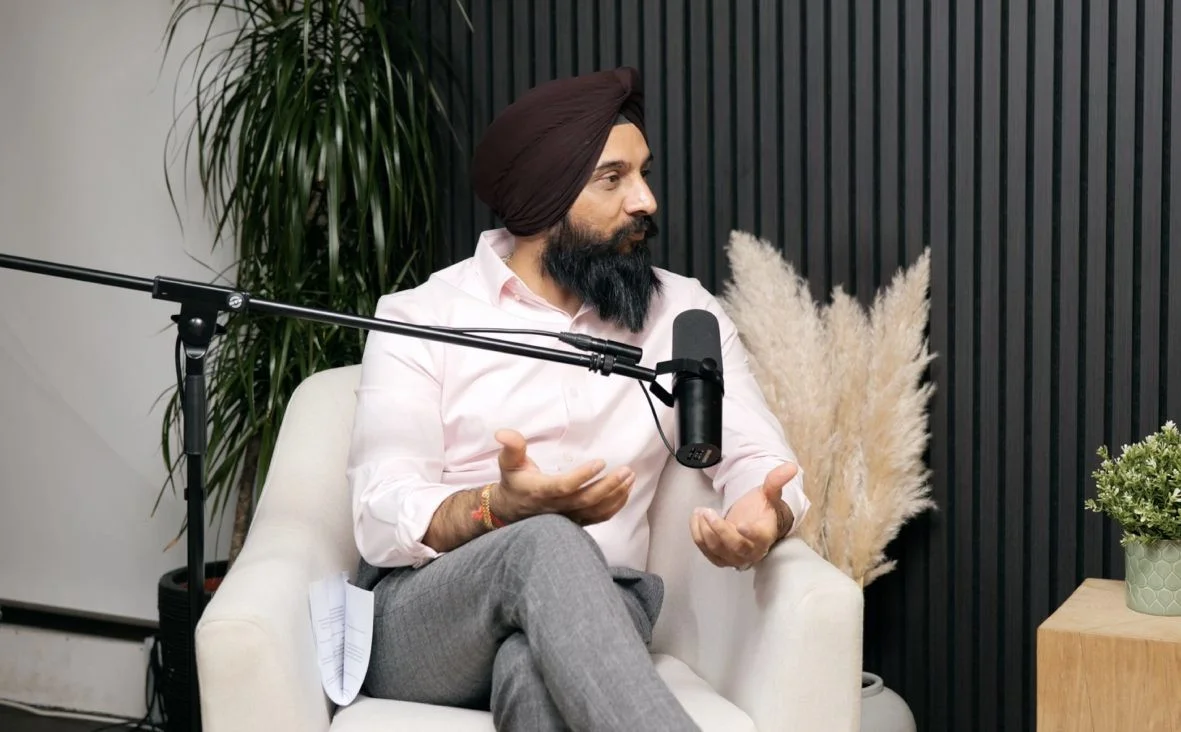
Blackwood at Finchley Studios. Book Blackwood.
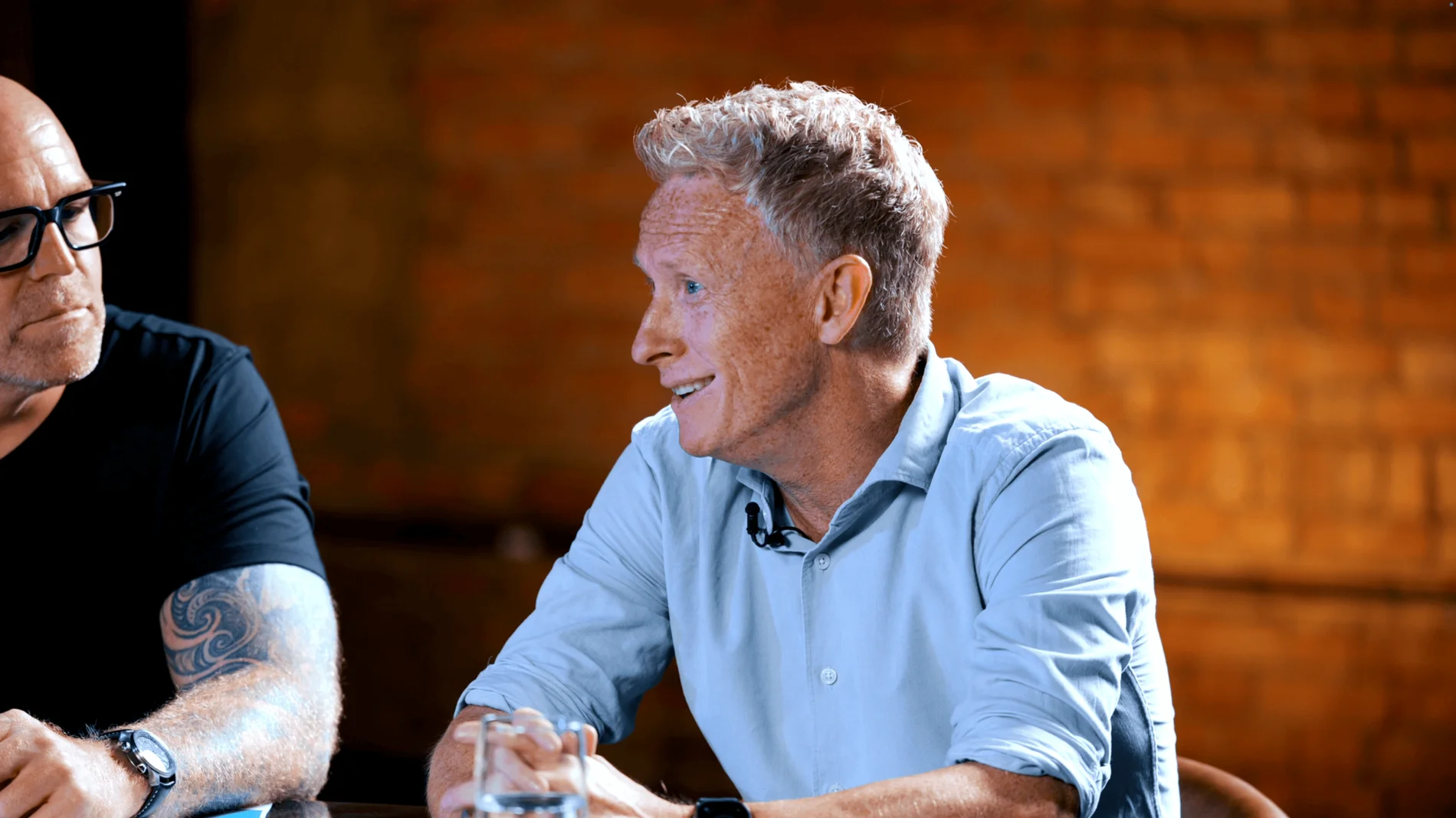
Roundtable at Finchley Studios. Enquire about Roundtable.
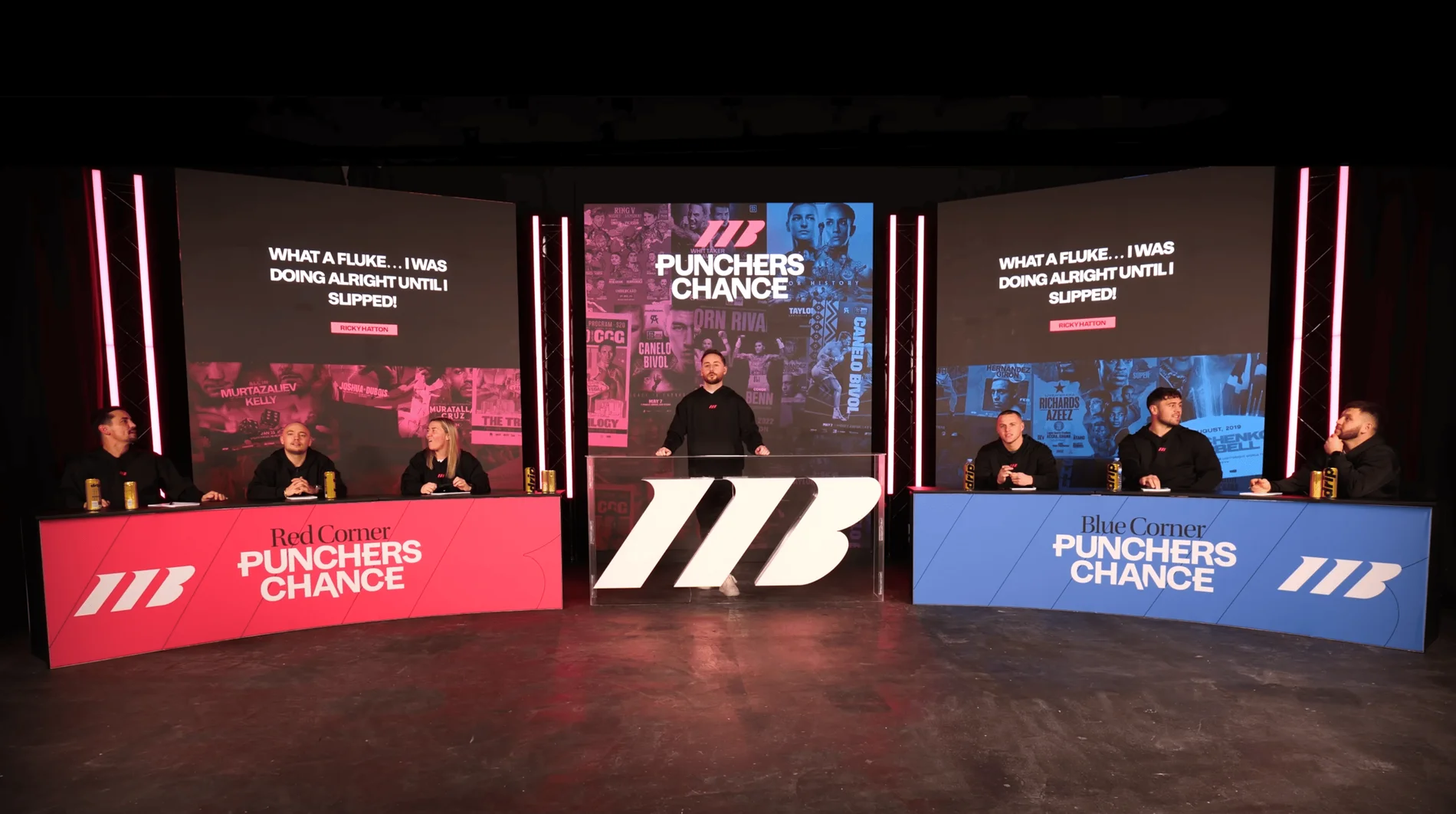
The Brick Studio at Finchley Studios. Enquire about The Brick Studio.
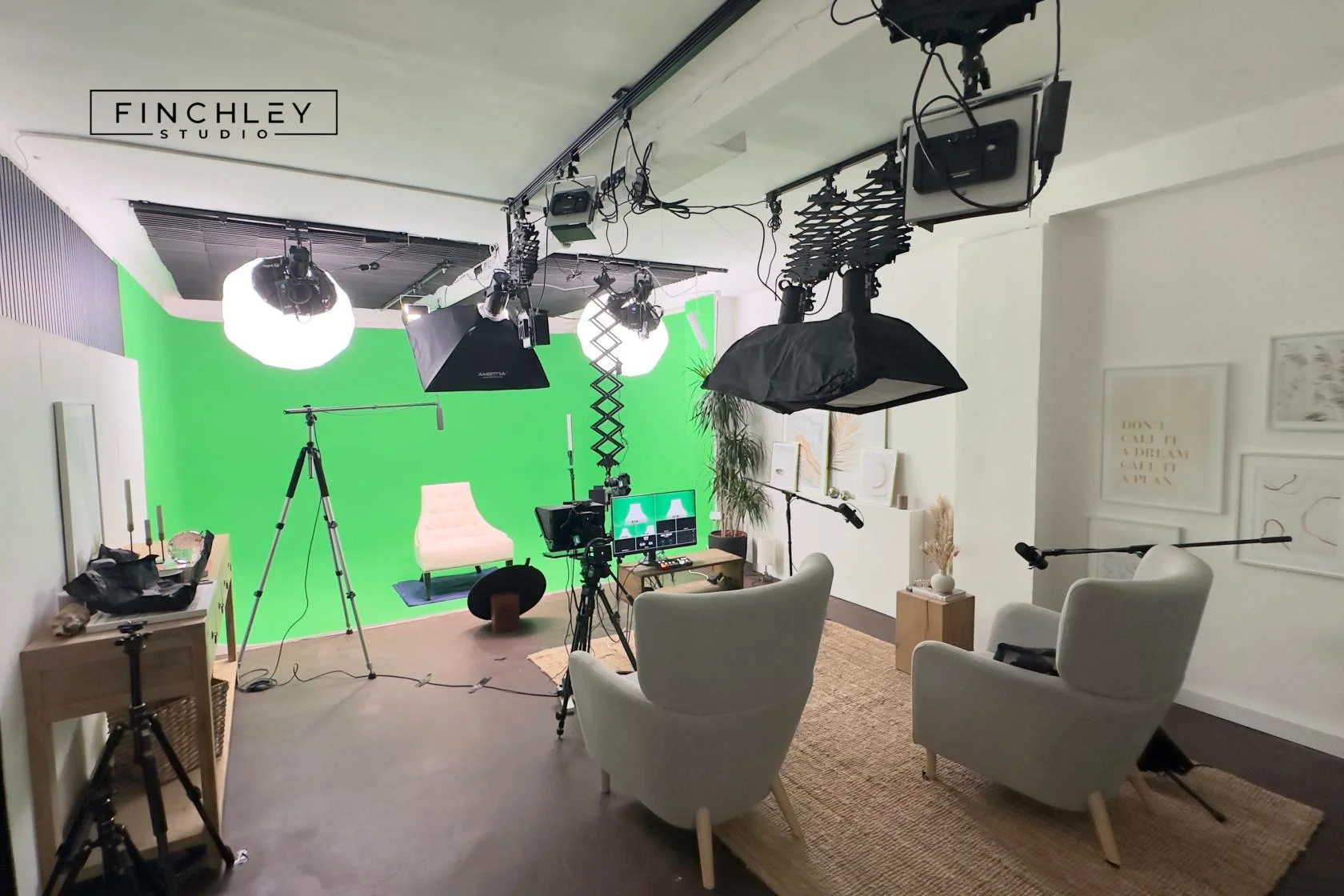
Green Screen Cove at Finchley Studios. Book Green Screen Cove.
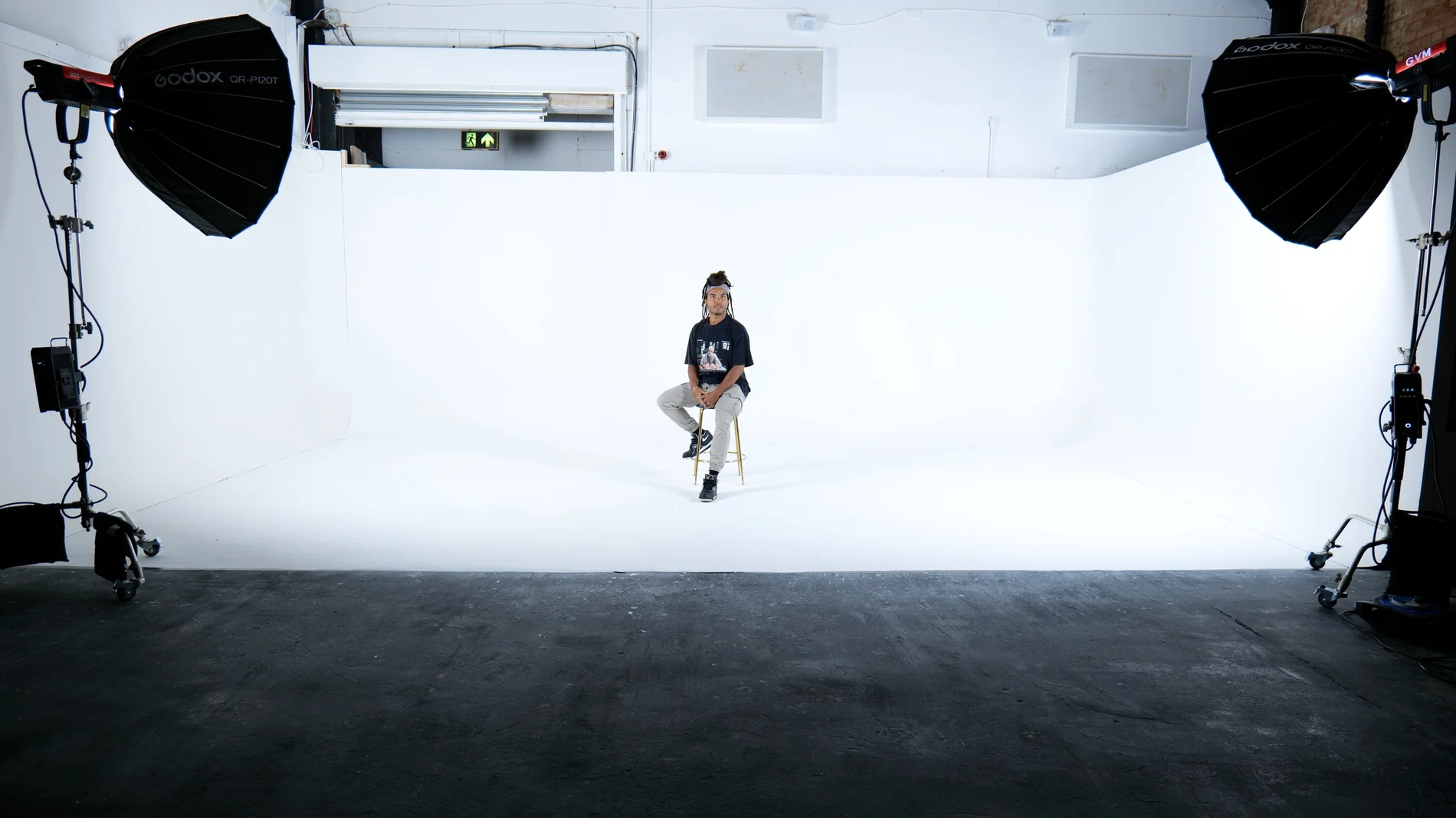
Giant White Infinity Cove at Finchley Studios. Enquire about Giant White Infinity Cove.
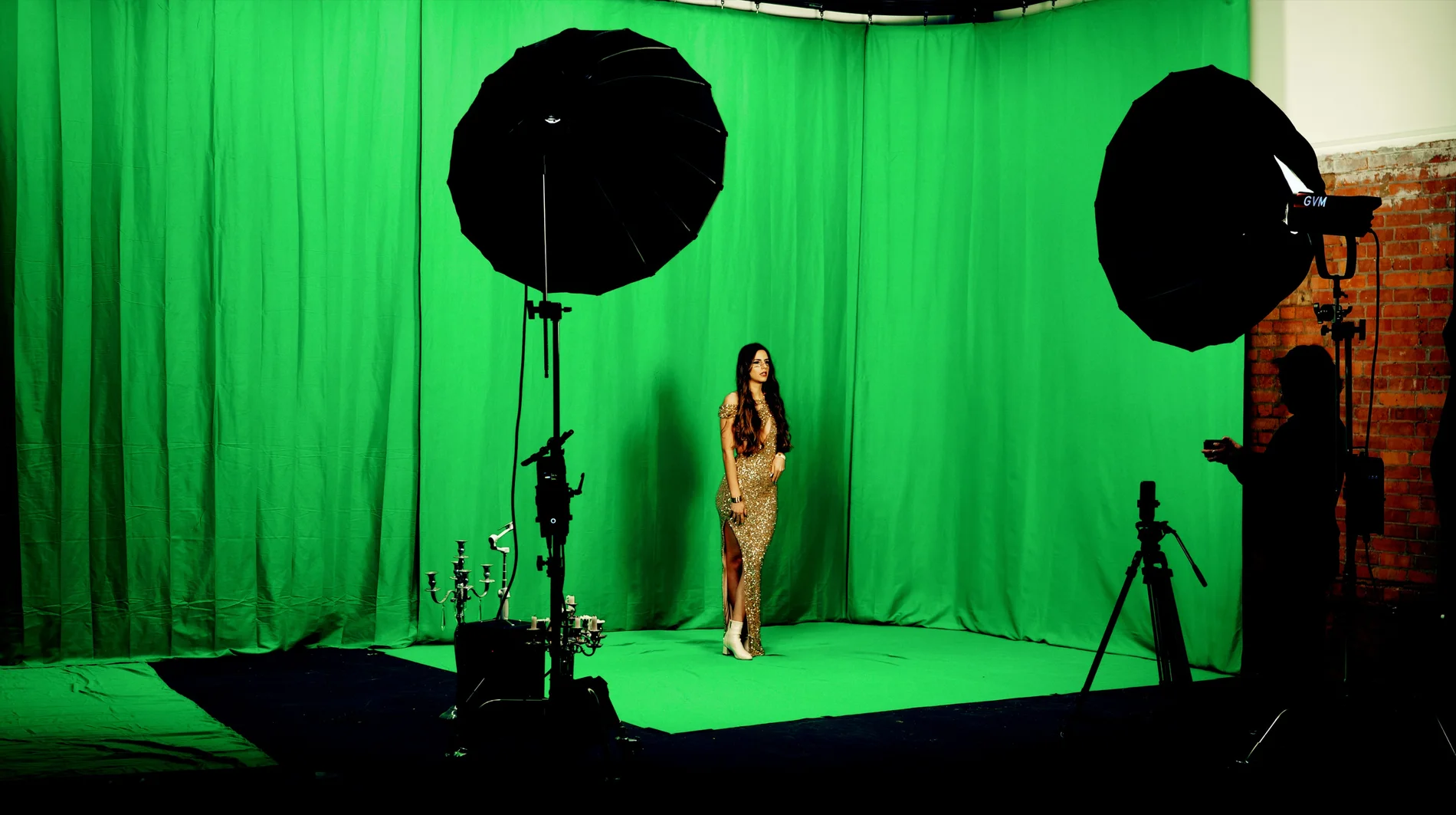
Giant Green Screen at Finchley Studios. Enquire about Giant Green Screen.
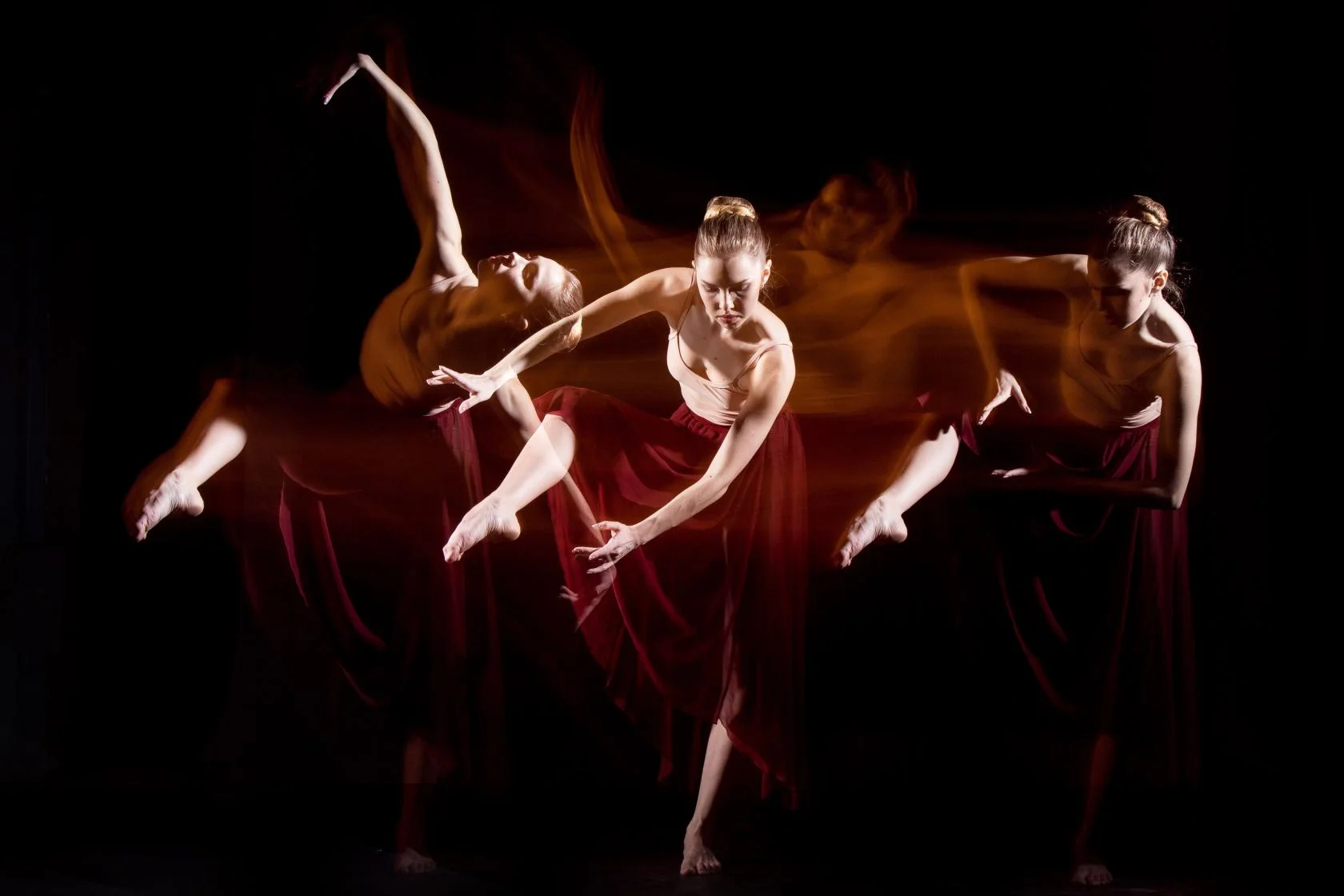
Blackout at Finchley Studios. Book Blackout.
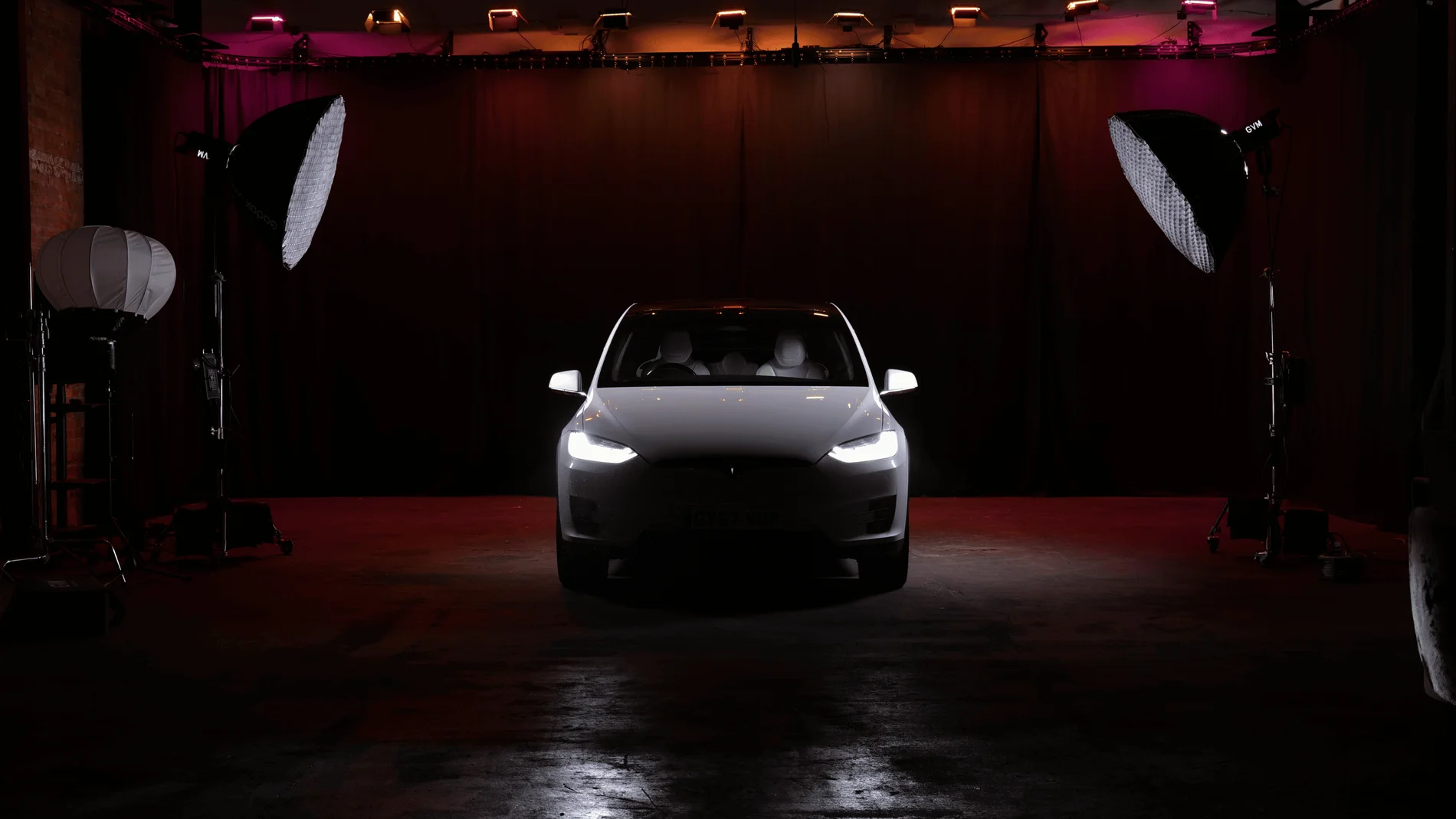
Giant Blackout at Finchley Studios. Enquire about Giant Blackout.
Plan your Finchley recording
Explore our podcast studio in London to compare sets and production support. Send your brief to the Finchley team with your preferred date, guest count and required outputs.











