
A useful podcast guest briefing explains the audience, subject, recording arrangements and intended use of the conversation. It gives the guest enough information to prepare examples and make informed decisions, while leaving room for a natural interview. One clear document is easier to use than a chain of messages containing different timings.
Separate editorial preparation from arrival instructions
Start with a short description of the programme: who it serves, why this guest is relevant and what listeners should understand afterwards. Explain whether the conversation will be audio only, filmed, recorded for later editing or broadcast live. BBC Academy includes the subject area, other participants and live or recorded status among its interview preparation essentials.
Give the guest three or four themes and ask for a concrete example relevant to each. A business interview might cover the original problem, the decision taken and what changed afterwards. For a technical explanation, identify the audience's starting knowledge so the guest can choose suitable language.
Sharing exact questions is an editorial choice. Some contributors benefit from additional preparation or an accessible format. Discuss that need openly instead of treating surprise as a requirement. A planned conversation can still include attentive follow-ups.
A guest brief you can adapt
| Item | Information to provide |
|---|---|
| Programme | Title, audience and episode purpose |
| Conversation | Main themes, expected duration and other speakers |
| Preparation | Two examples, names to verify and relevant supporting material |
| Recording | Audio/video format and whether any part is live |
| Attendance | Arrival time, venue, contact and access arrangements |
| Publication | Expected channels, clips and any agreed review process |
Keep the arrival time distinct from the recording start. Include the confirmed venue rather than assuming every set is in the same building. Ask about access or communication requirements privately and agree how they will be accommodated.
Set boundaries before the microphones go live
Invite the guest to identify confidential information, topics they cannot discuss and third parties who should not be named. Record the agreed boundaries for the host and producer. A request for factual corrections is different from a right to approve the finished programme; make any review arrangement explicit.
Explain whether excerpts may become social clips, trailers or promotional material. Deal with these permissions in the contributor agreement rather than burying them in travel instructions. Your studio production brief should carry the corresponding instructions for the recording team.
Finish with a short confirmation
Before the session, confirm pronunciation, current job title, contact number and any changed arrangements. Ask for a written list of unfamiliar names or specialist terms for the editor. Automatic captions can misinterpret speech, so the final text still needs checking, as YouTube's caption guidance explains.
For a series, use one consistent briefing format and change the episode-specific themes. The six-episode planning guide helps you give each guest a distinct role in the wider programme.
Planning this at Finchley Studios
At Finchley Studios, send the guest information alongside the production requirements for your chosen set. Include the confirmed set and address in the guest's final instructions, and share speaker numbers, filming preferences and any required adjustments before recording day.
Finchley's Lounge Set advertises engineer-supported recording. An engineer can work on the technical setup while the host welcomes the guest, but editorial preparation and contributor permissions still need a named person on your production team. Agree the arrival and soundcheck plan in advance, including the procedure for a late guest and the contact who will greet them. Keep any guest briefing changes aligned with the recording team's final brief.
A client recording from Finchley Studios
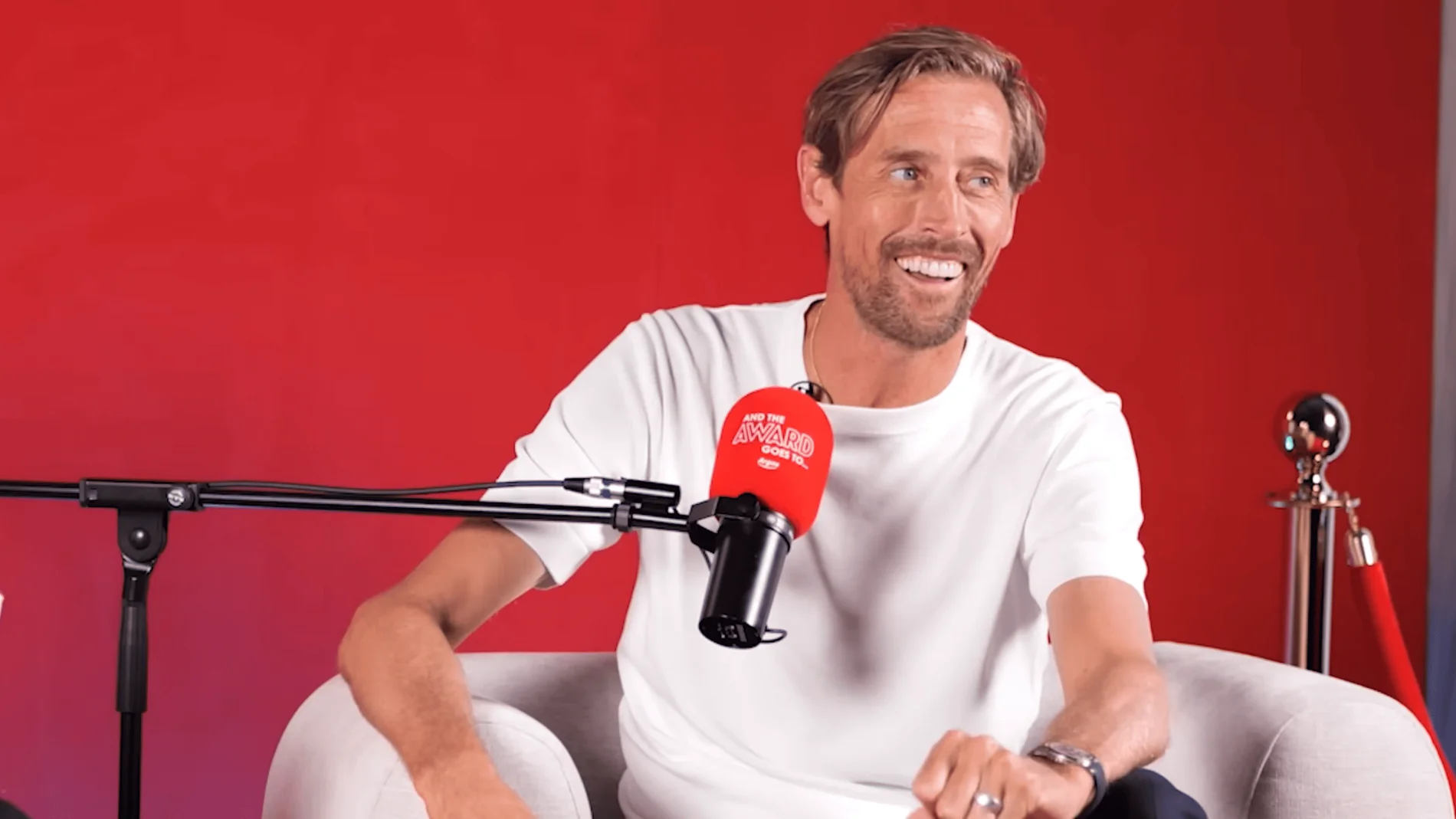
From our client recording collection: BBC Women's Football.
Continue planning your recording
- How to Write a Podcast Studio Production Brief
- How to Plan and Record a Podcast Trailer
- How to Plan a Six-Episode Podcast Series
For the full series, explore our podcast studio booking guide.
Explore all 12 Finchley sets
Compare the looks below, then follow the booking or enquiry link for your preferred set. Confirm the recording package, guest capacity and location for your session.
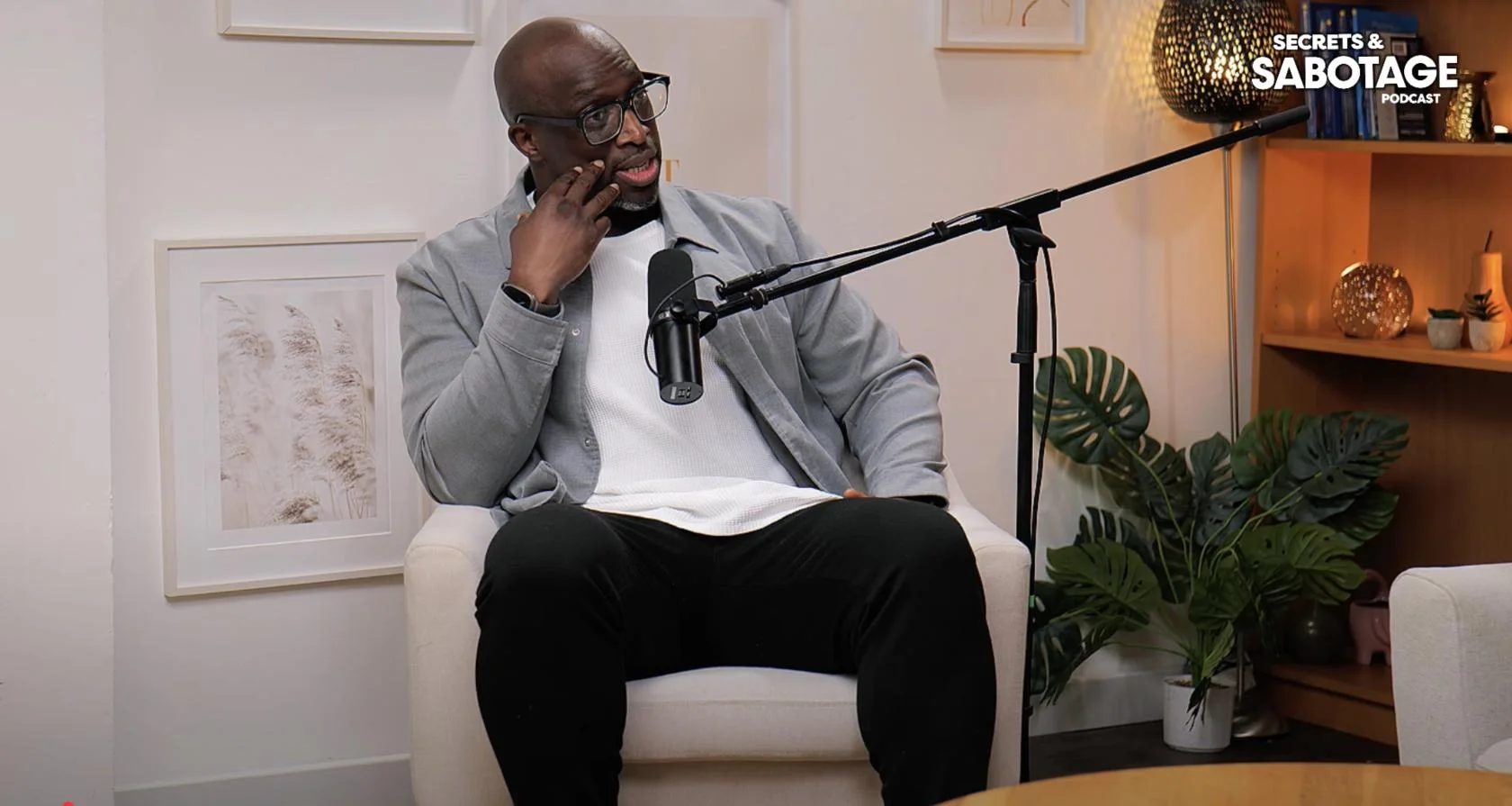
Lounge at Finchley Studios. Book Lounge.
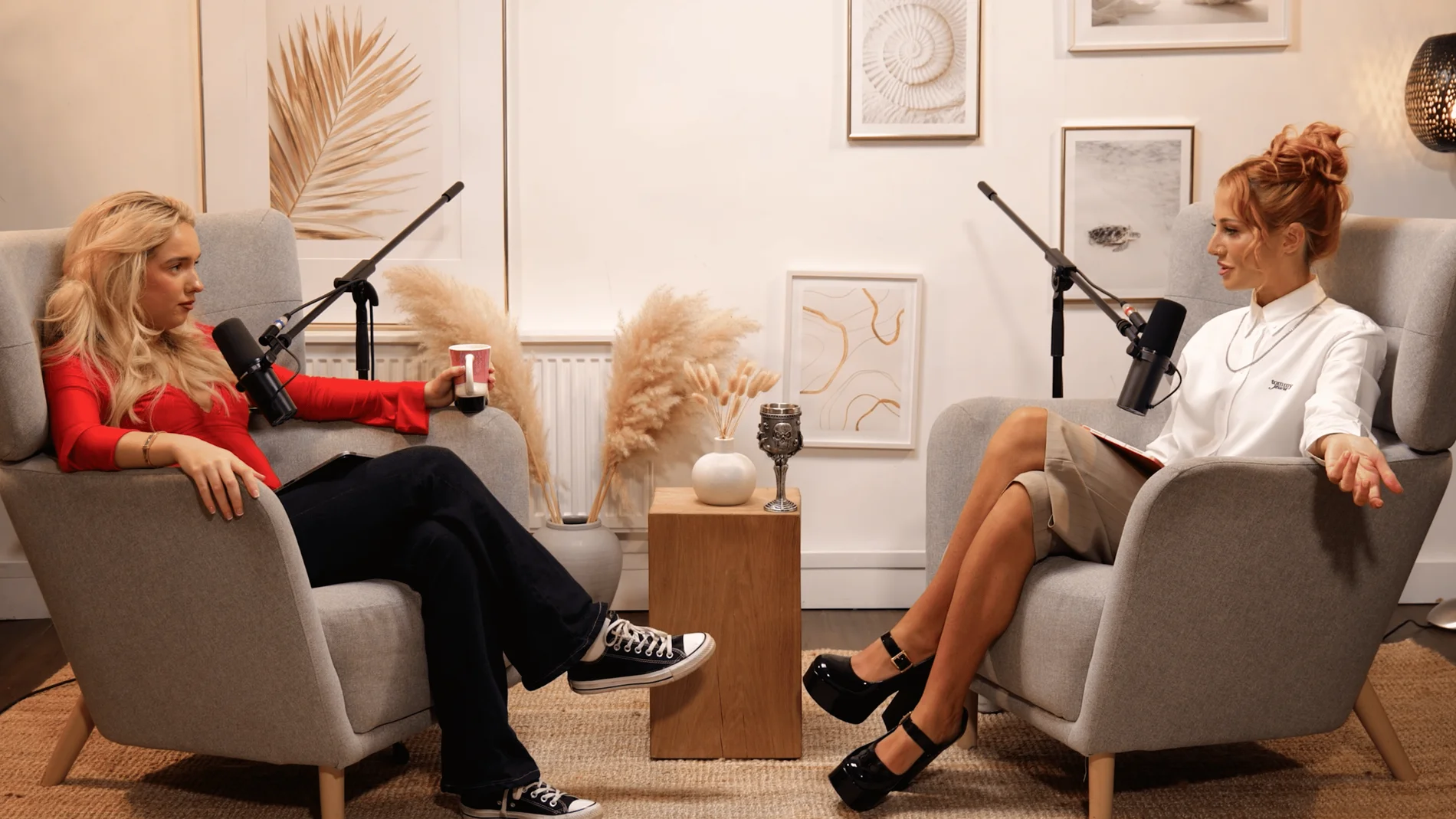
Dialogue at Finchley Studios. Book Dialogue.
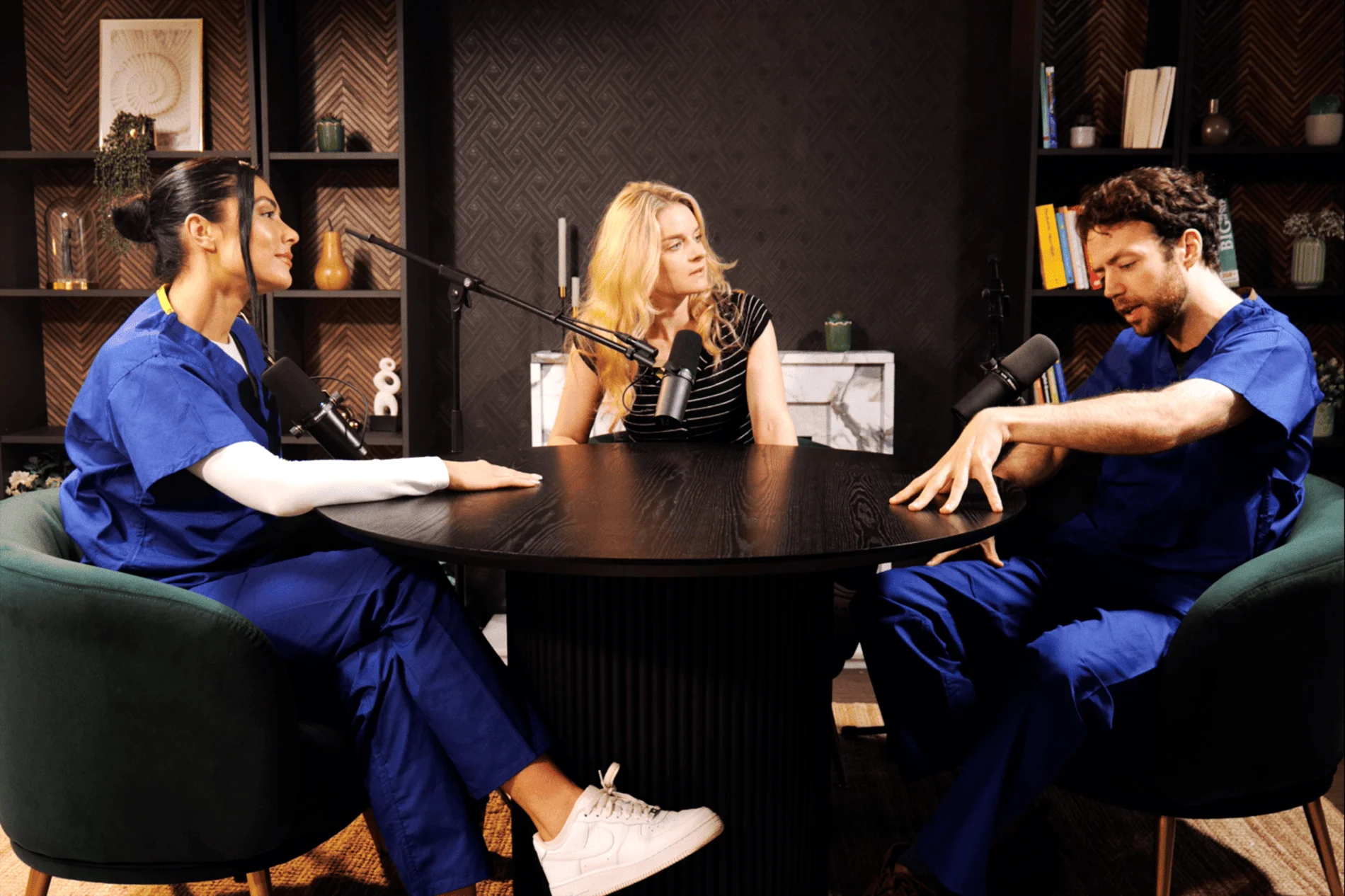
CEO at Finchley Studios. Book CEO.
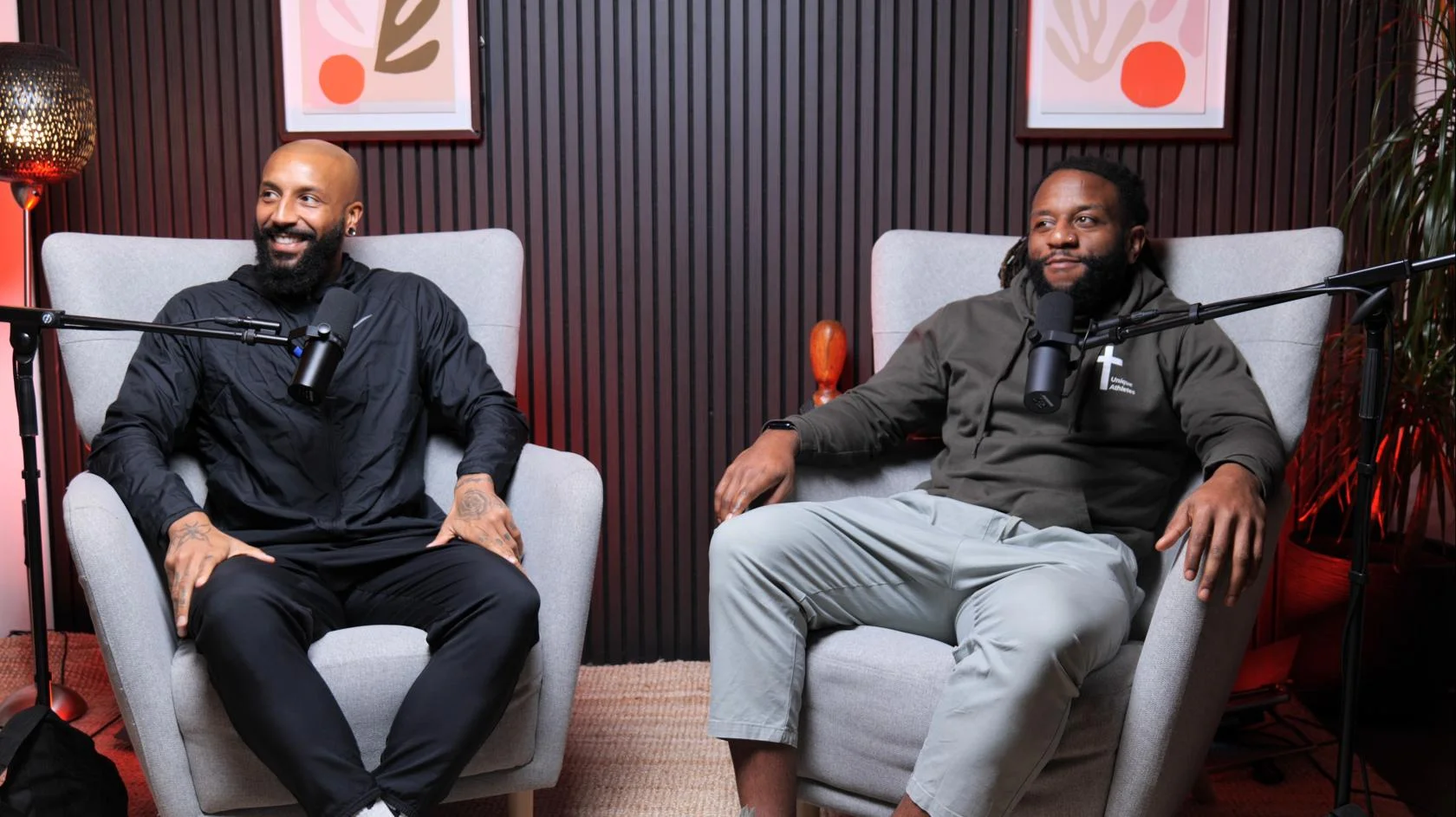
Blackwood at Finchley Studios. Book Blackwood.
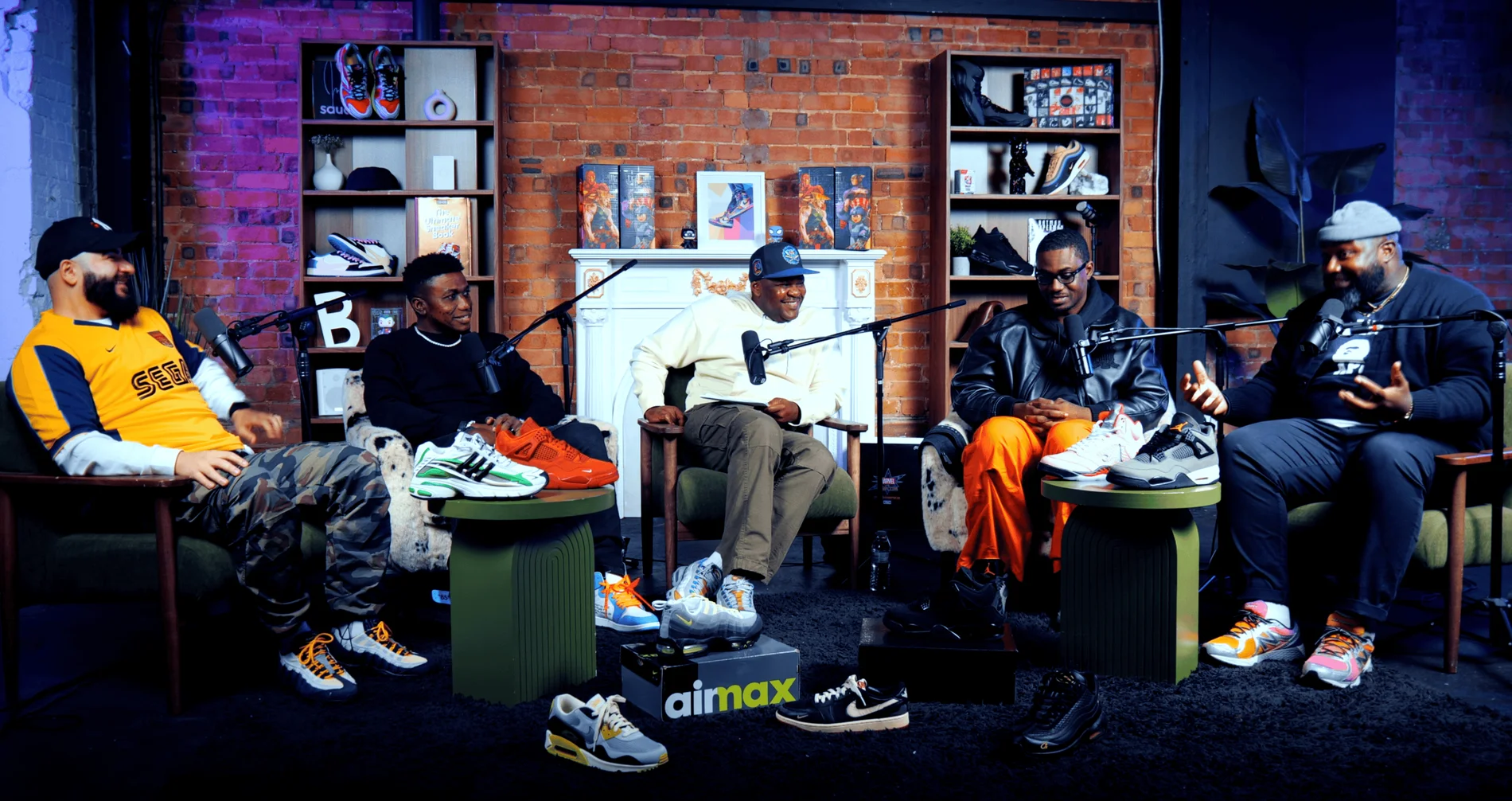
Pulse Lounge at Finchley Studios. Enquire about Pulse Lounge.
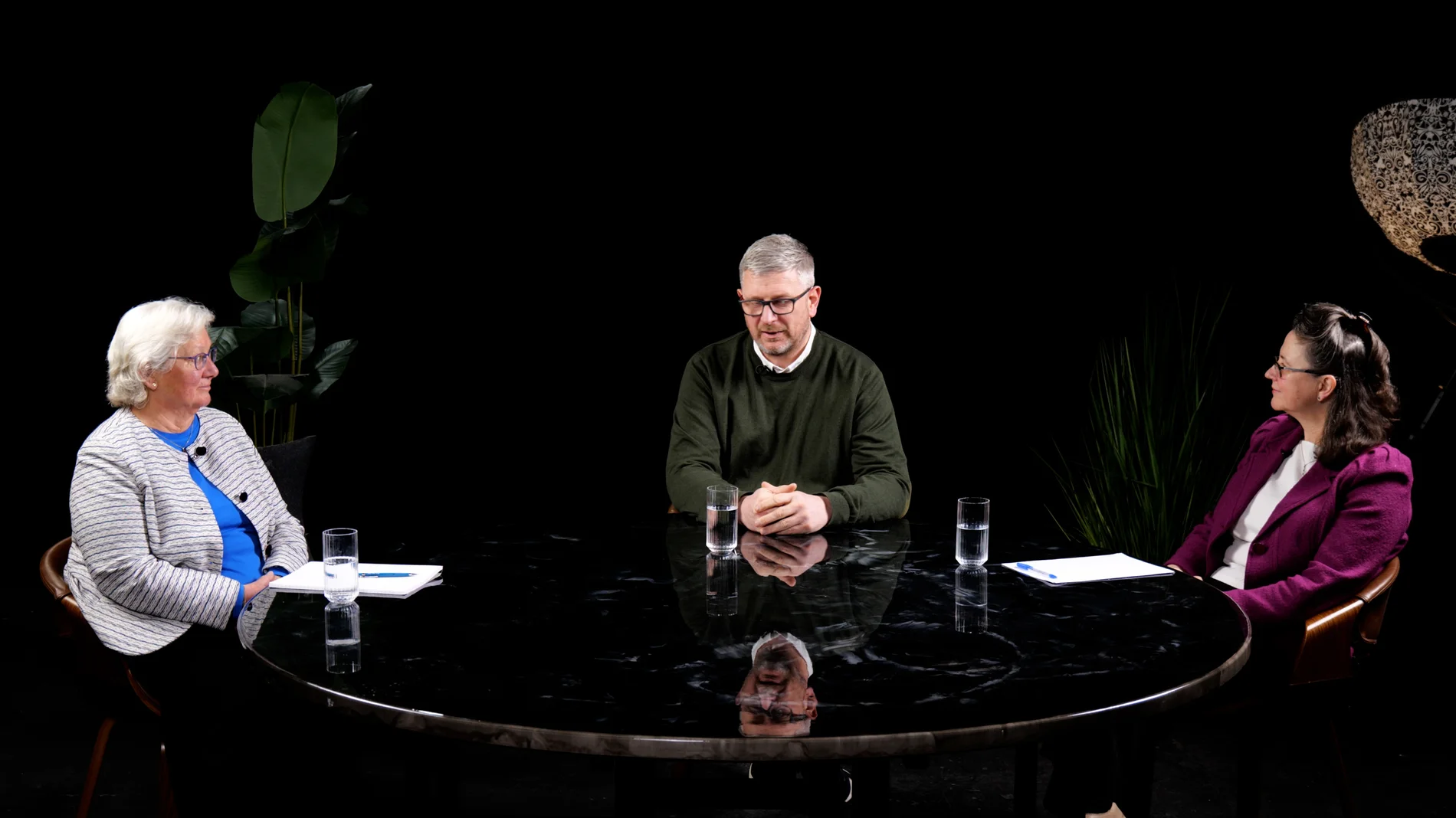
Roundtable at Finchley Studios. Enquire about Roundtable.
The Brick Studio at Finchley Studios. Enquire about The Brick Studio.
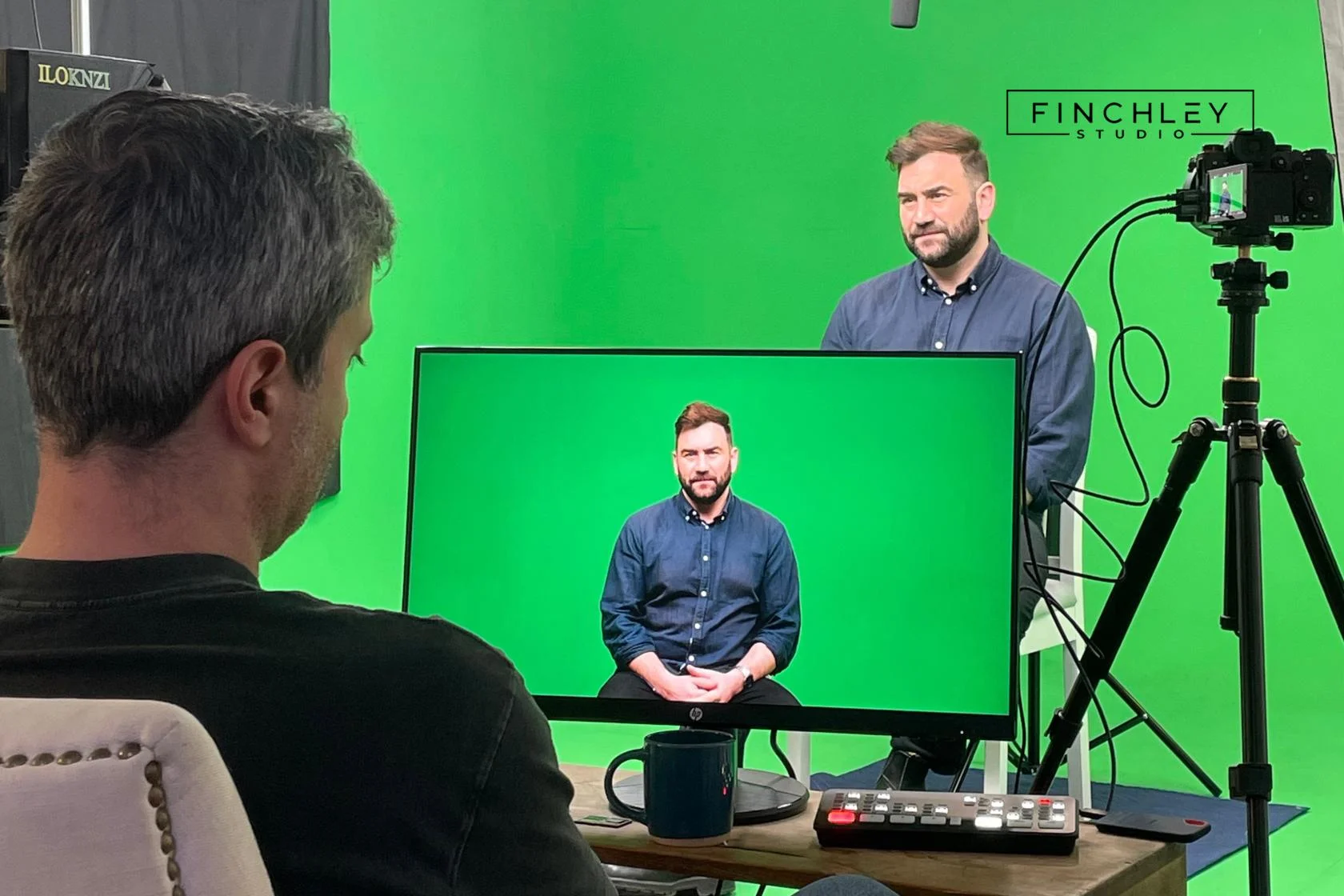
Green Screen Cove at Finchley Studios. Book Green Screen Cove.
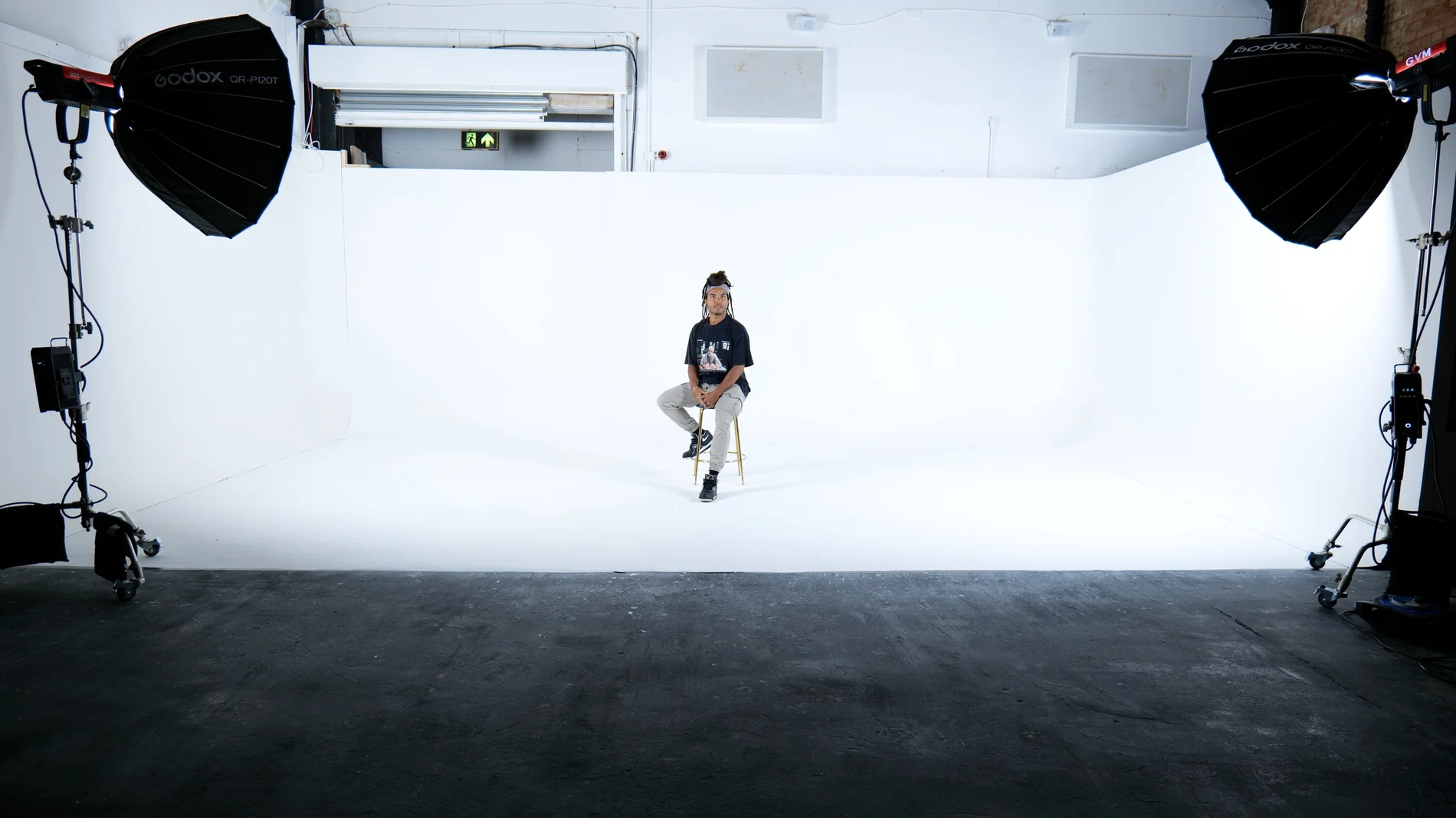
Giant White Infinity Cove at Finchley Studios. Enquire about Giant White Infinity Cove.
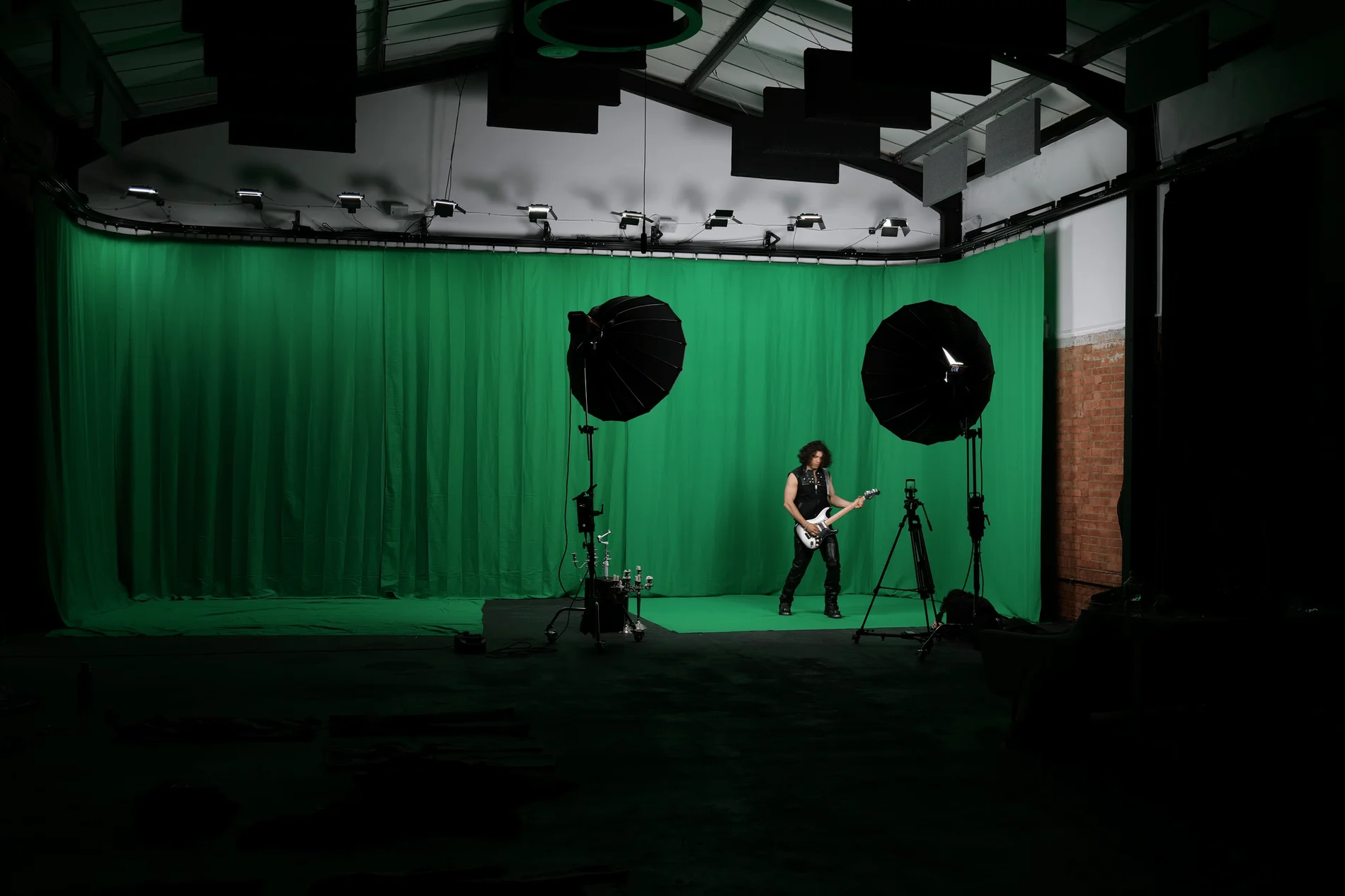
Giant Green Screen at Finchley Studios. Enquire about Giant Green Screen.
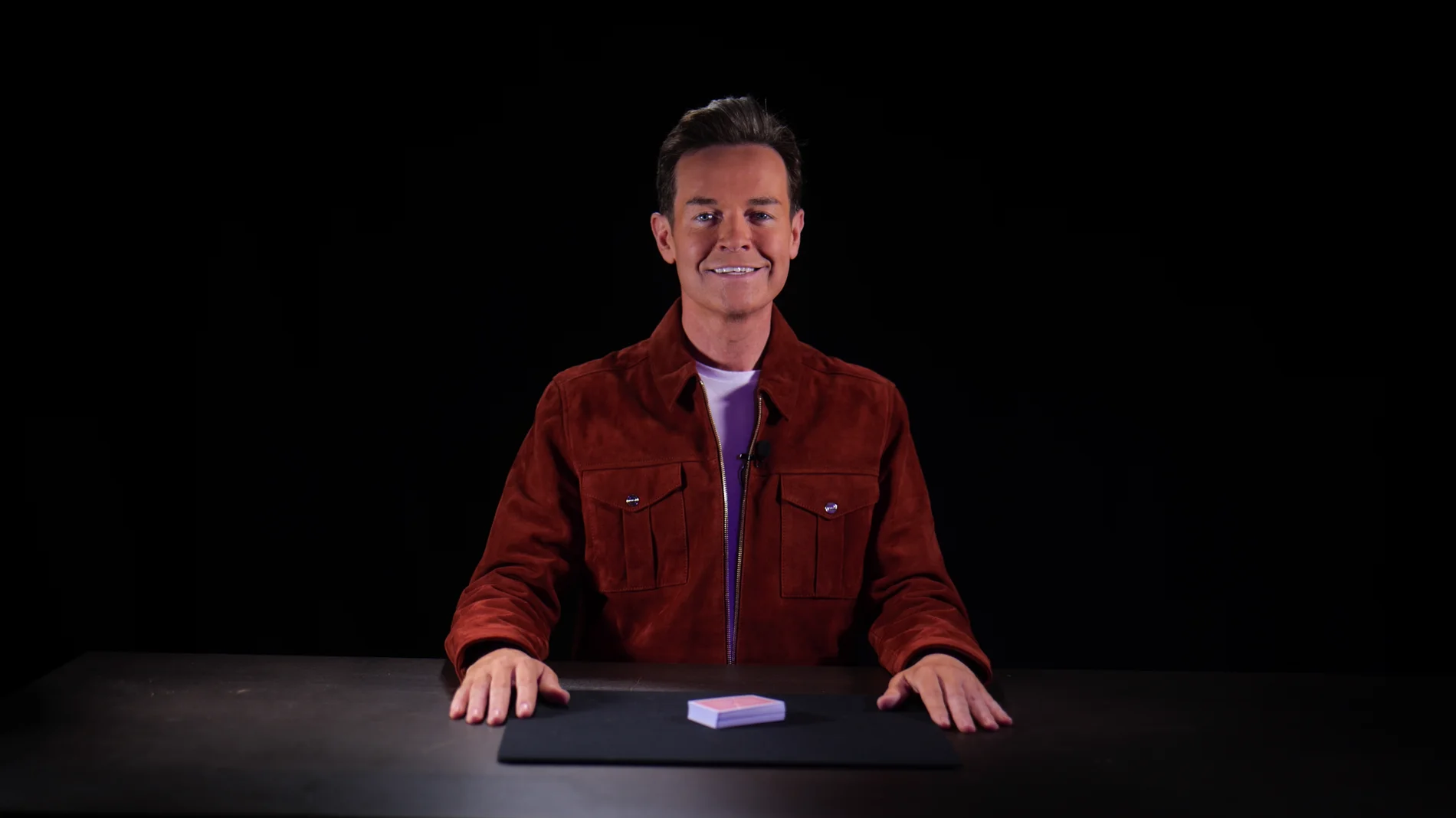
Blackout at Finchley Studios. Book Blackout.
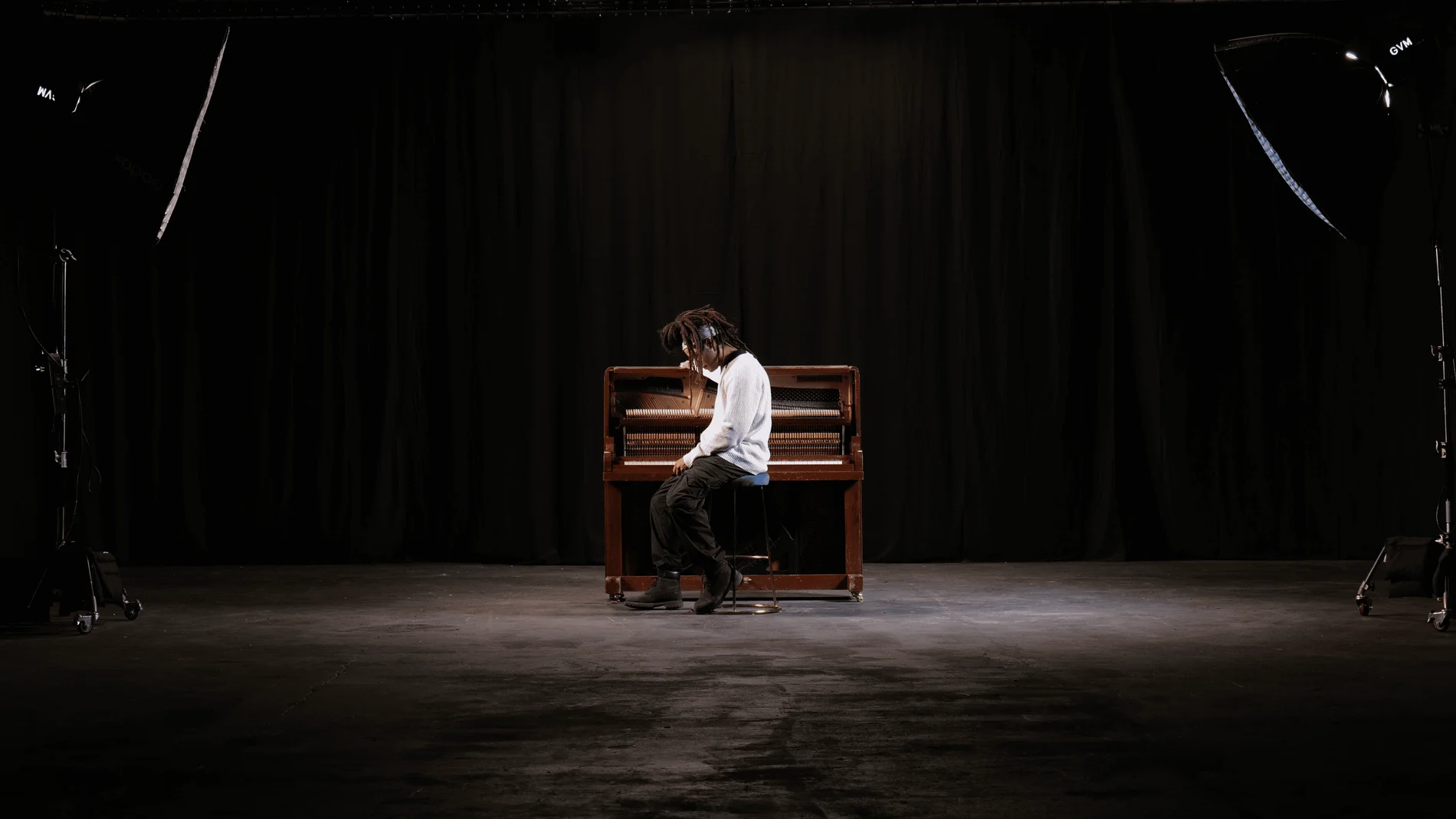
Giant Blackout at Finchley Studios. Enquire about Giant Blackout.
Plan your Finchley recording
Explore our North London podcast studio to compare sets and production support. Send your brief to the Finchley team with your preferred date, guest count and required outputs.











