
Rehearse the parts of a podcast that benefit from practice: the opening, names, explanations, transitions and production cues. You rarely need to pre-perform an entire interview. A focused rehearsal should make it easier to listen and respond during the recording, rather than lock the conversation into memorised answers.
Match the practice to the format
A scripted introduction needs different preparation from an exploratory interview. Read fixed wording aloud, check its meaning and replace phrases that are awkward to say. For a discussion, practise the route between topics and the questions you most need to ask.
Autocue recommends becoming familiar with a script by reading it aloud. Treat a recording of your own practice as a way to hear the words, not as a performance you must copy exactly.
If you have not chosen a format, our scripted versus unscripted guide helps separate fixed wording from conversational structure.
Try a short, purposeful rehearsal
An illustrative 15-minute session might contain the following tasks. Adjust the time to suit the people and complexity of your programme.
| Time | Practice task |
|---|---|
| First three minutes | Say the opening and check names or specialist terms |
| Next five minutes | Explain one difficult idea in ordinary language |
| Next four minutes | Practise handovers, pauses and a useful follow-up question |
| Final three minutes | Confirm the closing line and production cues |
Stop when you have identified the changes. Repeating a polished passage indefinitely can consume preparation time without testing the next uncertainty.
Include the other host and the producer
Agree how co-hosts hand over, who introduces a guest and how someone signals that time is running short. Try a situation where two people begin speaking together, then settle on a simple way to recover.
Practise stopping and restarting after a mistake. A brief pause followed by a clean sentence can give the editor an understandable pickup. Confirm the engineer's preferred process at the actual session instead of inventing signals everyone must decode later.
Use the episode-structure guide to make the running order visible during practice. It should support the conversation without becoming a second script to read.
Rehearse the physical setup when it matters
Try your speaking posture with notes and a microphone position that feels comfortable. Shure explains the relationship between microphone position and room sound. Let the session's engineer make the final adjustment for the equipment being used.
For a presentation, practise looking towards the intended audience or camera and returning to your notes. For an interview, pay attention to the guest. Avoid coaching everybody to address the lens if the programme is built around a conversation between people.
Carry forward only useful notes
End with a short change list: shorten the introduction, define an unfamiliar term, confirm a pronunciation or move a question earlier. Give the team the revised outline, with one clear version number.
Protect the guest's first real response. You can explain themes and boundaries in advance without asking them to repeat a complete interview. Keep the recording day open to examples, surprises and follow-up questions that a rehearsal cannot predict.
Planning this at Finchley Studios
Tell Finchley whether you need time to practise in the selected set before the main take. The CEO set is presented for corporate content, and a scripted opening may require a different preparation plan from an informal conversation. Confirm any teleprompter requirement with the package rather than assuming it comes with the room.
Share the latest script or running order before the session. Ask how rehearsal, soundchecks and pickups fit inside the booked time, particularly if a guest has limited availability. A short practice at home can identify wording changes; any rehearsal using the studio's equipment should be included in the agreed schedule.
A client recording from Finchley Studios
From our client recording collection: And The Award Goes To... (Argos).
Continue planning your recording
- How to Feel More Confident on a Video Podcast
- How to Host Your First Podcast Interview
- What to Wear for a Video Podcast Recording
For the full series, explore our podcast studio booking guide.
Explore all 12 Finchley sets
Compare the looks below, then follow the booking or enquiry link for your preferred set. Confirm the recording package, guest capacity and location for your session.
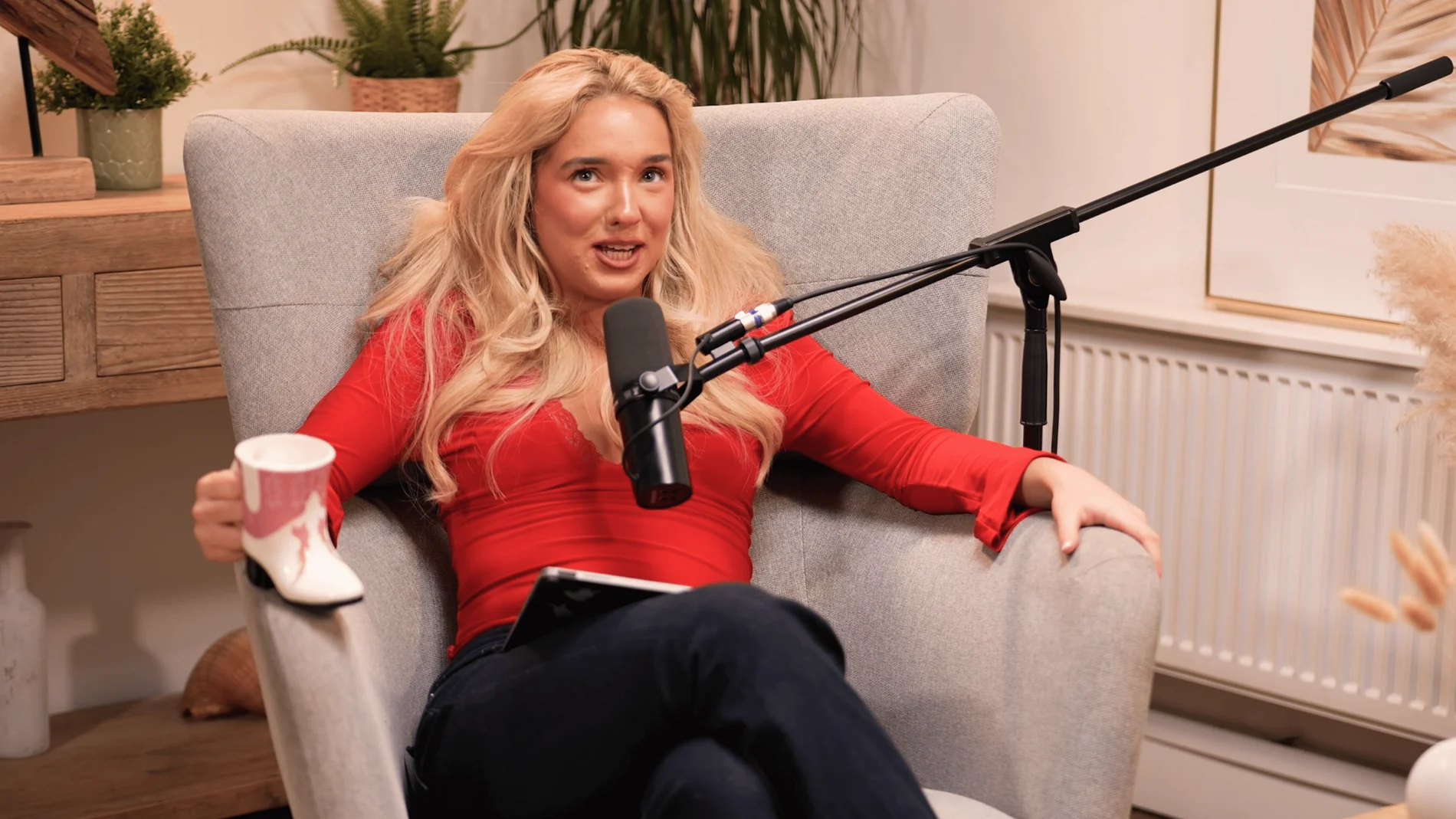
Dialogue at Finchley Studios. Book Dialogue.
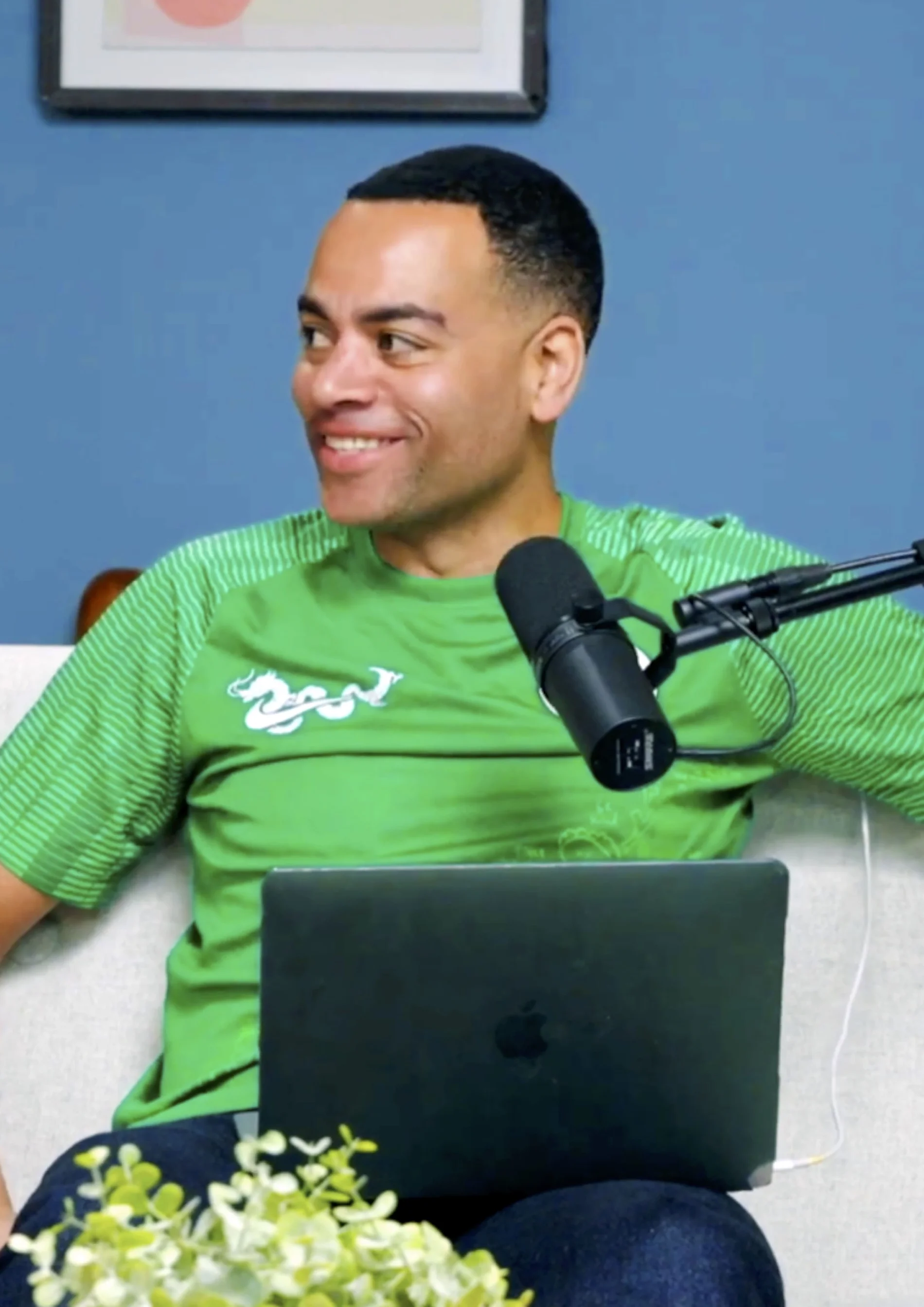
Lounge at Finchley Studios. Book Lounge.
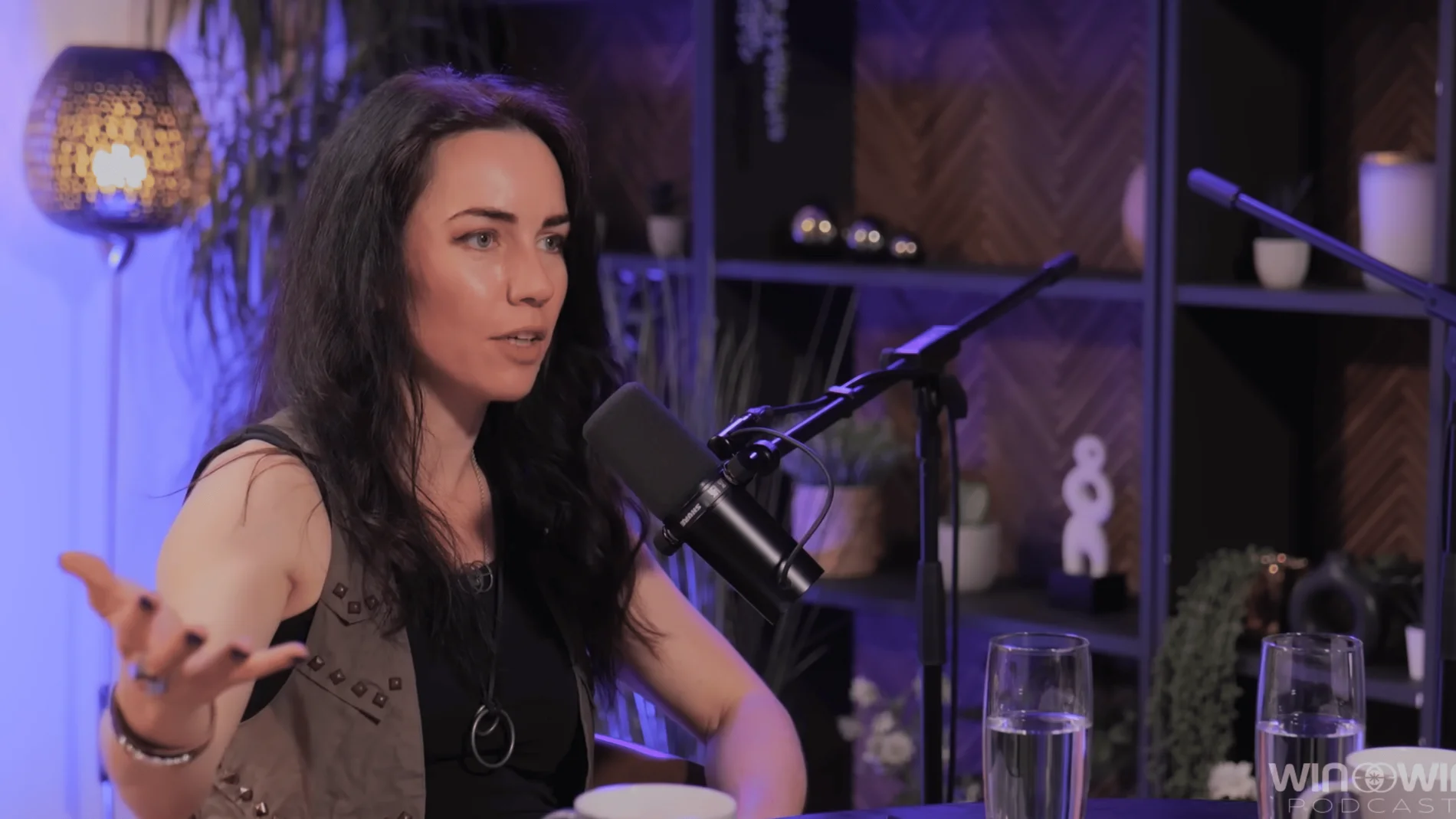
CEO at Finchley Studios. Book CEO.
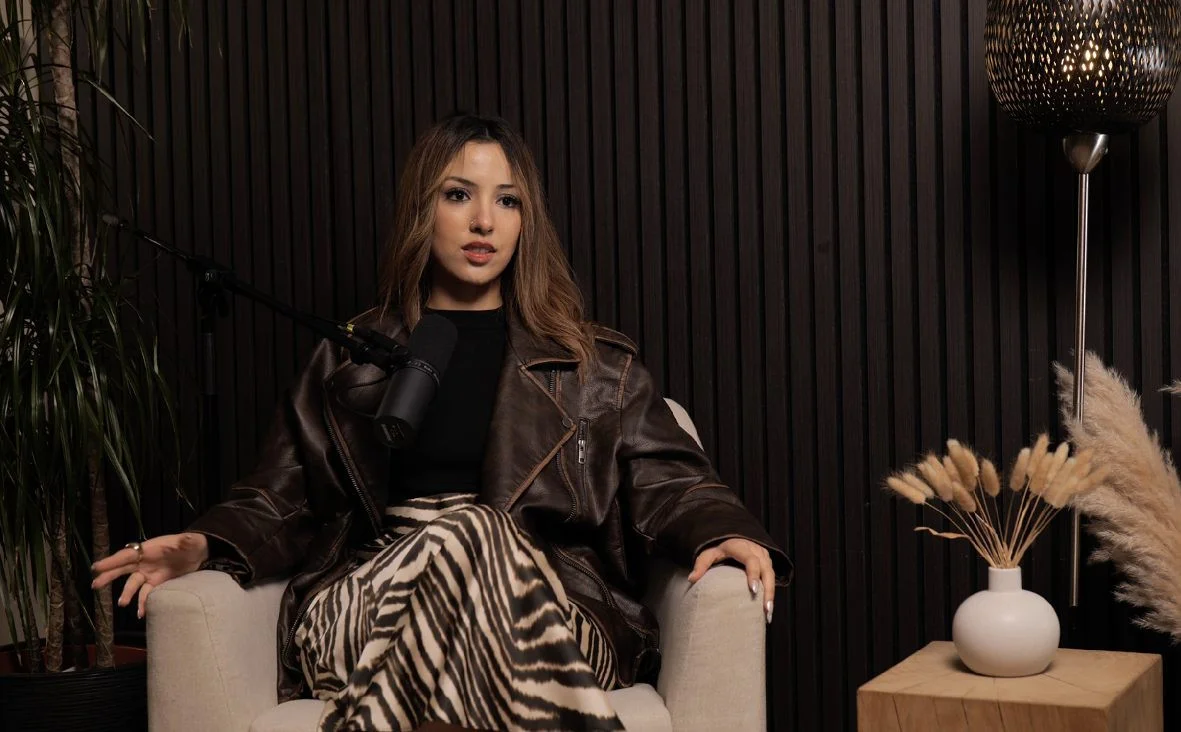
Blackwood at Finchley Studios. Book Blackwood.
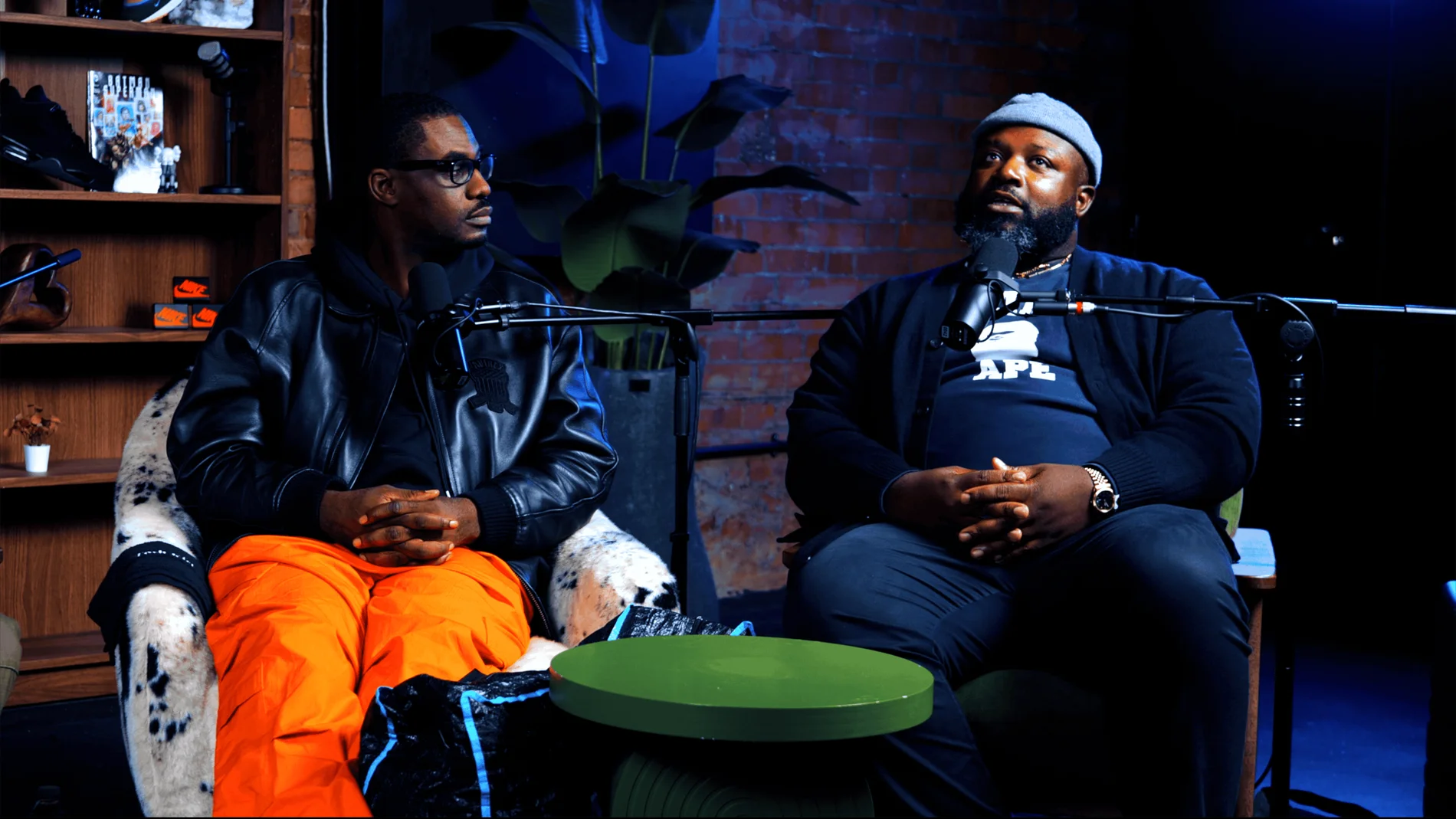
Pulse Lounge at Finchley Studios. Enquire about Pulse Lounge.
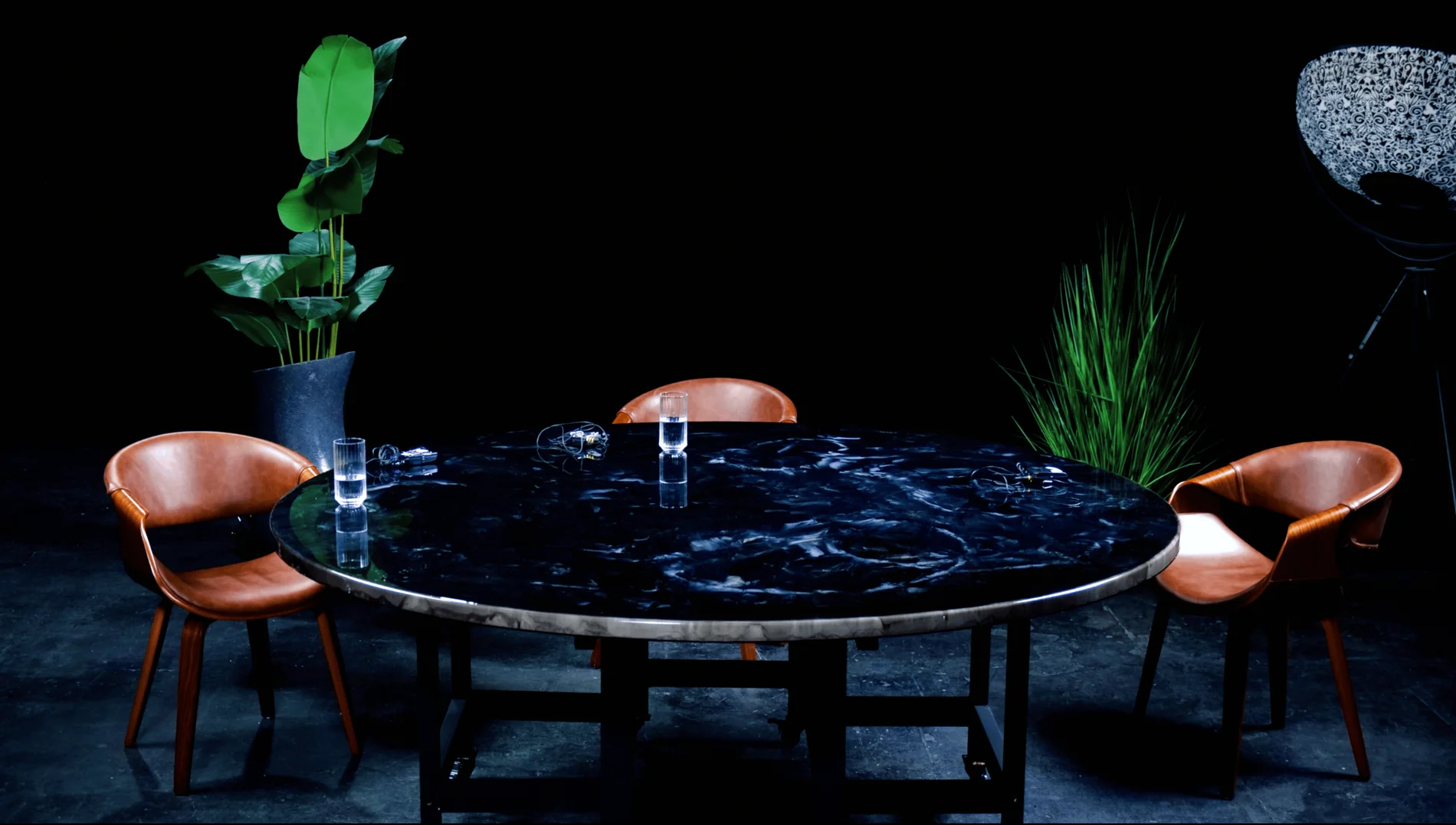
Roundtable at Finchley Studios. Enquire about Roundtable.
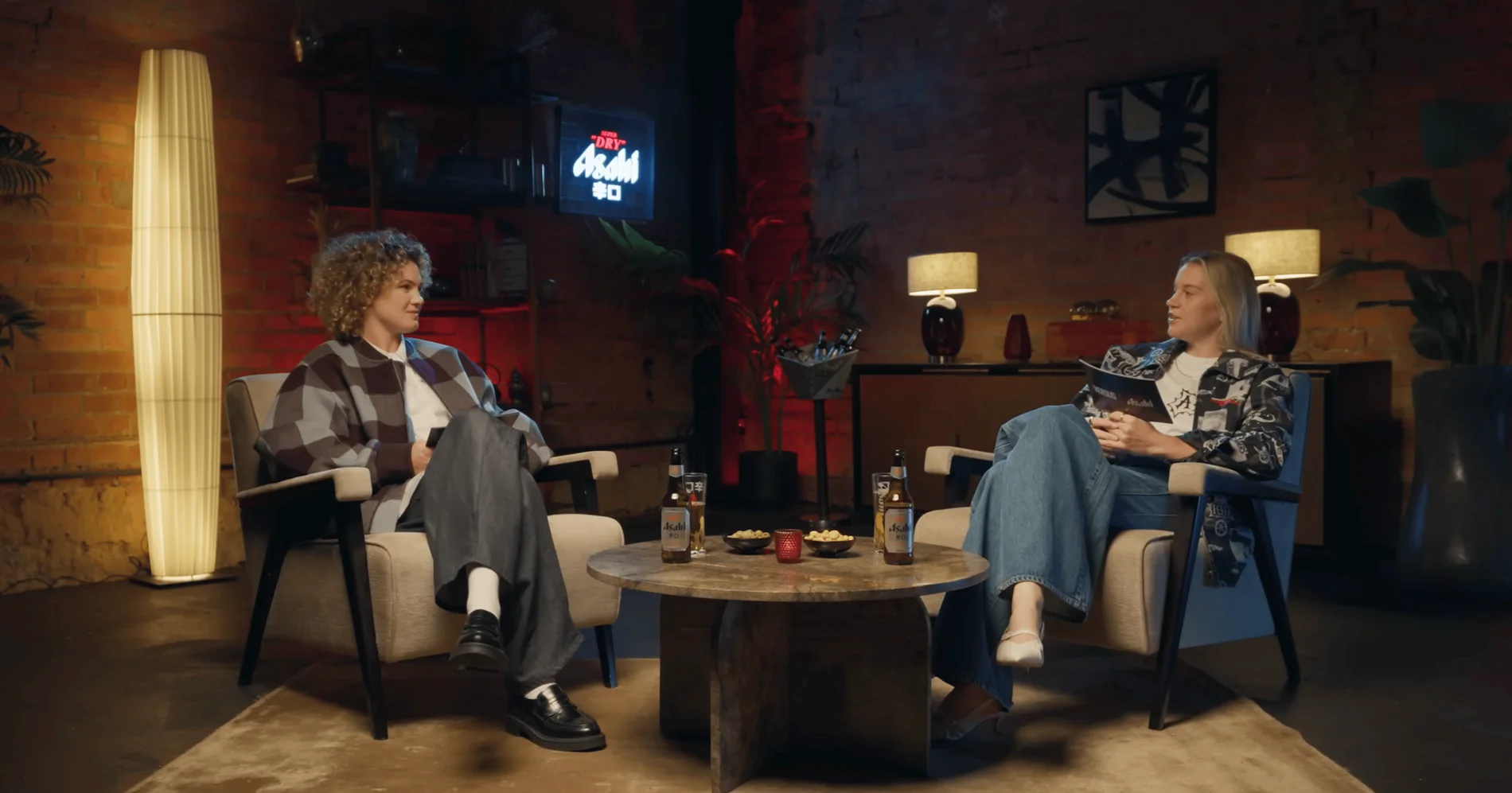
The Brick Studio at Finchley Studios. Enquire about The Brick Studio.
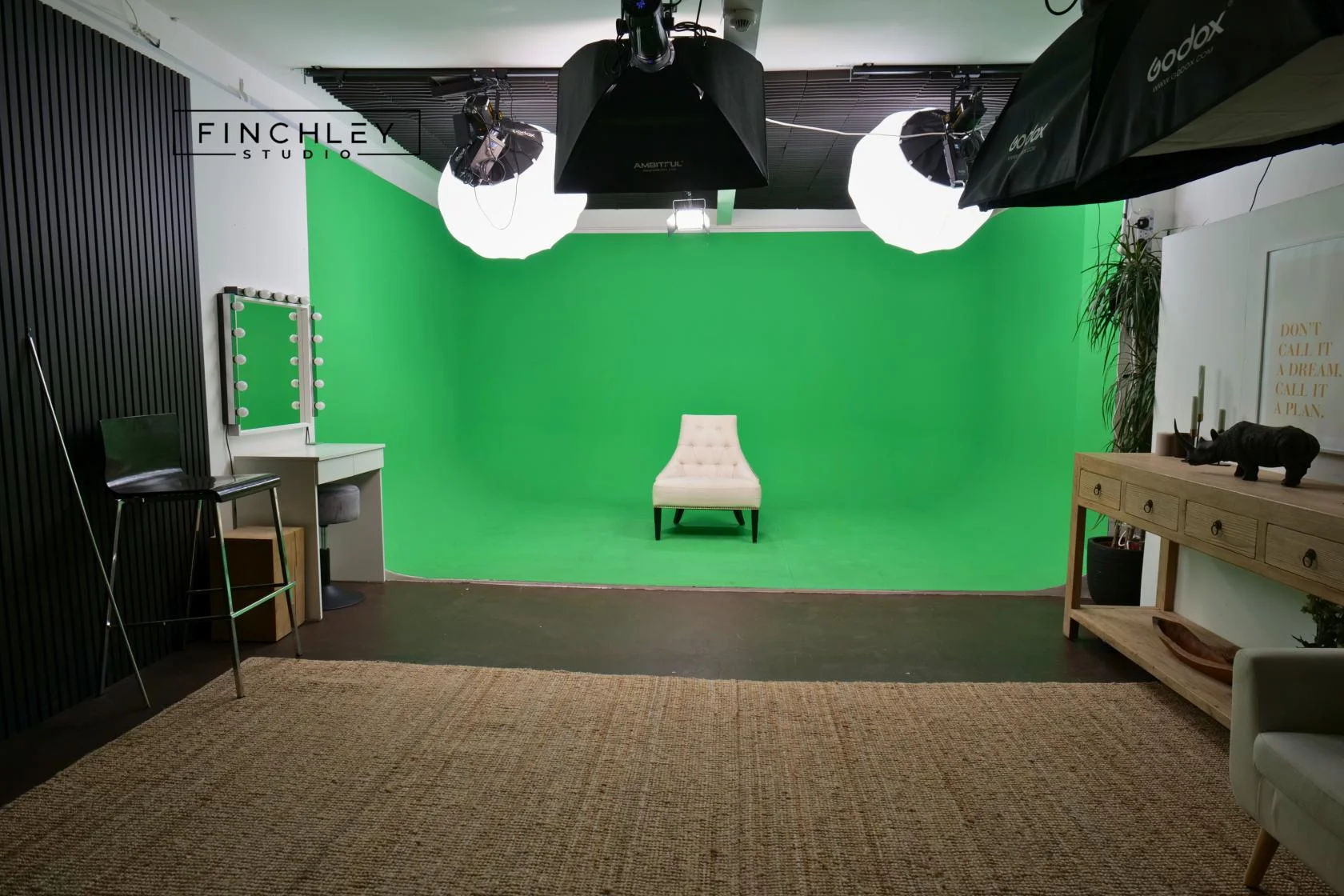
Green Screen Cove at Finchley Studios. Book Green Screen Cove.
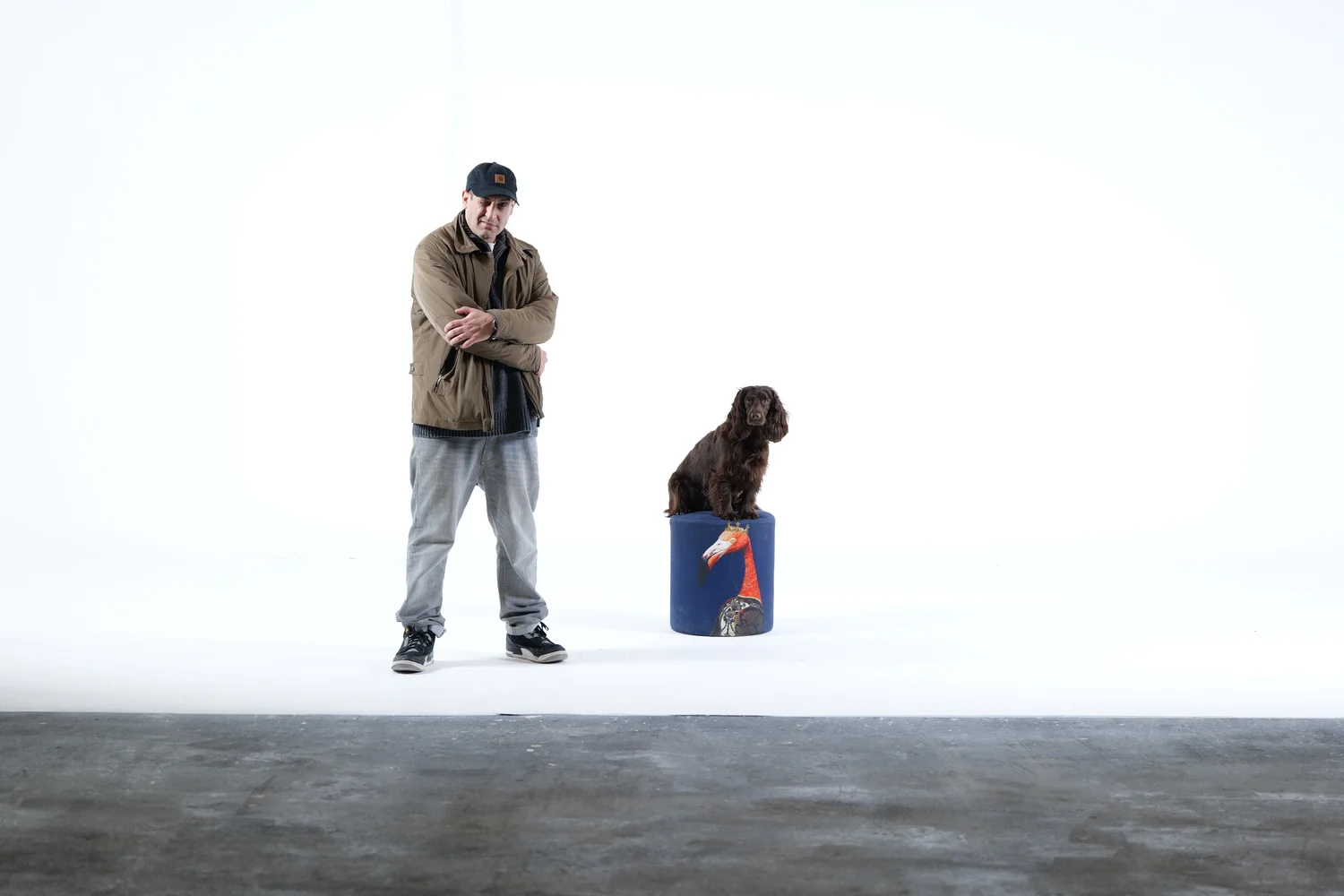
Giant White Infinity Cove at Finchley Studios. Enquire about Giant White Infinity Cove.
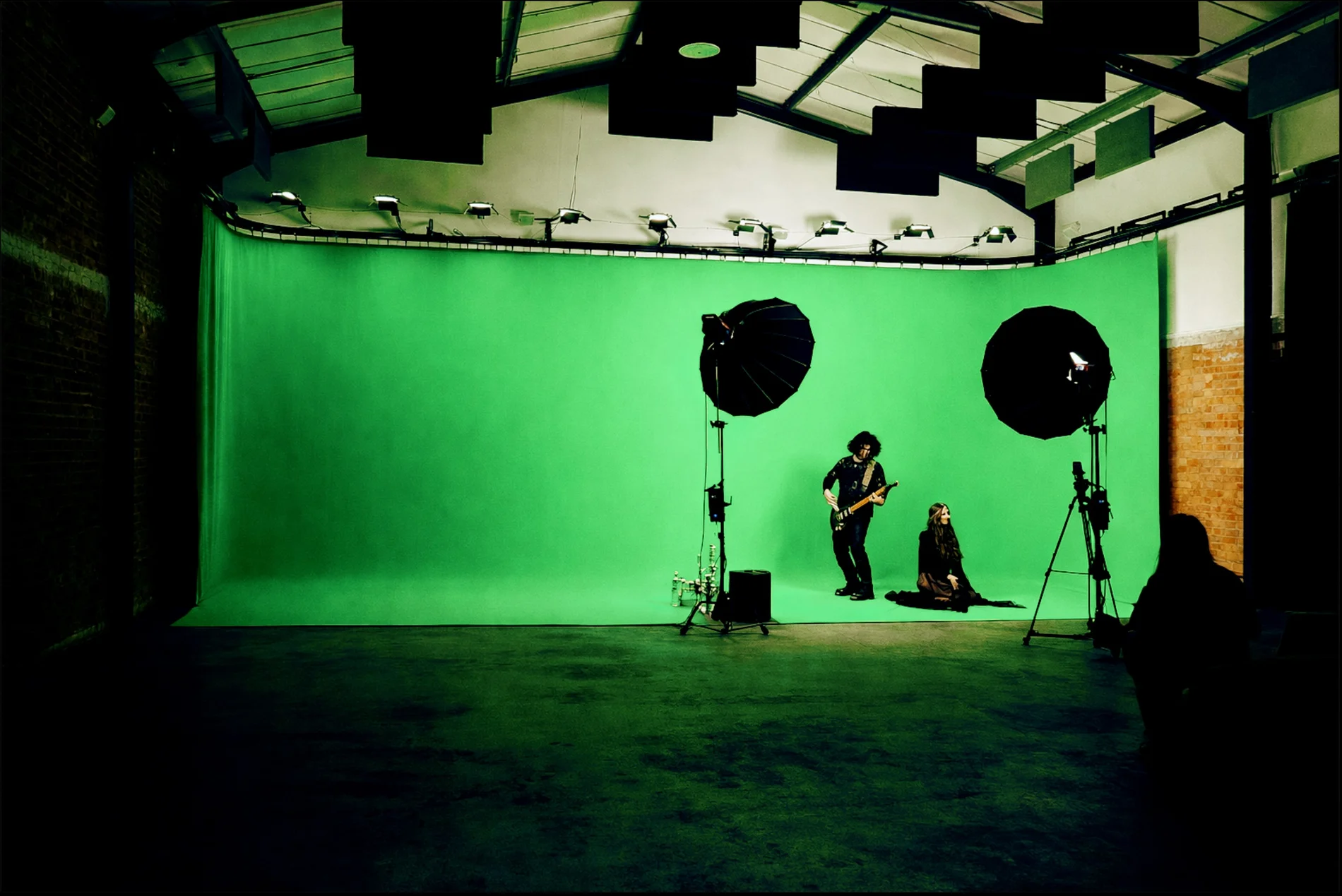
Giant Green Screen at Finchley Studios. Enquire about Giant Green Screen.
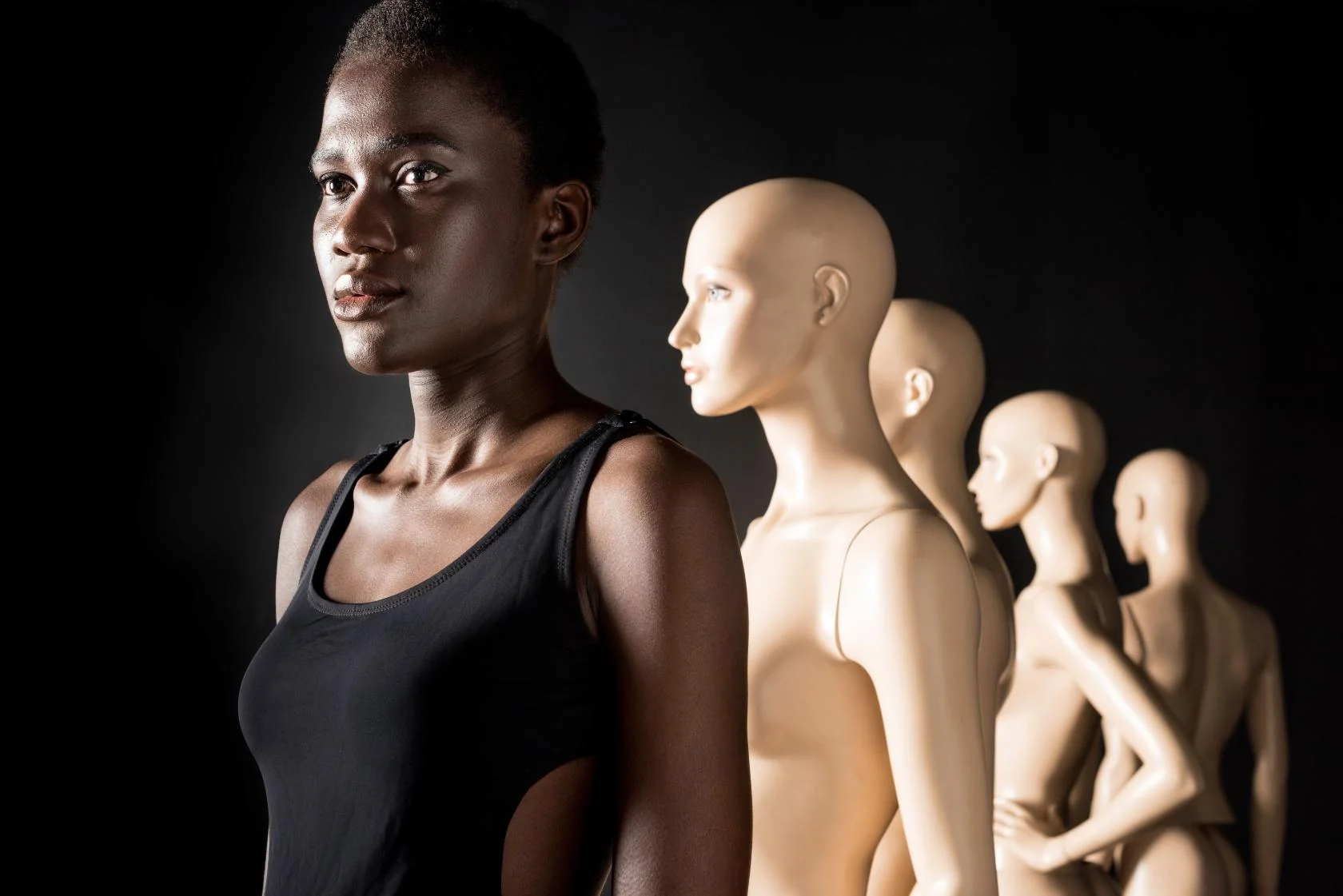
Blackout at Finchley Studios. Book Blackout.
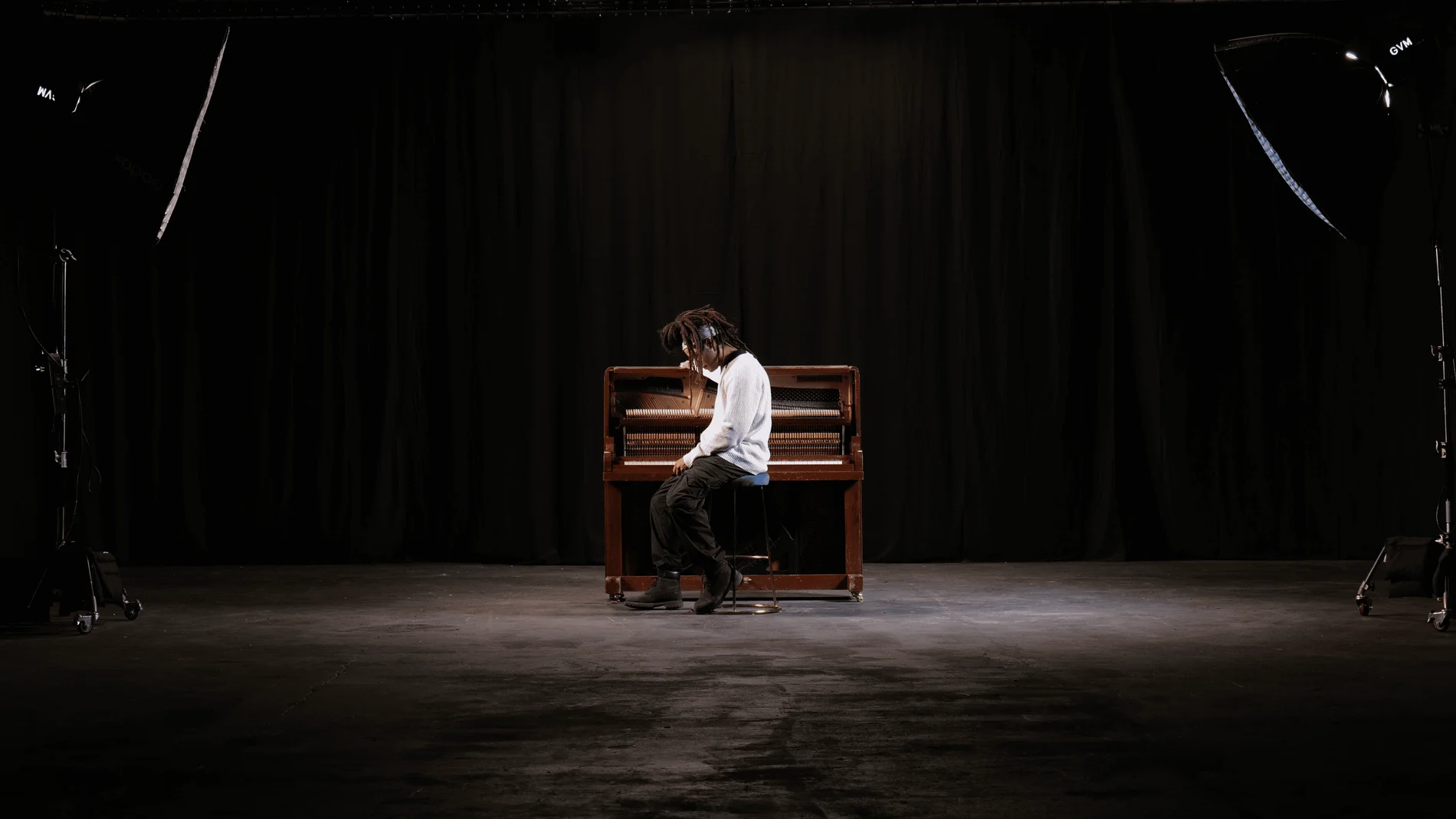
Giant Blackout at Finchley Studios. Enquire about Giant Blackout.
Plan your Finchley recording
Explore our Finchley Studios to compare sets and production support. Send your brief to the Finchley team with your preferred date, guest count and required outputs.











