
Feeling more confident on a video podcast usually starts with making the recording situation familiar. Try a short filmed conversation, check your position and practise recovering from a mistake. You need a workable way to speak and listen; you do not need to adopt a different personality for the camera.
Decide where to look
In an interview, ask the director whether you should look at the other speaker or into a lens. Keeping your attention on the conversation can be easier than monitoring several cameras. For a direct address, confirm which camera is active and where your notes can sit.
Arrange the chair and microphone around a comfortable posture. If you have to lean forward constantly or twist to see the host, request an adjustment before recording. Microphone position affects the captured voice; Shure's recording guidance explains why turning away can change the sound. Let the engineer choose a suitable position for the actual microphone.
If a preview screen distracts you, discuss whether it can be moved or turned away after framing has been checked. Keep essential cues visible without making a screen the centre of the interview.
Use a five-minute practice exercise
This is an illustrative exercise you can do before the studio visit:
- Explain the episode's main idea to another person for one minute.
- Answer one straightforward follow-up without reading notes.
- Pause, restart a sentence and continue calmly.
- Watch a short section once and identify one useful change.
- Record again using that change, then finish the exercise.
Choose an observable improvement, such as a more comfortable eyeline or a shorter opening answer. Repeatedly examining every gesture can distract from whether the explanation is clear. If your main concern is appearance, use the video podcast wardrobe guide to settle clothing decisions beforehand.
Prepare ideas you can retrieve easily
Use brief prompts: the point, an example and why it matters. Long paragraphs can be hard to scan during a conversation. Keep difficult names, important figures and any required wording on a separate clearly marked sheet.
Practise the opening and ending aloud, while allowing the middle to develop through questions. BBC Academy advises interviewers to adapt to the flow of the conversation; that flexibility gives guests room to answer naturally. Our rehearsal guide separates useful practice from memorising a performance.
Agree how mistakes and breaks will work
Ask whether the session is live or recorded for editing. For an edited programme, establish a simple restart procedure: pause, identify the correction and repeat the complete sentence. Do not assume every hesitation must disappear from the final cut.
Tell the producer if you need a break, a clearer question or a change in seating. Check headphone comfort and tell the engineer if your voice sounds delayed. A short recorded test lets the team resolve these practical issues before the main conversation begins.
Planning this at Finchley Studios
Finchley Studios offers filmed recording environments including the Lounge Set and Dialogue Set. Choose the setting that suits the conversation, then discuss how the chairs, notes and cameras will be arranged for your booking. A photograph can suggest a style, but the final framing should be checked with you seated.
Tell Finchley that this is your first filmed interview and include time for a soundcheck and short camera test in the agreed schedule. Engineer-supported recording can help with technical setup; a producer or host should still explain the format and restart cues. Confirm whether teleprompter support is needed and included rather than assuming every booking provides it.
A client recording from Finchley Studios
From our client recording collection: Channel 4 Homes.
Continue planning your recording
- What to Wear for a Video Podcast Recording
- Should You Rehearse Before Recording a Podcast?
- Should You Use a Teleprompter for a Podcast or Interview?
For the full series, explore our podcast studio booking guide.
Explore all 12 Finchley sets
Compare the looks below, then follow the booking or enquiry link for your preferred set. Confirm the recording package, guest capacity and location for your session.
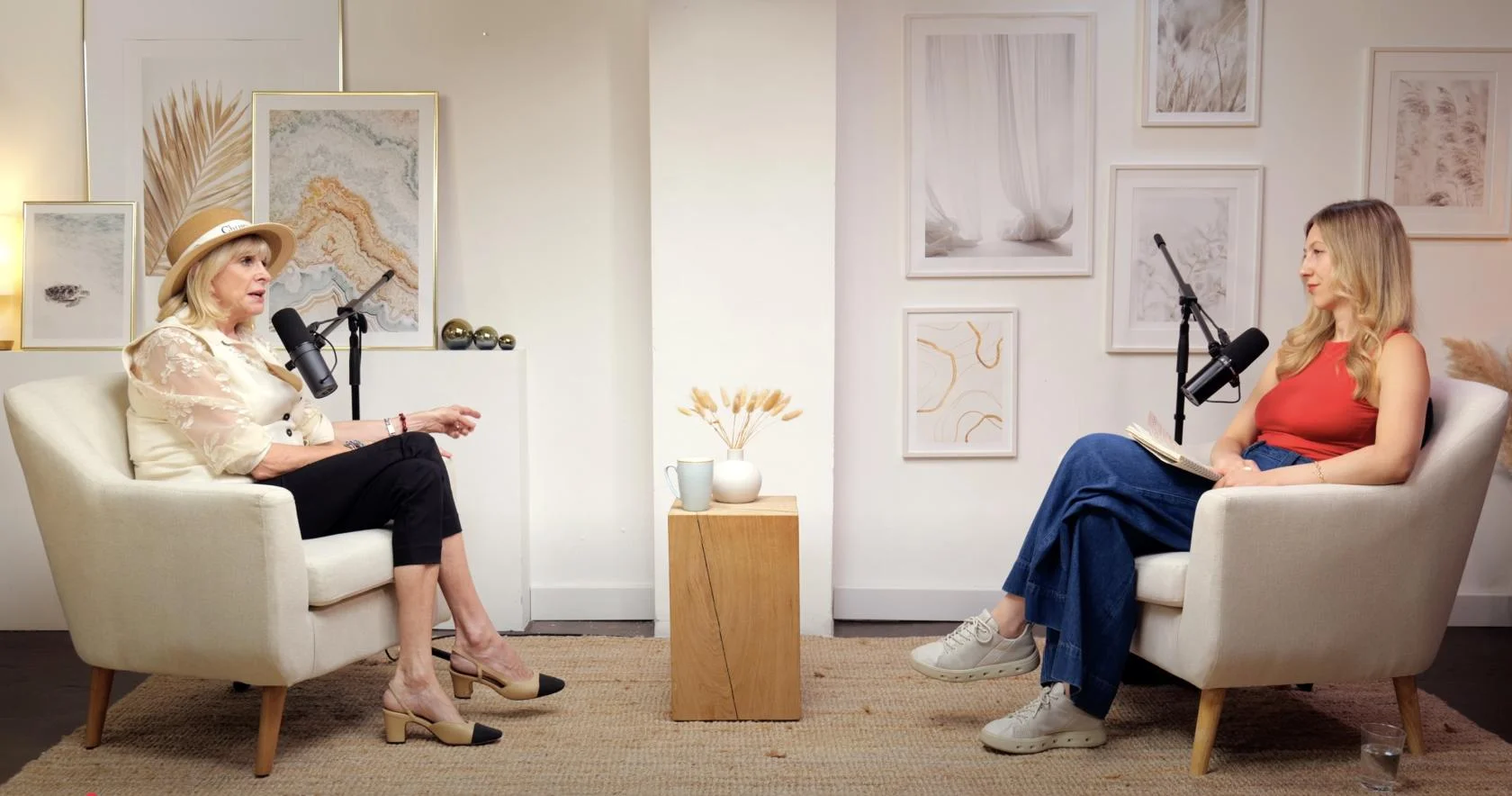
Dialogue at Finchley Studios. Book Dialogue.
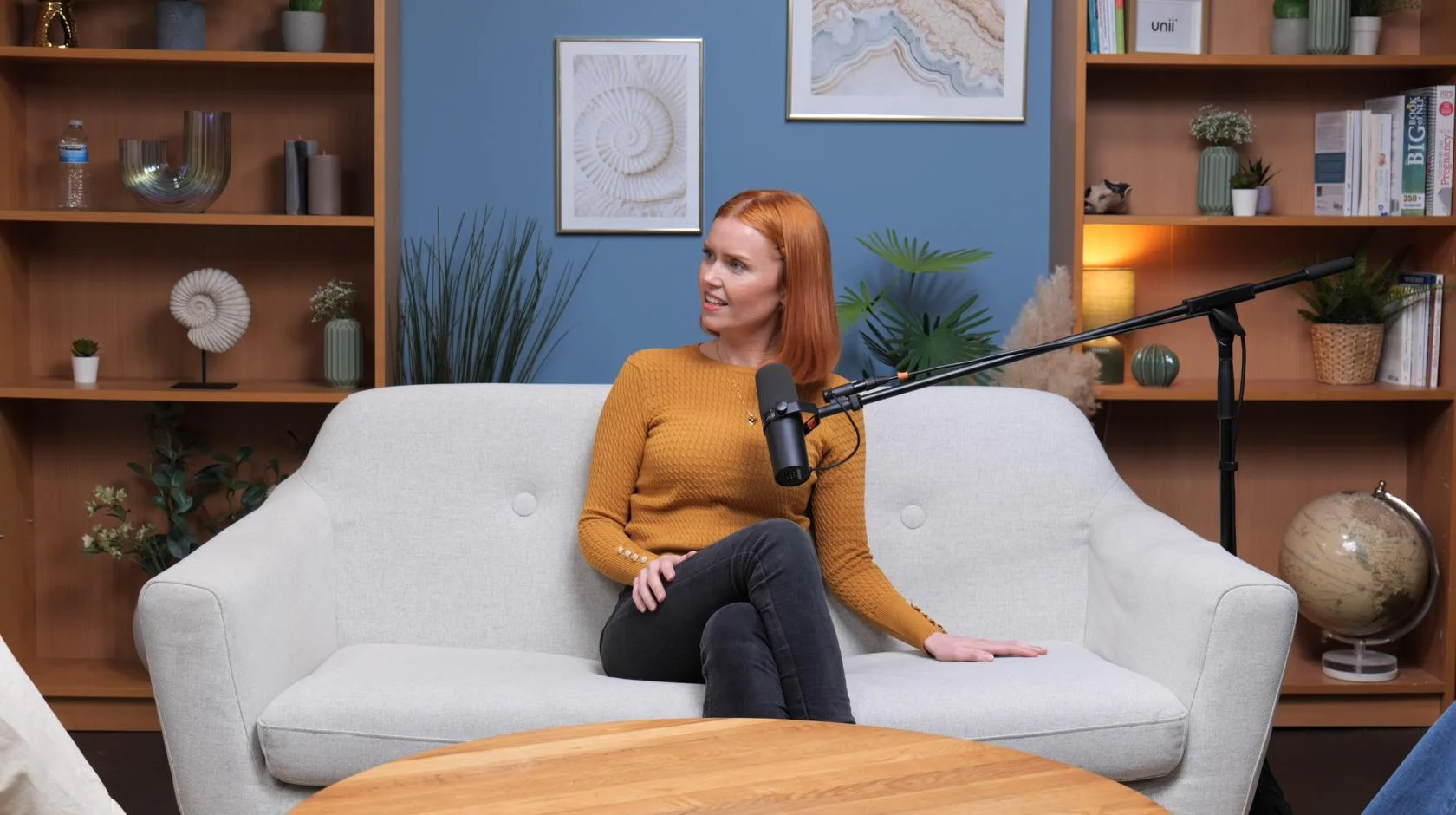
Lounge at Finchley Studios. Book Lounge.
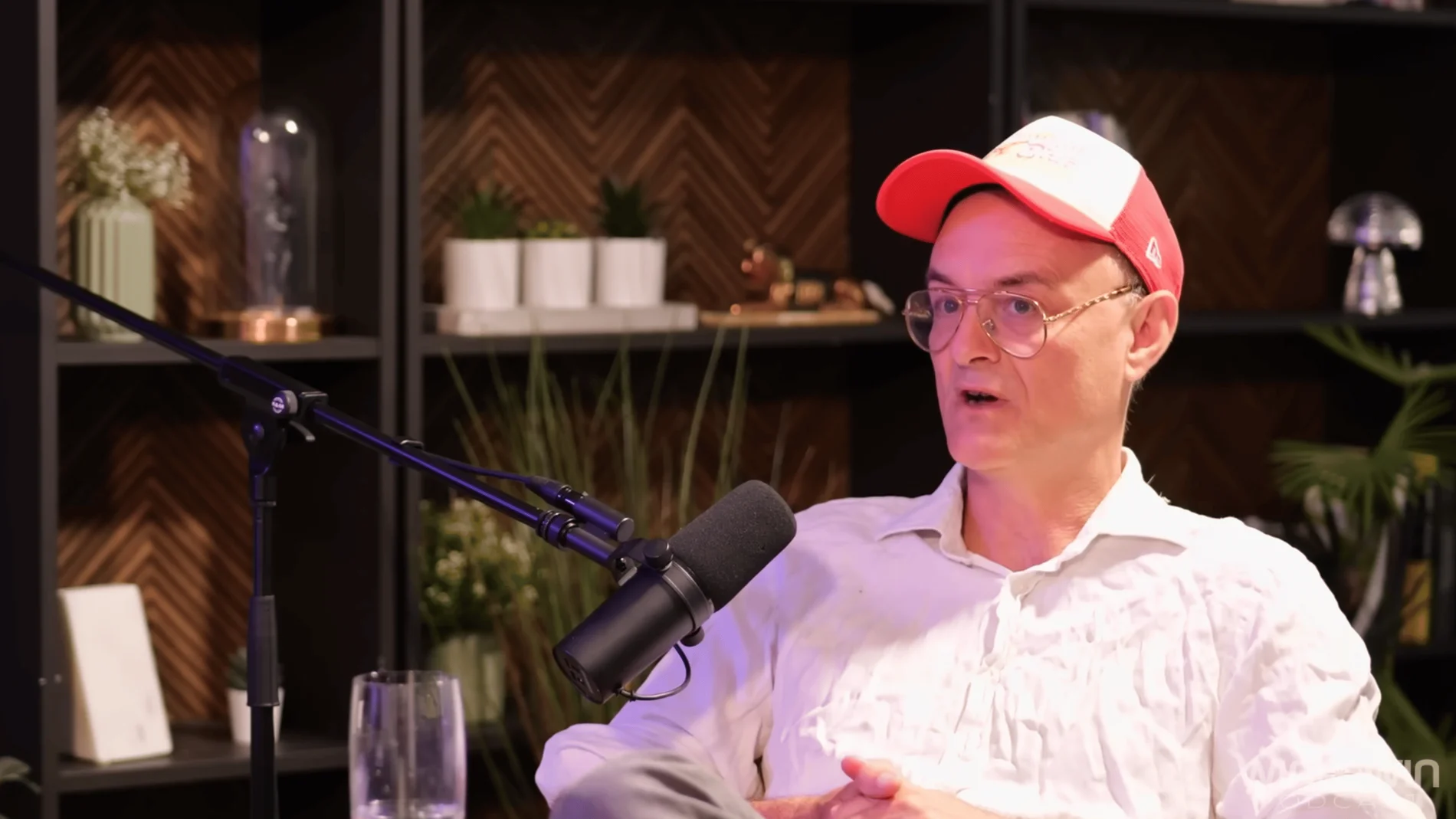
CEO at Finchley Studios. Book CEO.
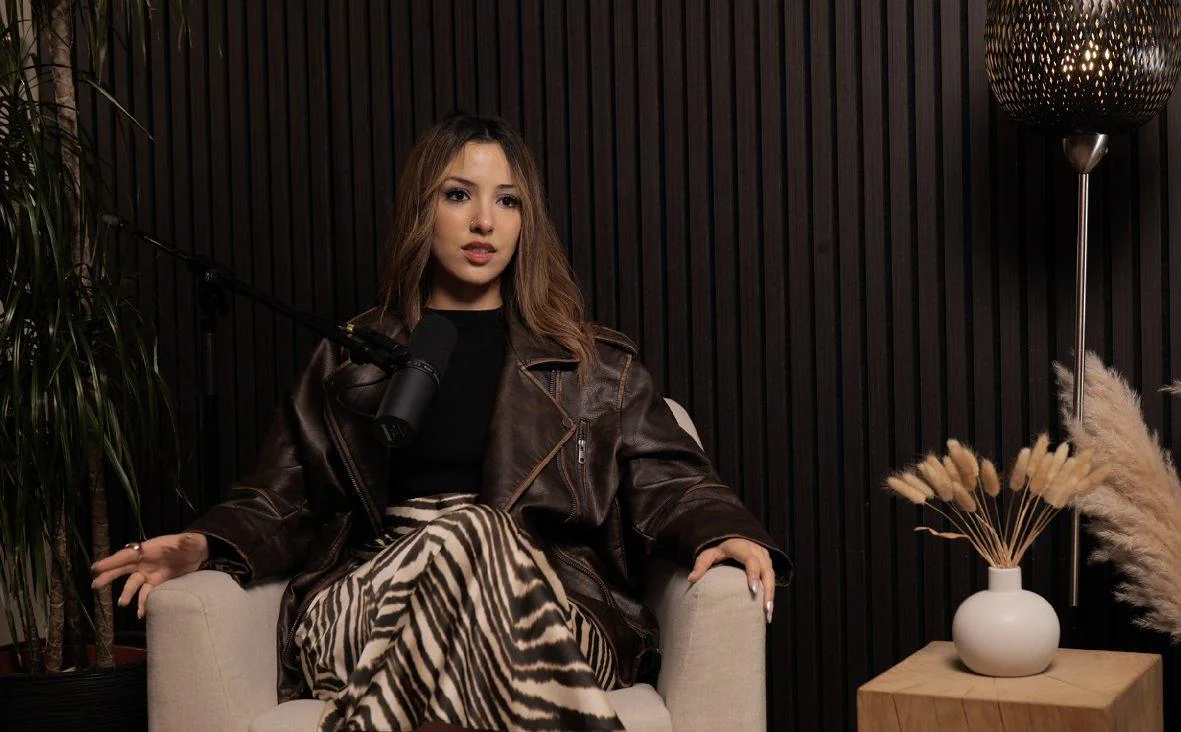
Blackwood at Finchley Studios. Book Blackwood.
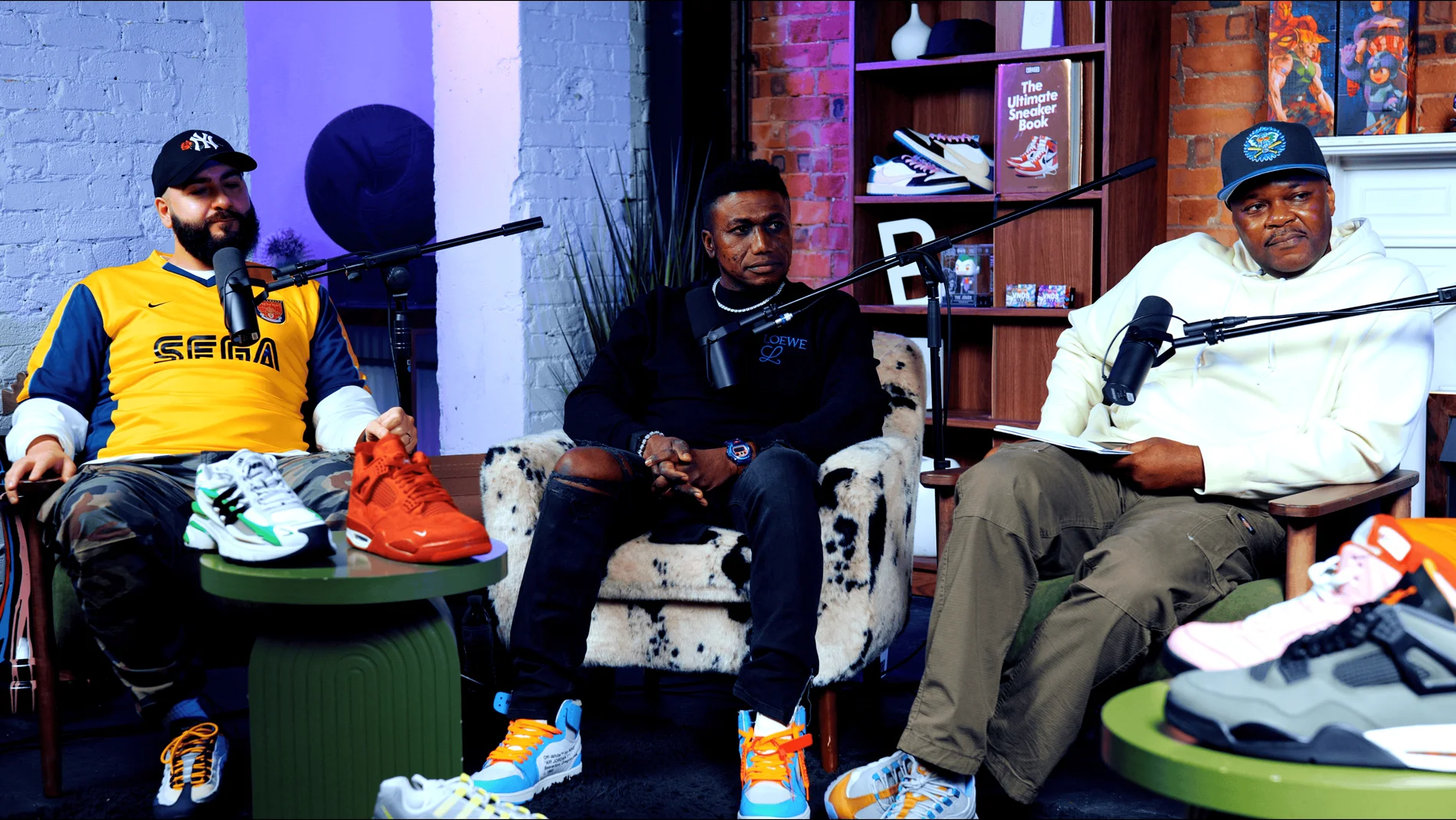
Pulse Lounge at Finchley Studios. Enquire about Pulse Lounge.
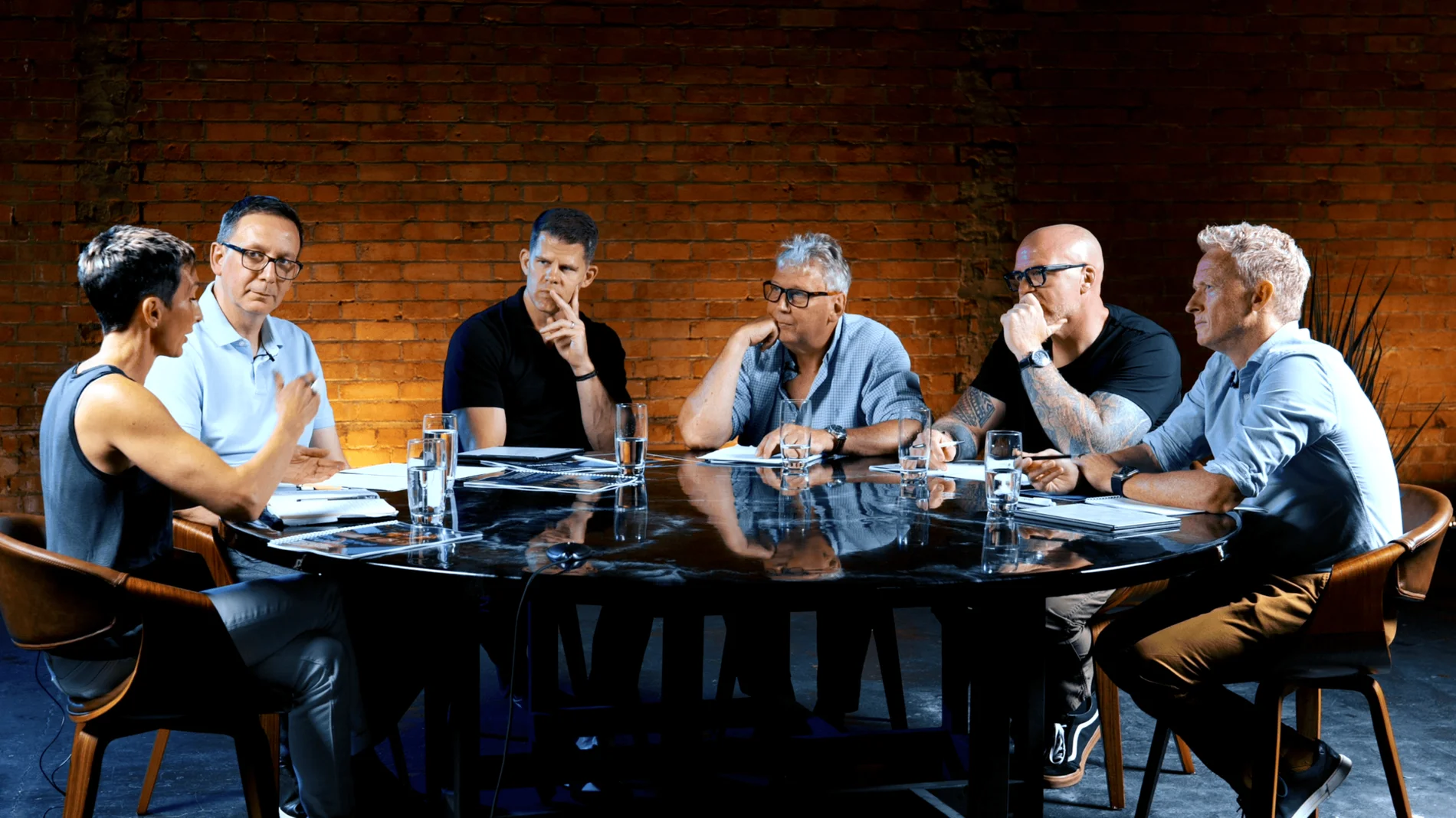
Roundtable at Finchley Studios. Enquire about Roundtable.

The Brick Studio at Finchley Studios. Enquire about The Brick Studio.
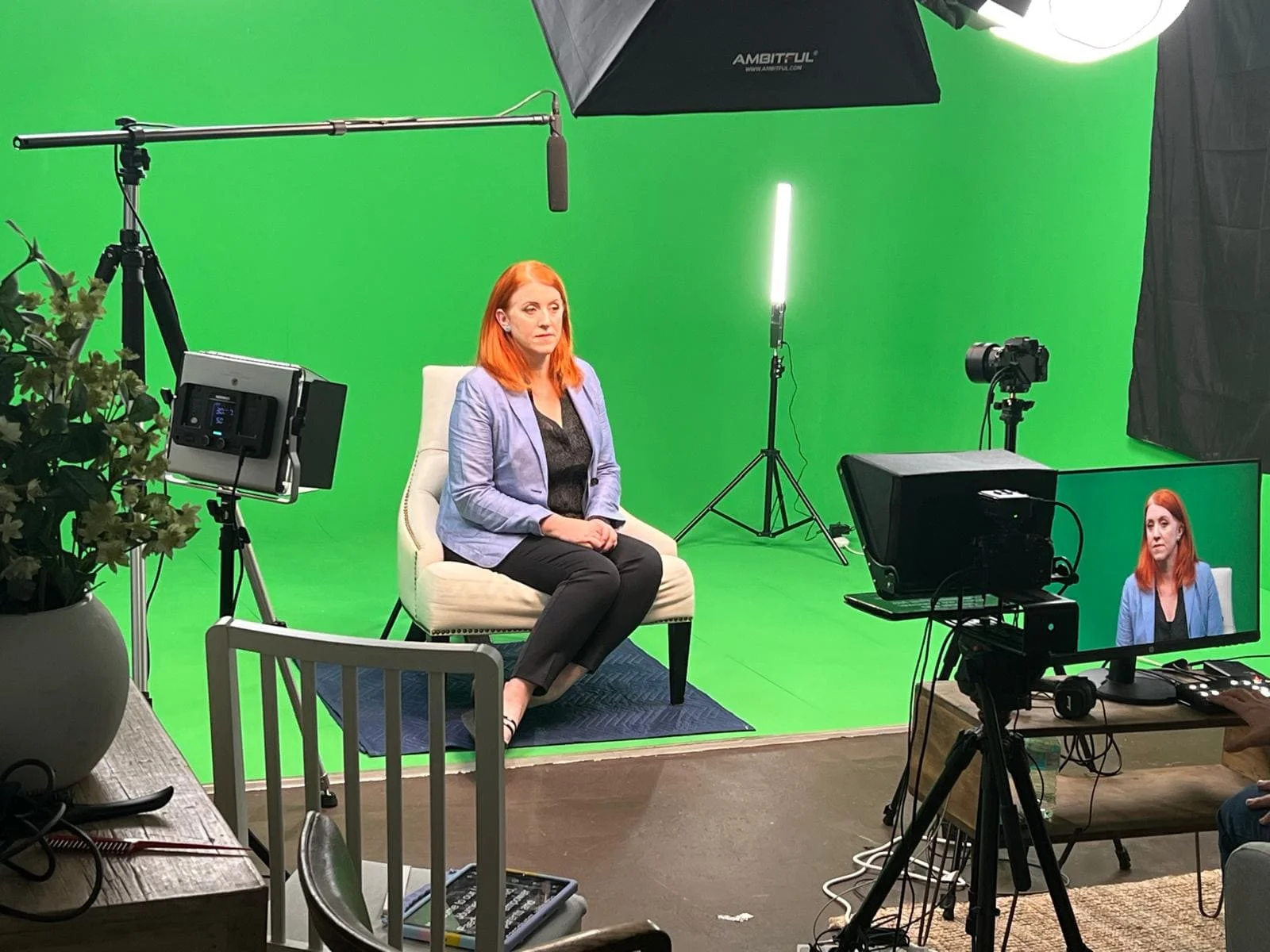
Green Screen Cove at Finchley Studios. Book Green Screen Cove.
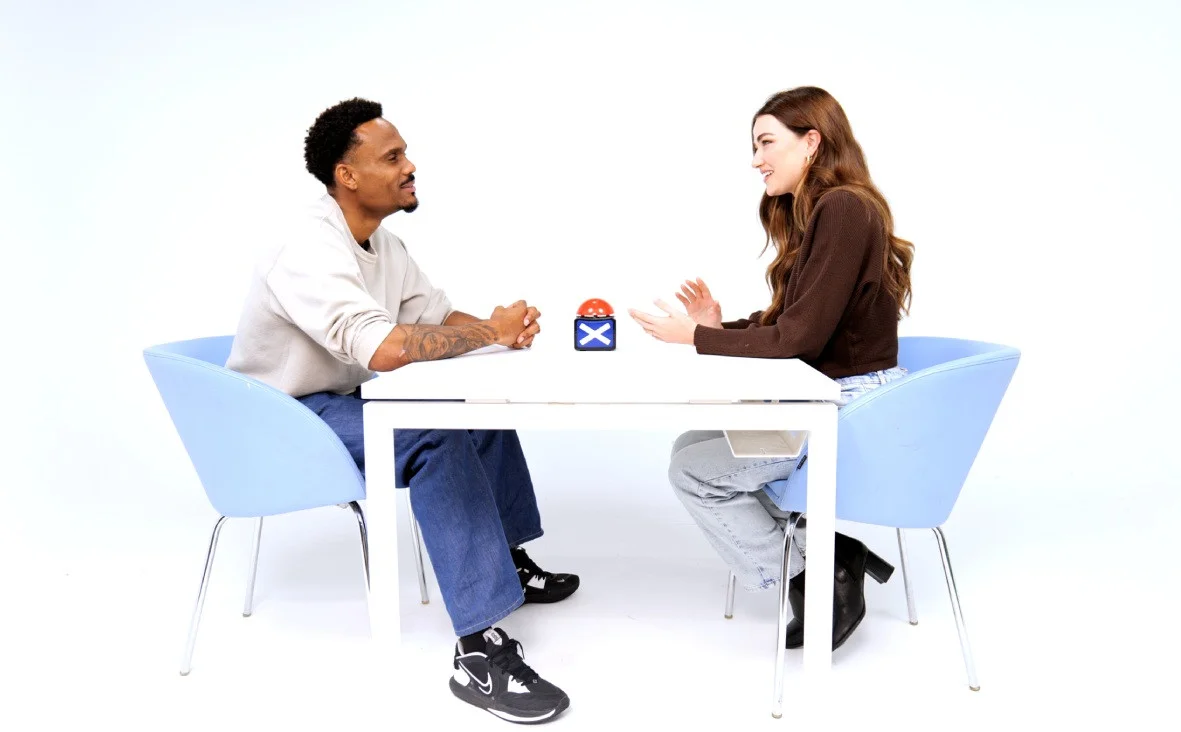
Giant White Infinity Cove at Finchley Studios. Enquire about Giant White Infinity Cove.
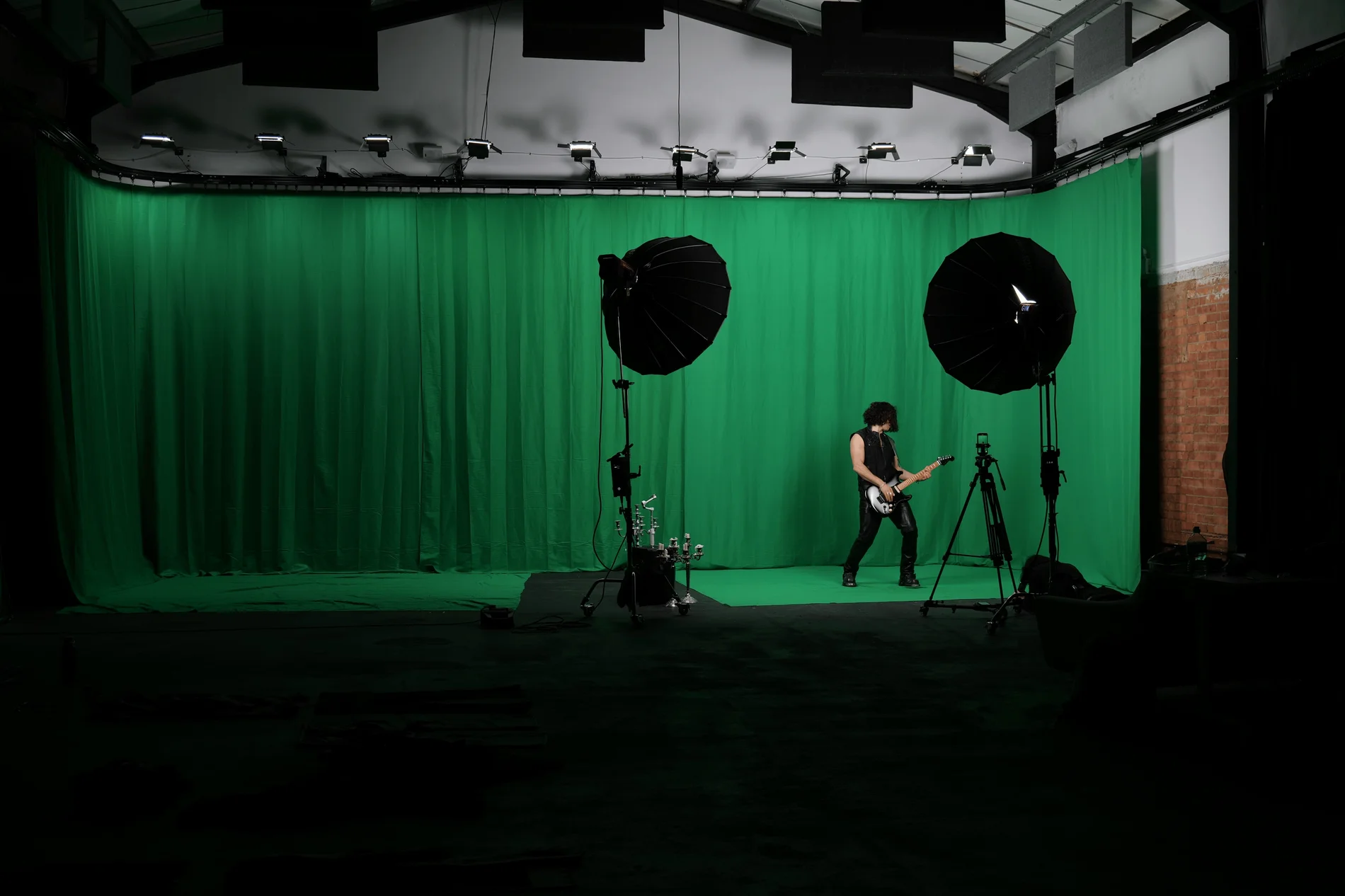
Giant Green Screen at Finchley Studios. Enquire about Giant Green Screen.
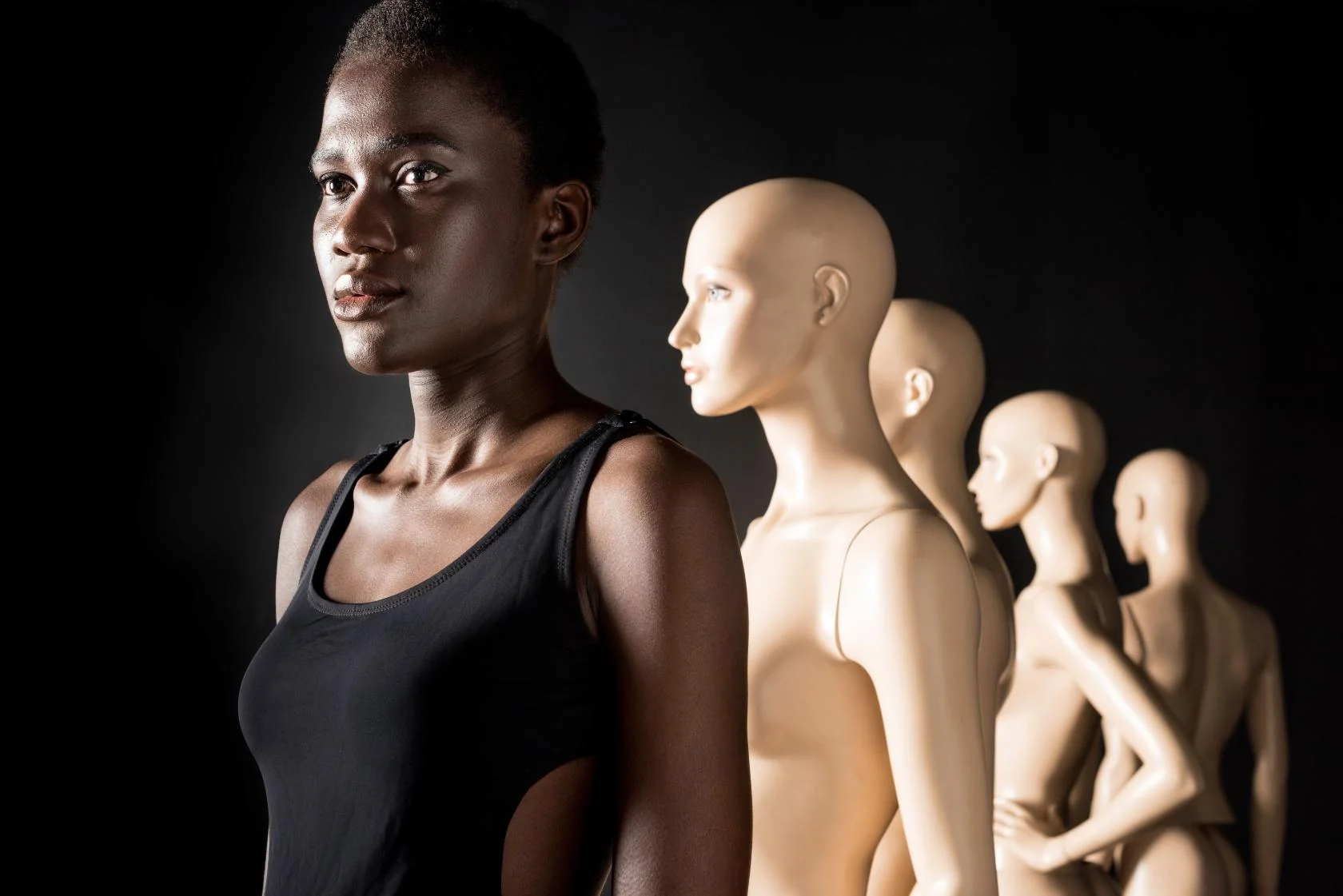
Blackout at Finchley Studios. Book Blackout.
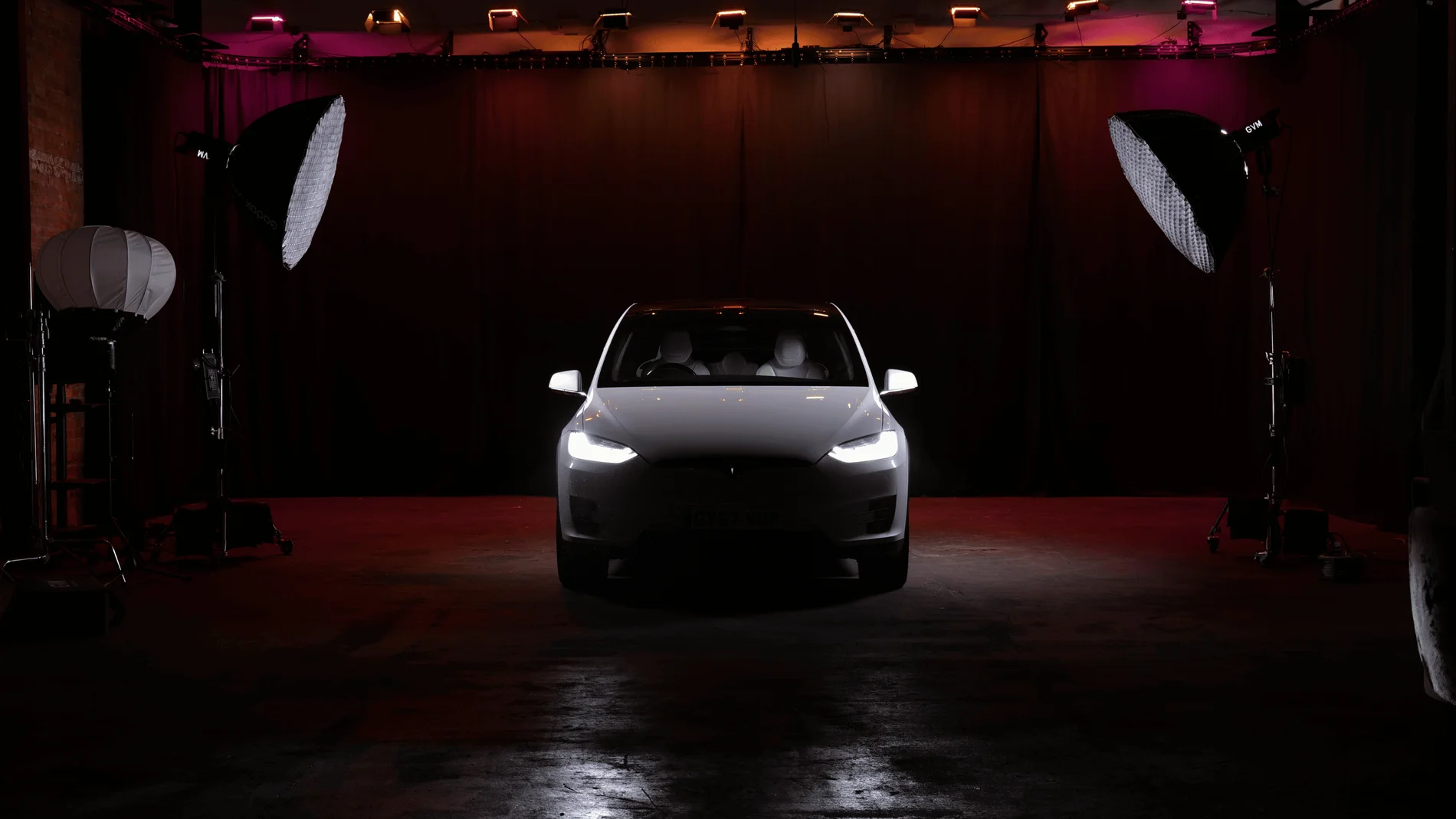
Giant Blackout at Finchley Studios. Enquire about Giant Blackout.
Plan your Finchley recording
Explore our London recording studio to compare sets and production support. Send your brief to the Finchley team with your preferred date, guest count and required outputs.











