
Use a full script when exact wording and a tightly shaped narrative matter. Use a prepared outline when the value comes from a conversation, explanation or unexpected answer. Many podcasts work well with a mixture: scripted introductions and essential statements, followed by a discussion supported by clear prompts.
Choose how much structure each section needs
A format decision can be made section by section. Your opening might need to explain the premise in a few clear sentences, while an interview needs space for follow-up questions. A closing summary can be recorded after the conversation so it reflects what was actually said.
| Approach | Preparation | Recording and edit considerations |
|---|---|---|
| Full script | Draft, fact-check and approve spoken wording | Rehearse delivery and record complete alternative takes |
| Structured outline | Set the purpose, sections, prompts and required points | Allow follow-ups and mark useful moments for the edit |
| Open conversation | Agree the subject, boundaries and participants' roles | Allow more review time and a clear route to the ending |
Choose the structure that helps the listener follow the subject. Our episode structuring guide shows how to organise the progression without writing every answer in advance.
Write scripts for the ear
Read the words aloud and simplify sentences that are difficult to deliver. Explain abbreviations, check pronunciations and place any production instructions clearly apart from spoken text. Give each version a date or version number so the presenter and operator use the same document.
Time a realistic read with the intended presenter. Include pauses, examples and any visual demonstration. A word-count estimate can help early planning, but the actual read is better evidence for a session schedule.
If you need exact approved wording, identify those passages. Keep optional explanations separate so the presenter knows where they can adapt naturally. Plan how corrections will be marked for the editor.
Prepare conversations through research
An outlined interview still needs preparation: understand the guest's work, identify useful examples and establish what the audience should learn. Order prompts by subject so the host can find a relevant follow-up without reading the next question mechanically.
BBC Academy's interview preparation guidance recommends adapting to the conversation's flow. Listen for points that deserve explanation and ask for a concrete example when an answer remains abstract. Leave space for those decisions in the running order.
Test the format before committing a series
Record a short section in each proposed style. Ask the presenter which feels manageable and ask a fresh listener which version is easiest to follow. Compare preparation time, recording time and the editing work still required. The podcast pilot guide provides a fuller review process.
For video, check the presenter's eyeline. Decide whether they address the lens, a guest or an interviewer. Discuss how notes or a teleprompter could support that choice; a reading aid should fit the format you are producing.
Plan documents after recording too
Keep the final script, actual recording and published transcript distinct. W3C's transcript guidance concerns what the audience hears. Review the transcript against the edited episode, including changed wording, rather than publishing an earlier script as if it were a complete record.
Matching the format to a Finchley session
Finchley's CEO Set is presented as a setting for executive interviews, thought leadership and business content. Those uses can involve both conversational sections and prepared presentations, so explain your intended delivery style when requesting a quote.
Send the studio a sample script or outline and identify any exact-wording passages, slides or reading support needed. Confirm the presenter eyeline and who will cue each section. If you are mixing a scripted introduction with an interview, include both in the running order and allow time to adjust the setup. Agree post-production and any extra takes before finalising the recording schedule.
A client recording from Finchley Studios
From our client recording collection: Channel 4 Homes.
Continue planning your recording
- How to Record and Review a Podcast Pilot
- How to Structure a Podcast Episode Before Recording
- How to Plan and Record a Podcast Trailer
For the full series, explore our podcast studio booking guide.
Explore all 12 Finchley sets
Compare the looks below, then follow the booking or enquiry link for your preferred set. Confirm the recording package, guest capacity and location for your session.
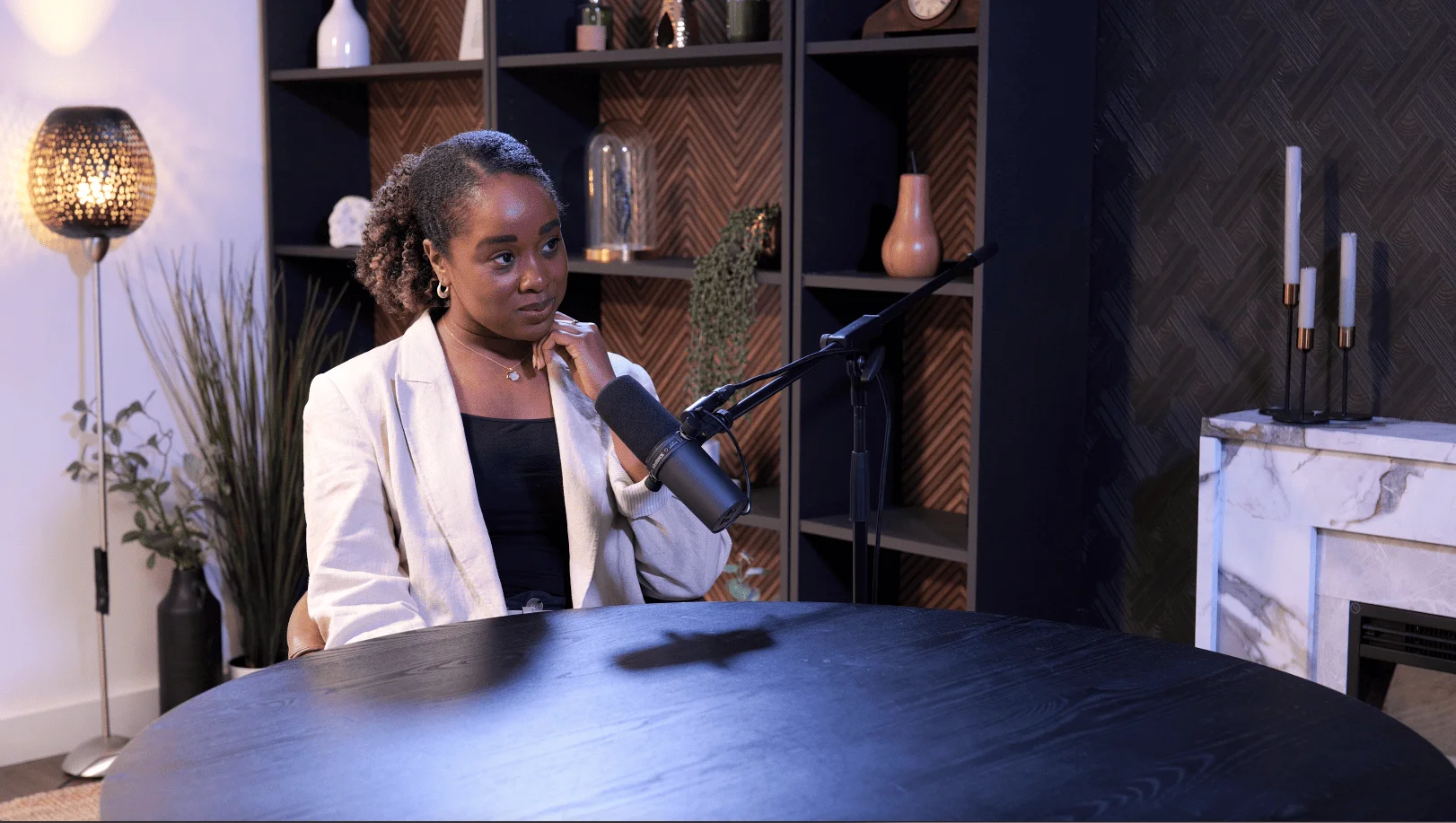
CEO at Finchley Studios. Book CEO.
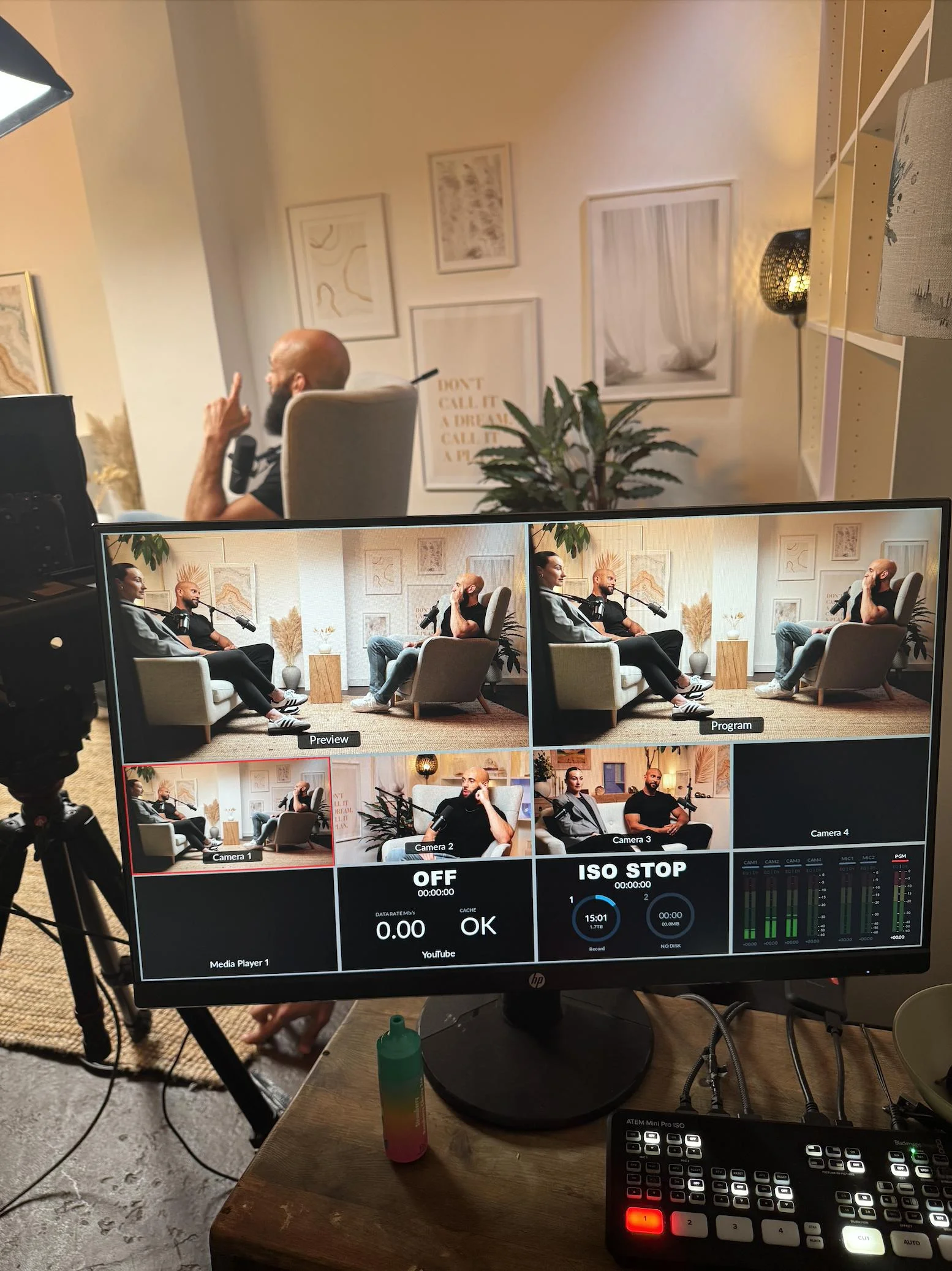
Dialogue at Finchley Studios. Book Dialogue.
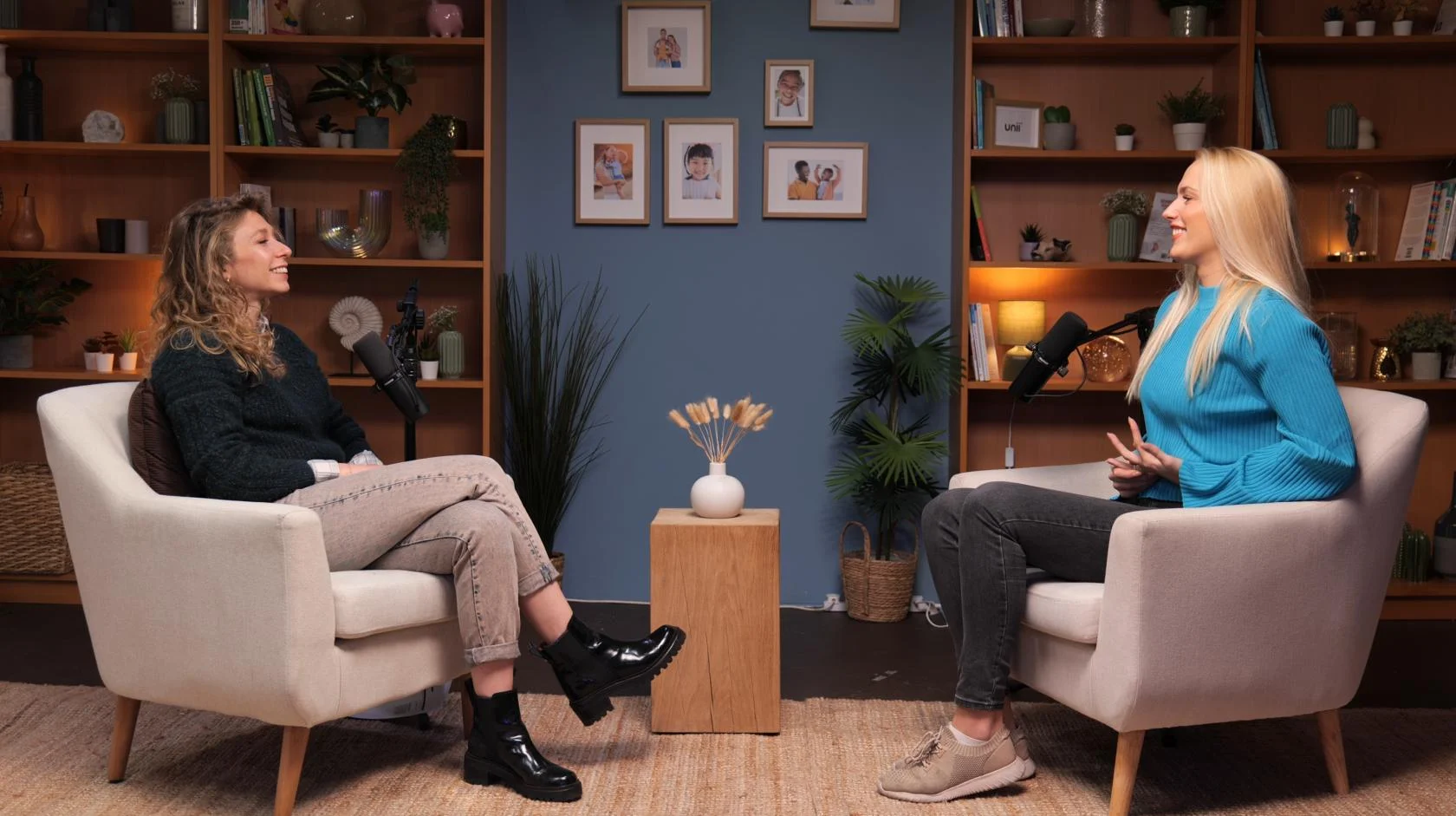
Lounge at Finchley Studios. Book Lounge.
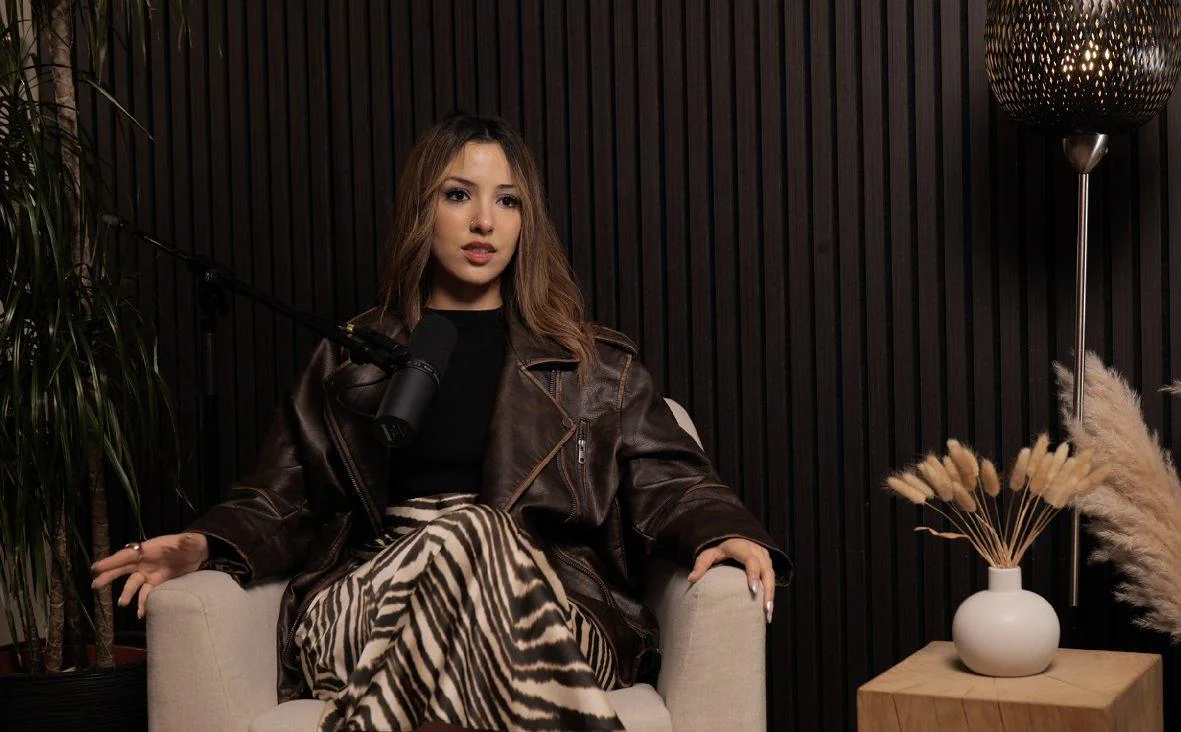
Blackwood at Finchley Studios. Book Blackwood.
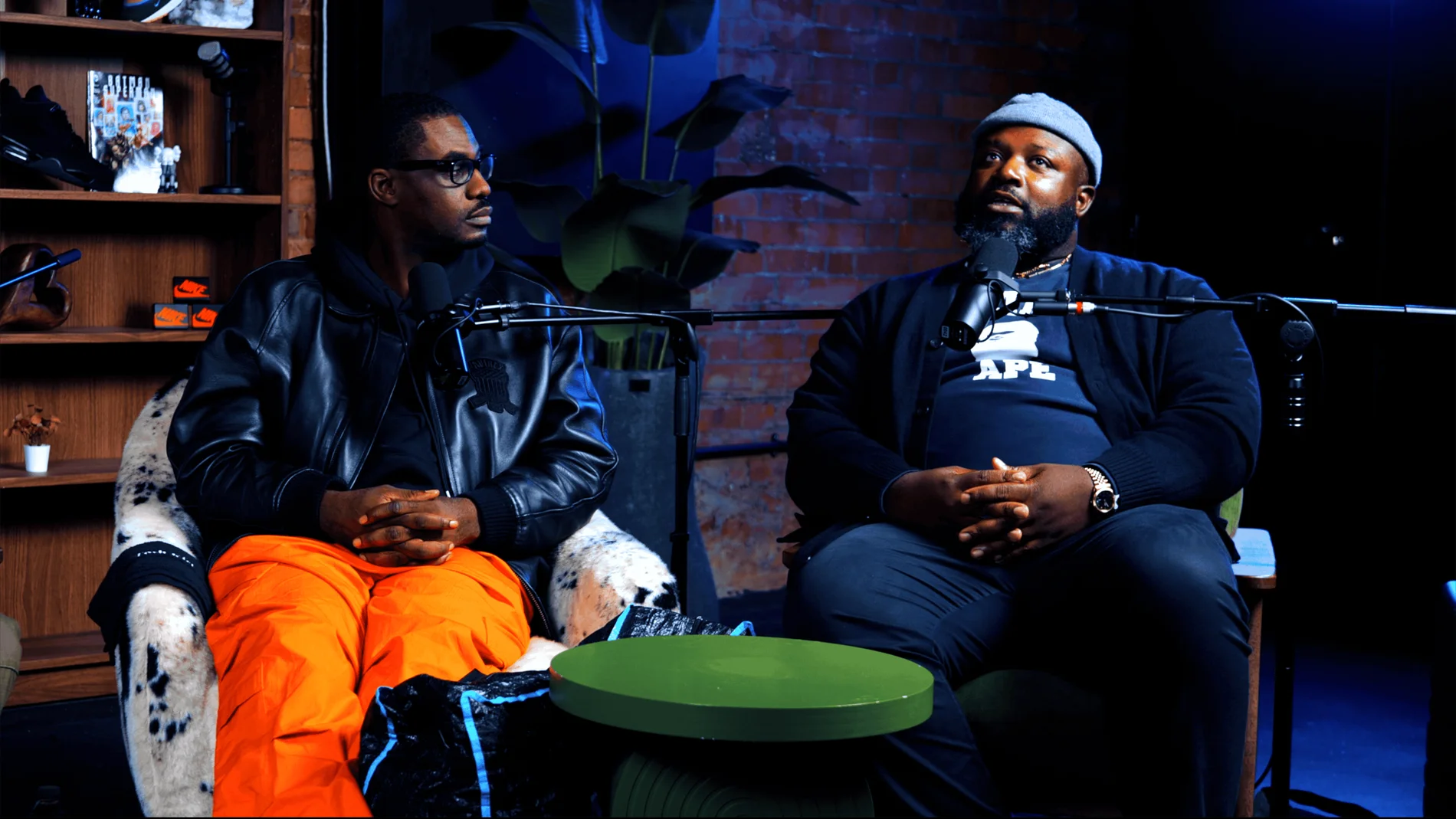
Pulse Lounge at Finchley Studios. Enquire about Pulse Lounge.
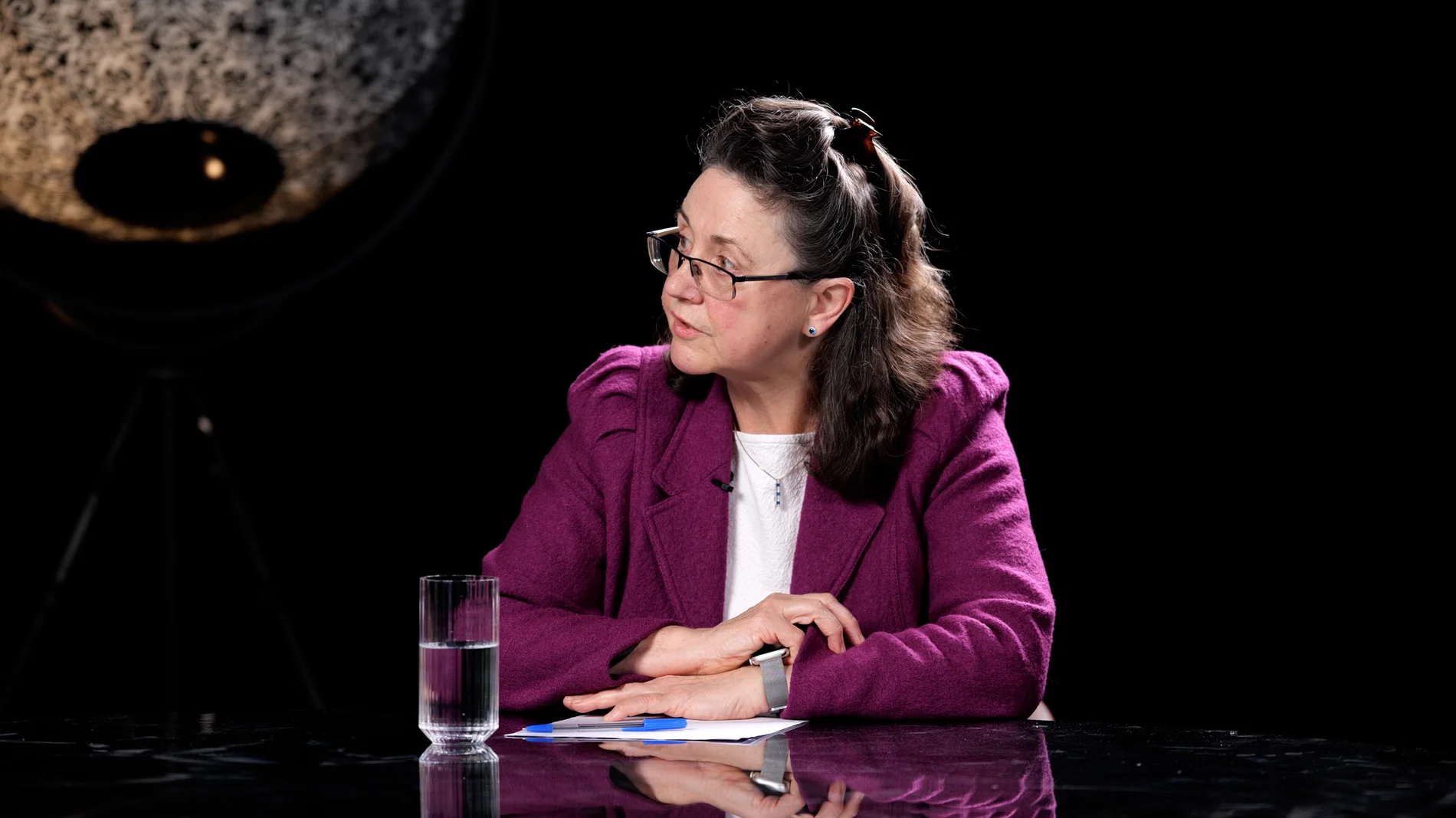
Roundtable at Finchley Studios. Enquire about Roundtable.
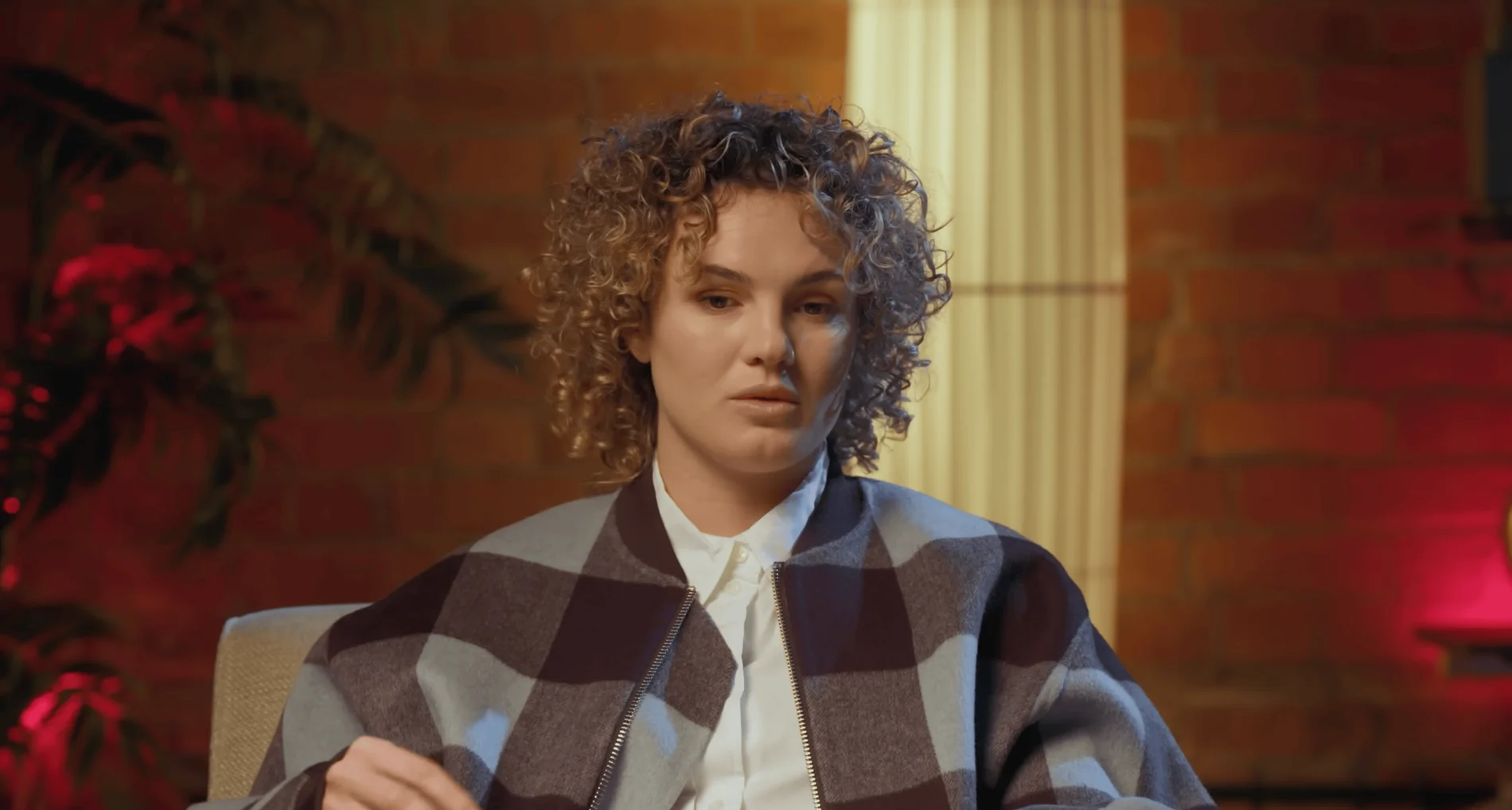
The Brick Studio at Finchley Studios. Enquire about The Brick Studio.
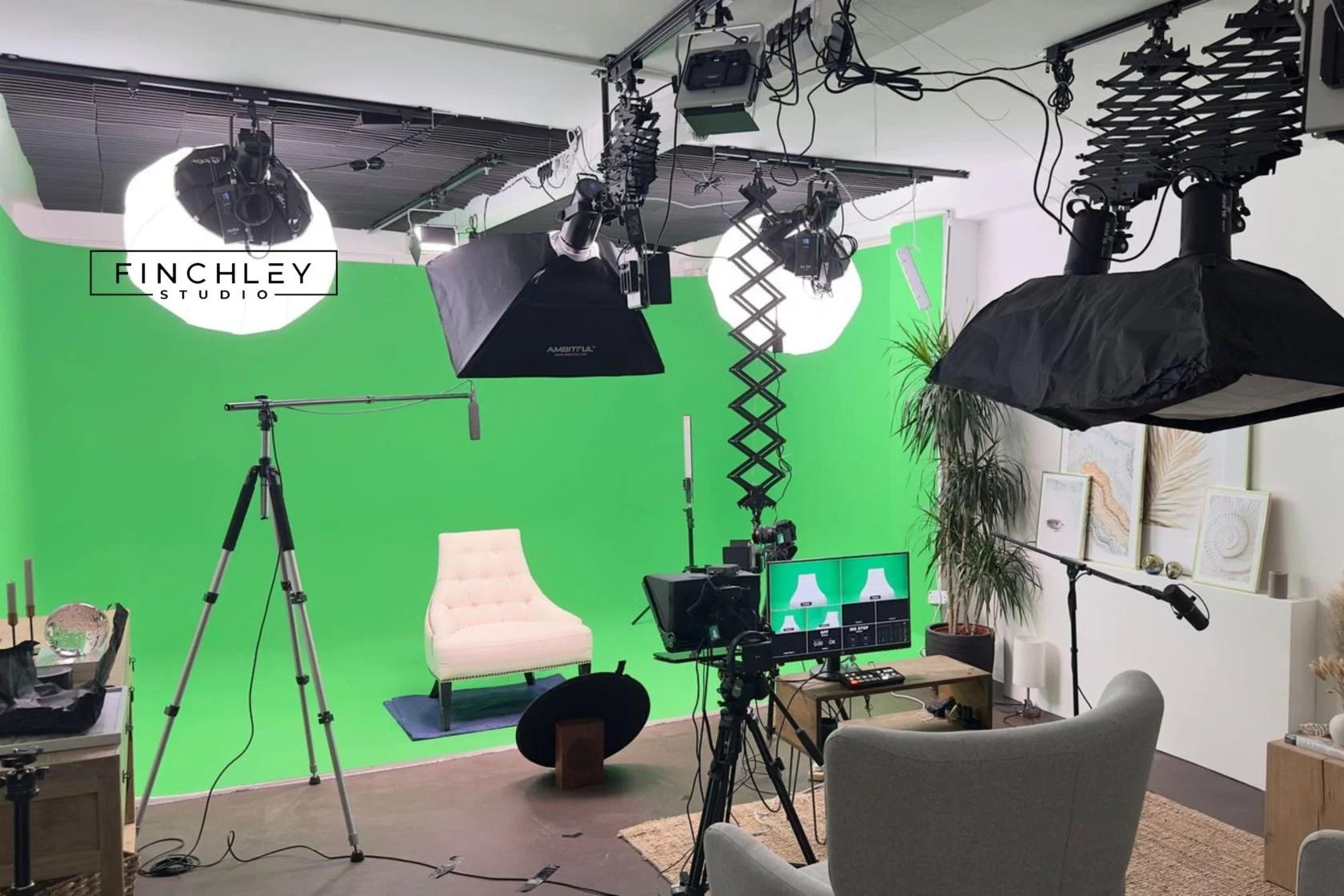
Green Screen Cove at Finchley Studios. Book Green Screen Cove.
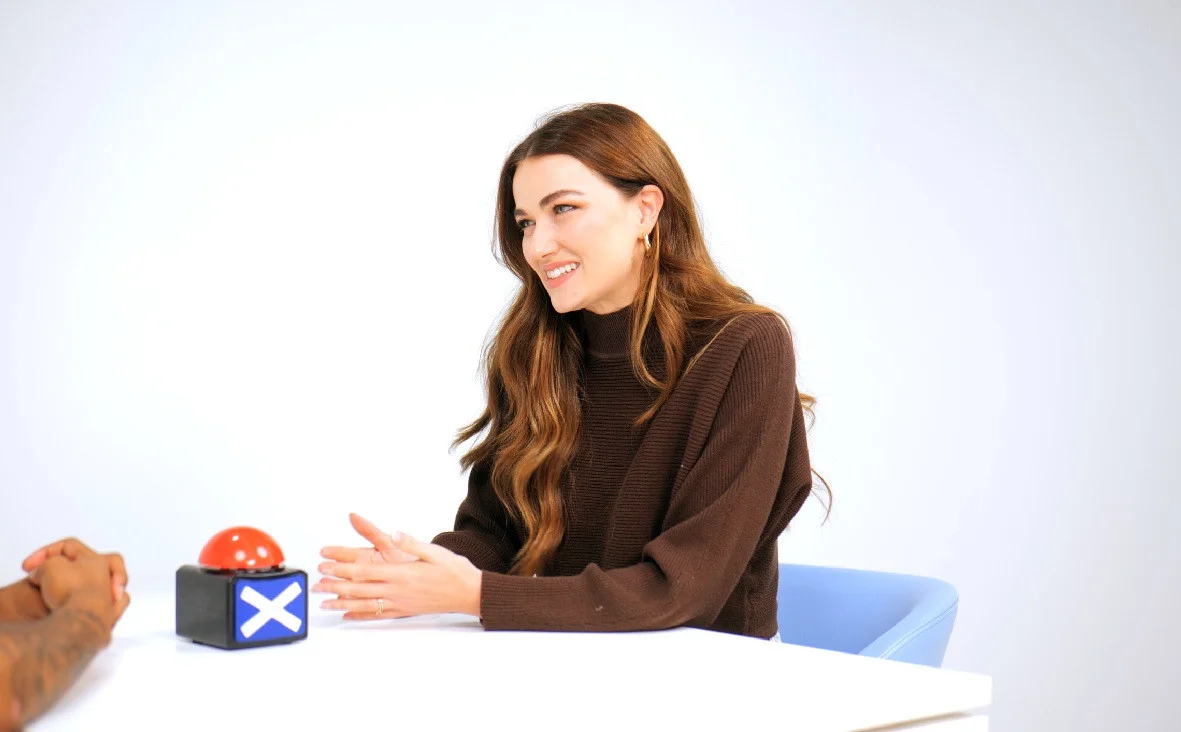
Giant White Infinity Cove at Finchley Studios. Enquire about Giant White Infinity Cove.
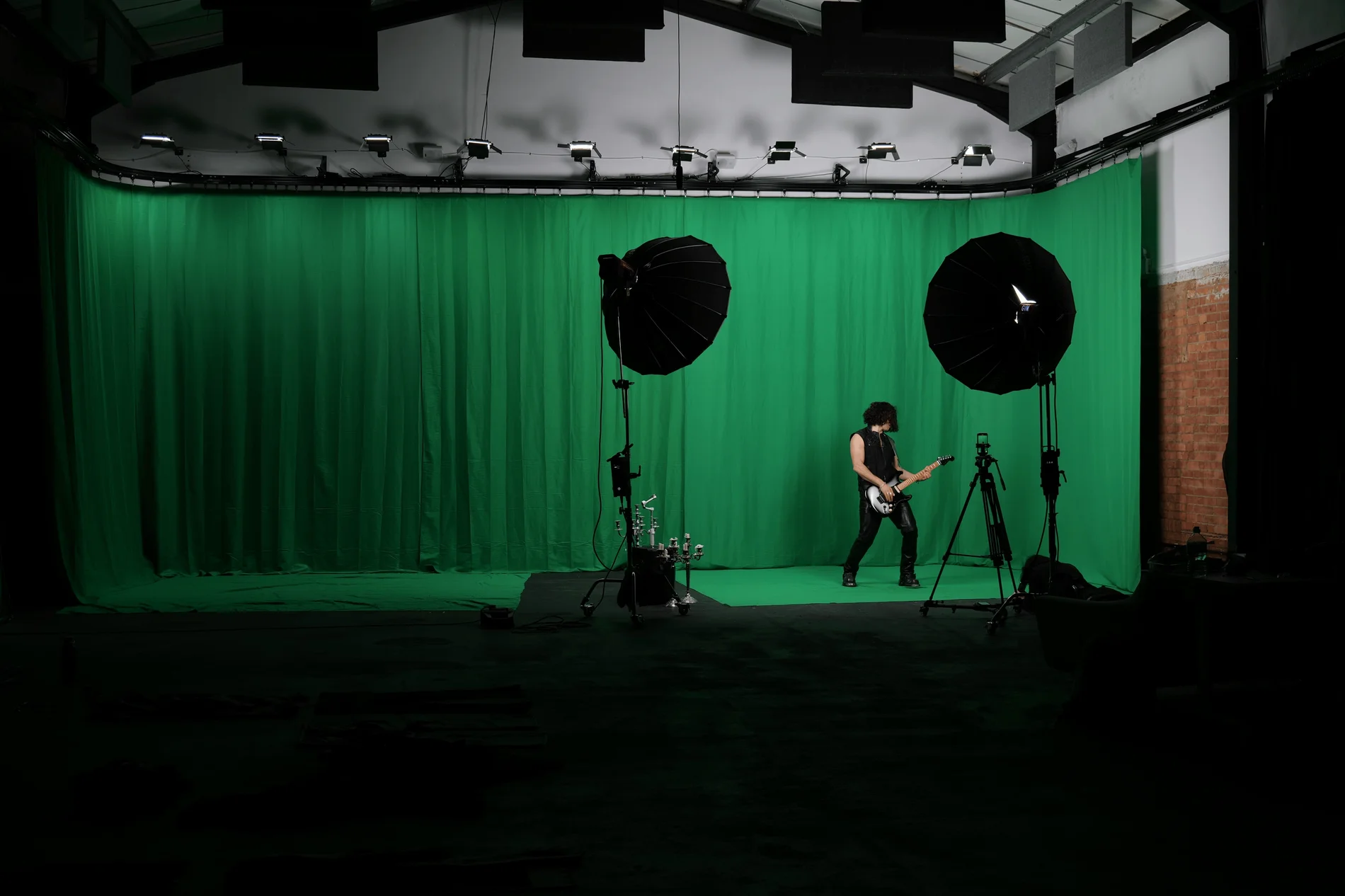
Giant Green Screen at Finchley Studios. Enquire about Giant Green Screen.

Blackout at Finchley Studios. Book Blackout.

Giant Blackout at Finchley Studios. Enquire about Giant Blackout.
Plan your Finchley recording
Explore our Finchley Studios to compare sets and production support. Send your brief to the Finchley team with your preferred date, guest count and required outputs.











