Most spoken mistakes do not require restarting an entire podcast. Agree a simple process for pausing, repeating the necessary passage and identifying the preferred take. The best retake gives the editor a clear replacement while protecting the guest's confidence and the flow of the conversation.
Distinguish a harmless stumble from a necessary correction
A small hesitation may be part of natural speech. An incorrect name, misleading fact or unfinished explanation may need a clean replacement. Let the host or producer make that editorial distinction rather than stopping automatically after every imperfect sentence.
Explain the process during the rehearsal or preparation. Tell contributors who can call a pause and how they will know when recording is ready again. Avoid making a correction feel like a failure in front of the group.
Repeat enough context to make the edit work
After a pause, restart from a sensible sentence or phrase. Repeating only the final word can leave the editor with an awkward change in pacing or meaning. Keep the delivery and position reasonably consistent, and allow the engineer to check the result.
In a conversation, the question may also need a pickup if the replacement answer no longer follows it. Do not create a polished sentence that appears to respond to something the guest was never asked.
Keep an understandable take record
Note the episode, speaker, topic and approximate location of the correction. State which take is preferred when that decision is clear. Audacity's label tracks can mark points or regions and hold text notes; other editing systems may use their own markers or production log.
| Type of mistake | A practical response |
|---|---|
| Wrong name or number | Pause and record the complete corrected statement |
| A useful answer interrupted | Ask for the key sentence again with its context |
| A missing introduction | Capture it as a clearly named separate take |
| Uncertain factual claim | Flag it for checking before final approval |
| A brief natural hesitation | Decide whether any intervention is actually needed |
Match the method to the recording
Solo narration can sometimes use a different workflow from a multi-guest conversation. Audacity documents punch-and-roll as a way to resume recording after backing up over an error. Do not assume that method is suitable for, or available in, every studio session.
For a filmed discussion, consider both picture and sound. A change in posture, object position or lighting may affect how the pickup can be used. Leave the source material intact for the editor and confirm any technical stop-and-start procedure with the engineer.
Budget for pickups and finish deliberately
Keep a short list of outstanding corrections and resolve the important ones before releasing the guest. Our editing scope guide helps separate recording pickups from work that must happen later in post-production.
If a scripted opening or sponsor read changes, use the intros and outros guide to keep versions clearly labelled. A solo presenter can record several sections deliberately, but an interview should retain enough continuity for its final edit to remain honest and understandable.
Planning this at Finchley Studios
For a Finchley session, agree the pickup process with the host and engineer before the first take. The Dialogue recording options include supported filmed recording; ask how corrections will be marked and which files your selected package supplies.
Allow time for essential restatements in the schedule and nominate someone to keep the correction list. If Finchley will edit the episode, provide preferred takes and any factual notes with the brief. If another editor will finish it, confirm a usable handover. Recording a correction does not mean the corresponding edit is included automatically, so agree both parts of the workflow.
A client recording from Finchley Studios
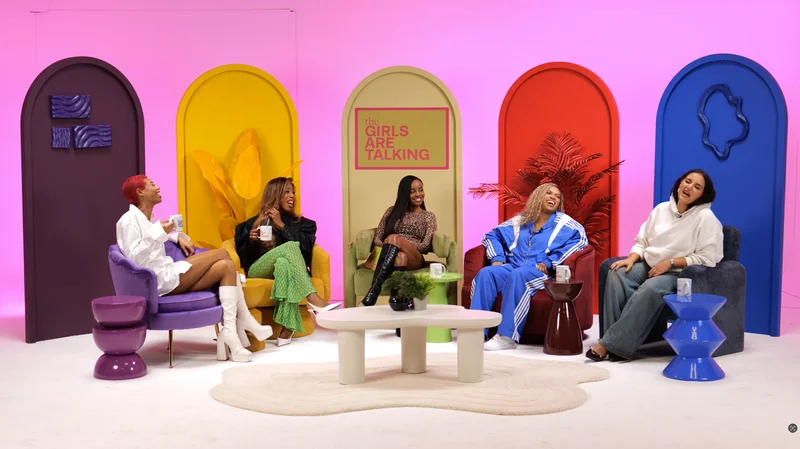
From our client recording collection: Owning Space.
Continue planning your recording
- Should You Rehearse Before Recording a Podcast?
- Does Podcast Studio Hire Include Editing?
- How to Record Podcast Intros, Outros and Sponsor Reads
- How to Keep a Solo Podcast Engaging
For the full series, explore our podcast studio booking guide.
Explore all 12 Finchley sets
Compare the looks below, then follow the booking or enquiry link for your preferred set. Confirm the recording package, guest capacity and location for your session.
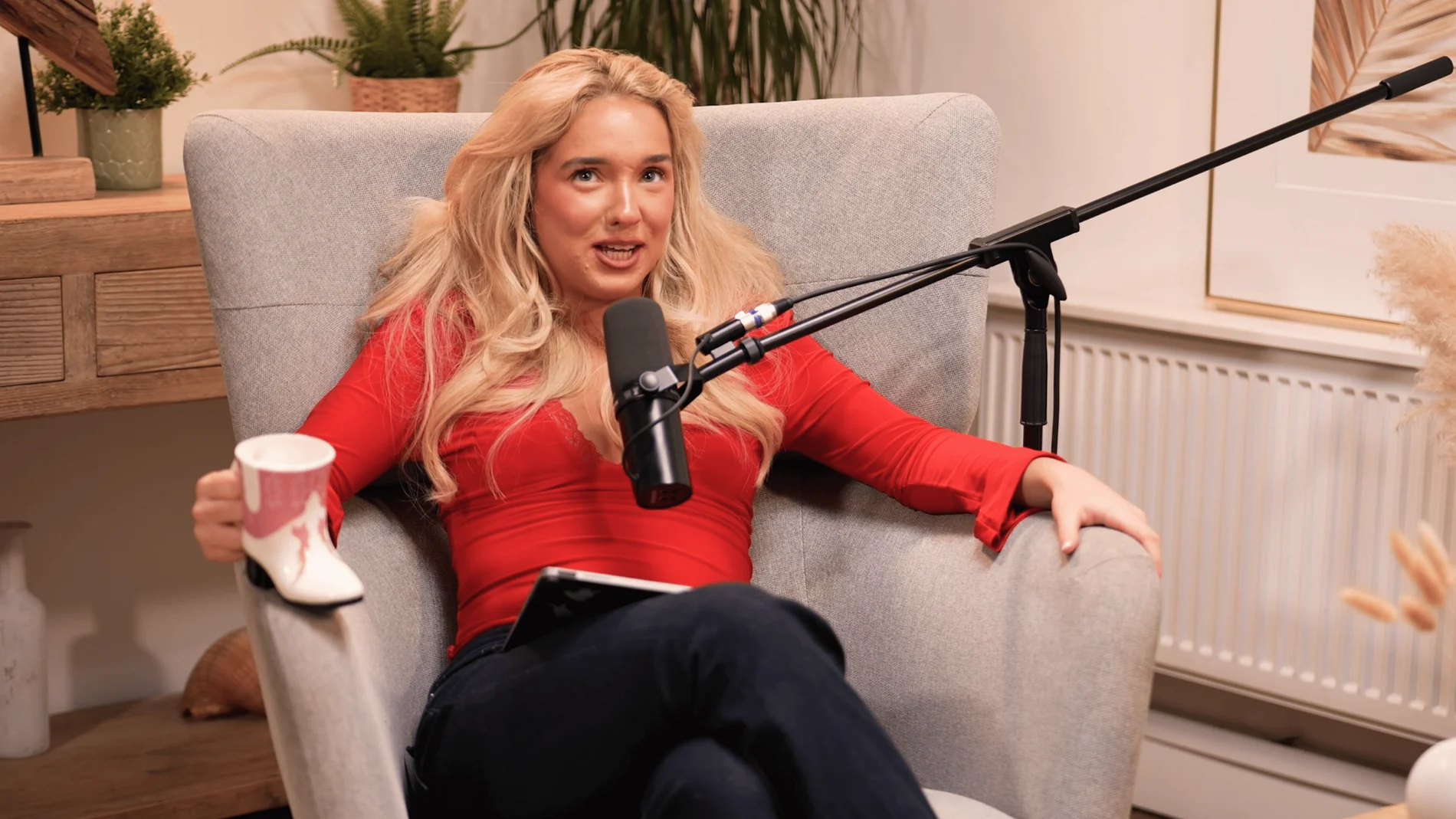
Dialogue at Finchley Studios. Book Dialogue.
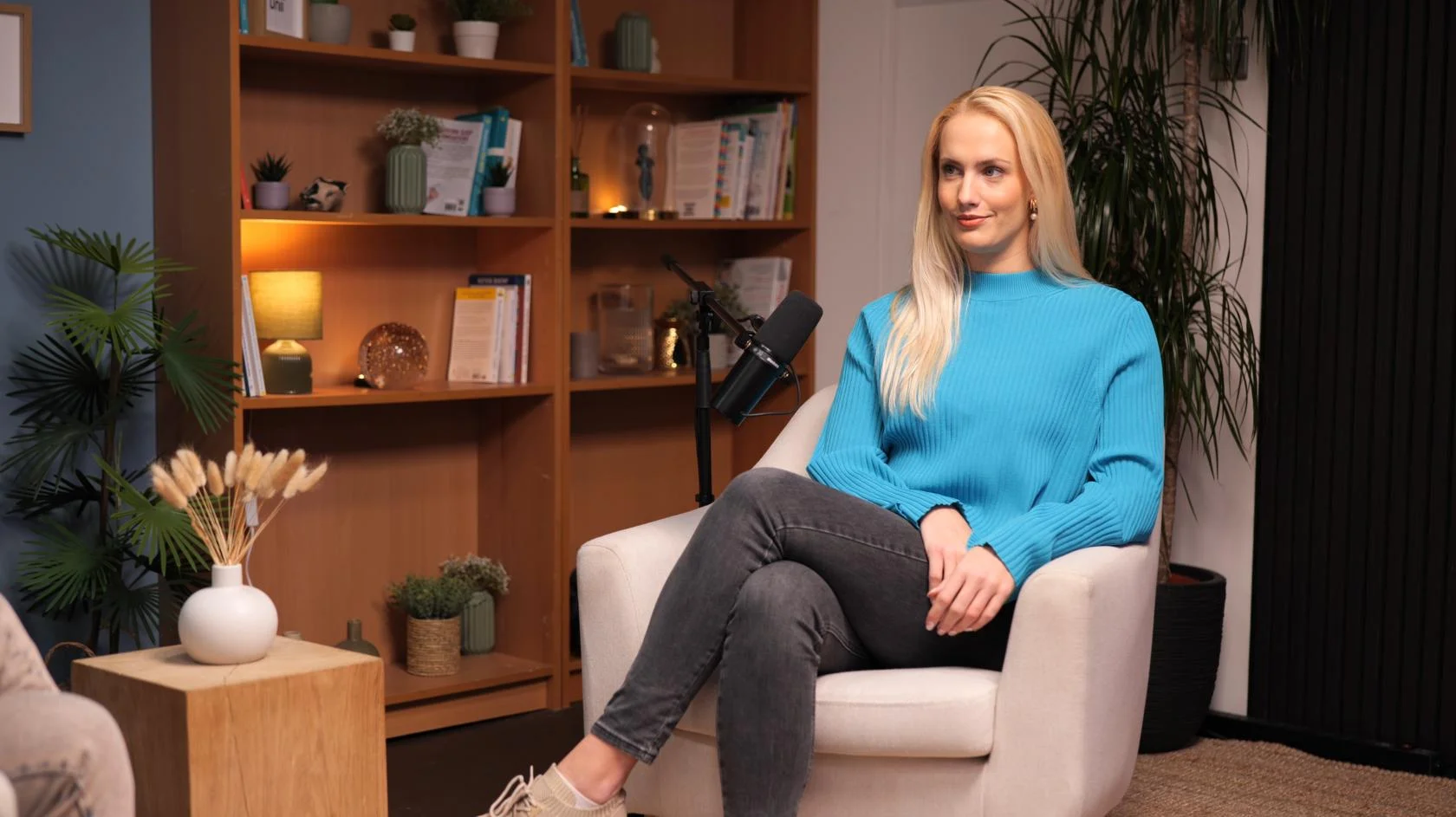
Lounge at Finchley Studios. Book Lounge.
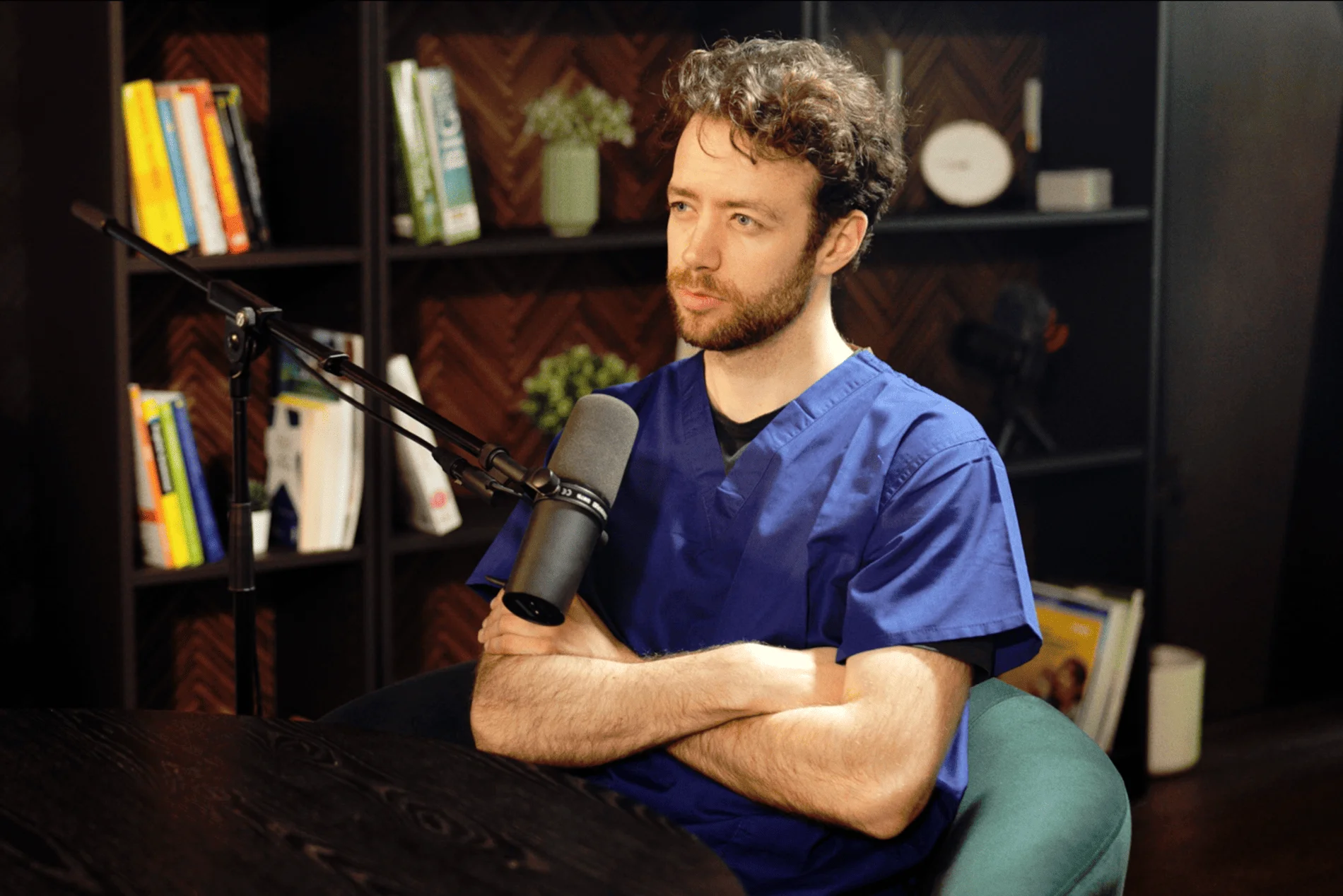
CEO at Finchley Studios. Book CEO.
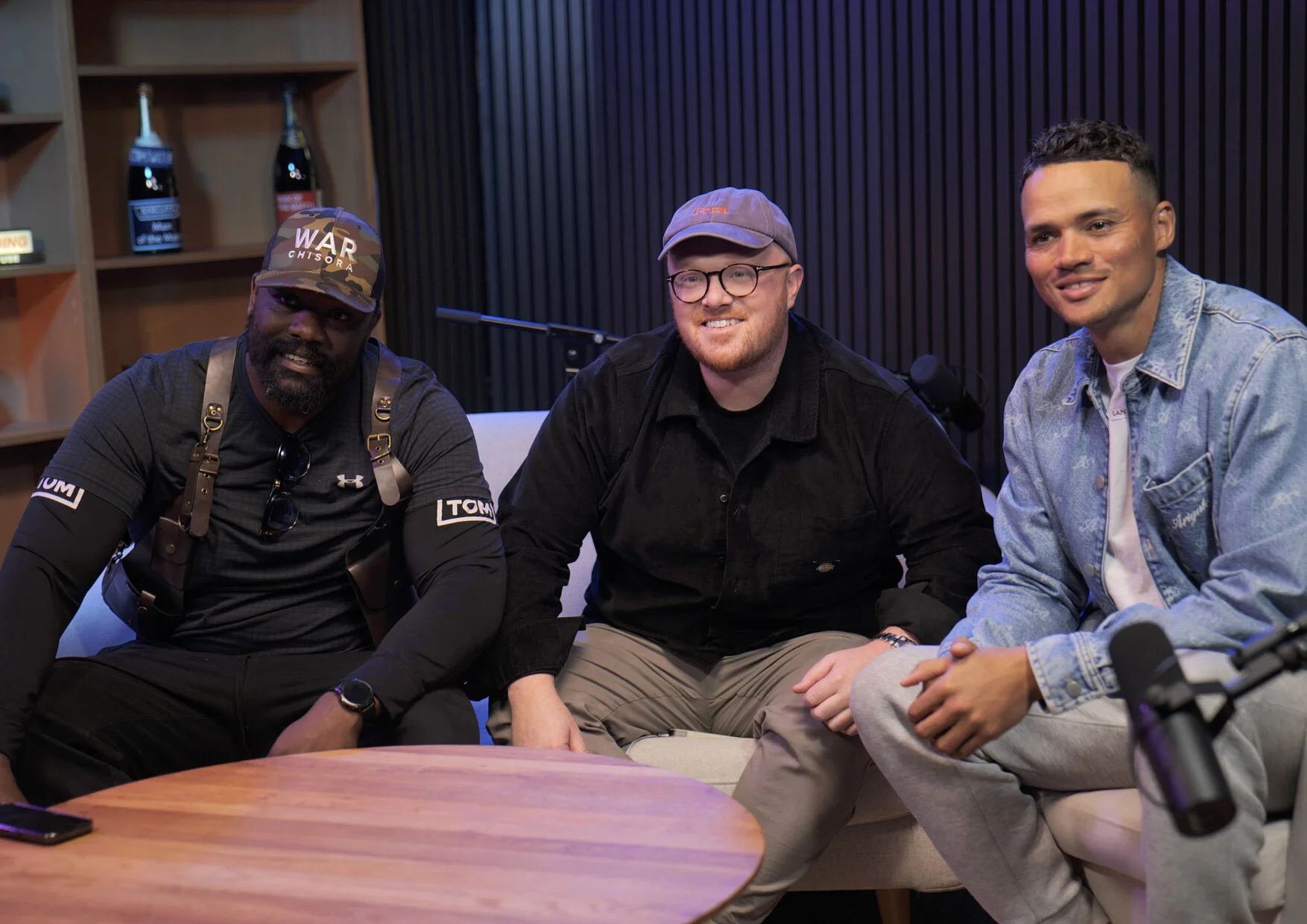
Blackwood at Finchley Studios. Book Blackwood.
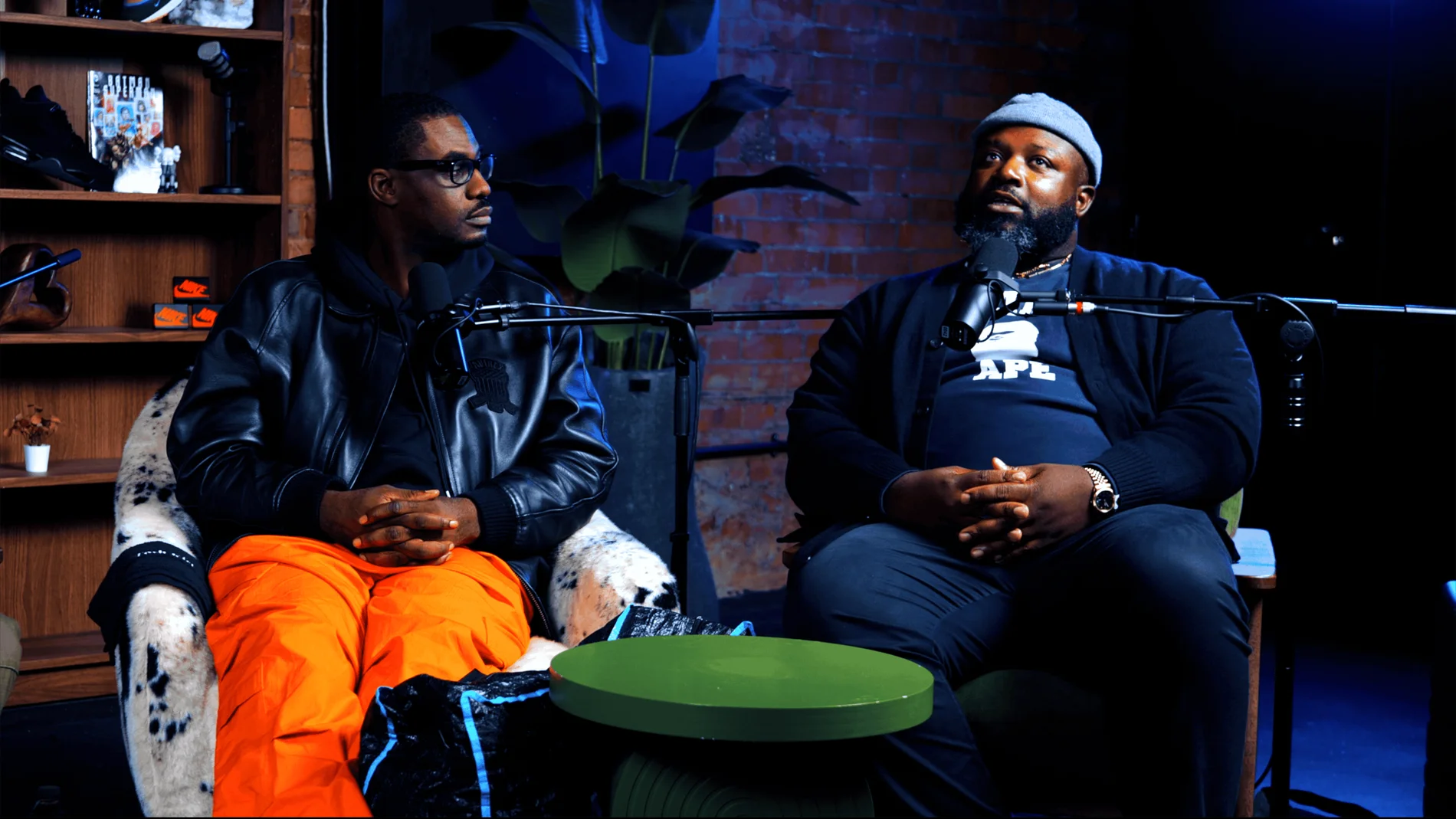
Pulse Lounge at Finchley Studios. Enquire about Pulse Lounge.

Roundtable at Finchley Studios. Enquire about Roundtable.
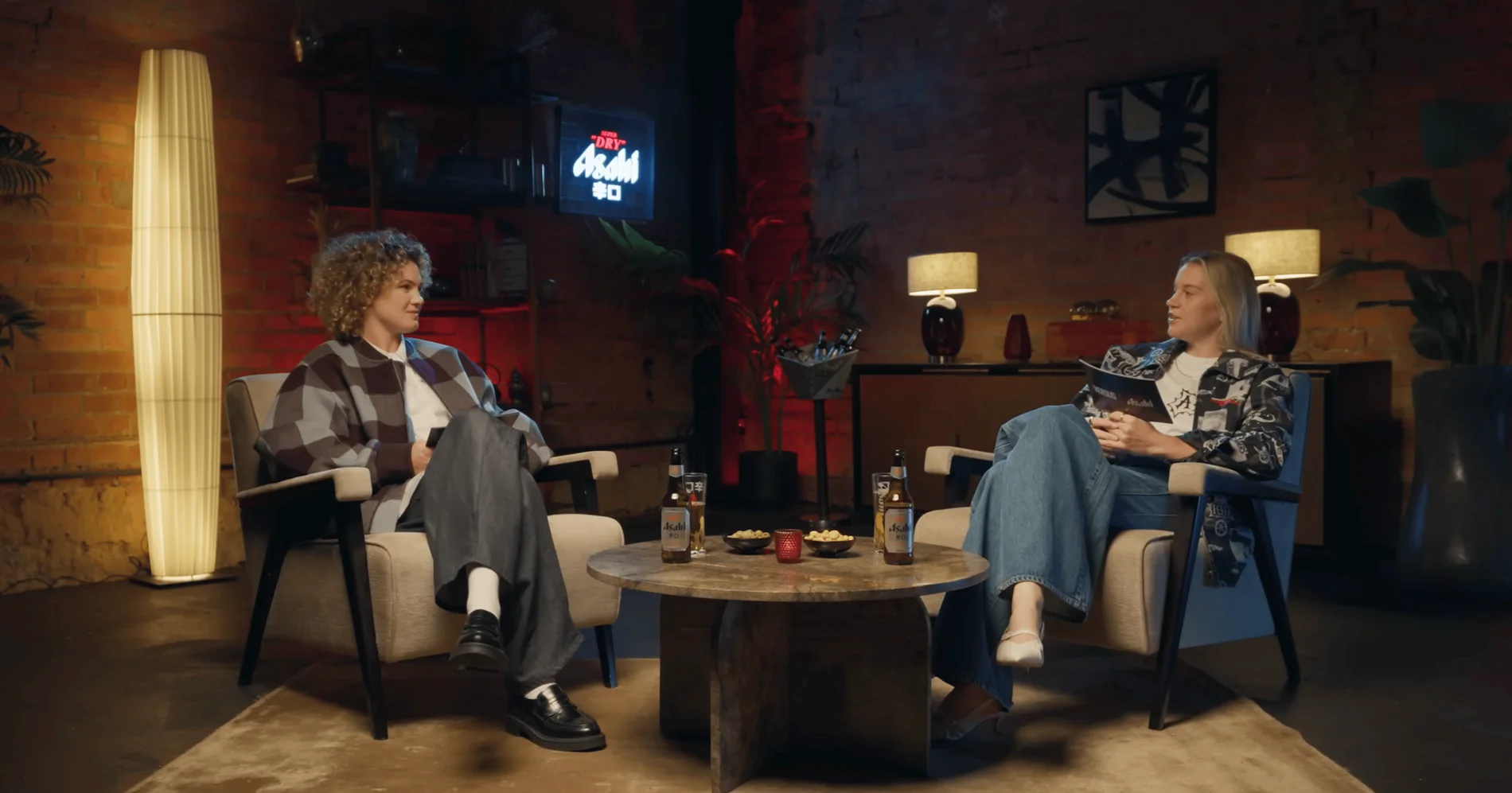
The Brick Studio at Finchley Studios. Enquire about The Brick Studio.
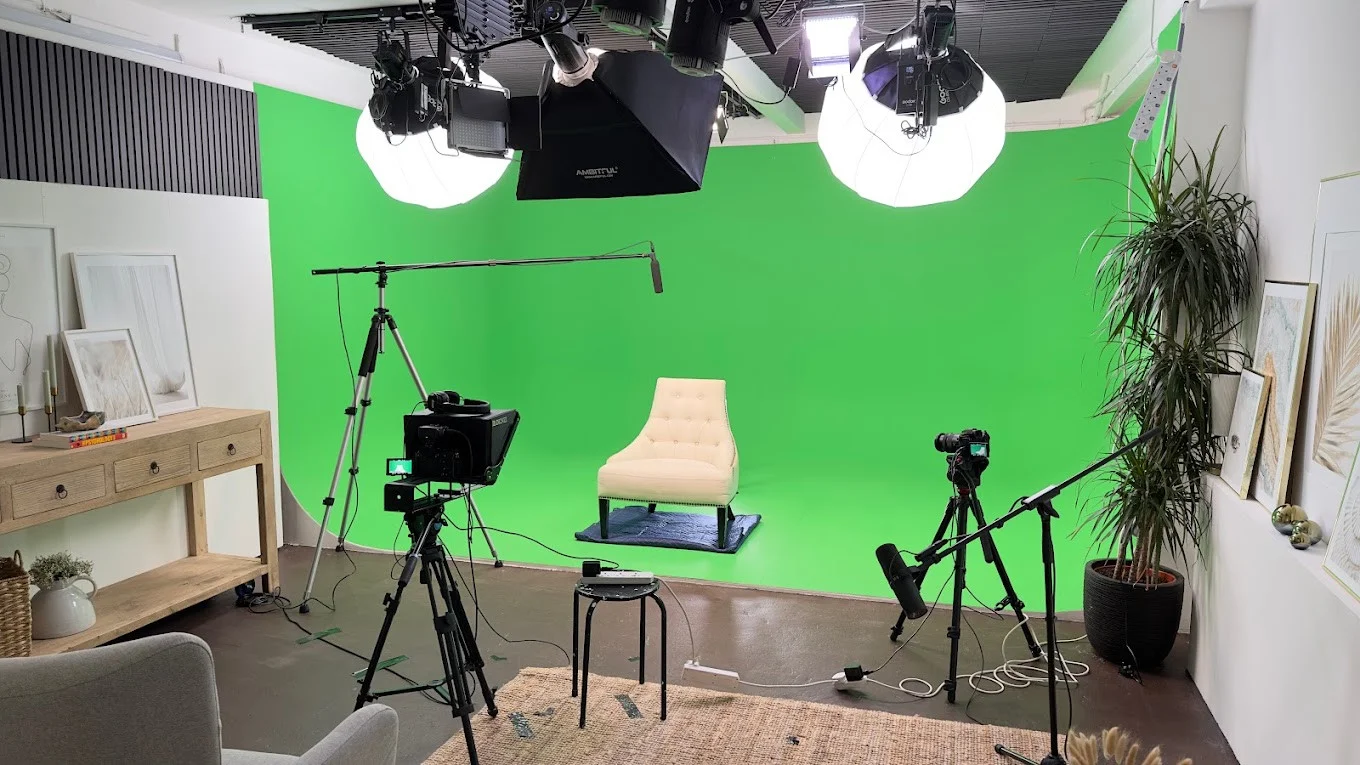
Green Screen Cove at Finchley Studios. Book Green Screen Cove.
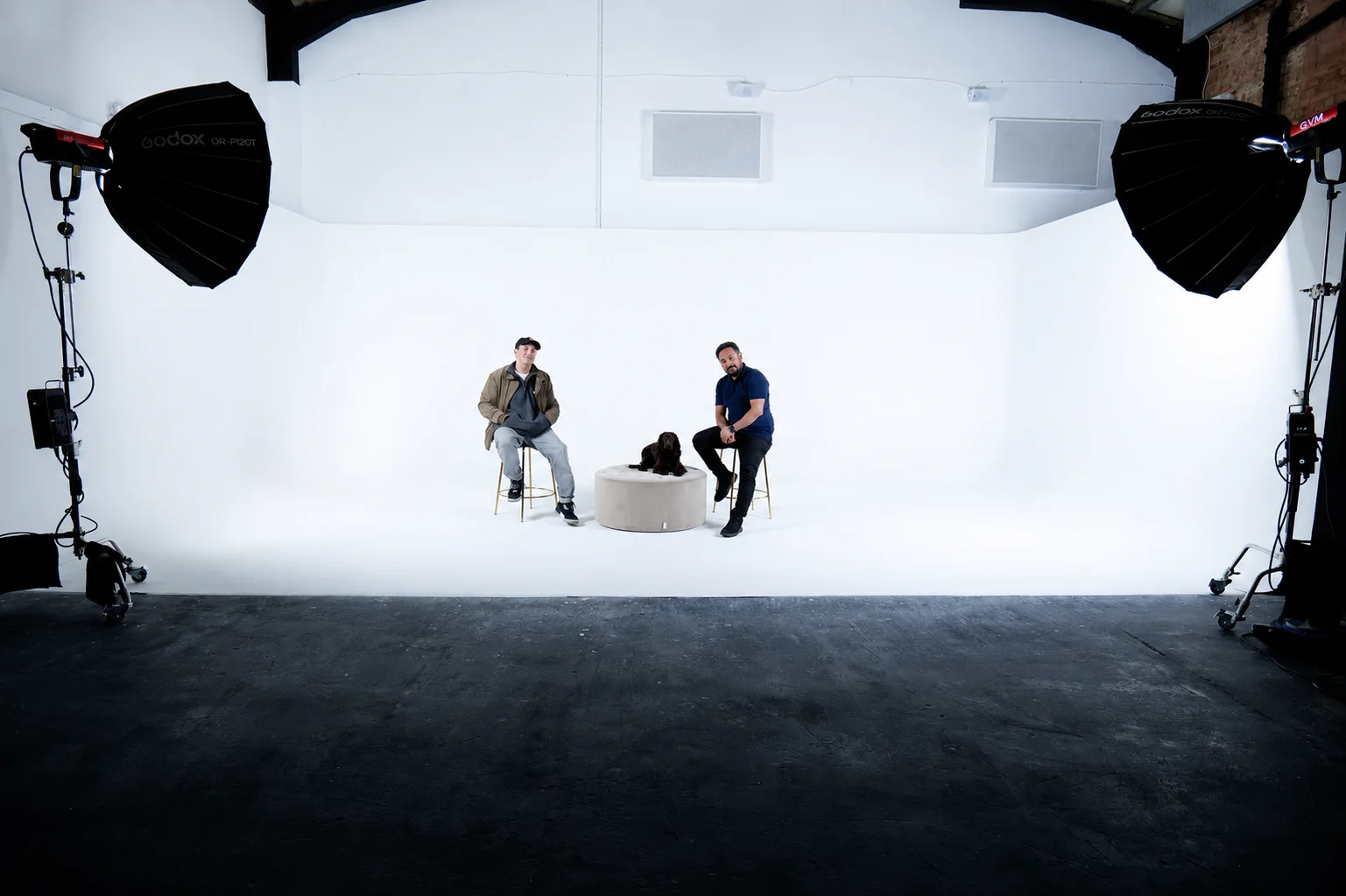
Giant White Infinity Cove at Finchley Studios. Enquire about Giant White Infinity Cove.
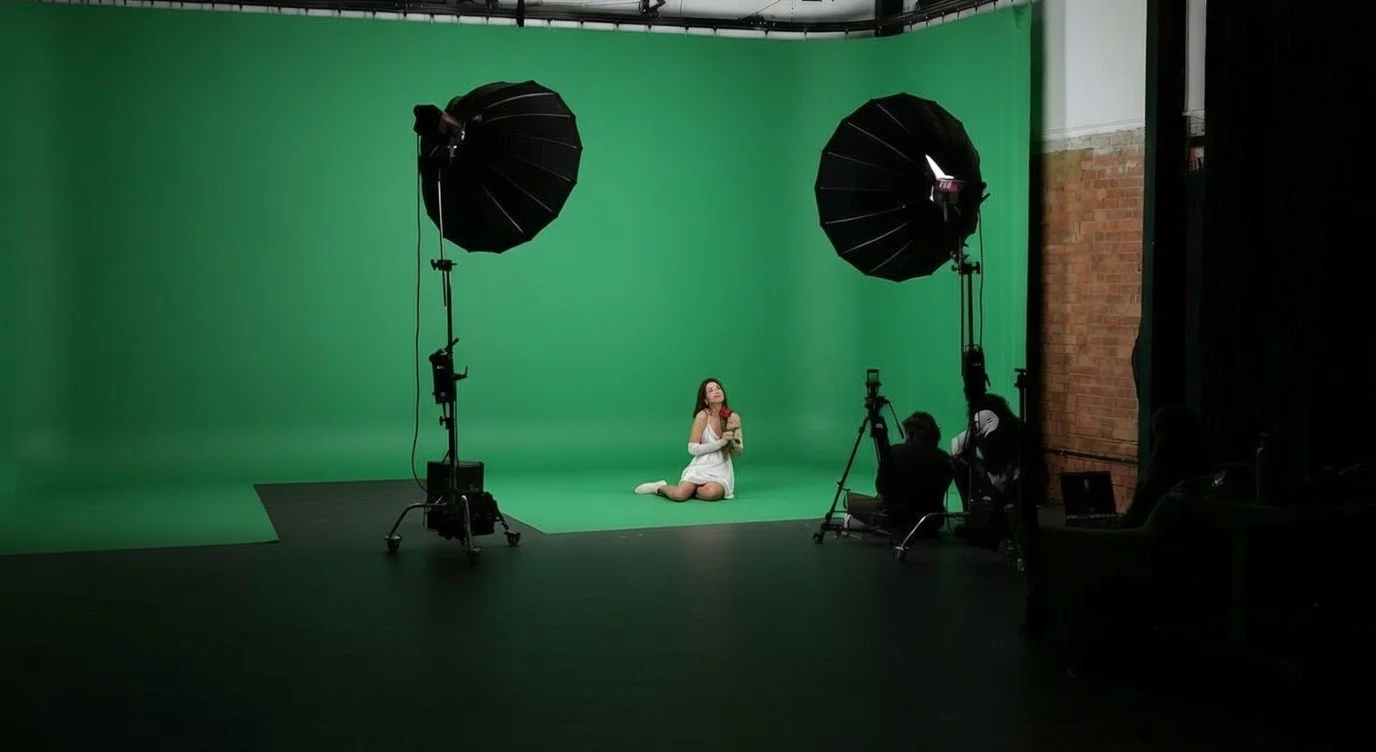
Giant Green Screen at Finchley Studios. Enquire about Giant Green Screen.
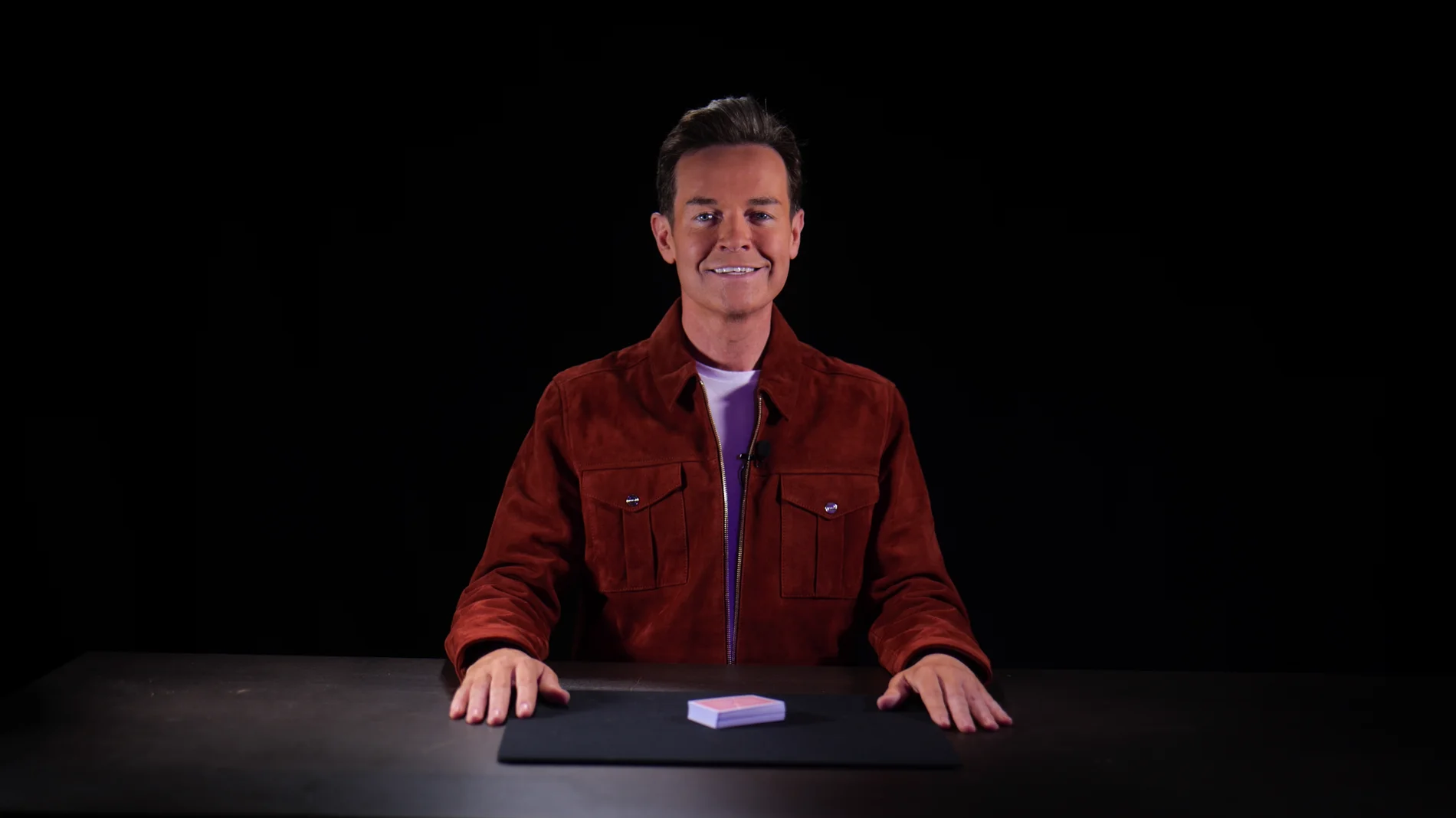
Blackout at Finchley Studios. Book Blackout.
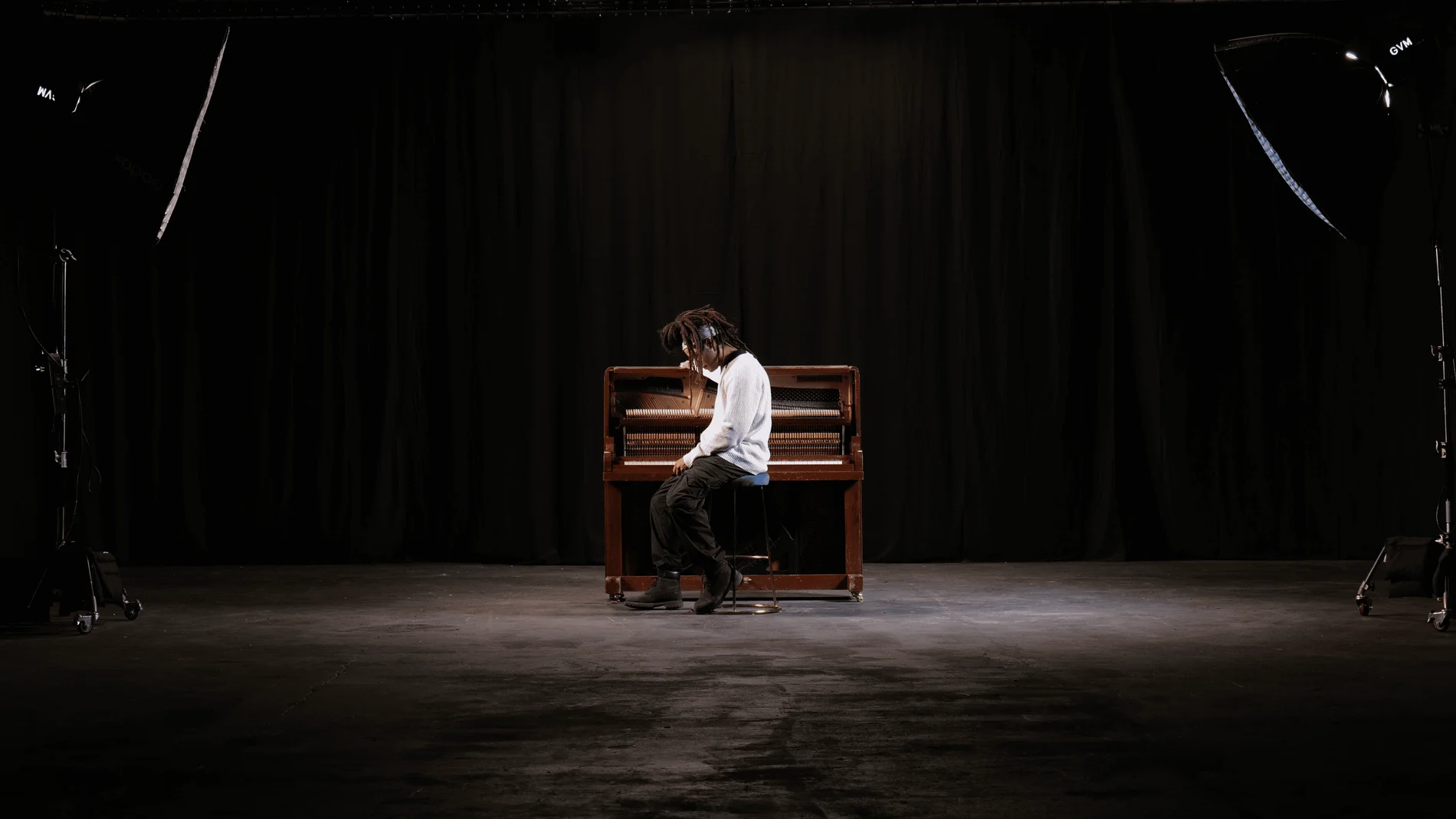
Giant Blackout at Finchley Studios. Enquire about Giant Blackout.
Plan your Finchley recording
Explore our Finchley Studios to compare sets and production support. Send your brief to the Finchley team with your preferred date, guest count and required outputs.