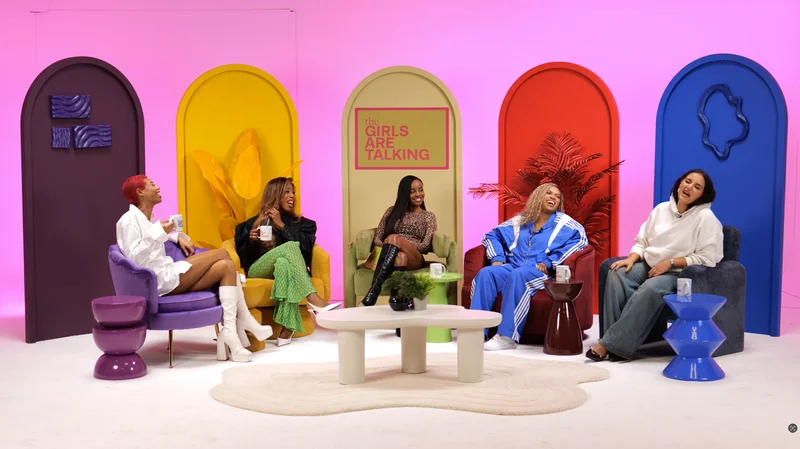
A webinar can become a useful podcast when its ideas still work without the original screen, chat and live-event context. Audit the content before extracting the audio. Select a clear question, replace essential visual references and verify that the proposed reuse is permitted; some webinars need substantial adaptation or new recording.
Listen without looking at the slides
Play a representative section with the screen hidden. Note every point that depends on a chart, software action, audience poll or phrase such as “this red line”. Decide whether it can be explained briefly or whether that section belongs in a video version instead.
W3C's description guidance addresses visual information needed to understand a programme. Use the visuals guide to separate an audio explanation from optional supporting graphics.
Choose an episode rather than preserving the event
Remove housekeeping that no longer helps: joining instructions, waiting periods, outdated invitations and irrelevant technical discussion. Keep context necessary to understand the speaker's claims. A shorter edit should still preserve qualifications and the relationship between a question and its answer.
If the webinar covers several topics, consider separate episodes with distinct introductions. The research adaptation guide helps identify one useful question and a coherent route through dense material.
Confirm permissions for the new use
Check speaker agreements, audience questions, slide assets, music and any customer information. A webinar permission may describe different destinations or purposes from a public podcast and its social extracts.
GOV.UK explains the role of copyright permissions and licences for protected material. Keep the permission record with the selected passages and do not assume access to the recording establishes unlimited reuse rights.
| Audit finding | Possible action |
|---|---|
| Strong explanation | Retain it with a concise episode introduction |
| Essential visual | Add a clear spoken description or keep a video version |
| Weak or missing audio | Assess whether a new take is required |
| Unclear audience permission | Resolve it or omit the contribution |
| Dated claim or offer | Update accurately with an appropriate review |
Plan new recording and editing work
You may need a fresh opening, transitions, explanations or a closing action. Identify those pickups before commissioning studio time. Ask the editor to assess the source files rather than promising that noise processing can recover information that was never captured.
Use the external editor guide to agree formats, available assets and handover. State whether the edit also needs captions, a transcript or shorter versions. Each is an output to specify, not a necessary consequence of exporting the audio.
Review the adapted programme as a new release
Listen from beginning to end without relying on your memory of the webinar. Check that speakers are introduced, terms are explained and the final action points to a maintained destination. Ask someone outside the production to identify missing context.
If you will also make promotional clips, the social repurposing guide helps plan them. Recheck permissions and meaning for those extracts instead of assuming the longer episode's edit decisions automatically settle every shorter version.
Planning this at Finchley Studios
If the adaptation needs new narration or a clearer explanation, discuss a pickup session with Finchley. The Blackwood recording options provide a studio starting point; the amount of work depends on the condition of the existing recording and the intended outputs.
Send an accessible source sample, the approved content outline and a list of missing sections before requesting a quote. Ask whether Finchley will record new material, edit the archive, or do both. Confirm file compatibility and turnaround separately from room time. Keep speaker permissions and decisions about removing webinar material with the producer's edit brief.
A client recording from Finchley Studios
From our client recording collection: Channel 4 Homes.
Continue planning your recording
- Can You Use Your Own Editor After Recording in a Podcast Studio?
- How to Turn One Podcast Recording into Social Media Content
- How to Use Slides, Charts and Screens in a Video Podcast
- How to Turn a Research Report into a Podcast Conversation
For the full series, explore our podcast studio booking guide.
Explore all 12 Finchley sets
Compare the looks below, then follow the booking or enquiry link for your preferred set. Confirm the recording package, guest capacity and location for your session.
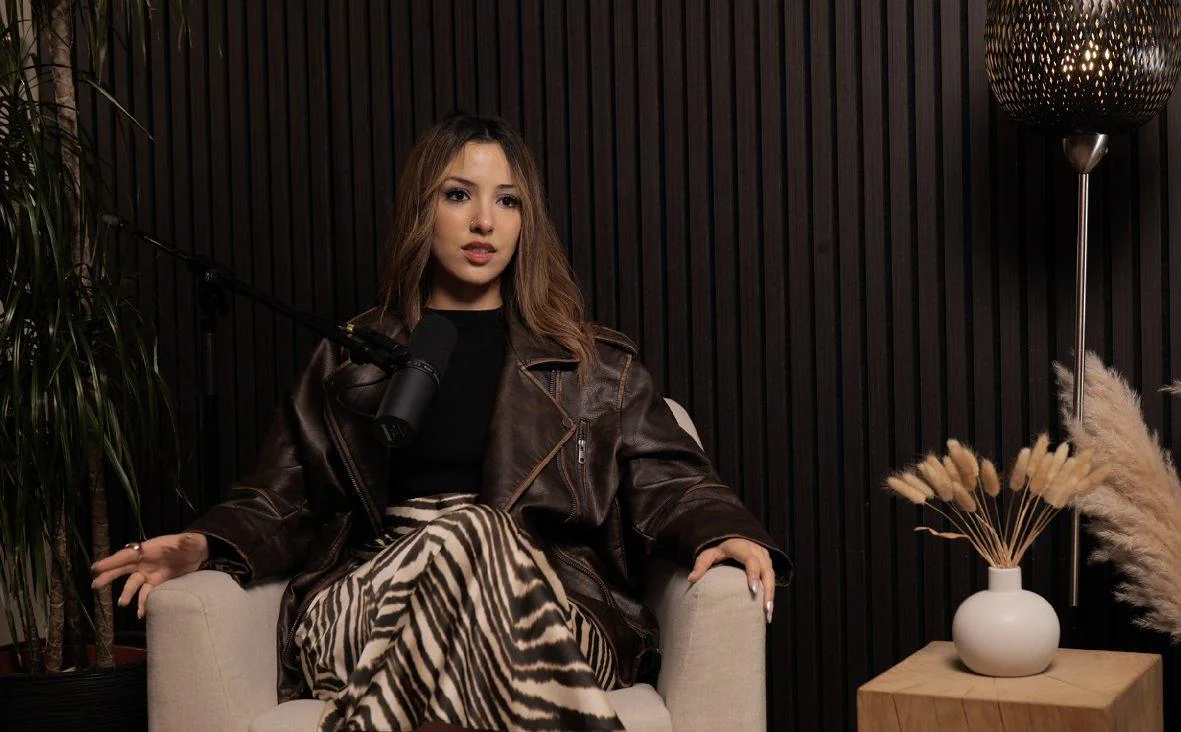
Blackwood at Finchley Studios. Book Blackwood.
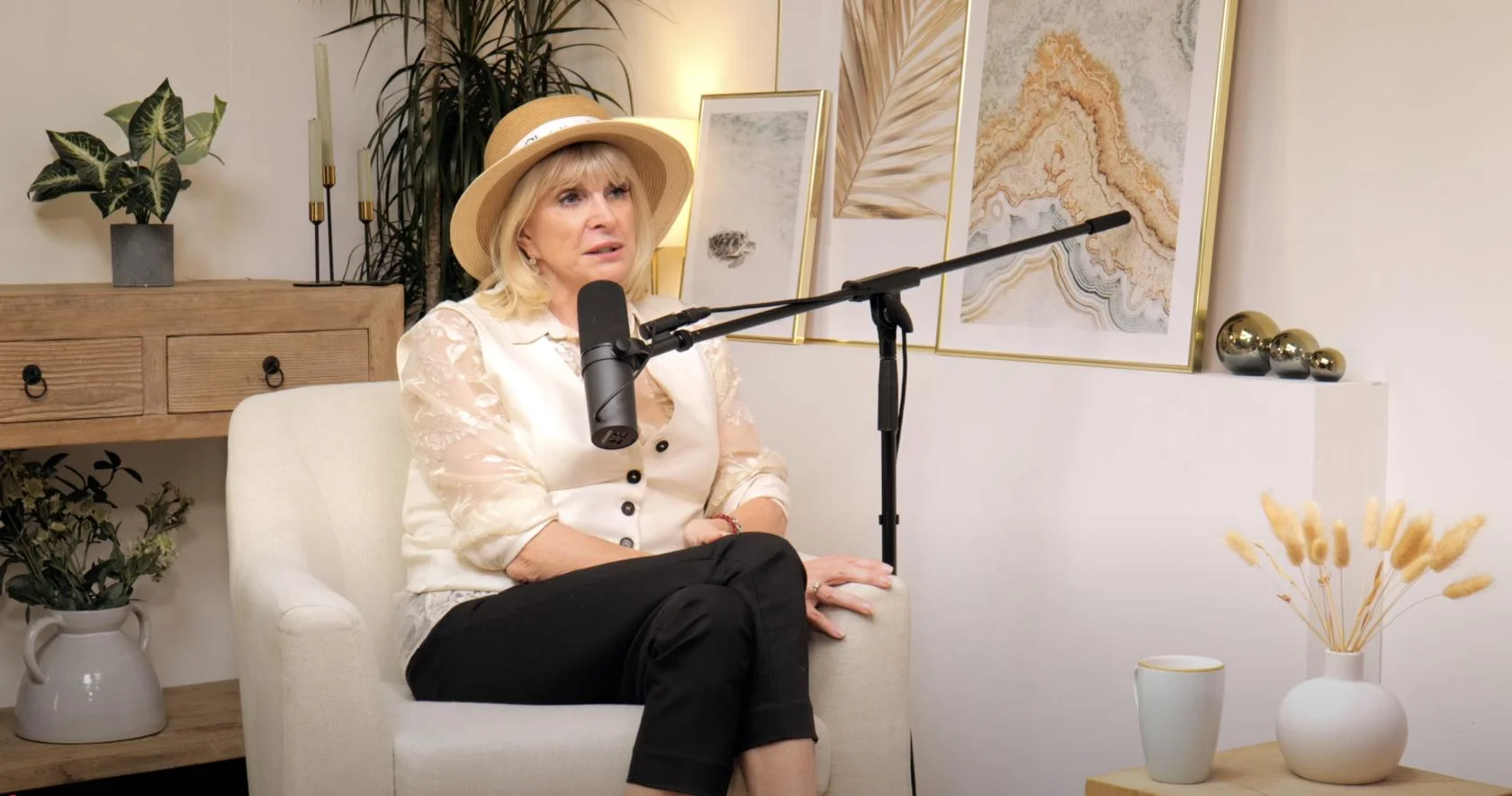
Dialogue at Finchley Studios. Book Dialogue.
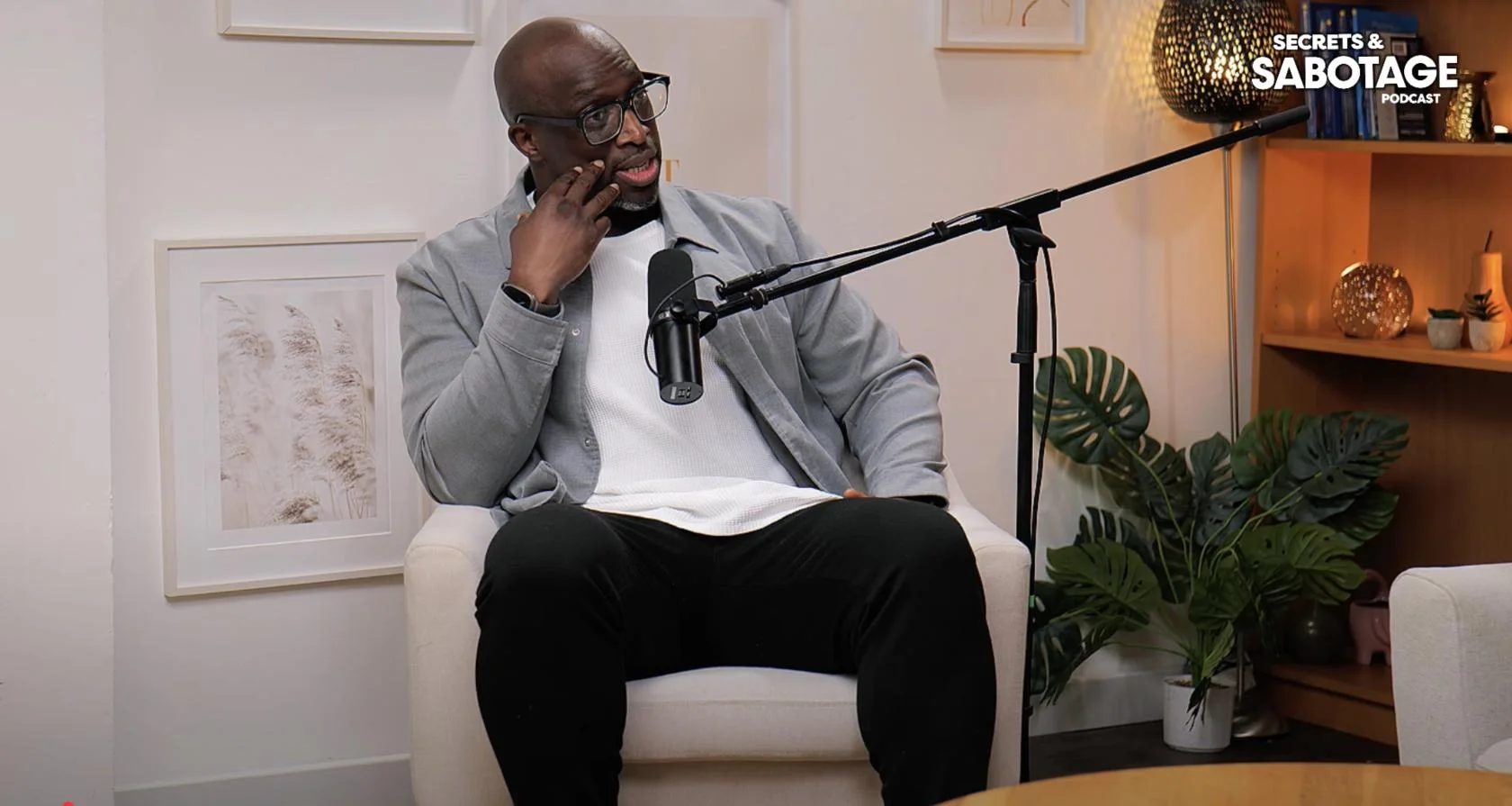
Lounge at Finchley Studios. Book Lounge.
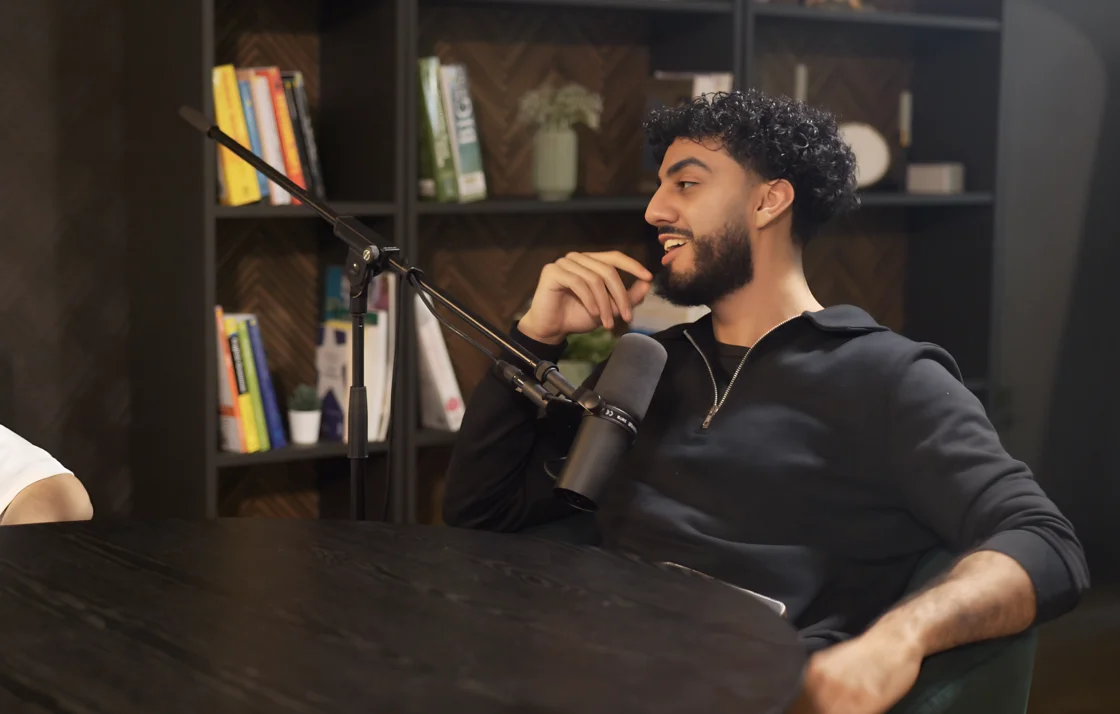
CEO at Finchley Studios. Book CEO.
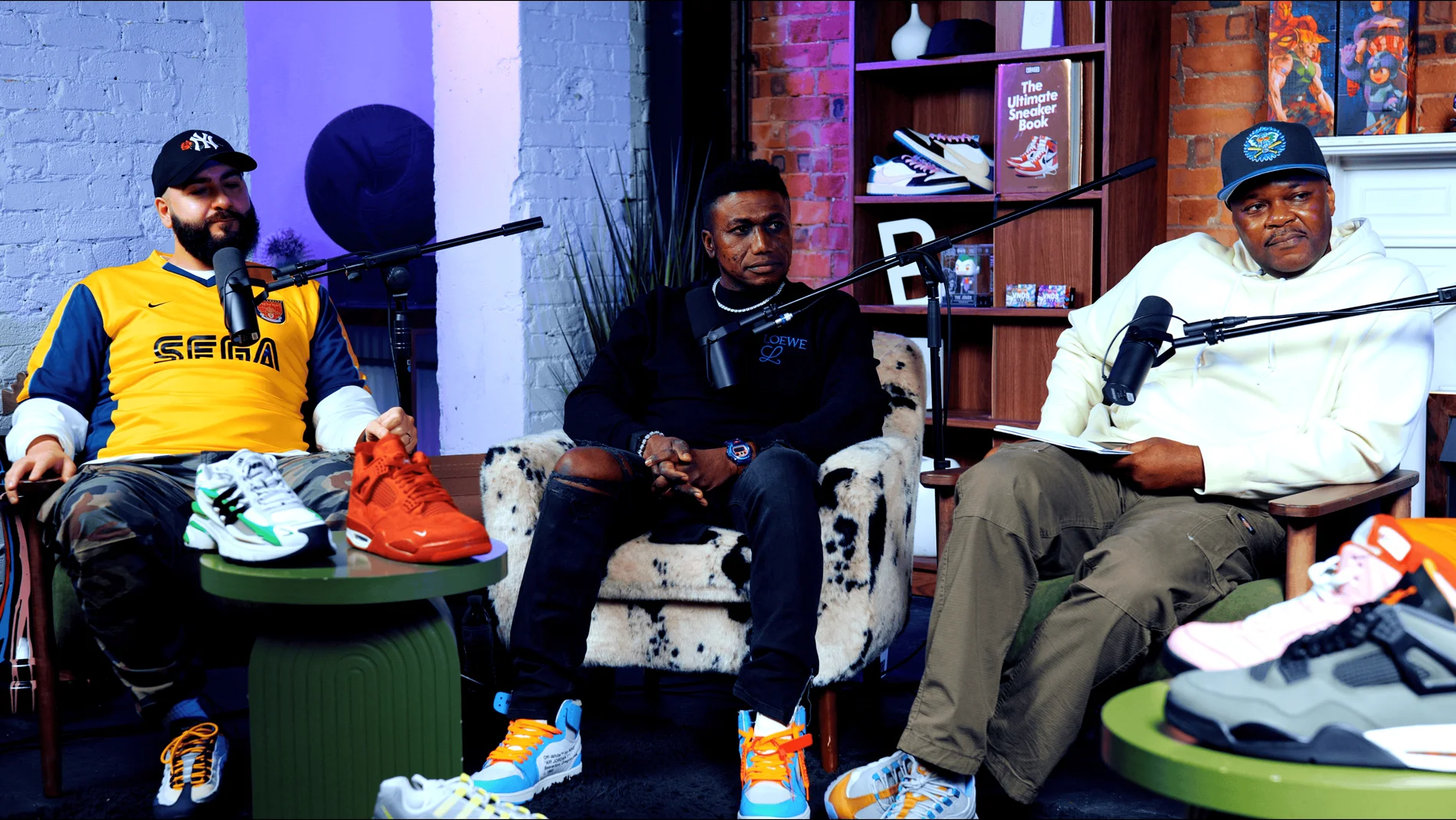
Pulse Lounge at Finchley Studios. Enquire about Pulse Lounge.
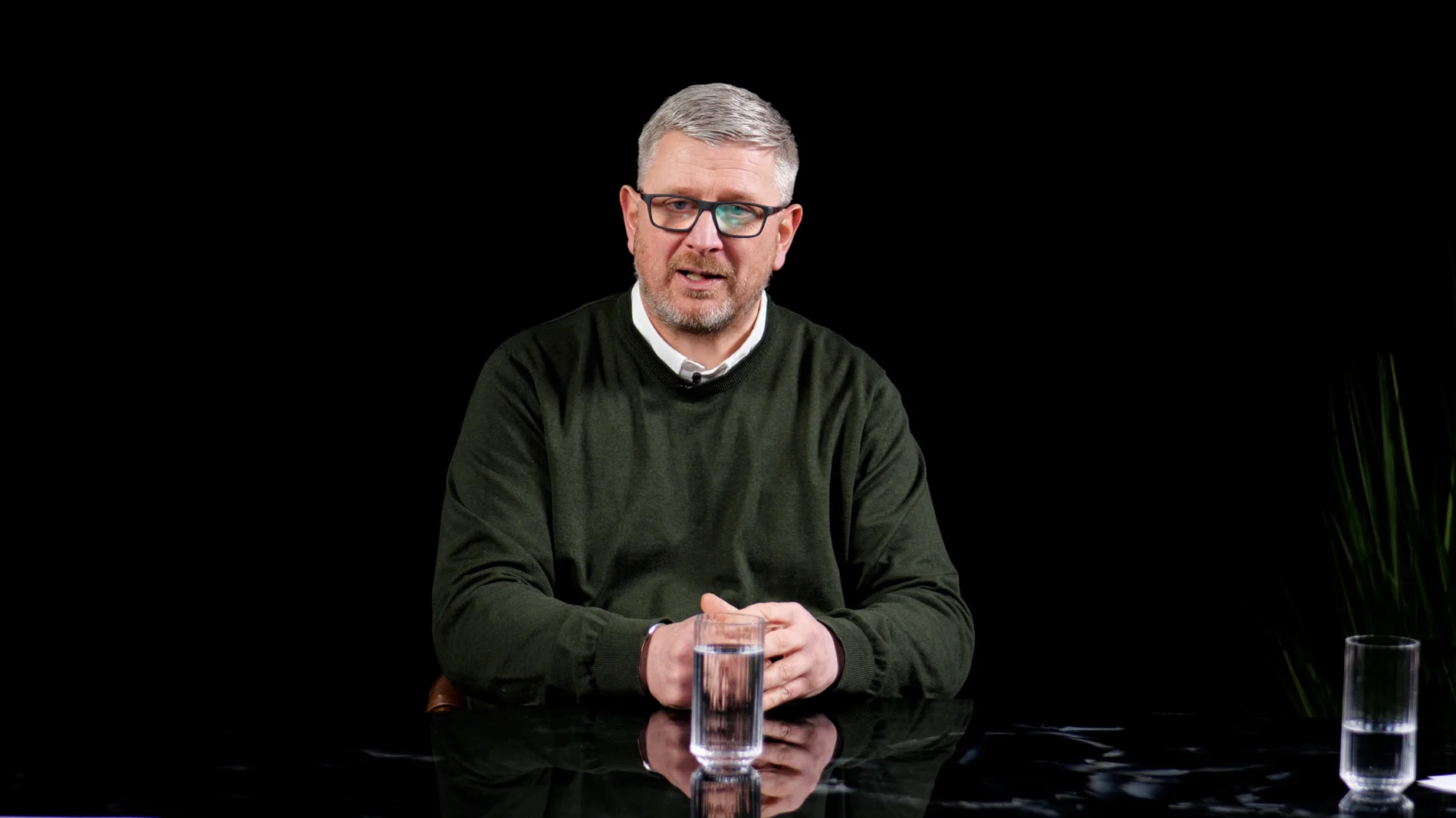
Roundtable at Finchley Studios. Enquire about Roundtable.
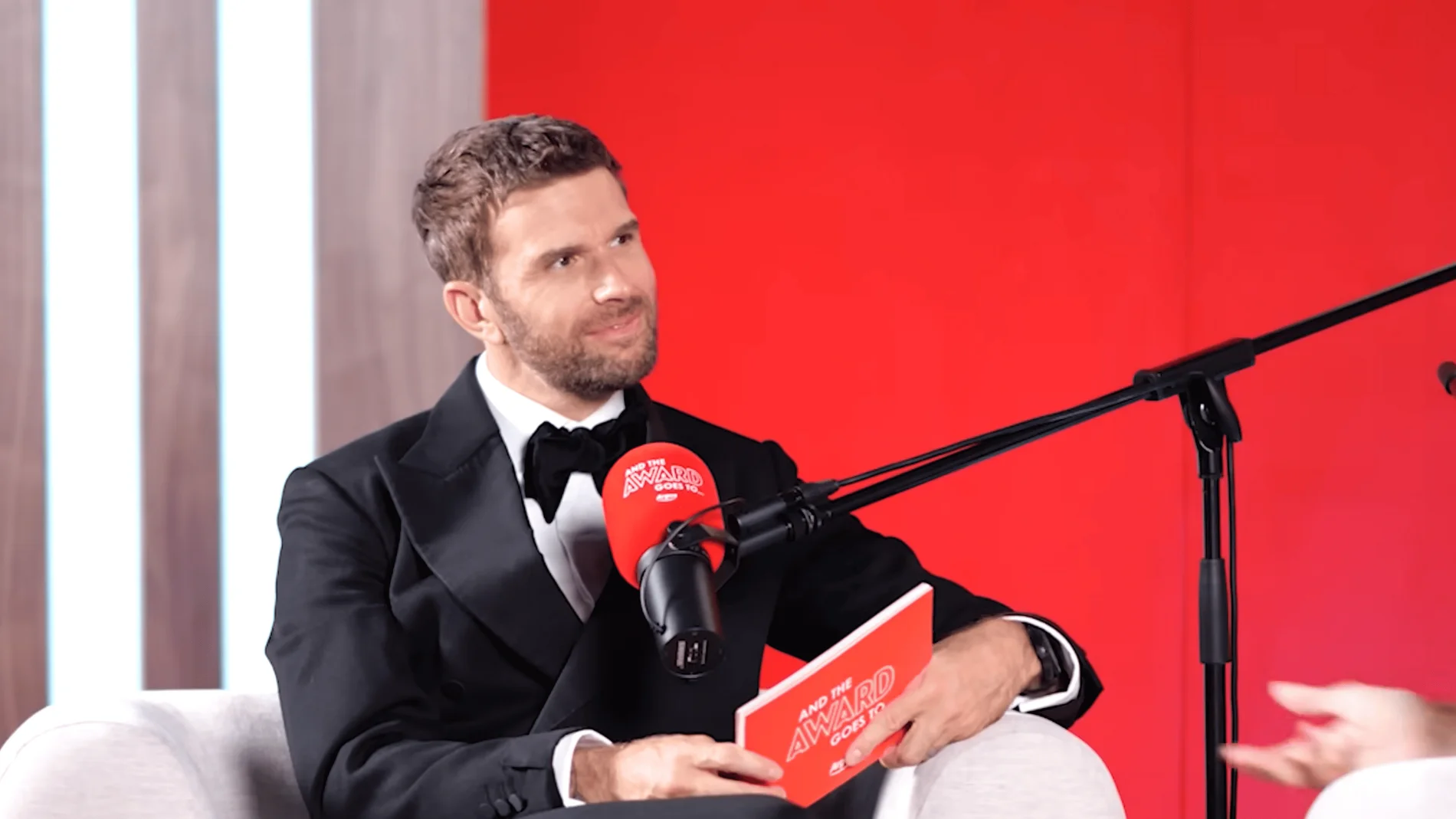
The Brick Studio at Finchley Studios. Enquire about The Brick Studio.
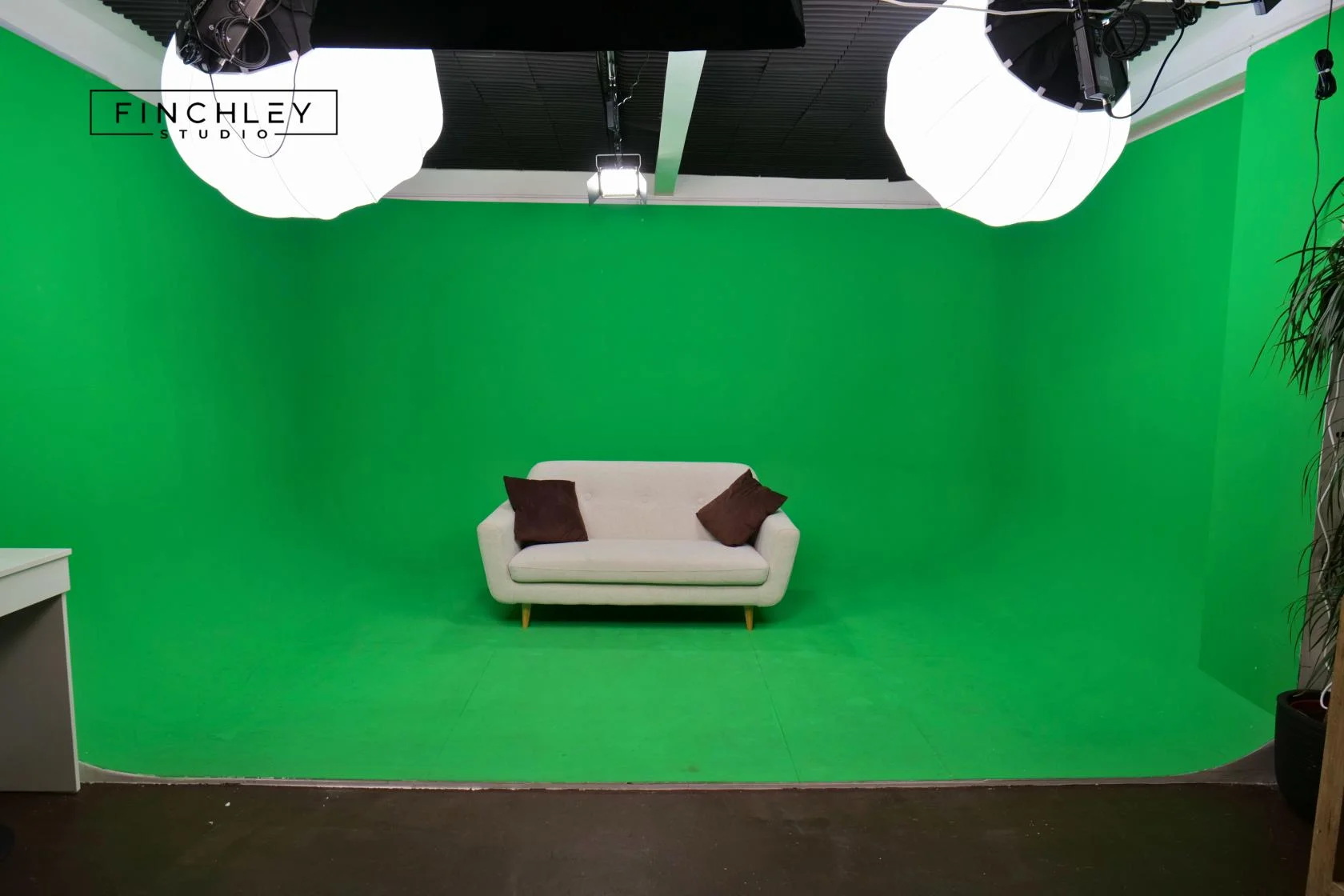
Green Screen Cove at Finchley Studios. Book Green Screen Cove.
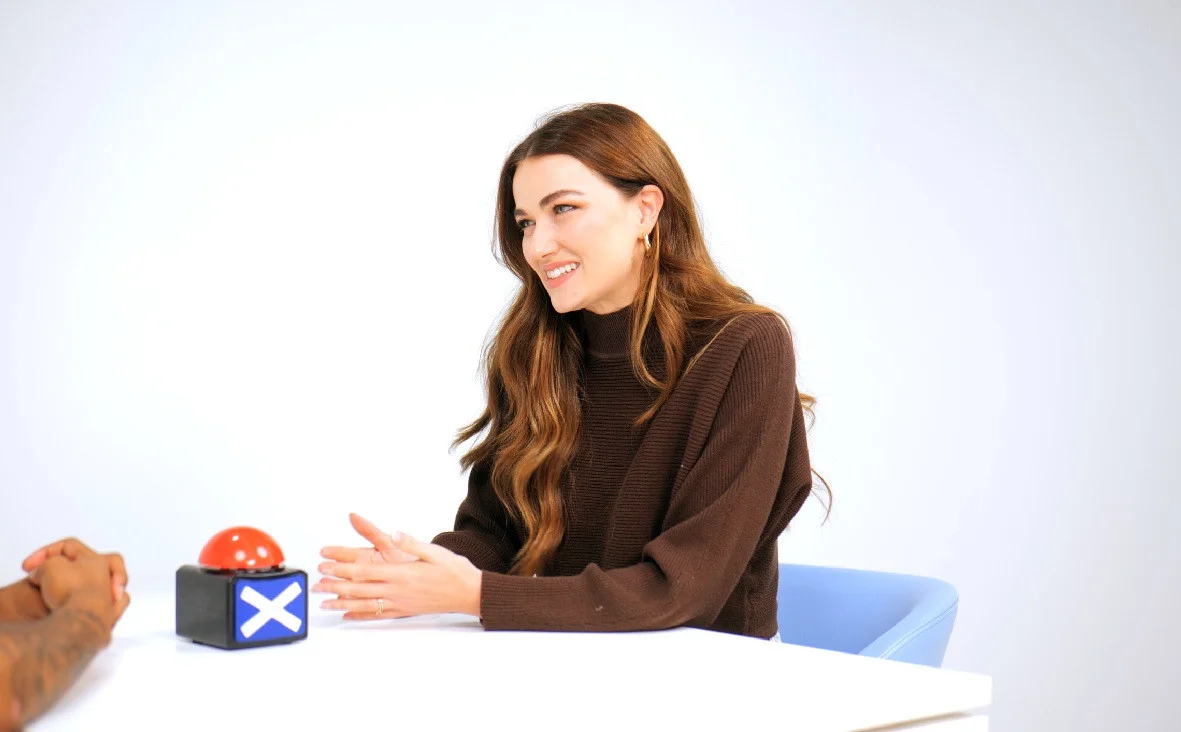
Giant White Infinity Cove at Finchley Studios. Enquire about Giant White Infinity Cove.
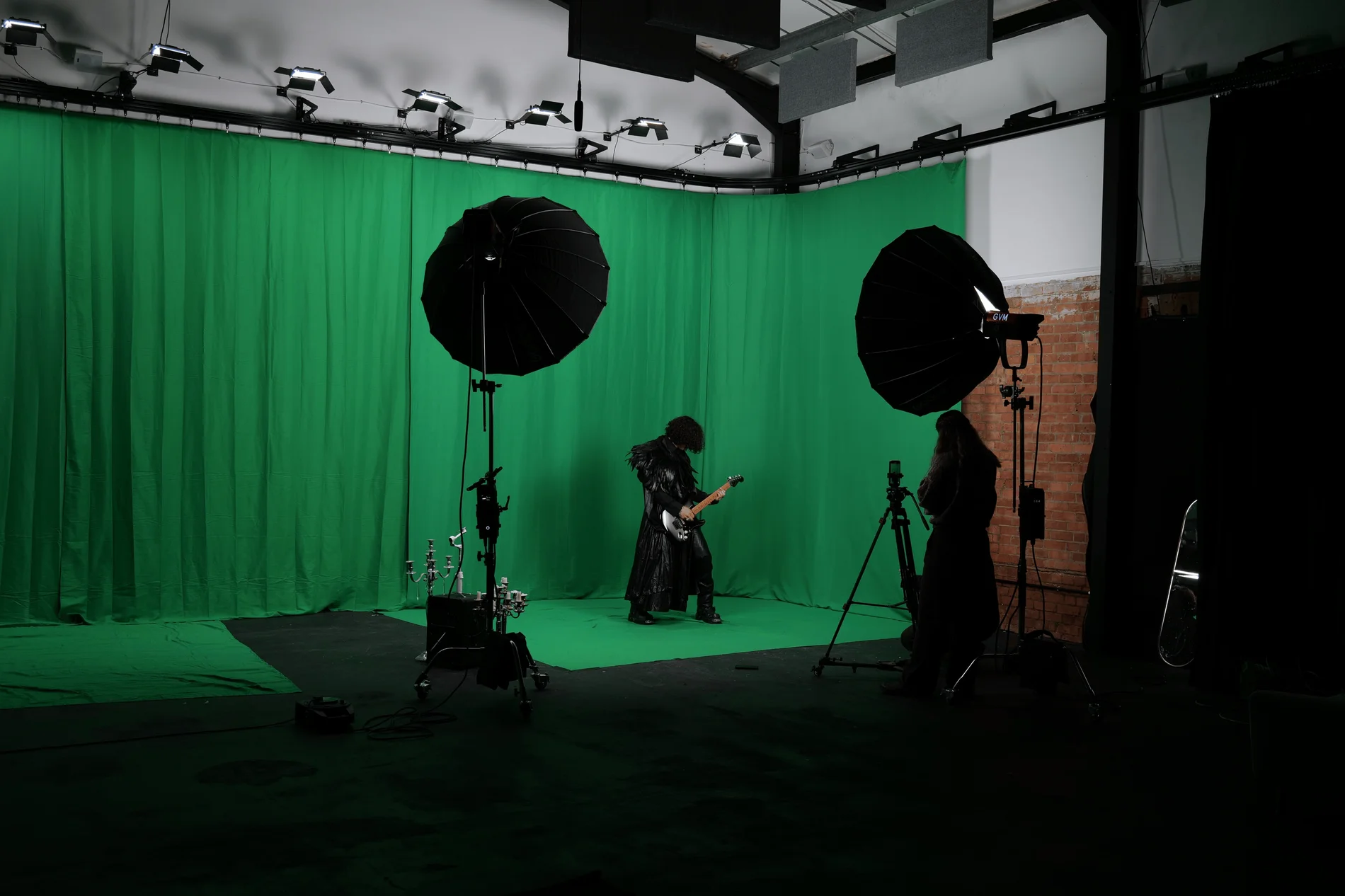
Giant Green Screen at Finchley Studios. Enquire about Giant Green Screen.
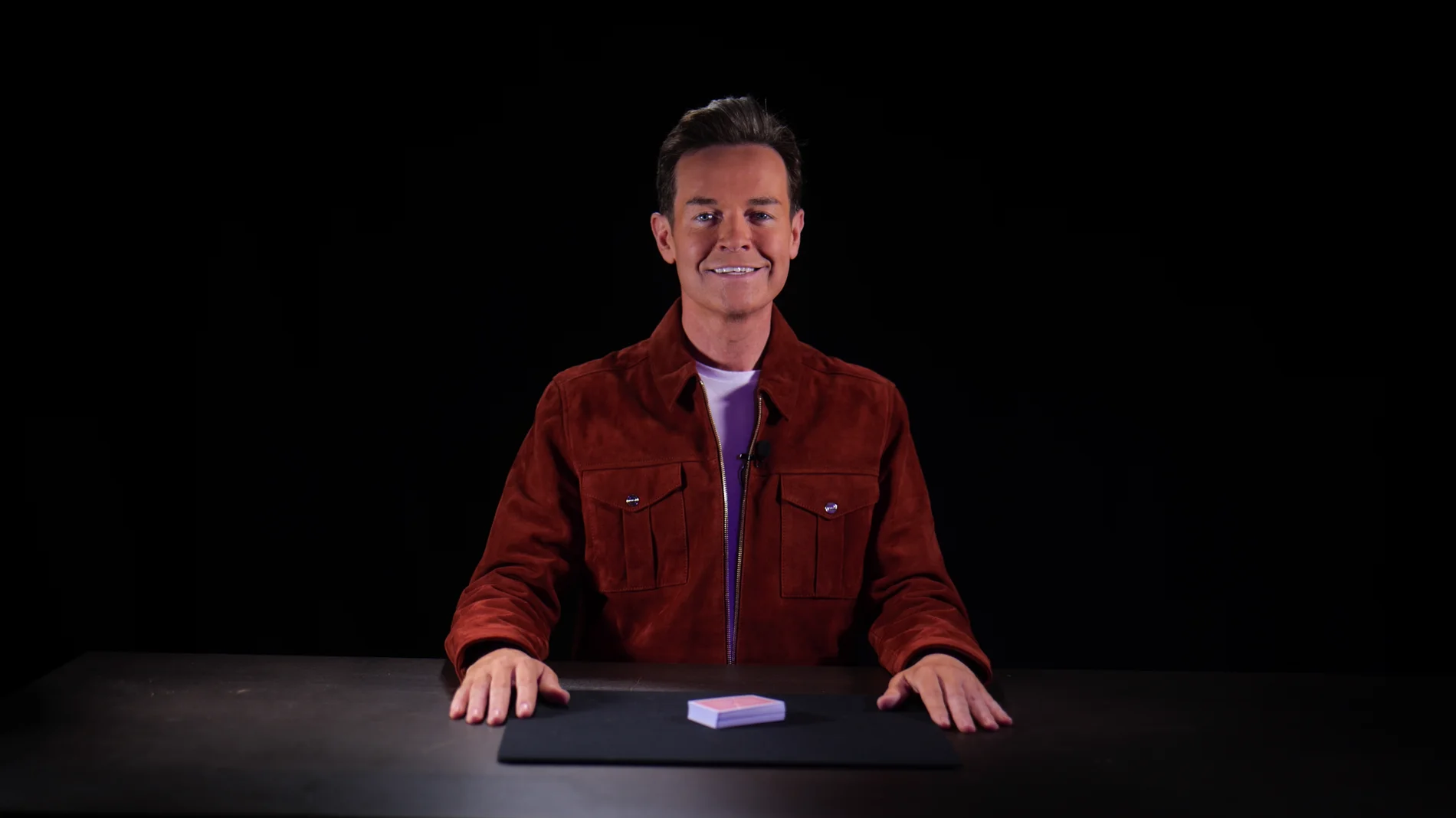
Blackout at Finchley Studios. Book Blackout.
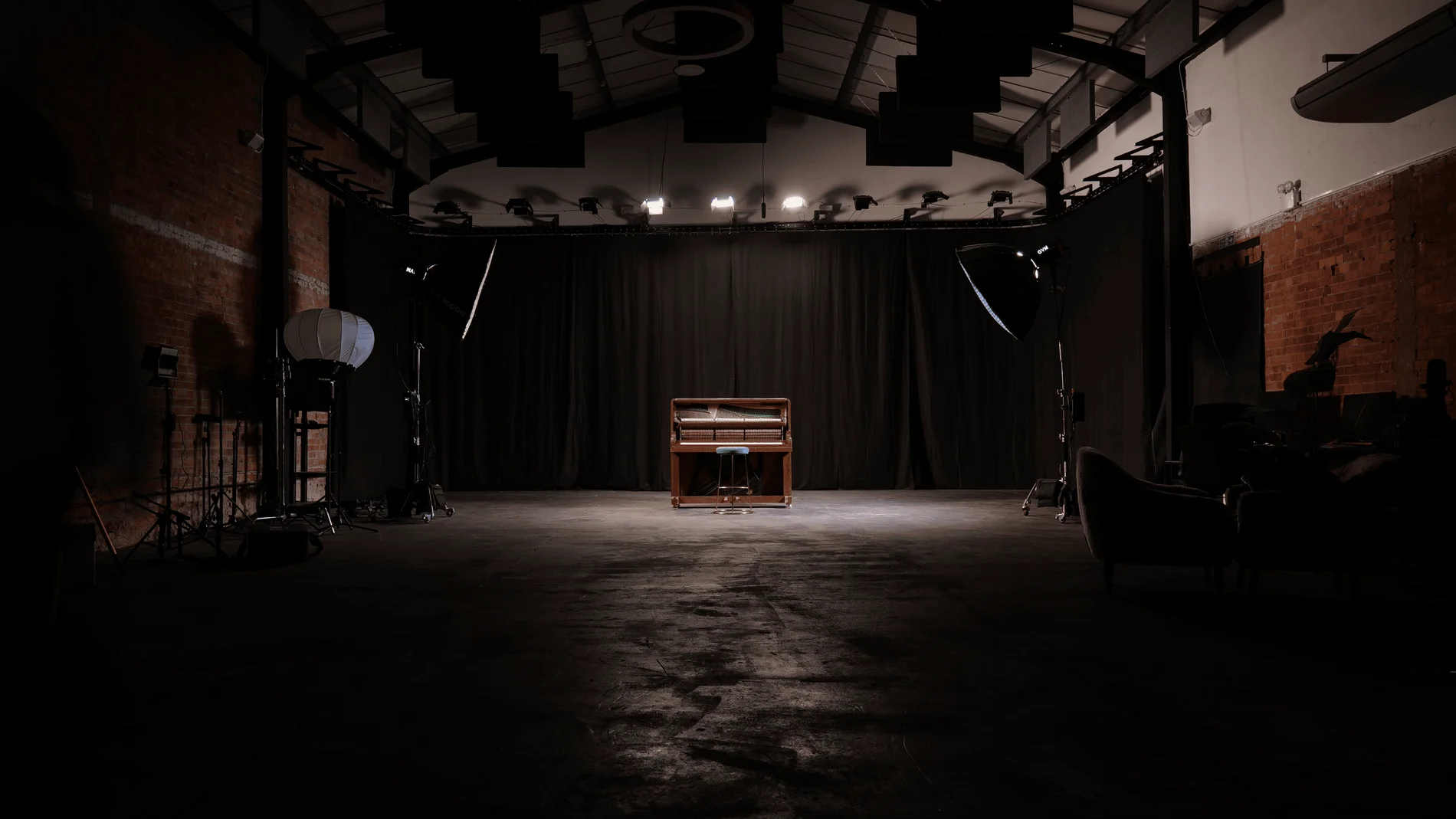
Giant Blackout at Finchley Studios. Enquire about Giant Blackout.
Plan your Finchley recording
Explore our North London podcast studio to compare sets and production support. Send your brief to the Finchley team with your preferred date, guest count and required outputs.