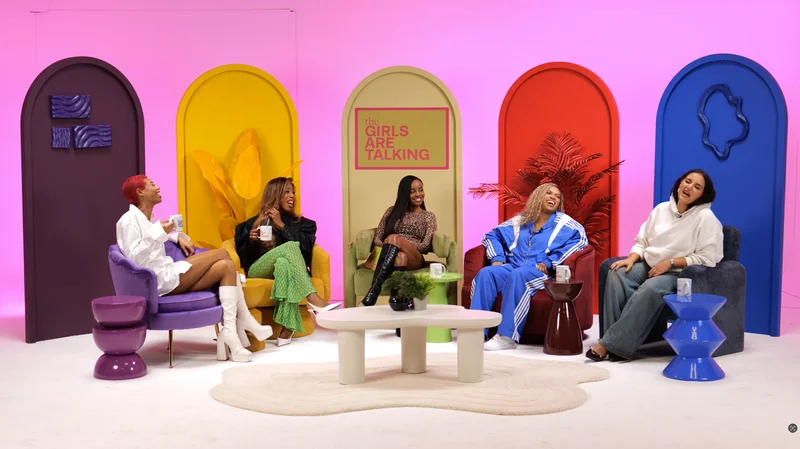
Turn a research report into a podcast by choosing a question a listener can follow, then explaining the evidence through a structured conversation. Reading the document aloud is rarely the same task. Keep the findings accurate, identify important limitations and give listeners a way to find the underlying source afterwards.
Choose one useful question
Start with the audience's decision or uncertainty. A long report may support several episodes, but each needs a manageable purpose. Write a short explanation of what a listener should understand at the end and which sections of the report support it.
Use the episode structure guide to organise an opening question, explanation, example and conclusion. Move material that does not serve that route into another episode or supporting notes rather than compressing everything into a rushed discussion.
Separate findings from interpretation
Prepare a fact sheet containing the source, date, relevant measure and limitation for each important claim. Distinguish what the research found from what the guest believes it means. Identify whether an example is a real case, a hypothetical illustration or the presenter's personal experience.
Ask the right contributor to explain methods or specialist details. BBC Academy recommends researching the subject and checking facts used during an interview. Avoid asking a guest to endorse a headline that overstates the original report.
Rewrite for the ear
Introduce unfamiliar terms before relying on them. Break a dense explanation into a short claim, an example and a check of understanding. Keep the important comparison close to the number rather than expecting the listener to remember several disconnected figures.
For example, an illustrative discussion of a survey result should identify who answered and what they were asked before interpreting a percentage. Do not quietly change a finding about a specific sample into a statement about everyone.
| Report element | Audio treatment to plan |
|---|---|
| Technical definition | Explain it in ordinary language before using the term |
| Table or chart | Describe the important comparison and its limits |
| Method | Summarise what affects interpretation |
| Case example | Explain its relationship to the broader finding |
| Conclusion | State what remains uncertain as well as what was learned |
Plan visuals without depending on them
If you show a chart, describe the information needed to understand the discussion. W3C explains the need to communicate important visual information through description. Our visuals guide helps plan a version that remains meaningful for audio listeners.
Check permissions and preserve the source trail
Identify which report extracts, charts or images you want to reproduce. Use the media licensing guide to organise permission checks. Attribution and permission are different questions, so ask about the intended use when it is unclear.
Give the editor the approved source list, spelling notes and passages that require specialist review. In the final description, link readers to appropriate public sources. If the episode becomes a case study conversation, keep the boundary between individual experience and wider evidence visible. Review the finished programme for meaning as well as fluency.
Planning this at Finchley Studios
Finchley's CEO set provides a corporate conversation setting with supported recording options. Send the report-based outline and any planned charts or screen content before the session.
Tell the team whether visuals will be shown during recording or inserted in post-production, and confirm the required source files and editing scope. Supply only cleared assets and identify who can approve research claims or corrections. A studio engineer can support capture, while the producer and subject specialist remain responsible for the evidence, interpretation and final wording. Leave time for pickups where a technical explanation needs to be stated more clearly.
A client recording from Finchley Studios
From our client recording collection: One More Word WSL.
Continue planning your recording
- How to Structure a Podcast Episode Before Recording
- Using Music, Images and Clips in a Podcast: A Planning Guide
- How to Use Slides, Charts and Screens in a Video Podcast
- How to Record a Customer Case Study Podcast
For the full series, explore our podcast studio booking guide.
Explore all 12 Finchley sets
Compare the looks below, then follow the booking or enquiry link for your preferred set. Confirm the recording package, guest capacity and location for your session.
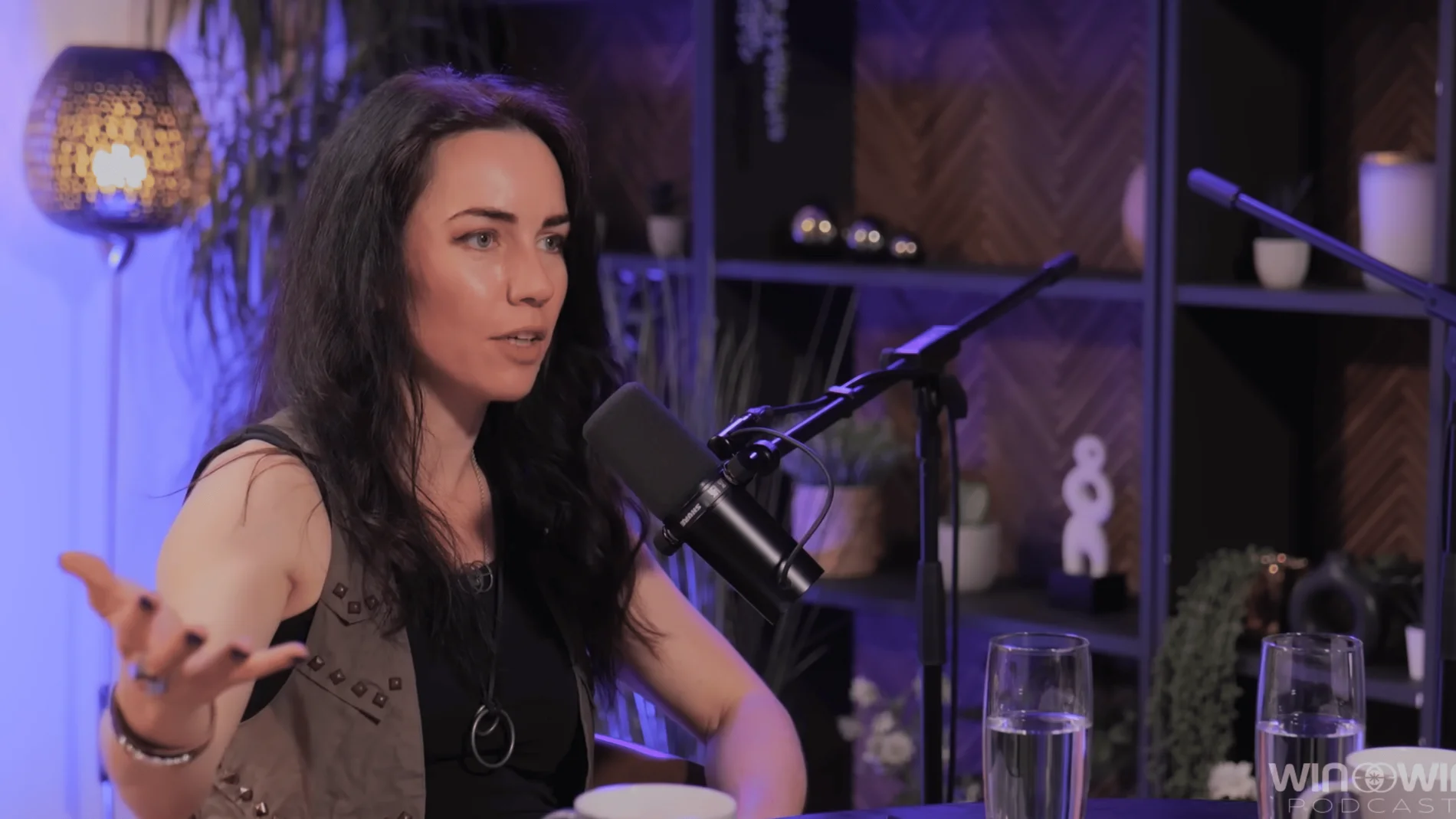
CEO at Finchley Studios. Book CEO.
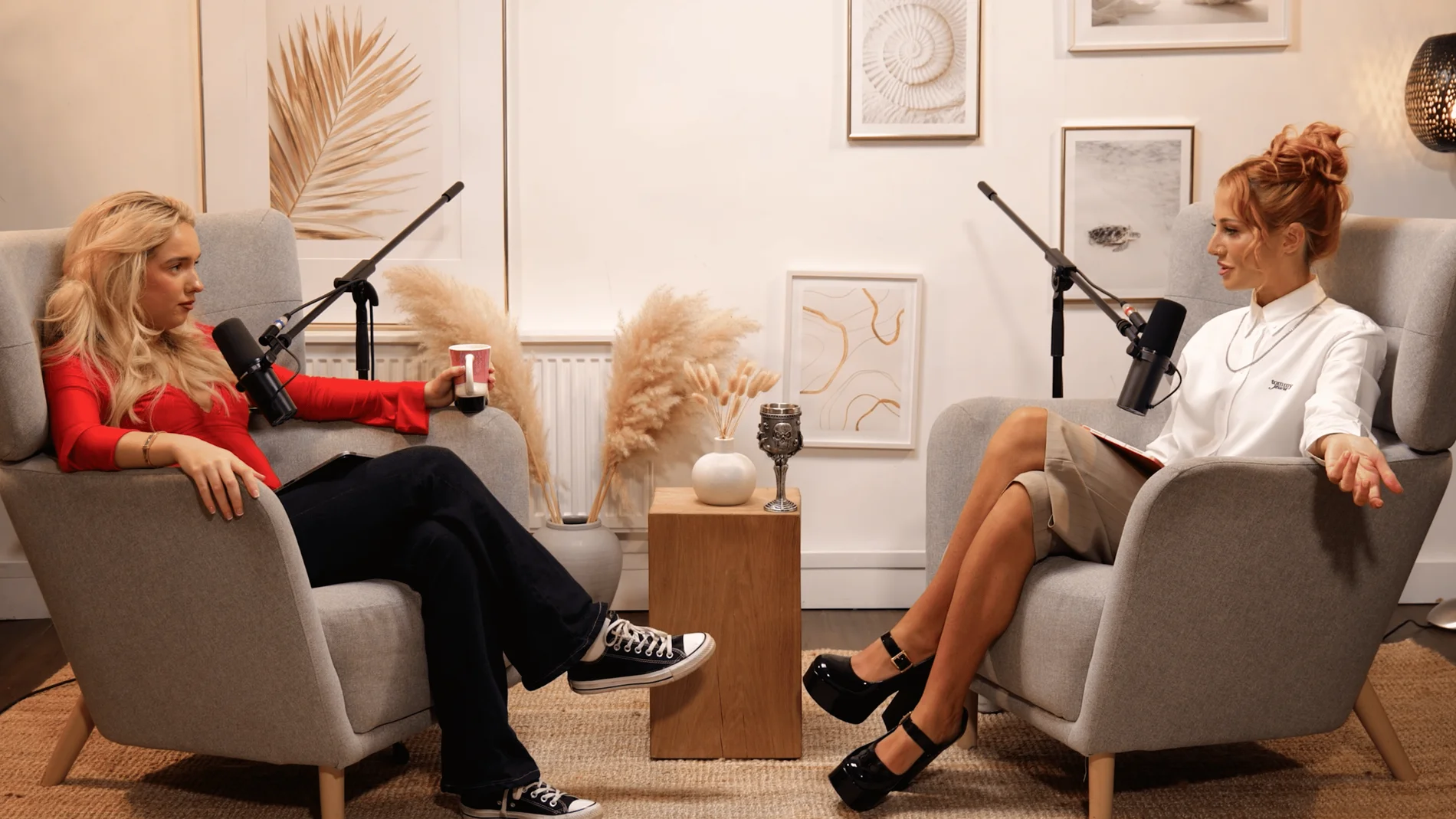
Dialogue at Finchley Studios. Book Dialogue.
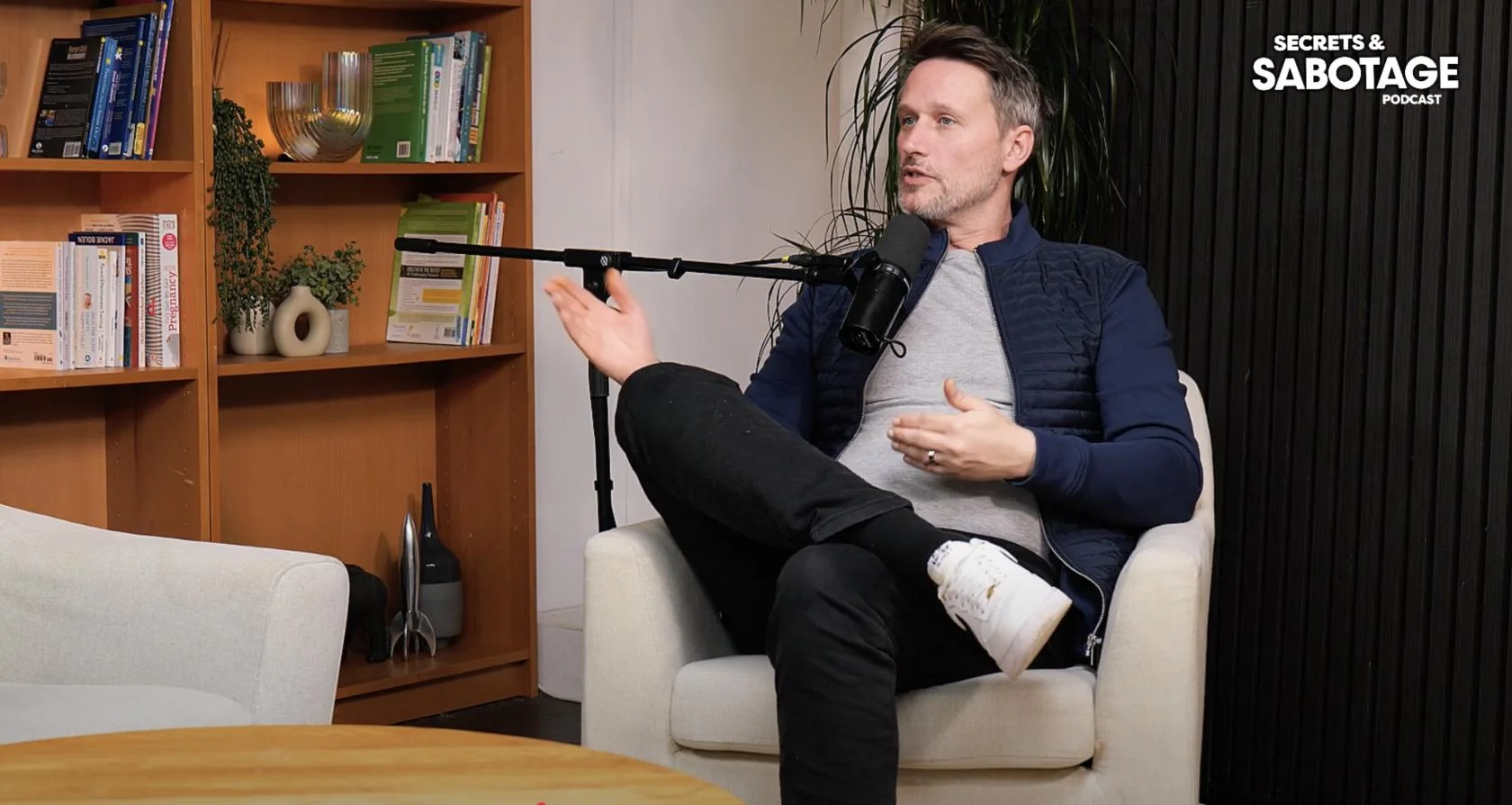
Lounge at Finchley Studios. Book Lounge.
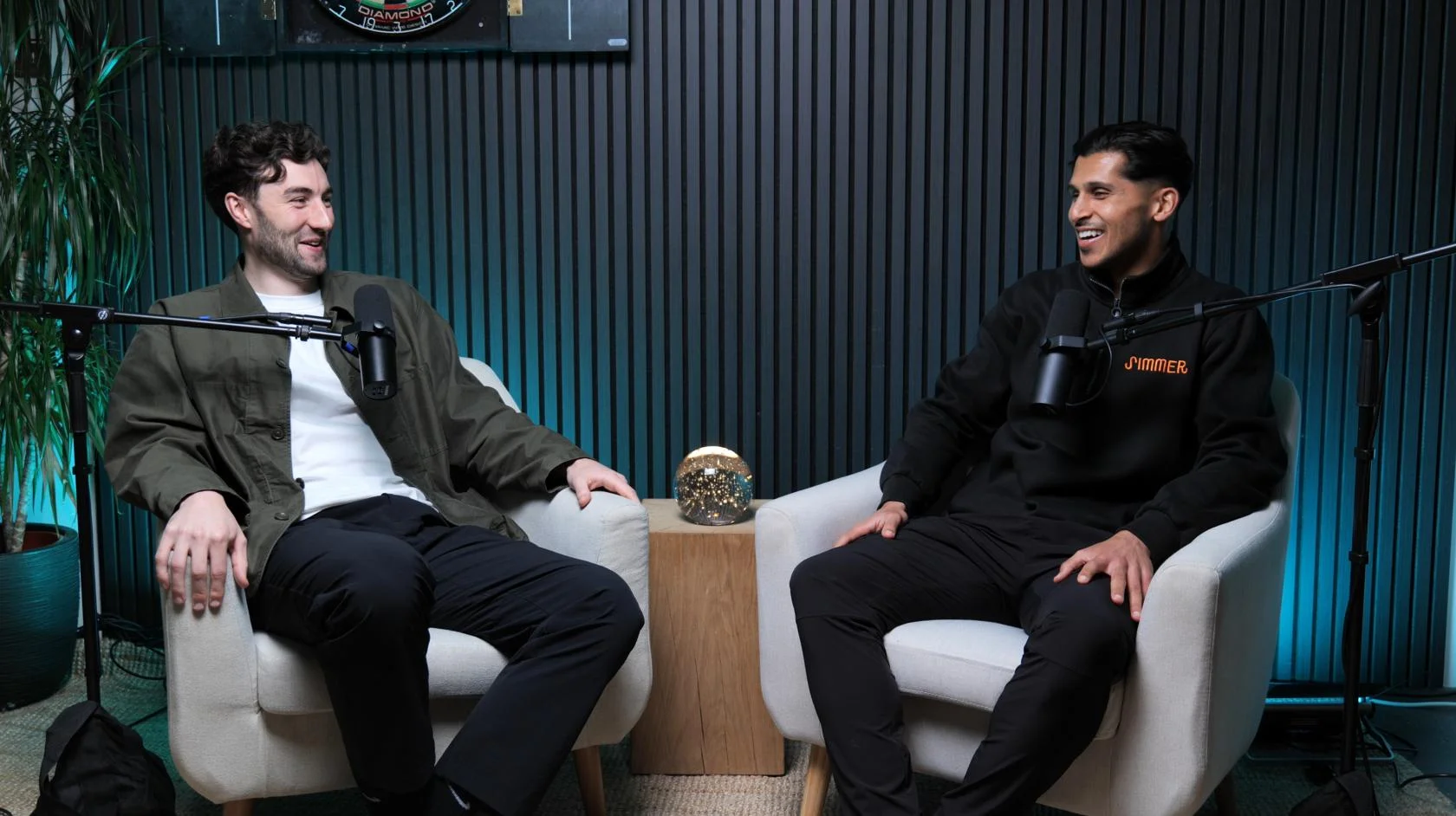
Blackwood at Finchley Studios. Book Blackwood.
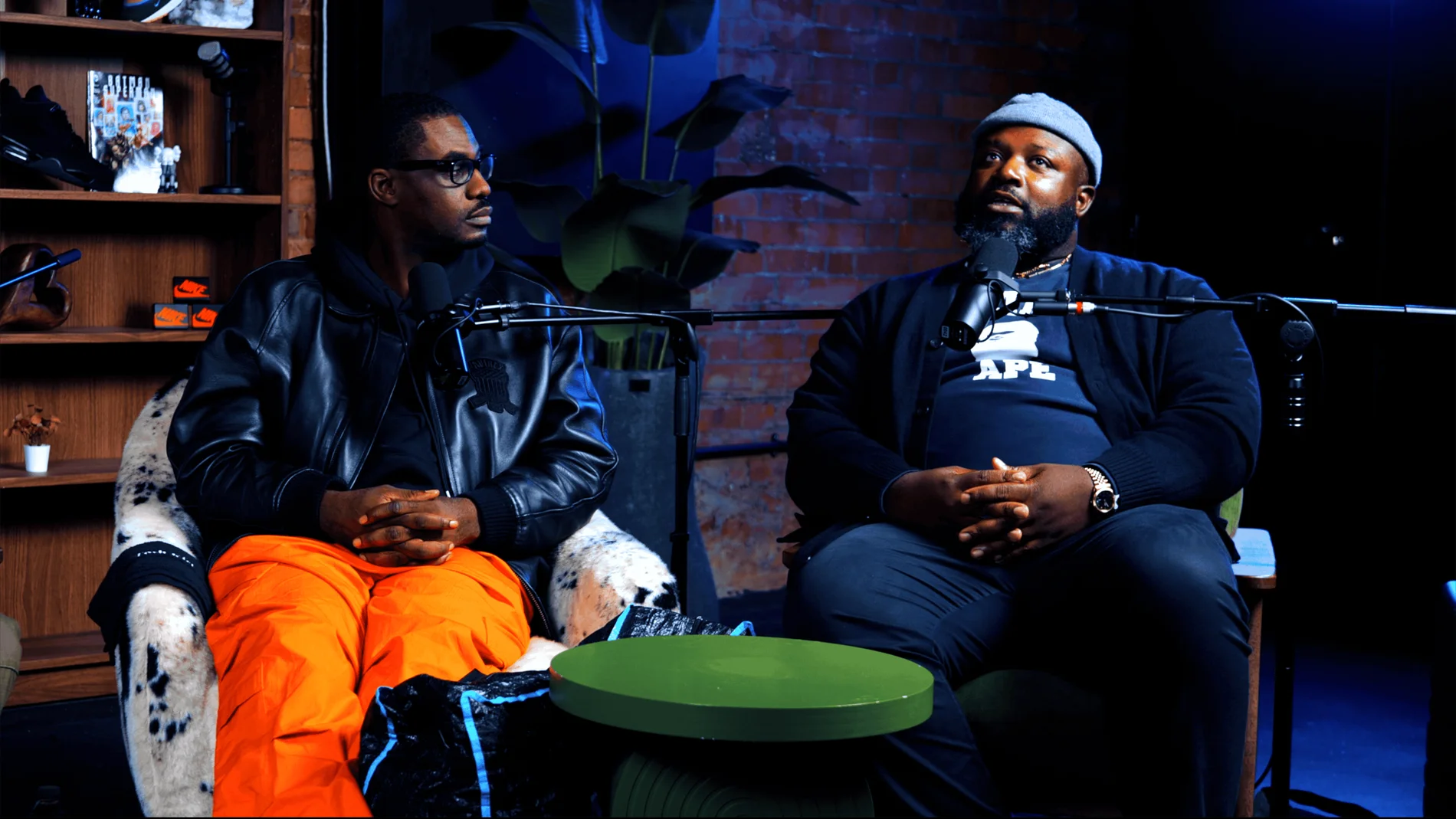
Pulse Lounge at Finchley Studios. Enquire about Pulse Lounge.
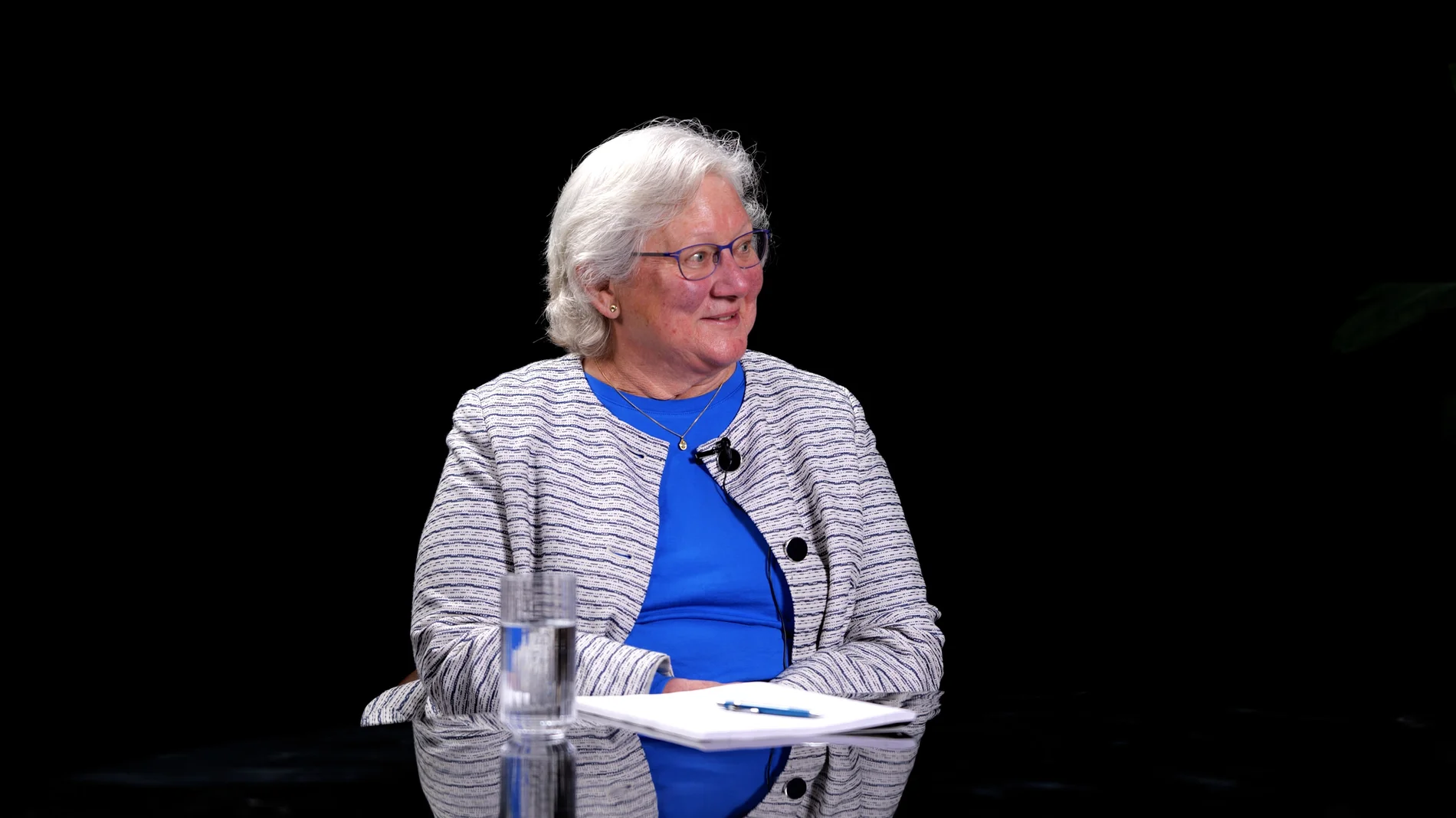
Roundtable at Finchley Studios. Enquire about Roundtable.
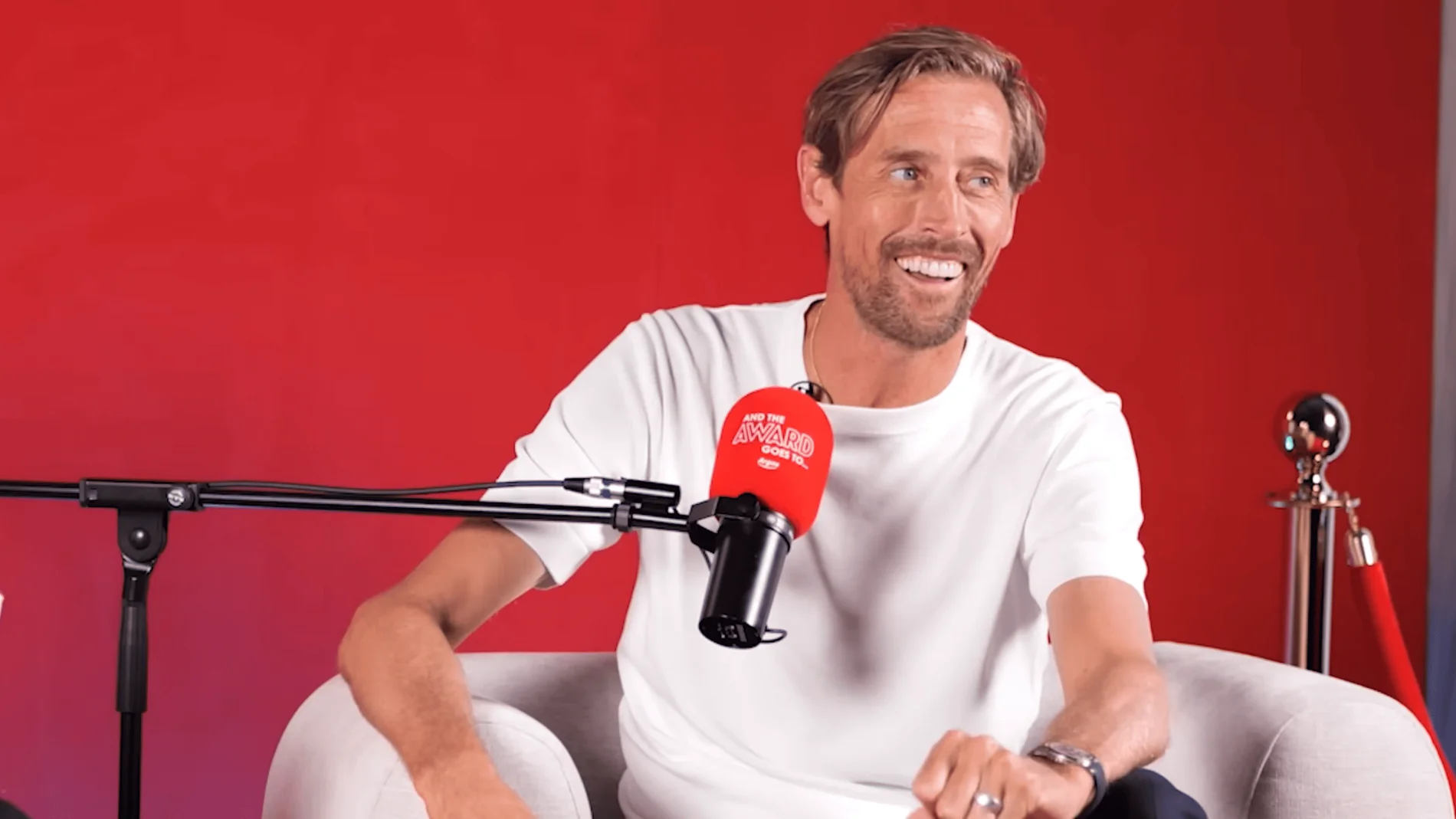
The Brick Studio at Finchley Studios. Enquire about The Brick Studio.
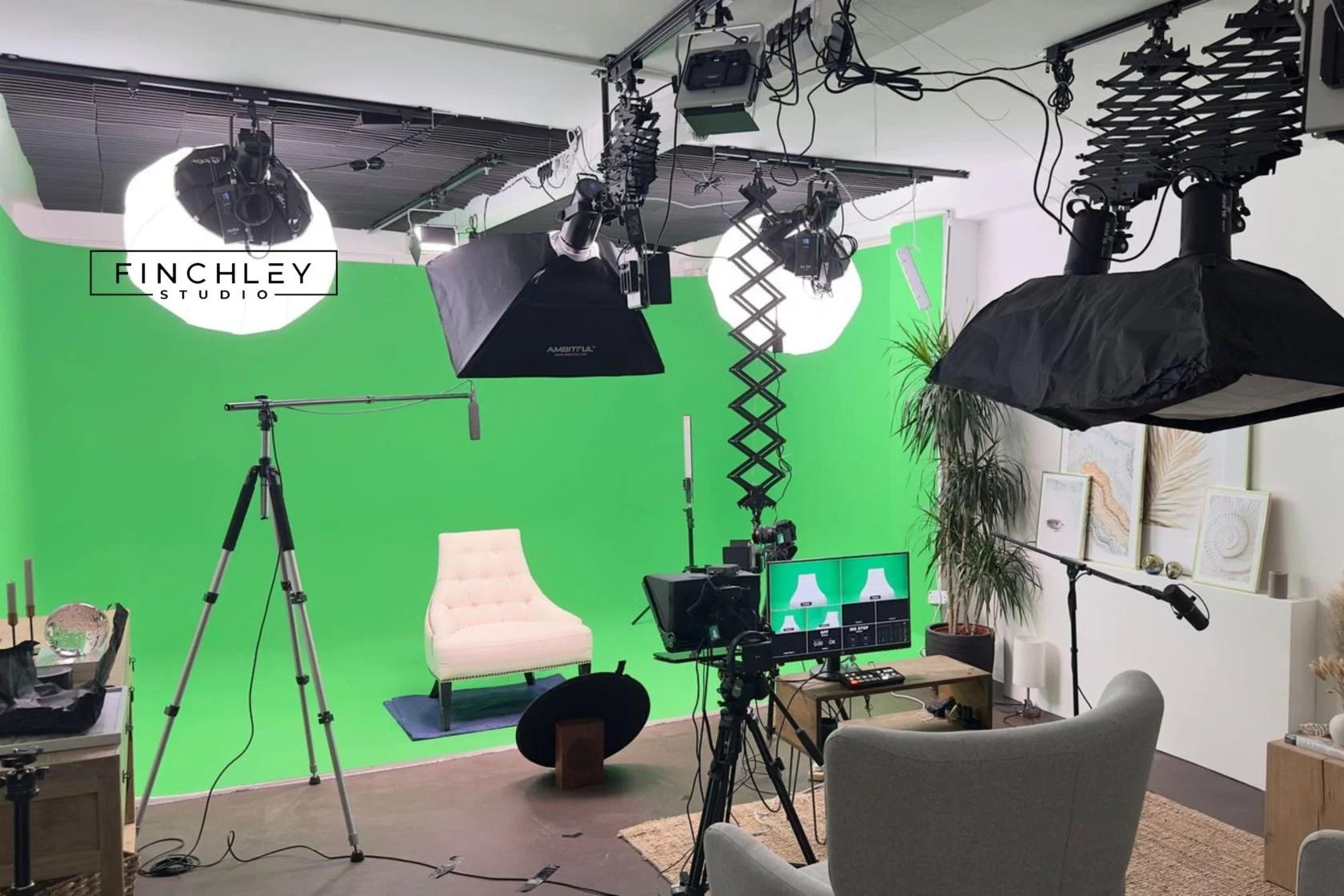
Green Screen Cove at Finchley Studios. Book Green Screen Cove.

Giant White Infinity Cove at Finchley Studios. Enquire about Giant White Infinity Cove.
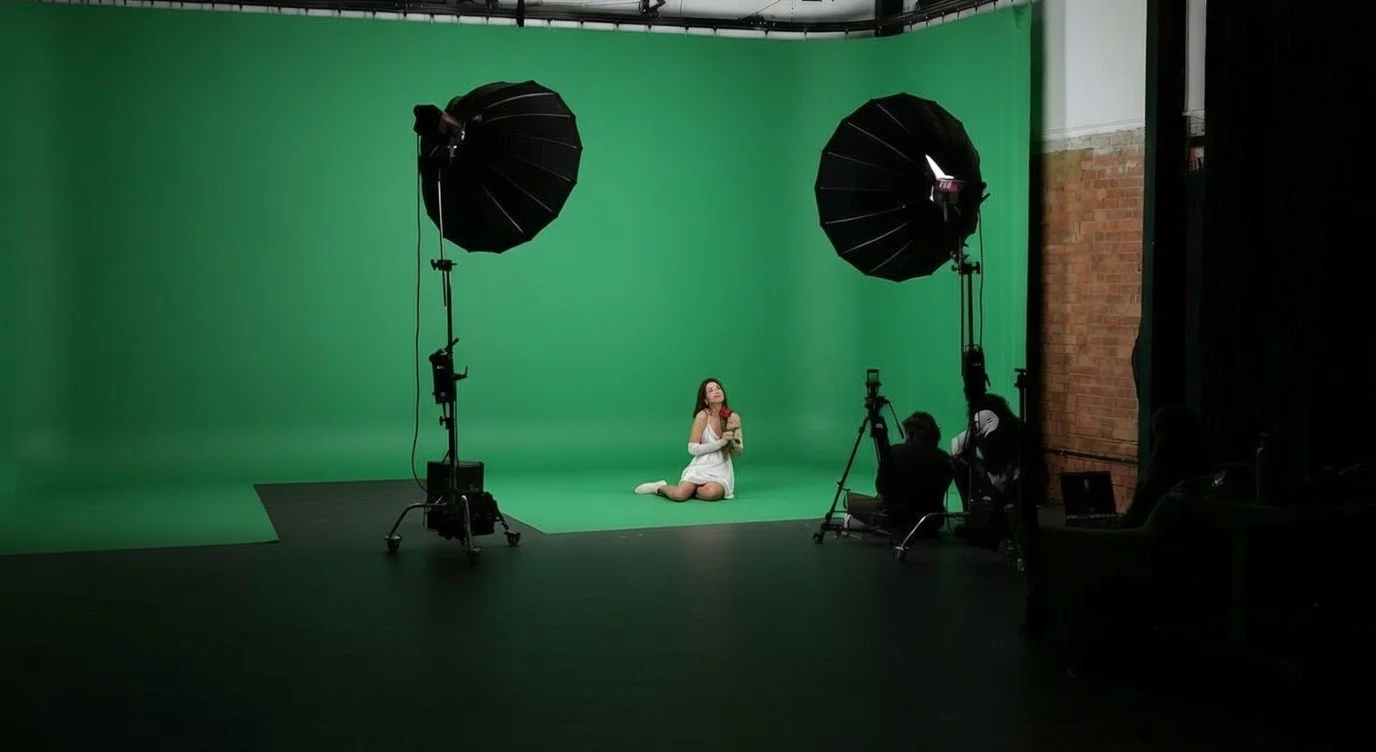
Giant Green Screen at Finchley Studios. Enquire about Giant Green Screen.
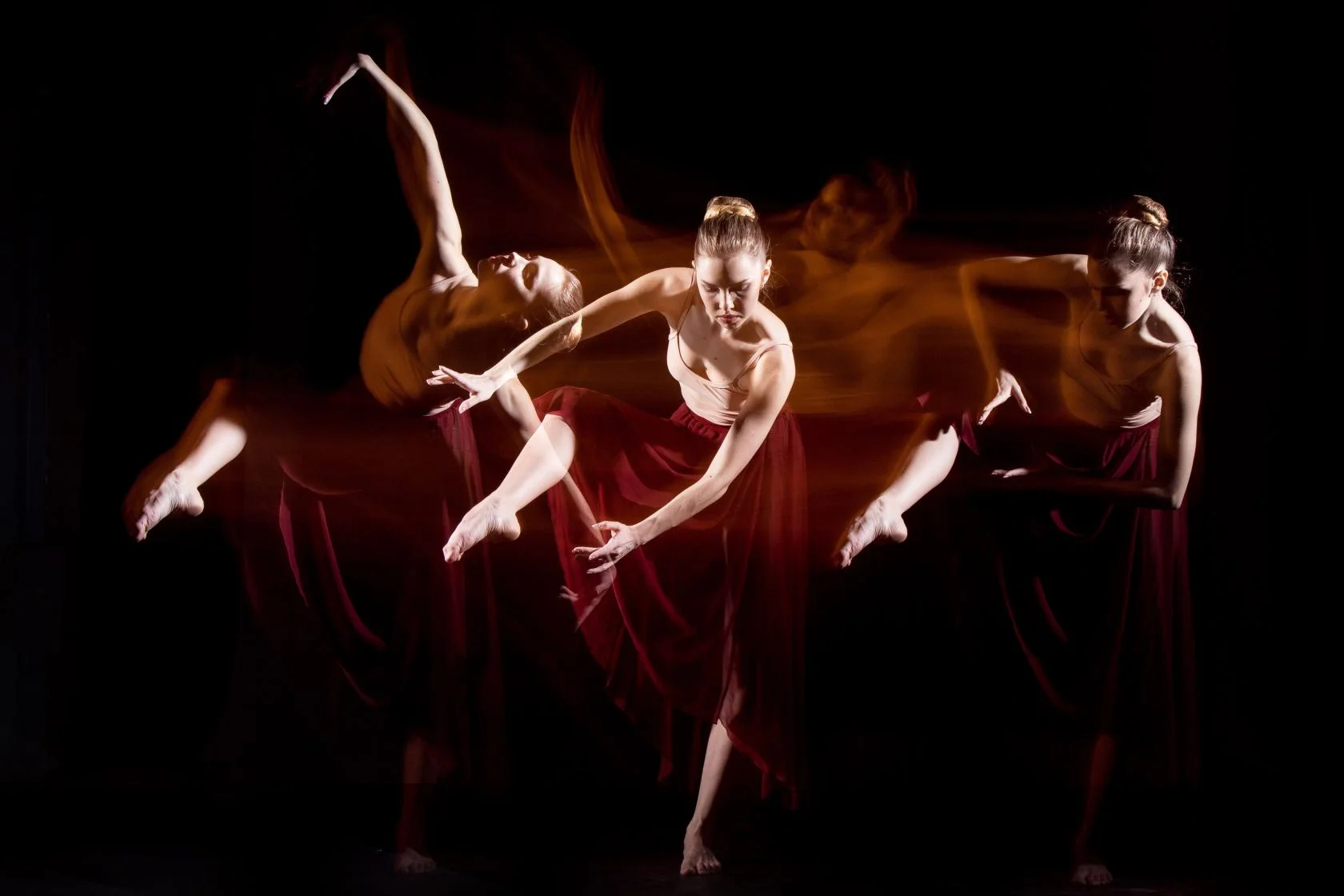
Blackout at Finchley Studios. Book Blackout.

Giant Blackout at Finchley Studios. Enquire about Giant Blackout.
Plan your Finchley recording
Explore our London podcast studio to compare sets and production support. Send your brief to the Finchley team with your preferred date, guest count and required outputs.