Use a visual in a podcast when it explains something more clearly than conversation alone. Decide how it will be captured, how a viewer will read it and what an audio listener needs to hear. A slide deck designed for a presentation is not automatically ready for a filmed conversation or a vertical social extract.
Choose the information, not the whole deck
Identify the one comparison or action the audience needs. Remove irrelevant detail and make the key label, unit and source understandable. Preserve necessary qualifications rather than simplifying a chart until it tells a different story.
The research adaptation guide helps connect evidence to spoken explanation. Keep a source list for numerical claims and agree who can approve the chart before it reaches the studio or editor.
Pick a capture method deliberately
You may record a studio display, capture a screen feed or insert a prepared graphic in post-production. Those methods produce different sources and require different preparation. Tell the team which person controls changes and whether the visual must appear during the conversation or only in the finished edit.
Use the 4K planning guide to discuss capture and delivery separately. More pixels do not automatically make small text readable in the final layout. YouTube publishes upload recommendations by resolution and frame rate; the recording and export specifications should suit the chosen destination.
Describe the meaning aloud
Explain the main observation before discussing its implication. Identify a chart's measure and comparison rather than referring only to colours or positions. W3C's description guidance addresses visual information needed to understand the content.
If a complex diagram cannot be explained briefly, consider a supporting resource or a separate video treatment. Do not leave the audio audience listening to an extended sequence of unexplained pointing and screen navigation.
| Visual type | A production decision |
|---|---|
| Chart | Which comparison, units and source need to remain visible? |
| Slide | What can be removed without losing meaning? |
| Screen capture | Which application state and user details will be recorded? |
| Product close-up | What action must the camera resolve? |
| Branded overlay | Which approved version and placement will be used? |
Check rights, privacy and versions
Use the media licensing guide to clear third-party assets. Remove private account details, notifications and unrelated customer information before capturing software. A screen should be prepared for recording, not simply opened from somebody's everyday working session.
Label files with an understandable version and approval status. If a figure changes after recording, tell the editor which visual and spoken passages are affected so they can be reviewed together.
Review the full range of outputs
Inspect the episode on the devices and layouts you intend to use. A landscape chart may need a redesigned vertical version rather than an aggressive crop. Our demonstration guide covers a related problem when the visual contains physical action.
Agree the graphics, screen sources, captions and publication exports as separate deliverables. Keep the presenter, technical team and editor aligned on what must be visible, spoken and supplied after the session.
Planning this at Finchley Studios
Finchley's Green Screen Cove offers a chroma-key production option, with editing requirements to discuss in the quote. A green background is one possible approach; many graphics can instead be inserted around an ordinary recorded interview.
Send example slides, intended placements and the capture plan before selecting the set. Ask which display, feed or source files the production can support and whether compositing or graphic design is included. Confirm the editor's requirements and supply only approved assets. Do not assume that green-screen hire automatically provides finished visual layouts, screen recording or every platform version.
A client recording from Finchley Studios
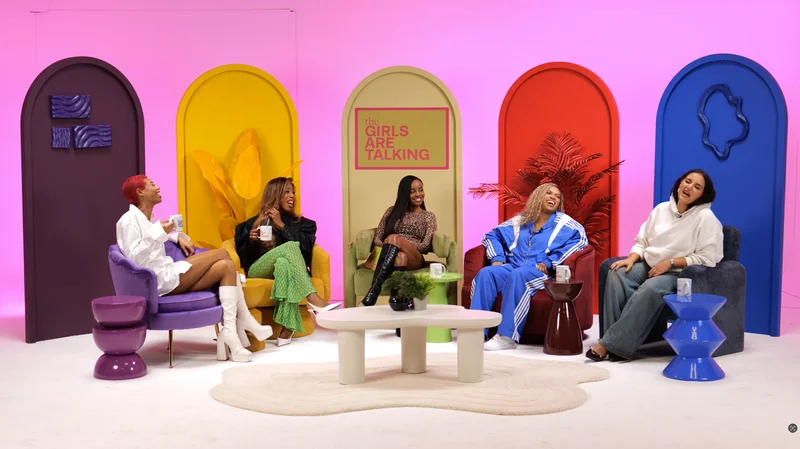
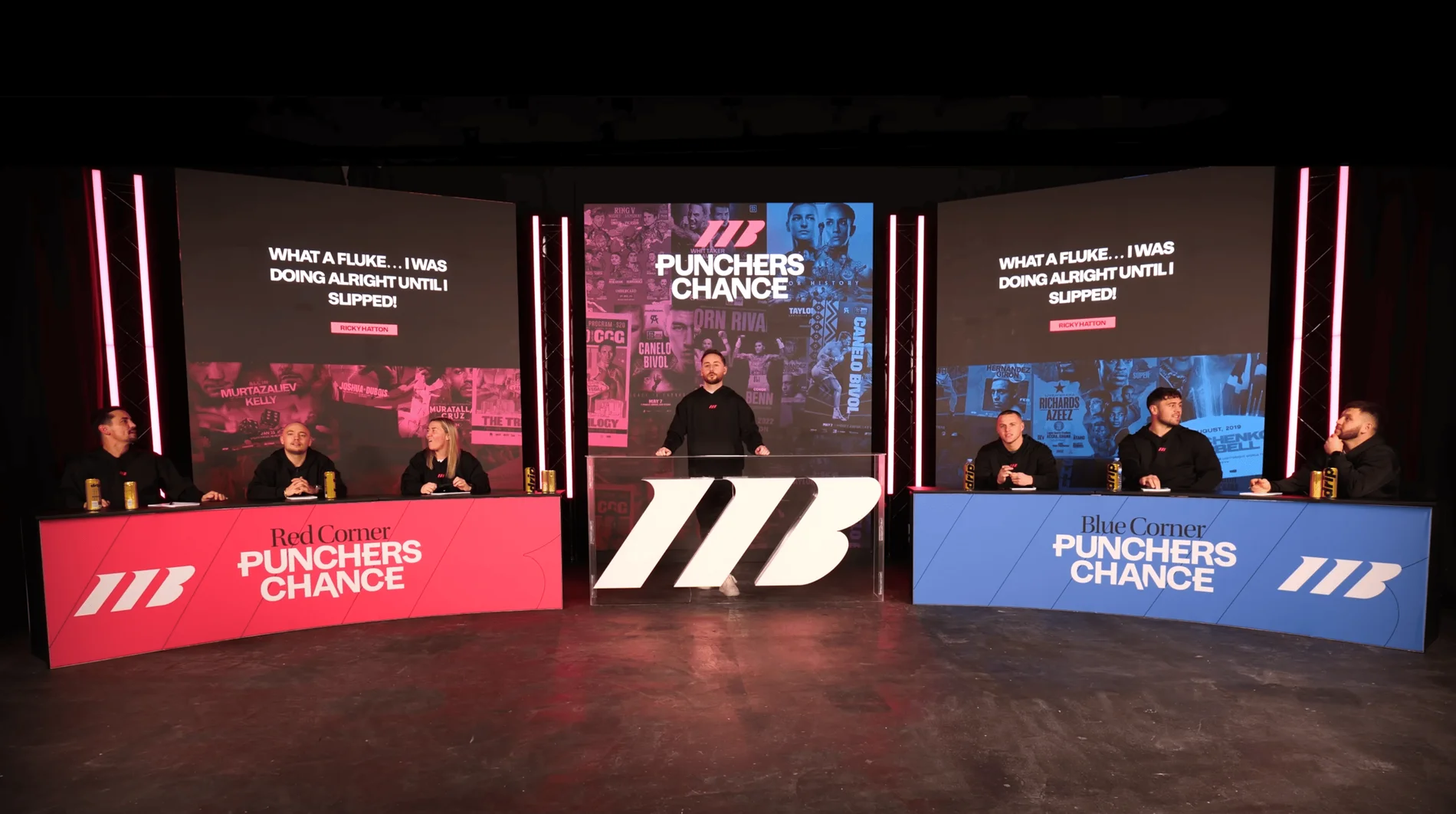
From our client recording collection: VERSUS.
Continue planning your recording
- Do You Need 4K for a Video Podcast?
- Using Music, Images and Clips in a Podcast: A Planning Guide
- How to Turn a Research Report into a Podcast Conversation
- How to Film a Product Demonstration in a Video Podcast
For the full series, explore our podcast studio booking guide.
Explore all 12 Finchley sets
Compare the looks below, then follow the booking or enquiry link for your preferred set. Confirm the recording package, guest capacity and location for your session.
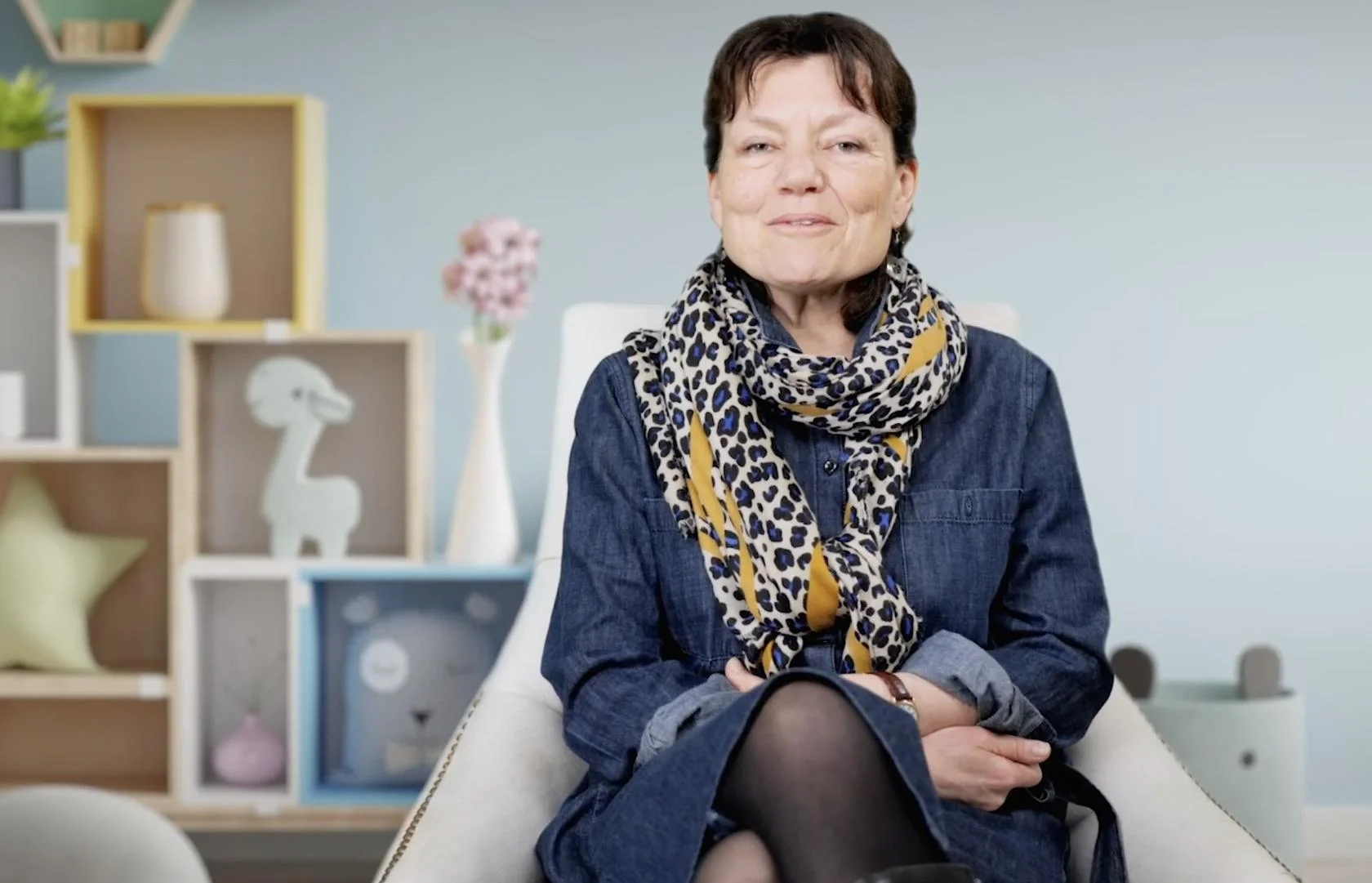
Green Screen Cove at Finchley Studios. Book Green Screen Cove.
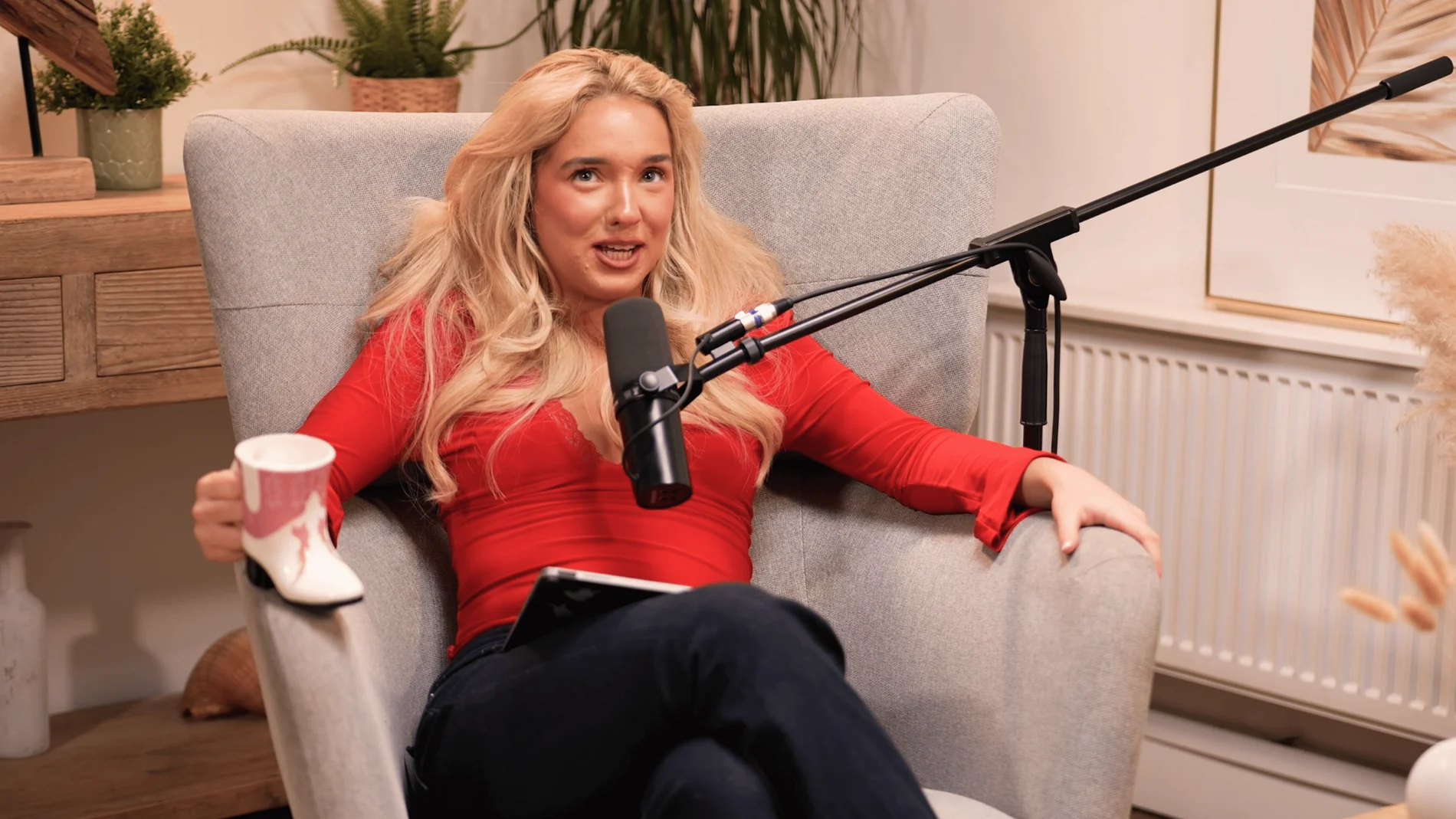
Dialogue at Finchley Studios. Book Dialogue.
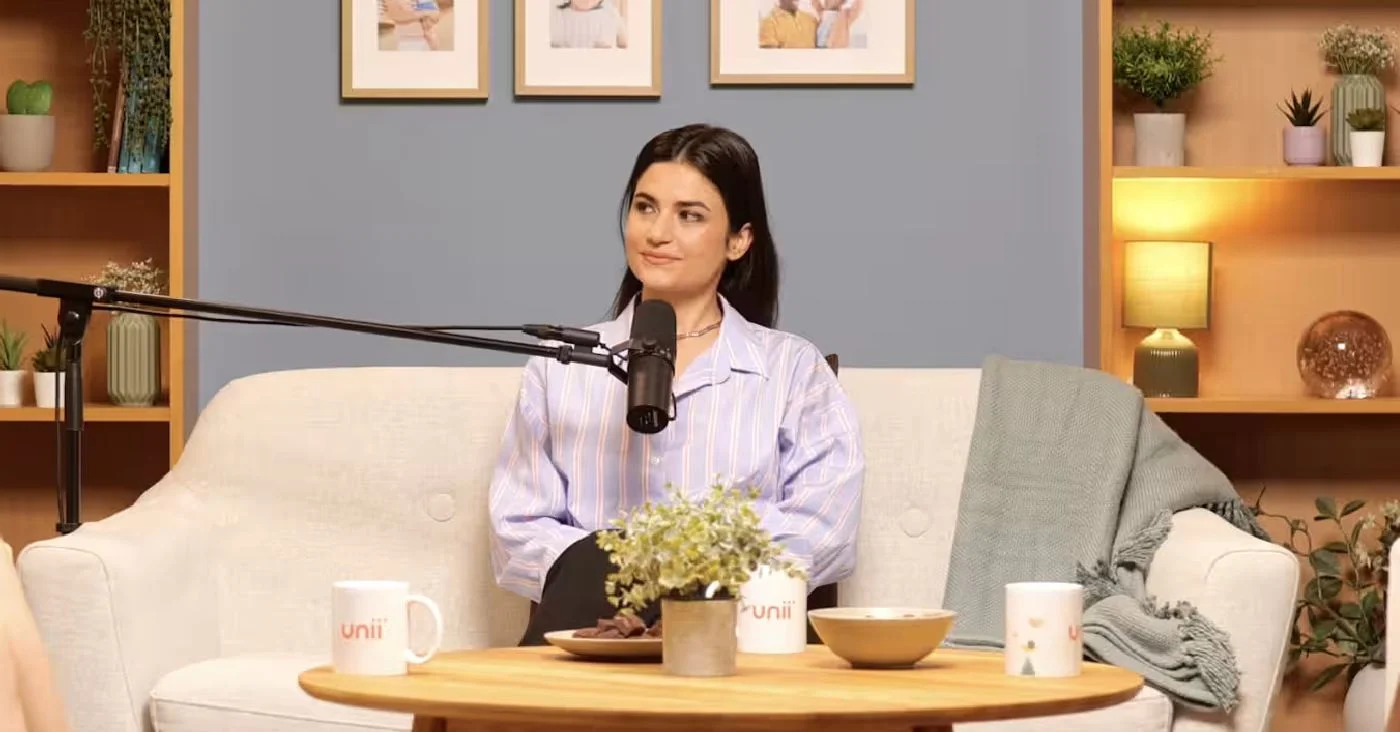
Lounge at Finchley Studios. Book Lounge.
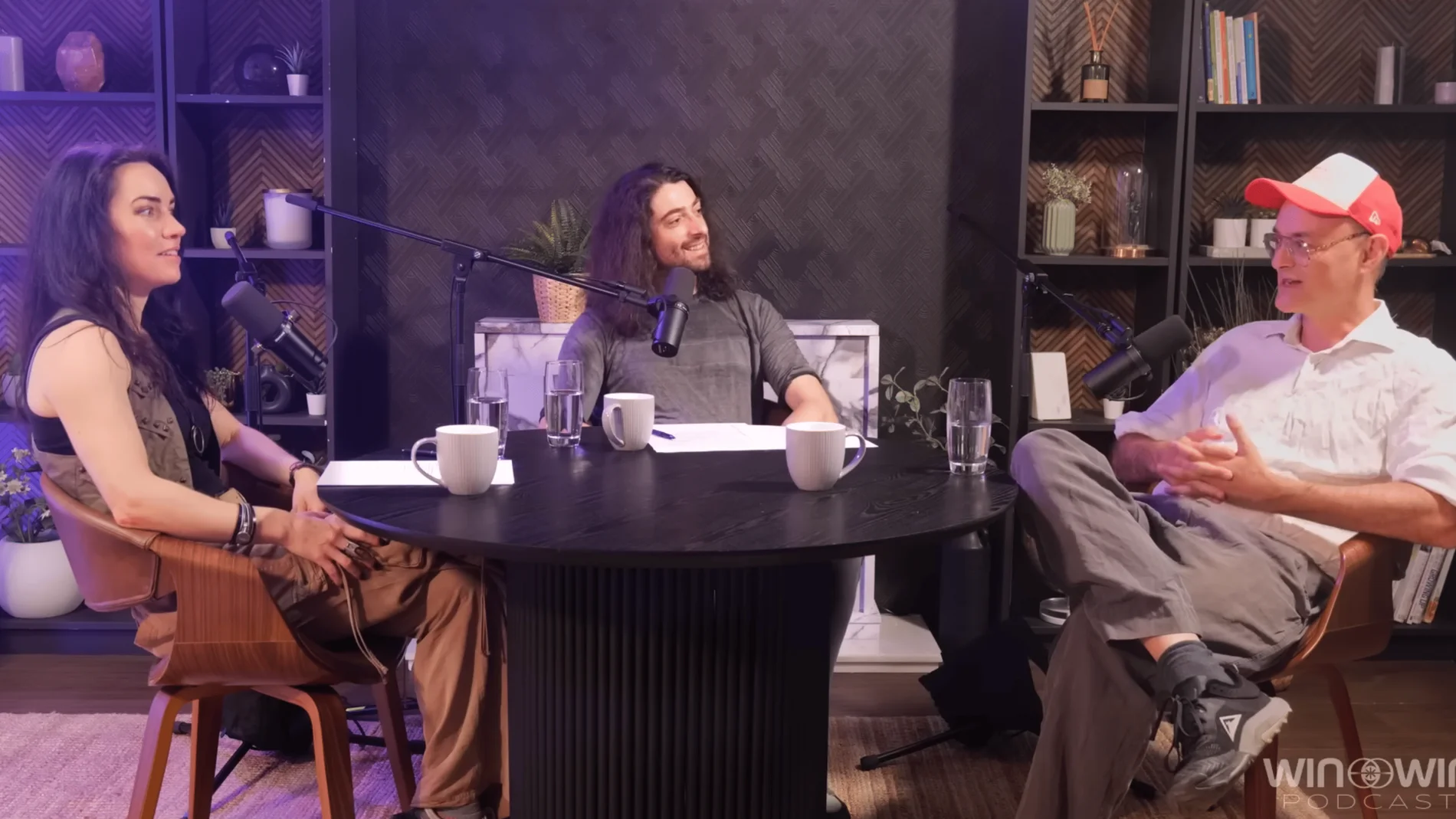
CEO at Finchley Studios. Book CEO.
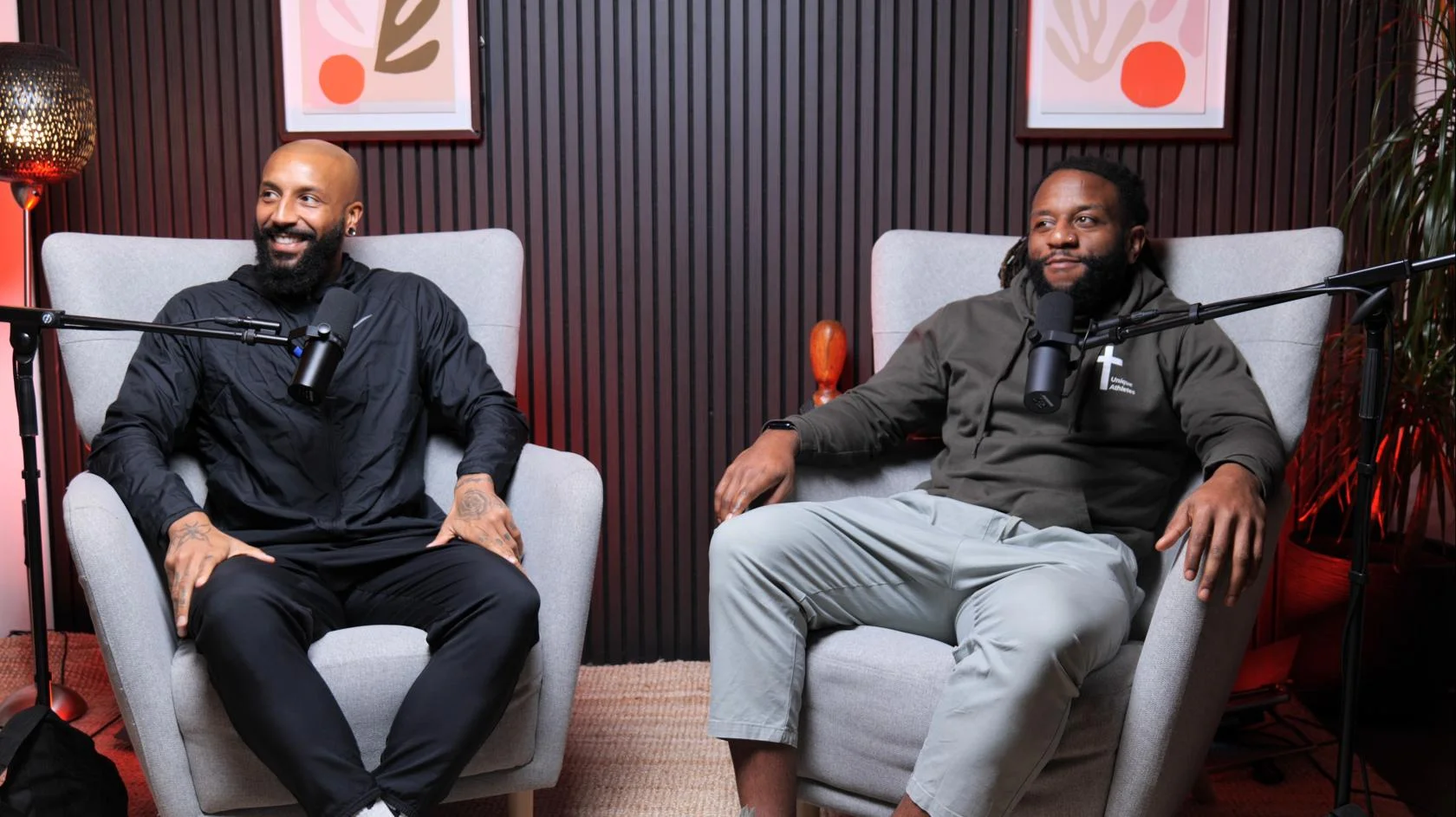
Blackwood at Finchley Studios. Book Blackwood.
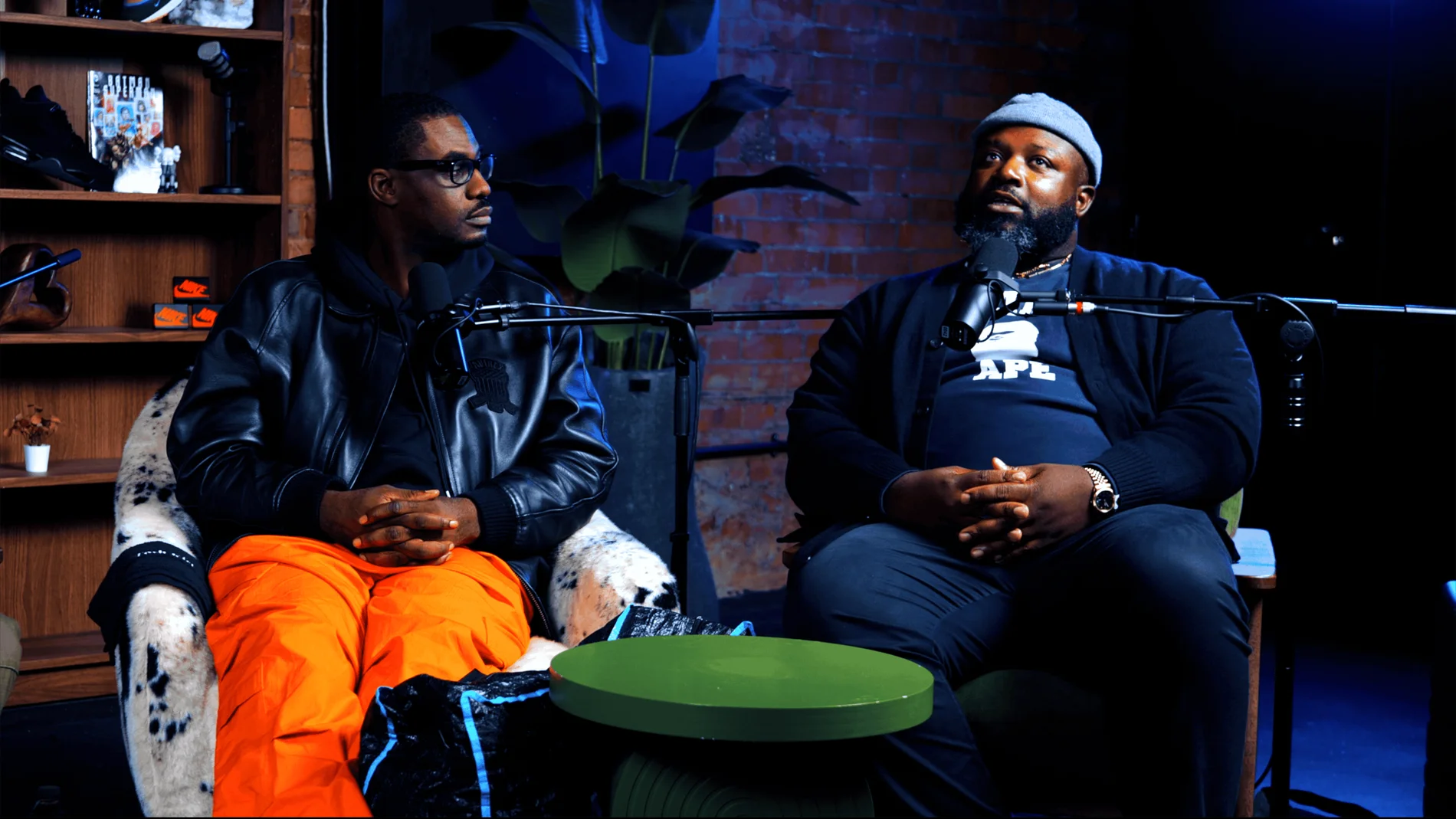
Pulse Lounge at Finchley Studios. Enquire about Pulse Lounge.
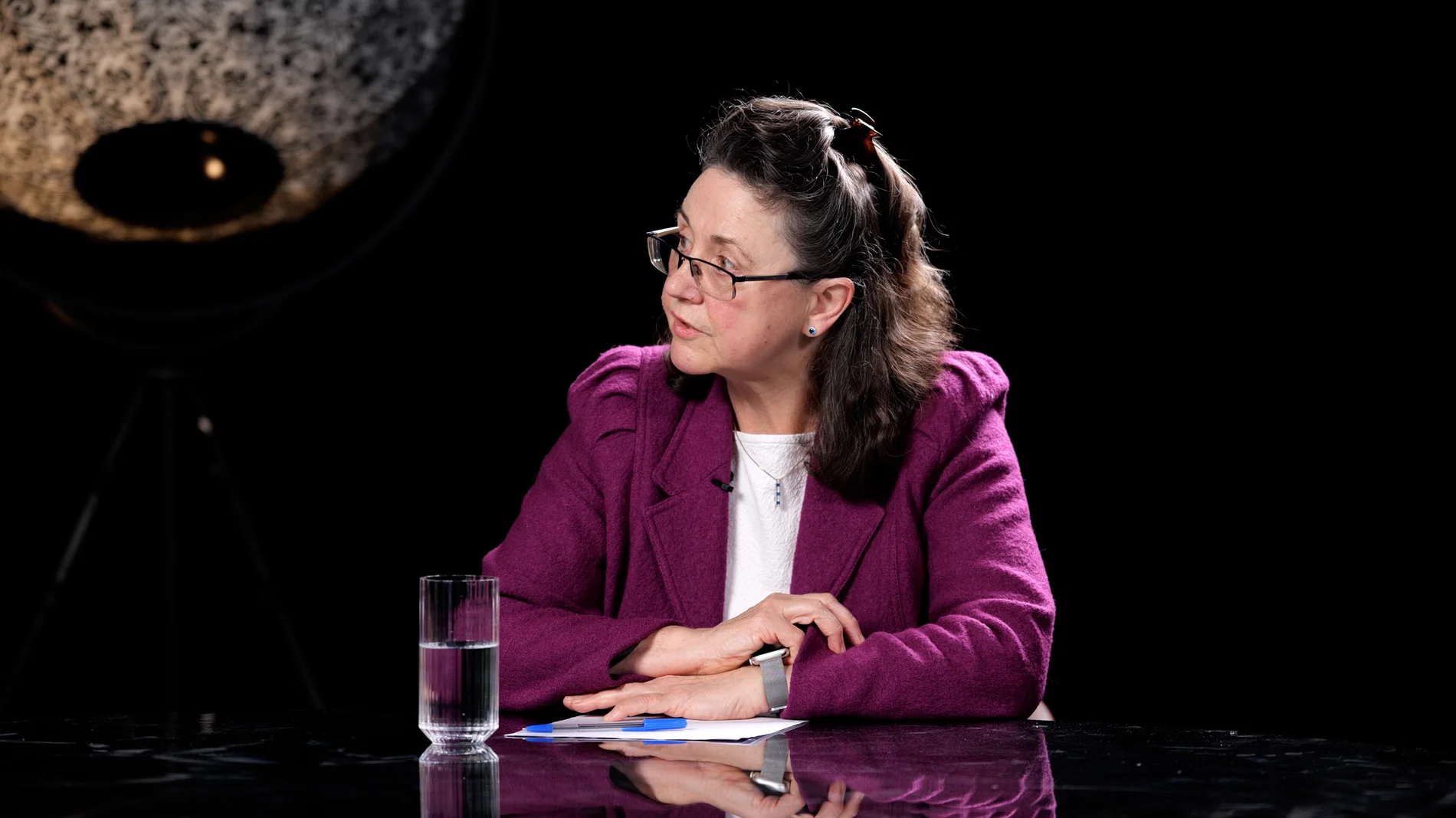
Roundtable at Finchley Studios. Enquire about Roundtable.
The Brick Studio at Finchley Studios. Enquire about The Brick Studio.
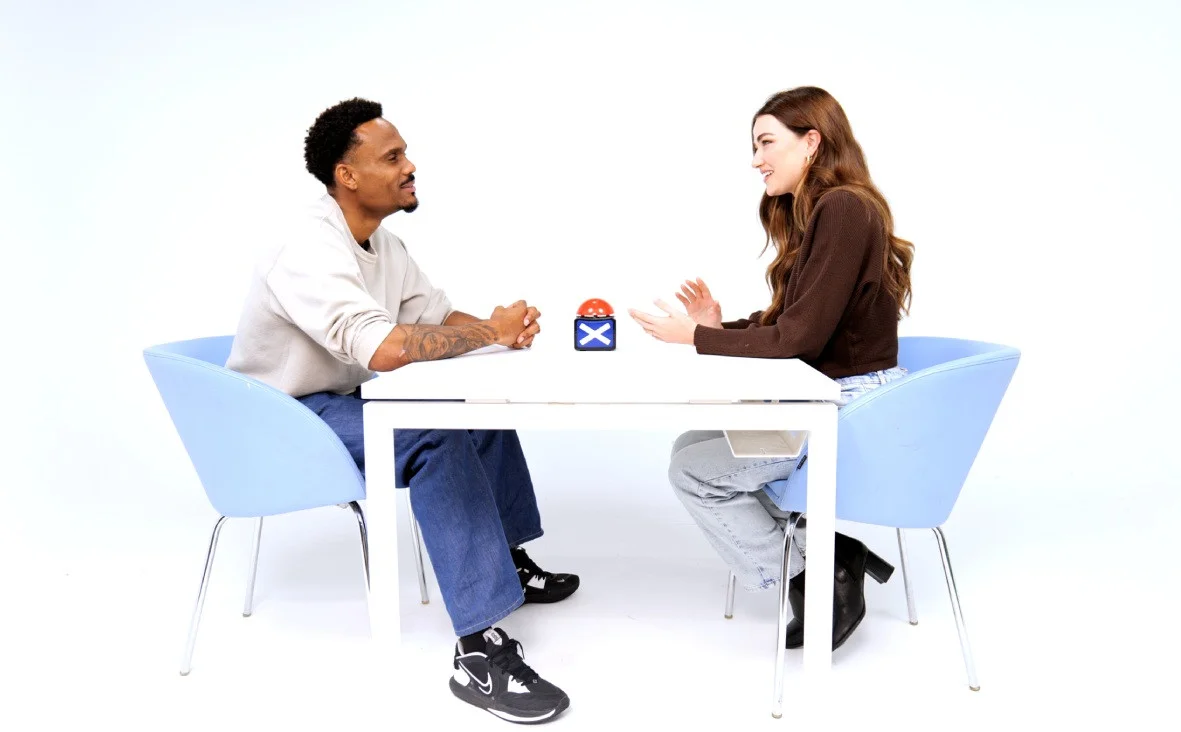
Giant White Infinity Cove at Finchley Studios. Enquire about Giant White Infinity Cove.
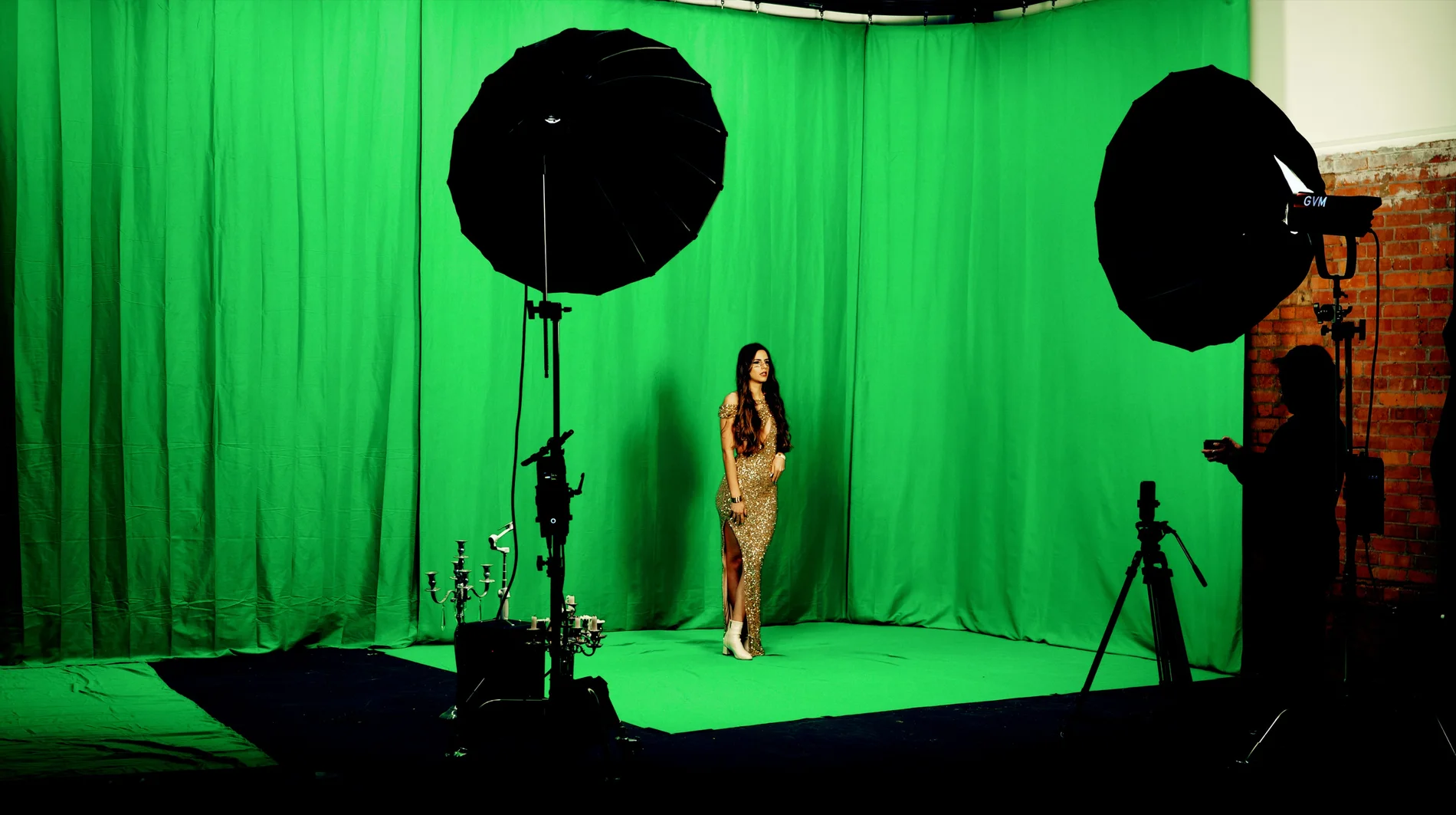
Giant Green Screen at Finchley Studios. Enquire about Giant Green Screen.
Blackout at Finchley Studios. Book Blackout.
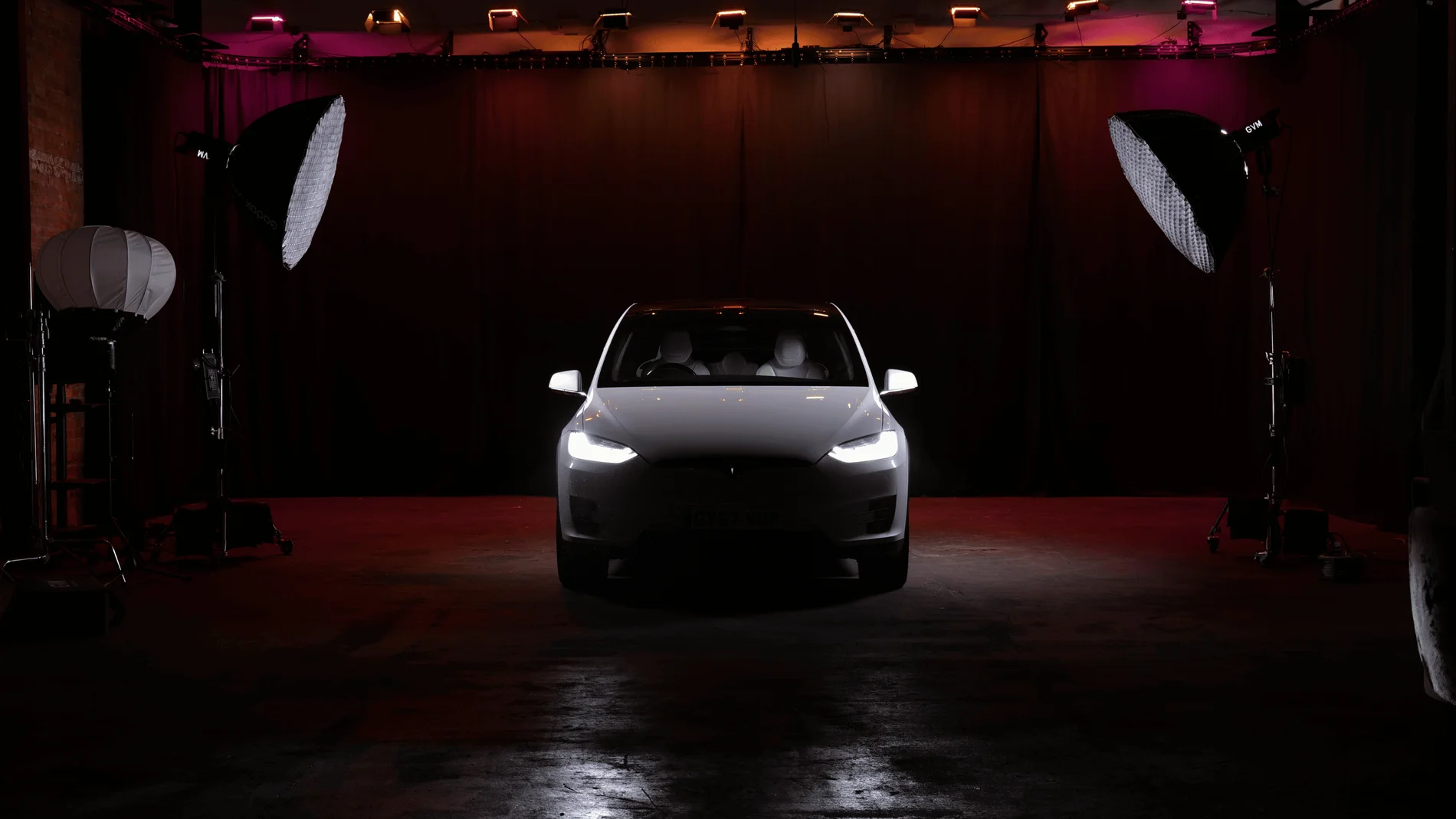
Giant Blackout at Finchley Studios. Enquire about Giant Blackout.
Plan your Finchley recording
Explore our podcast studio to compare sets and production support. Send your brief to the Finchley team with your preferred date, guest count and required outputs.