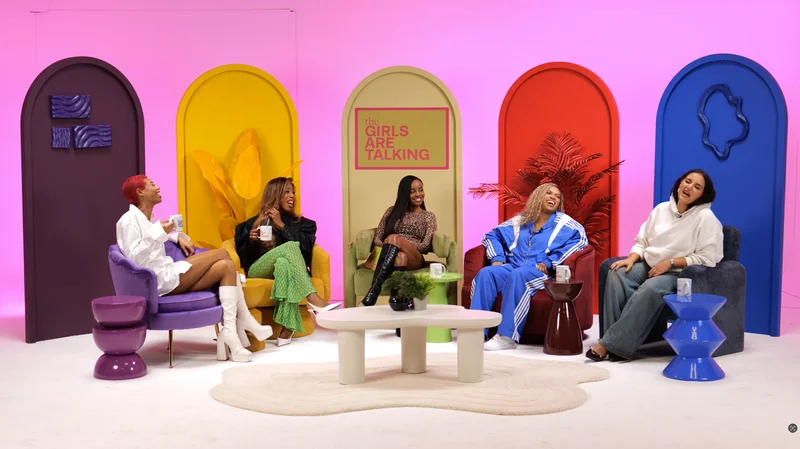
For a conversational video podcast, usually address the person you are talking to. For a direct introduction, presentation or closing message, you may address the audience through the agreed camera. Decide the approach with the producer before recording so the eyeline supports the format rather than becoming a distraction.
Identify who the speaker is addressing
An interview presents a conversation between people. A solo explanation may treat the viewer as the immediate audience. Neither approach requires the speaker to look into every camera, and several cameras do not create several people to address.
The camera setup guide helps distinguish the wide view from individual shots. Ask the producer which view is being used for any direct address and when the speaker should return to the conversation.
Position the people before adjusting the picture
Seat the host and guest so they can interact comfortably while remaining in useful recording positions. BBC Academy recommends planning how an interviewee will be positioned and considering the visual background.
Check microphones, tables, notes and screens with the actual people seated. A technically attractive empty set may put a contributor in an awkward posture once the conversation begins. Avoid asking someone to maintain uncomfortable eye contact as a rule; discuss individual communication preferences where relevant.
Keep camera changes from changing the conversation
In a multi-camera interview, let the recording team manage views. Repeatedly turning towards a different lens whenever it appears active can make the interaction difficult to follow. Agree any deliberate direct-to-camera moment in the running order.
| Segment | Eyeline to discuss |
|---|---|
| Host interviewing a guest | Towards the guest, within the checked setup |
| Guest answering the host | Towards the person asking the question |
| Solo introduction | The agreed direct-address camera if that suits the format |
| Product demonstration | The action and conversational partner, with planned explanation |
| Scripted close | An agreed camera or conversation position |
Place notes and prompting support thoughtfully
Choose notes you can consult without continually searching for your place. If using a teleprompter, rehearse a short passage with the actual display and framing. Autocue explains how familiarity, positioning and natural delivery affect prompting.
Avoid treating software eye correction as an assumed substitute for a usable setup. If any such editing is proposed, discuss its purpose and suitability explicitly rather than making it part of the guest's expectations without explanation.
Check the audience's view
Record a brief test and review both the conversation and any direct-address passage. Inspect whether the speaker appears to address the intended person, whether a screen creates a distracting off-camera glance and whether the microphone position remains workable.
For a nervous contributor, the camera confidence guide offers preparation steps. For product demonstrations, plan when the presenter looks at the object and how the action is covered. A solo programme may use more direct address, but its explanation still needs to work without a fixed stare throughout.
Planning this at Finchley Studios
At Finchley, discuss the intended conversation style when choosing the Dialogue set or another layout. Tell the team about direct introductions, scripts, screens or demonstration sections before the cameras are positioned.
Ask for a short seated framing check and explain any communication or comfort requirements. Confirm teleprompter support separately if it is needed, and allow time to practise the transition back to the interview. Keep the host's attention on the guest during the conversation while the agreed technical team handles the recorded views. Do not infer an eyeline-correction service or a particular editing treatment from the presence of multiple cameras.
A client recording from Finchley Studios
From our client recording collection: Matchroom Boxing.
Continue planning your recording
- How Many Cameras Do You Need for a Video Podcast?
- How to Feel More Confident on a Video Podcast
- How to Keep a Solo Podcast Engaging
- How to Film a Product Demonstration in a Video Podcast
For the full series, explore our podcast studio booking guide.
Explore all 12 Finchley sets
Compare the looks below, then follow the booking or enquiry link for your preferred set. Confirm the recording package, guest capacity and location for your session.
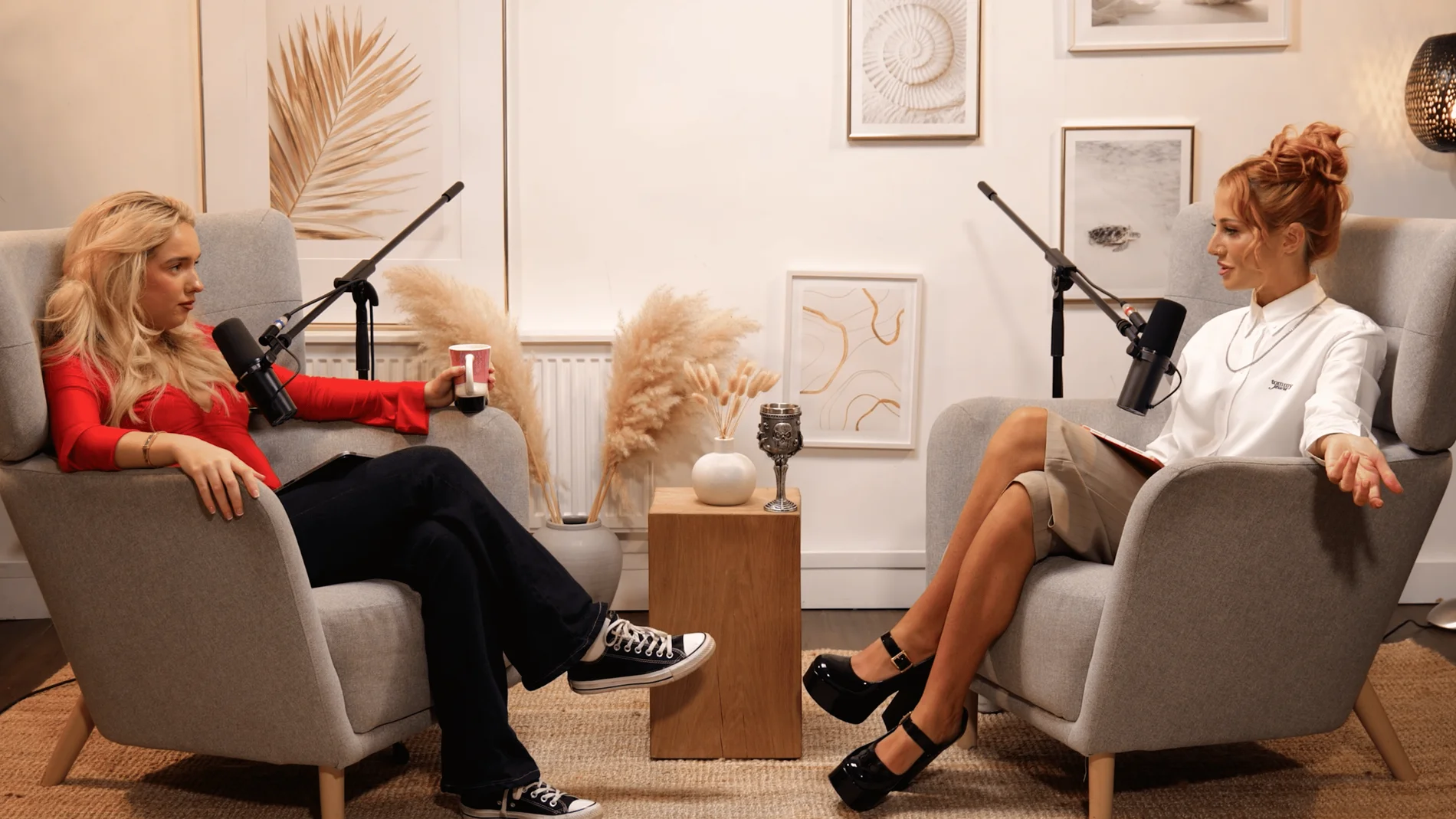
Dialogue at Finchley Studios. Book Dialogue.
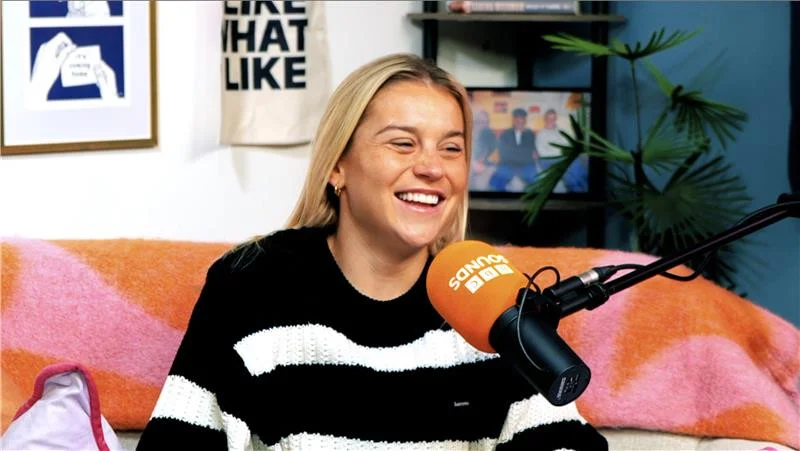
Lounge at Finchley Studios. Book Lounge.
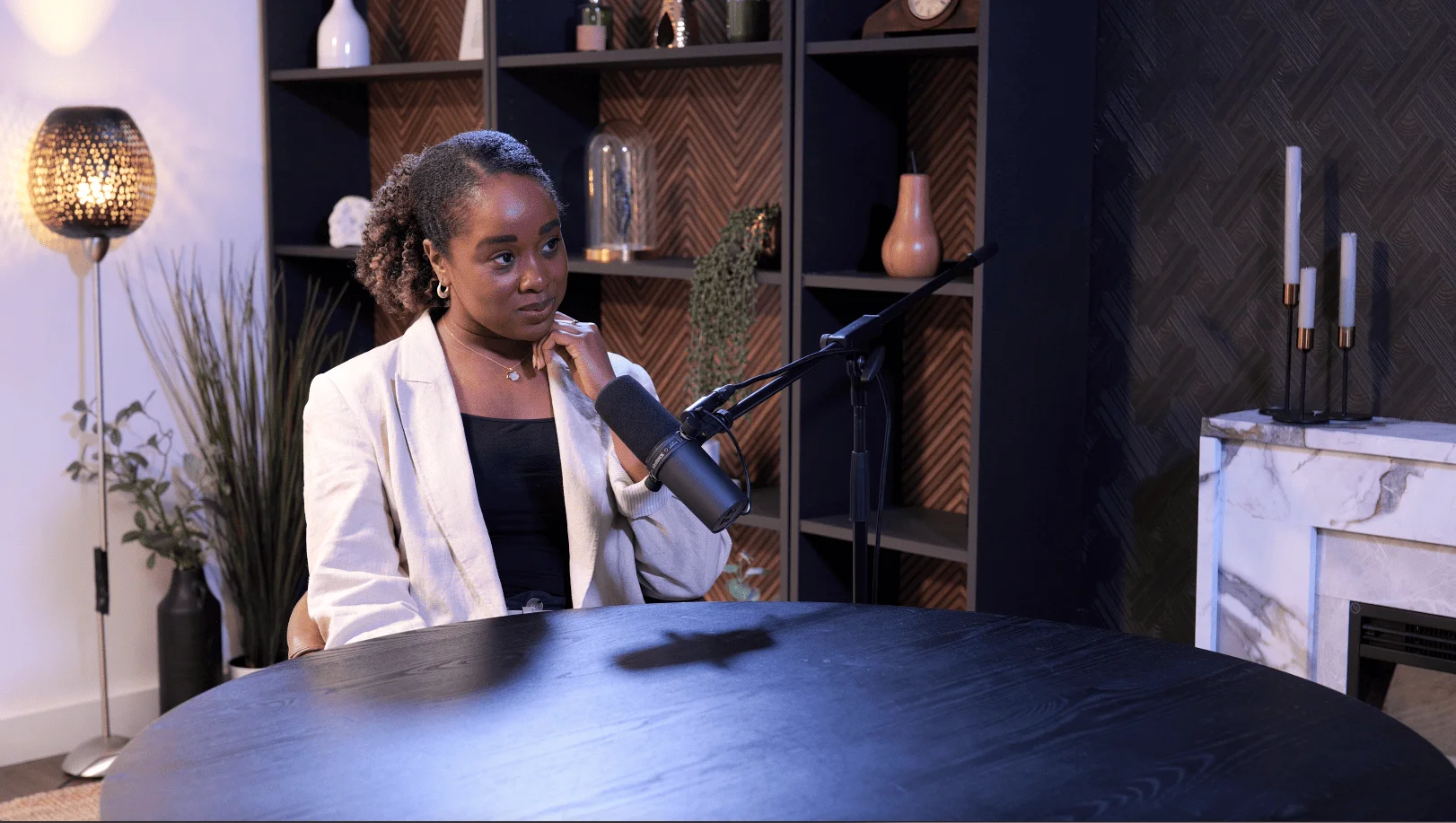
CEO at Finchley Studios. Book CEO.
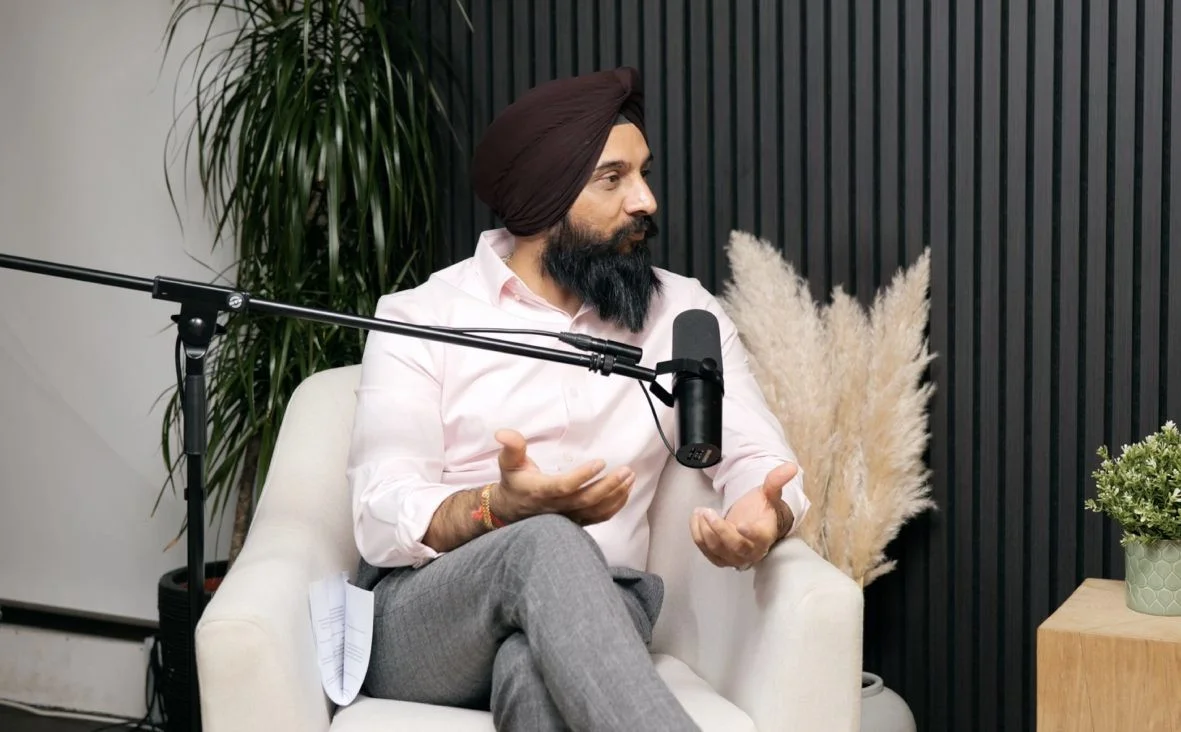
Blackwood at Finchley Studios. Book Blackwood.
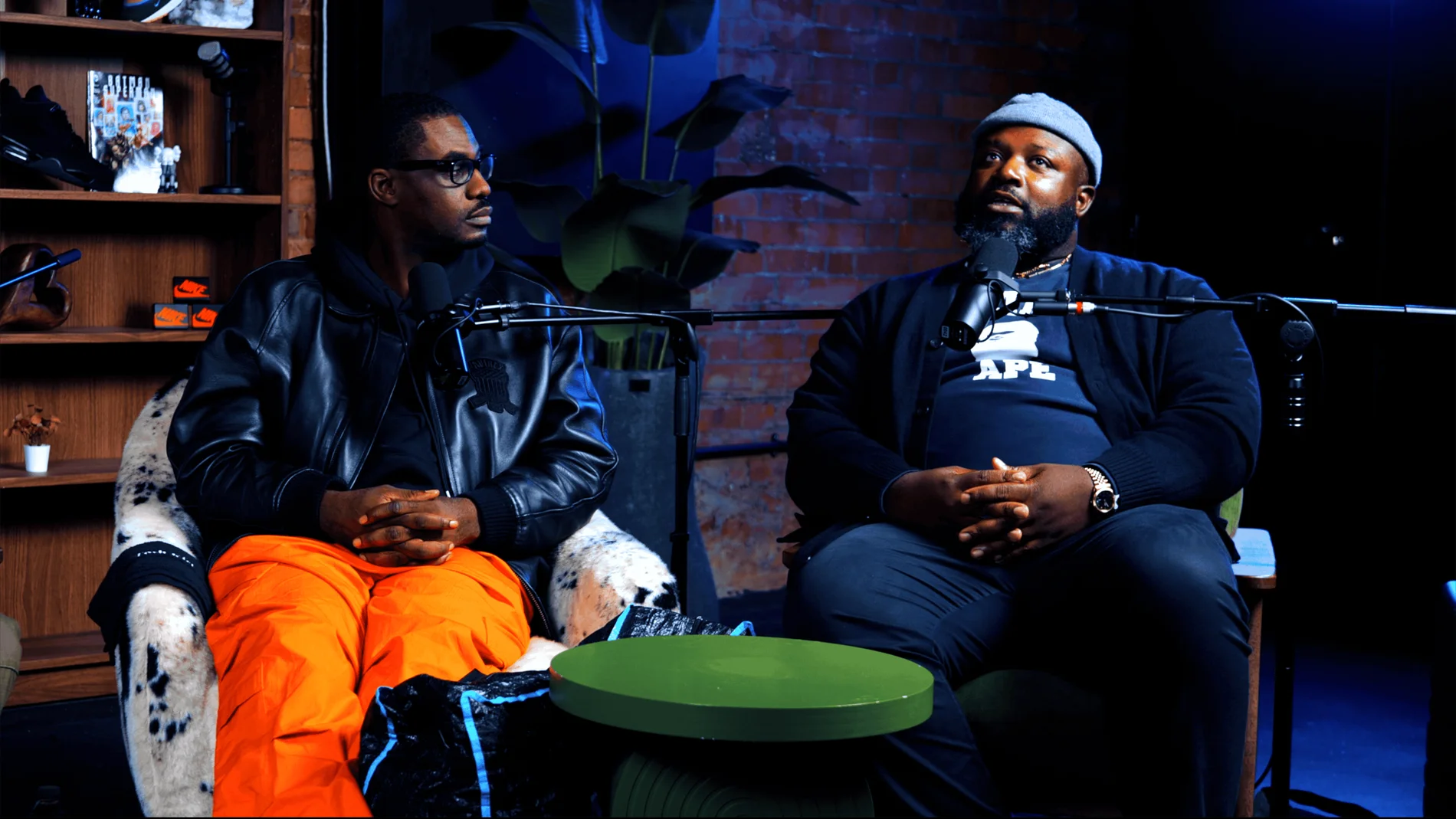
Pulse Lounge at Finchley Studios. Enquire about Pulse Lounge.
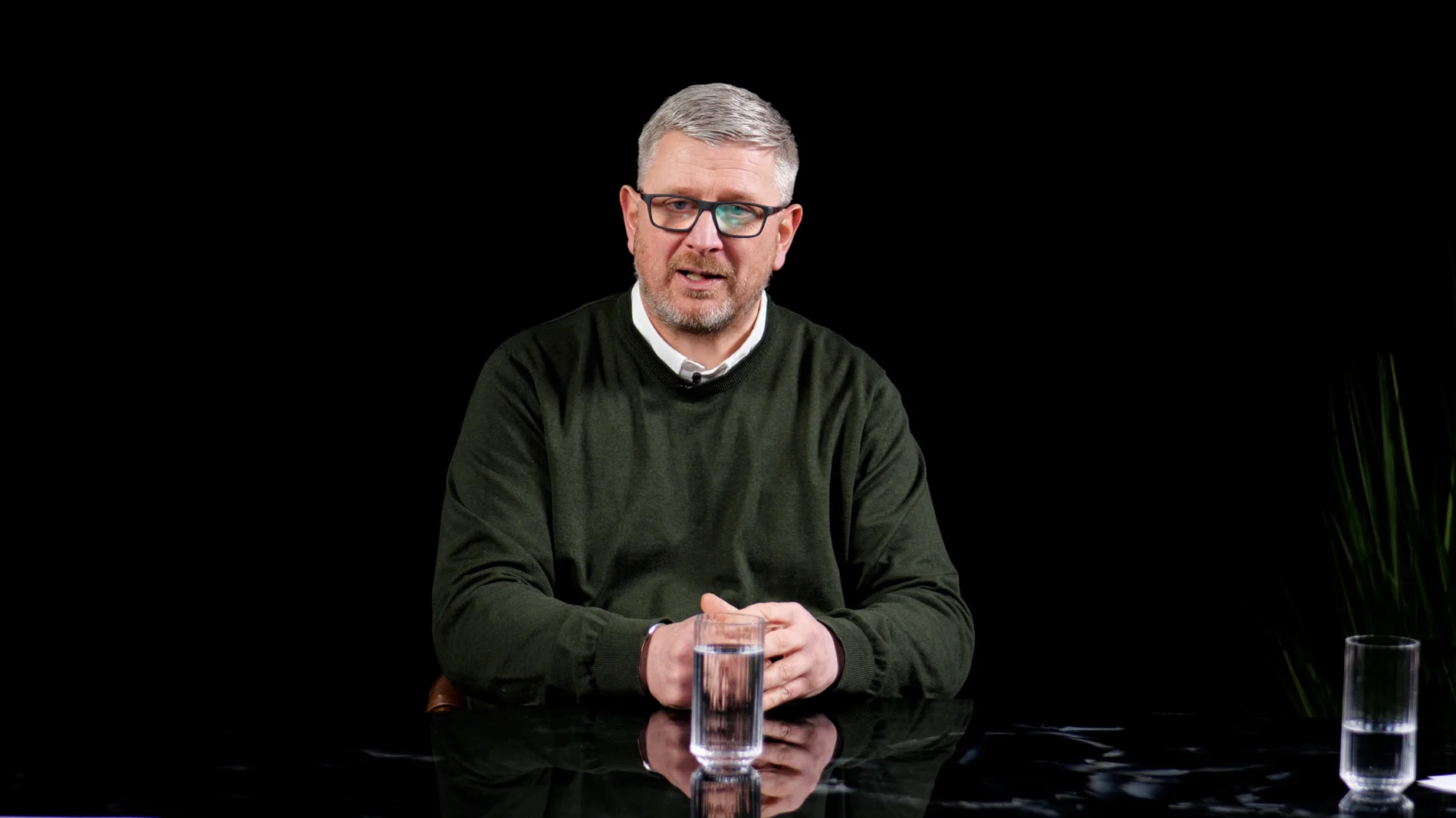
Roundtable at Finchley Studios. Enquire about Roundtable.
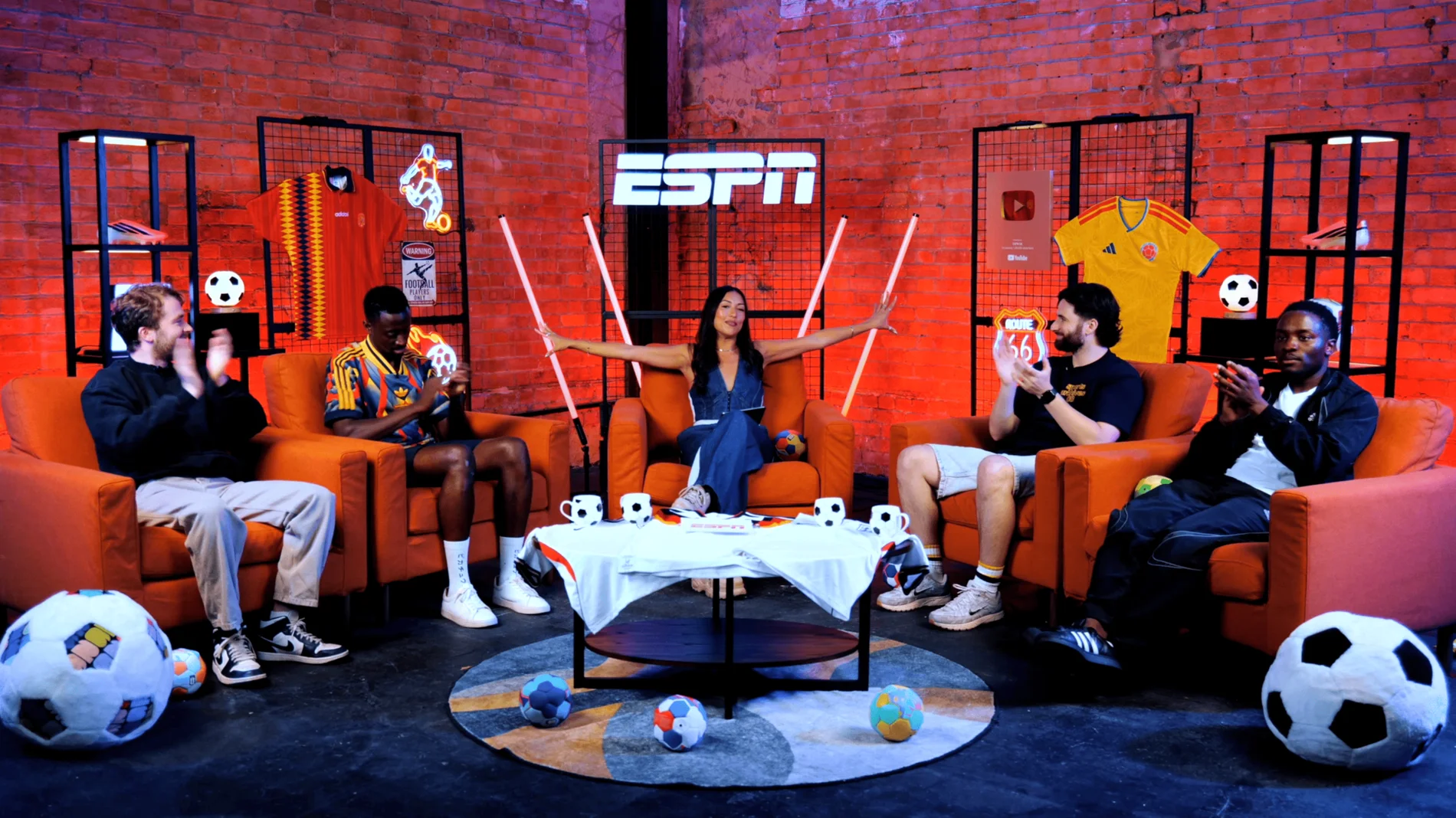
The Brick Studio at Finchley Studios. Enquire about The Brick Studio.
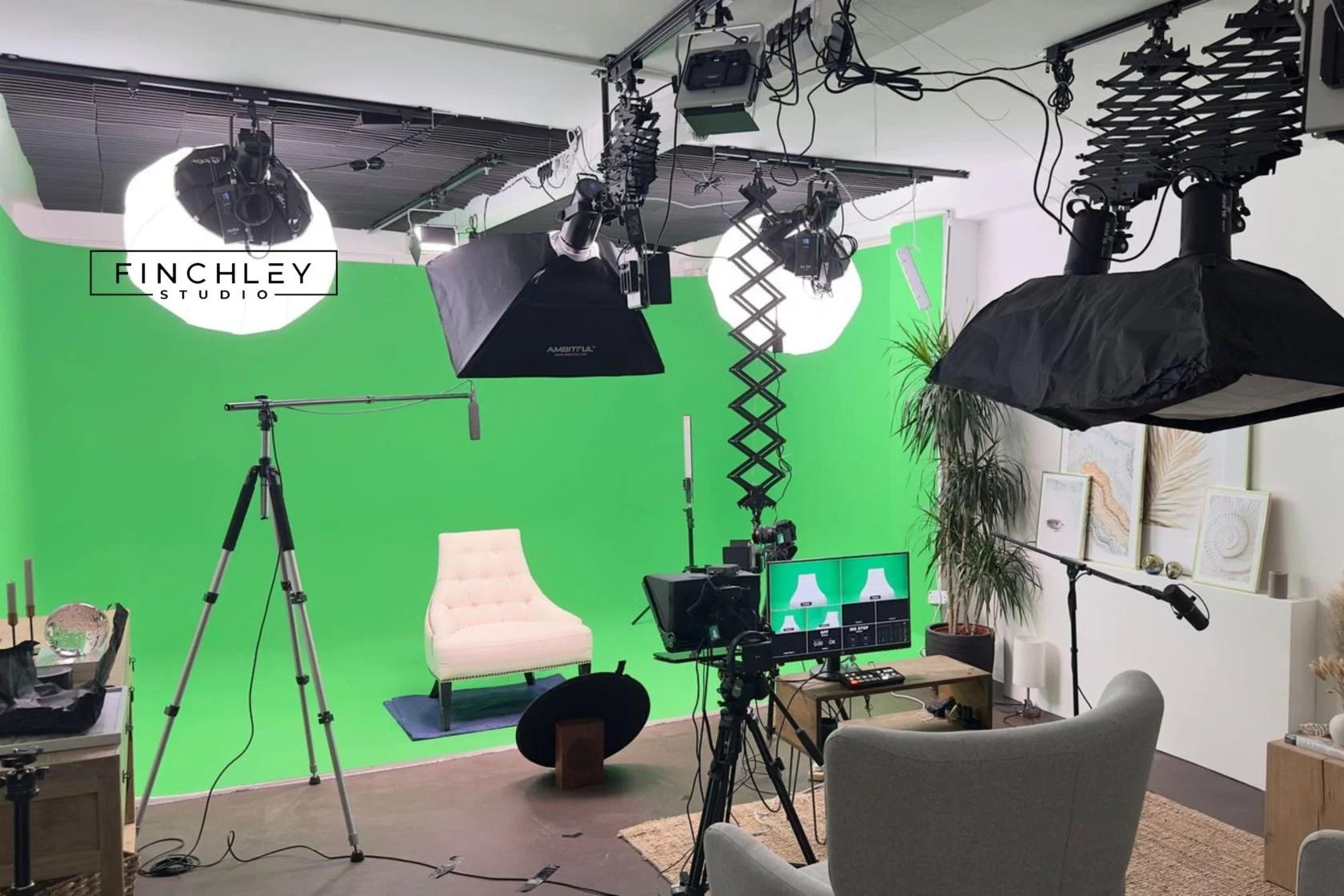
Green Screen Cove at Finchley Studios. Book Green Screen Cove.
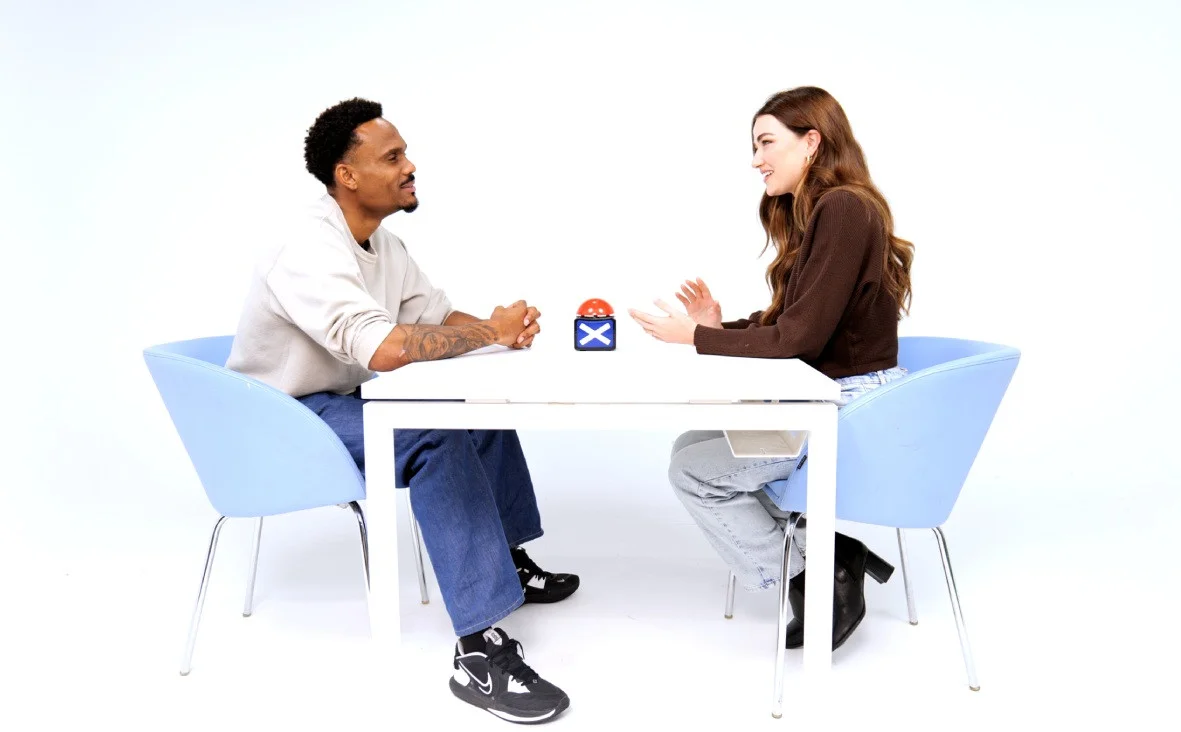
Giant White Infinity Cove at Finchley Studios. Enquire about Giant White Infinity Cove.
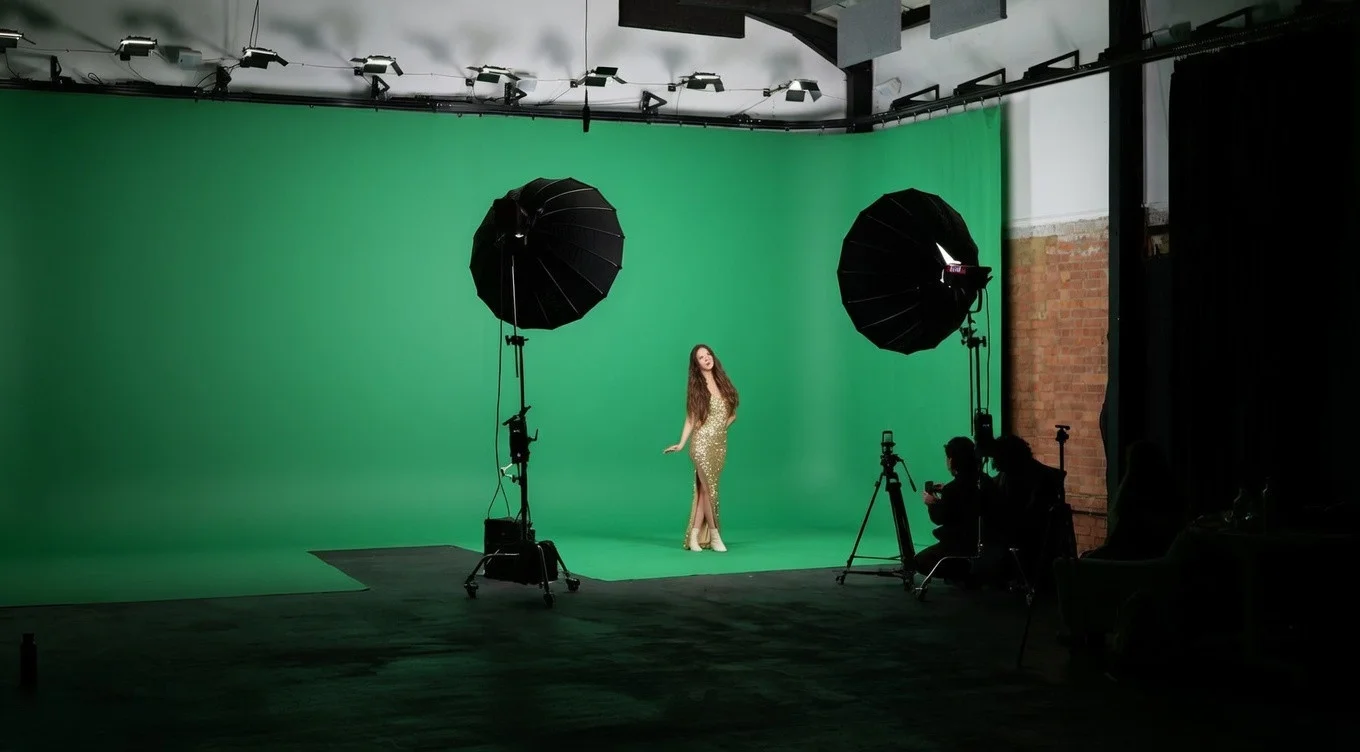
Giant Green Screen at Finchley Studios. Enquire about Giant Green Screen.
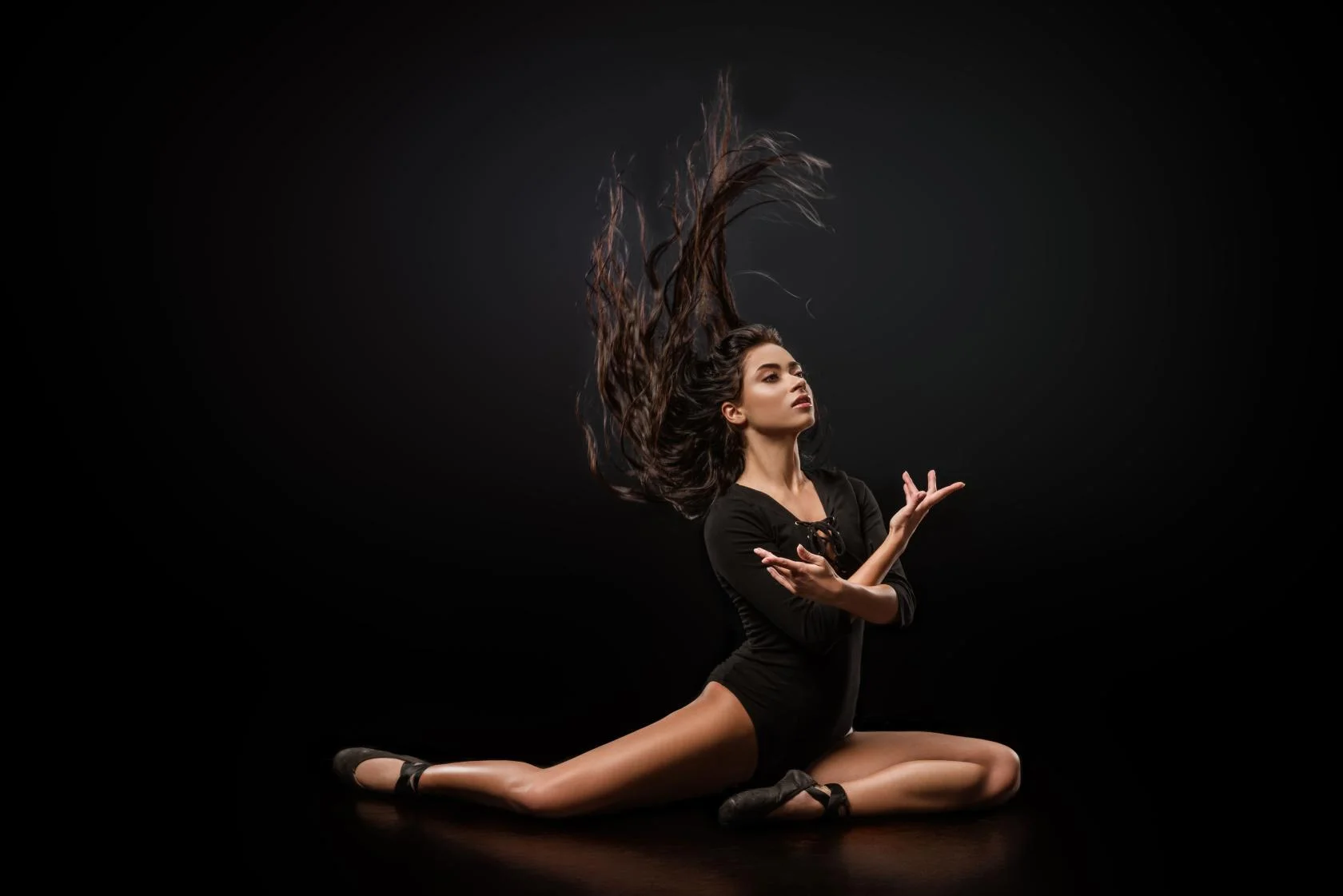
Blackout at Finchley Studios. Book Blackout.
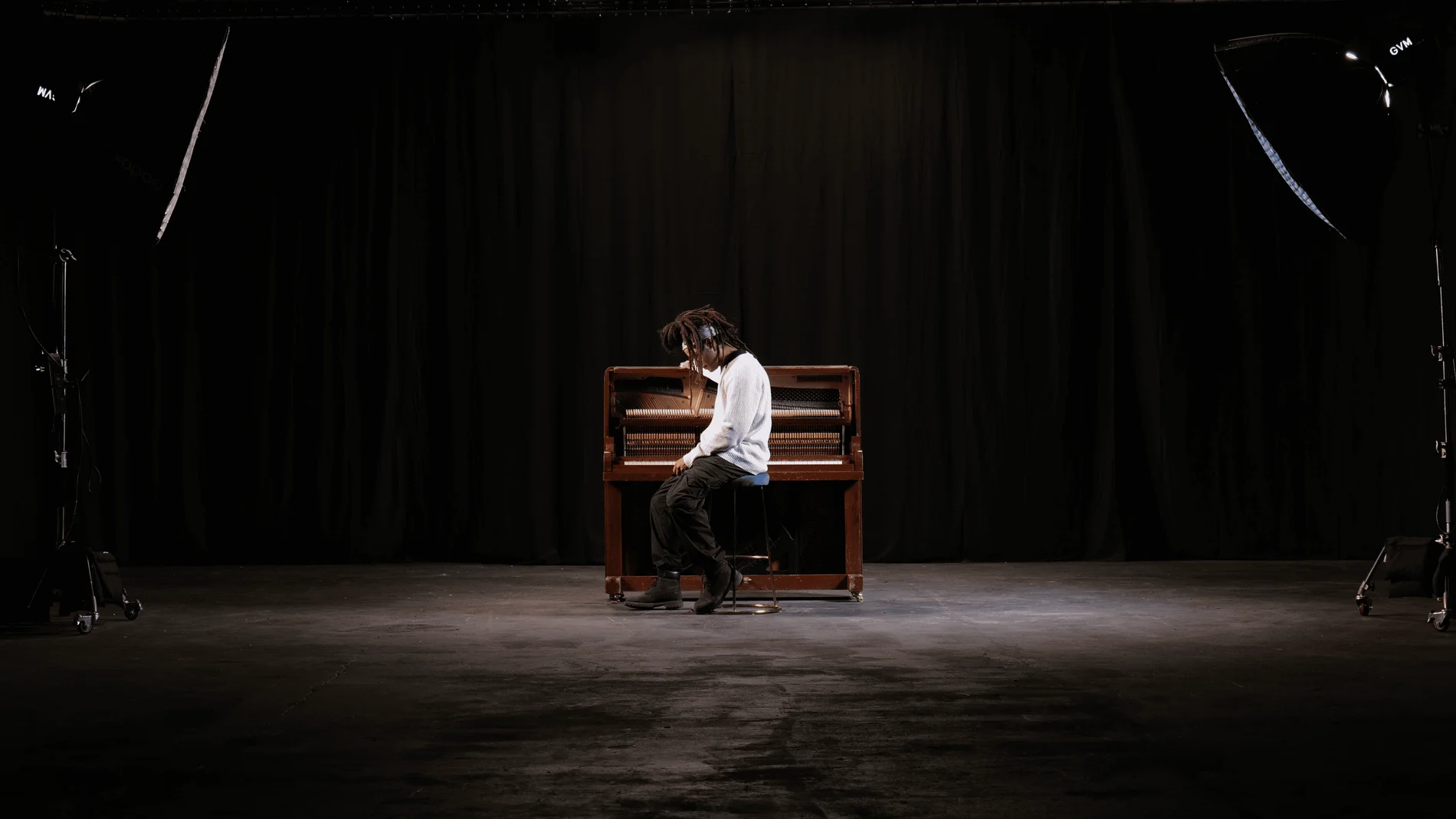
Giant Blackout at Finchley Studios. Enquire about Giant Blackout.
Plan your Finchley recording
Explore our podcast studio in London to compare sets and production support. Send your brief to the Finchley team with your preferred date, guest count and required outputs.