A product demonstration in a video podcast needs a short, visible action with a clear purpose. Explain the problem, show the relevant step and describe the result aloud. Plan the camera coverage and edit before recording so the demonstration serves both viewers and people listening without the picture.
Choose one action worth showing
Select the feature or task that answers the episode's question. Avoid trying to demonstrate every capability in one segment. Write a simple sequence: starting state, action, observable result and any limitation the audience needs to understand.
The launch guide helps connect this sequence to the wider story. Keep objective claims within approved evidence. CAP's advertising rules require substantiation for claims that consumers would regard as factual.
Send the object or screen requirements in advance
Tell the studio about product size, surfaces, movement, connections and handling needs. A reflective object, a tiny label and a software screen need different visual approaches. Ask how the important detail will be captured rather than assuming a conversation camera can resolve it automatically.
Use the camera guide to plan a useful close-up alongside the speaker view. If the demonstration needs a separate recording, include it in the schedule and editing scope.
Make the result understandable in audio
Describe the key action and change in ordinary language. Replace “you can see it there” with an explanation of what happened. W3C's media guidance addresses description of important visual information.
Do not read every button or decorative detail unless it matters to the explanation. Where the task cannot be communicated effectively in audio, commission an appropriate audio alternative rather than leaving listeners with a long unexplained visual segment.
| Before the take | Check to perform |
|---|---|
| Starting state | Is the product ready for the same sequence each time? |
| Picture | Can the important action be seen clearly? |
| Sound | Will handling or equipment noise obscure speech? |
| Words | Are claims and limitations approved? |
| Reset | Can another take be recorded without confusion? |
Rehearse the action with the technical team
Try the sequence slowly, checking hand positions, framing and focus. Keep labels and screens visible where required. Identify when the host should pause speaking and when a spoken explanation is essential.
Avoid introducing unapproved liquids, tools or moving equipment as a surprise. Describe handling requirements to the studio so the team can assess the setup. Preserve the same starting state for pickups where continuity matters.
Plan the edit and promotional extracts
Supply approved screen recordings, graphics and any required permissions through the branding brief. The visuals guide covers overlays and supporting slides.
Check the final result on a small screen as well as the review monitor. Confirm that a shorter clip still includes the context and limitations needed to understand the demonstration. Keep the original sources until the production is approved and identify which take contains the final version of the action and explanation.
Planning this at Finchley Studios
Finchley's Giant White Infinity Cove is presented for commercial and product productions. It is one option to discuss if the demonstration needs a separate setup from a seated podcast conversation.
Send dimensions, reference images and the exact action before requesting a quote. Ask whether one location can support both parts or whether additional setup time, equipment and post-production are required. Confirm the relevant Warehouse booking arrangements and venue address. Do not assume a product close-up, screen capture, operator or additional edited version is included merely because you have hired a podcast recording package.
A client recording from Finchley Studios
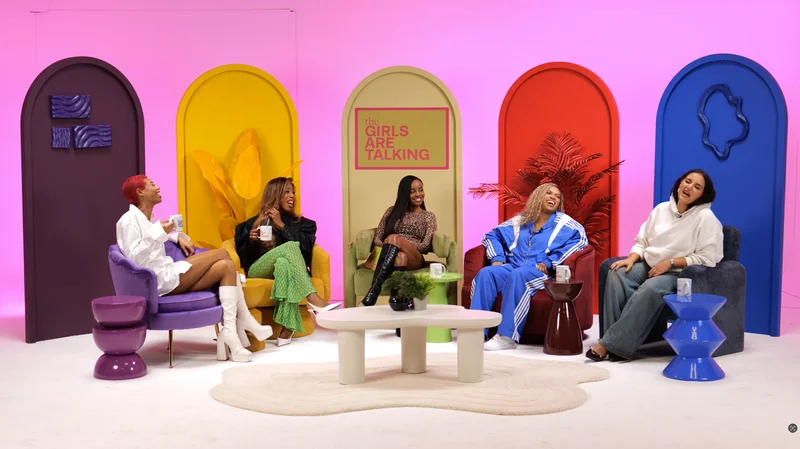
From our client recording collection: Total Fitness.
Continue planning your recording
- How Many Cameras Do You Need for a Video Podcast?
- How to Brand a Hired Podcast Studio Set
- How to Plan a Product Launch Podcast
- How to Use Slides, Charts and Screens in a Video Podcast
For the full series, explore our podcast studio booking guide.
Explore all 12 Finchley sets
Compare the looks below, then follow the booking or enquiry link for your preferred set. Confirm the recording package, guest capacity and location for your session.
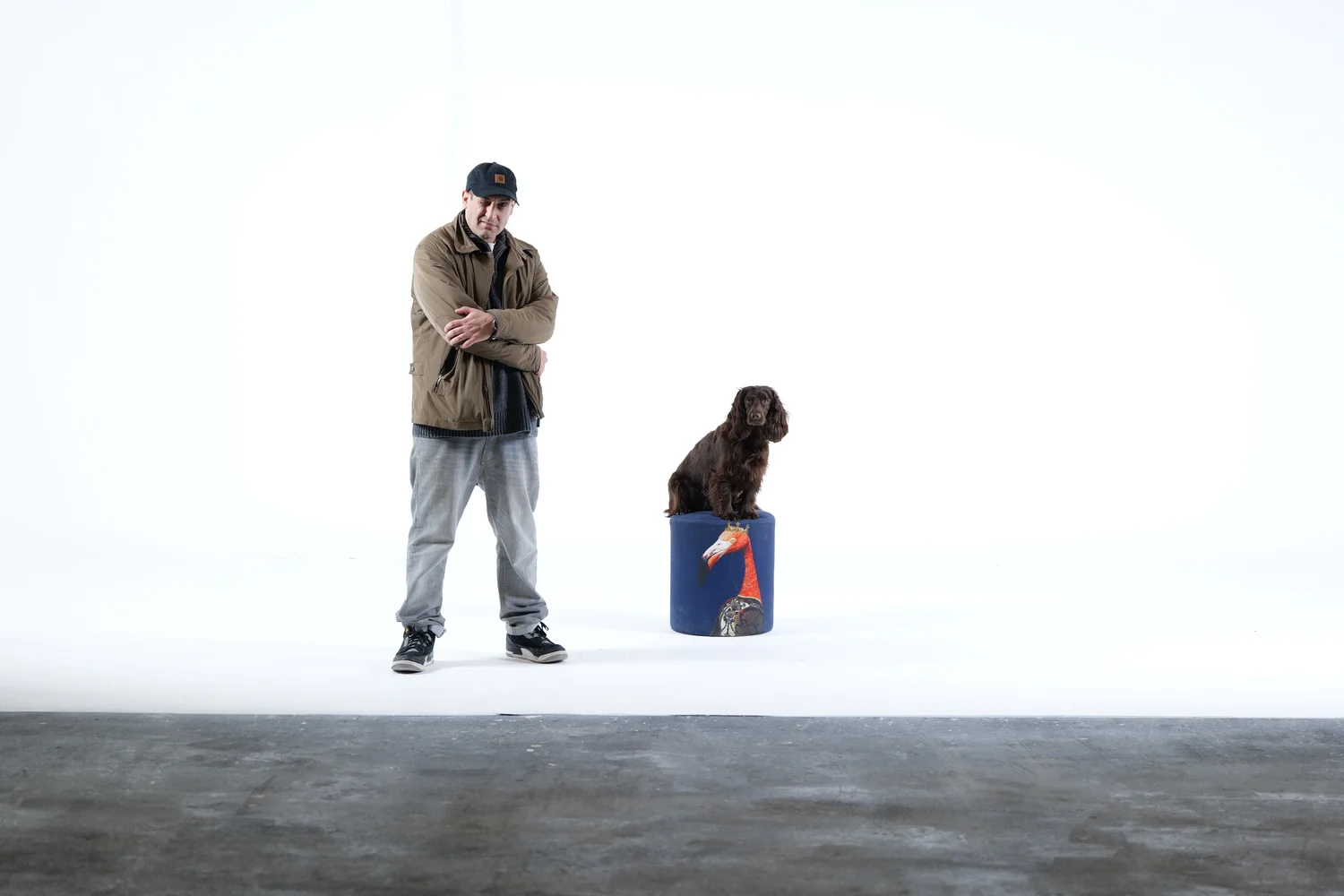
Giant White Infinity Cove at Finchley Studios. Enquire about Giant White Infinity Cove.
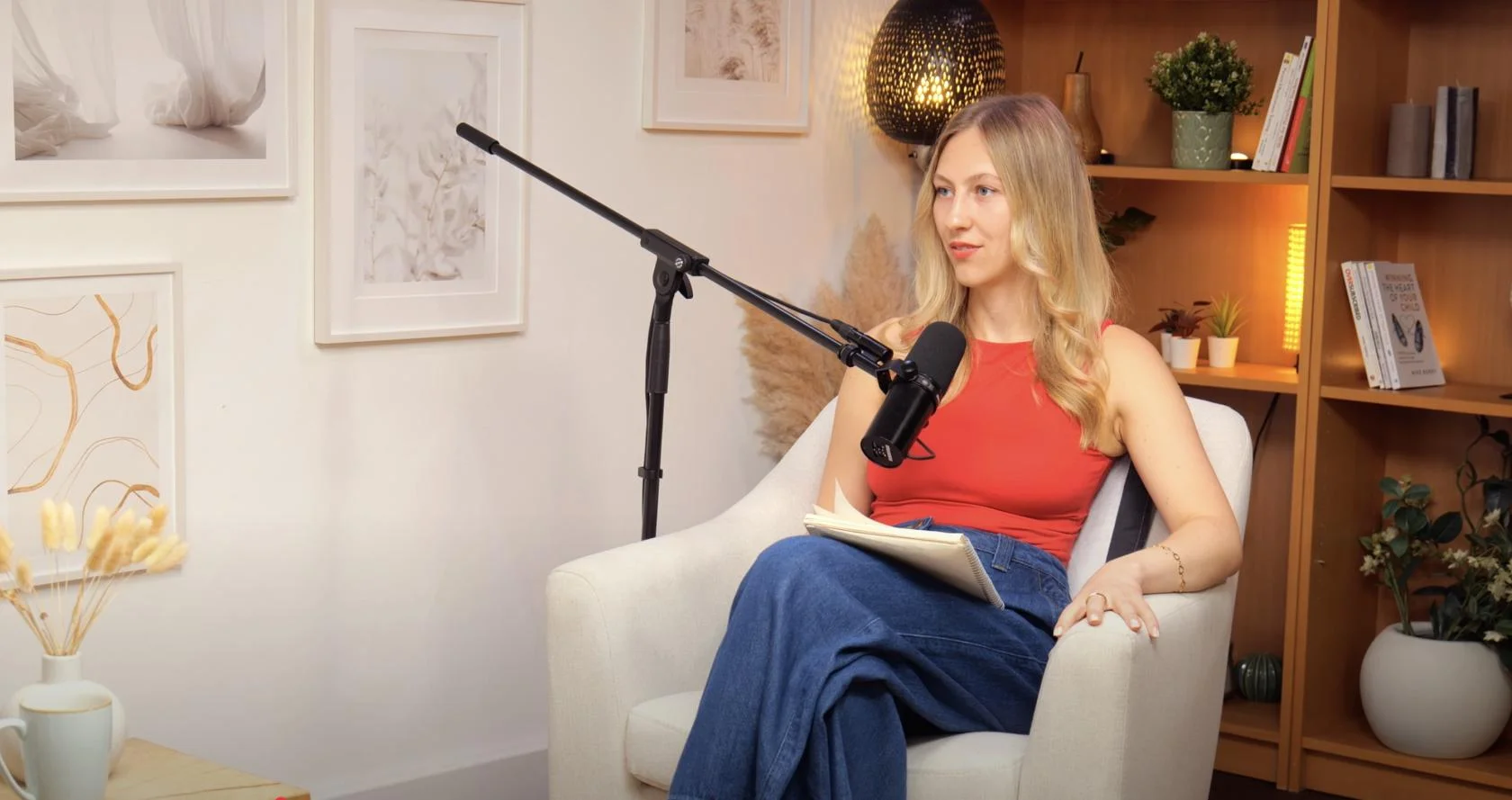
Dialogue at Finchley Studios. Book Dialogue.
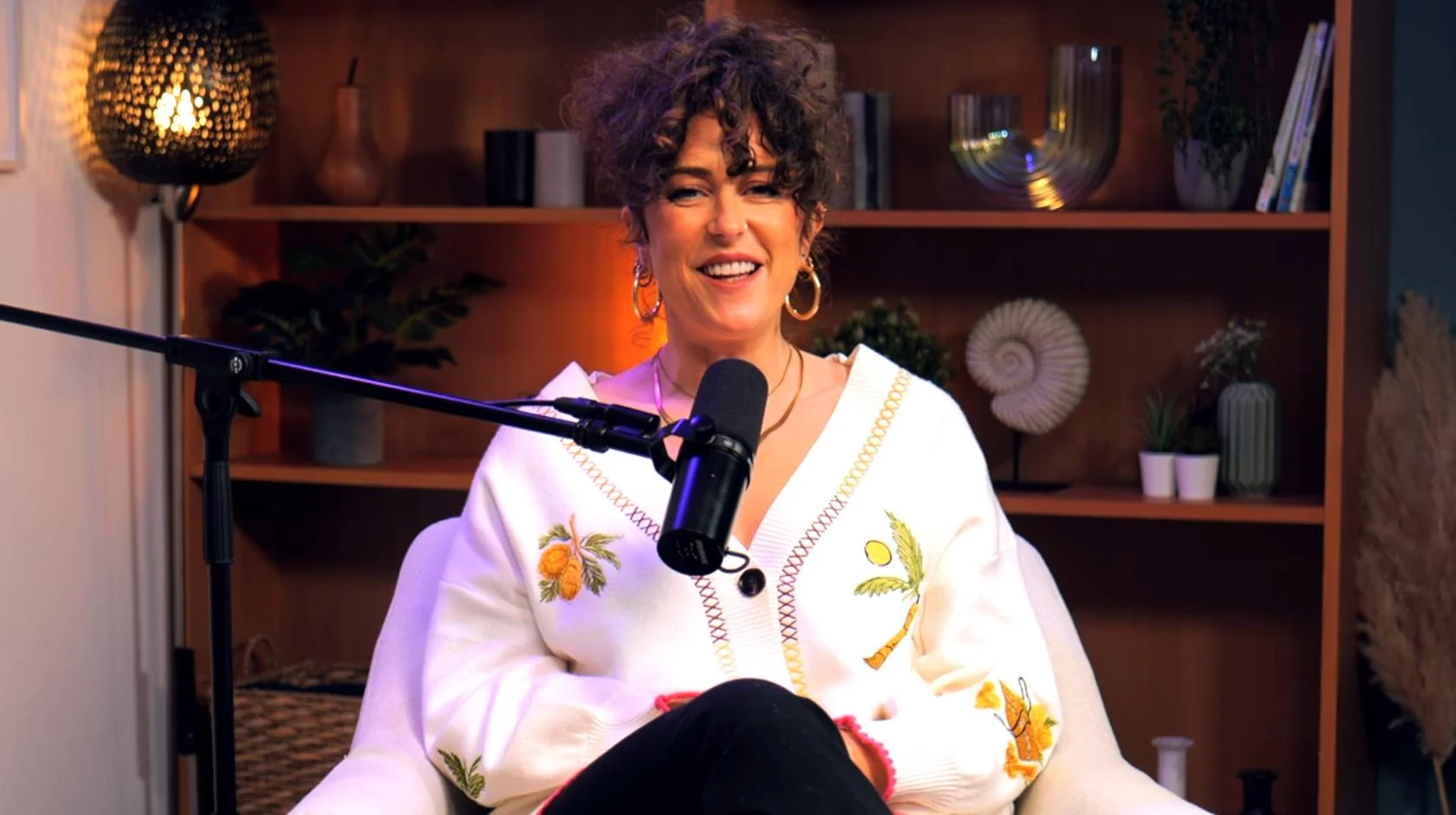
Lounge at Finchley Studios. Book Lounge.
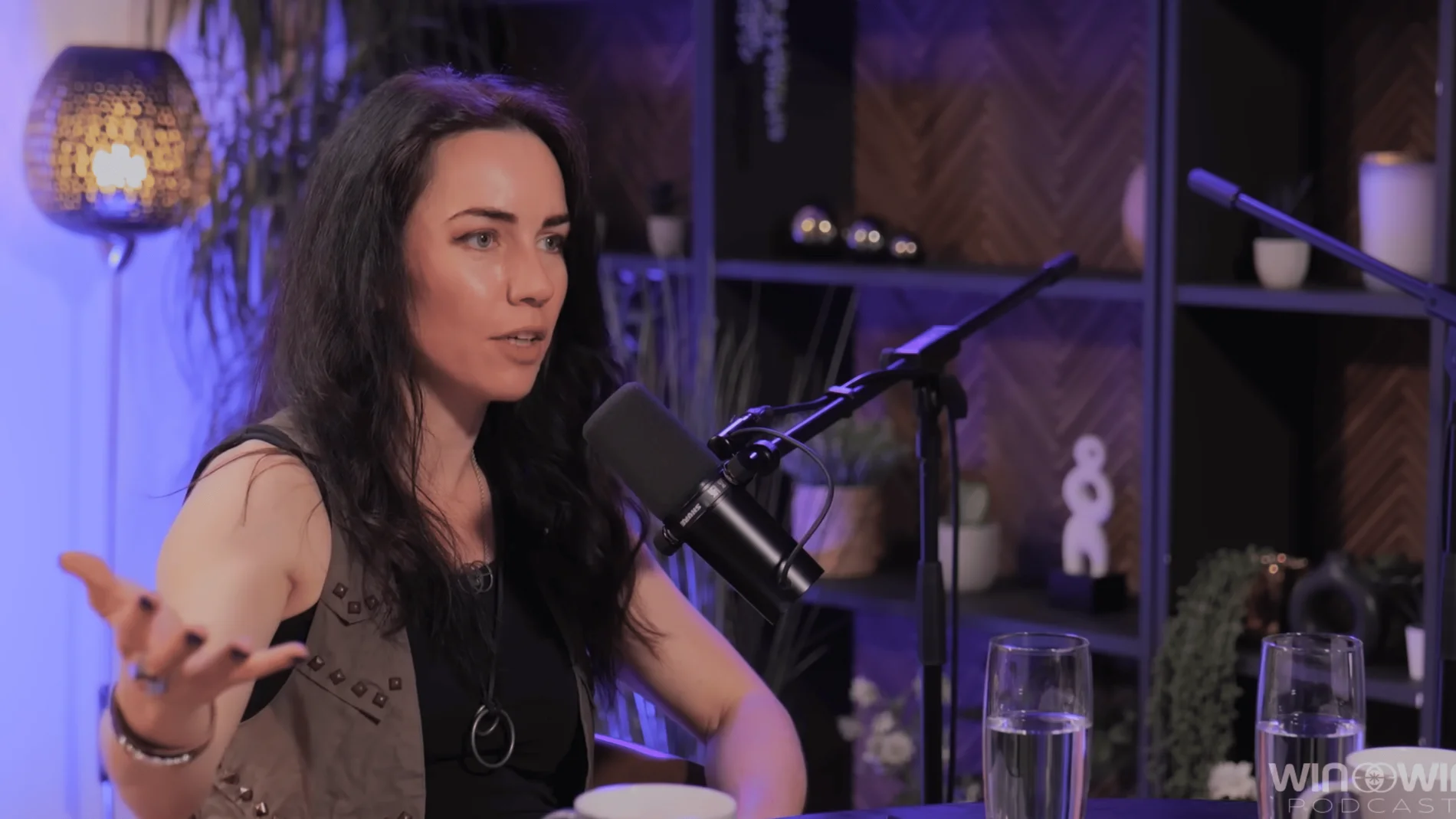
CEO at Finchley Studios. Book CEO.
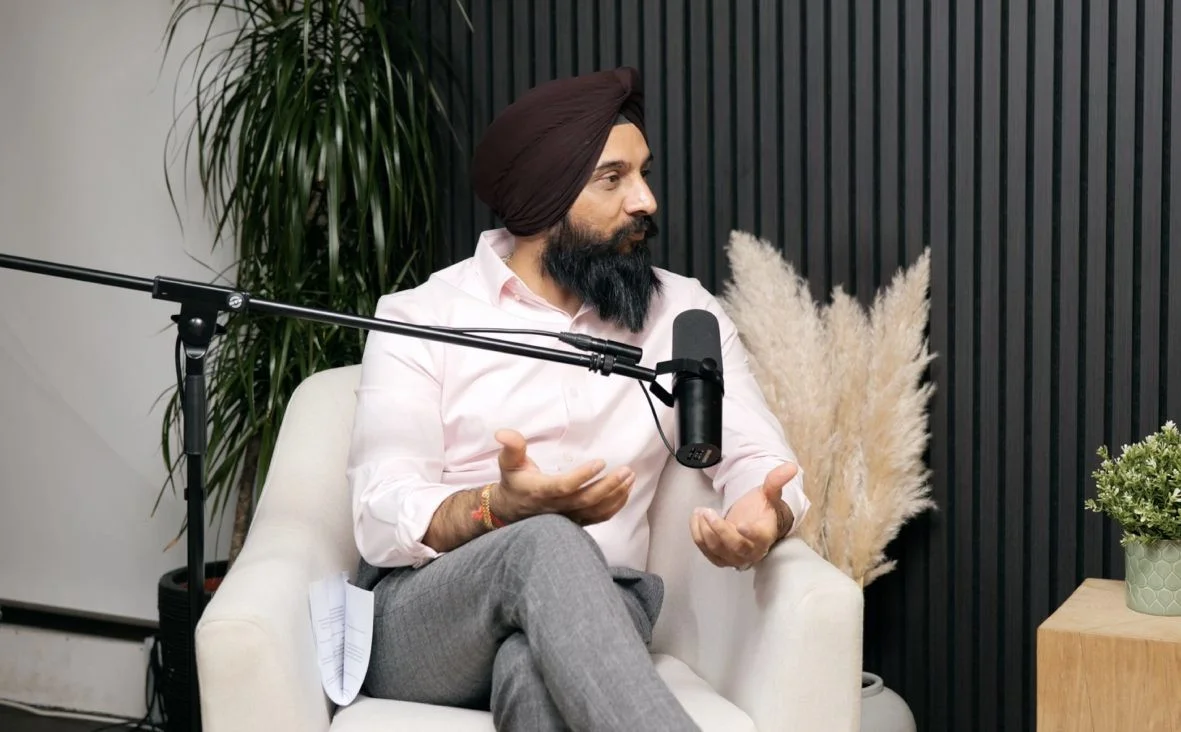
Blackwood at Finchley Studios. Book Blackwood.
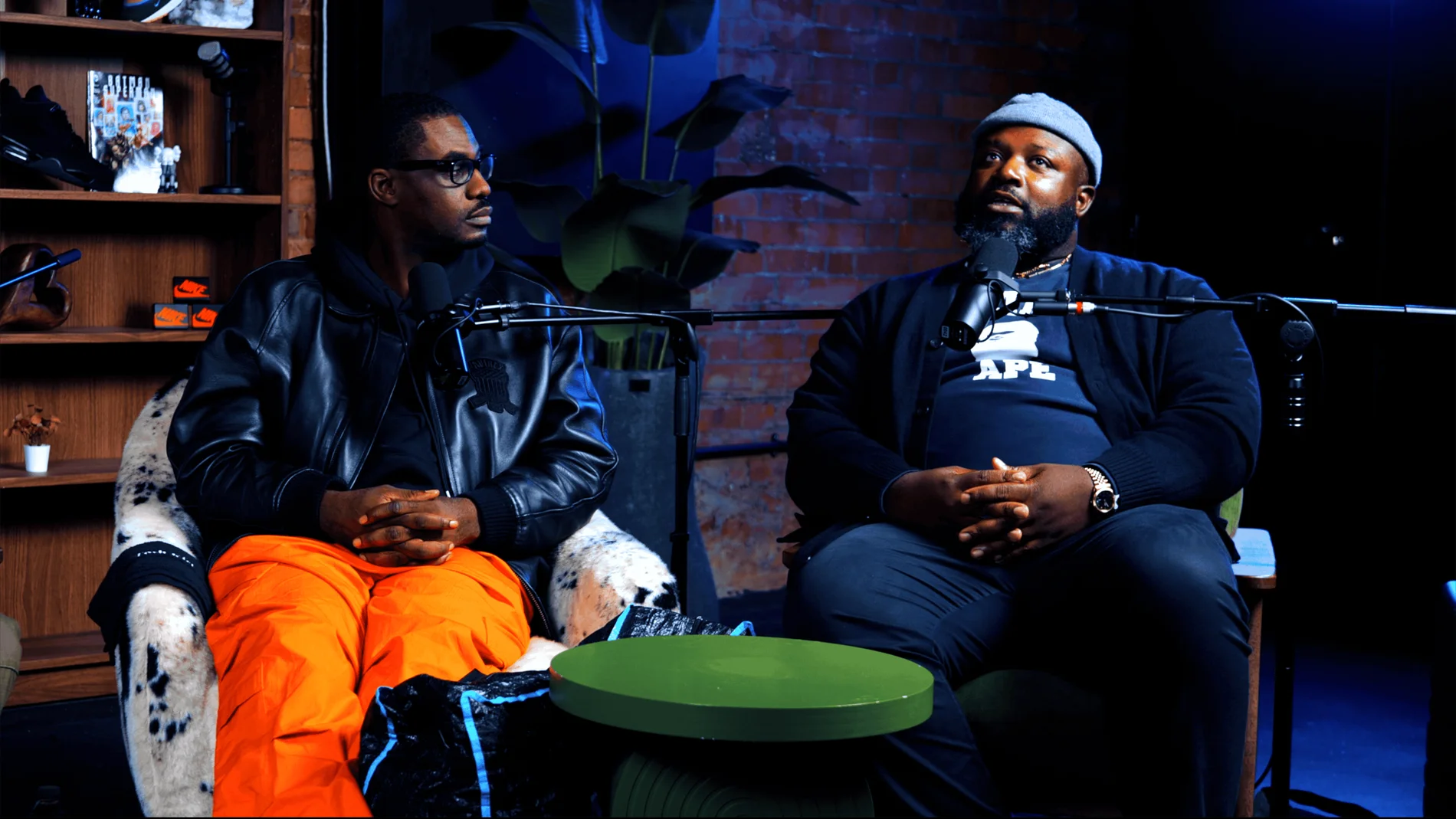
Pulse Lounge at Finchley Studios. Enquire about Pulse Lounge.
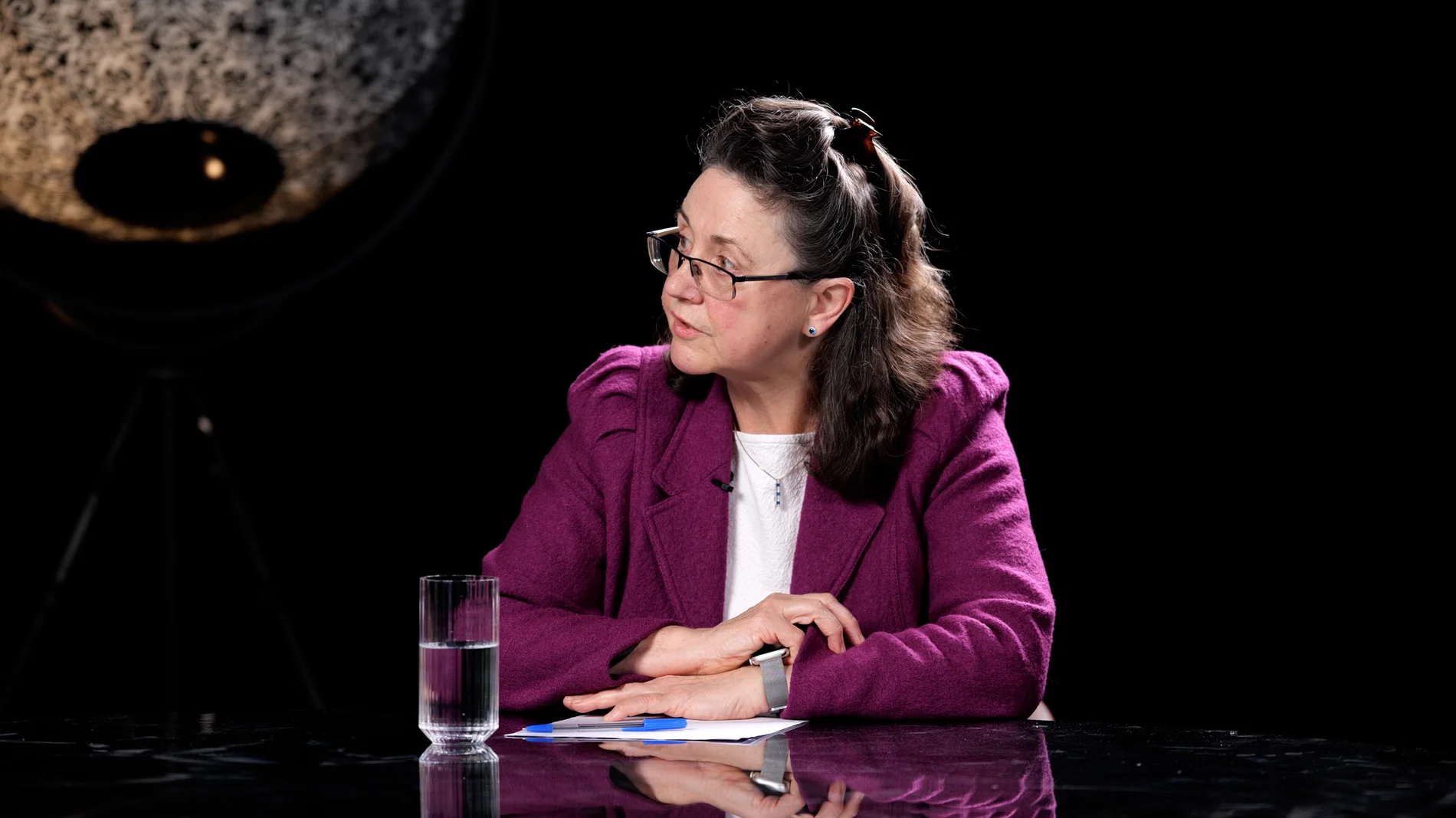
Roundtable at Finchley Studios. Enquire about Roundtable.
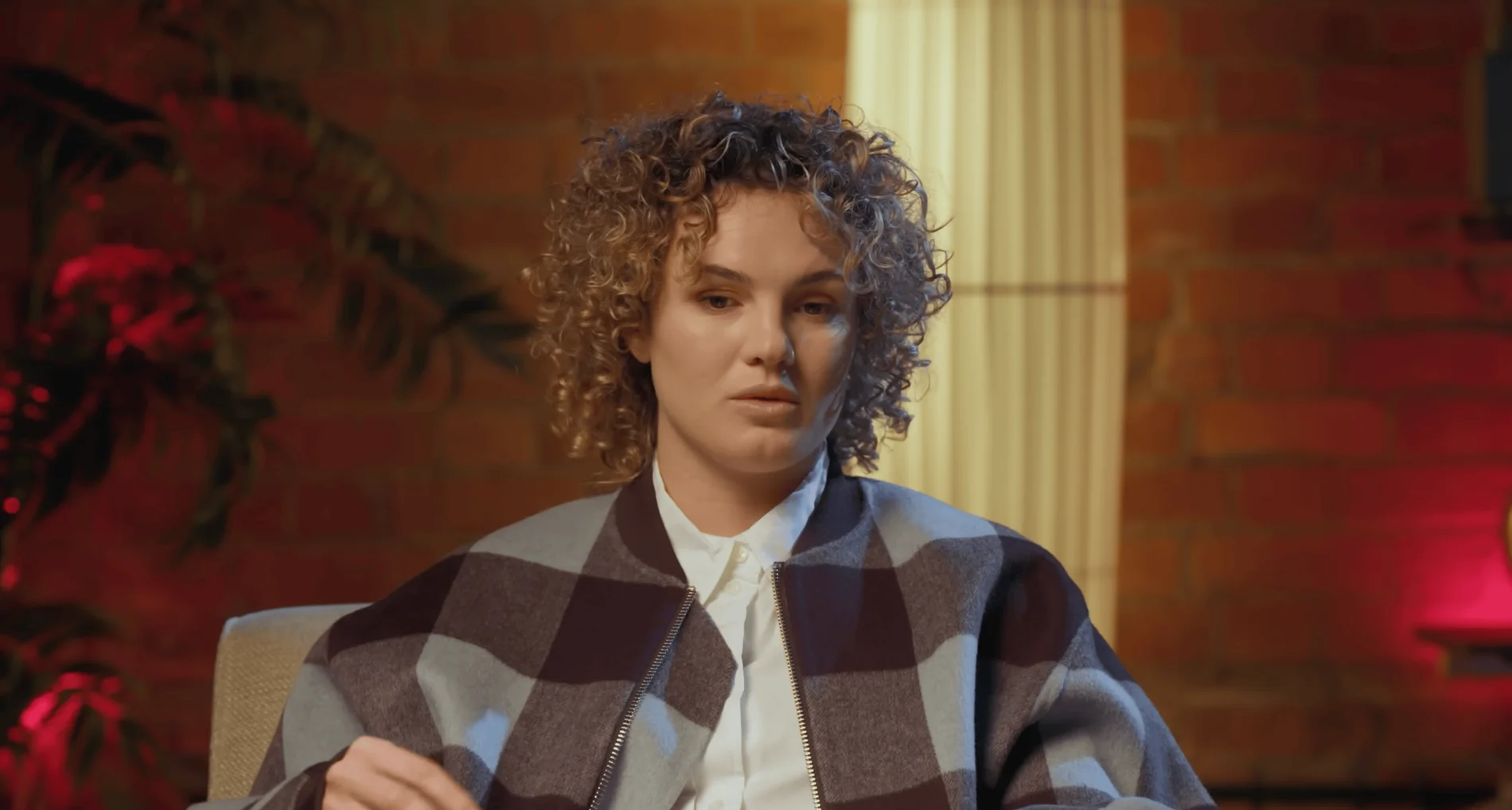
The Brick Studio at Finchley Studios. Enquire about The Brick Studio.
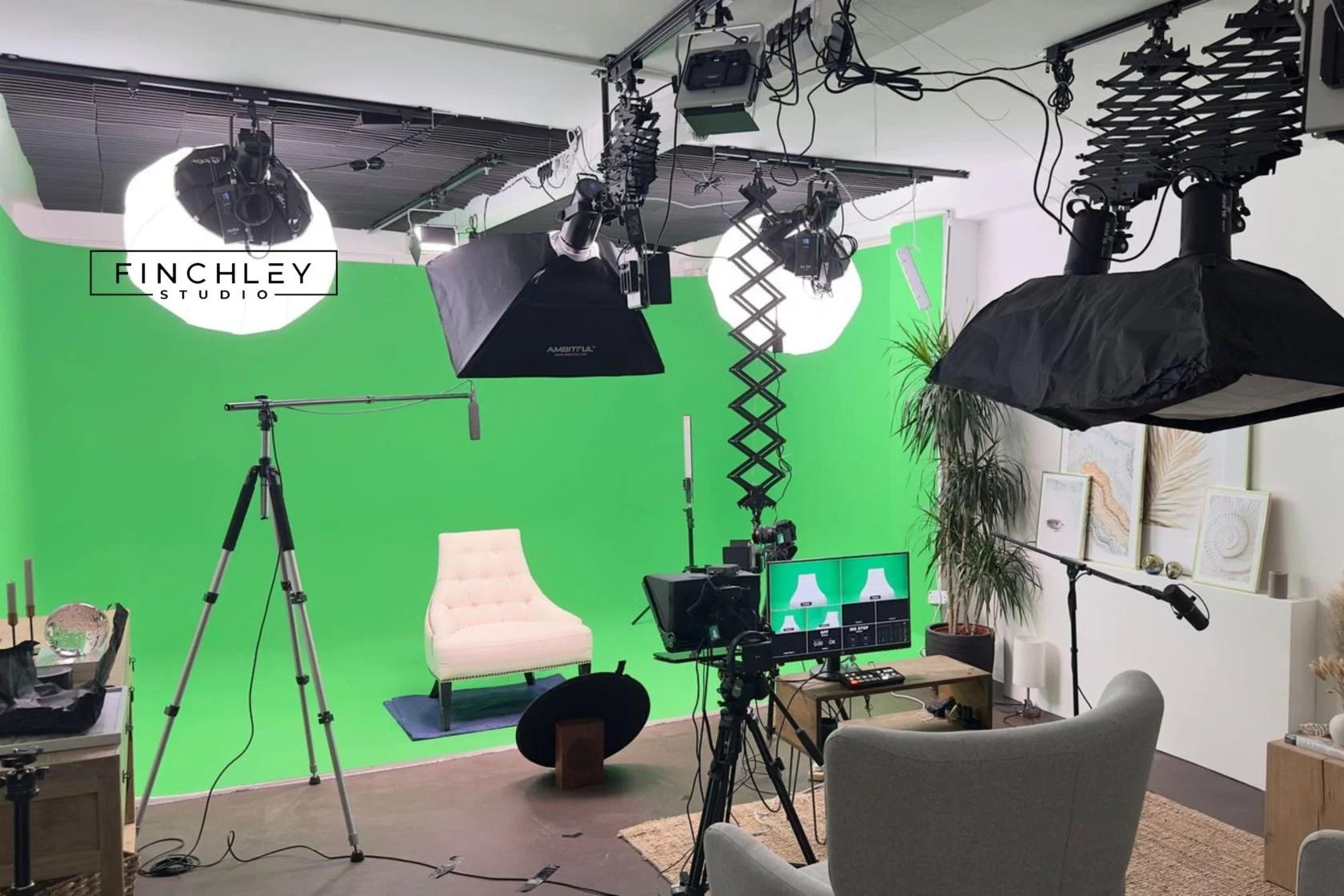
Green Screen Cove at Finchley Studios. Book Green Screen Cove.
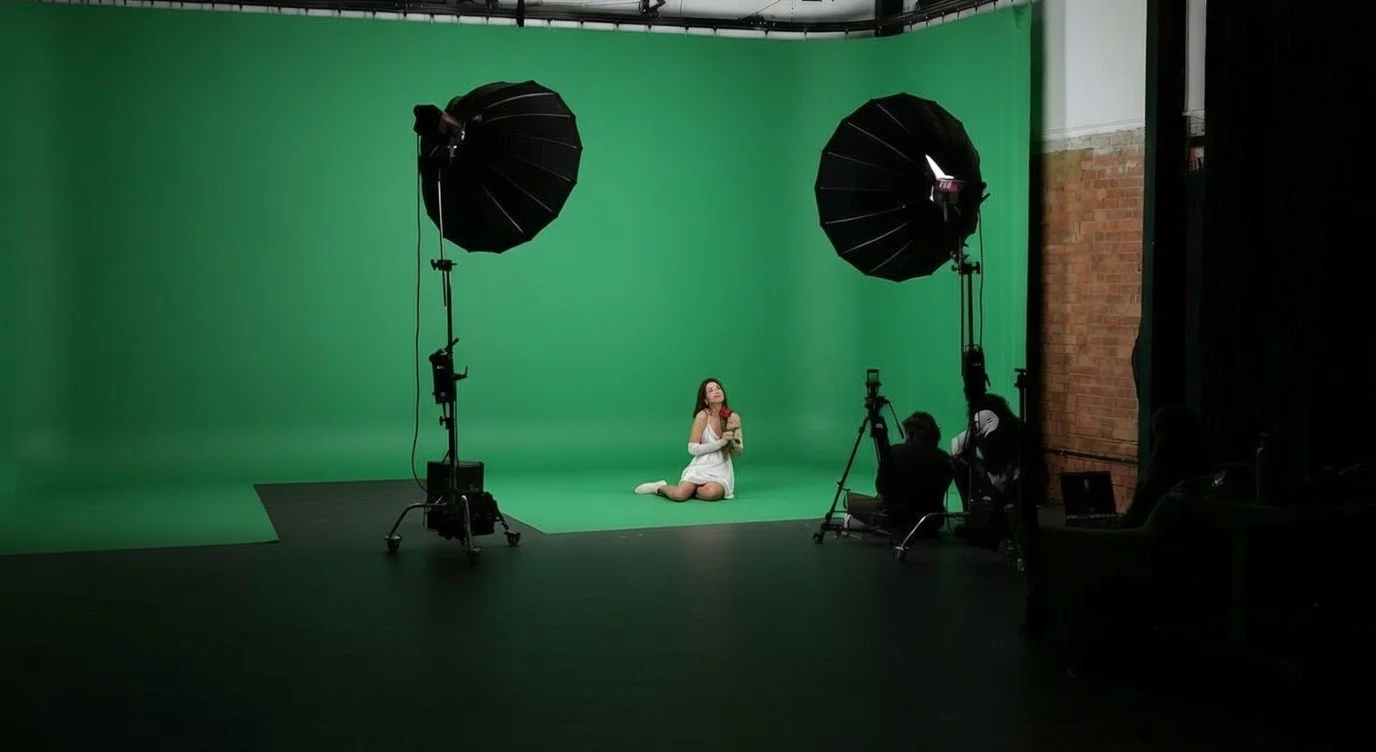
Giant Green Screen at Finchley Studios. Enquire about Giant Green Screen.
Blackout at Finchley Studios. Book Blackout.
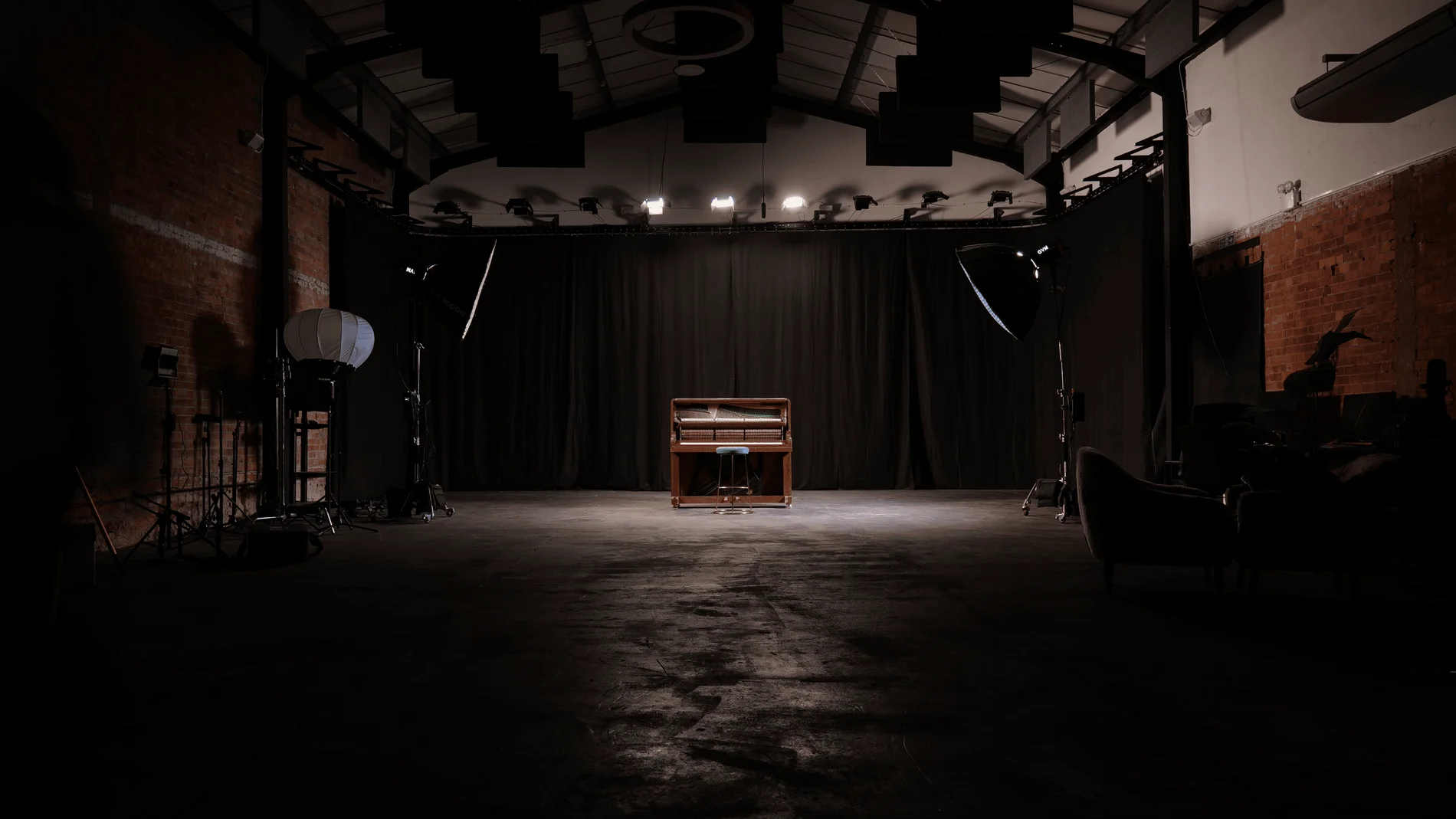
Giant Blackout at Finchley Studios. Enquire about Giant Blackout.
Plan your Finchley recording
Explore our Finchley Studios to compare sets and production support. Send your brief to the Finchley team with your preferred date, guest count and required outputs.