A podcast recorded in front of an audience needs an event plan as well as a recording plan. Confirm the venue's suitability, the number of people, amplification, recording sources and audience participation process. A room that works for a small filmed discussion should not be assumed to support a larger audience without a separate assessment.
Confirm the audience arrangement first
Describe the proposed audience, performers, crew and observers separately. Discuss seating, access, circulation, facilities and emergency arrangements with the venue. HSE's crowd-management guidance identifies planning and clear responsibilities as essential parts of crowd safety.
Do not calculate an audience capacity from a photograph or a floor area. Ask the venue to confirm the arrangement it can support. Use the insurance planning guide to identify questions for the venue and your appropriate adviser.
Separate room sound from the recorded programme
The people in the room may need amplified sound, while the podcast needs understandable recorded dialogue. Ask who designs and operates each part and whether the recording will include individual microphones, a programme mix and appropriate audience sound.
Shure explains that equalisation cannot rescue a poorly designed sound-reinforcement system. Give the technical team time to test microphones and loudspeakers in the actual layout rather than improvising amplification after attendees arrive.
Plan audience questions deliberately
Decide whether questions are submitted in writing, selected by a moderator or taken with an audience microphone. Explain how participation may be recorded and used. Obtain suitable permissions for selected contributions and offer a practical route for someone who does not want to participate.
Do not assume a ticket or filming notice settles every use of an individual's contribution. Give the producer time to review sensitive material, particularly before live transmission or promotional reuse.
| Production area | What to settle |
|---|---|
| Venue | Approved layout and audience number |
| Sound | Amplification, monitoring and recording responsibility |
| Picture | Speaker coverage and audience filming plan |
| Participation | Question selection, microphones and permissions |
| Handover | Recorded sources, edit scope and release approval |
Distinguish an audience event from livestreaming
A recording with people in the room is not necessarily broadcast live. If transmission is required, add a platform, connectivity, moderation and testing plan. The livestreaming guide covers that additional workflow.
Use the cross-talk guide to agree how panel members and audience contributors take turns. The host should know who can call a pause if sound or participation becomes difficult to manage.
Rehearse the transitions and protect the close
Allow for audience entry, introductions, the discussion, questions and departure. Test applause and audience pickup without assuming they should dominate the finished episode. Keep clear notes about any passage needing review or a clean restatement.
If the programme accompanies an industry event, the conference planning guide helps coordinate guests and organiser permissions. Confirm the complete event quotation and delivery plan before announcing tickets or promising an edit date.
Planning this at Finchley Studios
Finchley's Brick Studio is a Warehouse production space, and its Roundtable description includes live-audience use among its proposed formats. Discuss your event as a specific production rather than treating an ordinary studio booking as audience-event approval.
Send the proposed headcount, seating plan, stage layout and amplification or livestreaming requirements. Ask the team to confirm suitability, capacity, staffing and costs before inviting attendees. The Warehouse is at 22–23 Arcadia Avenue, so use the correct venue information on the final call sheet. Agree audience permissions and recording deliverables alongside the event arrangements.
A client recording from Finchley Studios
From our client recording collection: BBC Sounds.
Continue planning your recording
- Can You Livestream and Record a Podcast at the Same Time?
- Podcast Studio Hire Insurance: Questions for Your Production
- How to Plan Podcast Interviews Around a Conference
- How to Stop Podcast Guests Talking Over Each Other
For the full series, explore our podcast studio booking guide.
Explore all 12 Finchley sets
Compare the looks below, then follow the booking or enquiry link for your preferred set. Confirm the recording package, guest capacity and location for your session.

The Brick Studio at Finchley Studios. Enquire about The Brick Studio.
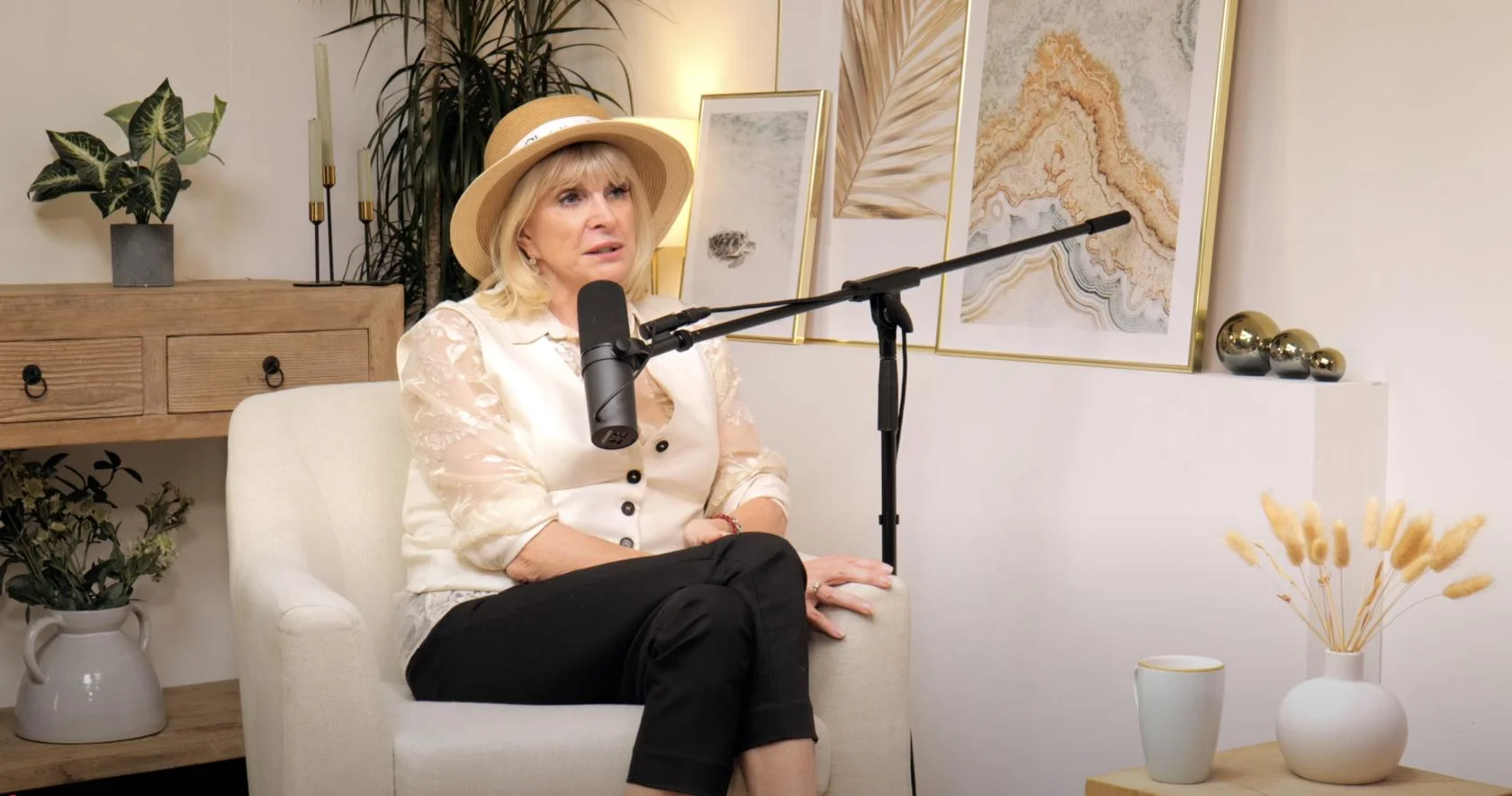
Dialogue at Finchley Studios. Book Dialogue.
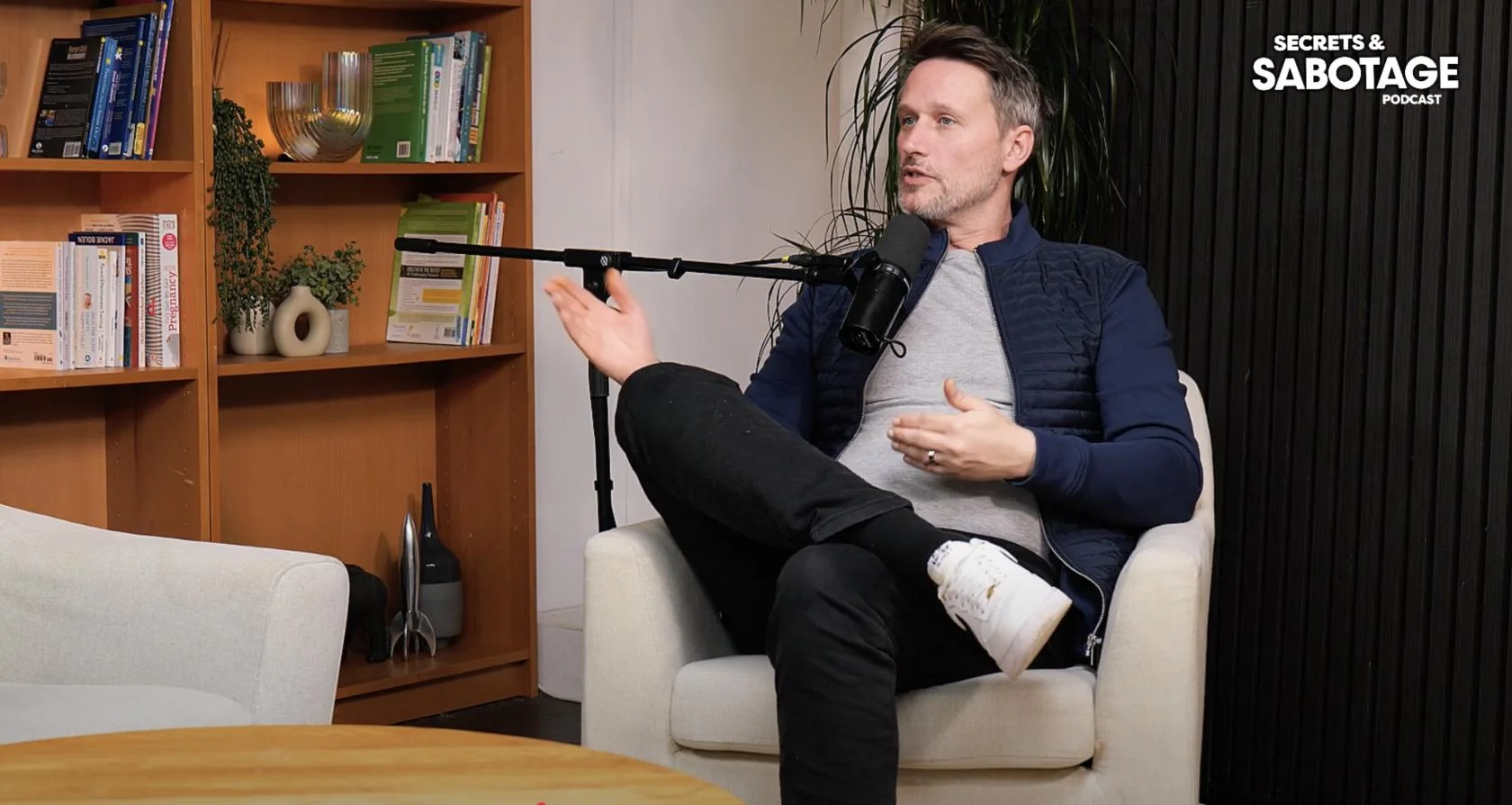
Lounge at Finchley Studios. Book Lounge.
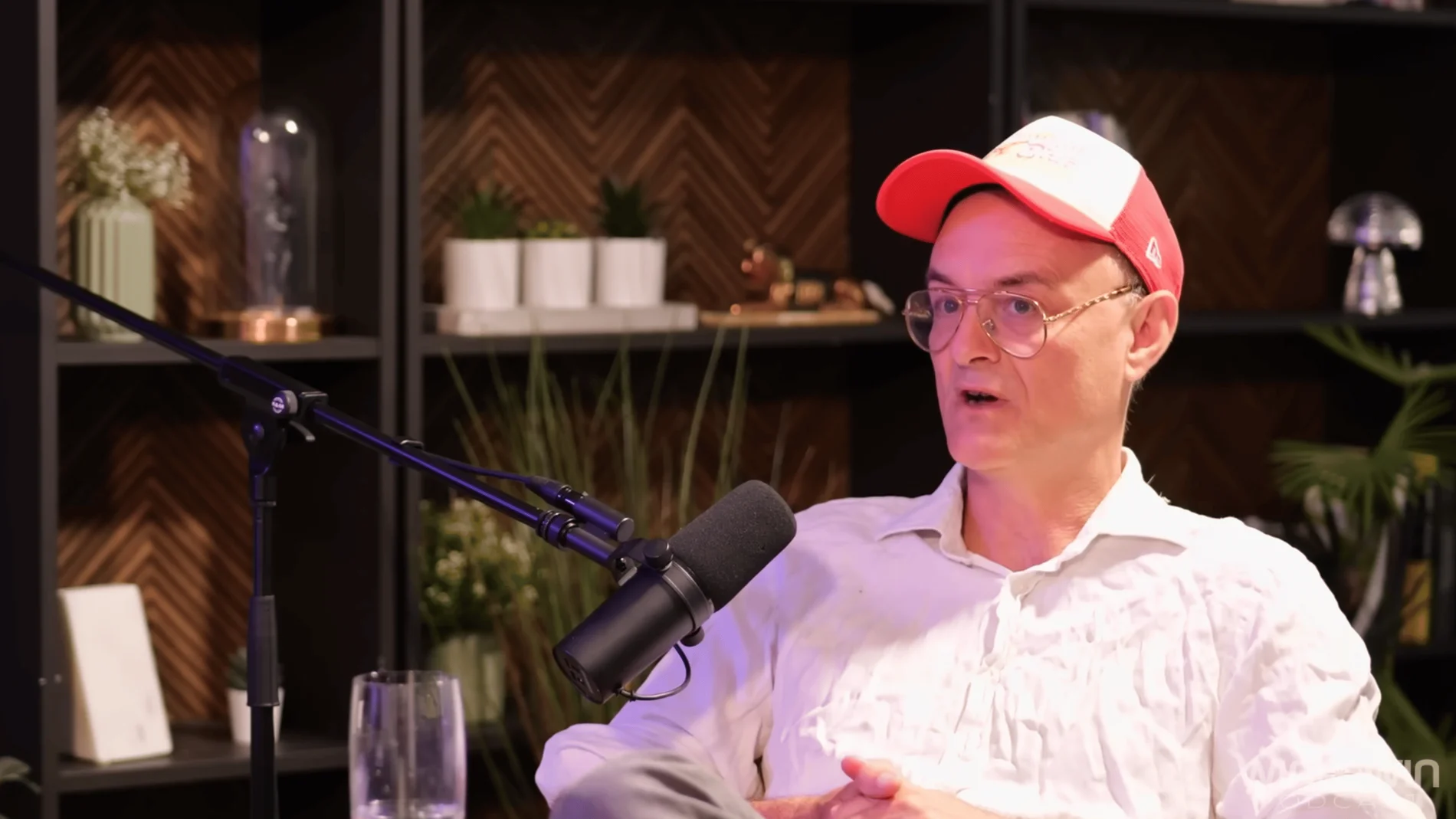
CEO at Finchley Studios. Book CEO.
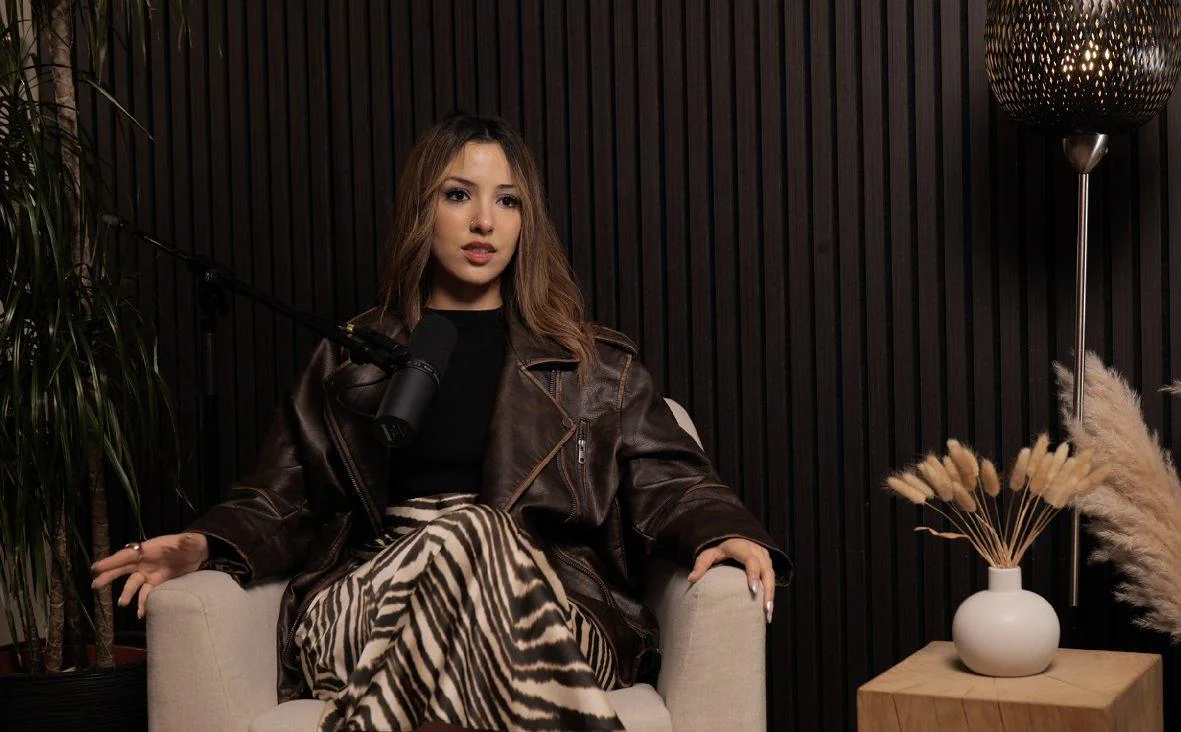
Blackwood at Finchley Studios. Book Blackwood.
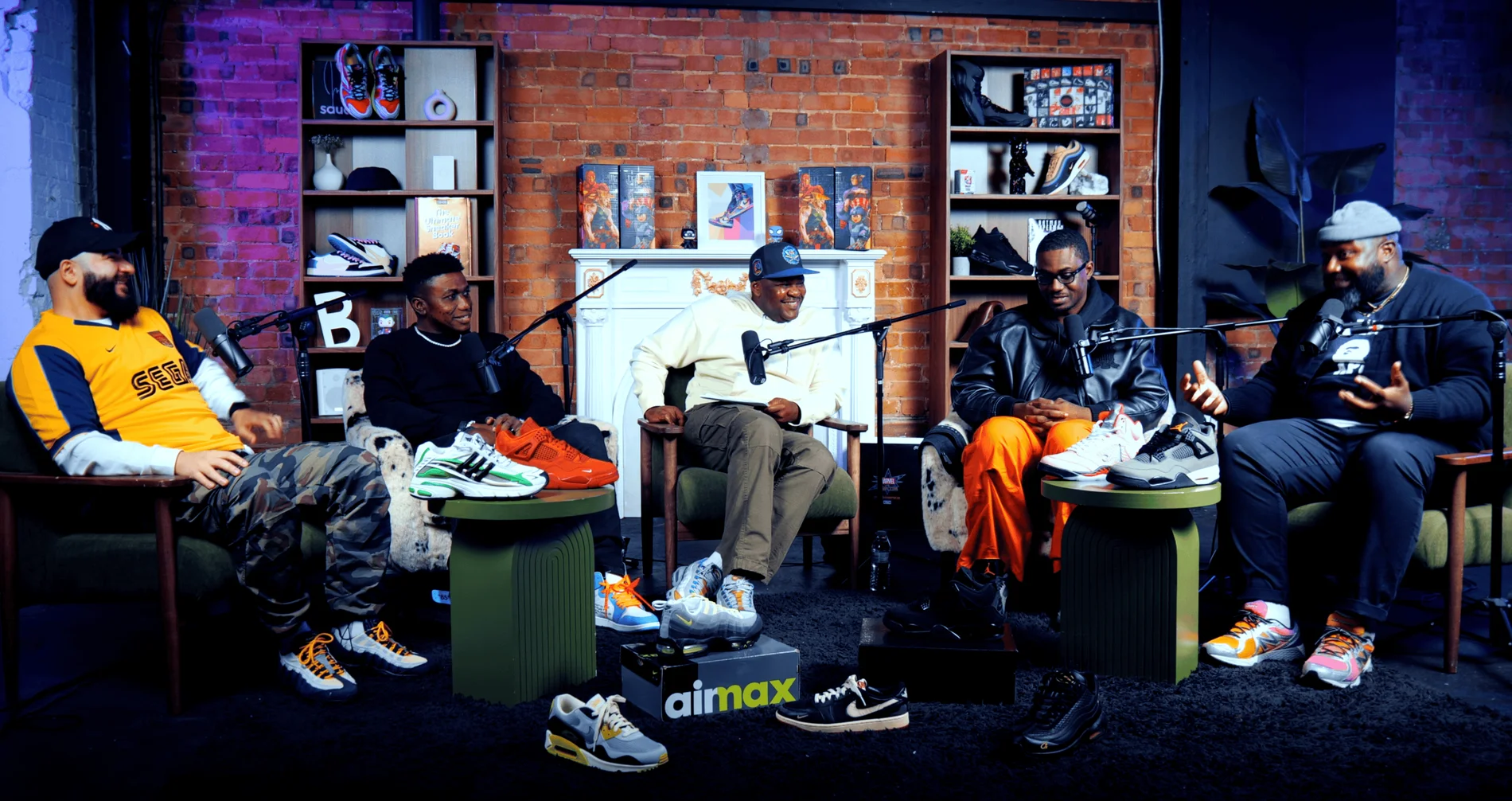
Pulse Lounge at Finchley Studios. Enquire about Pulse Lounge.
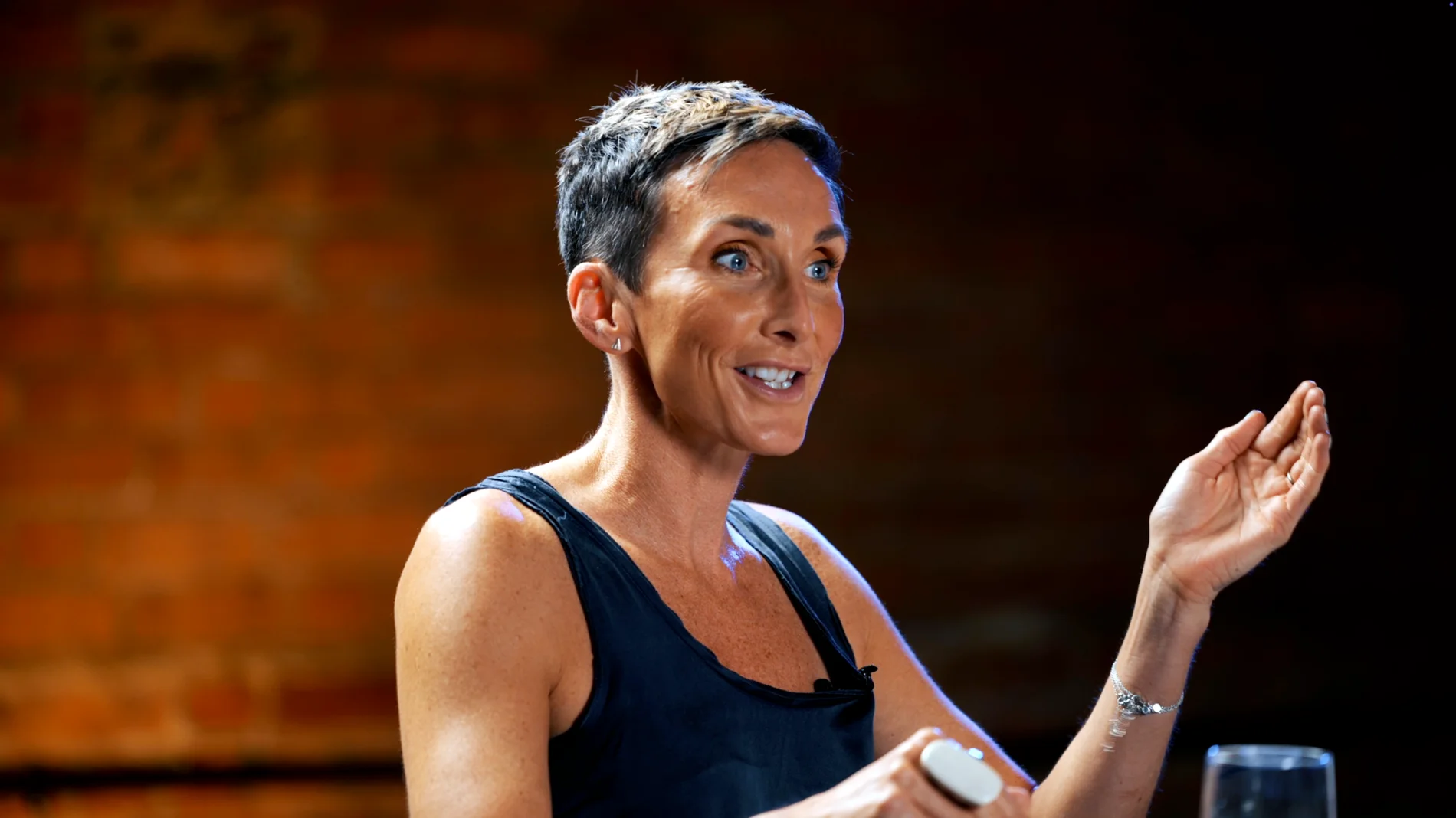
Roundtable at Finchley Studios. Enquire about Roundtable.
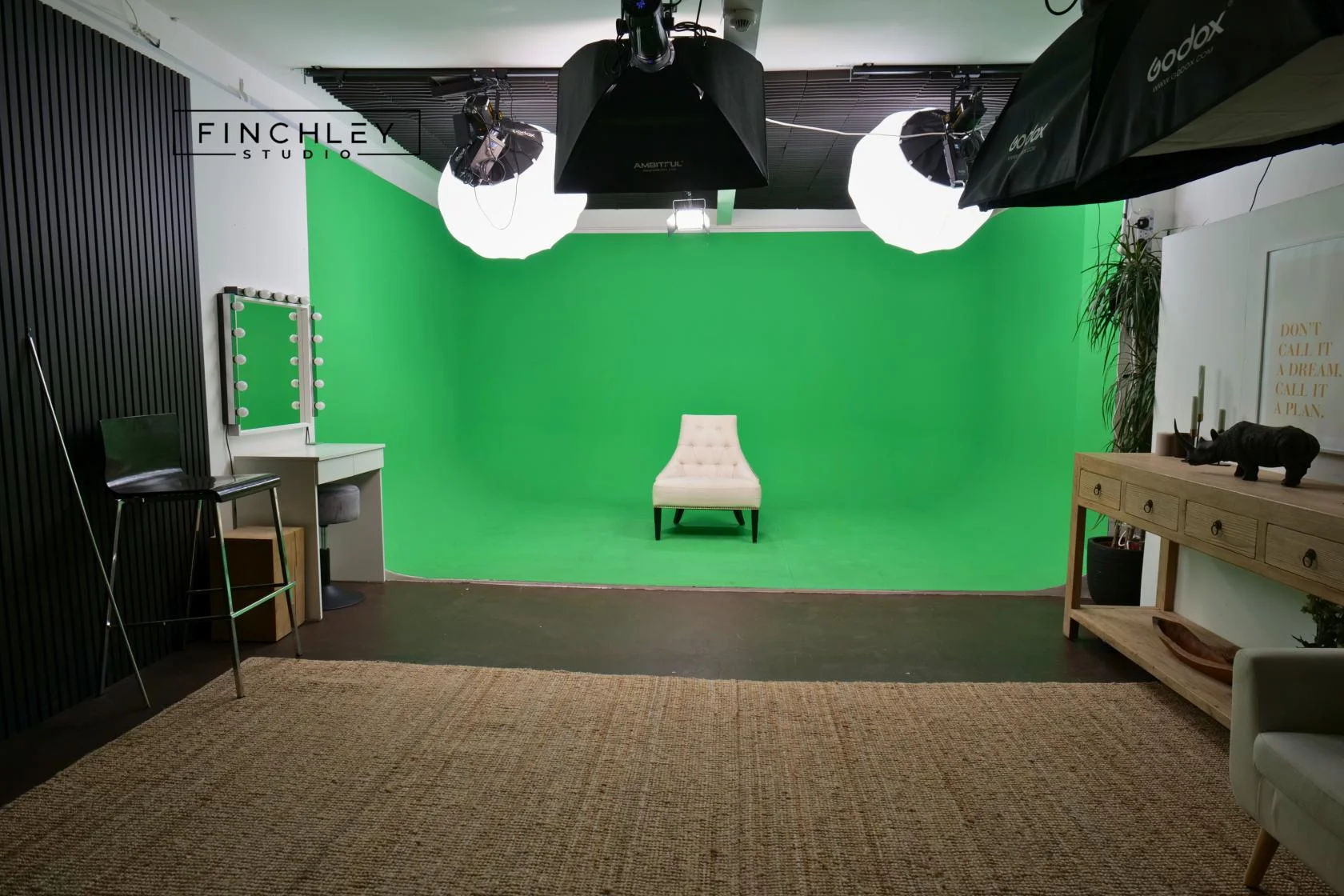
Green Screen Cove at Finchley Studios. Book Green Screen Cove.
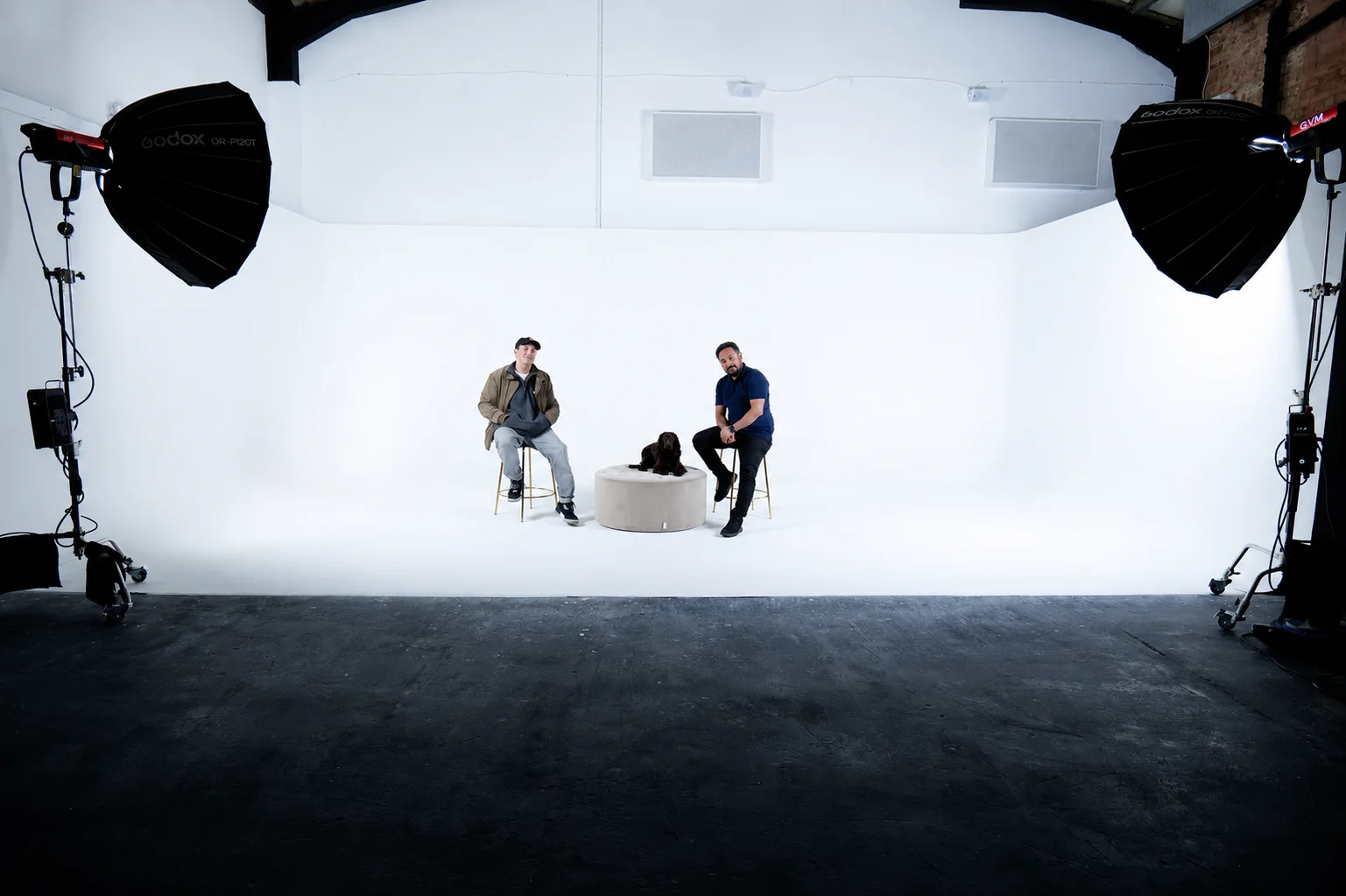
Giant White Infinity Cove at Finchley Studios. Enquire about Giant White Infinity Cove.
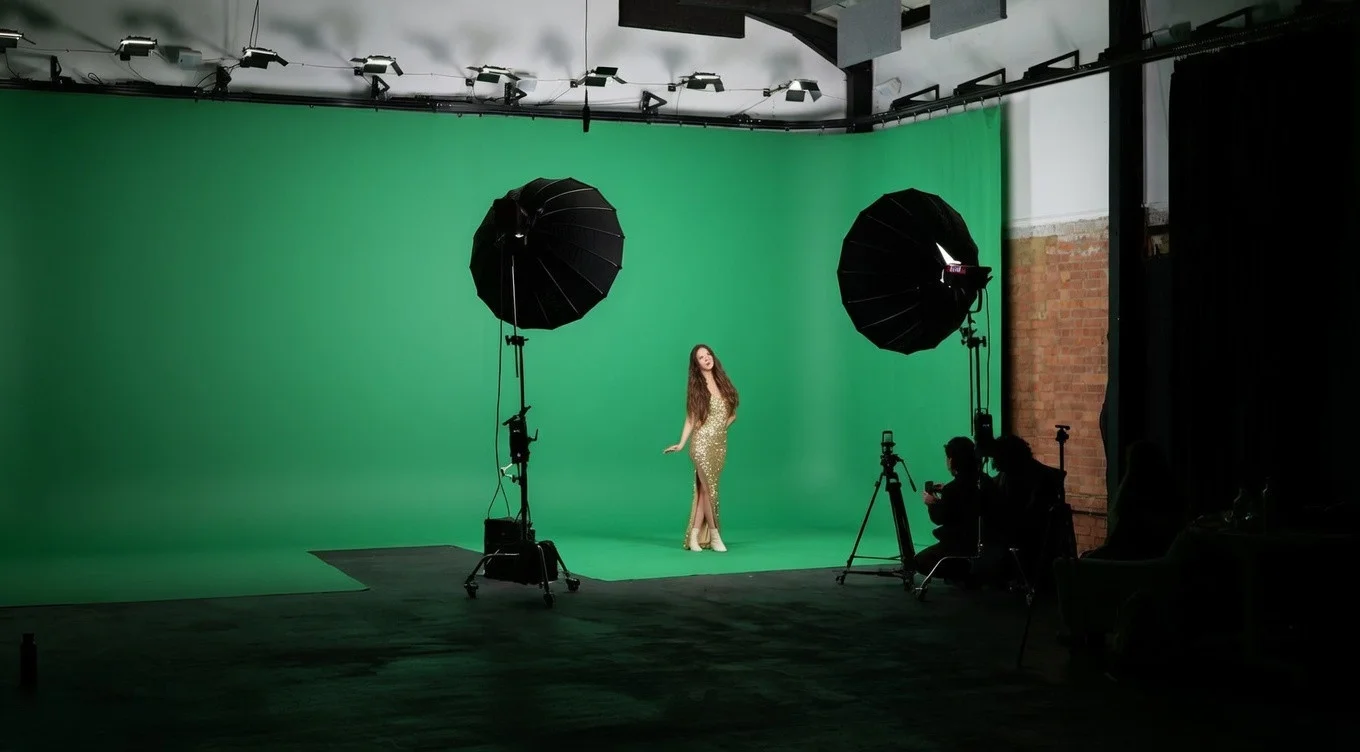
Giant Green Screen at Finchley Studios. Enquire about Giant Green Screen.
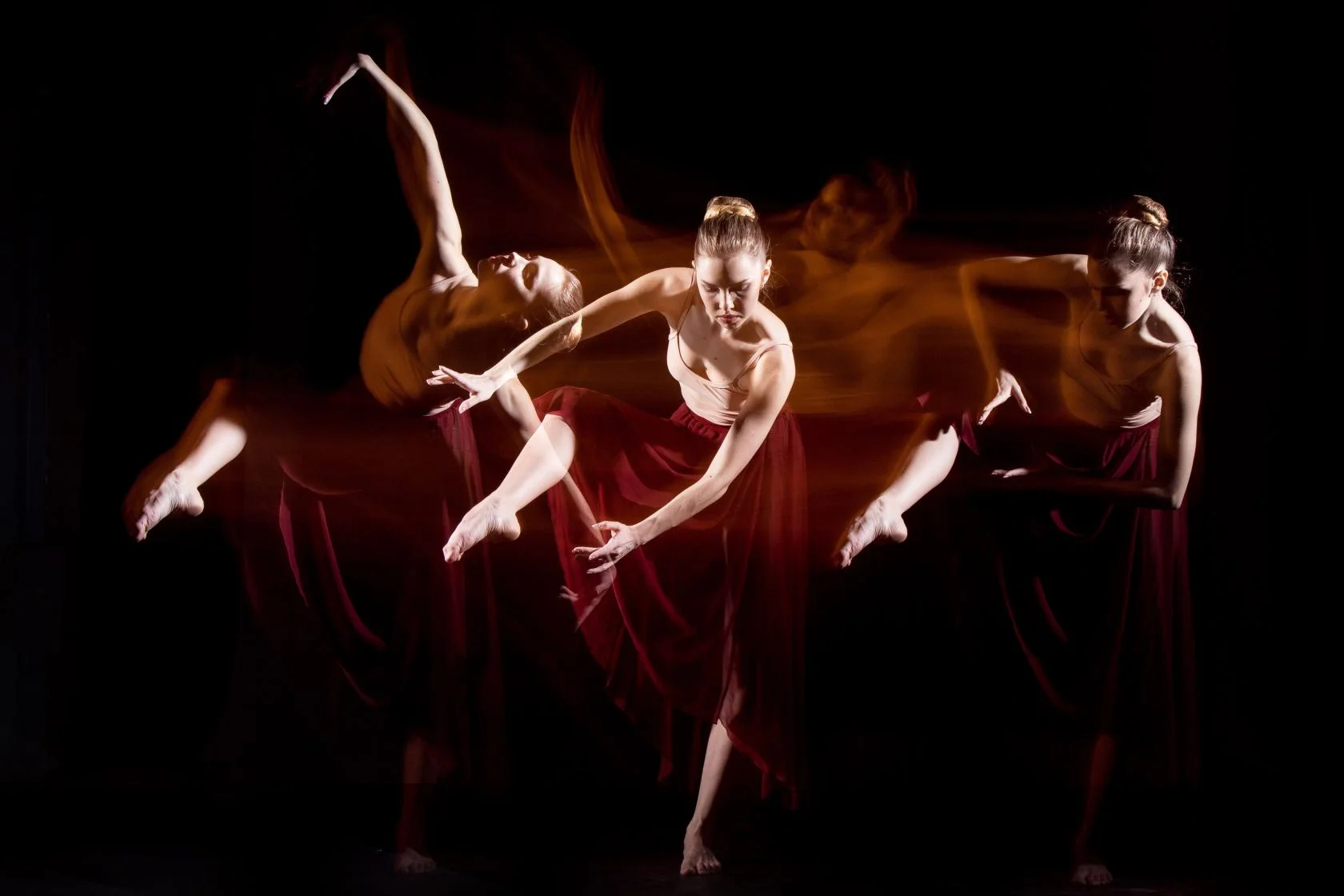
Blackout at Finchley Studios. Book Blackout.

Giant Blackout at Finchley Studios. Enquire about Giant Blackout.
Plan your Finchley recording
Explore our podcast studio in London to compare sets and production support. Send your brief to the Finchley team with your preferred date, guest count and required outputs.