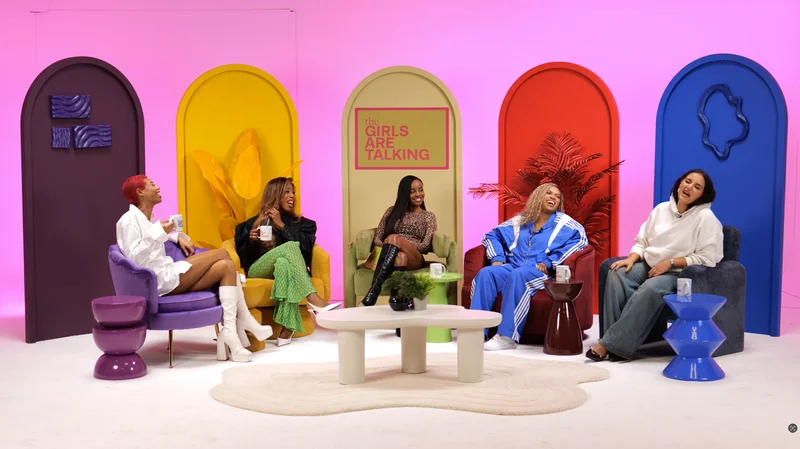
Keep a talkative podcast guest on topic by agreeing the purpose, managing the running order and intervening with a useful question. The aim is to preserve worthwhile detail while giving the listener a coherent conversation. Waiting silently until the booking ends is rarely a reliable editing strategy.
Establish the scope before recording
Tell the guest the main question, likely duration and any sections the programme needs to cover. Explain how the host will signal a move to the next subject. BBC Academy recommends defining the interview's purpose and preparing the topic.
Make the studio schedule visible to the producer. Mark essential questions separately from optional ones so the host knows which material to protect if an answer runs long. Do not promise unlimited conversation time when the guest or studio has a fixed finish.
Use a question that narrows the answer
Ask for a decision, example or comparison rather than inviting an entire company history. If the answer moves away from the subject, identify the useful point and bring it back: “That explains the background. What changed for your team the following week?”
Avoid adding several questions at once. The guest may answer only the last one, leaving the host to repeat the earlier parts. Our hosting guide covers how to listen for the next relevant question without reading mechanically through a list.
Interrupt with a clear reason
Choose an appropriate moment and speak plainly. You can explain that you need to clarify a term, hear another contributor or move to a final question. Avoid using a loud sound, physical contact or a private joke as a substitute for respectful moderation.
Useful transitions include “Let me check I have understood the main point” and “We have time for one example before we move on.” Summarise accurately and allow a correction if the summary changes the meaning.
| Production need | A practical intervention |
|---|---|
| A clear example | Ask for one specific instance |
| A different speaker | Name the person you are inviting in |
| A factual clarification | Pause to define the disputed term |
| A timely close | Explain which final question remains |
| An unclear answer | Ask what the listener should take from it |
Keep the producer and host coordinated
Agree a small number of visible time cues. The host should understand them without looking continuously away from the guest. If an extension becomes desirable, let the authorised producer check availability and price rather than assuming it is possible.
For a multi-guest exchange, the debate guide helps allocate responses fairly. A lively programme still needs enough separation for the audience to follow each argument.
Review what the edit can actually fix
Identify passages to shorten using notes and timestamps. Preserve the relationship between a question and its answer, especially where a later statement qualifies an earlier claim. YouTube recommends reviewing automatic captions because speech recognition can be inaccurate; that review can also reveal unclear names and terminology.
After the episode, assess whether the briefing or question design caused unnecessary repetition. Use the quiet-guest guide when the next contributor needs more space rather than tighter intervention.
Planning this at Finchley Studios
The Dialogue set is presented for conversations between two and four people. For a tightly scheduled interview, give Finchley a running order that includes your essential topics and planned finish.
Nominate a producer who can discuss timing with the team while the host remains with the guest. Agree any time cue, pickup process and editing requirements before the take. If the discussion runs longer than expected, ask about the available options instead of assuming additional studio time or a complete post-production rescue. The most effective intervention is usually an editorial decision made during the conversation.
A client recording from Finchley Studios
From our client recording collection: The Social Battery Podcast.
Continue planning your recording
- How to Host Your First Podcast Interview
- How Long Should You Book a Podcast Studio For?
- How to Interview a Quiet or Nervous Podcast Guest
- How to Plan and Moderate a Podcast Debate
For the full series, explore our podcast studio booking guide.
Explore all 12 Finchley sets
Compare the looks below, then follow the booking or enquiry link for your preferred set. Confirm the recording package, guest capacity and location for your session.
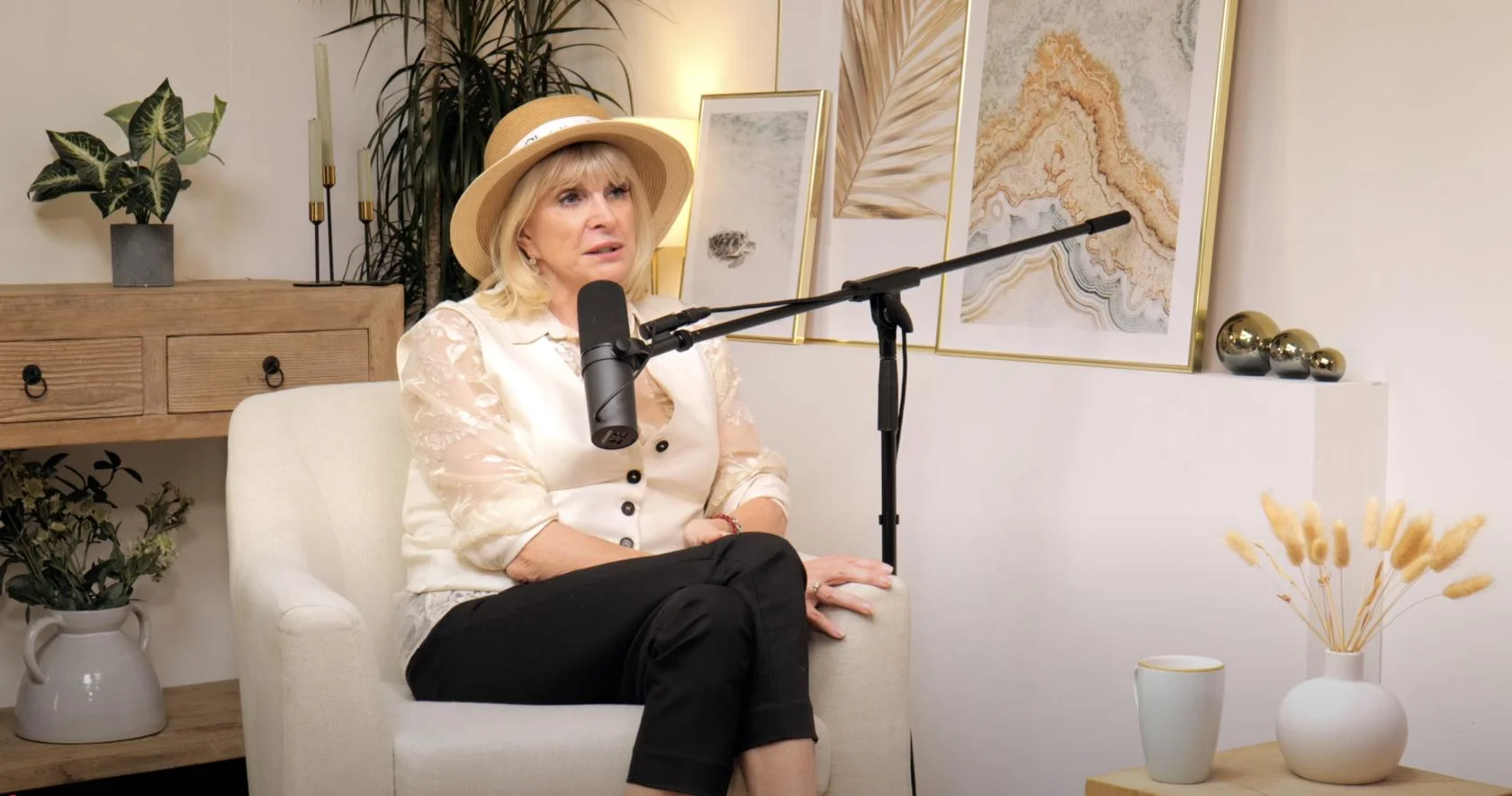
Dialogue at Finchley Studios. Book Dialogue.
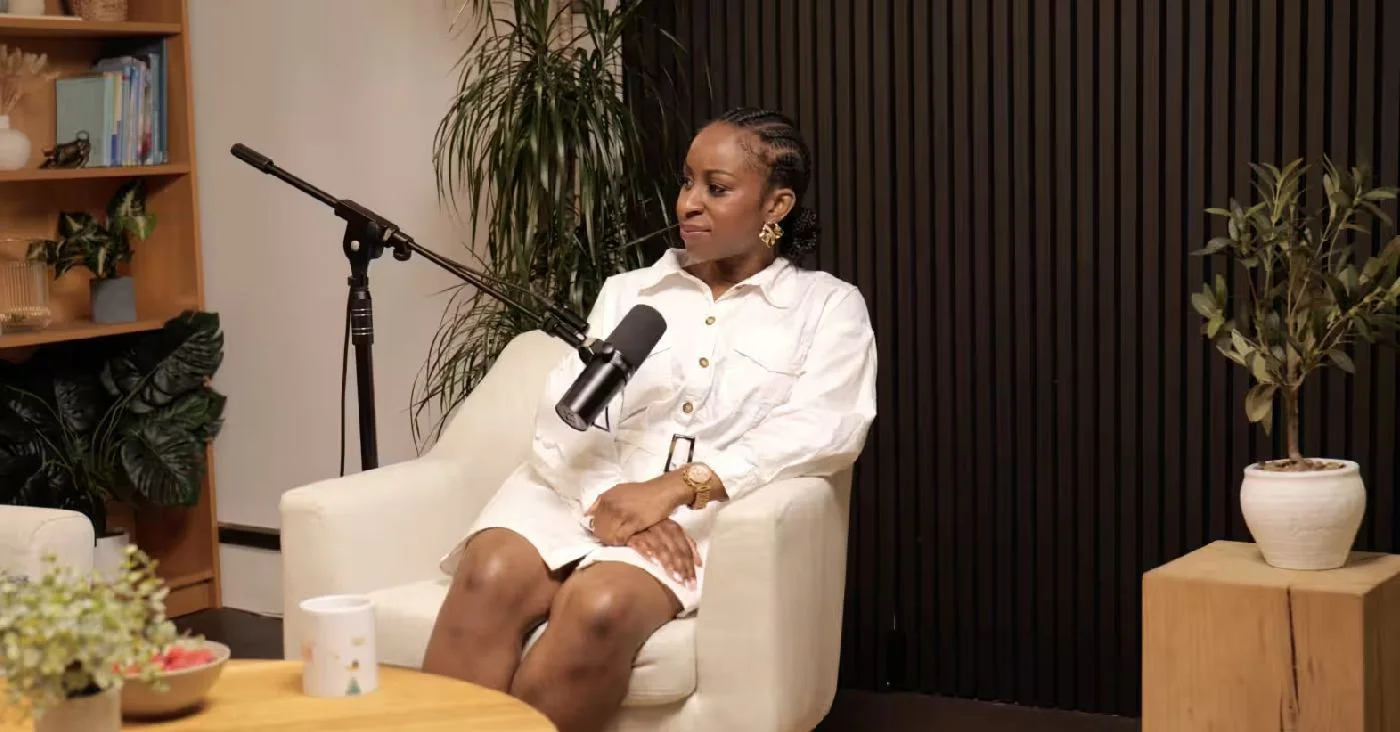
Lounge at Finchley Studios. Book Lounge.
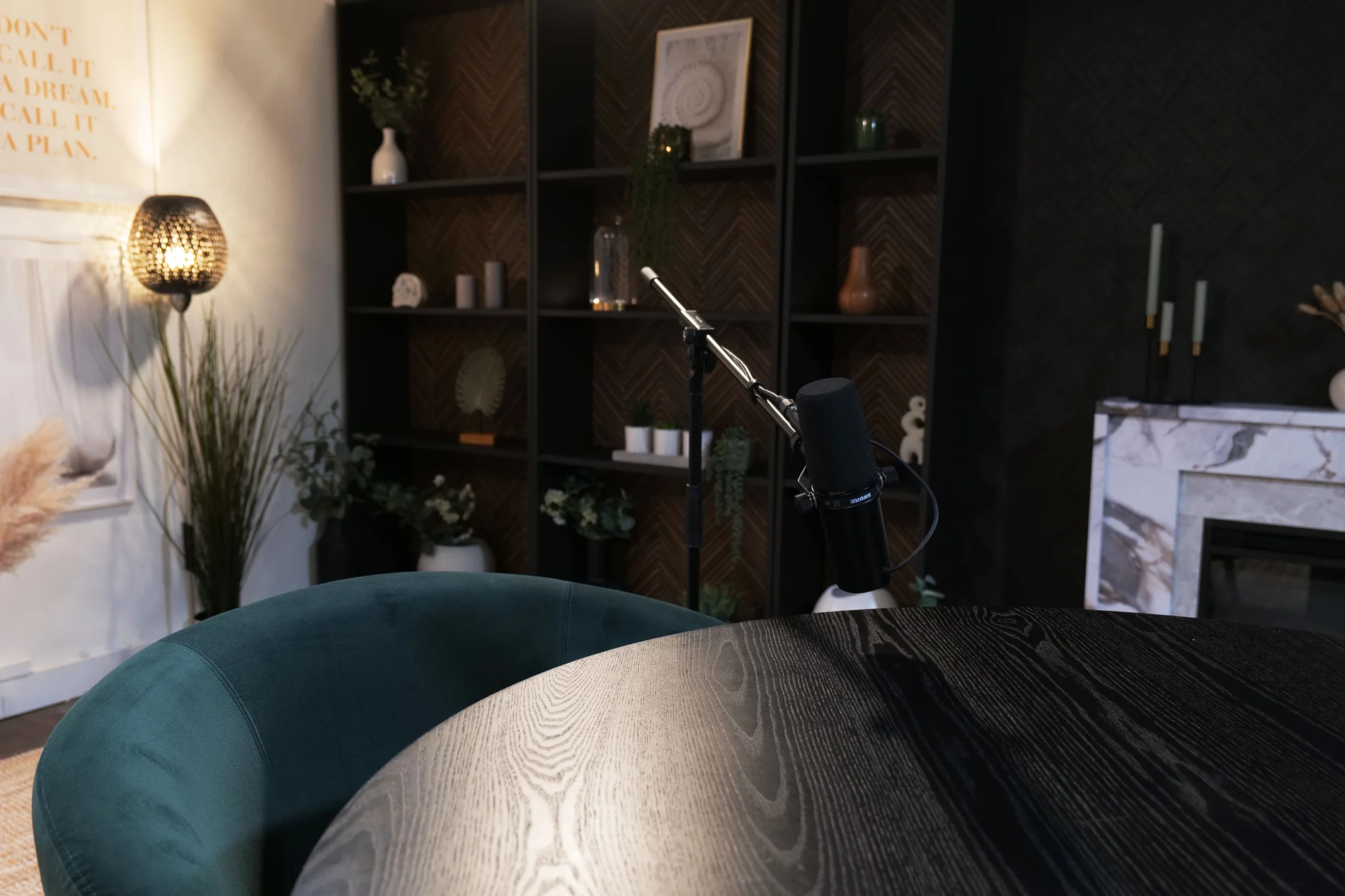
CEO at Finchley Studios. Book CEO.
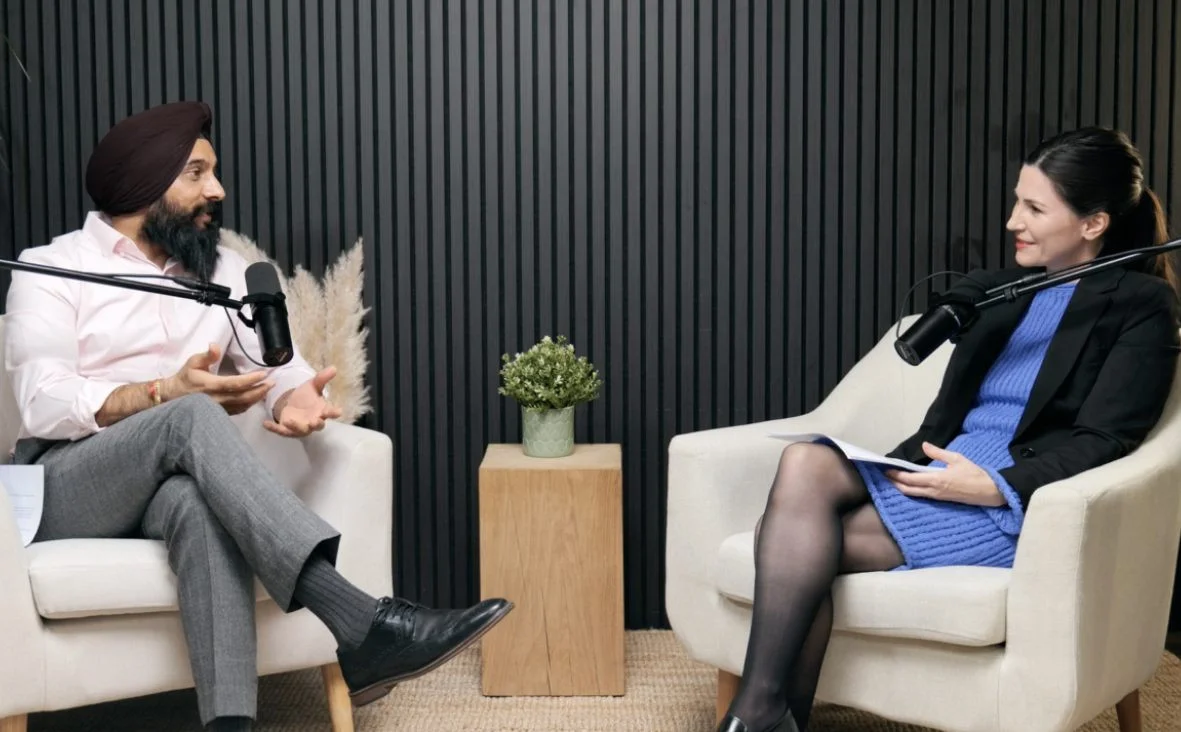
Blackwood at Finchley Studios. Book Blackwood.
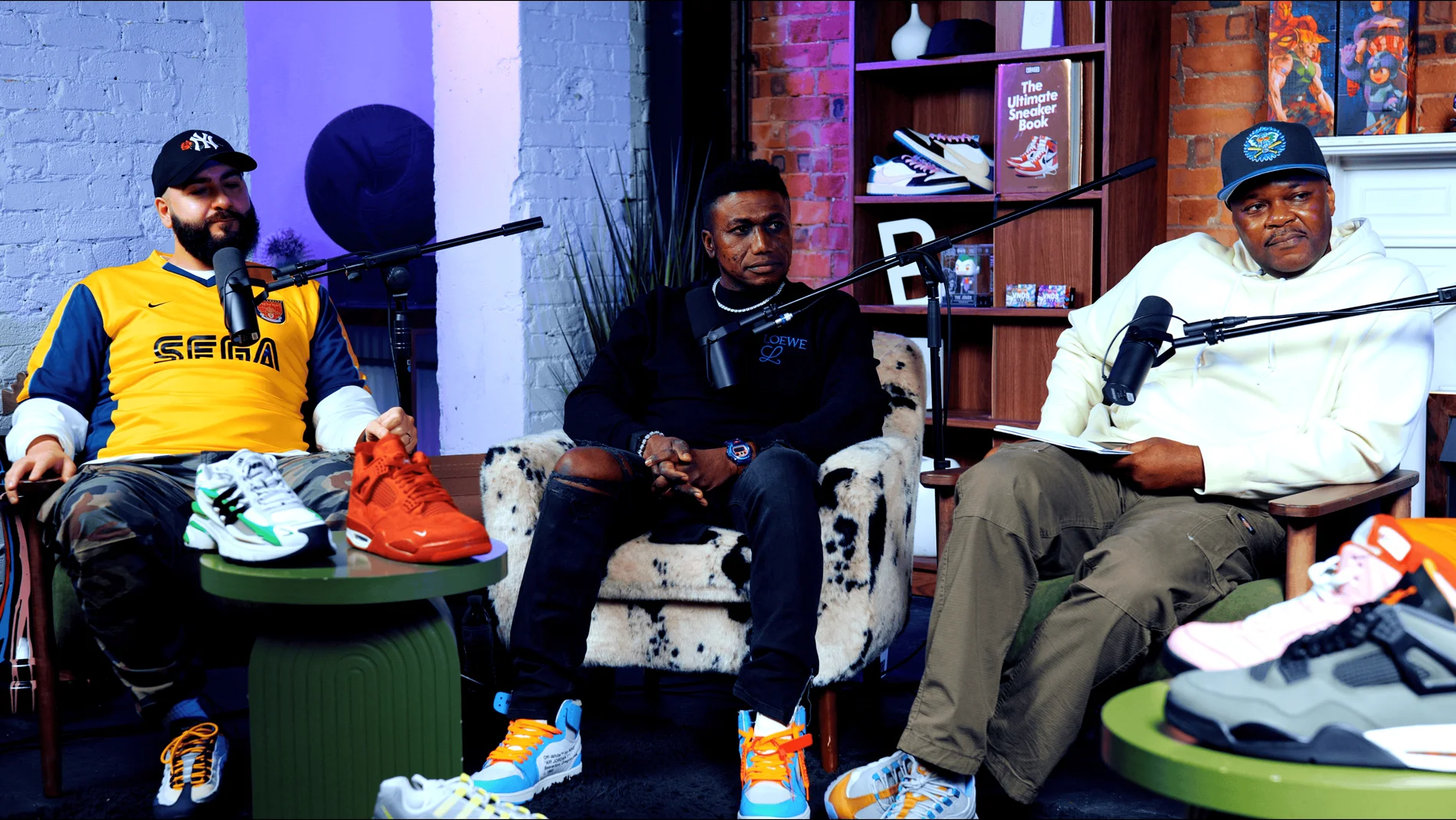
Pulse Lounge at Finchley Studios. Enquire about Pulse Lounge.

Roundtable at Finchley Studios. Enquire about Roundtable.
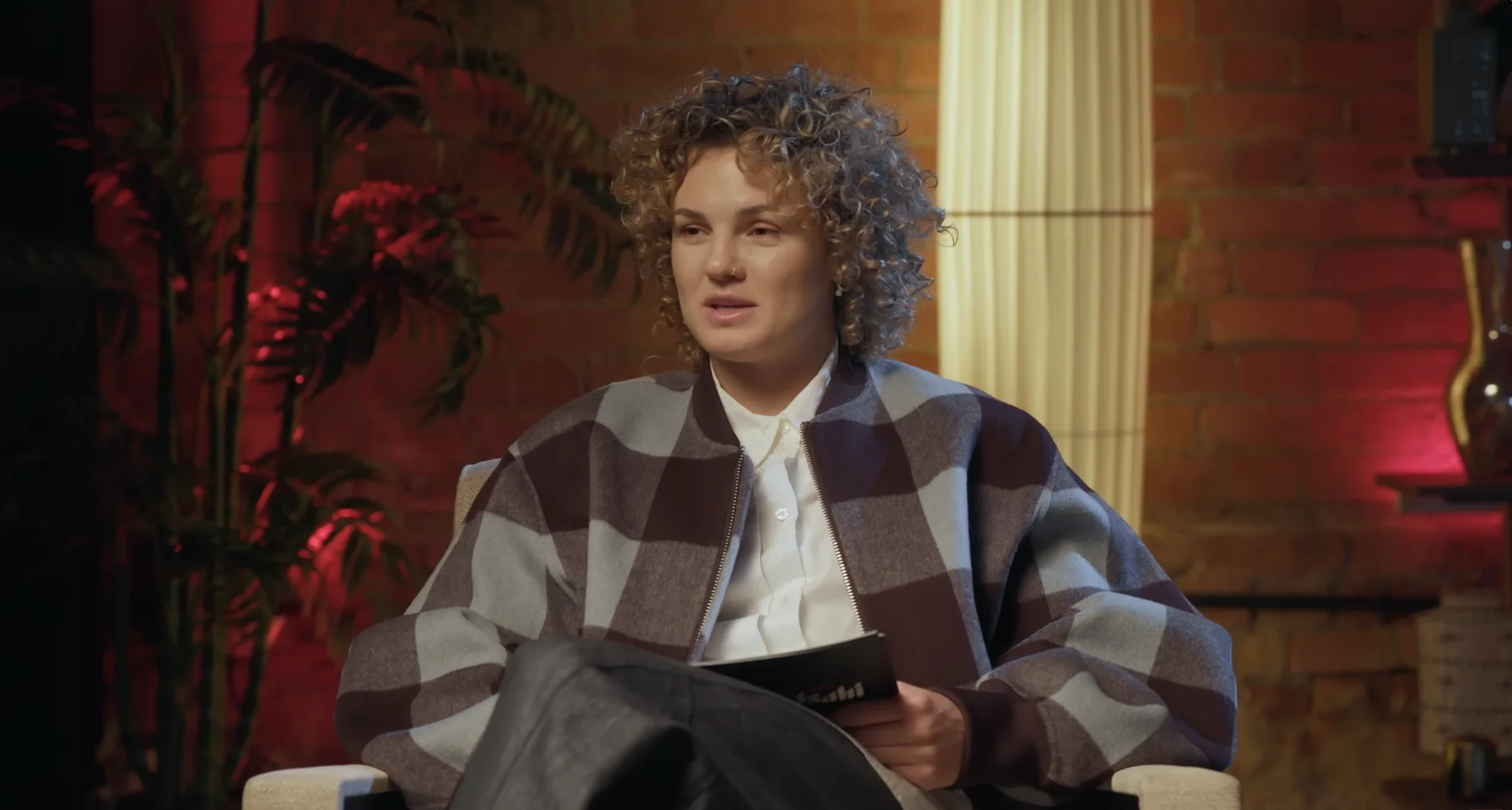
The Brick Studio at Finchley Studios. Enquire about The Brick Studio.
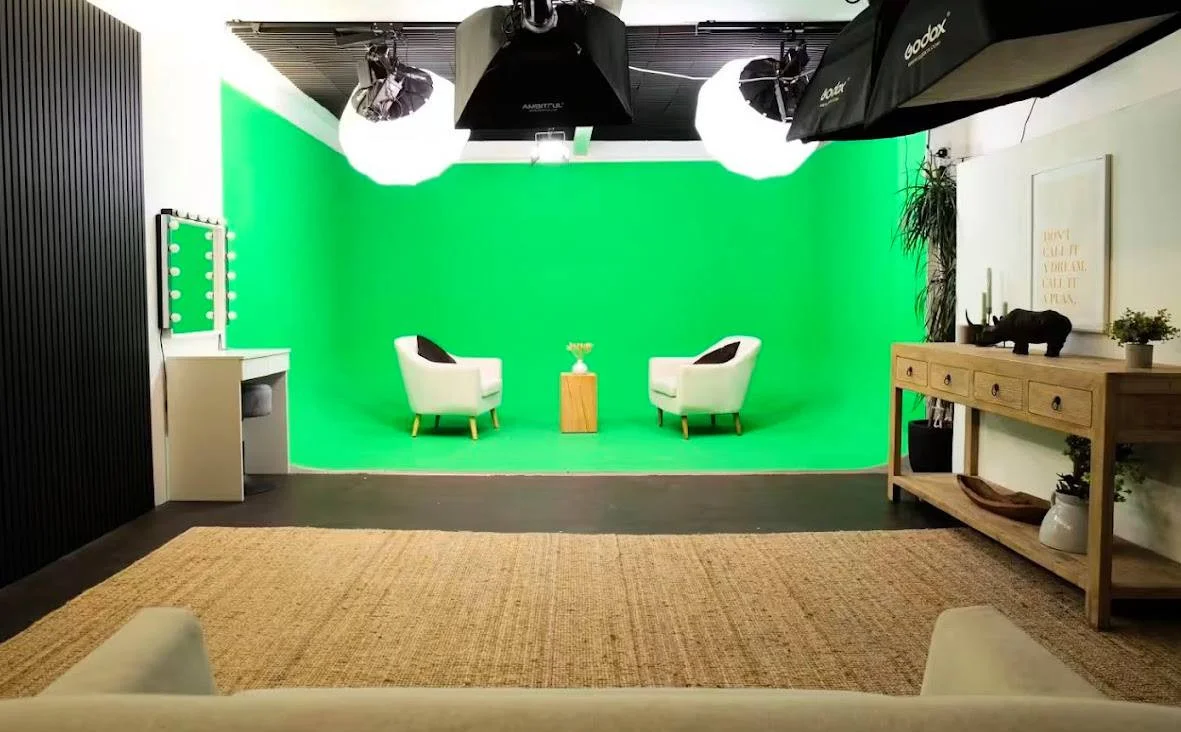
Green Screen Cove at Finchley Studios. Book Green Screen Cove.

Giant White Infinity Cove at Finchley Studios. Enquire about Giant White Infinity Cove.
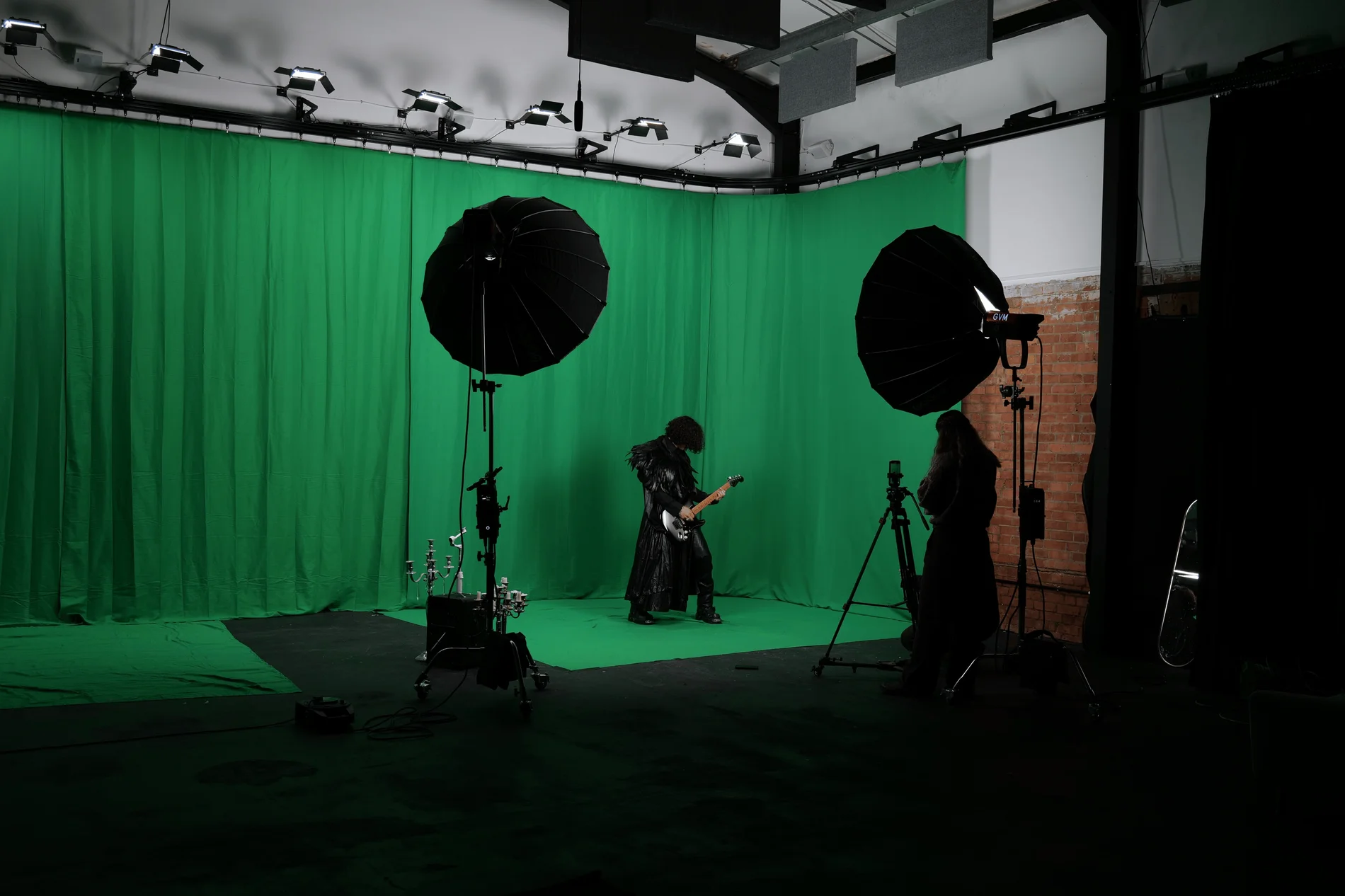
Giant Green Screen at Finchley Studios. Enquire about Giant Green Screen.
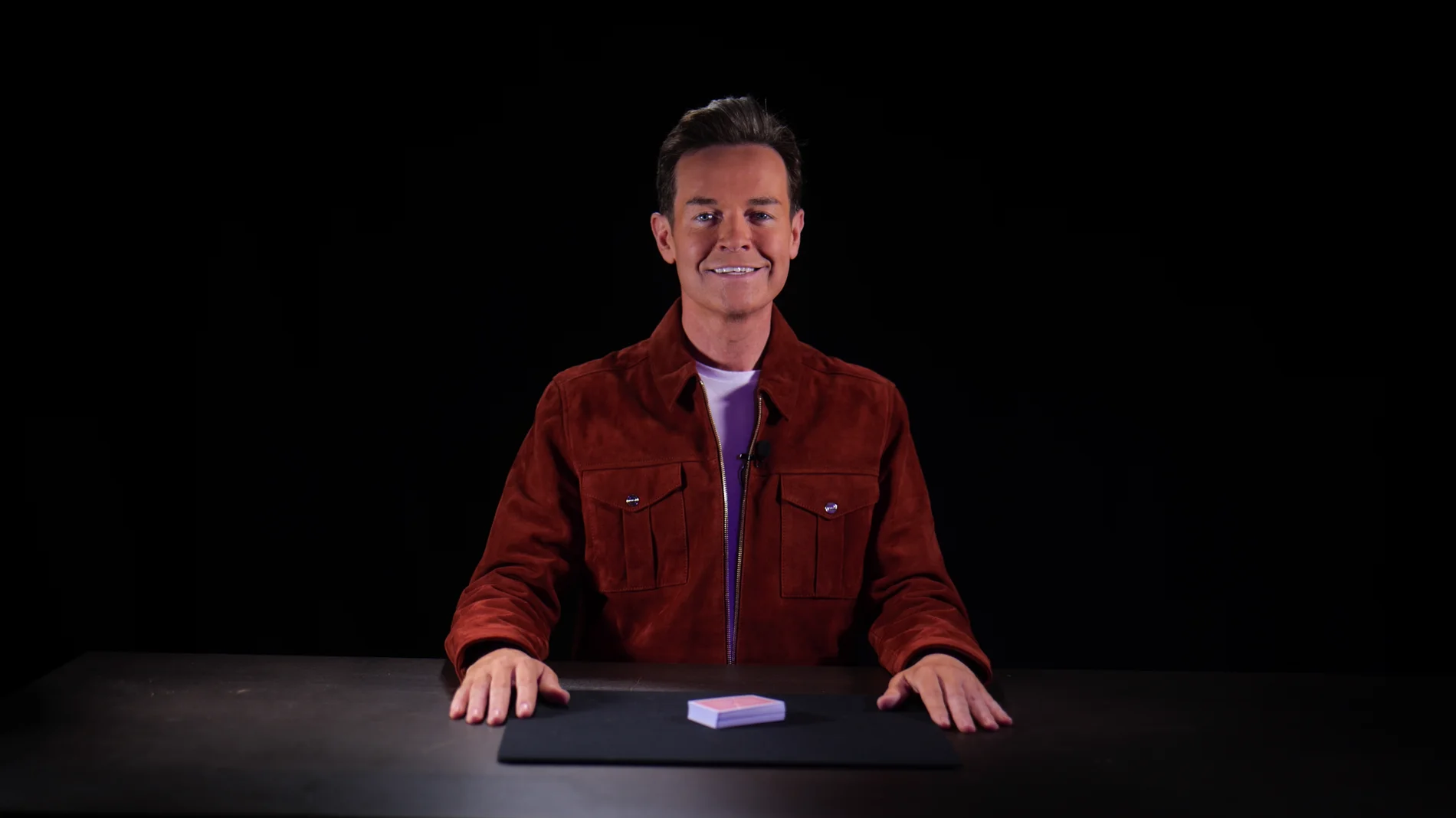
Blackout at Finchley Studios. Book Blackout.
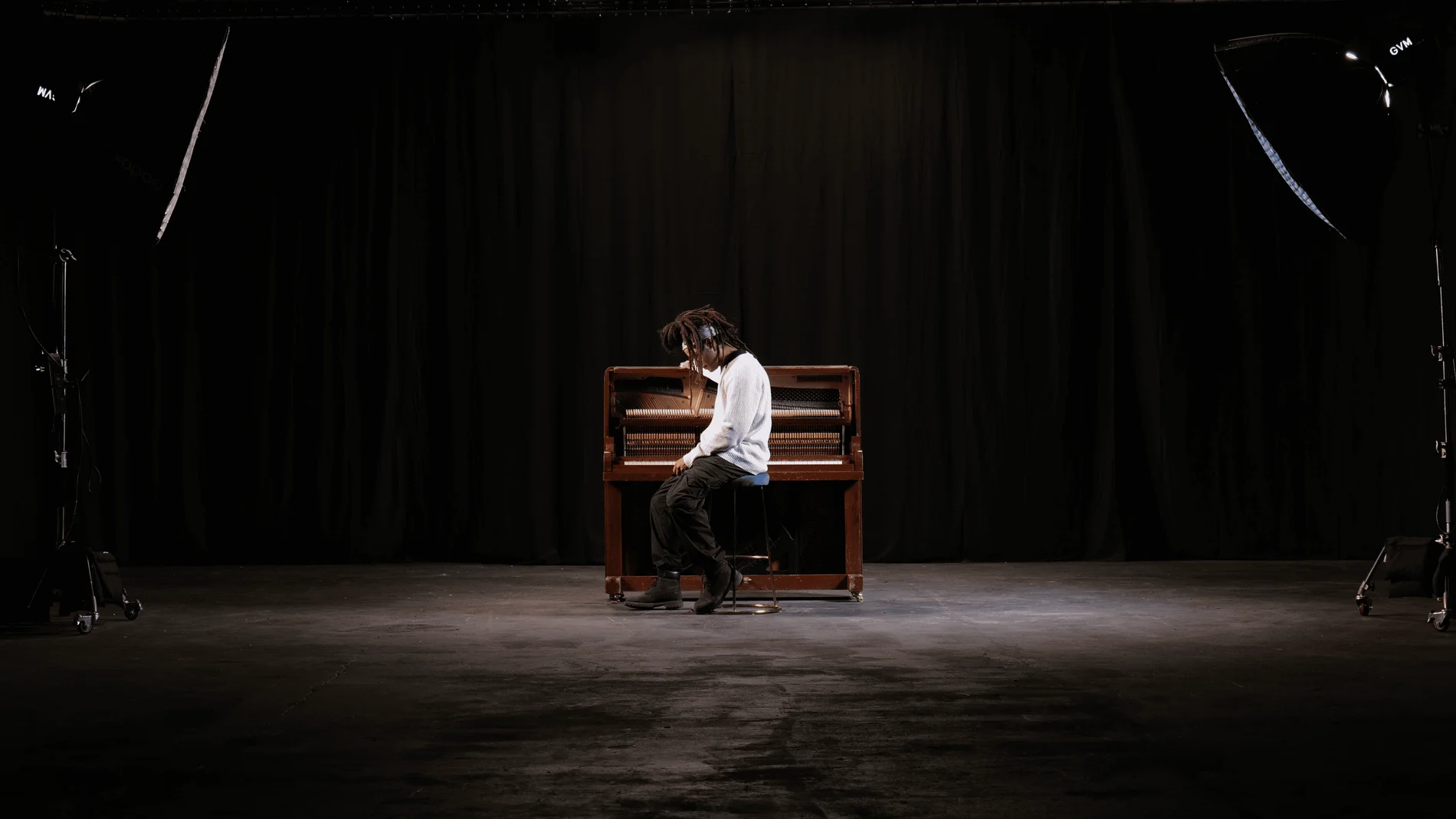
Giant Blackout at Finchley Studios. Enquire about Giant Blackout.
Plan your Finchley recording
Explore our podcast studio in London to compare sets and production support. Send your brief to the Finchley team with your preferred date, guest count and required outputs.