A solo podcast needs a clear route because one presenter carries the explanation without a guest's questions or reactions. Start with a specific listener problem, organise a small number of connected points and practise the transitions. Engaging delivery follows from useful content and understandable pacing, rather than an obligation to sound enthusiastic every second.
Give the episode a destination
Write one sentence describing what the listener should understand or be able to do afterwards. Choose an opening that establishes that value, then include only the material needed to reach it. Save a substantial second topic for another episode.
Decide how much wording needs to be fixed using the scripted versus unscripted guide. A detailed outline can support natural explanation; an exact script may suit material that requires carefully approved wording.
Create sections that help you speak
Give each section a question, an example and a transition. Use notes you can find quickly rather than paragraphs so dense that you lose your place. If a script is necessary, format it around spoken phrases and meaningful pauses.
Autocue advises knowing the script and checking it aloud. Read a short sample before the session and change words you would not naturally say. Do not assume a teleprompter removes the need to prepare.
Make the explanation concrete
Use a specific situation to demonstrate each idea. Tell listeners what the example shows and where it stops applying. Avoid a long sequence of unnamed steps that requires them to remember everything before hearing the conclusion.
An illustrative outline might contain a brief problem statement, three connected points, one worked example and a useful closing action. That is a planning option, not an ideal episode length or guaranteed retention formula.
| Section | Question for the presenter |
|---|---|
| Opening | Why should this listener stay? |
| Main point | What am I explaining in ordinary language? |
| Example | How would this work in a recognisable situation? |
| Transition | Why does the next point follow? |
| Close | What should the listener understand or do next? |
Record in a way the editor can use
Agree whether to capture a continuous take, separate sections or a mixture. Use the retake guide to manage corrections without restarting everything. Keep track of preferred takes and check essential pickups before leaving.
Ask the engineer to help establish a stable microphone position. Shure explains how microphone distance affects the relationship between voice and room sound. Avoid moving repeatedly to reach notes or a screen during an important passage.
Prepare the filmed version deliberately
If you address the viewer directly, use the eye-contact guide to agree the camera and prompt positions. The teleprompter guide helps assess whether reading support fits the format.
Review the result as an audience member: listen without video, check where the explanation becomes unclear and inspect any visual reference. Use that feedback to revise the next outline. Do not infer success only from how fluent the recording felt in the room.
Planning this at Finchley Studios
Finchley's CEO set is presented for professional presenter-led content. Its Platinum package includes a teleprompter, which may be relevant when your solo format needs fixed wording.
Send a script sample or section outline and explain whether the final programme is audio, video or both. Confirm the prompt setup, recording support, pickup time and editing outputs in the quote. Ask for a short camera and sound test before the main take. The set and technical support should make the chosen delivery practical; the episode's structure and evidence still need preparation by the presenter and producer.
A client recording from Finchley Studios
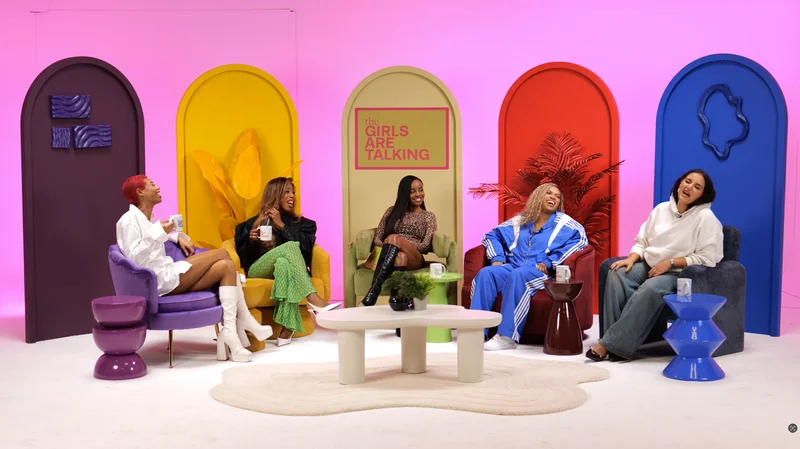
From our client recording collection: And The Award Goes To... (Argos).
Continue planning your recording
- Scripted or Unscripted Podcast: How Much Should You Prepare?
- Should You Use a Teleprompter for a Podcast or Interview?
- How to Handle Mistakes and Retakes During a Podcast
- Where Should You Look During a Video Podcast?
For the full series, explore our podcast studio booking guide.
Explore all 12 Finchley sets
Compare the looks below, then follow the booking or enquiry link for your preferred set. Confirm the recording package, guest capacity and location for your session.
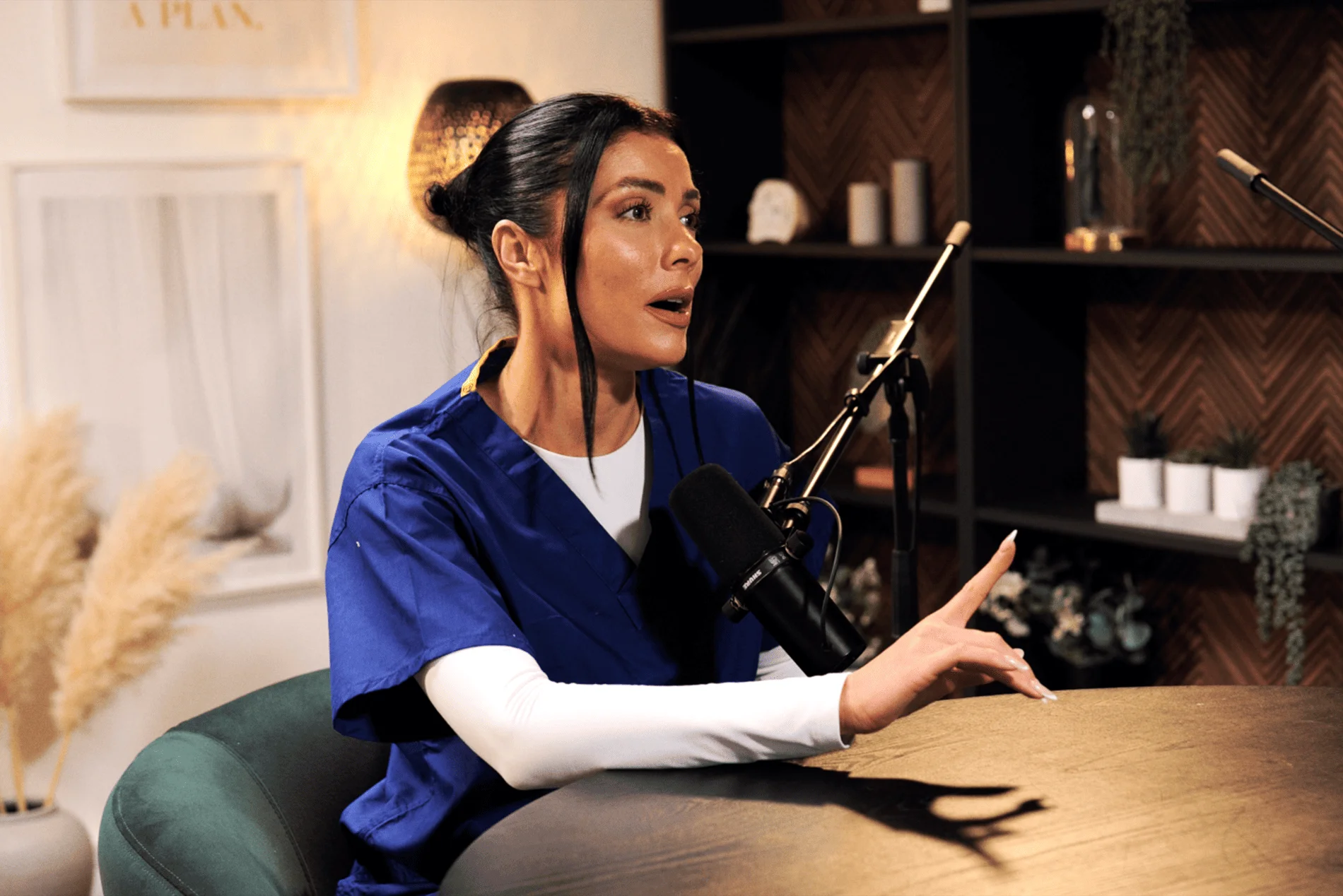
CEO at Finchley Studios. Book CEO.
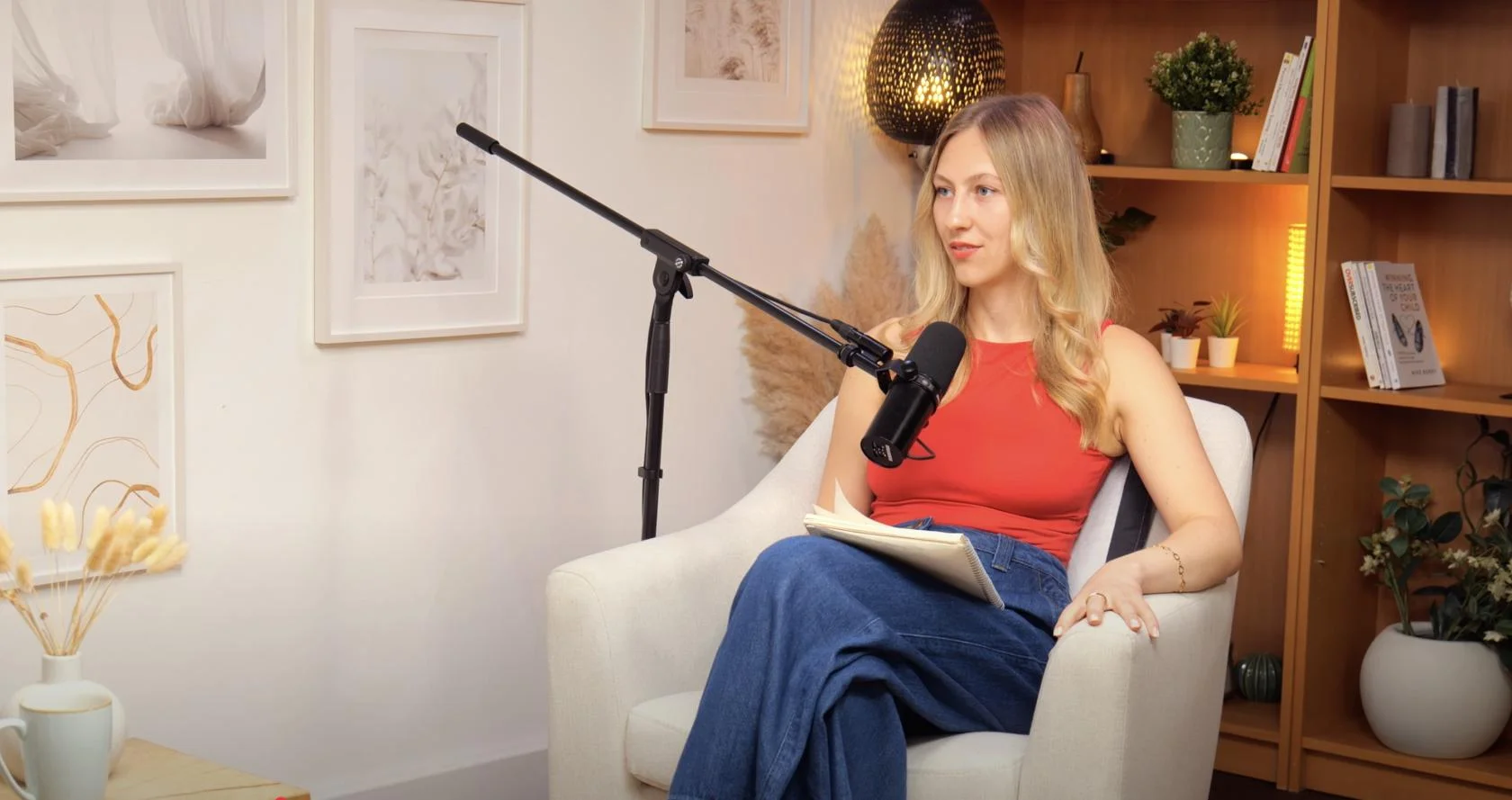
Dialogue at Finchley Studios. Book Dialogue.
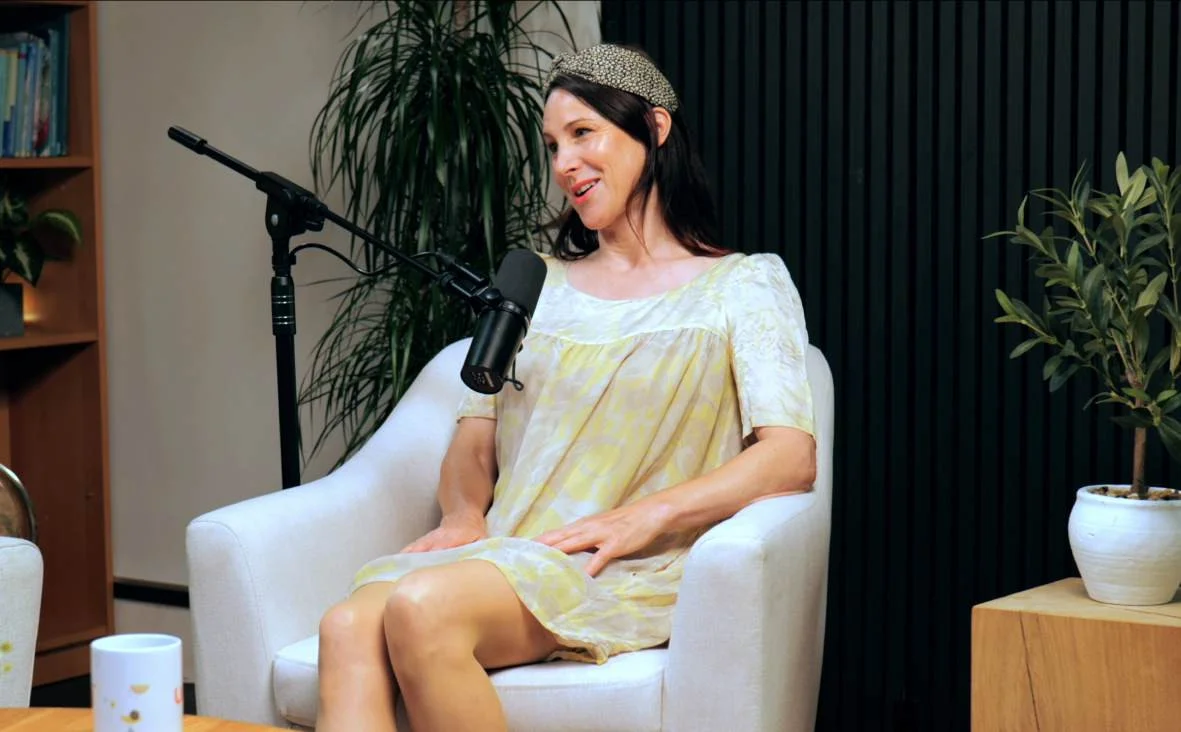
Lounge at Finchley Studios. Book Lounge.
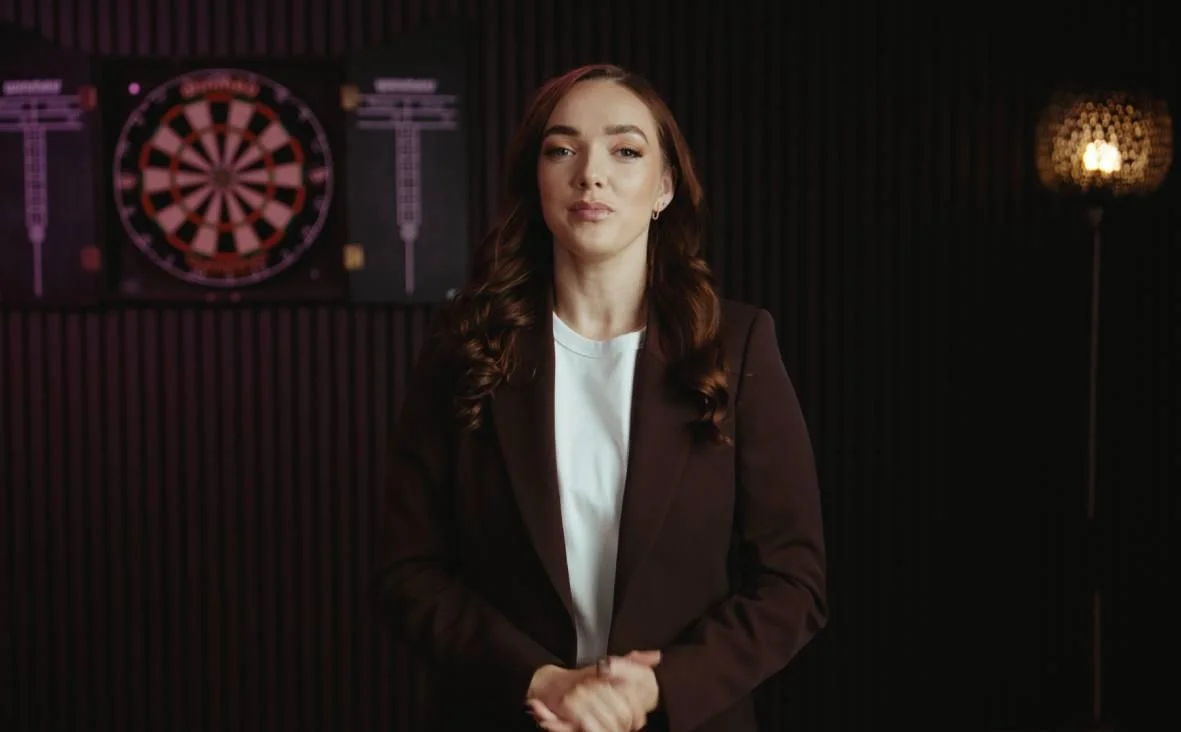
Blackwood at Finchley Studios. Book Blackwood.
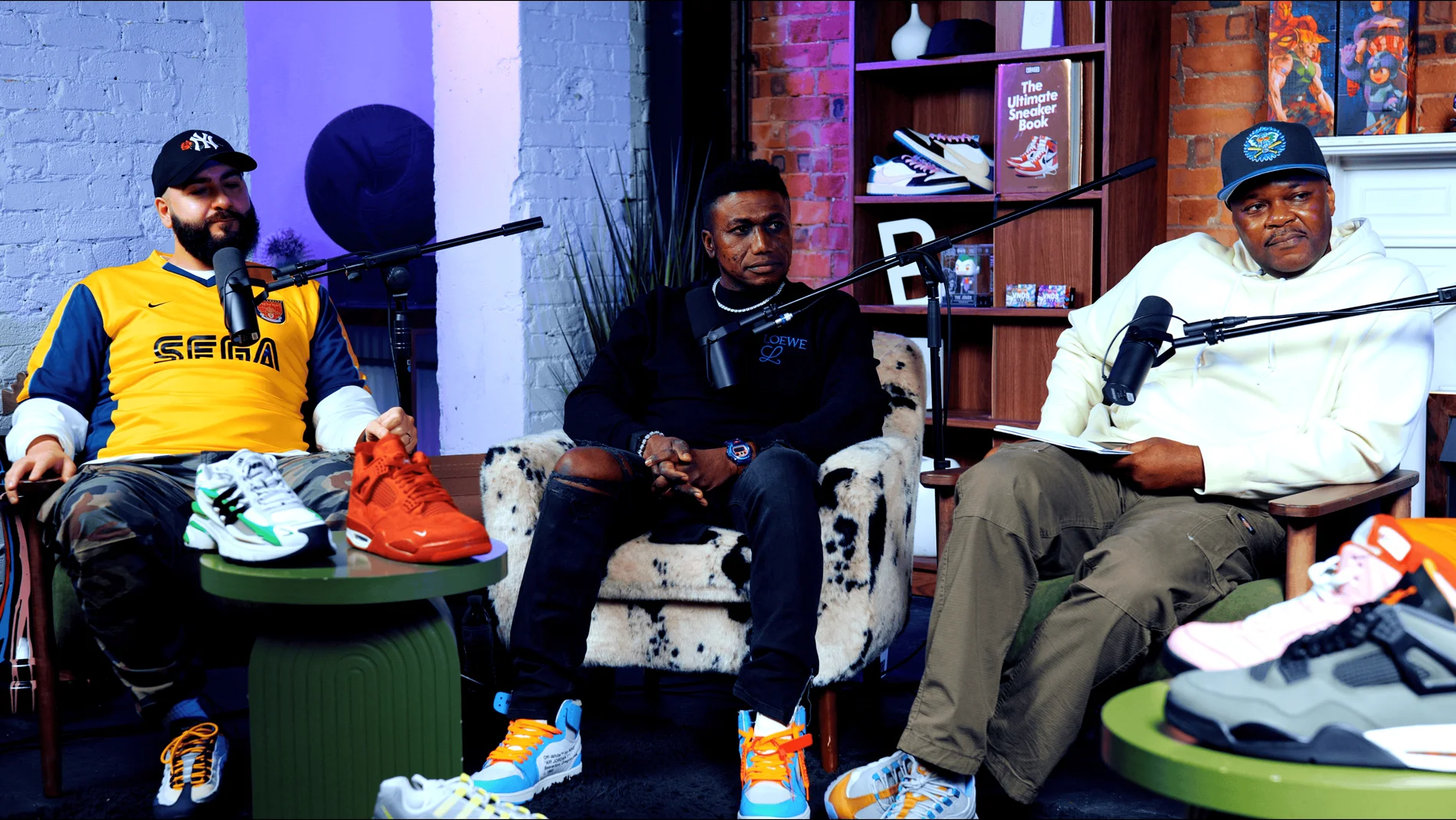
Pulse Lounge at Finchley Studios. Enquire about Pulse Lounge.
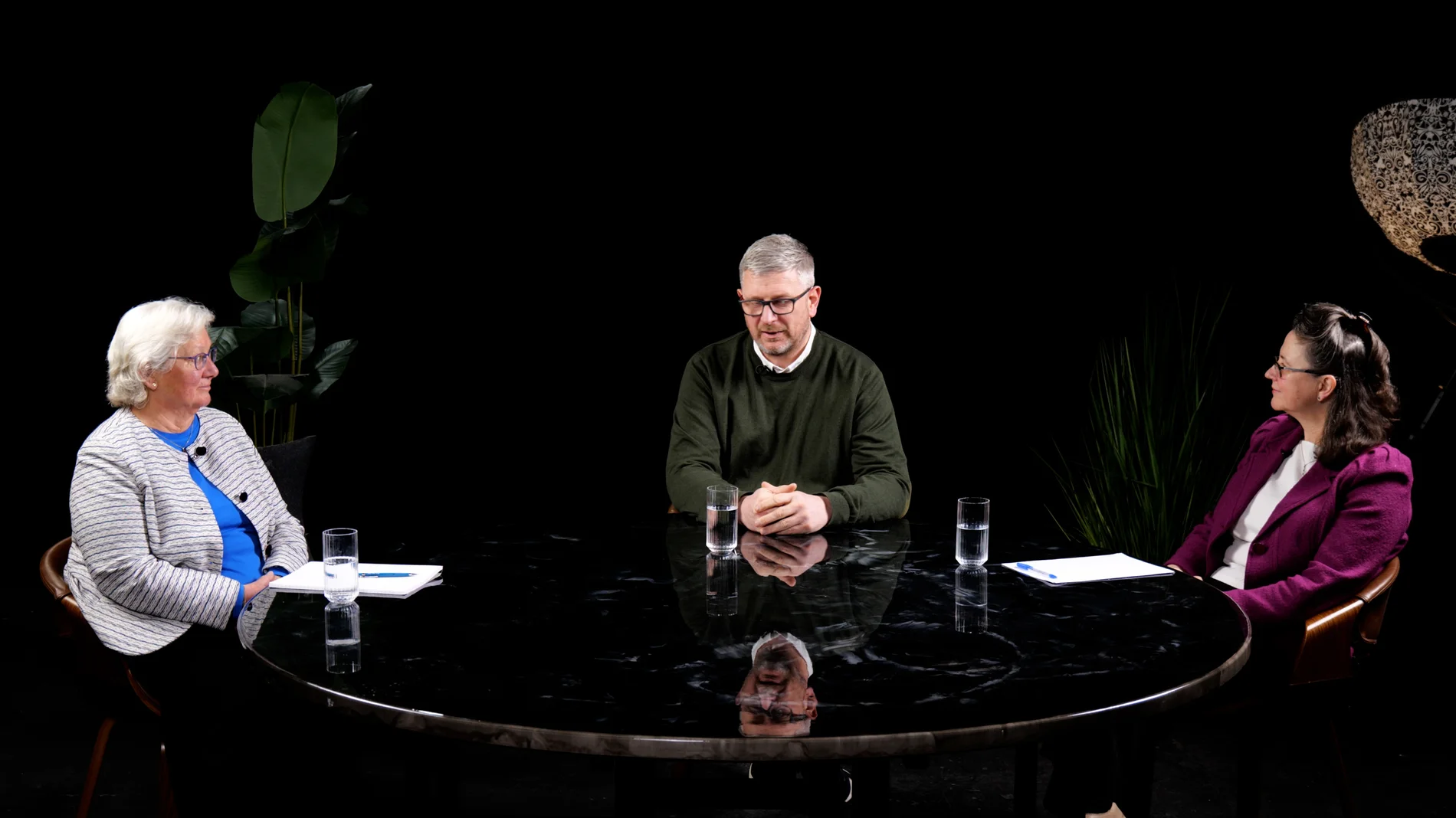
Roundtable at Finchley Studios. Enquire about Roundtable.

The Brick Studio at Finchley Studios. Enquire about The Brick Studio.
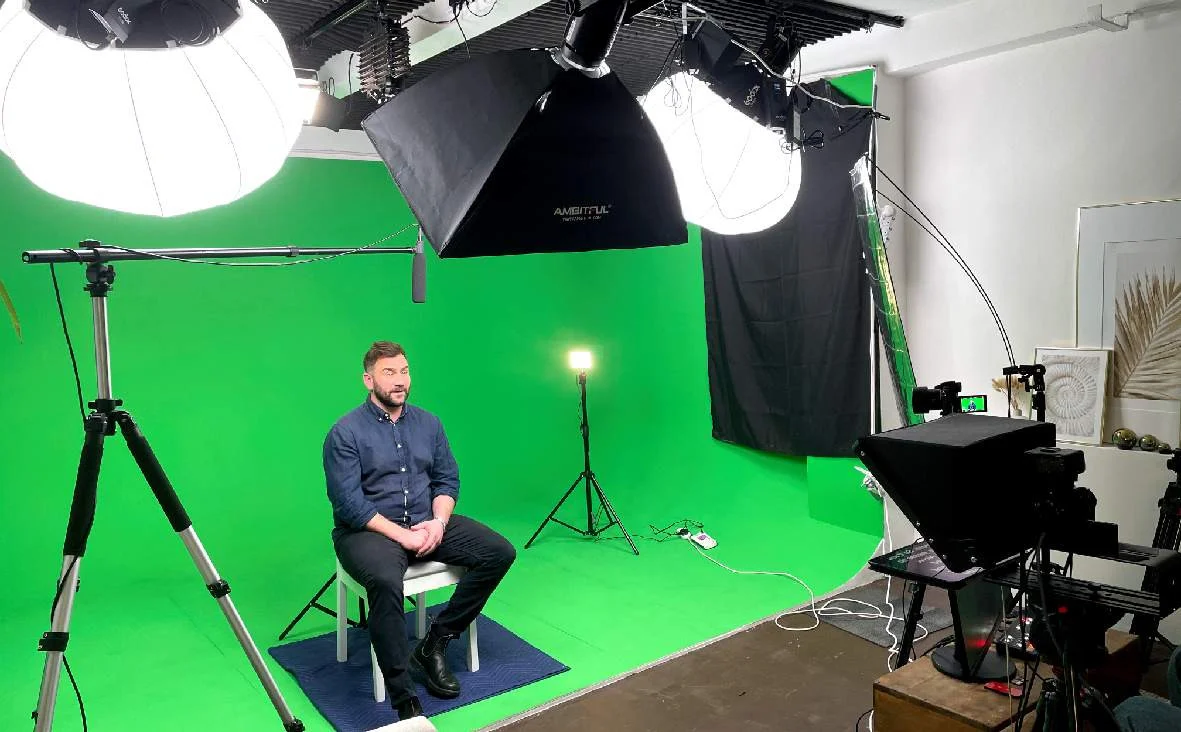
Green Screen Cove at Finchley Studios. Book Green Screen Cove.
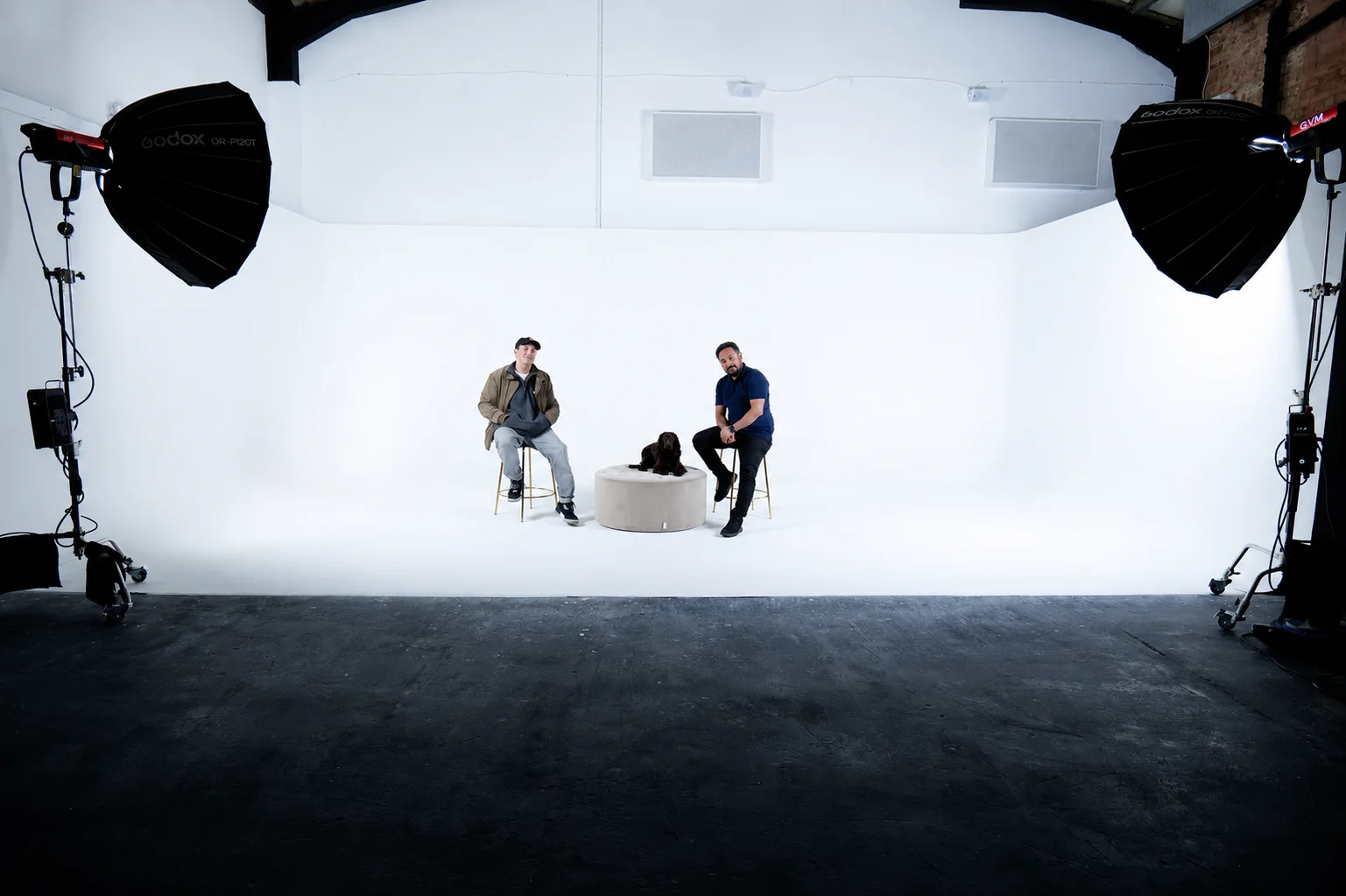
Giant White Infinity Cove at Finchley Studios. Enquire about Giant White Infinity Cove.
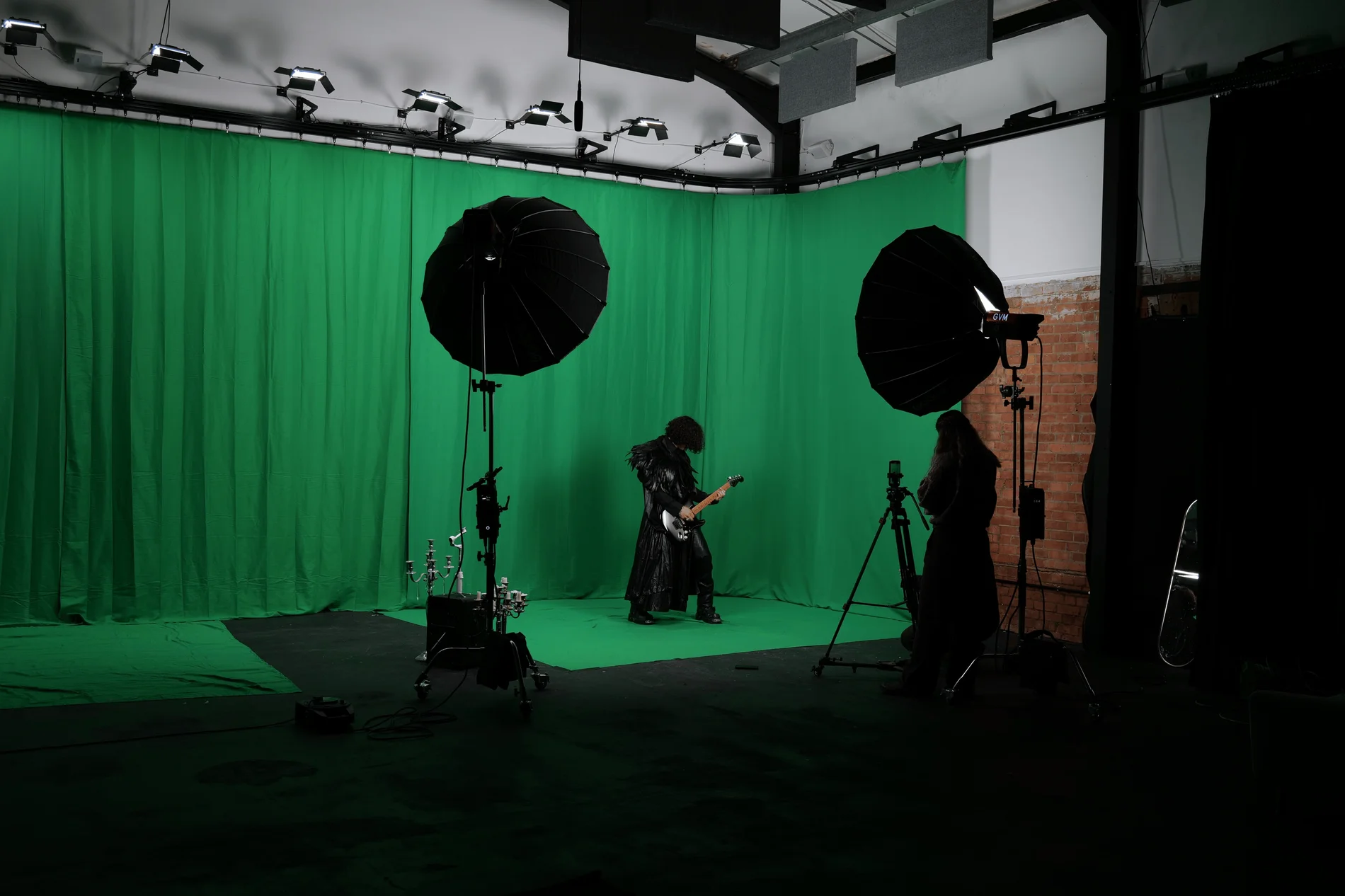
Giant Green Screen at Finchley Studios. Enquire about Giant Green Screen.
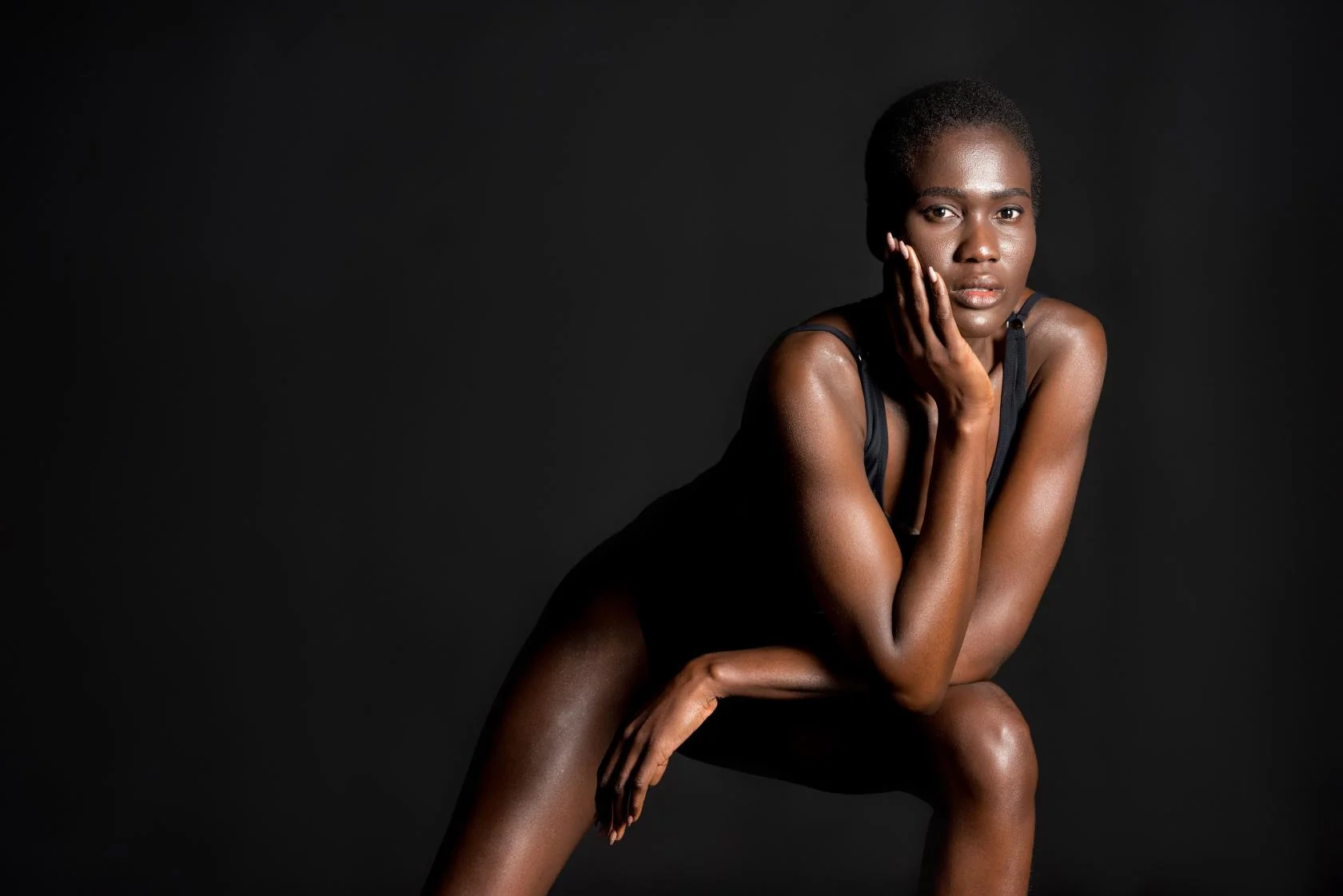
Blackout at Finchley Studios. Book Blackout.
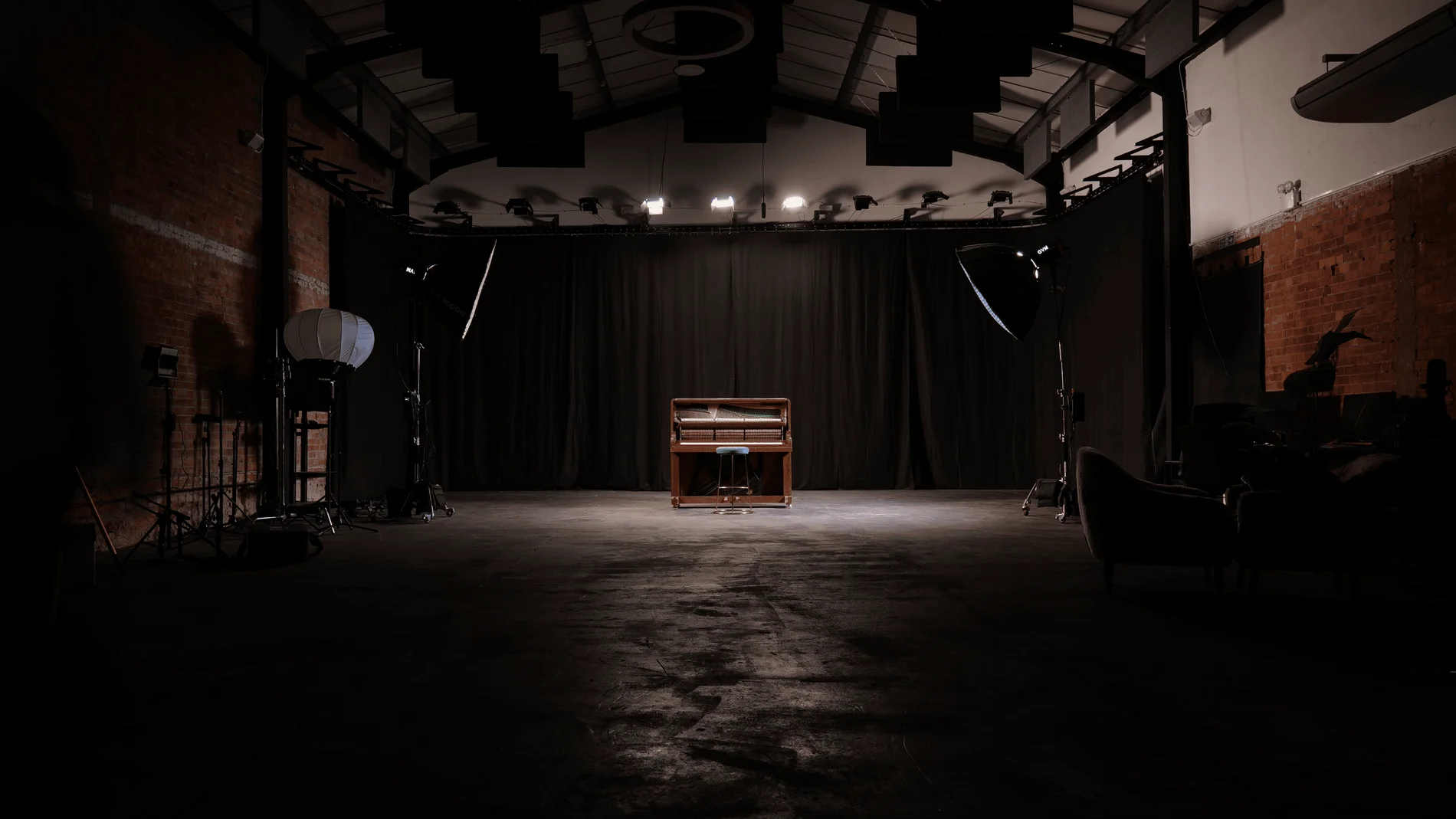
Giant Blackout at Finchley Studios. Enquire about Giant Blackout.
Plan your Finchley recording
Explore our London podcast studio to compare sets and production support. Send your brief to the Finchley team with your preferred date, guest count and required outputs.