Headphones are useful for hearing the sound being captured and any remote guests or playback. Whether every person on camera needs to wear them depends on the production setup. The essential question is who monitors the recording and how each participant hears the material they need without introducing avoidable noise or feedback.
Separate the guest's needs from the engineer's job
A guest may need a return feed for a remote conversation, a prerecorded question or a cue. An engineer needs to assess the recorded sound. Those are related tasks, but they are not identical.
Shure describes headphone monitoring as a way to catch recording mistakes and maintain consistent sound. Wearing headphones does not transfer responsibility for the recording to a guest who has no experience of monitoring it.
Use the engineer guide to agree who checks levels, noise and saved recordings. If contributors prefer a headphone-free appearance, discuss that before filming so the team can decide whether it suits the actual signal and monitoring plan.
Test the sound each person receives
Check that contributors can hear the necessary conversation at a comfortable level. Ask about distracting delay, an unbalanced mix or difficulty hearing a particular speaker. The right response may be a routing adjustment rather than asking the guest to tolerate the problem.
For a hybrid recording, test both directions of the call. The remote guest needs to hear the studio, and the studio contributors need to hear the guest without hearing an unwanted echo of themselves.
Choose monitoring equipment around the task
Use the studio's advice on the headphones and connection appropriate for its setup. A familiar personal pair may need a different connector or behave differently from the studio's equipment. Confirm compatibility before relying on it for the recording.
Audacity recommends headphones when using its punch-and-roll recording workflow. That is a specific example of a task requiring playback and rerecording to work together, rather than evidence that every interview must use one universal arrangement.
| Recording task | What to test |
|---|---|
| Local interview | Who monitors the captured sound? |
| Remote interview | Can everyone hear the required return feed? |
| Listener clip | Can the host hear and respond to the exact excerpt? |
| Script pickup | Is any reference playback coordinated with recording? |
| Long session | Is the fit workable and are breaks planned? |
Keep comfort and communication visible
Explain how to ask for a level change or a pause. Check fit, cable routing and any access requirement before the main take. Do not assume silence means the contributor can hear properly.
Avoid loud ad hoc claps or playback surprises close to the microphone and headphones. Let the engineer choose any synchronisation or marking method required by the workflow.
Check a saved sample
Listen to a short recorded passage with the actual setup. A comfortable headphone mix and a usable saved file are separate checks. If several people are talking together, use the cross-talk guide to improve turn-taking as well as the technical arrangement.
Confirm the monitoring plan again if you add an interpreter or playback source. The interpreter guide explains why an extra voice changes what people need to hear.
Planning this at Finchley Studios
The Blackwood Gold package advertises an engineer running the recording. Ask Finchley how monitoring will work for your chosen session and whether the contributors need headphone feeds for remote calls, cues or playback.
Tell the team about personal equipment, access requirements or a preference about the on-camera look before arriving. Confirm the connections and mixes rather than assuming every device can join the system. Leave time for a saved test and agree who can request a pause. The final arrangement should support the people and the recording workflow, with technical responsibilities clearly assigned.
A client recording from Finchley Studios
From our client recording collection: The Social Battery Podcast.
Continue planning your recording
- Do You Need a Recording Engineer for Your Podcast?
- How to Record a Podcast with Studio and Remote Guests
- How to Stop Podcast Guests Talking Over Each Other
- How to Record a Podcast Interview with an Interpreter
For the full series, explore our podcast studio booking guide.
Explore all 12 Finchley sets
Compare the looks below, then follow the booking or enquiry link for your preferred set. Confirm the recording package, guest capacity and location for your session.
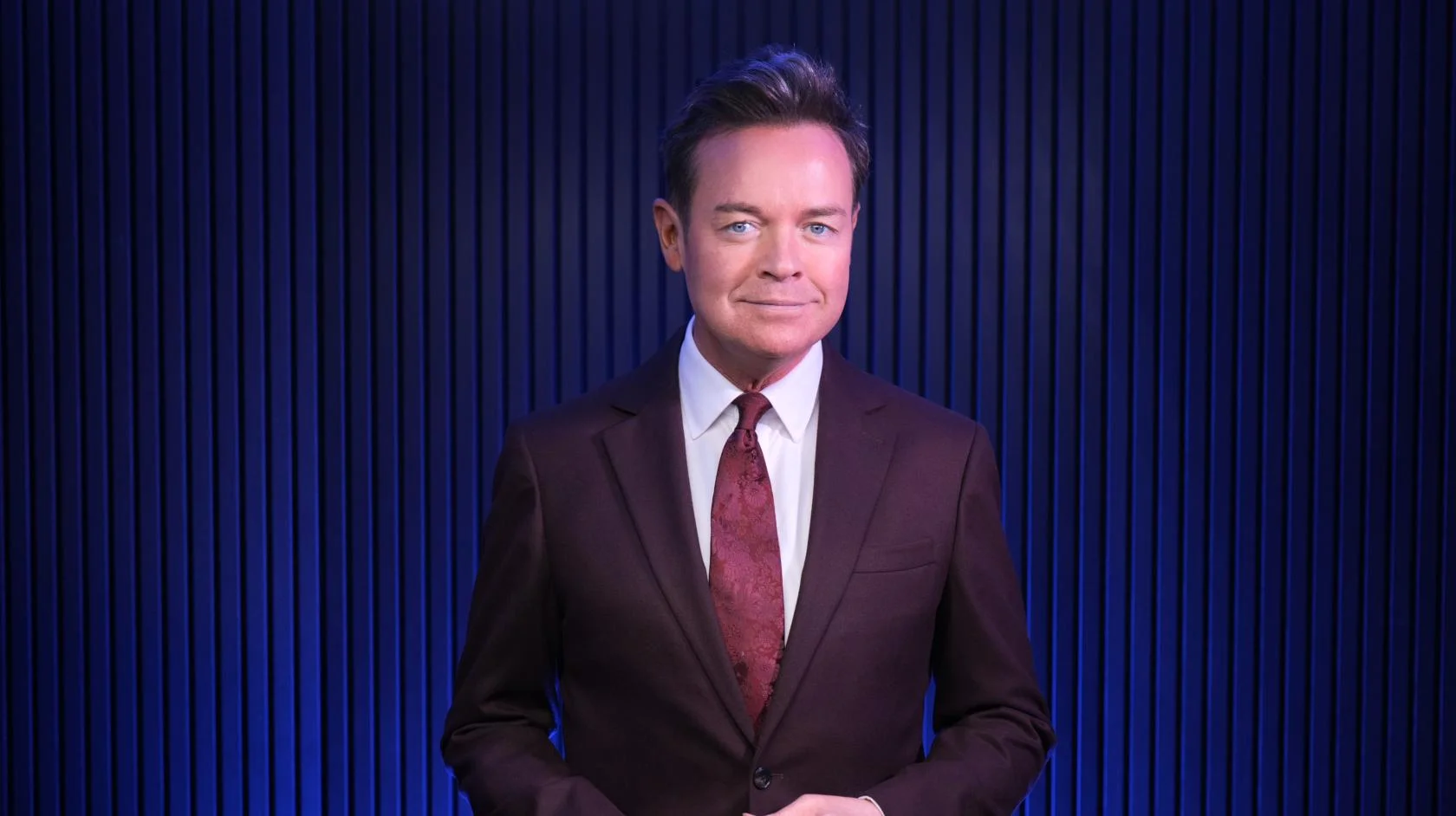
Blackwood at Finchley Studios. Book Blackwood.
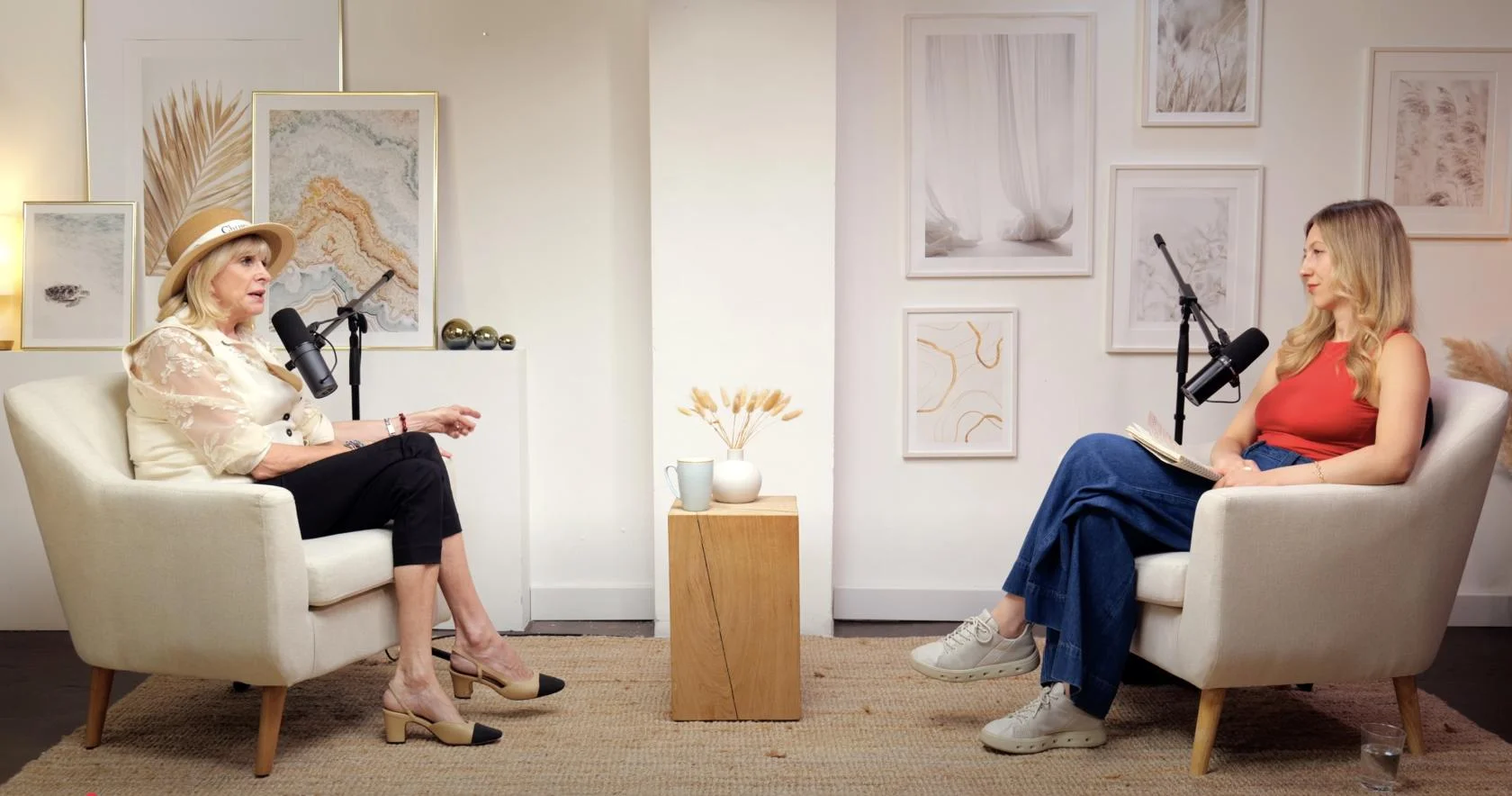
Dialogue at Finchley Studios. Book Dialogue.

Lounge at Finchley Studios. Book Lounge.
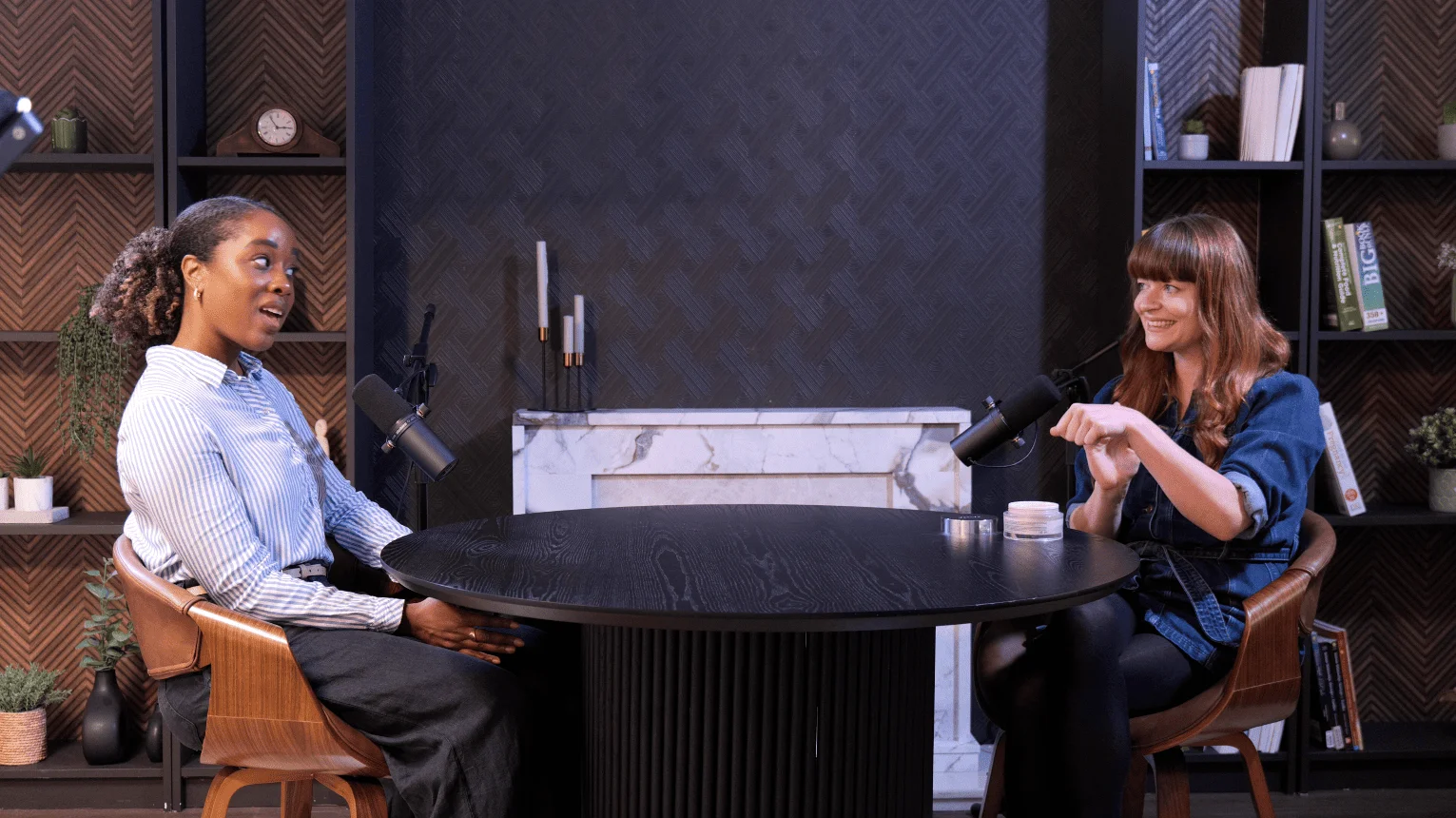
CEO at Finchley Studios. Book CEO.

Pulse Lounge at Finchley Studios. Enquire about Pulse Lounge.

Roundtable at Finchley Studios. Enquire about Roundtable.

The Brick Studio at Finchley Studios. Enquire about The Brick Studio.
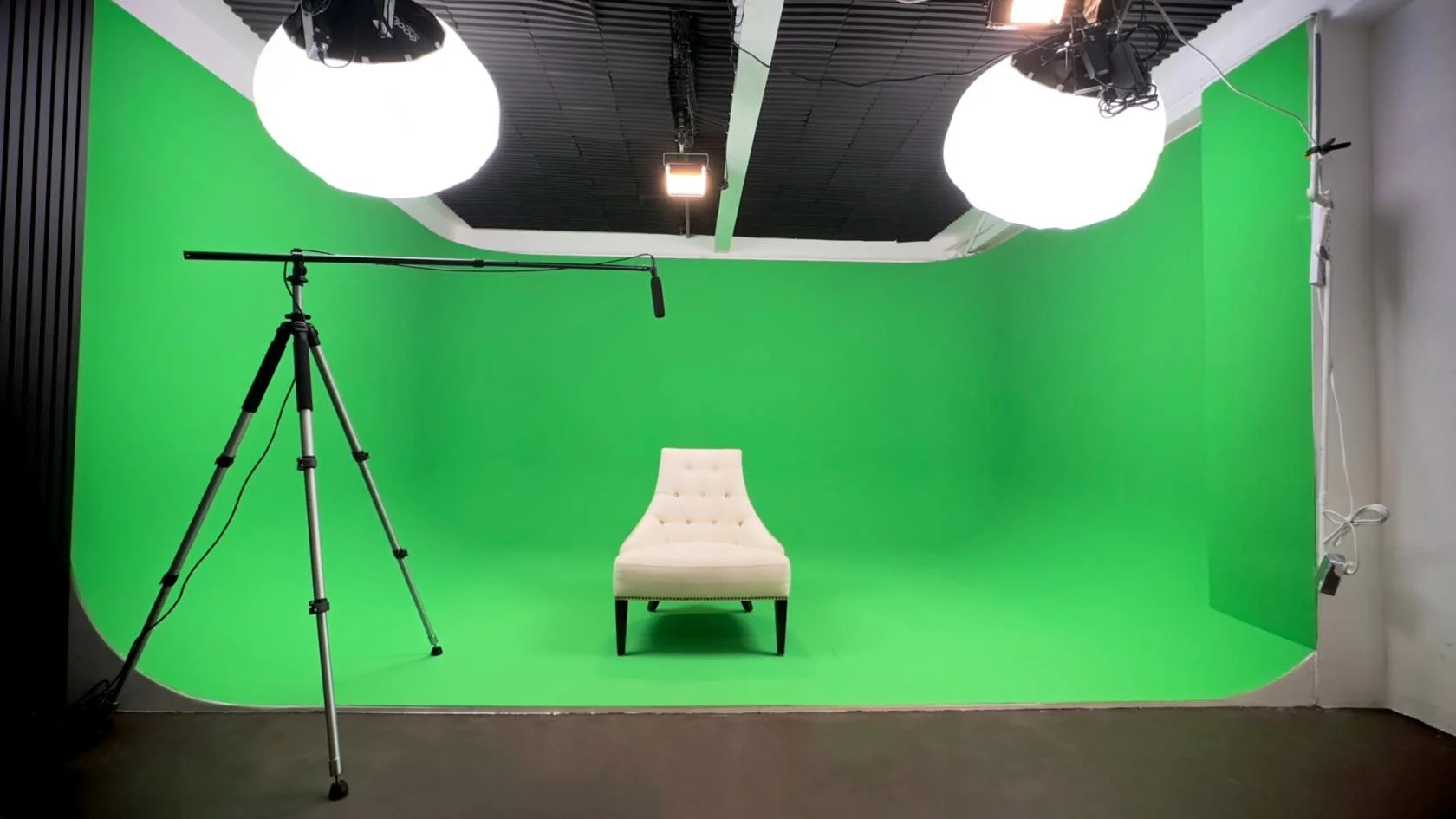
Green Screen Cove at Finchley Studios. Book Green Screen Cove.
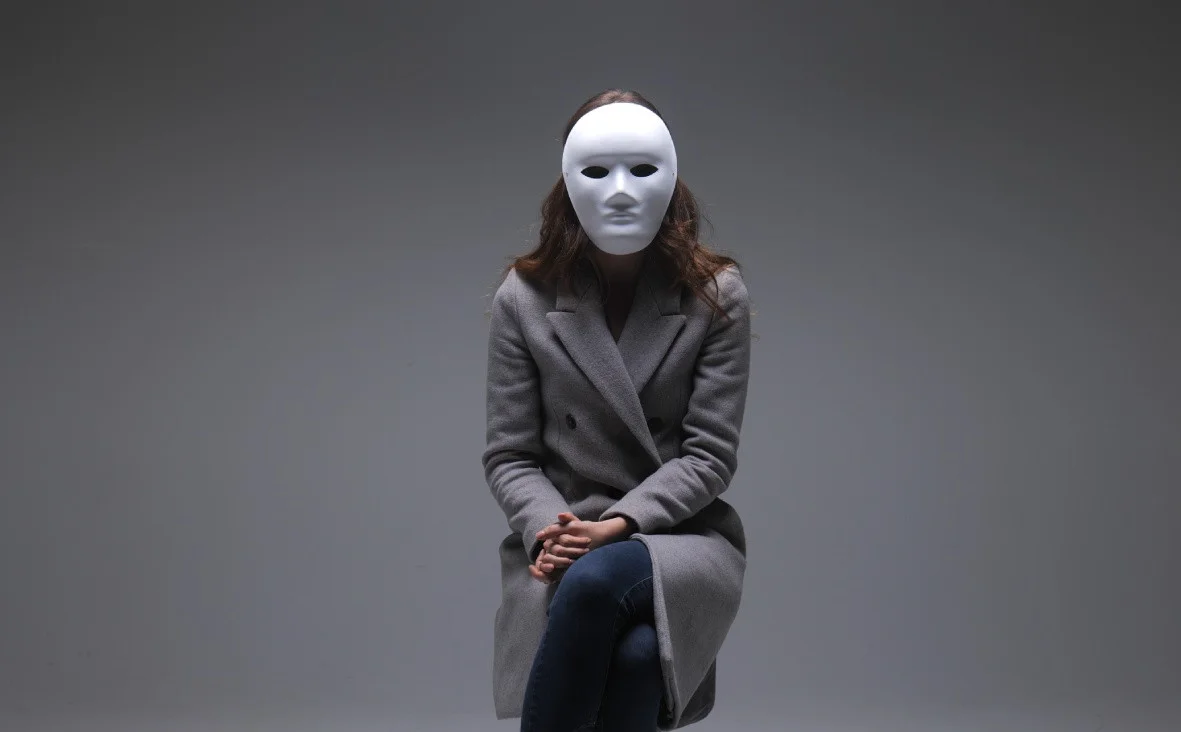
Giant White Infinity Cove at Finchley Studios. Enquire about Giant White Infinity Cove.
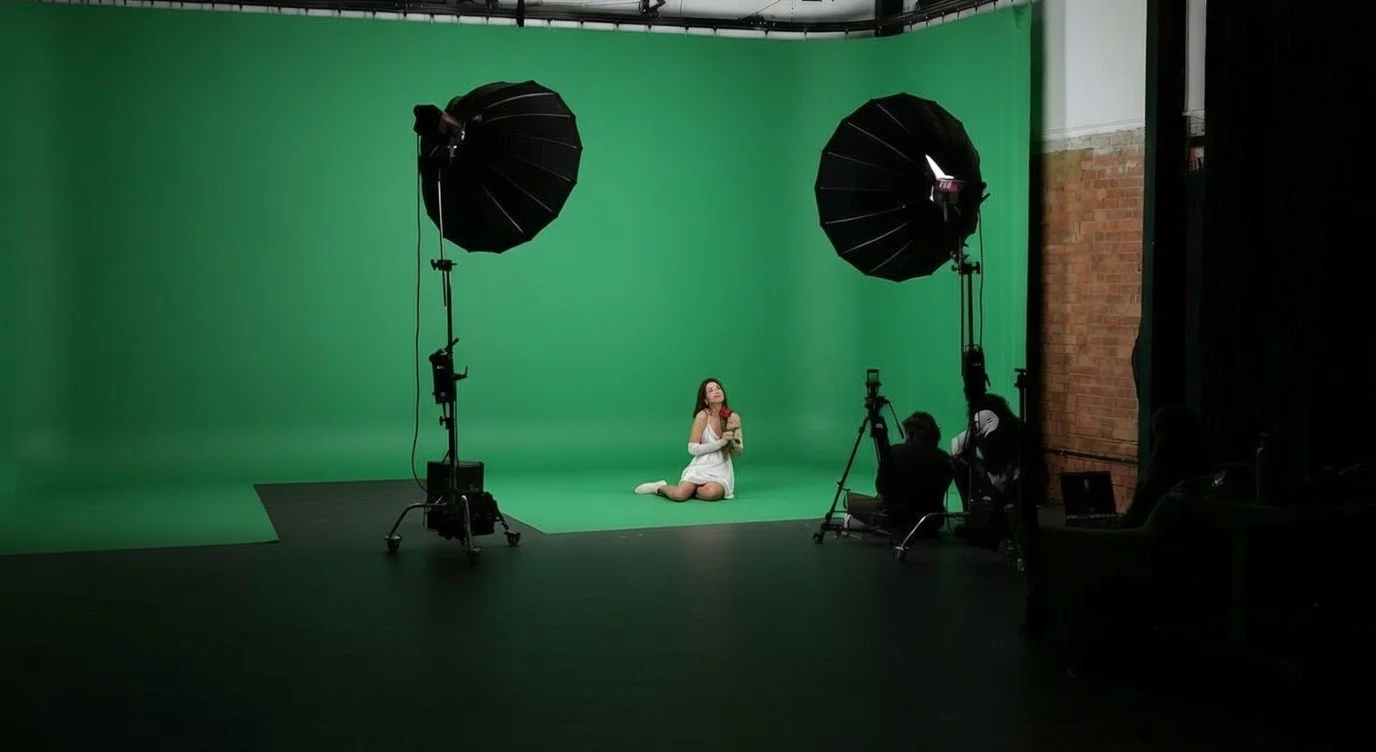
Giant Green Screen at Finchley Studios. Enquire about Giant Green Screen.
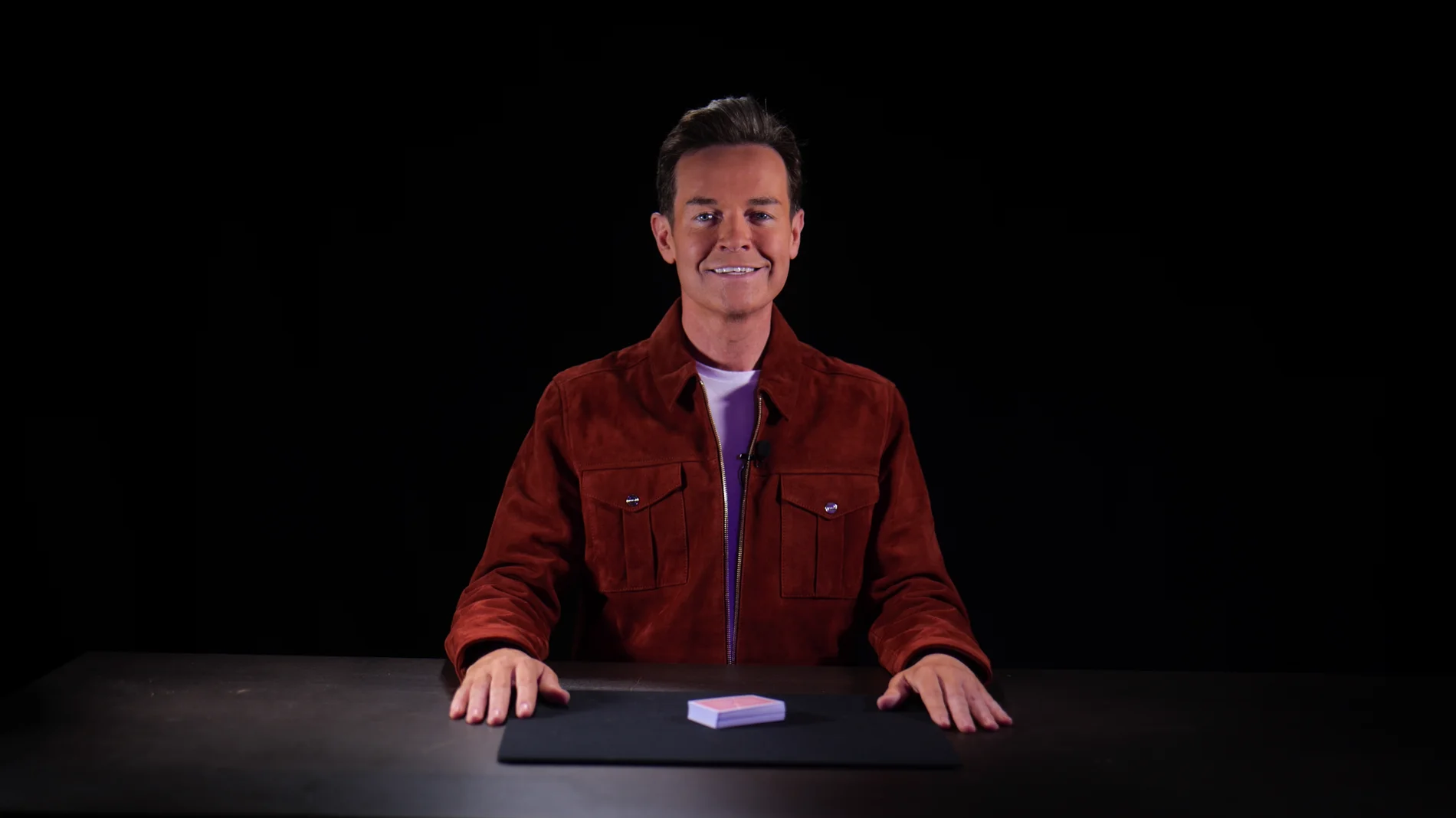
Blackout at Finchley Studios. Book Blackout.
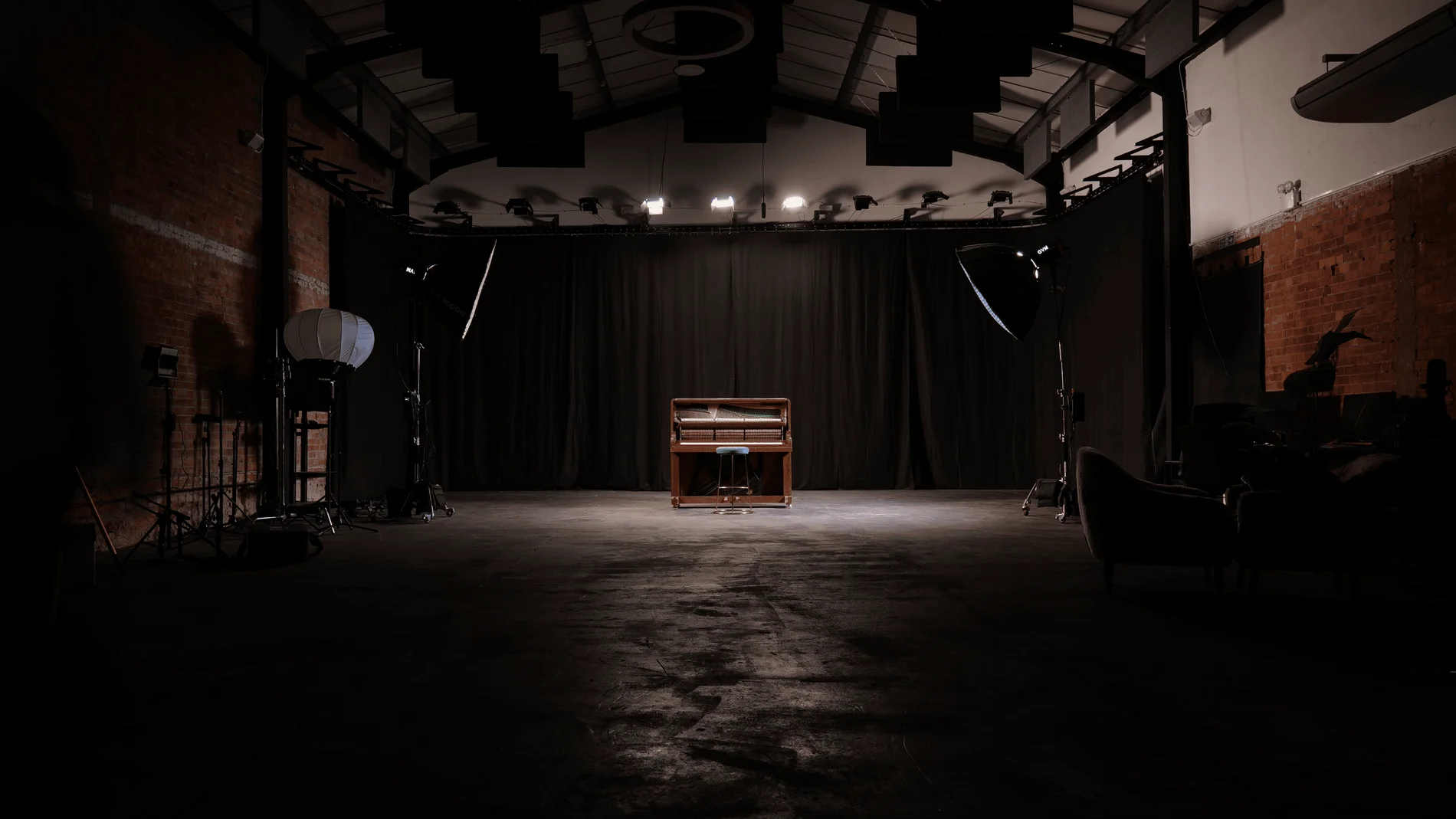
Giant Blackout at Finchley Studios. Enquire about Giant Blackout.
Plan your Finchley recording
Explore our podcast studio to compare sets and production support. Send your brief to the Finchley team with your preferred date, guest count and required outputs.