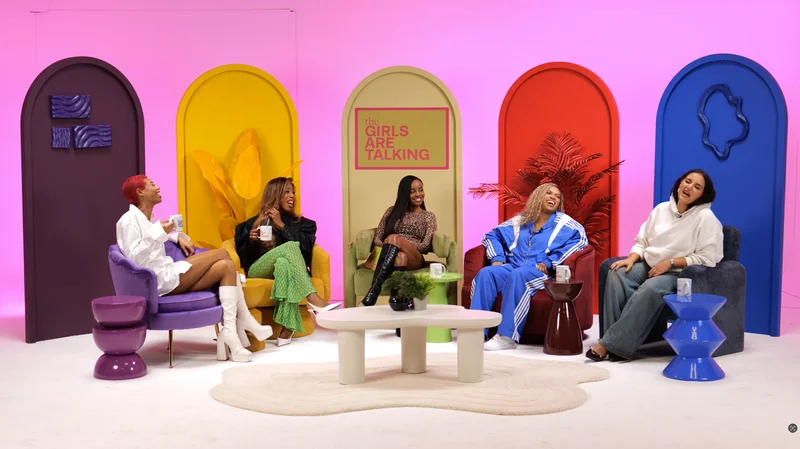
Plan a conference podcast around the interviews you need, not simply the presence of a microphone at an event. Decide whether the conversation belongs on the conference floor, in an agreed quiet room or in a separate studio session. Each option changes access, sound, scheduling and the work needed after recording.
Choose the recording model early
An event-floor interview can capture the atmosphere but may also capture announcements, music and nearby conversations. A separate room can offer more control if the organiser authorises its use. A studio interview before or after the conference may be a better fit when a complete, focused episode is the priority.
Confirm organiser permission, contributor access and any restrictions on filming branding, presentations or attendees. Do not assume that an event ticket grants permission to produce commercial recordings throughout the venue.
Build a guest schedule that can survive changes
Choose interviews with a clear editorial purpose, then give guests a specific meeting point and contact. Explain the duration, format and intended uses. Use the batch-recording guide to plan the changeovers, breaks and file identification.
BBC Academy recommends planning interview logistics and checking the recording location. Allow for speakers leaving sessions late and avoid booking every available minute without recovery time.
| Planning item | Decision to confirm |
|---|---|
| Location | Approved room, event-floor position or separate studio |
| Guests | Arrival contact, interview purpose and availability |
| Audio | Background sound, microphones and active monitoring |
| Picture | Framing, branding and any required event context |
| Handover | Episode labels, approved credits and delivery schedule |
Test the actual environment
Check the space while the event is operating if possible. A room that is quiet during setup may be different once the adjoining stage begins. Identify power, connectivity, cable routes and who can resolve a venue problem.
Where people gather around the recording, HSE's crowd-management guidance emphasises clear responsibilities and planning. Coordinate with the organiser rather than allowing a filming setup to block an entrance or circulation route.
Make the edit achievable
Keep a record of guest names, job titles, topics and any corrections. Decide whether the output is a series of short interviews, a longer discussion or a programme combining several contributions. Those choices affect introductions, permissions and the amount of editing.
If publication is intended during the event, agree the review and approval timetable before recording. Separate raw-file transfer from a finished edit, and do not promise a release that depends on unconfirmed approvals or connectivity.
Choose the right follow-up setting
For a studio session connected to a London conference, confirm travel and the actual recording address using the Finchley guest logistics guide. A studio booking is a separate event in the guest's schedule, not an assumption that the conference venue is nearby.
If you want an audience as well as an interview, read the live-audience guide. Connect the conference content to your company podcast plan so the material has a useful destination after the event ends.
Planning this at Finchley Studios
Finchley's Roundtable set is presented for conference-style and panel filming at its Warehouse address. It can be a starting point for a separately booked conversation connected to an event.
Share the guest schedule, group size and outputs with the team before confirming the production. Ask about the selected set's availability, recording support and realistic delivery timing. If you need recording at an external conference venue, request a separate assessment and quotation; these studio descriptions do not establish an included location service. Keep the event organiser's permissions, travel plan and studio booking as clearly assigned parts of one production.
A client recording from Finchley Studios
From our client recording collection: The Social Battery Podcast.
Continue planning your recording
- How to Batch Record Podcast Episodes in One Studio Session
- Getting to Finchley Studios: A Podcast Guest Arrival Guide
- How to Plan a Podcast Recording with a Live Audience
- How to Plan a Company Podcast People Want to Hear
For the full series, explore our podcast studio booking guide.
Explore all 12 Finchley sets
Compare the looks below, then follow the booking or enquiry link for your preferred set. Confirm the recording package, guest capacity and location for your session.
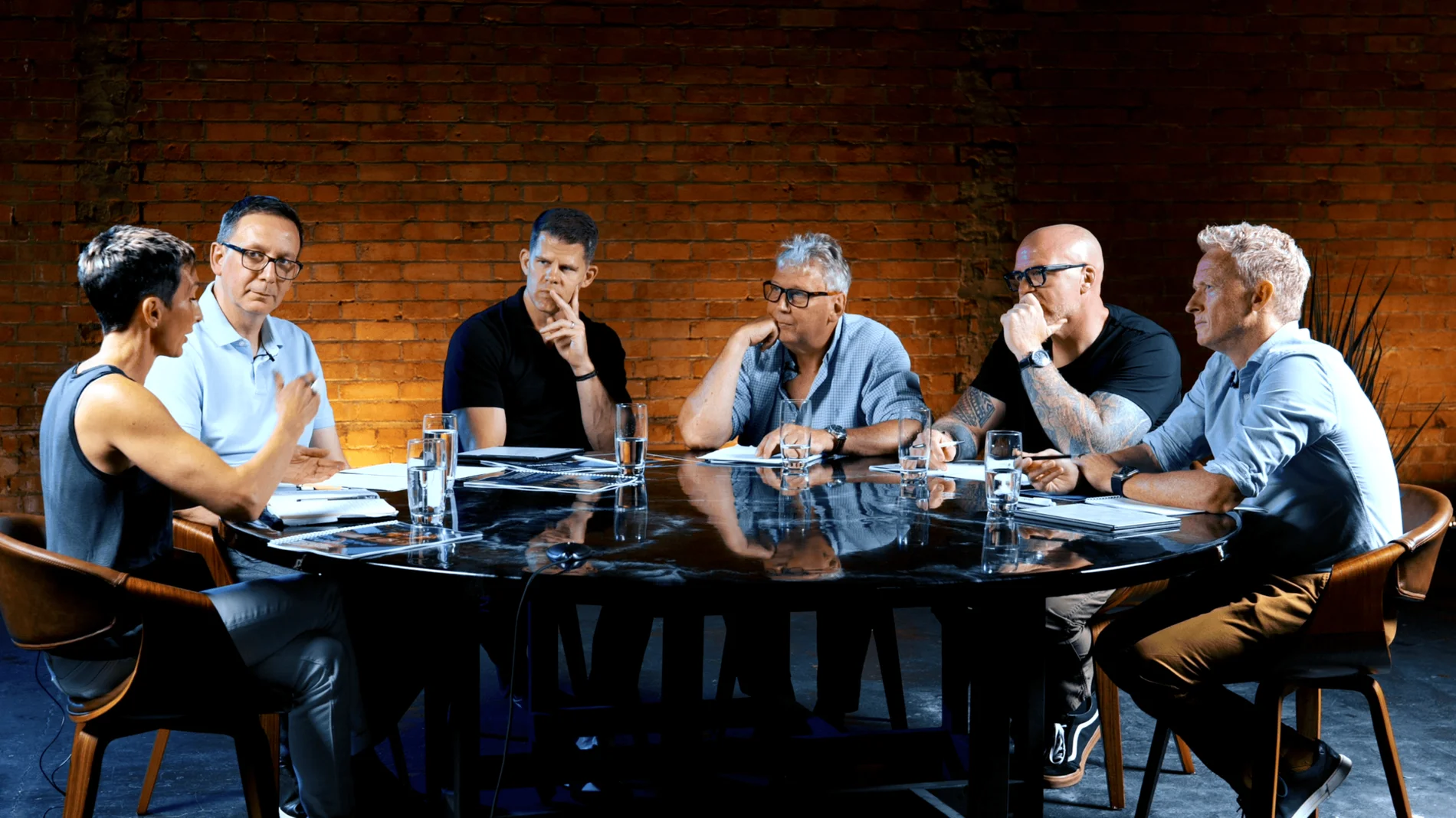
Roundtable at Finchley Studios. Enquire about Roundtable.
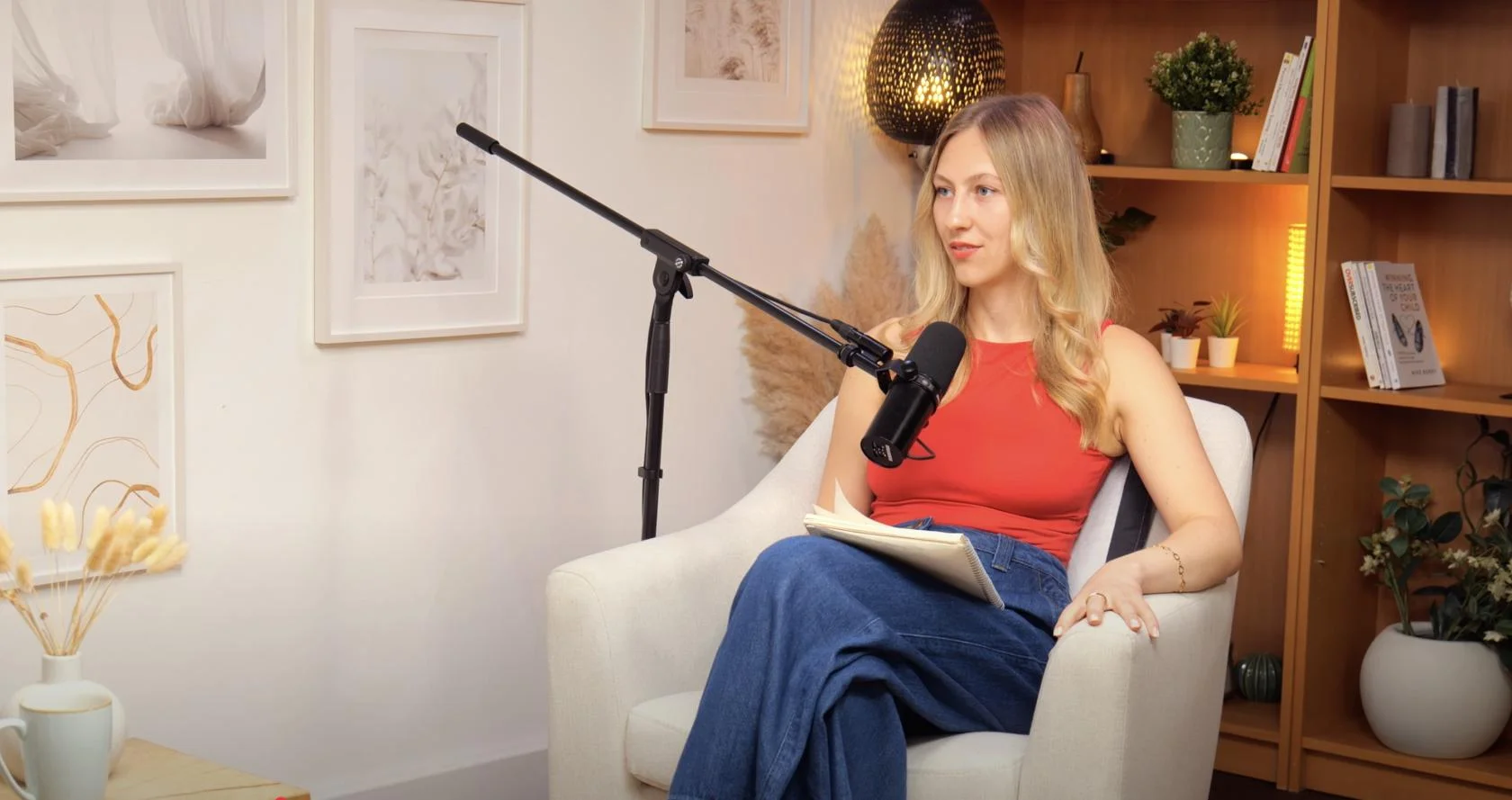
Dialogue at Finchley Studios. Book Dialogue.
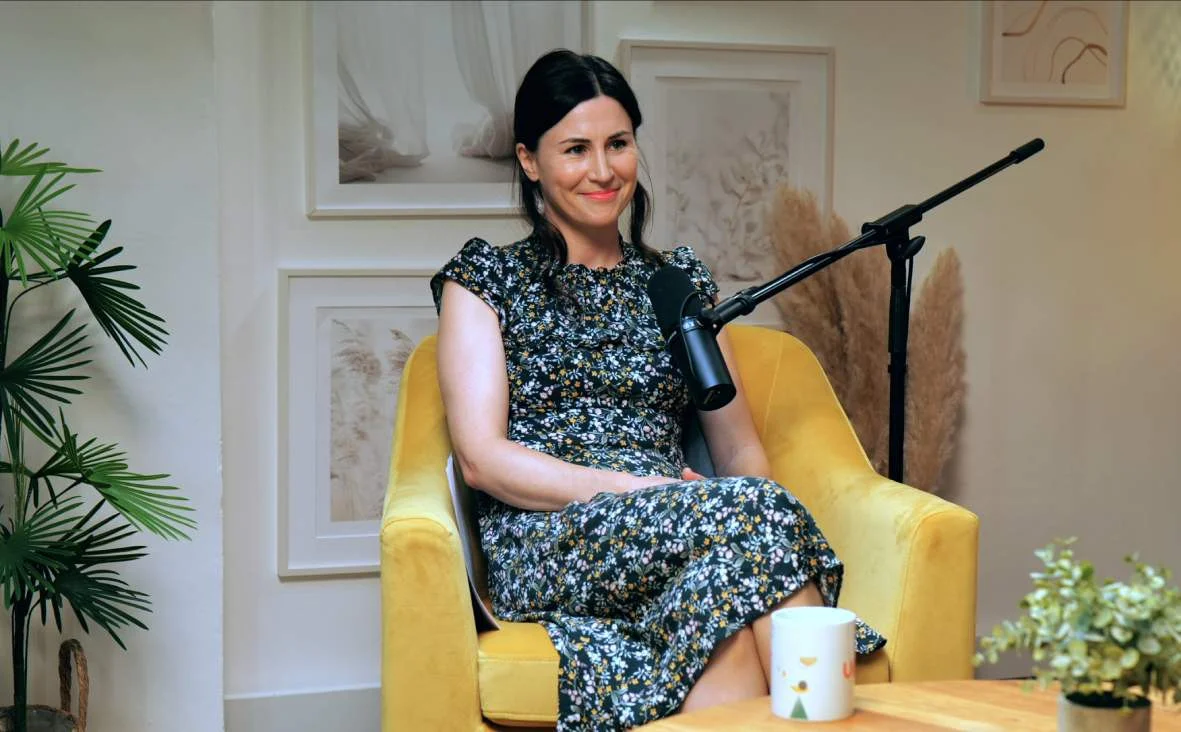
Lounge at Finchley Studios. Book Lounge.
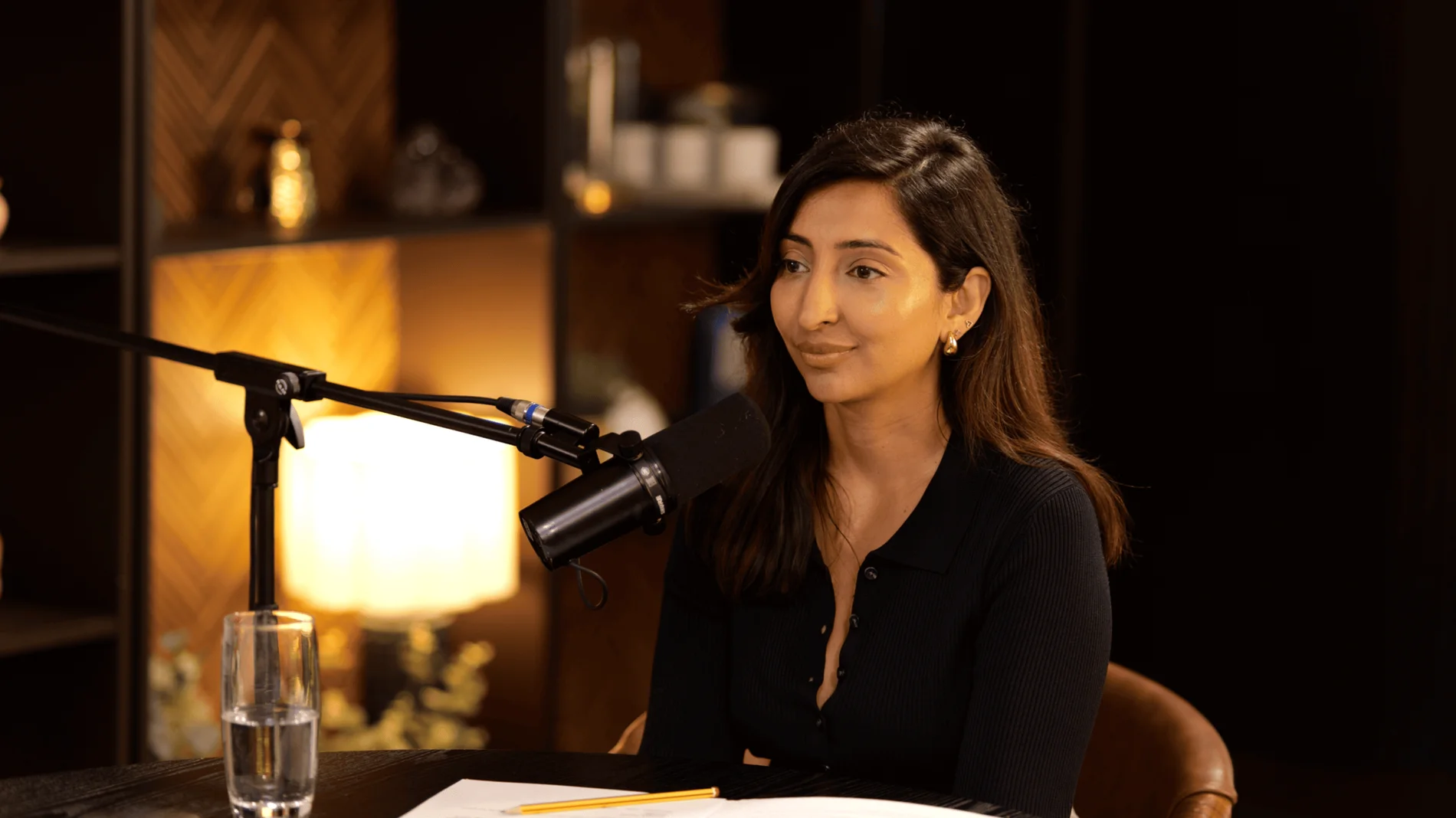
CEO at Finchley Studios. Book CEO.
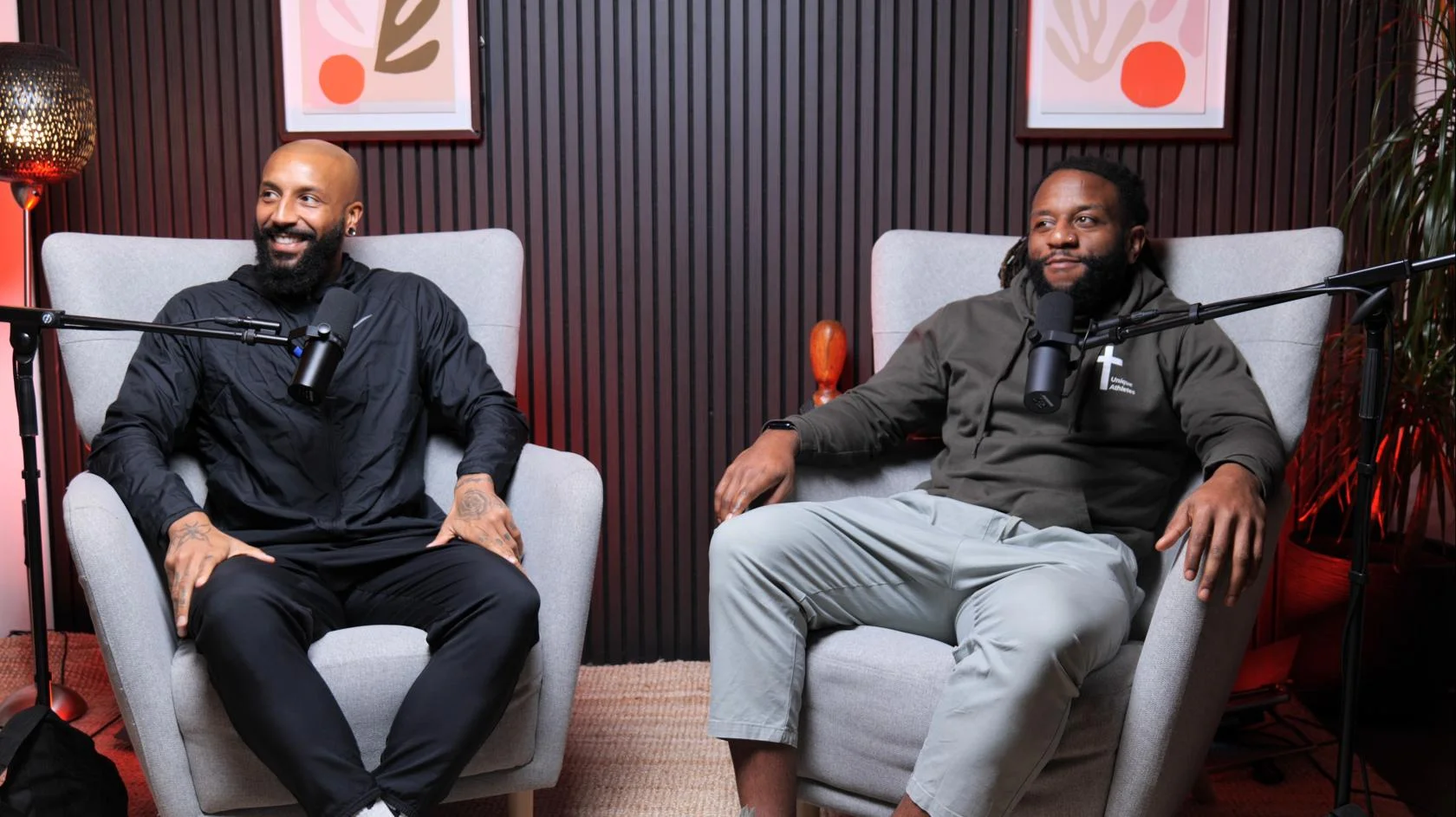
Blackwood at Finchley Studios. Book Blackwood.
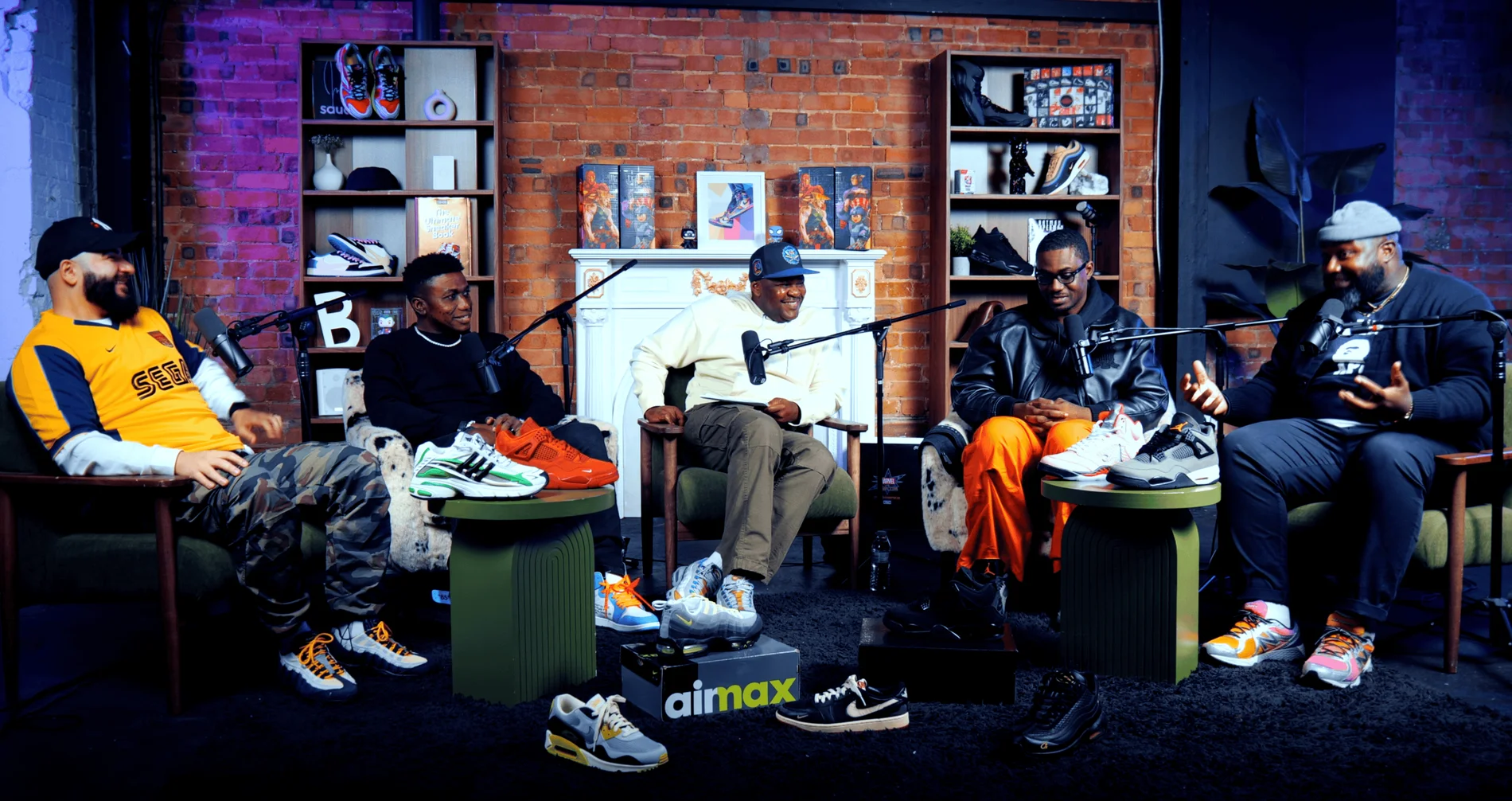
Pulse Lounge at Finchley Studios. Enquire about Pulse Lounge.
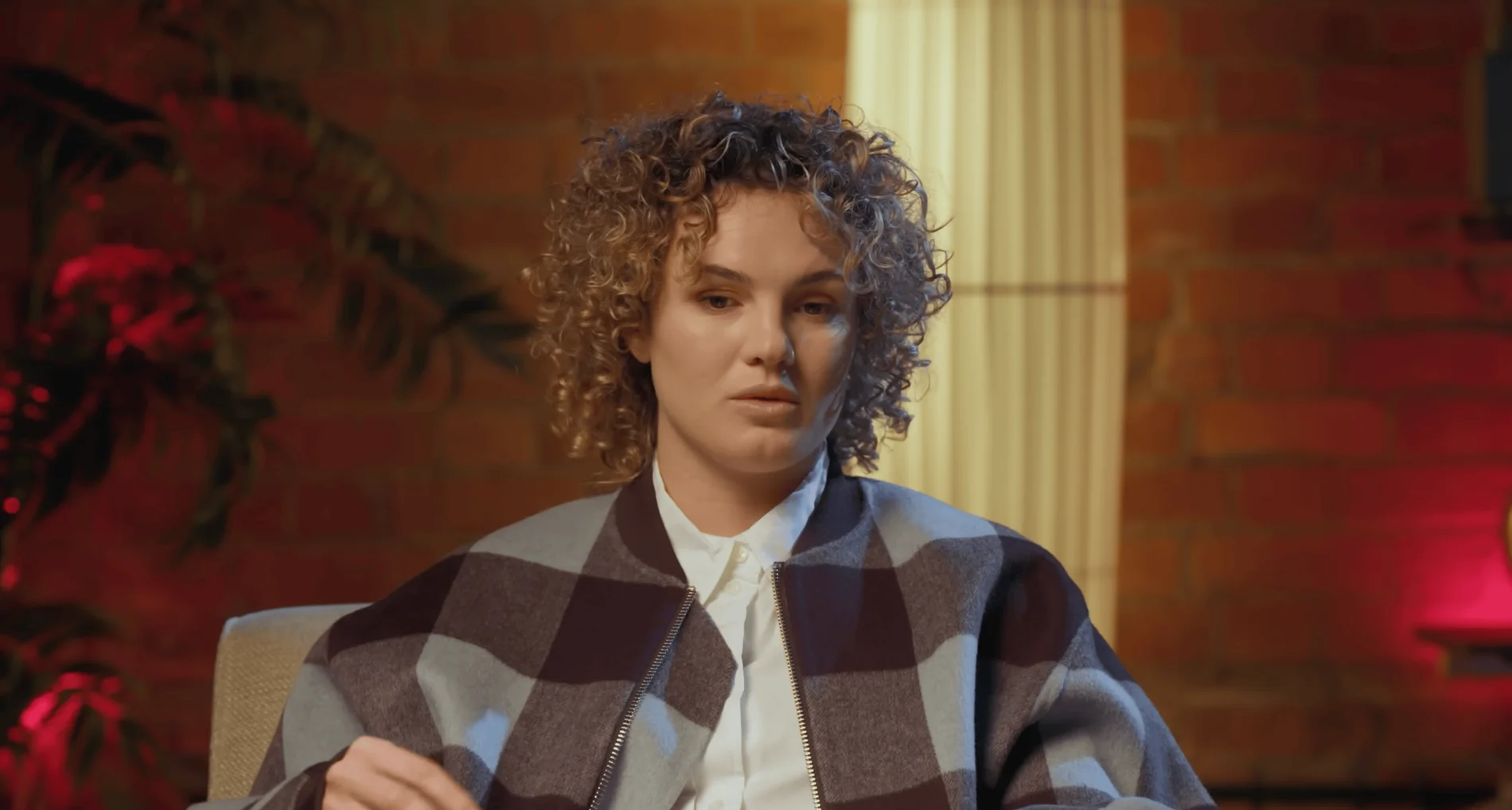
The Brick Studio at Finchley Studios. Enquire about The Brick Studio.
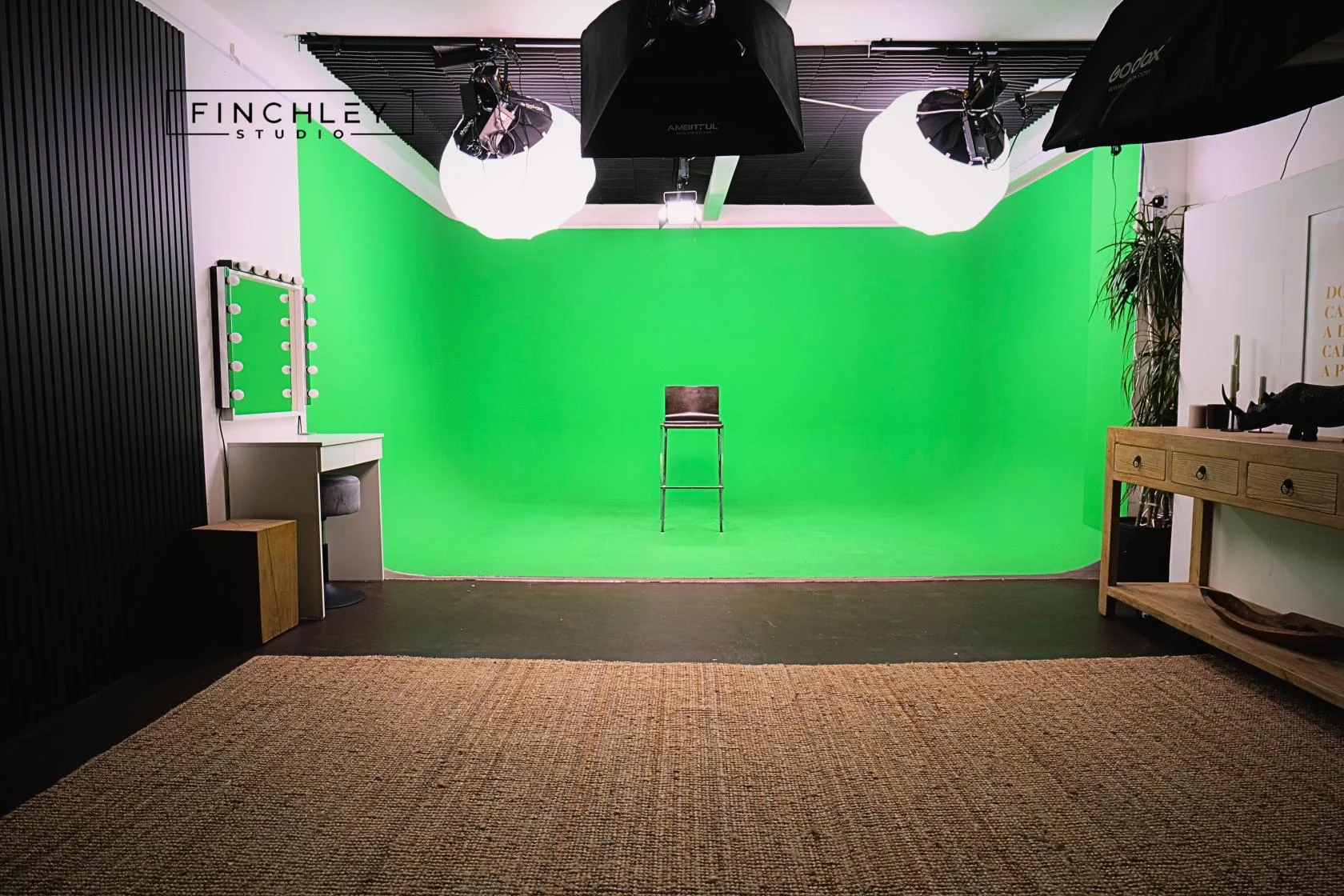
Green Screen Cove at Finchley Studios. Book Green Screen Cove.
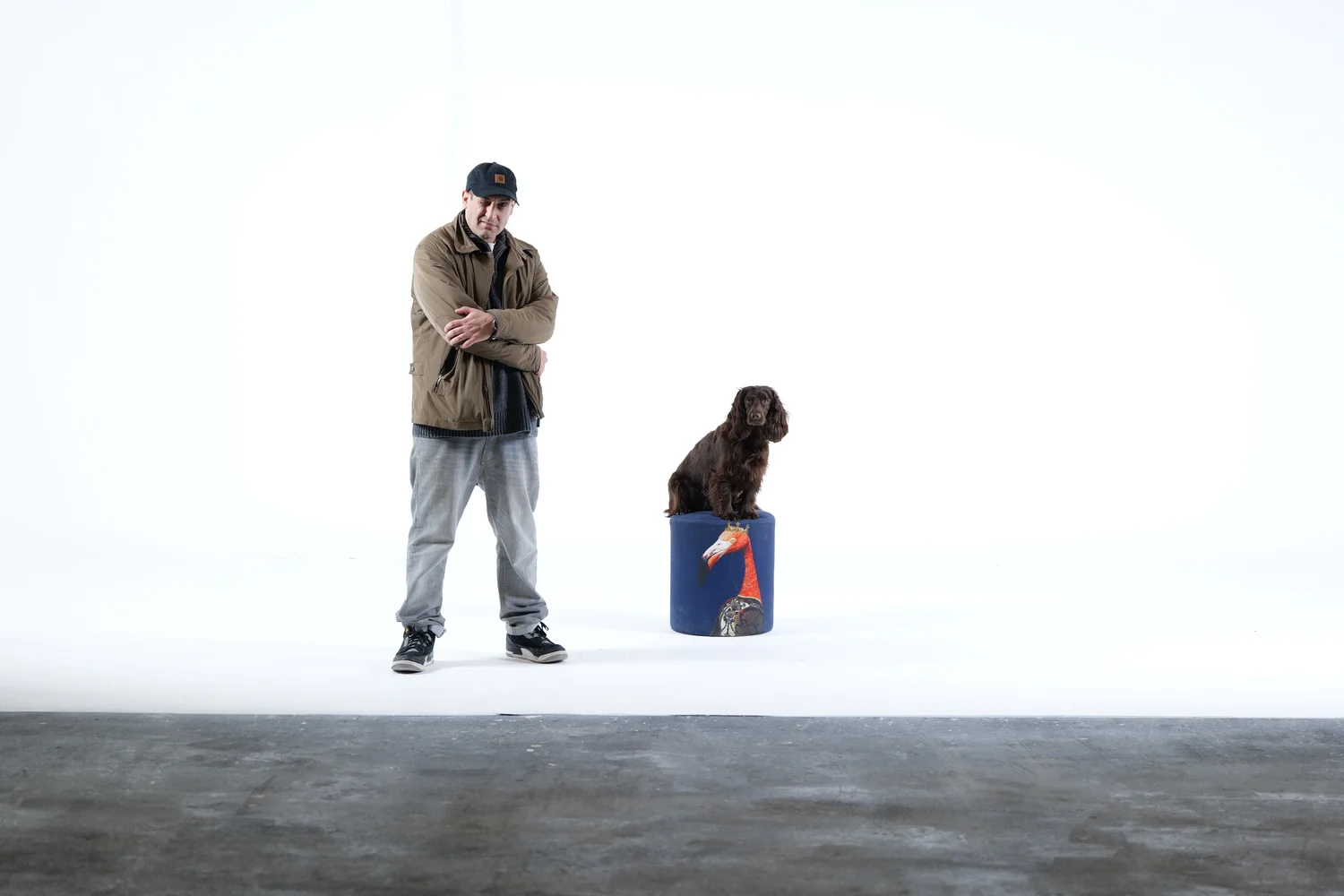
Giant White Infinity Cove at Finchley Studios. Enquire about Giant White Infinity Cove.
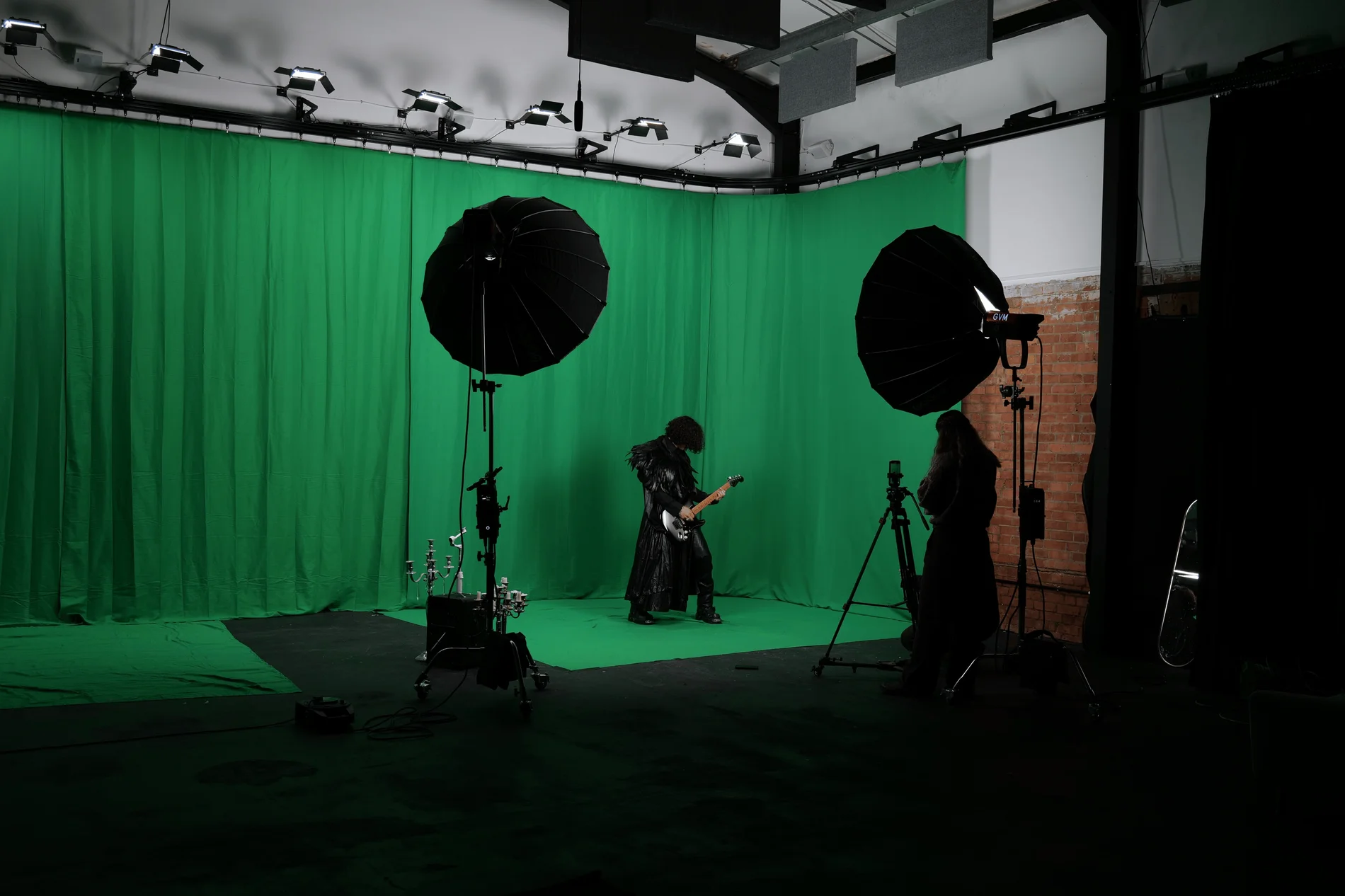
Giant Green Screen at Finchley Studios. Enquire about Giant Green Screen.
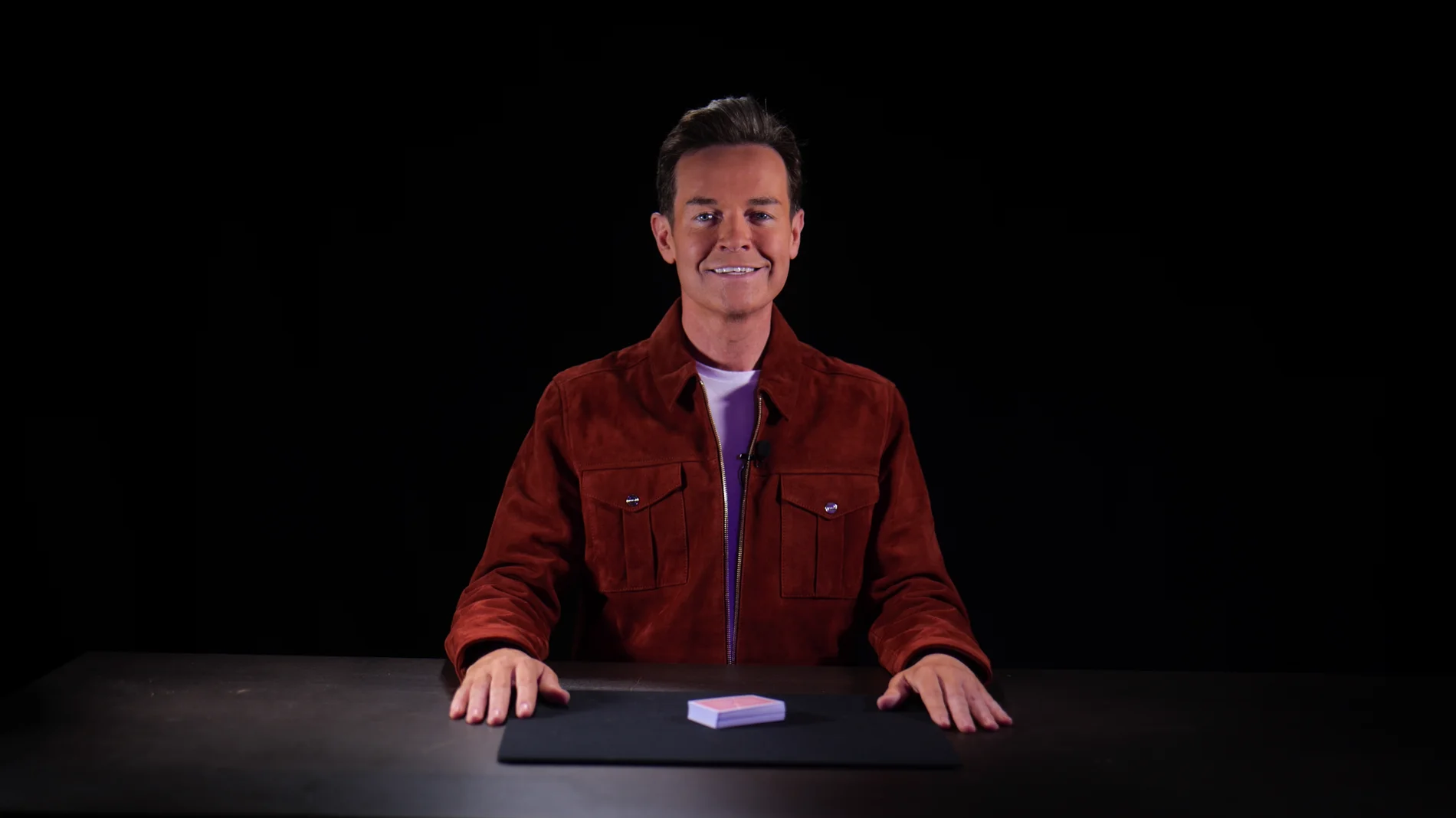
Blackout at Finchley Studios. Book Blackout.
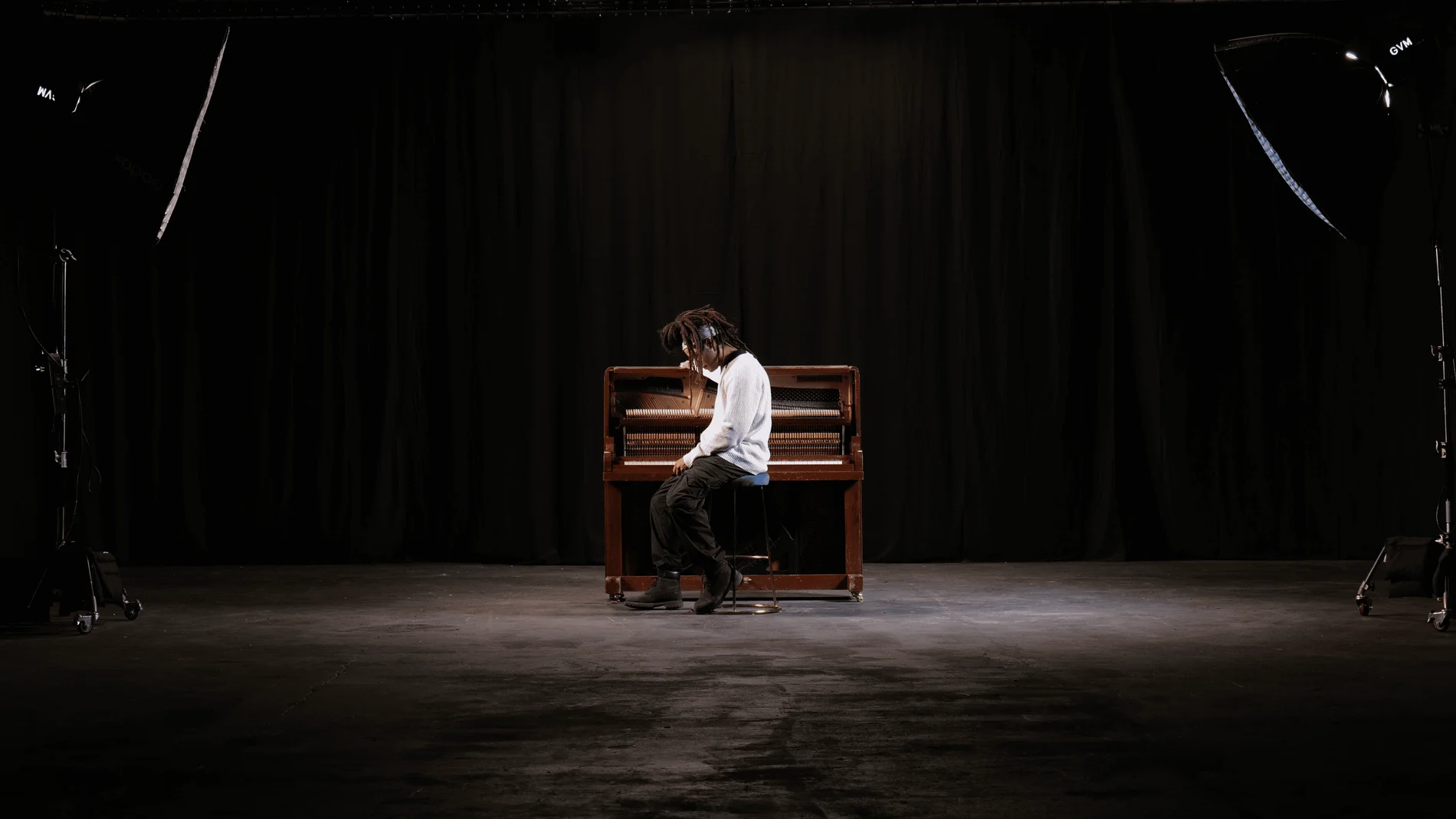
Giant Blackout at Finchley Studios. Enquire about Giant Blackout.
Plan your Finchley recording
Explore our podcast studio to compare sets and production support. Send your brief to the Finchley team with your preferred date, guest count and required outputs.