A multilingual podcast needs a deliberate listening format as well as a recording plan. Decide which languages the audience understands and how each episode will serve them. A bilingual conversation, interpreted interview, translated edition and dubbed video create different experiences and require different production work.
Define how the languages will interact
Ask whether listeners are expected to understand both languages. If they are not, decide how the meaning will reach them: consecutive interpretation, a translated summary, subtitles or separately produced editions. Avoid assuming that two languages in one recording automatically make it accessible to both audiences.
For live interpretation, use the interpreter conversation guide. If each language receives its own finished release, plan the scripts, approval stages and file names for both versions before recording.
Budget language work separately from room time
Allow for briefings, clarification and breaks. A statement followed by interpretation occupies a different schedule from a single-language answer of the same original length. Do not apply an automatic multiplier without reviewing the actual format with the people involved.
Use the production brief to identify languages, dialects, speakers, remote contributors and the person who will verify each language. Give the team pronunciation notes and approved translations for names, titles and technical terms.
Record sources that support the edit
Ask how each contributor will be captured, what they need to hear and how the editor will identify the material. Separate microphone tracks may help the workflow, but availability and delivery need agreement with the studio.
Create a short test containing the actual language changes. Check that the person reviewing the edit can understand the content well enough to judge cuts, names and nuance. A technically neat edit can still alter meaning if the reviewer does not understand the language.
| Output | What to commission |
|---|---|
| Bilingual conversation | An explanation of the format and intended listener |
| Interpreted episode | Interpretation, speaker coverage and additional session time |
| Subtitled video | Approved translation, timing and language review |
| Separate edition | A complete delivery and approval plan for that version |
| Dubbed video | Appropriate permissions and review of the resulting audio |
Treat captions and dubbing as distinct work
YouTube supports adding subtitles by language and uploading caption files. Specify whether you need an original-language transcript, translated subtitles or both, and assign a reviewer for names and specialist wording.
YouTube's automatic-dubbing guidance warns that generated translations can contain errors. Check current channel eligibility and review any proposed use rather than treating automatic dubbing as an agreed studio deliverable or a substitute for language approval.
Keep delivery and permissions organised
Label the episode, language, version and approval status consistently. The deliverables guide helps distinguish recording sources from finished publication files.
For visual teaching material, use the slides and visuals guide to plan translated on-screen text. Keep the permissions for translation, dubbing and promotional extracts with the production record, especially when versions will be released at different times.
Planning this at Finchley Studios
For a Finchley multilingual session, provide the language format and full participant count before choosing the set. The Roundtable is presented for group discussions; assess the proposed layout with the team rather than inferring a language workflow from the room.
Confirm microphone coverage, any remote connection and the source files needed by your editor. Ask separately about interpretation, translation, subtitles or dubbing if you want those services considered. None should be assumed from a general recording package. Agree who checks linguistic accuracy, and keep the language review date separate from the raw-file transfer date.
A client recording from Finchley Studios
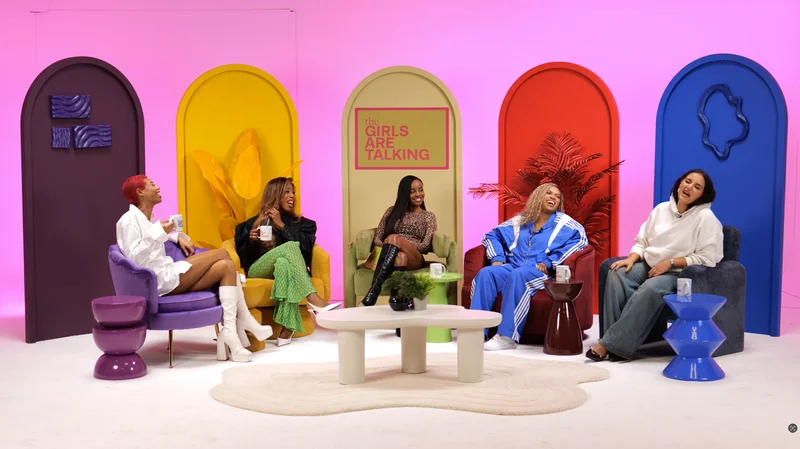
From our client recording collection: Owning Space.
Continue planning your recording
- How to Write a Podcast Studio Production Brief
- What Files Should You Receive After a Podcast Recording?
- How to Record a Podcast Interview with an Interpreter
- How to Use Slides, Charts and Screens in a Video Podcast
For the full series, explore our podcast studio booking guide.
Explore all 12 Finchley sets
Compare the looks below, then follow the booking or enquiry link for your preferred set. Confirm the recording package, guest capacity and location for your session.
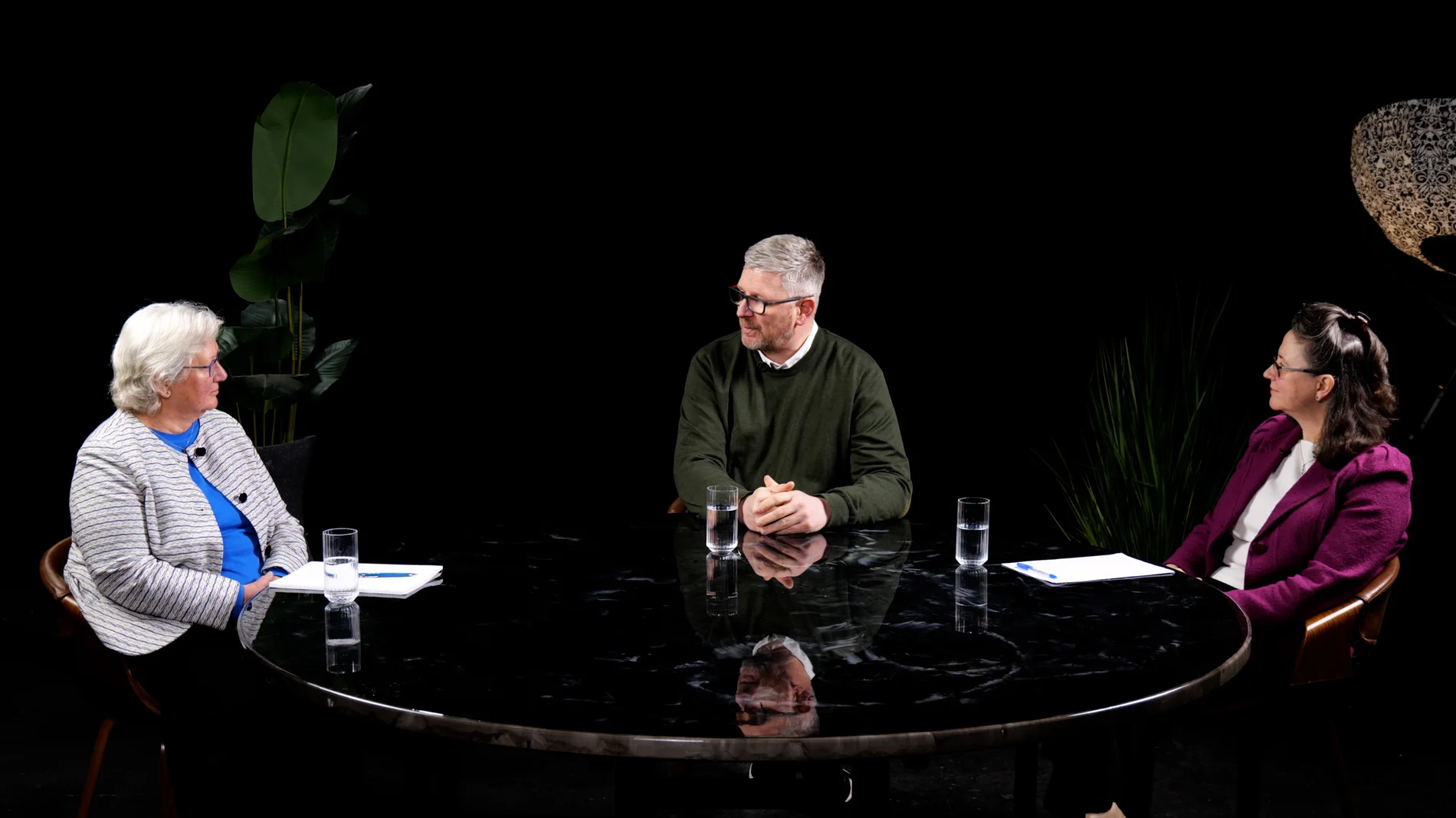
Roundtable at Finchley Studios. Enquire about Roundtable.
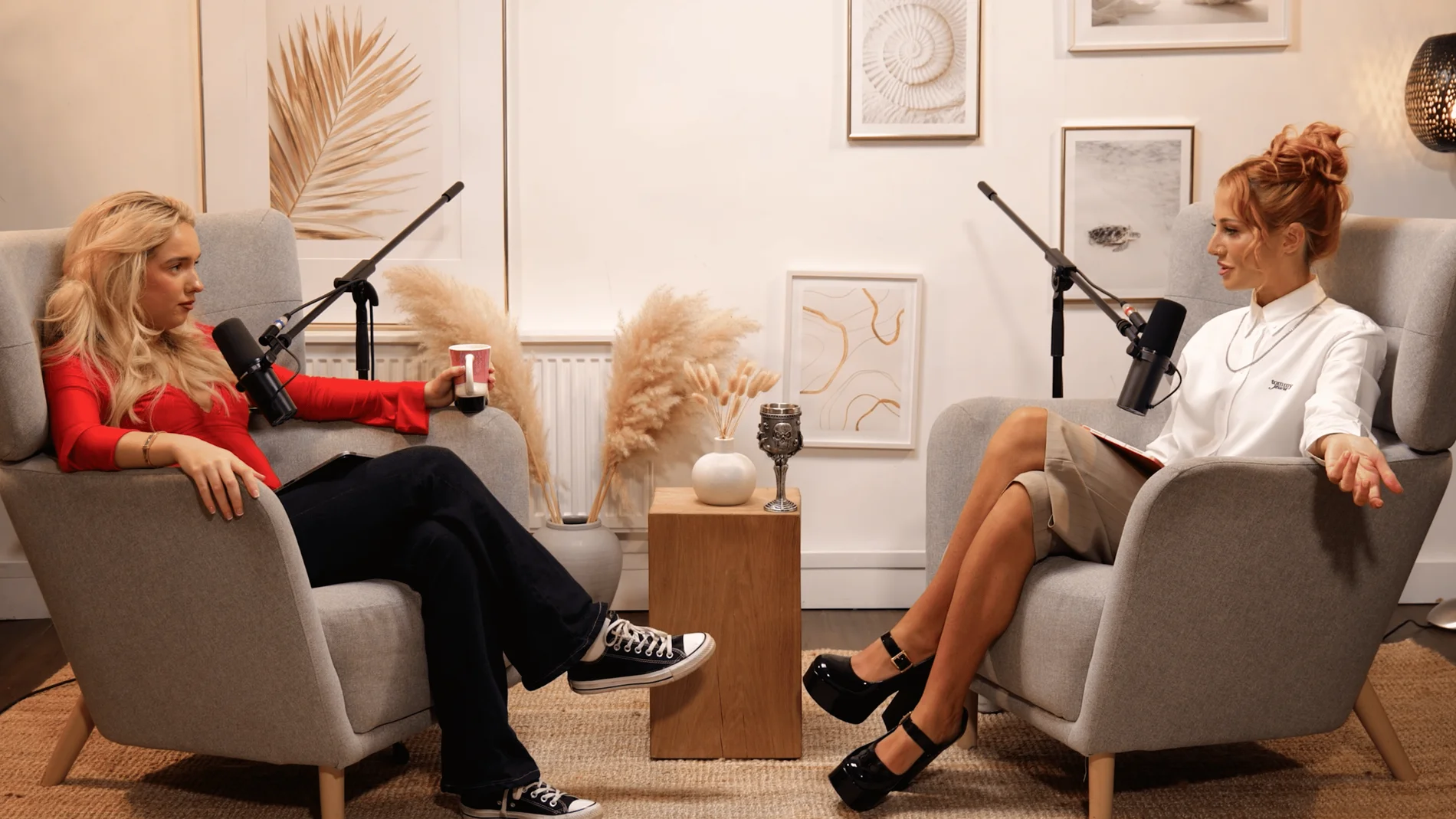
Dialogue at Finchley Studios. Book Dialogue.
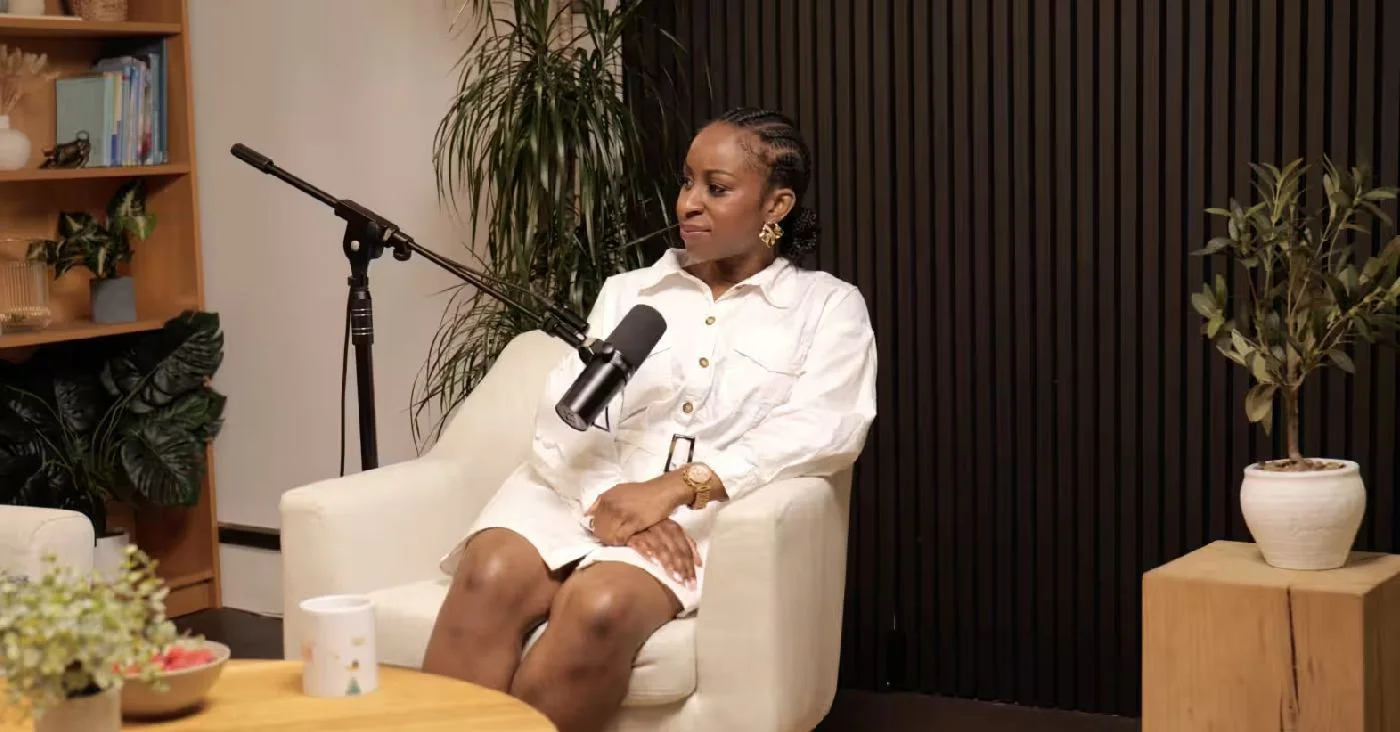
Lounge at Finchley Studios. Book Lounge.
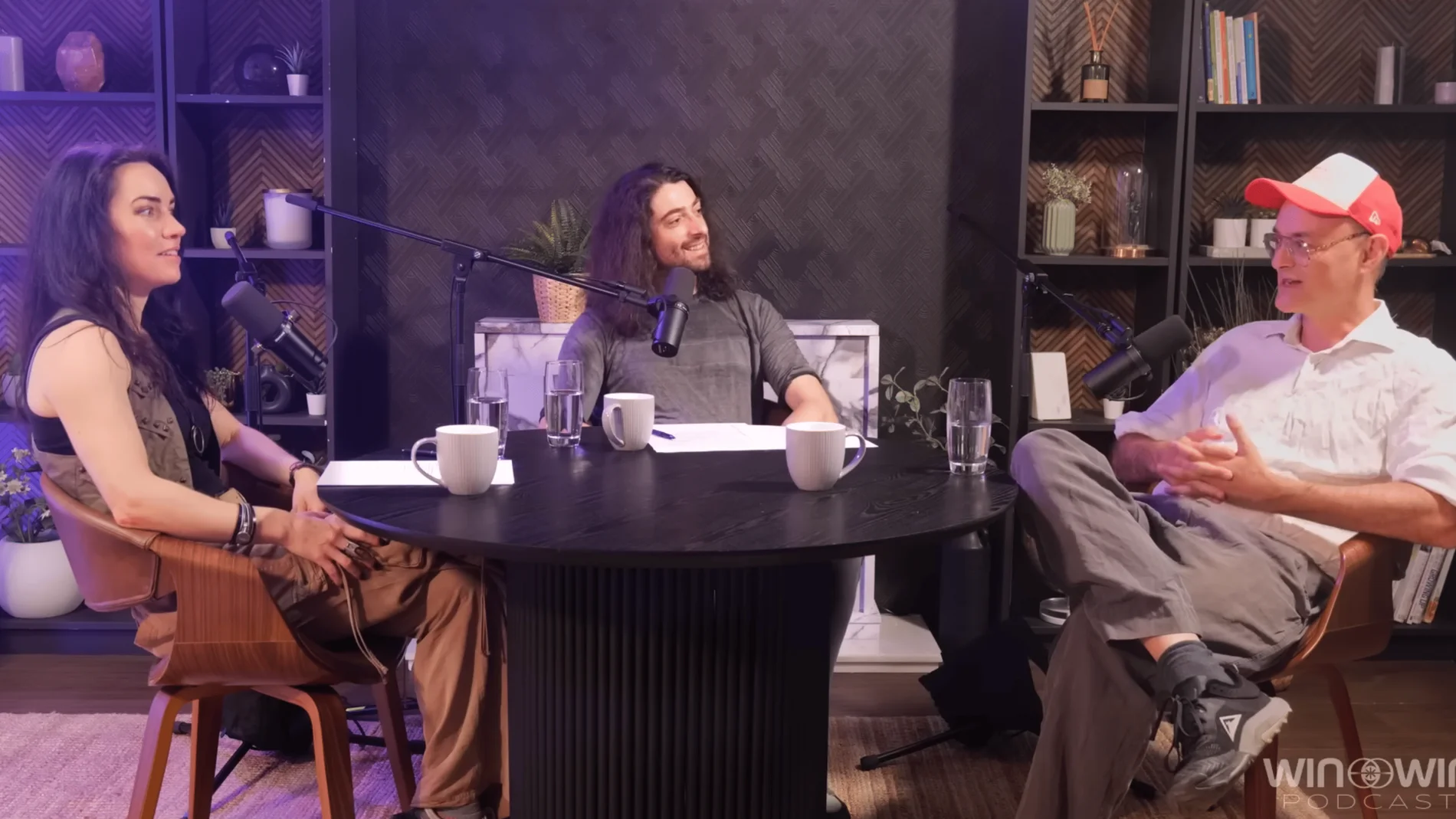
CEO at Finchley Studios. Book CEO.
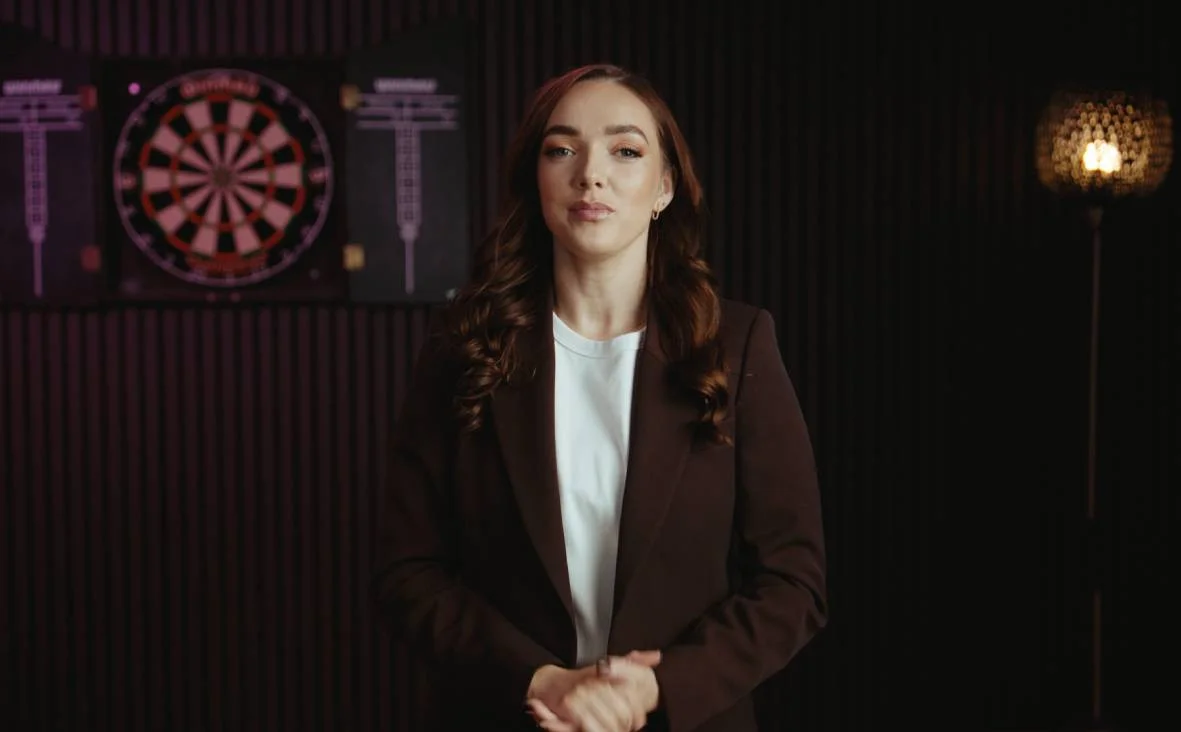
Blackwood at Finchley Studios. Book Blackwood.
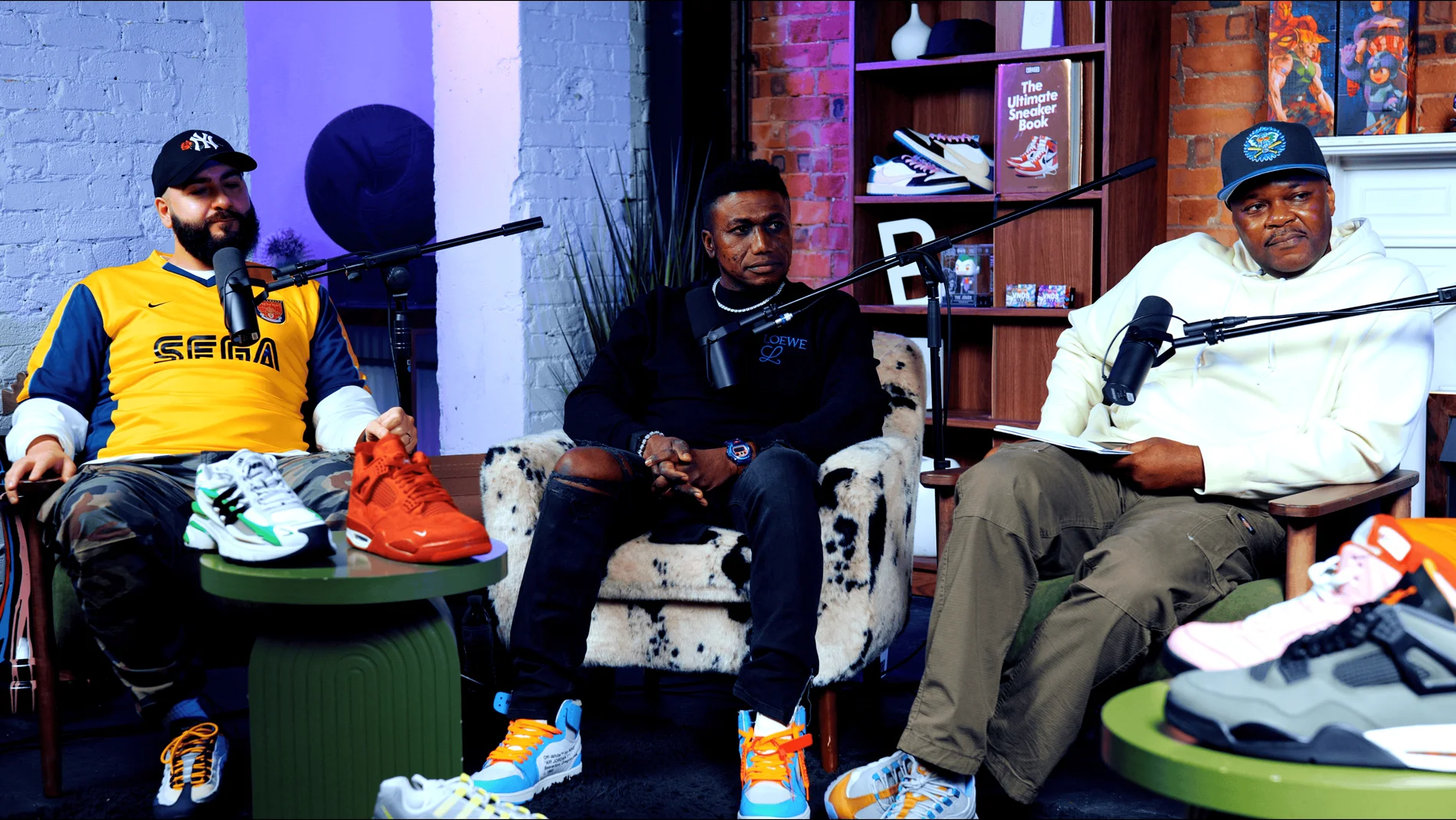
Pulse Lounge at Finchley Studios. Enquire about Pulse Lounge.
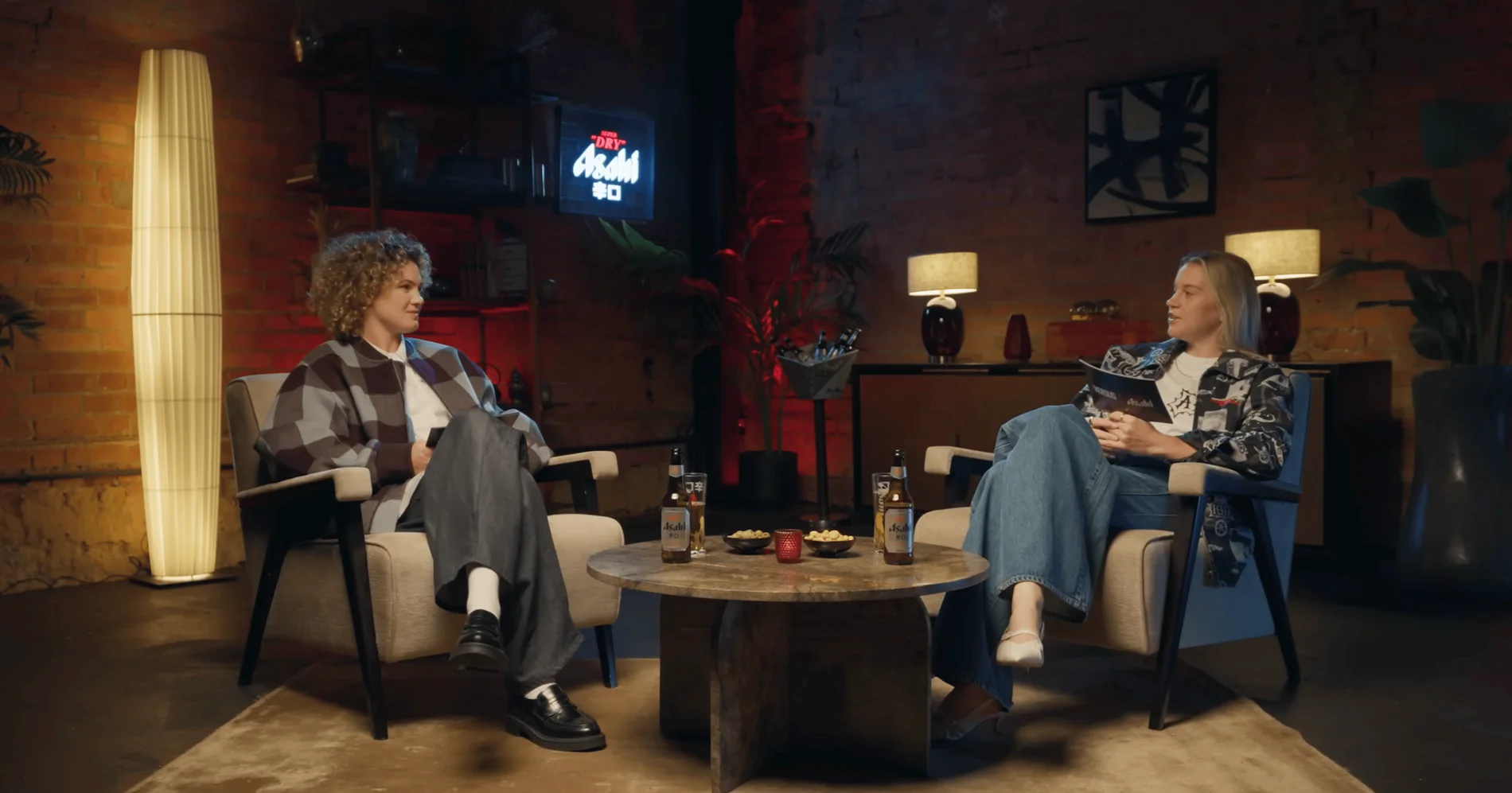
The Brick Studio at Finchley Studios. Enquire about The Brick Studio.
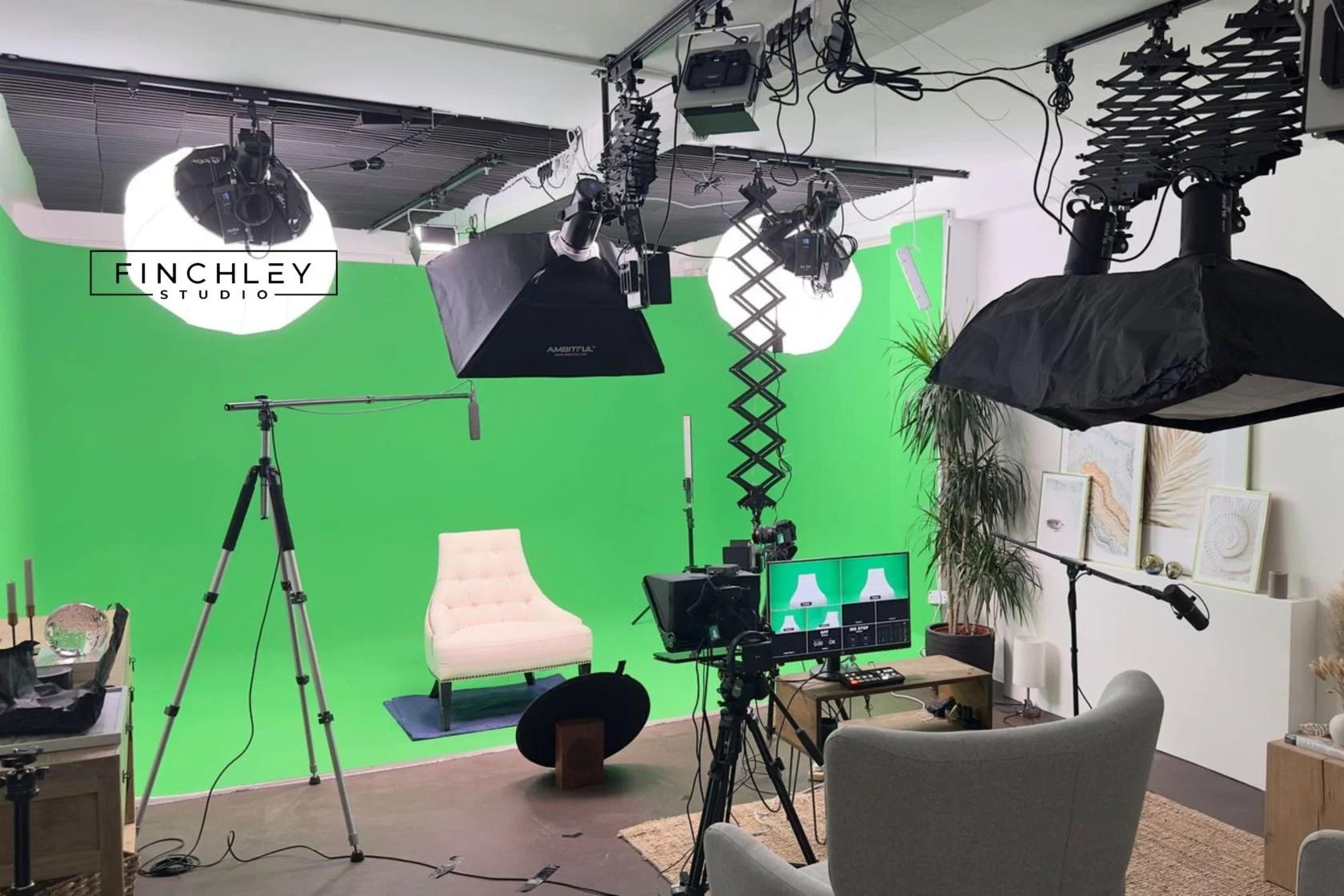
Green Screen Cove at Finchley Studios. Book Green Screen Cove.
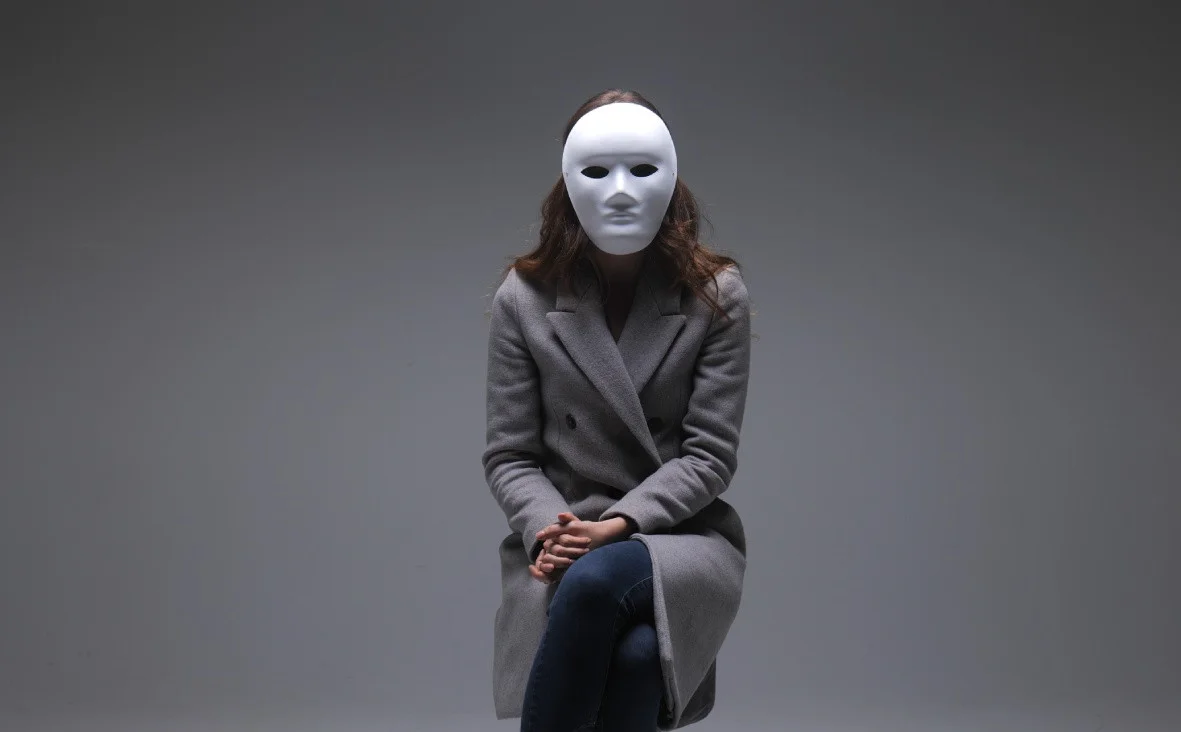
Giant White Infinity Cove at Finchley Studios. Enquire about Giant White Infinity Cove.
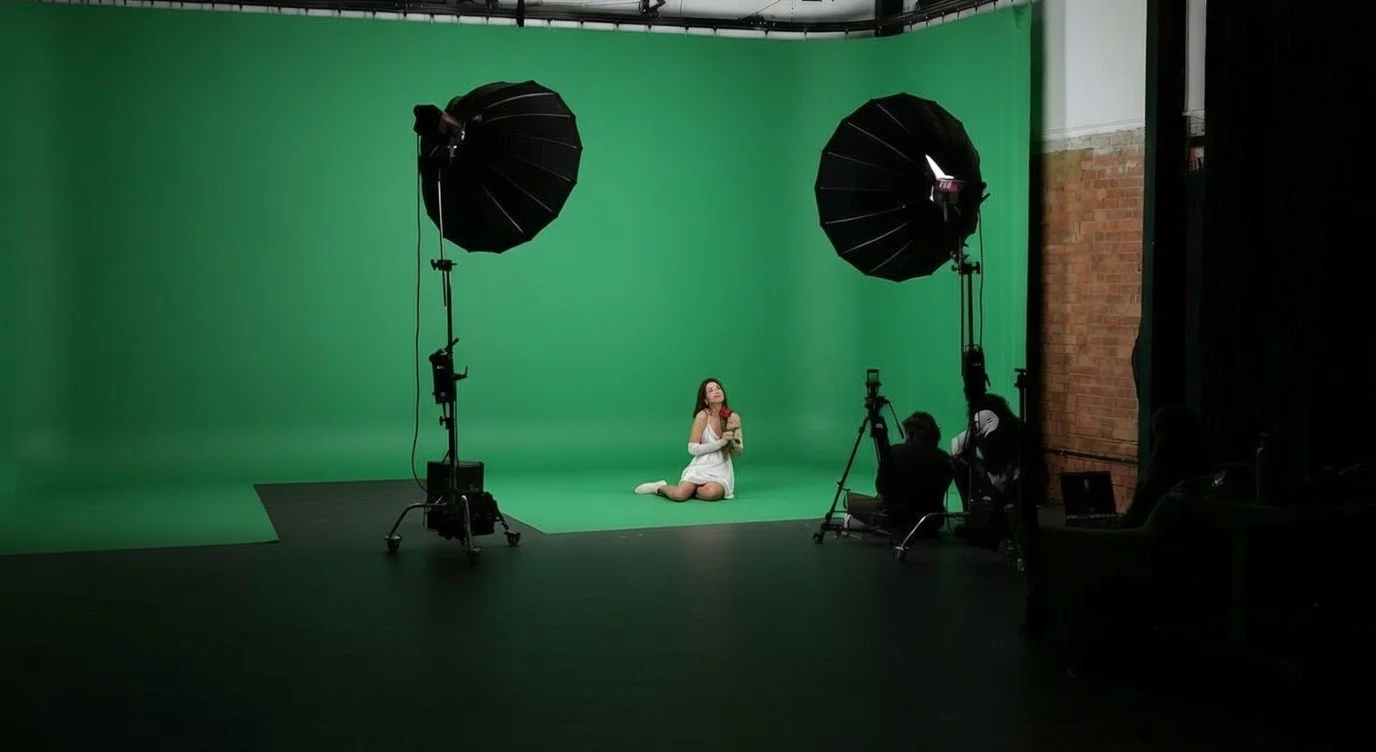
Giant Green Screen at Finchley Studios. Enquire about Giant Green Screen.
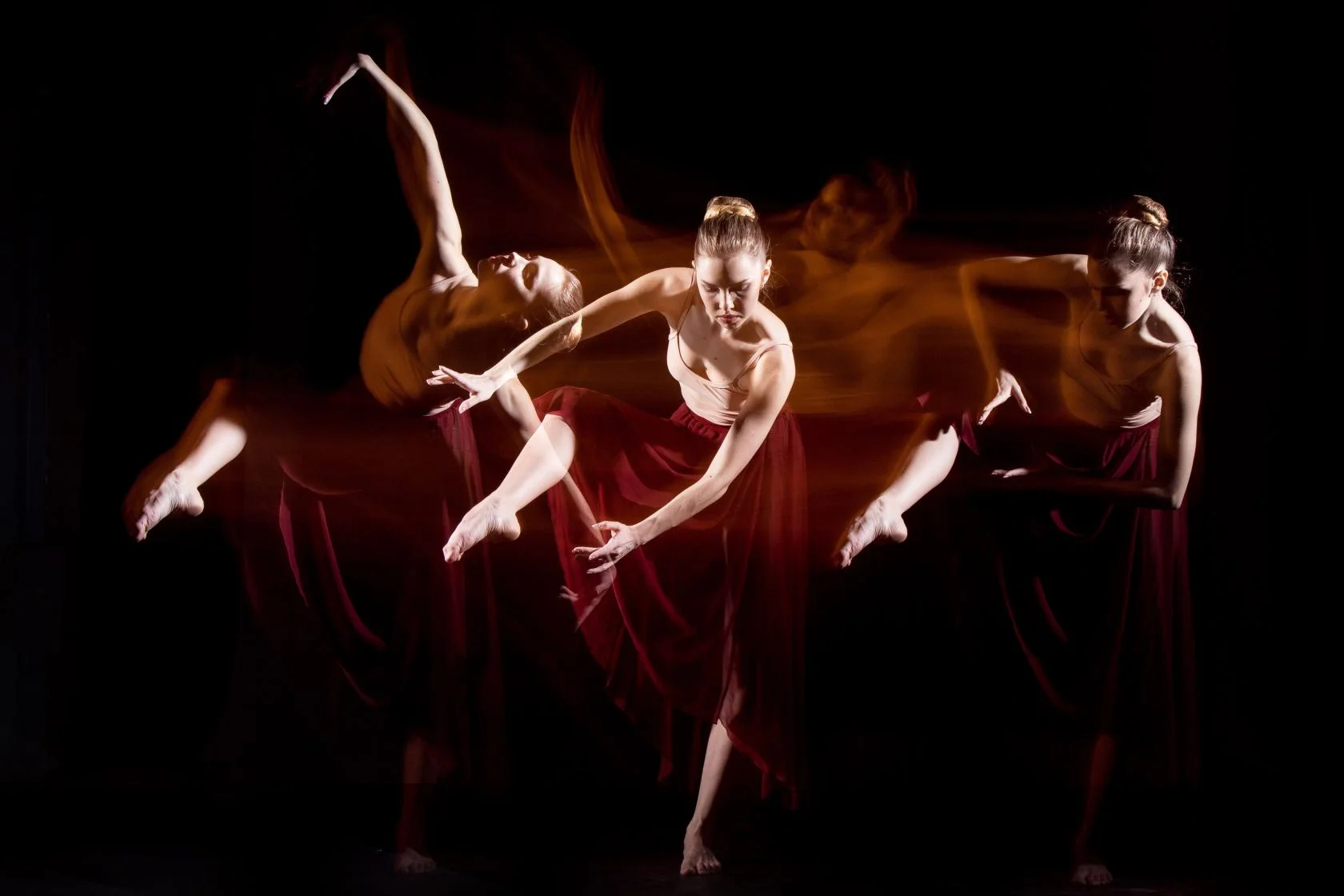
Blackout at Finchley Studios. Book Blackout.

Giant Blackout at Finchley Studios. Enquire about Giant Blackout.
Plan your Finchley recording
Explore our Finchley Studios to compare sets and production support. Send your brief to the Finchley team with your preferred date, guest count and required outputs.