Prevent podcast cross-talk by addressing two different problems: people speaking over each other and microphones picking up other voices. Good turn-taking helps the listener follow the discussion, while an appropriate recording setup gives the editor usable material. Separate audio tracks improve options but cannot be assumed to make simultaneous speech fully recoverable.
Explain the difference before the session
Conversational overlap happens when contributors speak at the same time. Microphone spill happens when a voice reaches microphones assigned to other people. One can occur without the other, so ask the producer and engineer to describe which problem they are addressing.
Shure's microphone guidance explains the importance of position and room reflections. Let the engineer set and check the microphones with everyone seated. Ask guests to avoid repeatedly moving them after the test.
Give the group a simple way to take turns
Explain how the host will invite people into the conversation. Naming the next speaker can help a larger group or remote participant know when to begin. Agree a visible signal for a response without making the session feel like a formal examination.
The multi-guest studio guide helps plan sightlines and seating. Contributors should be able to see the people they need to respond to, without repeatedly turning away from their microphones.
Let the host manage the difficult transitions
When several guests begin together, pause and choose an order. “Let's hear the end of that example, then come to you” gives everyone a clear next step. Avoid trying to repair the moment by speaking louder than the group.
In a debate, distinguish a necessary challenge from repeated interruption. Give the moderator authority to stop an exchange when the audience can no longer follow it. For remote contributors, allow for the actual connection delay and test the return audio before the interview.
| Situation | Response to plan |
|---|---|
| Two guests start | The host names who continues first |
| A remote guest is missed | Invite them explicitly before moving on |
| A key answer is obscured | Record a clean restatement at a suitable pause |
| A voice appears on several tracks | Let the engineer assess placement and spill |
| Group agreement becomes noisy | Use a verbal summary before the next topic |
Monitor the conversation rather than guessing
Decide who listens to the captured sound during the take. Shure identifies real-time headphone monitoring as a way to catch recording problems. Our headphone guide explains how guest monitoring and engineering monitoring serve different roles.
Do not assume that visible meters confirm intelligibility. A short recorded test can reveal whether a lively exchange remains understandable. Check the camera plan too: the camera guide helps preserve useful reaction and speaking views.
Make clean pickups when the content matters
If an important fact is lost under another voice, ask for the sentence again and note where it belongs. Keep the original recording until the edit is approved. Avoid relying on automated separation to reconstruct a passage that nobody can clearly hear.
Allow some natural interaction where it remains understandable. The objective is a coherent programme, not the removal of every laugh or brief acknowledgement that makes the conversation human.
Planning this at Finchley Studios
For a Finchley group recording, share the speaker count and format before selecting the set. The Roundtable is a relevant option for panel-style content, with the final arrangement subject to your production brief.
Ask the team to confirm microphone coverage, monitoring and the source files included in the chosen package. Give the host an agreed pause signal and leave space for important restatements. If a remote participant joins, make that part of the technical brief rather than adding the call during recording. Good hosting and a checked setup should work together throughout the session.
A client recording from Finchley Studios
From our client recording collection: Owning Space.
Continue planning your recording
- How to Choose a Podcast Studio for Two, Three or More Speakers
- How Many Cameras Do You Need for a Video Podcast?
- How to Plan and Moderate a Podcast Debate
- Do You Need to Wear Headphones When Recording a Podcast?
For the full series, explore our podcast studio booking guide.
Explore all 12 Finchley sets
Compare the looks below, then follow the booking or enquiry link for your preferred set. Confirm the recording package, guest capacity and location for your session.

Roundtable at Finchley Studios. Enquire about Roundtable.

Dialogue at Finchley Studios. Book Dialogue.
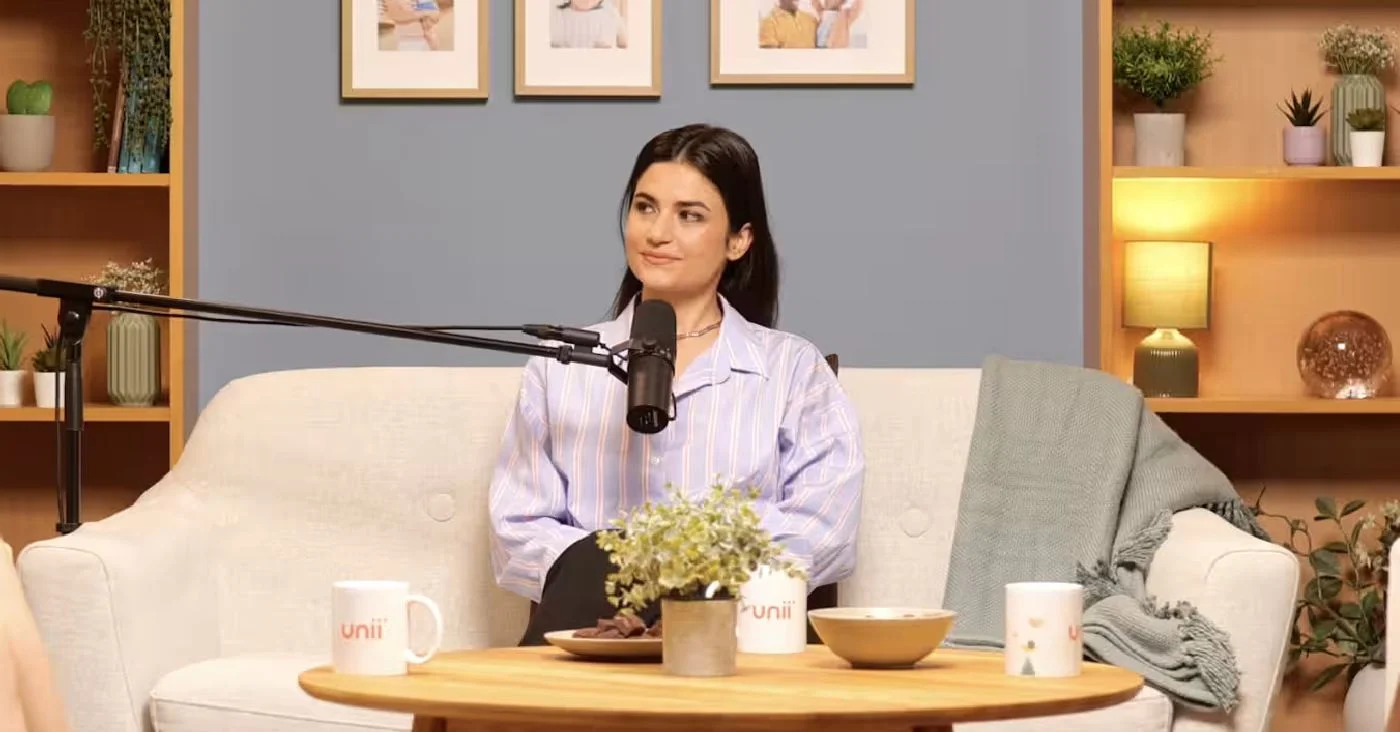
Lounge at Finchley Studios. Book Lounge.
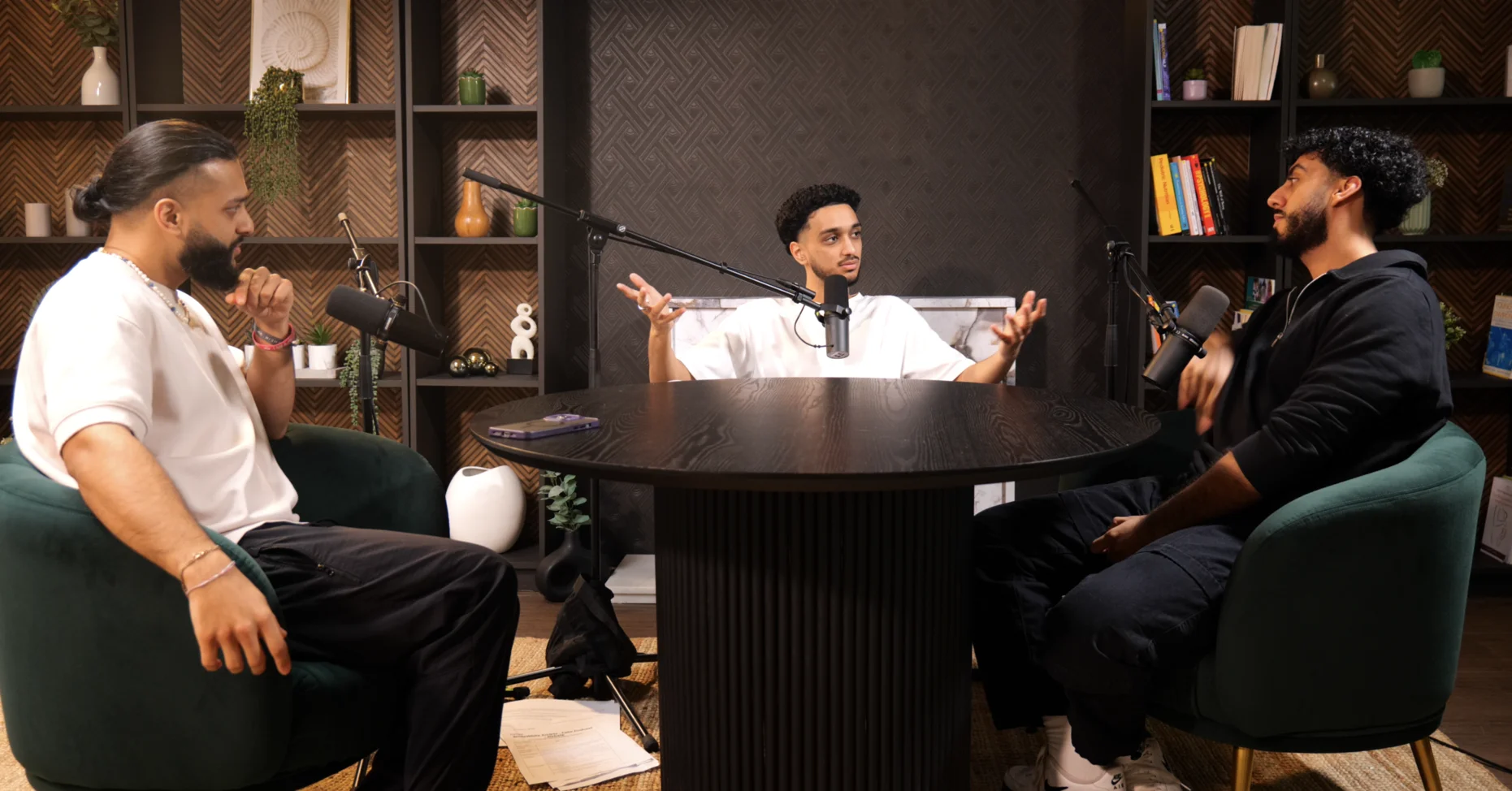
CEO at Finchley Studios. Book CEO.
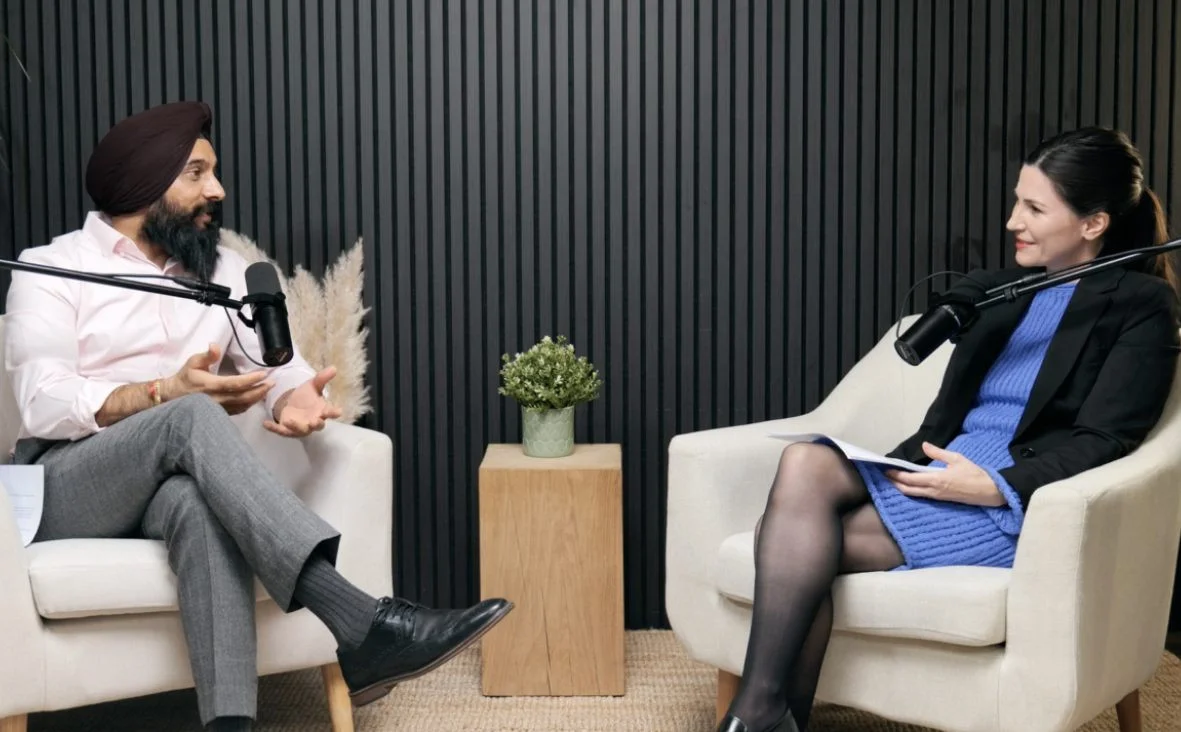
Blackwood at Finchley Studios. Book Blackwood.

Pulse Lounge at Finchley Studios. Enquire about Pulse Lounge.

The Brick Studio at Finchley Studios. Enquire about The Brick Studio.
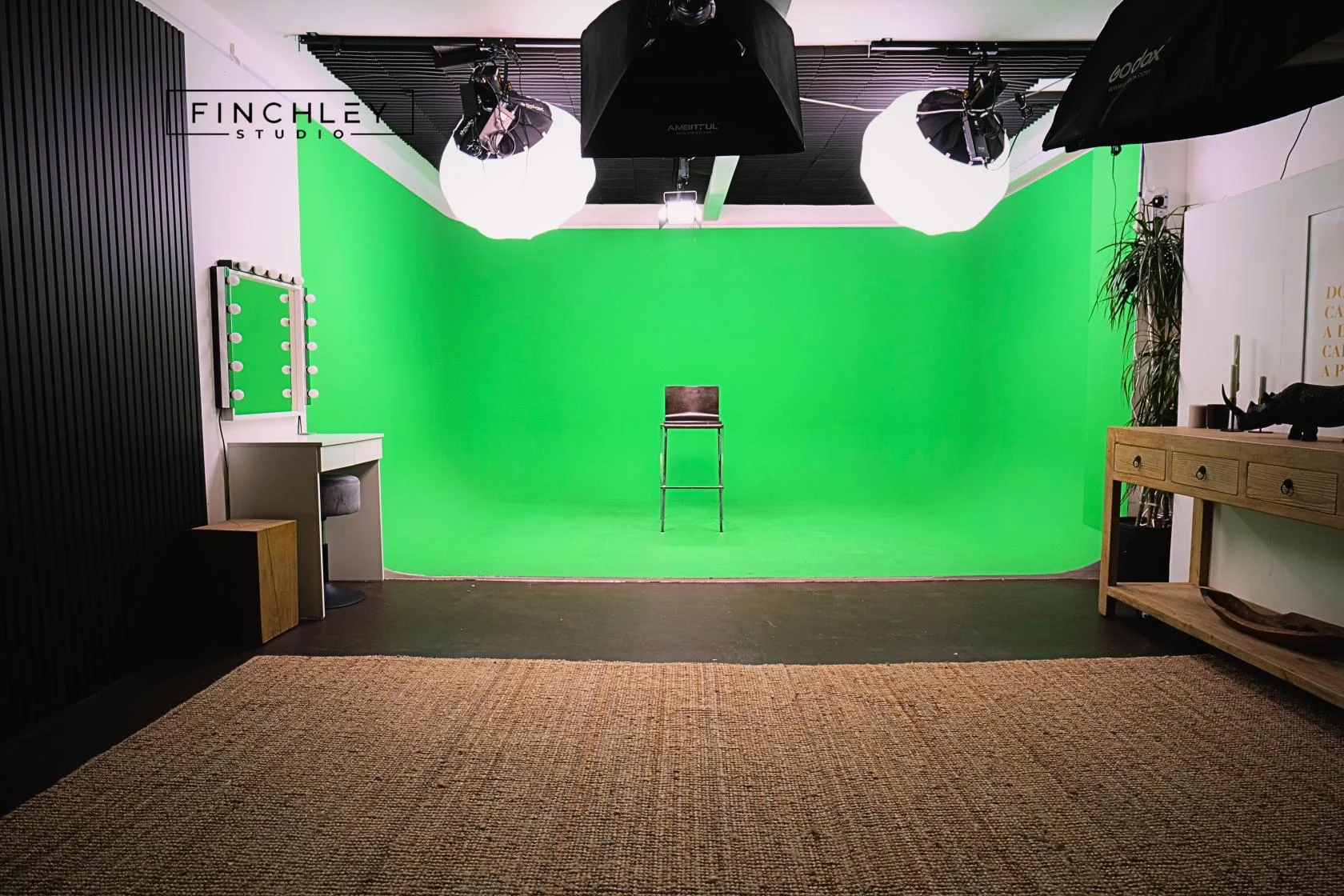
Green Screen Cove at Finchley Studios. Book Green Screen Cove.
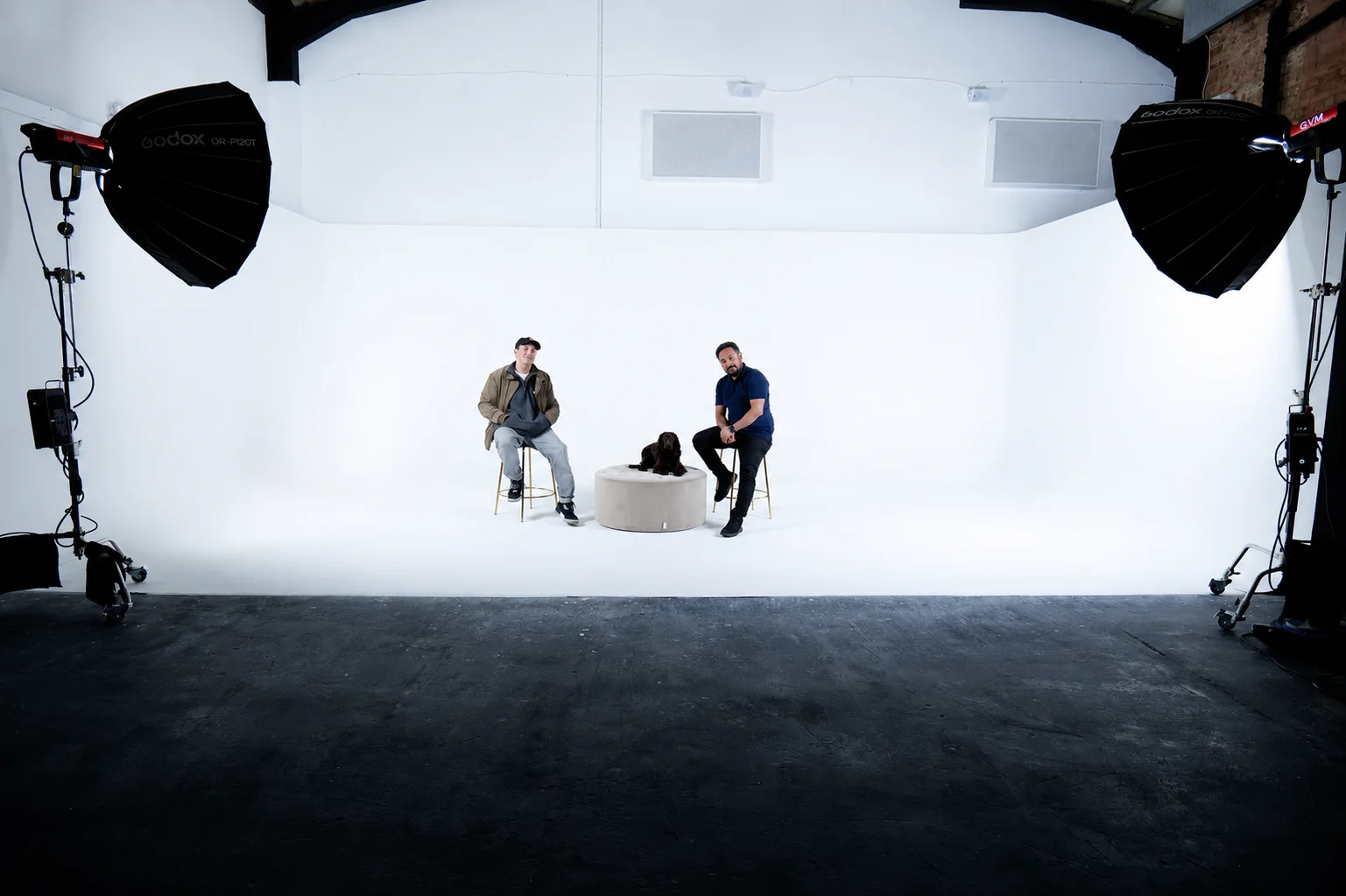
Giant White Infinity Cove at Finchley Studios. Enquire about Giant White Infinity Cove.
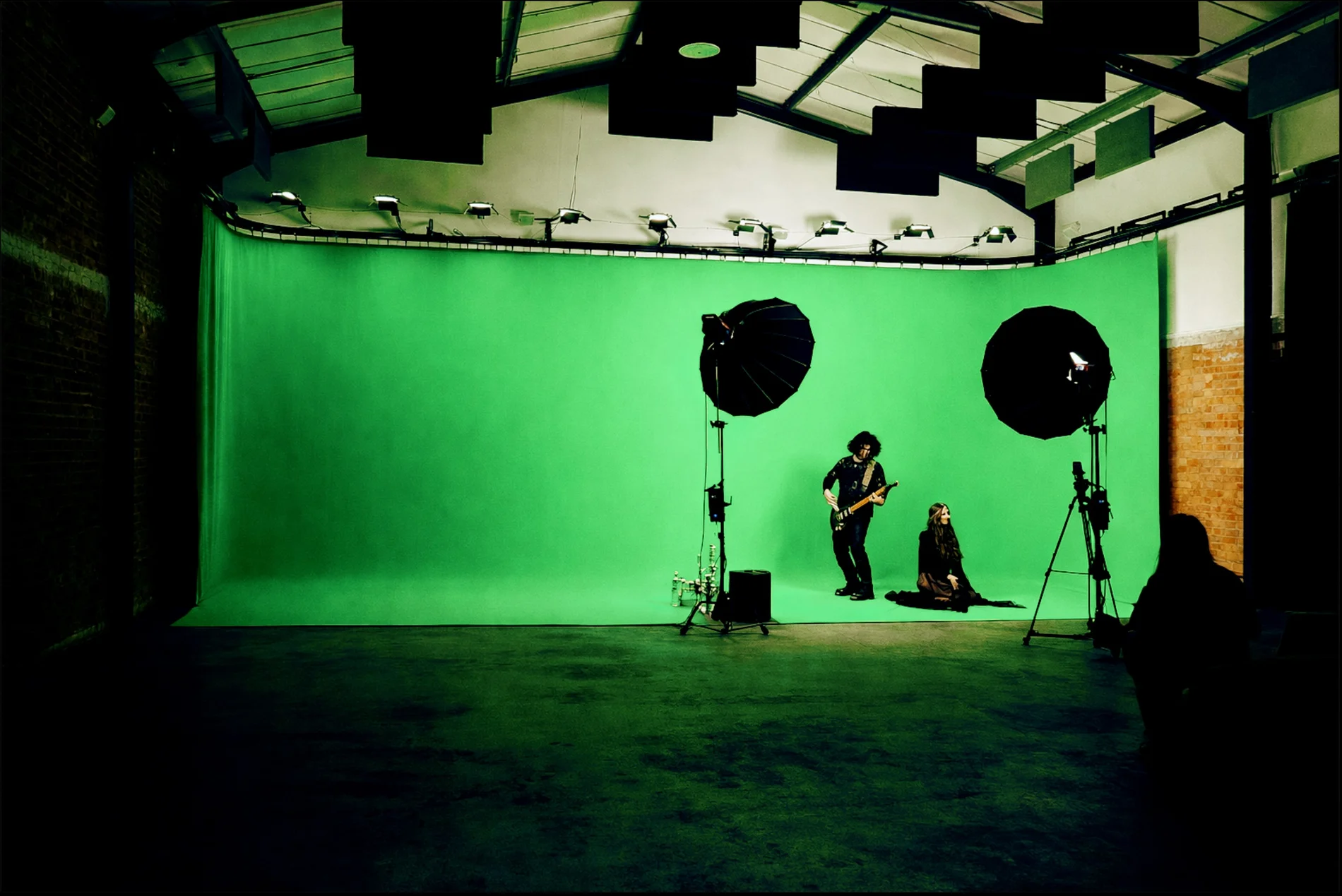
Giant Green Screen at Finchley Studios. Enquire about Giant Green Screen.
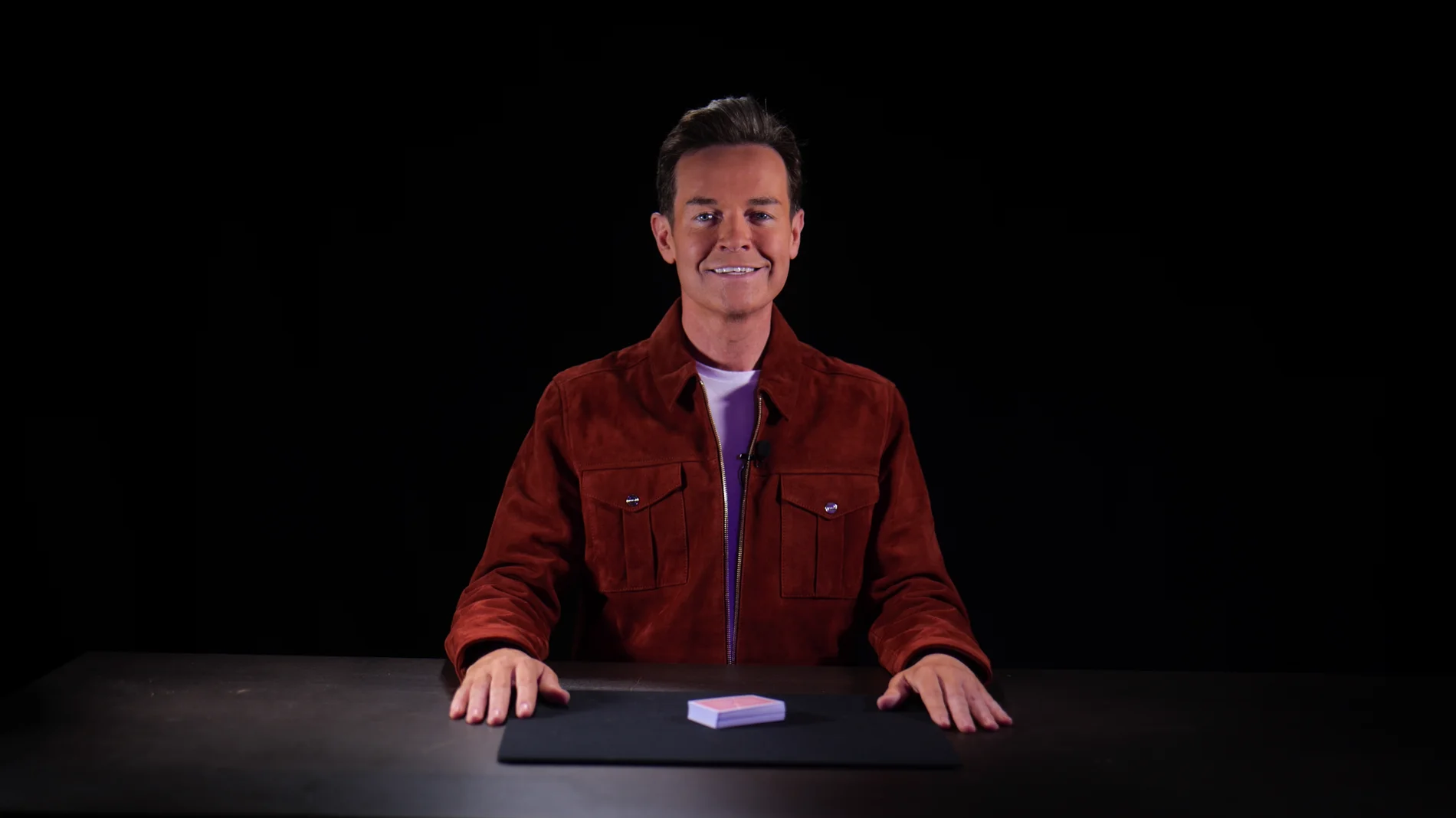
Blackout at Finchley Studios. Book Blackout.
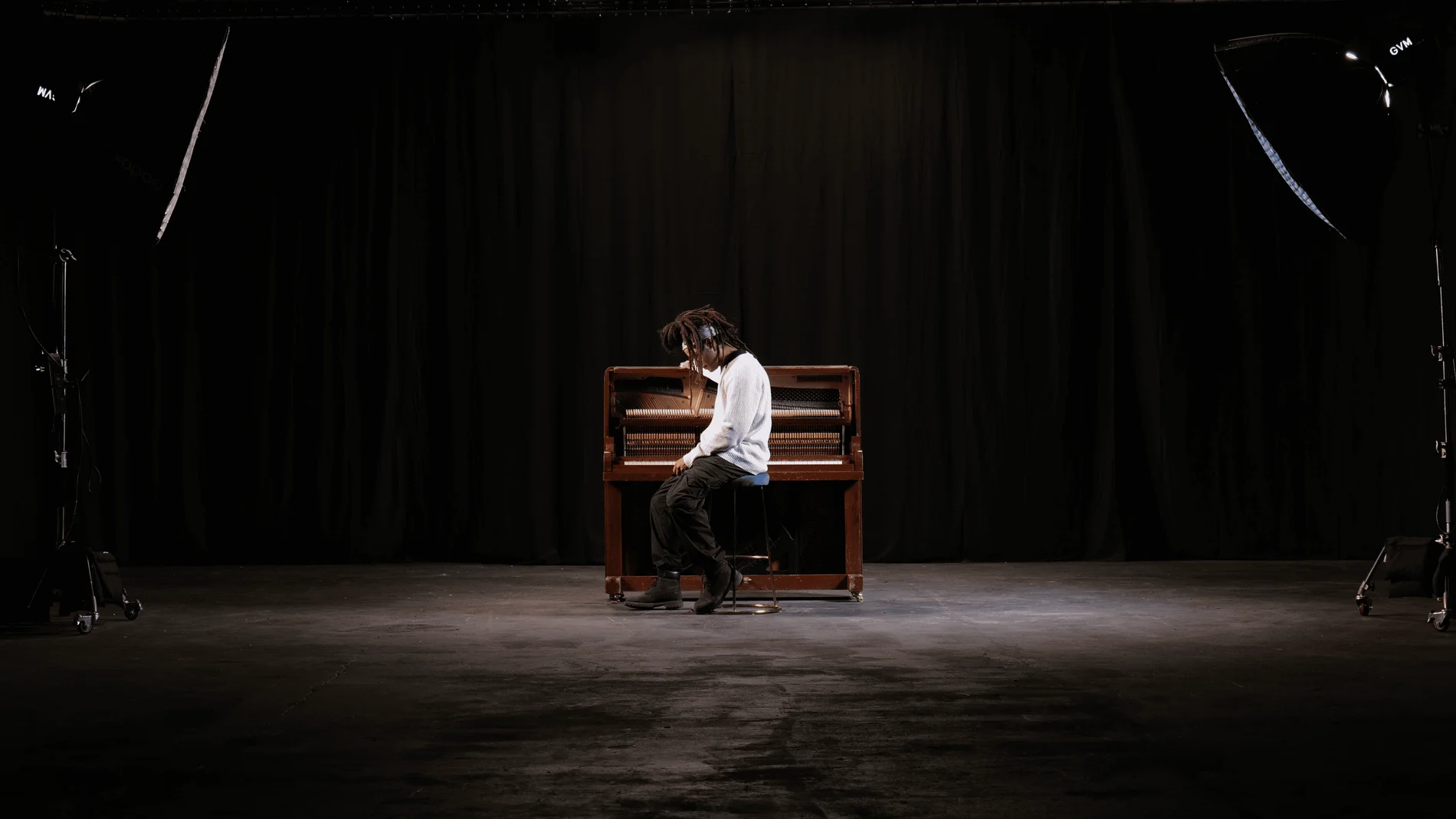
Giant Blackout at Finchley Studios. Enquire about Giant Blackout.
Plan your Finchley recording
Explore our North London podcast studio to compare sets and production support. Send your brief to the Finchley team with your preferred date, guest count and required outputs.